
Best ChatGPT Alternatives for Research

Yi
SEO Expert & AI Consultant

ChatGPT is useful for brainstorming, outlining, and explaining unfamiliar ideas. For research, the bar is higher. You need citations you can inspect, PDFs you can question, papers you can compare, data you can analyze, and a workflow that does not quietly invent references.
That is why the best ChatGPT alternative for research depends on the task. Perplexity is strong for source-backed web research. Elicit, SciSpace, Consensus, and Scite are better for academic literature. NotebookLM (now branded Gemini Notebook on Google’s site) is useful when answers need to stay grounded in your own documents. Julius AI is a better fit for datasets. Wolfram|Alpha is still the safer choice when the answer should be computed instead of guessed.
TL;DR: Which ChatGPT Alternative Should You Use for Research?
If you only remember one thing, remember this: do not pick a research tool because it "sounds smarter" than ChatGPT. Pick it because it handles the evidence layer better.
| Research task | Best option | Why it is safer than a general chatbot |
|---|---|---|
| Quick source-backed web research | Perplexity | Shows sources while you explore a topic |
| Literature review and evidence tables | Elicit | Searches academic papers and extracts structured findings |
| Reading dense PDFs | SciSpace | Lets you ask questions against research papers with citation-linked answers |
| Checking whether papers support a claim | Scite | Shows citation context, including supporting and contrasting citations |
| Asking questions across your own sources | NotebookLM | Grounds answers in uploaded or selected sources |
| Academic writing support | Paperpal | Focuses on manuscript language, references, and submission checks |
| Data cleaning, charts, and analysis | Julius AI | Lets you analyze datasets in plain language |
| Evidence-based scientific questions | Consensus | Searches peer-reviewed literature and summarizes findings |
| Math, statistics, units, and formulas | Wolfram | Alpha |
| Student homework explanations | Socratic | Gives guided explanations for school subjects |
For most serious research, I would not rely on one tool. A safer workflow is: use Perplexity or Consensus to find sources, Elicit or SciSpace to inspect papers, Scite to check how key studies are cited, and NotebookLM to work with the documents you have chosen.
A citation in the UI is not the same as you having read the paper. I have watched people paste a tool’s footnote into a draft and call it done. The interface showing a source is a pointer. It is not a substitute for opening the PDF, checking the methods, and seeing whether the claim is actually in the text.
What Makes a Research Tool Safer Than ChatGPT?
For research, a good AI assistant should do at least one of these things better than a general chatbot:
- Show the sources behind an answer.
- Link claims back to exact passages, papers, or documents.
- Work directly with PDFs, datasets, or a research library.
- Help compare studies instead of summarizing one source in isolation.
- Make uncertainty visible instead of smoothing it away.
This matters because large language models can still produce confident but unsupported answers. The practical rule is simple: if a claim matters, check the source before you use it. That source-checking habit is one of the best ways to work around common AI limitations without abandoning AI-assisted research altogether.
Best ChatGPT Alternatives for Research
1. Perplexity
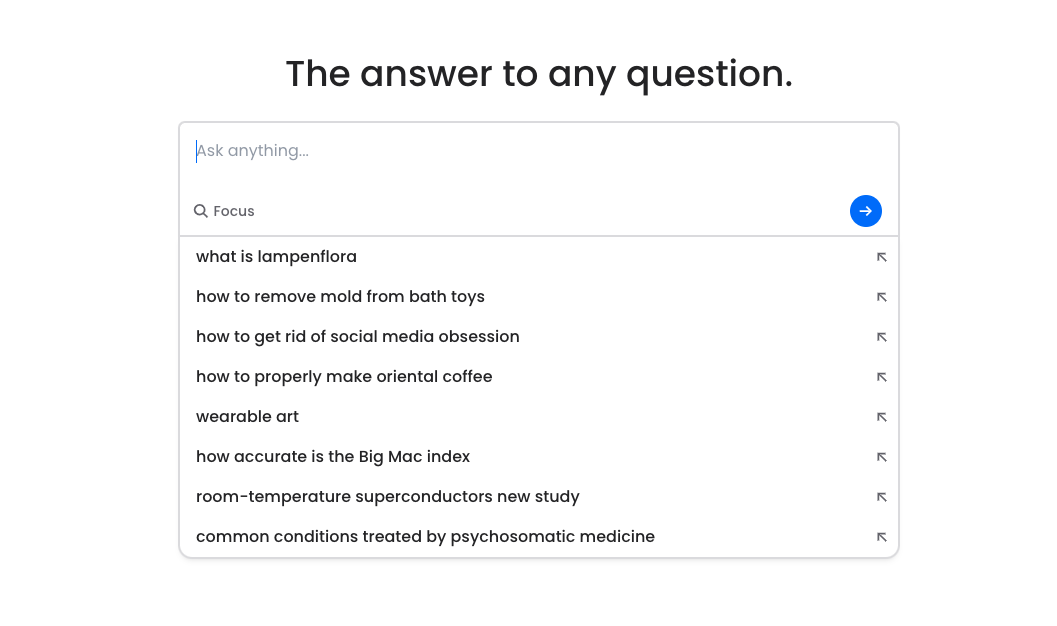
Perplexity is one of the easiest ChatGPT alternatives to recommend for everyday research because the source trail is part of the experience. You ask a question, review the cited pages, then narrow the question with follow-ups.
It is best for early-stage research, current topics, fact-checking, and building a first list of sources. I would not treat the answer itself as the final source. The value is that it gets you to inspectable pages faster.
Use it when: you need a quick, cited overview of a topic and want to keep drilling into related questions.
Be careful when: the answer summarizes news, legal, medical, or scientific claims. Open the cited pages and make sure they really support the answer.
2. Elicit
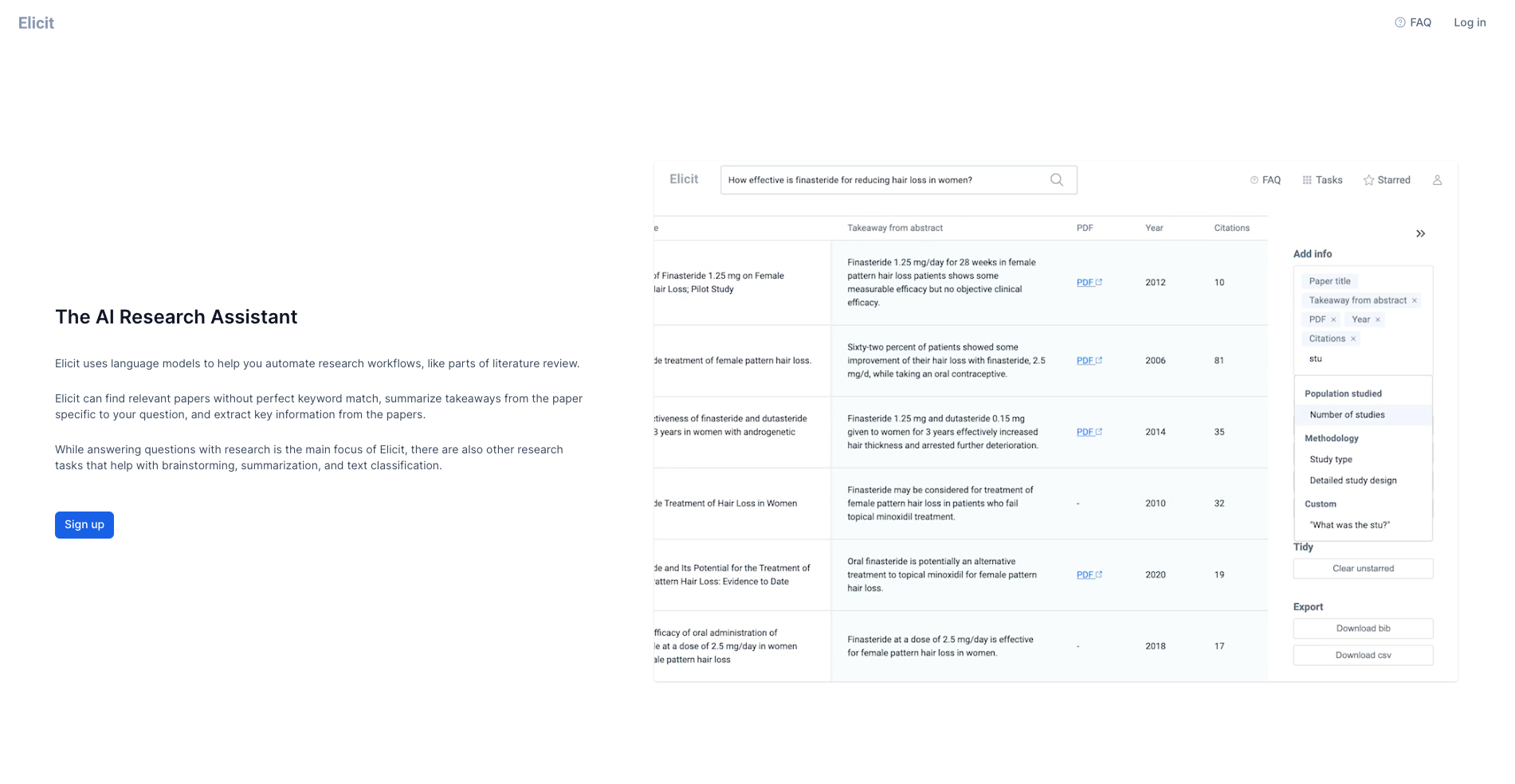
Elicit is built for academic research rather than general chat. Its own product pages describe search, summaries, data extraction, and chat across more than 125 million papers, with education pages now describing an even larger paper database.
That makes it much more useful than ChatGPT when your question needs a literature-backed answer. Instead of asking a model to "write a literature review," you can use Elicit to search papers, compare abstracts, extract variables, and build tables that show what each study found.
Use it when: you are starting a literature review, comparing studies, screening papers, or extracting repeated details such as sample size, intervention type, outcome measure, or limitations.
Be careful when: you are working on a formal systematic review. Elicit can speed up screening and extraction, but you still need a reproducible protocol, manual checks, and proper database searching.
Elicit’s own walkthrough of paper search is the right video here. It shows how the table of studies is supposed to work. It is not a competing research-AI roundup:
Find papers in Elicit across academic literature
3. SciSpace
I could not capture a clean SciSpace homepage screenshot. A dialog sat on the page and would not close, so I am not publishing a blocked UI.
SciSpace is strongest when your research problem starts with a dense paper or a folder of PDFs. The tool is designed for reading, explaining, and summarizing academic papers, and its Chat PDF feature offers citation-linked answers from uploaded documents.
That makes it useful for the moment when you have already found promising sources but still need help understanding the methods, limitations, variables, or terminology.
Use it when: you need to interrogate a PDF, understand a methodology section, compare findings across papers, or turn a difficult article into a clearer working summary.
Be careful when: you are using it to interpret complex results. Ask for the exact passage behind the answer and check tables, figures, and limitations yourself.
4. Scite
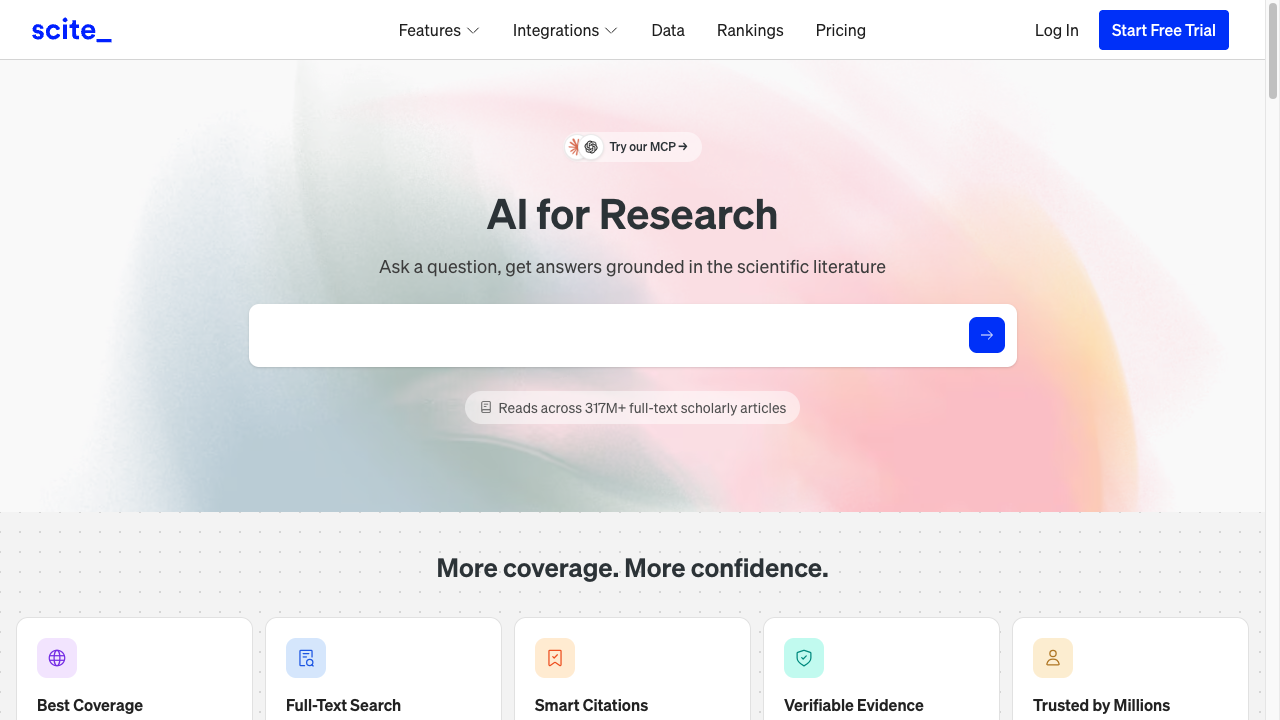
Scite is not just another AI answer engine. Its core feature is Smart Citations, which show how a paper has been cited by later work. That includes whether citing papers appear to support, contrast with, or simply mention the original study.
This is useful because a paper with many citations is not automatically strong evidence. Some papers are heavily cited because later researchers challenge them, correct them, or use them as background.
Use it when: you need to check whether a study is supported, disputed, or mostly mentioned without strong evaluation.
Be careful when: you are tempted to reduce citation context to a single score. Citation labels help you inspect the literature faster, but they do not replace reading the relevant papers.
5. NotebookLM
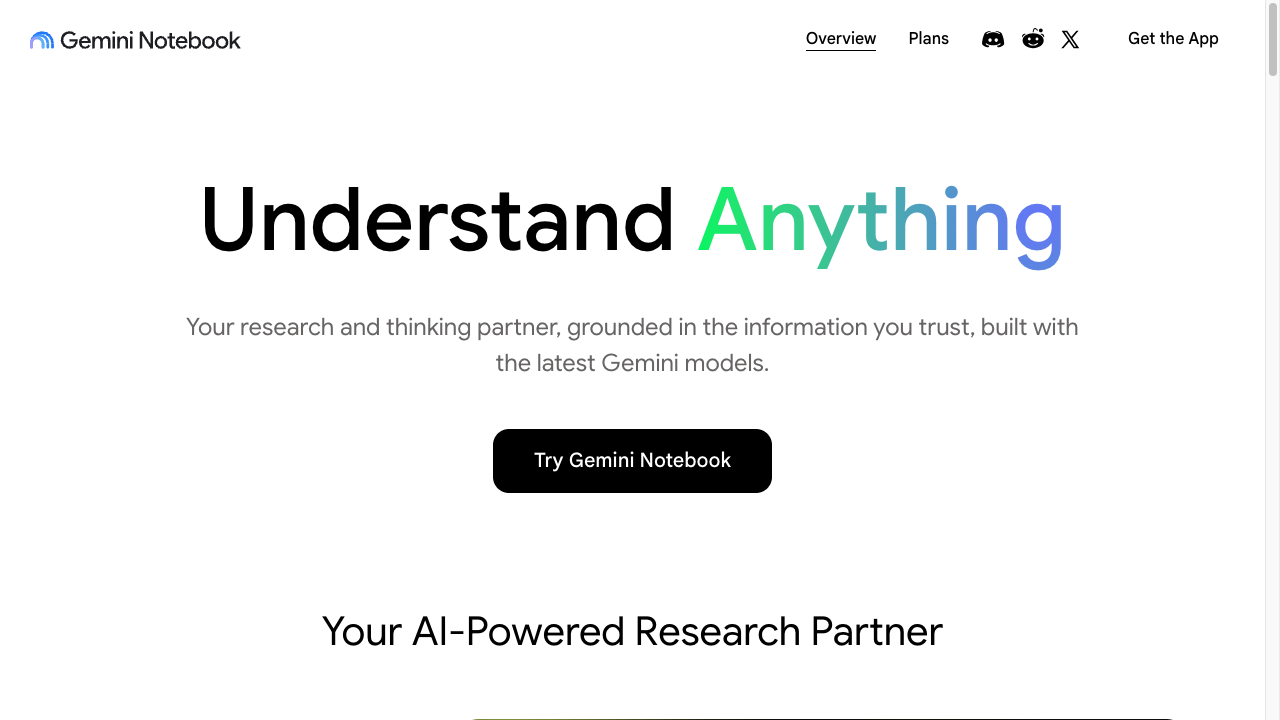
NotebookLM still exists as a product, but Google’s public page now leads with Gemini Notebook. The useful idea has not changed: stay close to a source set you choose instead of asking the open web. Google describes citations that point back to exact quotes from your sources, and help docs also describe source discovery through web and Google Drive search.
That makes it a strong research companion for students, analysts, writers, and teams working from a defined body of material.
Use it when: you have a set of papers, reports, meeting notes, transcripts, or source documents and want summaries, comparisons, study guides, or Q&A grounded in that material.
Be careful when: your source set is incomplete. NotebookLM can only reason from what you give it or what you add through discovery, so a neat answer may still miss important outside evidence.
If long documents are your main bottleneck, the tool category matters. Purpose-built AI for PDF is usually more useful than a general chatbot because the answer can stay closer to the uploaded document.
6. Consensus
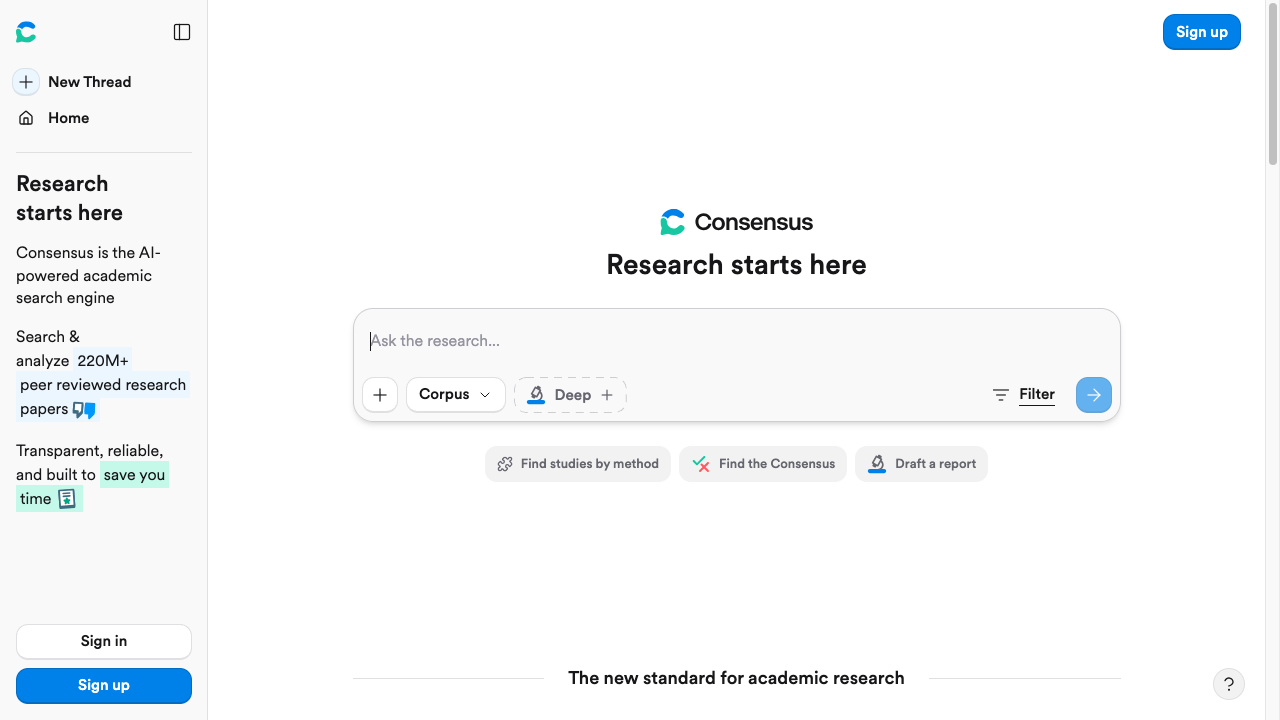
Consensus is designed for scientific questions where the answer should come from peer-reviewed literature. Its search page says it draws on more than 250 million research papers, including licensed full-text content from publishers.
It is especially helpful when you want a quick view of what the literature says about a relationship, effect, treatment, or scientific claim. That is a different job from asking ChatGPT to produce a general explanation.
Use it when: your question can be answered from scientific papers, especially when you want to see whether the literature leans in a particular direction.
Be careful when: your question is too broad, too new, or too dependent on study quality. You still need to inspect methods, sample size, conflicts, and whether the evidence applies to your context.
7. Paperpal
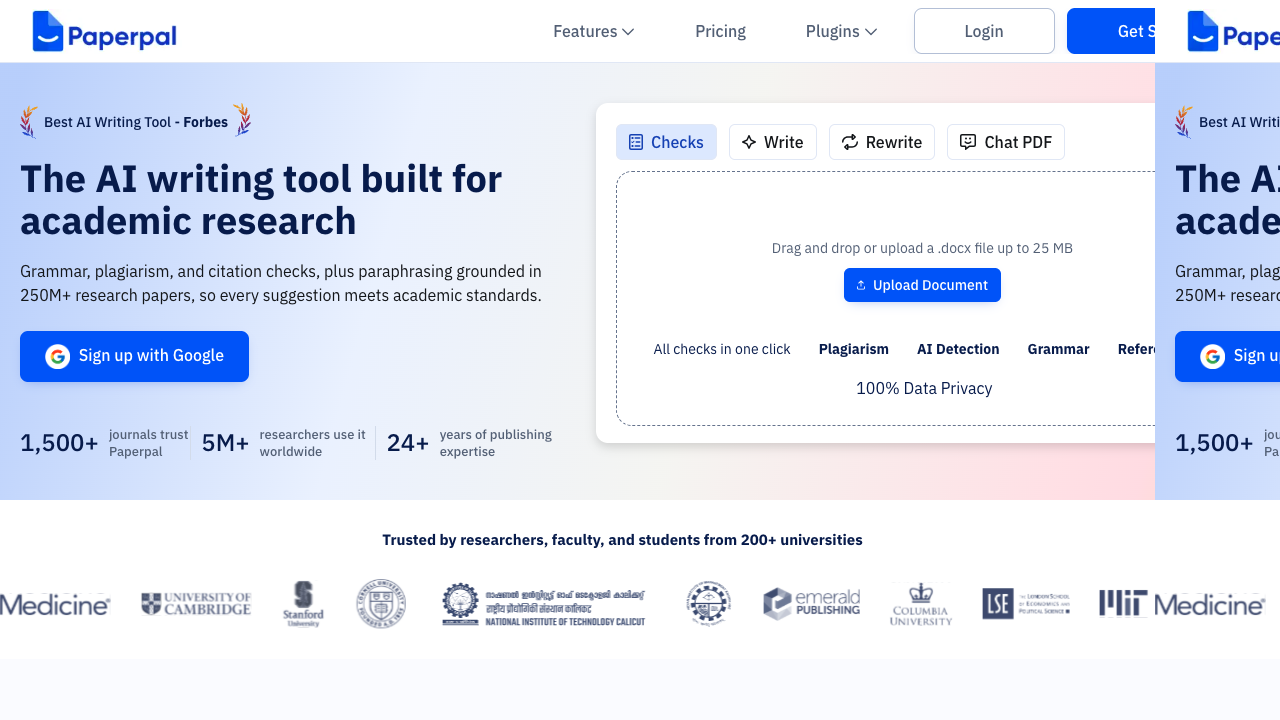
Paperpal is closer to an academic writing assistant than a discovery engine. It focuses on tasks such as grammar, paraphrasing, plagiarism checking, citation generation, reference checking, translation, Chat PDF, and manuscript readiness.
That makes it relevant when the research is already underway and your next problem is making the paper clearer, more journal-ready, or better aligned with academic style.
Use it when: you need to polish academic language, check references, format citations, improve clarity, or prepare a manuscript for submission.
Be careful when: you are tempted to let any tool rewrite meaning-heavy sections too aggressively. In academic writing, style edits should not change claims, caveats, or methodology.
For drafting support, a citation generator can help format source details after you have verified the reference itself. Literature-review and abstract helpers are more useful later, when you already know which papers belong in the argument.
8. Julius AI
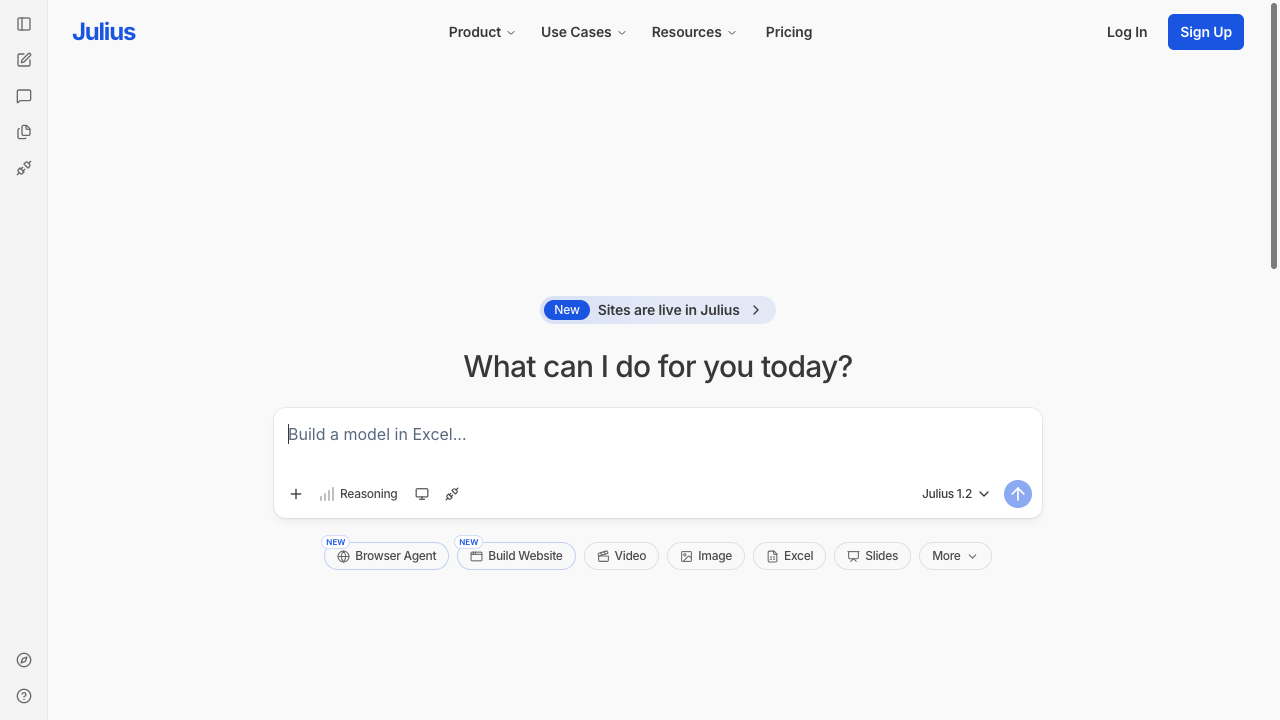
Julius AI is a better ChatGPT alternative when the research task involves data analysis rather than text summarization. It is built around spreadsheets, charts, reports, connectors, scheduled runs, and custom agents.
For researchers, the appeal is simple: you can ask questions about a dataset in plain language, create charts, clean data, and generate analysis without writing every formula or script yourself.
Use it when: you are exploring CSVs, spreadsheets, survey exports, experimental results, or business datasets.
Be careful when: the data is sensitive or the analysis affects real decisions. Check privacy settings, inspect generated code where available, and verify the statistics before citing results.
9. Wolfram|Alpha
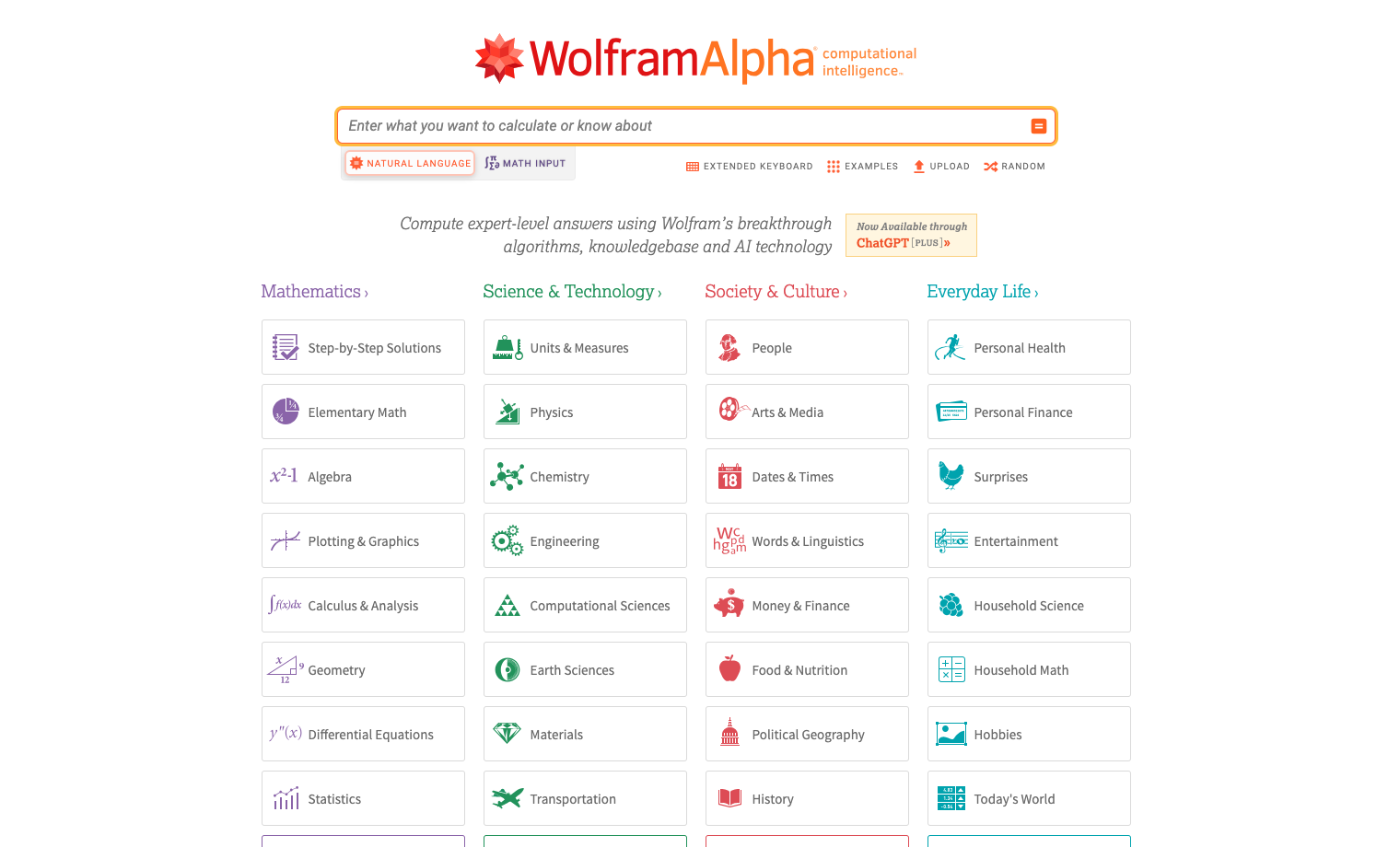
Wolfram|Alpha is not a ChatGPT clone, and that is the point. It is strongest when the answer should be calculated: equations, units, formulas, statistics, plots, dates, chemistry, physics, and structured factual queries.
For quantitative work, this can be safer than a chatbot that explains the math fluently but makes a hidden calculation error.
Use it when: you need computation, conversions, symbolic math, statistical functions, or structured quantitative output.
Be careful when: the question requires interpretation of a study, policy, or real-world context. Wolfram|Alpha can compute; it does not replace domain judgment.
10. Microsoft Copilot
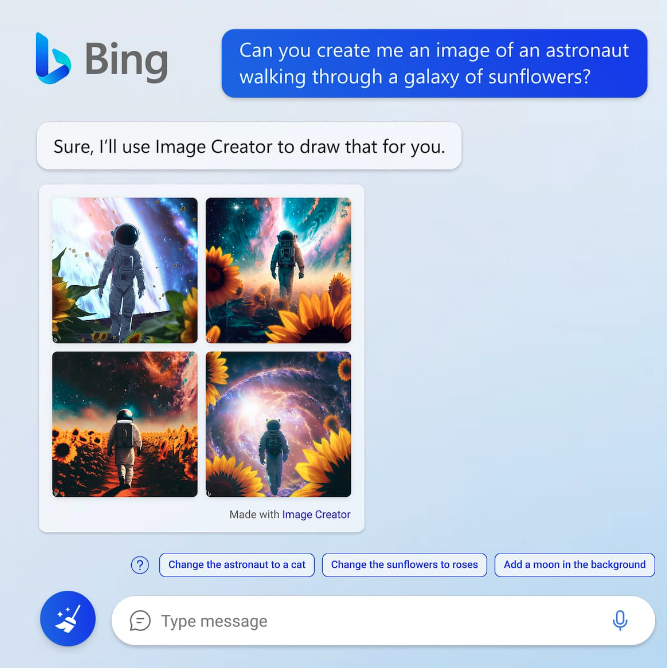
Microsoft Copilot, formerly Bing AI, is useful for web-connected research when you want a general assistant tied into search and Microsoft tools. It is not as academic-specialized as Elicit, Scite, or SciSpace, but it can help with first-pass summaries, current information, and source discovery.
Use it when: you want a general research assistant for web search, summaries, and Microsoft ecosystem workflows.
Be careful when: the output becomes too polished. Follow the citations and compare against the original source before using any claim.
11. Google Gemini
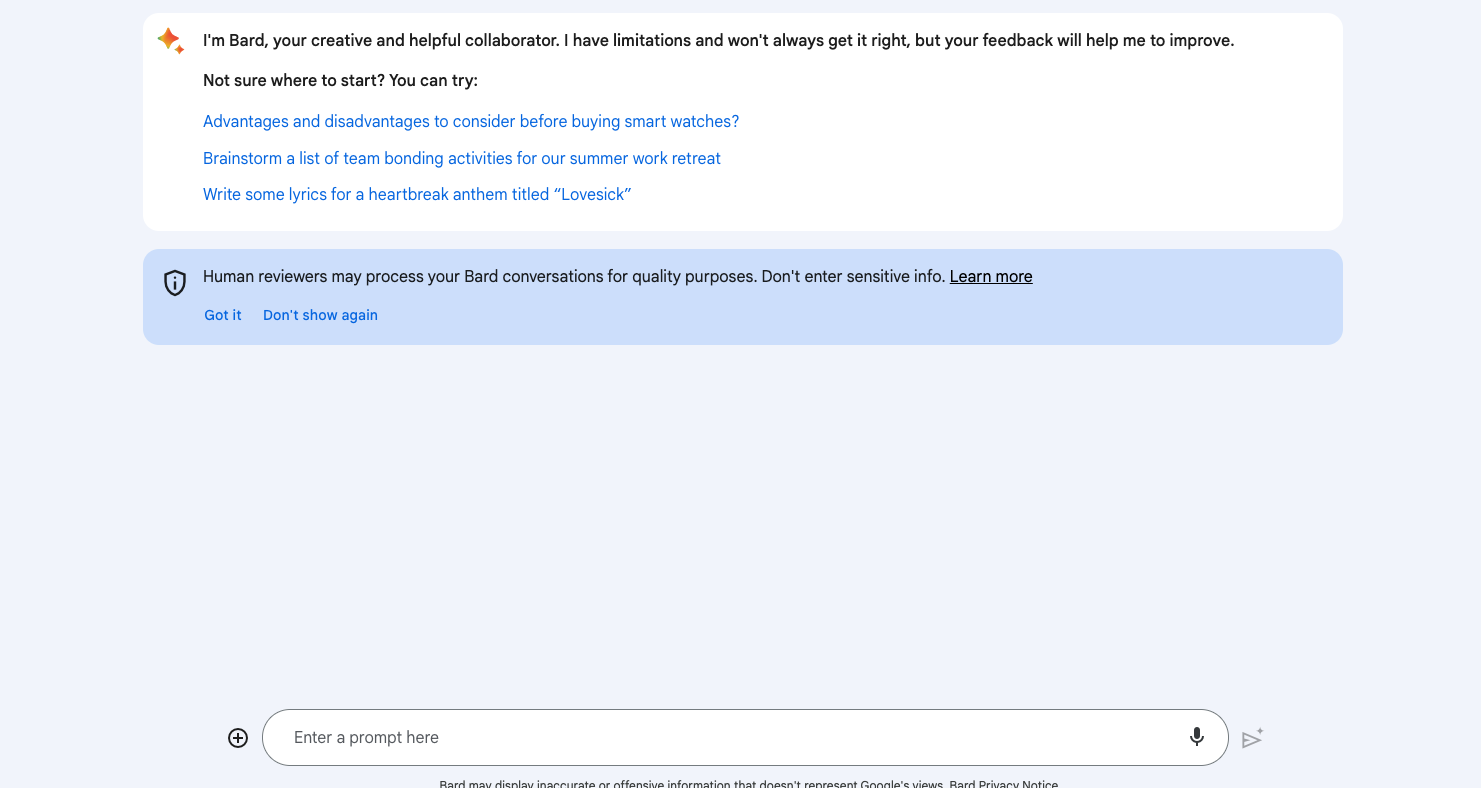
Google Bard has evolved into Google Gemini. For research, Gemini is most useful as a broad assistant for brainstorming, topic mapping, outlining, and explaining difficult concepts before you move into source-heavy tools.
I would not use Gemini alone for a literature review. I would use it to clarify the question, generate search terms, map subtopics, and prepare a plan for deeper research.
Use it when: you need a flexible general assistant to think through a topic before you inspect papers or primary sources.
Be careful when: Gemini gives a confident answer without a source trail. Treat it as a drafting and reasoning assistant, not the final authority.
12. YouChat
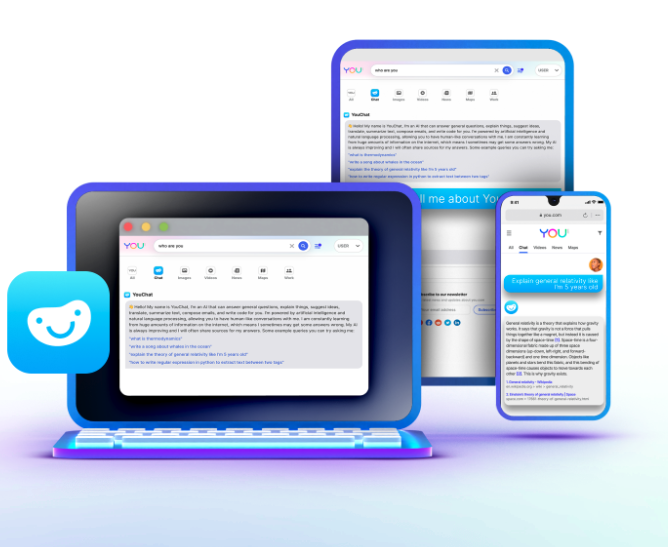
YouChat is another general web-connected chatbot. It can help with current topics and quick exploration, especially when you want a conversational search experience.
It belongs lower on this list because the stronger research-specific tools now do a better job for citations, papers, PDFs, and evidence extraction. Still, it can be useful for lightweight background research.
Use it when: you want a fast web-connected assistant for scanning a topic.
Be careful when: the topic requires academic rigor. Move to paper databases, Elicit, SciSpace, Scite, or Consensus when the source quality matters.
13. Socratic
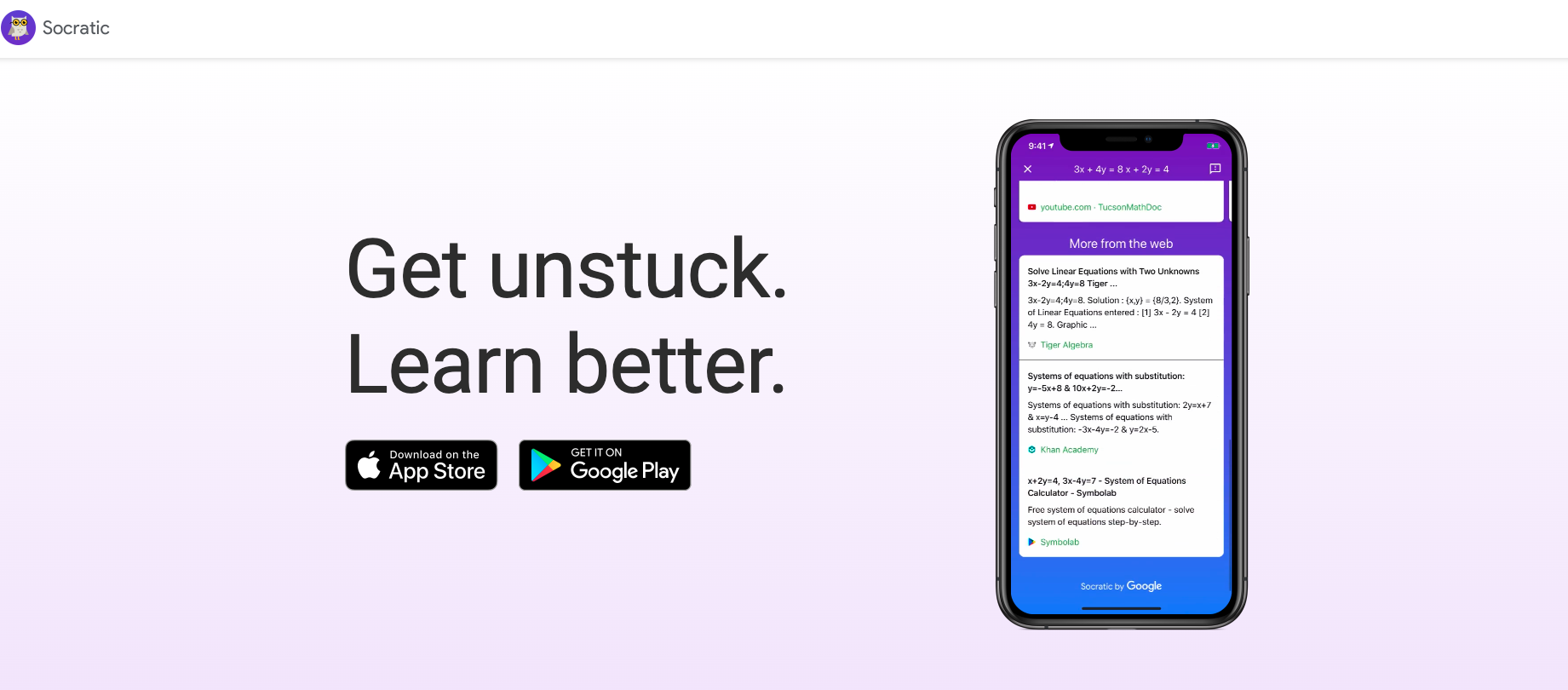
Socratic is not a research assistant in the professional sense. It is better understood as a student learning tool for school subjects such as math, science, grammar, and homework-style explanations.
That still makes it relevant for some readers searching for ChatGPT alternatives for research, especially students who need guided explanations rather than a literature review tool.
Use it when: the task is learning a concept, working through a problem, or understanding a school assignment.
Be careful when: you need citations, peer-reviewed sources, or original research support. Socratic is for learning, not evidence synthesis.
Tools I Would Not Treat as Current Research Alternatives
Some older ChatGPT alternative lists still mention NeevaAI and DeepMind's Chinchilla. I would not recommend either as a practical research tool today.
NeevaAI matters historically because it helped popularize AI search with summarized answers and source-style presentation, but it is not a current mainstream research option. Chinchilla is important in AI model research, but it is not a consumer-facing assistant for citations, PDFs, or literature review.
Keeping them in a list of "best tools" now only makes the article less useful.
A Safer AI Research Workflow
The strongest setup is usually a stack, not a single tool.
- Start with a focused question. A vague question like "AI in education" produces vague answers. A better question is "What does recent peer-reviewed research say about AI tutoring tools and student writing outcomes?"
- Use Perplexity, Consensus, Semantic Scholar, or Google Scholar to find candidate sources.
- Use Elicit to build an evidence table across papers.
- Use SciSpace or NotebookLM to interrogate the papers you actually plan to cite.
- Use Scite to check whether key studies are supported or challenged by later work.
- Use a research summary generator only after you have a verified source set, not before.
- Use a paraphraser or academic writing assistant for clarity, but keep the original meaning intact.
- Manually verify every citation before publishing or submitting.
That final step is not optional. AI can speed up research, but it cannot take responsibility for your claims.
How to Choose the Right ChatGPT Alternative for Research
The easiest way to choose is to name the object you are working with.
If you are working with web pages, use Perplexity, Copilot, Gemini, or YouChat. If you are working with academic papers, use Elicit, SciSpace, Scite, Consensus, Semantic Scholar, or Paperpal. If you are working with your own documents, use NotebookLM or a strong PDF AI tool. If you are working with spreadsheets, use Julius AI. If you are working with equations or computed answers, use Wolfram|Alpha.
Also check these five things before trusting a tool:
- Does it show sources?
- Can you open the exact passage behind the answer?
- Does it cover the right type of source for your field?
- Can you export or save the results for later verification?
- Does your institution, journal, employer, or client allow this kind of AI use?
For academic writing specifically, AI academic writing tools need a separate evaluation because writing, citation, and research ethics become part of the workflow.
Final Recommendation
For most people, the best ChatGPT alternative for research is not one tool. I would rather run a short stack than ask one chatbot to invent a bibliography.
Use Perplexity for fast cited web research, Elicit for literature tables, SciSpace for PDFs, Scite for citation context, NotebookLM for a source library you actually uploaded, Julius AI for datasets, and Wolfram|Alpha for quantitative work.
That combination keeps the evidence visible. If a tool shows a citation, open it. If you cannot open it, you do not have a source. You have a footnote-shaped guess.