
Free FAQ Generator
Generate structured FAQ sections that improve on-page relevance and answer common customer questions. Build FAQs for landing pages, ecommerce products, SaaS tools, help centers, and blog posts with intent-focused questions covering pricing, setup, shipping, troubleshooting, and comparisons.
Generated FAQs
Your FAQs will appear here...
How the AI FAQ Generator Works
Get results in seconds with a simple workflow.
Describe Your Topic or Page
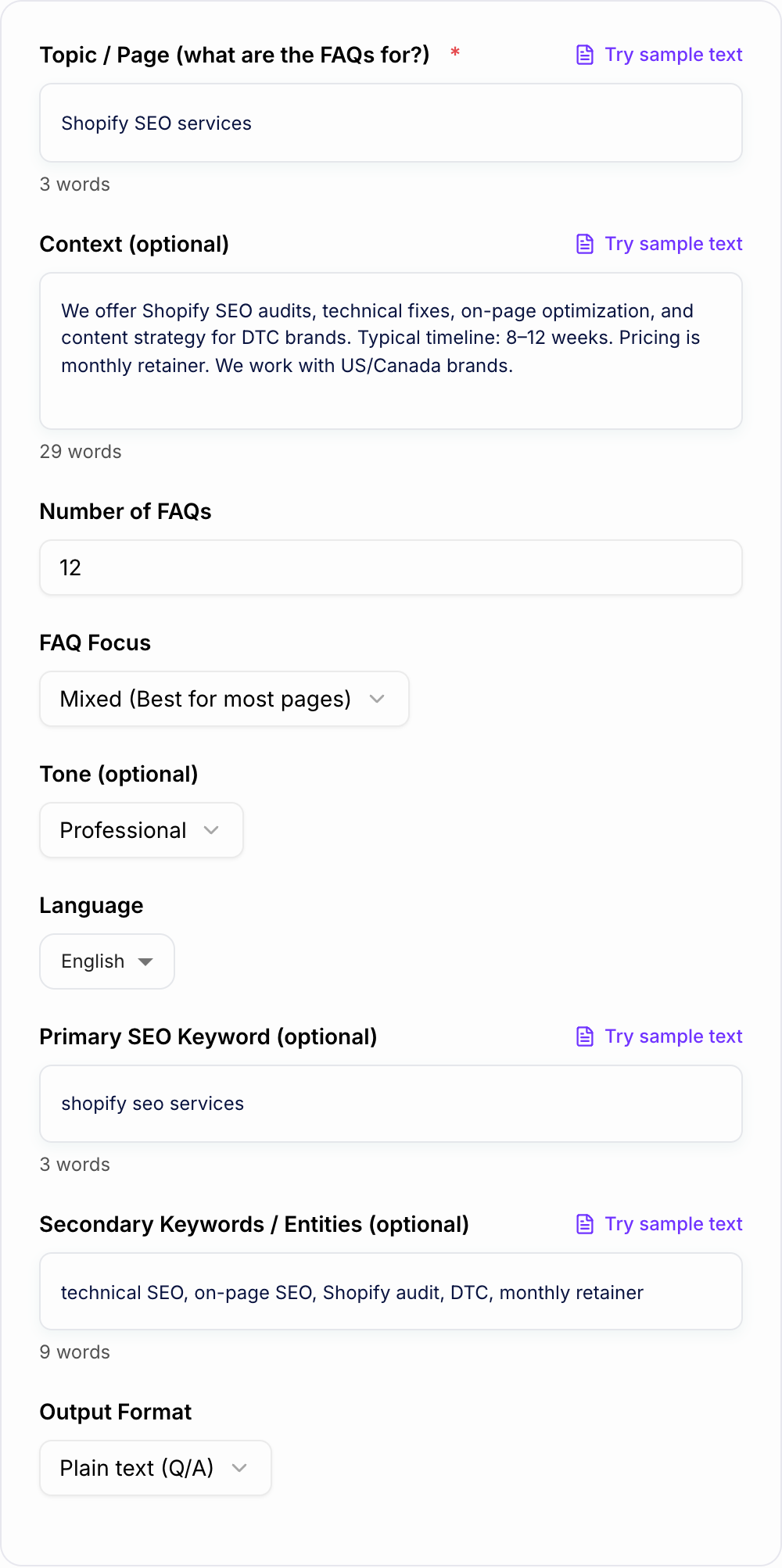
Enter what the FAQs are for (product, service, blog post, category page) and optionally paste details like audience, policies, differentiators, and constraints for more accurate answers.
Choose Count, Focus, and Format
Select how many FAQs you want, the focus (pricing, comparisons, support, policies), and your preferred output format (plain text, Markdown, or HTML).
Generate, Review, and Publish
Generate FAQs, then quickly review for accuracy, add page-specific details, and publish the section on your site to improve UX, conversions, and long-tail SEO coverage.
See It in Action
Example of turning generic FAQs into clearer, SEO-friendly questions and answers that match search intent.
Q: What do you do? A: We help with SEO.
Q: How much does it cost? A: It depends.
Q: What are Shopify SEO services? A: Shopify SEO services improve a Shopify store’s visibility in Google by fixing technical issues, optimizing collections and product pages, and building content that matches what shoppers search for.
Q: How much do Shopify SEO services cost? A: Pricing varies by store size, competition, and scope. Many providers charge a monthly retainer for ongoing technical SEO, on-page improvements, and content work; request a quote for an accurate estimate.
Why Use Our AI FAQ Generator?
Powered by the latest AI to deliver fast, accurate results.
SEO-Friendly FAQ Ideas That Match Search Intent
Generates question patterns people actually search (what is, how does, cost, best, vs, alternatives, troubleshooting) to help your page capture long-tail keywords and featured snippets.
Publish-Ready Answers (Clear, Accurate, Non-Fluffy)
Creates concise, helpful answers that improve user experience, reduce bounce rate, and build trust—without filler, vague marketing language, or invented claims.
Flexible FAQ Types: Pricing, Comparisons, Policies, Support
Create FAQs for product pages, service pages, landing pages, category pages, and blog posts—including objection-handling and support-focused questions to reduce customer friction.
Keyword Guidance Without Stuffing
Optionally include a primary keyword and secondary entities; the generator weaves them in naturally where relevant while keeping answers readable and helpful.
Multiple Output Formats (Plain, Markdown, HTML)
Copy and paste FAQs directly into your CMS, knowledge base, or landing page with clean formatting that preserves Q/A structure.
Pro Tips for Better Results
Get the most out of the AI FAQ Generator with these expert tips.
Use real customer questions first
Pull questions from sales calls, live chat logs, support tickets, Google Search Console queries, and People Also Ask. Then use the generator to expand and refine them into clean, publish-ready answers.
Match FAQ intent to the page type
For landing pages, focus on pricing, timeline, outcomes, and proof. For blog posts, focus on definitions, steps, pitfalls, and related questions. For products, focus on specs, compatibility, shipping, and returns.
Keep answers scannable for featured snippets
Lead with a direct 1–2 sentence answer, then add a short clarification. Clear structure improves usability and increases the chance of snippet-style results.
Avoid promises you can’t guarantee
Remove absolute claims like “guaranteed results” or “instant rankings” unless you can legally and operationally support them. Trust and compliance matter for SEO and conversions.
Update FAQs as your offering changes
Refresh FAQs when pricing, policies, product features, or positioning changes. Stale FAQs create confusion and can increase churn or support volume.
Who Is This For?
Trusted by millions of students, writers, and professionals worldwide.
How to Create FAQs That Actually Help SEO (and Not Just Fill Space)
Most FAQ sections online are… kind of pointless. They repeat obvious stuff, they dodge the real question, or they read like someone stuffed keywords into a paragraph and called it done.
A good FAQ section does three things at once:
- It answers what a real visitor is worried about.
- It helps Google understand the page topic more clearly.
- It removes friction before someone buys, signs up, or contacts you.
That’s the whole game. Not “add FAQs for SEO”. Add FAQs because they make the page better, and SEO follows.
What Makes an FAQ “SEO-Friendly”?
SEO-friendly does not mean longer. Or more robotic. Or loaded with your main keyword ten times.
It usually looks like this:
- Questions that match search intent, including People Also Ask style phrasing (what is, how does, is it worth it, how much, vs, alternatives)
- Answers that lead with the conclusion first, then add a quick detail or two
- Language that mirrors how people search, without sounding weird
- Coverage of edge cases, the stuff your competitors avoid because it is “messy” (refunds, limitations, compatibility, timelines, who it is not for)
If you want a simple rule, write FAQs like you are replying to a smart customer who is in a hurry.
FAQ Ideas You Can Steal (By Page Type)
Not every page needs the same FAQ patterns. If you match the FAQ focus to the page type, the whole section feels more natural.
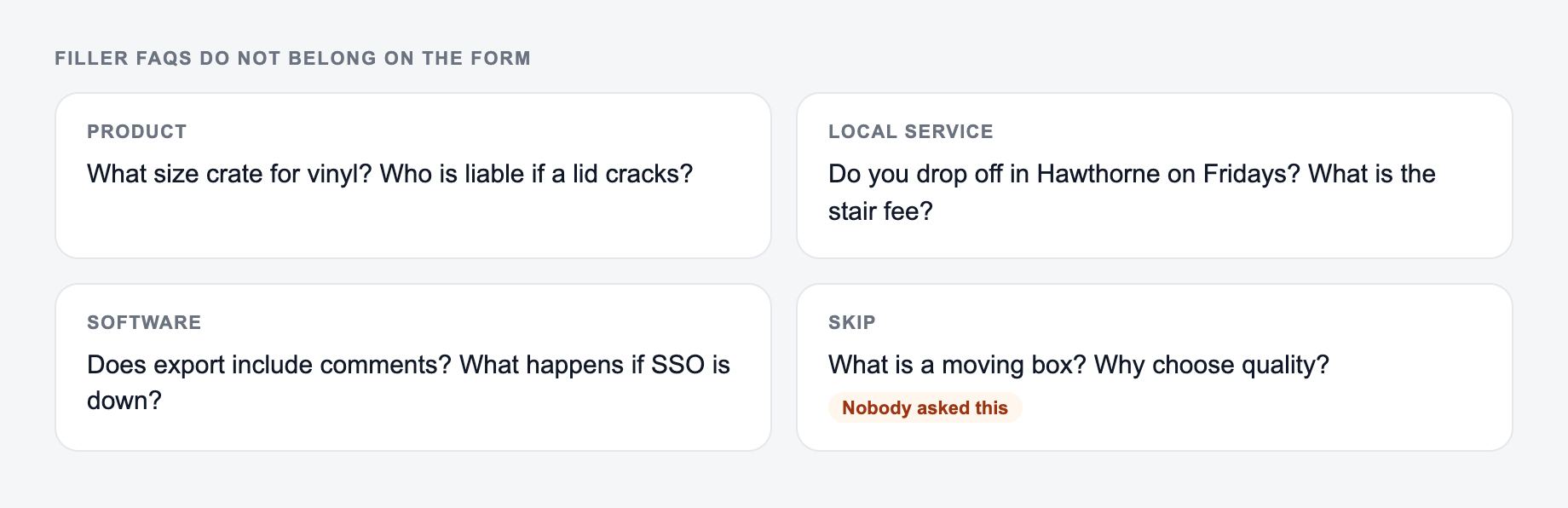
Start from the page type and the questions buyers actually ask. Filler FAQs only dilute the page.
Service pages
- What is included in the service?
- How long does it take to see results?
- What does pricing depend on?
- What do you need from me to get started?
- Who is this not a good fit for?
Product pages
- Will this work with X?
- What is the warranty or guarantee?
- What are shipping times and costs?
- How do returns work?
- What is the difference between the plans or versions?
Blog posts and guides
- What does this term mean?
- What are common mistakes?
- What tools do I need?
- What is the fastest way to do this?
- What should I do next after this step?
Pricing pages
- Is there a free trial?
- Are there contracts?
- Can I cancel anytime?
- What is included in each plan?
- Do you offer discounts?
Where to Place FAQs on a Page (So People Actually Read Them)
A lot of sites bury FAQs at the bottom and call it a day. Sometimes that is fine, but you can do better.
A practical layout that tends to work:
- Put 3 to 6 high intent FAQs near the decision point (right after benefits, before the final CTA)
- Put the longer, policy and troubleshooting ones lower
- Keep answers tight. If an answer needs a full guide, link to the guide instead of cramming it all in
And yes, it is totally okay if your FAQ section is not huge. It just needs to be specific.
Quick Checklist Before You Publish
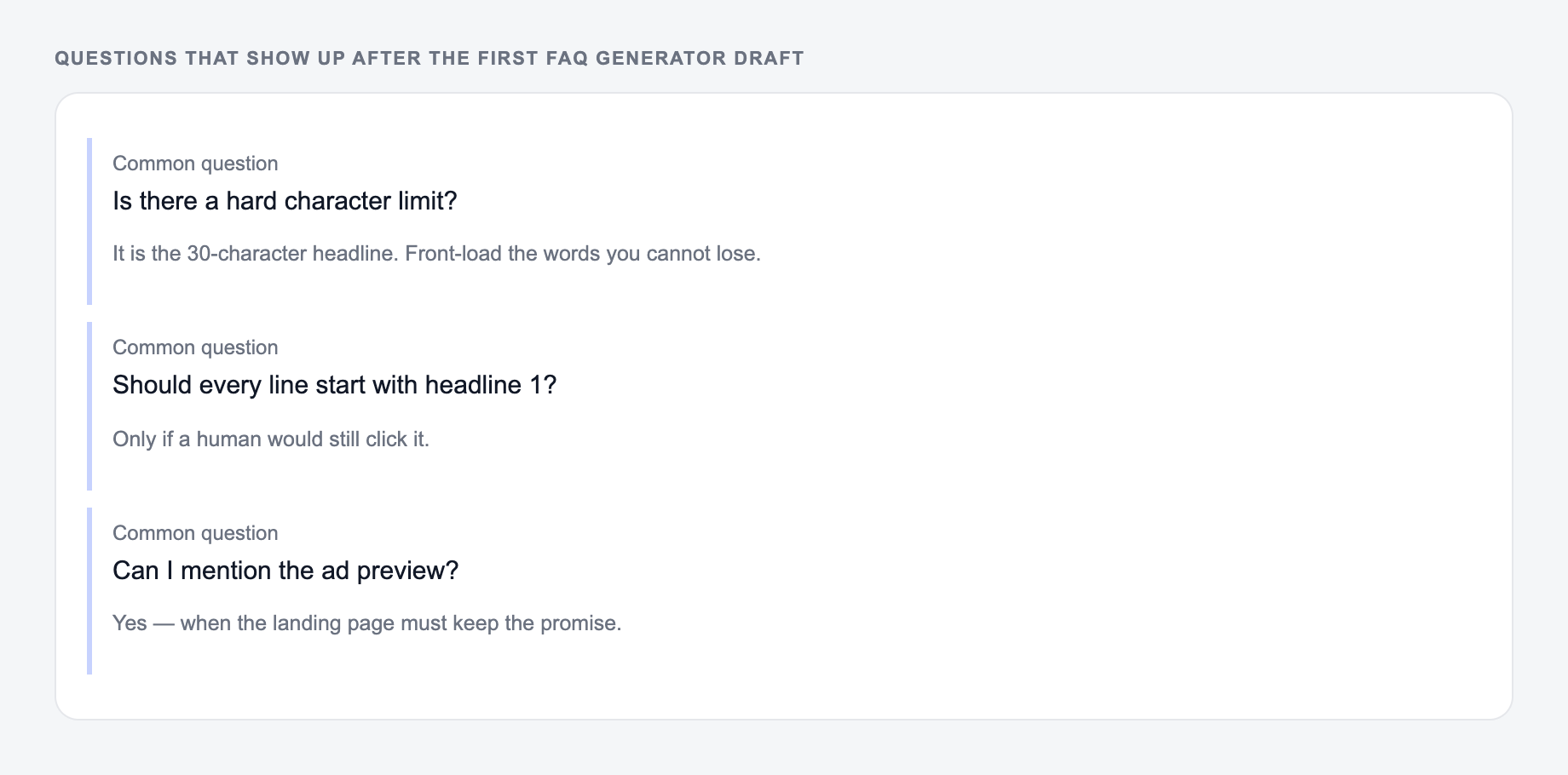
Before you paste your generated FAQs into your site, run through this:
- Are any answers making promises you cannot guarantee?
- Do the pricing answers reflect reality, even if the range is broad?
- Do the questions sound like humans, not internal company wording?
- Did you remove anything that feels like filler?
- Does each answer add something new, or are you repeating yourself?
If you want to generate a clean set quickly, you can use the FAQ tool here and tweak from there. If you are exploring other writing workflows too, the main AI writing platform on Junia AI is a good place to start since you can keep the tone and format consistent across pages.
Bonus: FAQs That Reduce Support Tickets (Not Just Boost Traffic)
If you also want FAQs to cut down on “quick questions” and repeat emails, include a few that your team gets all the time:
- How do I get started?
- What happens after I purchase?
- What if I get stuck?
- How do I contact support?
- What are the most common mistakes people make?
Those questions do not always bring in search traffic, but they improve conversion and reduce friction. And that tends to show up in performance anyway.
Frequently Asked Questions
What is an FAQ generator?+
An FAQ generator creates a list of frequently asked questions and answers for a specific topic, product, service, or page. It helps you cover common concerns, match search intent, and make content easier to scan.
Do FAQs help SEO?+
Yes. High-quality FAQs can help SEO by targeting long-tail keywords, improving topical coverage, increasing on-page engagement, and answering People Also Ask-style questions. The best results come from accurate, helpful answers that match your page’s intent.
How many FAQs should a page have?+
Most pages perform well with 8–15 FAQs. Choose enough to cover key questions without bloating the page. For product or high-intent service pages, 10–20 FAQs can work if answers stay concise and relevant.
Should I include keywords in my FAQs?+
Include keywords naturally when they fit the question or answer. Focus on clarity and user value first. Over-optimizing or repeating the same keyword can reduce readability and may hurt performance.
Can I generate FAQs for a blog post?+
Yes. Adding a short FAQ section to a blog post can help you cover related questions, capture additional long-tail searches, and improve the completeness of the article—especially for how-to and informational topics.
Will the generator invent facts about my business?+
It’s designed to avoid making up details. For best accuracy, add context such as pricing model, locations served, policies, timelines, and constraints. Always review answers for compliance and accuracy before publishing.