
Free Artist Statement Generator
Generate professional artist statements that explain your creative process, themes, influences, and artistic intent without sounding generic. Useful for portfolios, exhibitions, gallery submissions, grants, residencies, press kits, and personal websites.
Artist Statement
Your artist statement will appear here...
How the AI Artist Statement Generator Works
Get results in seconds with a simple workflow.
Describe Your Practice in Plain Language
Paste a quick description of what you make and what it’s about. Add optional medium, themes, process, and influences to increase specificity and reduce generic phrasing.
Choose Audience, Tone, and Length
Pick a context (gallery, grant, website) and select a tone and length to match typical artist statement guidelines and word limits.
Generate, Then Personalize for Submissions
Review and adjust a few details (materials, series title, recurring motifs, or key questions). Keep it consistent with your portfolio images and application requirements.
See It in Action
Transform a rough description into a clear, professional artist statement suitable for portfolios, exhibitions, and applications.
I make art about memories and identity. I use different materials and try to show feelings and stories in my work.
I create mixed-media portraits that combine found photographs, acrylic paint, and stitched linework. Working with family archives and vernacular imagery, I examine how memory is edited—what is preserved, what is erased, and what remains unresolved. My process begins with scanning and distressing photographs before rebuilding faces through layering, abrasion, and thread, treating the surface like a record of time. The resulting images hold tenderness and fracture at once, inviting viewers to consider identity as something assembled from partial evidence, inherited stories, and emotional gaps.
Why Use Our AI Artist Statement Generator?
Powered by the latest AI to deliver fast, accurate results.
Gallery-Ready Artist Statements (Clear + Professional)
Generates a polished artist statement that explains your practice, medium, and themes in a way curators and galleries expect—clear, specific, and easy to quote in exhibition materials.
Your Voice, Not Generic Art-Speak
Produces natural language that reflects your intent and process while avoiding vague claims and overused phrases—helpful for portfolios, artist websites, and applications.
Built for Submissions, Grants, and Residencies
Adapts structure and emphasis for different contexts, highlighting artistic intent, research/process, and impact—ideal for grant applications and residency statements.
Scannable Structure with Strong Opening Hook
Creates a compelling first sentence and a clean flow (what you make → why it matters → how you make it), improving readability for busy reviewers and collectors.
Multilingual Artist Statement Generator
Generate an artist statement in multiple languages for international exhibitions, bilingual portfolios, and global audiences—without losing clarity or nuance.
Pro Tips for Better Results
Get the most out of the AI Artist Statement Generator with these expert tips.
Lead with what you make + what you investigate
A strong opening quickly states your medium and central question (theme). Reviewers decide fast—clarity in the first 1–2 sentences improves comprehension and credibility.
Use concrete details (materials, scale, gestures, site)
Replace abstract claims with observable specifics: surfaces, repetition, assembly, printing methods, staging, interaction, or installation constraints. Specific details make statements memorable and quotable.
Show the link between process and meaning
Explain how your method supports the concept (e.g., erasure for memory, layering for time, fragmentation for identity). This is often what curators look for in a convincing statement.
Avoid overstatement and art-world clichés
Skip phrases like “explores the human condition” unless you immediately specify how. Keep the language direct, precise, and grounded in the work itself.
Keep a few versions ready
Maintain a short, standard, and long artist statement. Applications, exhibition labels, and press pages all have different word counts—having versions saves time and keeps messaging consistent.
Who Is This For?
Trusted by millions of students, writers, and professionals worldwide.
Create a Clear Artist Statement with an Artist Statement Generator
An artist statement should explain the work without flattening it into generic art language. The hard part is often not knowing what to include: medium, process, theme, influence, viewer experience, or application context.
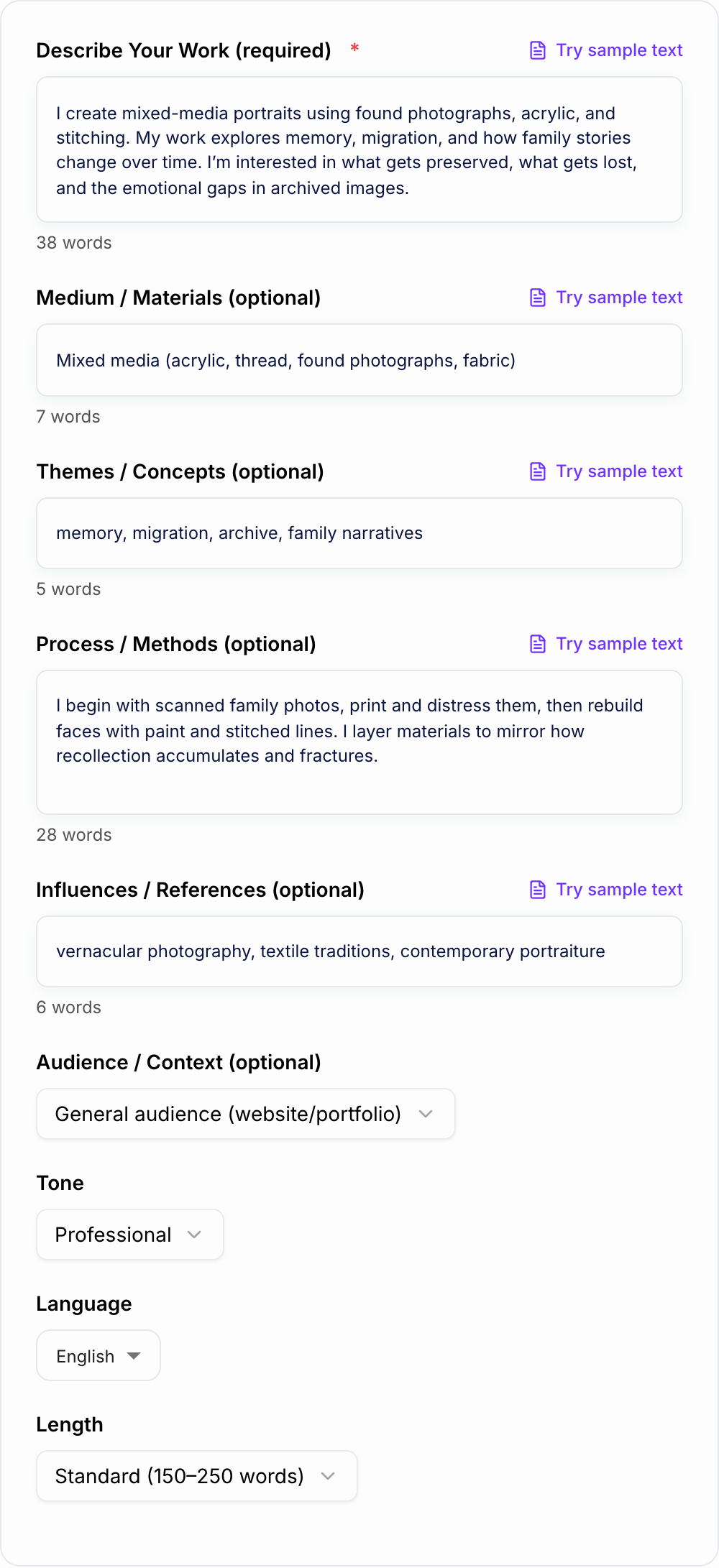
The Artist Statement Generator helps you turn rough notes into a usable first draft for galleries, grants, residencies, portfolios, exhibitions, and websites. You still need to edit it against your actual work, but the tool gives you a cleaner structure than a blank page.
What to Enter Into the Generator
Better input creates a more specific statement. Do not start with abstract phrases like "identity" or "transformation" alone. Pair the idea with what the viewer can actually see.
Useful details include:
- What you make: medium, scale, format, subject, or body of work
- What you investigate: theme, tension, question, or recurring concern
- How you work: materials, gestures, research, collection, repetition, layering, erasure
- What viewers encounter: atmosphere, physical experience, emotion, visual rhythm
- Where it will be used: gallery submission, grant, residency, portfolio, wall text, website
For example, "memory and migration" is a start. "Layered charcoal drawings based on family photos and erased city maps" gives the generator something real to work with.
Choose the Right Statement Mode
Different contexts need different drafts.
Gallery or Exhibition Statement
Use this when the reader needs clarity fast. The statement should name the work, explain the central idea, and give curators language they can quote without heavy editing.
Grant or Residency Statement
Use this when the reader needs to understand intent, process, research, and future direction. It can be slightly more formal, but it still needs concrete details.
Portfolio or Website Statement
Use this for visitors who may not know your work yet. Keep it approachable, short enough to scan, and closely aligned with the images on the page.
Short Statement
Use this for open calls, bios, captions, and forms with tight word counts. It should usually cover medium, theme, process, and viewer experience in a few sentences.
Example Input and Generated Direction
Verify the artist statement:
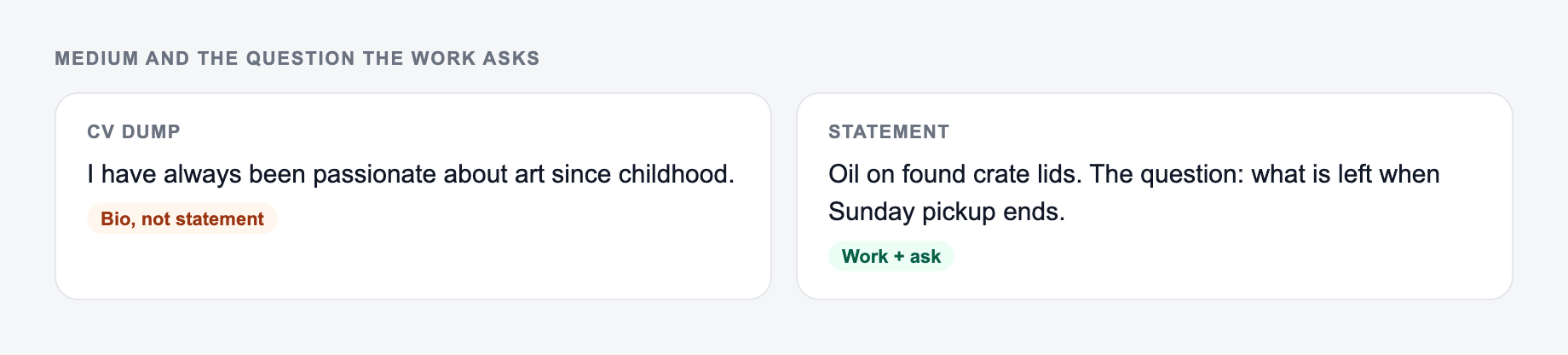
- Medium and questions match work you actually make
- No exhibition, award, or collection you cannot point to
- Nothing was added that you did not type Input:
Medium and the questions your work actually asks belong on the form.
Learning workflow:
- Enter only facts you have.
- Generate a structured draft.
- Check names, dates, citations, and units.
- Rewrite the sentences you would actually say in class or in the paper.
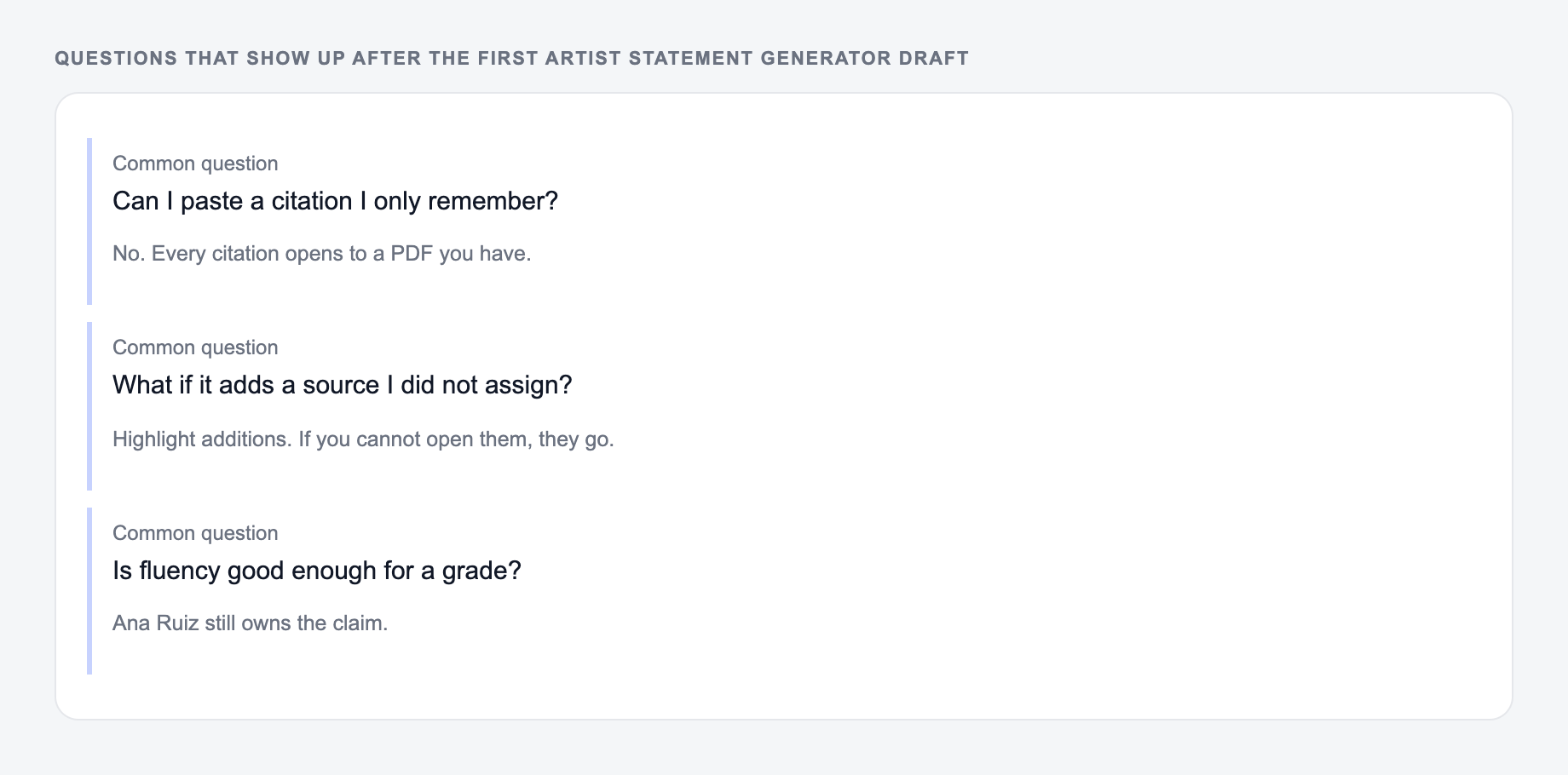
If the task is graded, clinical, cited, or public, the named writer still owns the claims.
- Medium: large charcoal drawings and stitched paper
- Themes: migration, memory, language loss
- Process: erased map fragments, family photos, red thread
- Context: gallery submission
Generated direction:
I create layered charcoal drawings and stitched paper works based on family photographs and altered city maps. By erasing, redrawing, and sewing across the surface, I trace how migration changes the way memory attaches to place. The work invites viewers to notice what is preserved, what is missing, and how personal history can remain visible even when the original map has been disturbed.
The draft works because it connects the theme to the material choices. It does not just say the work "explores memory"; it shows how the work handles memory.
How to Edit the Generated Statement
Read the generated statement beside your portfolio images. If a sentence does not match what viewers can see, revise it or remove it.
Use this quick review:
- Does the first sentence say what you make?
- Are the themes tied to materials or process?
- Did the tool add a claim that feels too large?
- Could the statement describe almost any artist?
- Does the tone fit the submission context?
- Is the word count appropriate?
Replace vague verbs when possible. Instead of "explores," try more exact verbs like collects, stages, fractures, maps, compresses, reconstructs, layers, erases, or archives.
When to Use the Generator
Answer these before you generate a second batch. A reroll will not fix a vague brief.
Use the generator when you need a clean draft quickly, when your current statement sounds too academic, or when you need multiple versions for different applications.
If you are also preparing an artist bio, exhibition copy, captions, or portfolio pages, keeping drafts in one writing workflow helps the language stay consistent. You can generate and refine those related materials in Junia AI without rebuilding your voice from scratch each time.
Final Artist Statement Checklist
Before you submit or publish the statement, make sure it:
- names the medium early
- connects theme to process
- uses concrete details from the work
- avoids inflated claims
- fits the application context
- sounds like your practice, not a template
The generator should get you to a workable draft. The final pass should make it unmistakably yours.
Frequently Asked Questions
What is an artist statement and what should it include?+
An artist statement explains your work in your own words—typically what you make, the themes or questions you explore, why the work matters, and how your process/materials support the ideas. A strong statement is specific, readable, and consistent with the work.
How long should an artist statement be?+
Common lengths are 80–150 words (short), 150–250 words (standard), and 250–400 words (long). Galleries and applications often prefer concise statements, while grants/residencies may allow more context if it stays focused.
Will the generator invent exhibitions, awards, or credentials?+
No. The tool is designed to avoid fabricating exhibitions, awards, press quotes, or biographical claims. If you want to include achievements, add them explicitly and verify accuracy before submitting.
How do I avoid a generic or cliché artist statement?+
Add concrete details: specific materials, a real process, a clear question/theme, and what viewers encounter (scale, texture, repetition, composition, site, or interaction). Specificity beats abstract language.
Can I use this for grants and residency applications?+
Yes. Choose a grant/residency context or a mode that emphasizes intent and process. Then refine with project-specific details, outcomes, and constraints that match the call for applications.
Can it write in different tones and languages?+
Yes. Select a tone and output language to generate a statement suited to your audience—whether accessible for a website, more formal for submissions, or more critical for academic contexts.