
Free Business Memo Generator
Create business memos for announcements, process changes, policy updates, operational communication, approval requests, and internal coordination. Generate properly formatted memos with subject lines, context, action items, deadlines, and next steps.
Business Memo
Your professional business memo will appear here...
How the AI Business Memo Generator Works
Get results in seconds with a simple workflow.
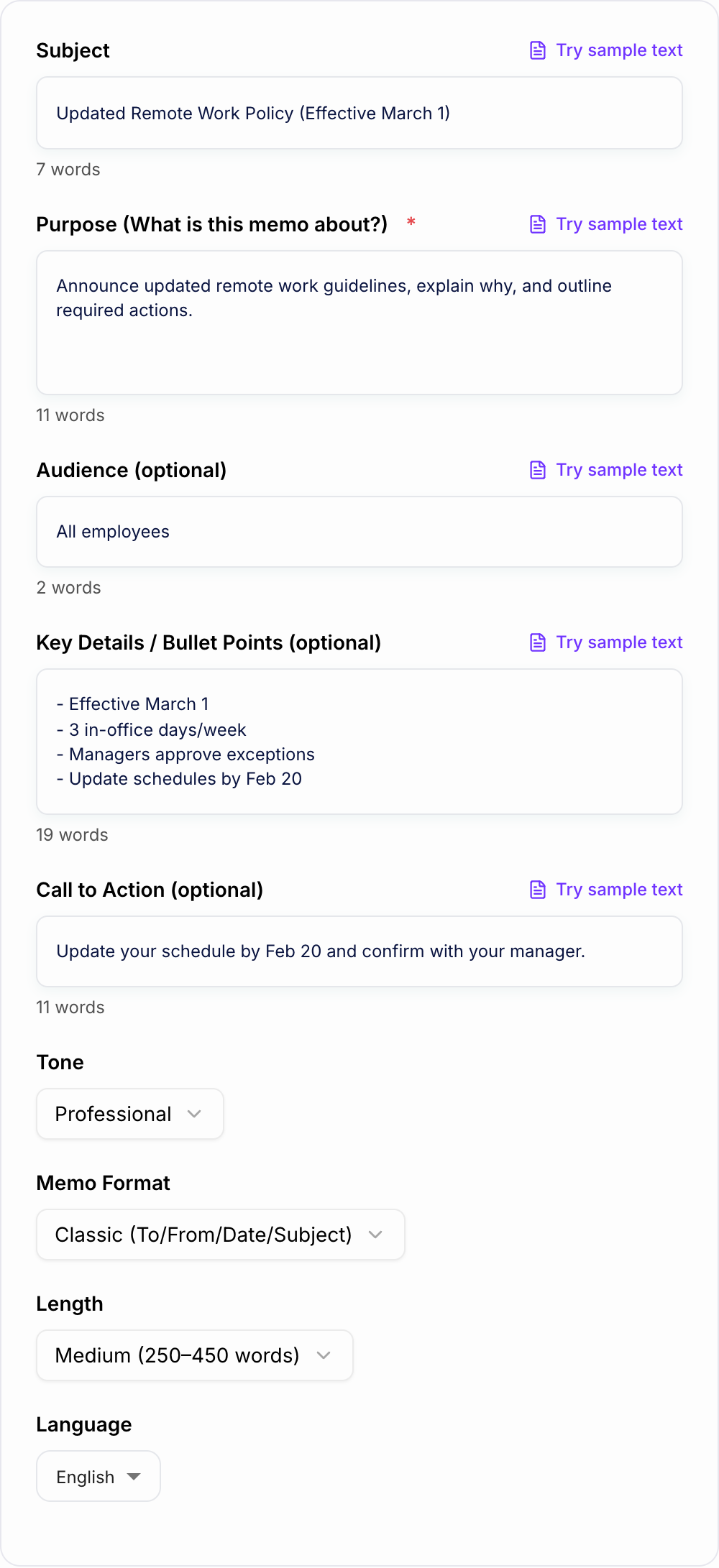
Add the Purpose and Context
Describe what the memo is about and why it matters. This helps the generator produce a strong opening that aligns recipients quickly.
Include Key Details and Actions (Optional)
Paste bullet points like effective dates, requirements, owners, links, and deadlines. The tool will organize them into clear sections and next steps.
Choose Tone, Format, and Length
Pick a memo format and preferred length to match your audience—then generate a professional memo you can copy, share, and edit.
See It in Action
Turn rough notes into a structured, professional internal memo with clear context and next steps.
We’re changing remote work. Starting soon we want people in the office more. Managers will handle exceptions. Please update schedules.
To: All Employees From: People Operations Date: [Insert Date] Subject: Updated Remote Work Policy (Effective March 1)
Purpose This memo announces an update to our remote work policy to improve collaboration, knowledge sharing, and on-site support.
What’s Changing
- Effective March 1, employees are expected to work in the office three (3) days per week.
- Teams may coordinate which days best support collaboration and coverage.
Exceptions Managers may approve exceptions based on role requirements or personal circumstances. Submit requests to your manager with a brief rationale.
Action Required Please update your in-office schedule by February 20 and confirm it with your manager.
Questions If you have questions, contact People Operations at [email/Slack channel] or review the policy page at [link].
Why Use Our AI Business Memo Generator?
Powered by the latest AI to deliver fast, accurate results.
Professional Memo Format (To/From/Date/Subject)
Generates a properly structured business memo with clear headings and internal communication best practices—ideal for HR updates, operational changes, and company announcements.
Clear Purpose, Context, and Next Steps
Ensures your memo states the purpose early, provides the right context, and ends with actionable next steps—reducing confusion and follow-up questions.
Tone Control for Internal Communication
Adjusts language for common workplace tones (neutral, friendly, formal, direct) to match your company culture while staying professional and respectful.
Action Items and Accountability
Turns your key details into scannable sections with owners, deadlines, and required actions—helpful for change management, process rollouts, and policy enforcement.
Multilingual Business Memo Writing
Create memos in different languages to support global teams, regional offices, and multilingual workplace communication without rewriting from scratch.
Pro Tips for Better Results
Get the most out of the AI Business Memo Generator with these expert tips.
Lead with the purpose in the first 1–2 sentences
Busy teams skim. State what’s changing (or what you need) immediately, then provide context and rationale afterward to reduce confusion.
Make actions unambiguous
If recipients must do something, include a clear call to action, the owner (who), the deadline (when), and the success criteria (what ‘done’ means).
Use dates instead of relative time
Replace phrases like “next week” with a specific date to prevent misinterpretation across time zones and schedules.
Keep compliance language precise (without being harsh)
For policy updates, avoid vague wording. Use clear requirements and escalation paths, but maintain a respectful tone to preserve trust.
Add a point of contact for questions
Reduce back-and-forth by including a final line with the responsible person/team and where to find documentation (intranet link, policy doc, ticket form).
Who Is This For?
Trusted by millions of students, writers, and professionals worldwide.
Generate a Business Memo That People Can Read and Act On
The AI Business Memo Generator turns rough workplace notes into a structured internal memo. It is useful when you need to communicate a policy update, process change, project status, approval request, or company announcement without starting from a blank document.
A good generated memo should make five things clear:
- What the memo is about
- Why it matters now
- What is changing or being requested
- Who needs to act and by when
- Who to contact with questions
If the output does not answer those questions, add more specific inputs and generate again.
What to Enter Into the Business Memo Generator
Start with the basic facts:
- audience
- sender or department
- memo purpose
- background or reason for the update
- key details
- action required
- deadline or effective date
- point of contact
You do not need polished sentences. Rough notes are fine as long as the important facts are there.
Choose the Right Memo Type
Use Internal Announcement for company updates, team changes, schedule changes, or general notices.
Use Policy Update for HR, compliance, finance, security, or operational policy changes. Include who the policy applies to and the effective date.
Use Approval Request when you need a decision on budget, headcount, tools, vendors, or project scope. Include the rationale, cost, expected impact, and decision deadline.
Use Project Update when stakeholders need status, blockers, decisions, owners, and next steps.
Review the Generated Memo Before Sending
Filled shape to imitate
The ask, the date, the deliverable, and the thing you will not promise — in that order. If the draft buries the uncomfortable sentence, put it back on the first screen.
AI can format a memo quickly, but internal communication still needs a human check.
Review:
- names, teams, and departments
- dates and deadlines
- policy or legal wording
- links and attachments
- required actions
- tone for the audience
- whether the subject line is specific enough to find later
Replace vague timing like "next Friday" with exact dates. A memo often gets forwarded, archived, or read in a different time zone.
Make the Action Easy to Find
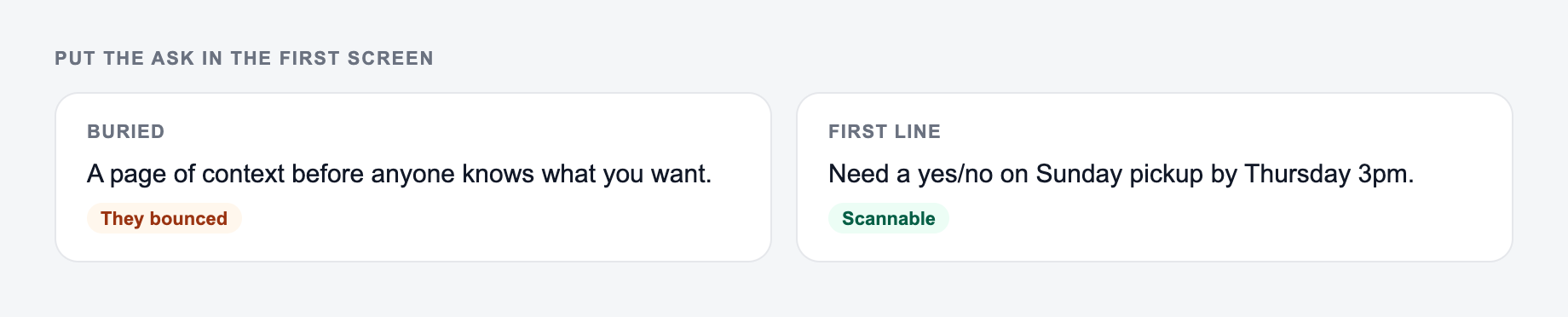
Most weak memos hide the most important sentence. Put the action in one obvious place.
The decision and the ask belong on the form before tone settings.
Decision criteria before you send anything the AI Business Memo Generator drafted:
- Can you point to the number in a spreadsheet or a contract?
- Would you sign it if your name were the only one on it?
- What happens if the optimistic date slips?
This is a draft aid, not legal, medical, or financial advice.
Use labels like:
- Action Required
- Decision Needed
- Effective Date
- Next Steps
- Questions
That structure helps busy readers understand what matters even if they skim.
When to Use a Memo Instead of an Email
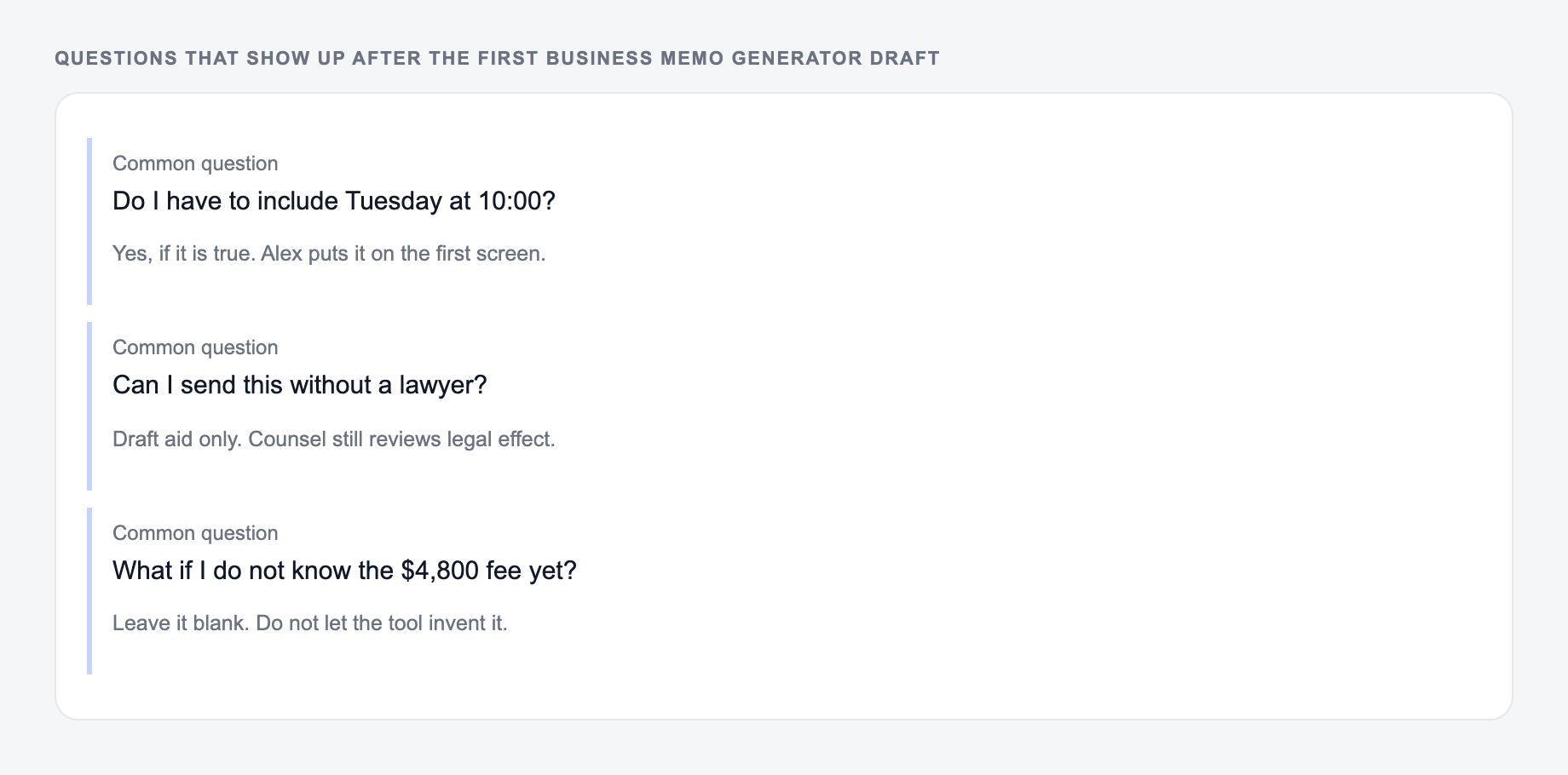
Answer these before you generate a second batch. A reroll will not fix a vague brief.
Use a memo when the message needs structure, documentation, or consistency across a team. Policy updates, process changes, incident summaries, approval requests, and project updates usually deserve a memo.
Use email for quick informal messages. Use a longer document when the topic needs detailed analysis, data, or multiple supporting sections.
If you need to generate other workplace content around the memo, Junia AI can help turn the same notes into emails, summaries, announcements, talking points, or follow-up drafts.
Final Checklist Before Sending
Before you send the generated memo, confirm:
- the subject line names the actual update or request
- the purpose appears near the top
- required actions are easy to find
- dates are specific
- the tone fits the audience
- legal, HR, finance, or compliance language has been reviewed when needed
- readers know where to ask questions
That final pass is what makes the memo feel professional, not just formatted.
Frequently Asked Questions
What is a business memo and when should I use one?+
A business memo is a formal internal document used to communicate important information within an organization—such as policy changes, announcements, process updates, requests for approval, or issue summaries. Use a memo when you need clarity, documentation, and a consistent internal communication format.
Does this tool create a proper memo format (To/From/Date/Subject)?+
Yes. You can generate a classic memo format with To/From/Date/Subject, or choose a simpler format if you prefer a lighter structure. Both options are designed to be scannable and easy to share internally.
Can I generate a memo with action items and deadlines?+
Yes. Add key points, owners, dates, and requirements and the generator will organize them into clear sections with next steps. This is especially useful for policy rollouts, process changes, and compliance updates.
How do I choose the right tone for an internal memo?+
For policy and compliance updates, a neutral or formal tone is usually best. For announcements and team updates, friendly and direct often works well. If you’re unsure, choose neutral—clear, professional language that avoids sounding harsh or overly casual.
Will the memo be ready to send as-is?+
The memo is designed to be close to send-ready, but you should still review names, dates, links, and any legal or HR language. For sensitive topics, have a manager, HR, or legal reviewer confirm final wording.
Can I generate business memos in other languages?+
Yes. Select a language and the memo will be generated in that language while preserving a professional business writing style and clear internal communication structure.