
Free Business Plan Generator
Use the AI Business Plan Generator to turn your idea into a structured business plan with an executive summary, market analysis, positioning, go-to-market strategy, operations, milestones, risks, and financial assumptions. Choose a lean, standard, investor-ready, or loan-focused plan and get a draft you can review, edit, and share.
Business Plan
Your business plan will appear here...
How the AI Business Plan Generator Works
Get results in seconds with a simple workflow.
Describe Your Business Idea
Enter what you do, who it’s for, and what makes it different. Add industry, location, and pricing if you have them for a more tailored plan.
Choose Plan Type, Tone, and Time Horizon
Pick a time horizon (6–36 months) and optional modes (lean, standard, investor, or loan) so the plan matches your goal—validation, execution, fundraising, or financing.
Generate, Review, and Replace Assumptions
Get a structured business plan draft. Then personalize it with your real numbers, milestones, team details, and proof (customers, testimonials, pilots, or traction).
See It in Action
Example of turning a rough idea into a structured, lender/investor-friendly business plan summary.
I want to start a bookkeeping service for Shopify stores. I’ll charge a monthly fee and find customers through ads and referrals.
Business Name: BrightBooks (working name)
Executive Summary: BrightBooks provides subscription bookkeeping for Shopify stores doing $20k–$200k/month. We deliver monthly reconciliations, cash flow dashboards, and tax-ready reports with predictable pricing and fast onboarding.
Problem: Growing Shopify merchants struggle to maintain accurate books and cash flow visibility, leading to poor decisions and tax-time stress.
Solution: A fixed-price monthly service with standardized onboarding, integrations (Shopify, Stripe, bank feeds), and monthly reporting.
Target Market: US-based Shopify merchants in growth stage who need reliable monthly reporting but aren’t ready for a full-time finance hire.
Go-to-Market: Partner referrals (agencies/CPAs), content SEO for Shopify finance keywords, and targeted paid search to capture high-intent leads.
Revenue Model: $299/month base plan + optional $499 onboarding and add-ons (inventory accounting, multi-entity).
Milestones (12 months):
- Month 1–2: onboard first 10 customers
- Month 3–6: partner channel development + SEO content engine
- Month 7–12: reach $15k MRR with standardized delivery processes
Financial Assumptions: Revenue drivers based on leads/month × conversion rate; costs include tools, contractor bookkeepers, and marketing spend; break-even based on contribution margin per customer.
Why Use Our AI Business Plan Generator?
Powered by the latest AI to deliver fast, accurate results.
Complete Business Plan Structure (Executive Summary to Financials)
Generates a full business plan outline and draft with the sections lenders and investors expect: executive summary, company overview, market analysis, competitive positioning, marketing and sales strategy, operations, milestones, and financial assumptions.
Market & Competitor Analysis (Practical, Non-Fluffy)
Creates realistic market segmentation, customer personas, and competitor positioning so you can explain who you serve, why you win, and how you’ll capture demand—without inventing statistics.
Go-to-Market Strategy with Channels and Messaging
Builds a clear go-to-market plan including acquisition channels, funnel steps, value proposition, differentiation, and launch milestones—useful for startups, small businesses, and new product launches.
Financial Assumptions You Can Edit (Not Fake Numbers)
Provides transparent, editable financial assumptions (pricing, costs, margins, CAC/LTV placeholders, break-even logic) and clearly labels estimates—so you can plug in real data from your business.
Loan, Investor, or Lean Modes
Choose a concise lean business plan for validation, a standard plan for execution, or premium modes designed for fundraising decks and small business loans.
Pro Tips for Better Results
Get the most out of the AI Business Plan Generator with these expert tips.
Be specific about the target customer segment
Instead of “small businesses,” specify a niche and constraints (industry, size, revenue, geography). Specific segments make your positioning, channels, and pricing far stronger.
Use clear revenue drivers (not vague projections)
Tie revenue to measurable inputs: leads/month × conversion rate × average order value, or customers × ARPU. This makes your financial model easier to validate and defend.
Add proof to improve credibility
Include any traction: waitlist signups, pilot customers, partnerships, LOIs, conversion data, or testimonials. Even small proof points can strengthen an investor or lender narrative.
Write differentiation as a testable claim
Avoid generic lines like “best quality.” Use concrete differentiators: faster onboarding, lower total cost, unique distribution, compliance, specialized expertise, or a proprietary workflow.
Include risks and mitigation (it builds trust)
A strong business plan acknowledges key risks (competition, churn, seasonality, regulatory constraints) and lists how you’ll mitigate them with milestones and contingency plans.
Who Is This For?
Trusted by millions of students, writers, and professionals worldwide.
Create a Stronger First Draft with an AI Business Plan Generator
A business plan generator helps when your idea is real but the structure is scattered. Instead of starting with a blank document, you can turn your notes into a draft with the sections investors, lenders, instructors, partners, or internal teams expect.
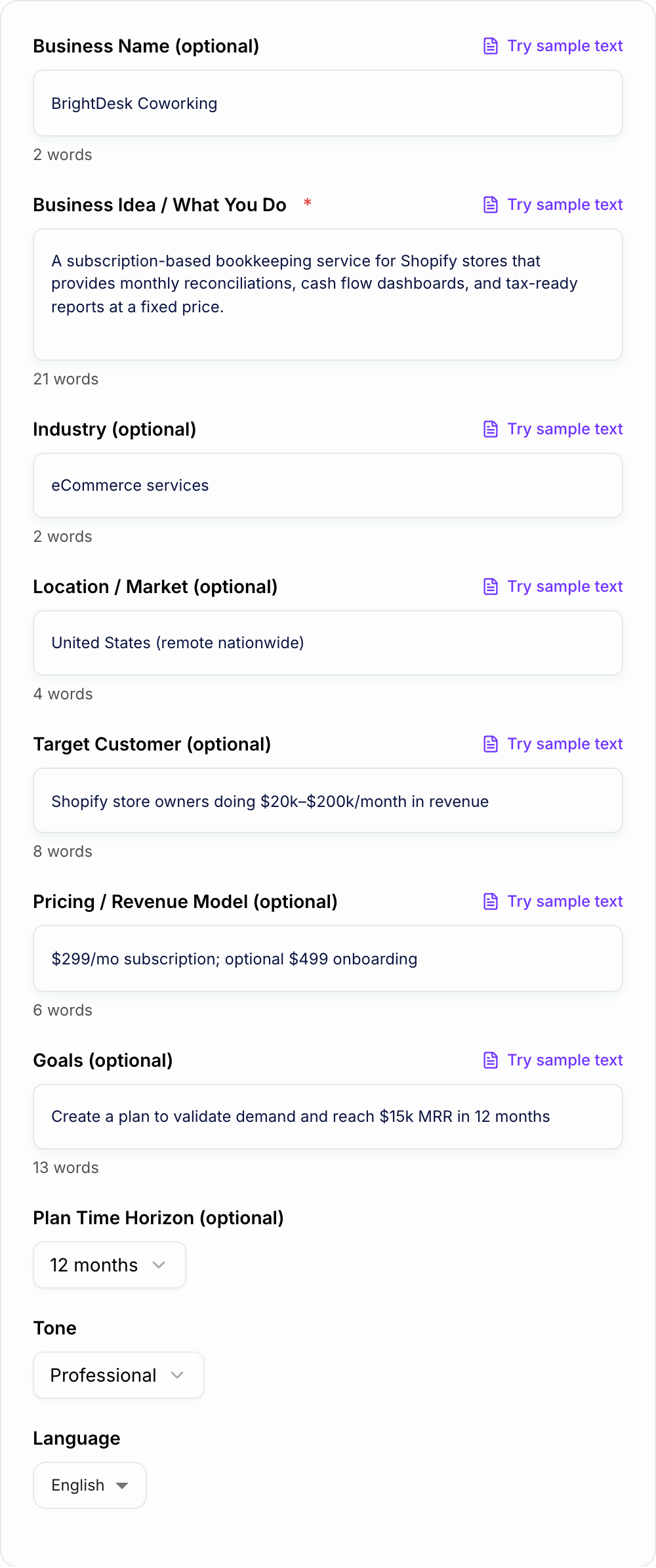
The AI Business Plan Generator works best when you give it enough business context to reason from: what you sell, who you serve, how you make money, how you reach customers, and which assumptions still need proof. The generated plan should become a working draft, not a final document you publish without review.
What to Enter Into the Business Plan Generator
Start with the core business idea in plain language. Do not try to sound impressive. Try to be specific.
A weak input looks like this:
- "Meal prep business for professionals"
A stronger input looks like this:
- "A weekly meal prep subscription for busy professionals in Chicago who want healthy lunches delivered on Mondays. Pricing may be $89 to $149 per week. The first channels are corporate office partnerships, local fitness studios, and referrals."
Add details such as:
- target customer and use case
- business model and pricing
- competitors or alternatives
- first marketing channels
- operating constraints
- costs, margins, or revenue assumptions
- timeline and milestones
- the purpose of the plan
Even rough assumptions are useful as long as you label them clearly.
Choose the Right Business Plan Mode
The same business can need different plans depending on the reader.
Lean plan
Use this when you need clarity fast. A lean plan is best for validation, internal decisions, student assignments, or early founder alignment. It should focus on the offer, customer, assumptions, milestones, and next actions.
Standard business plan
Use this for a fuller operating document. It should include the executive summary, company overview, market, customer, competitors, go-to-market strategy, operations, team, milestones, risks, and financial assumptions.
Investor-ready plan
Use this when you need a sharper growth story. The draft should explain why the business can scale, what evidence supports the opportunity, how distribution works, and what risks must be managed.
Loan or grant plan
Use this when the reader cares about repayment, operations, and conservative assumptions. Cash flow logic, costs, staffing, and risk mitigation matter more than hype.
Make the Financial Section Believable
The easiest way to weaken a generated business plan is to accept projections with no logic behind them. Replace broad claims with drivers.
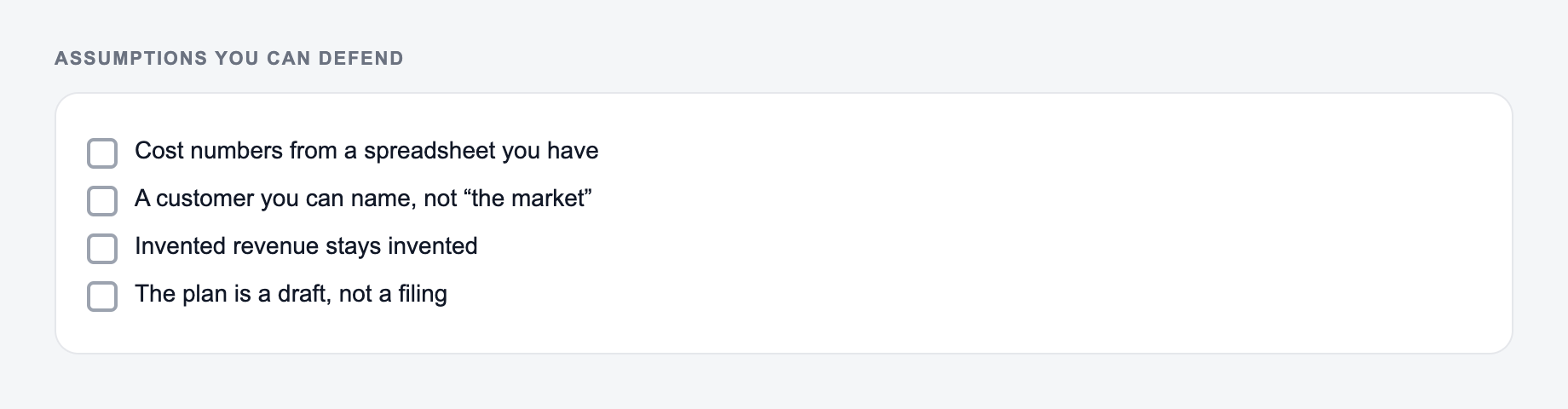
Build on assumptions you can defend. Invented revenue is still invented.
Useful drivers include:
- leads per month
- conversion rate
- average order value or subscription price
- churn or repeat purchase rate
- gross margin
- fixed and variable costs
- customer acquisition cost
- payback period
If the generator gives you a revenue number, ask whether the path to that number is visible. A plan that says "100 customers at $99/month by month six" is easier to inspect than one that says "rapid growth through digital channels."
How to Review the Generated Plan
Read the generated business plan like a skeptical reader would. Highlight every claim that needs evidence, every assumption that needs a number, and every section that sounds too generic to guide a decision.
Check whether the plan explains:
- who the customer is
- why they need the offer now
- why they would choose you over alternatives
- how you will reach them first
- how delivery or operations will work
- what risks could break the plan
- which milestones show progress
If you are building multiple business documents, keep the positioning consistent across plans, pitches, landing pages, and outreach. A writing workspace like Junia AI can help turn the same positioning into related materials without rewriting the strategy from scratch.
Common Business Plan Generator Mistakes
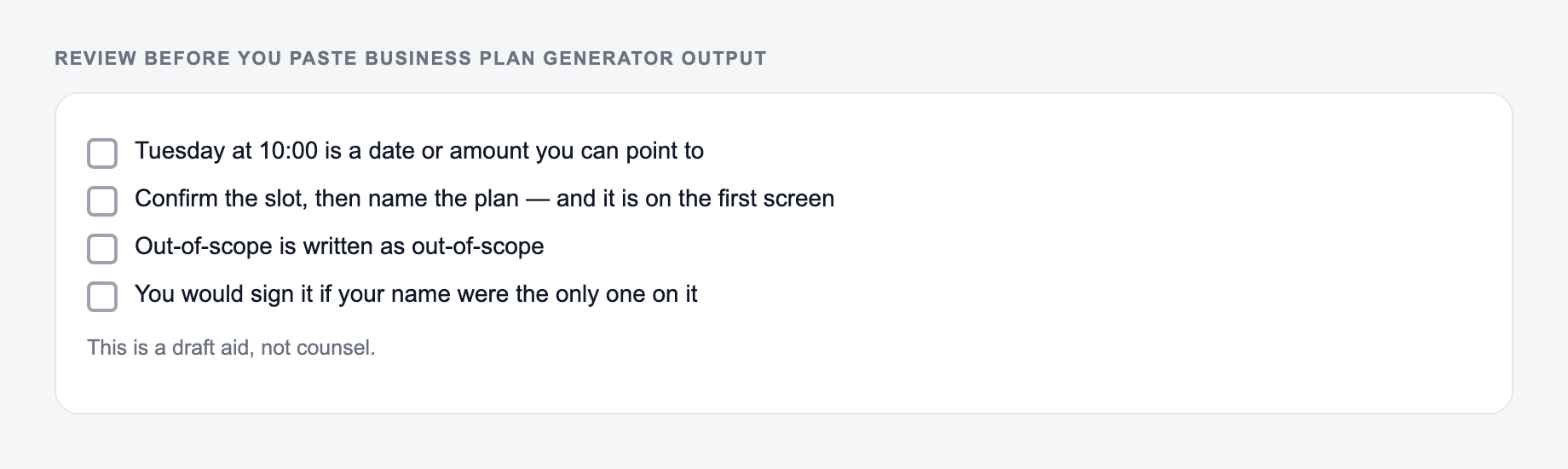
The first mistake is entering a vague idea and expecting a specific plan. The generator cannot infer your customer, channel, pricing, and constraints if you leave them out.
The second mistake is choosing the wrong plan type. A bank plan and an investor plan should not sound the same.
The third mistake is trusting invented market data. Use the generated market section as structure, then verify the numbers, sources, and competitor details yourself.
The fourth mistake is hiding risks. A strong plan names risks and explains mitigation. That makes the document more credible, not weaker.
Final Checklist Before You Share the Plan
Before sharing a generated business plan, confirm that the executive summary stands alone, the target customer is specific, the go-to-market strategy names the first channels, financial assumptions are tied to drivers, and the risks section is honest.
The best use of an AI business plan generator is speed plus structure. Let it create the first draft, then use your real research, judgment, and numbers to make the plan defensible.
Frequently Asked Questions
Is this business plan generator free to use?+
Yes. You can generate a complete business plan draft for free. Some advanced modes (like investor-ready or bank/loan plans) may be marked as premium.
Will this produce an investor-ready business plan?+
It can generate an investor-ready draft with strong structure and clear positioning. For best results, add real traction, customer proof, and validated numbers (revenue, CAC, margins, growth) before sharing with investors.
Does the tool include financial projections?+
It provides financial assumptions and a projection framework (revenue drivers, cost categories, margin logic, and break-even approach). It avoids making up specific figures unless you provide them, and it clearly labels estimates so you can replace them with real data.
What information do I need to generate a good business plan?+
At minimum, provide your business idea (what you sell and who it’s for). If you also include your target customer, pricing model, and location/market, the plan will be more specific and useful.
Can I use this for a small business loan or grant application?+
Yes. Use the bank/loan mode if available and then tailor it to your lender’s template. Add your real costs, cash flow details, and supporting documents (quotes, leases, resumes, financial statements) as required.
Can the business plan be generated in different languages?+
Yes. Select your output language to generate a business plan for international markets or multilingual teams.