
Free Citation Generator
The AI Citation Generator creates properly formatted citations and in-text references for websites, books, journals, videos, and academic sources. Save time formatting bibliographies for essays, research papers, reports, and academic writing across major citation styles.
Citation
Your citation(s) will appear here...
How the AI Citation Generator Works
Get results in seconds with a simple workflow.
Choose a Source Type and Citation Style
Select what you’re citing (website, book, journal article, video, report) and choose APA, MLA, Chicago, Harvard, or IEEE to match your assignment requirements.
Paste a URL or Add the Details You Have
Add the URL and any known fields like author, title, publisher, date, DOI, edition, volume/issue, and pages. The tool uses your inputs to create a properly formatted citation.
Copy Your In-Text Citation and Reference Entry
Get copy-ready output you can paste into your paper: in-text citation format and a full reference list or Works Cited entry.
See It in Action
Turn messy source notes into a clean, copy-ready citation in the exact style you need (reference entry + in-text citation).
Source notes:
- https://example.com/research/seo-basics
- Title: SEO Basics for Beginners
- Author: Jane Doe
- Published: March 5, 2024
- Site: Example Research
I need APA and an in-text citation.
APA 7 (Reference): Doe, J. (2024, March 5). SEO basics for beginners. Example Research. https://example.com/research/seo-basics
APA 7 (In-text): (Doe, 2024)
Why Use Our AI Citation Generator?
Powered by the latest AI to deliver fast, accurate results.
Supports Popular Citation Styles (APA, MLA, Chicago, Harvard, IEEE)
Generate properly formatted citations for the most common academic and professional formats—ideal for research papers, essays, dissertations, and reports.
Cite Websites, Books, Journals, Videos, Reports, and More
Create source-appropriate citations for common formats, including website citations, book citations, journal article citations (with DOI), and video citations.
Includes In-Text Citations + Reference List Entries
Get both in-text citations and full reference entries to paste directly into your bibliography, reference list, or Works Cited page—without reformatting.
Handles Missing Information Gracefully
If you don’t know the author, date, or publisher, the generator follows standard rules for unknown authors and no-date sources while keeping formatting consistent.
Cleaner, Copy-Ready Output for Academic Writing
Produces clean, consistent citation formatting to reduce citation errors, improve research credibility, and save time during editing and proofreading.
Pro Tips for Better Results
Get the most out of the AI Citation Generator with these expert tips.
Use the most specific source type for better formatting
A journal article citation often needs volume, issue, pages, and DOI, while a website citation may require a page title and retrieval/access date depending on the style.
Prefer DOI for journal articles when available
In APA and many academic formats, a DOI is the most stable identifier and improves citation quality compared to a long database URL.
Keep author formatting consistent
Enter authors in a consistent format (e.g., “Smith, John; Doe, Jane”) so the output can correctly format multiple authors per style rules.
Double-check capitalization rules by style
APA often uses sentence case for titles, while MLA and Chicago may use title case. If your course has a specific preference, review the generated title capitalization.
Always verify dates for webpages
Webpages can show updated dates, published dates, or none at all. If no date is available, styles may use “n.d.” (APA) or omit the date depending on guidelines.
Who Is This For?
Trusted by millions of students, writers, and professionals worldwide.
How to Generate Perfect Citations Fast (Without Second Guessing the Format)
Citations are one of those things that look simple until you actually have to do them. One missing comma, the wrong capitalization, an italicized title that should not be italicized, and suddenly your bibliography looks… off.
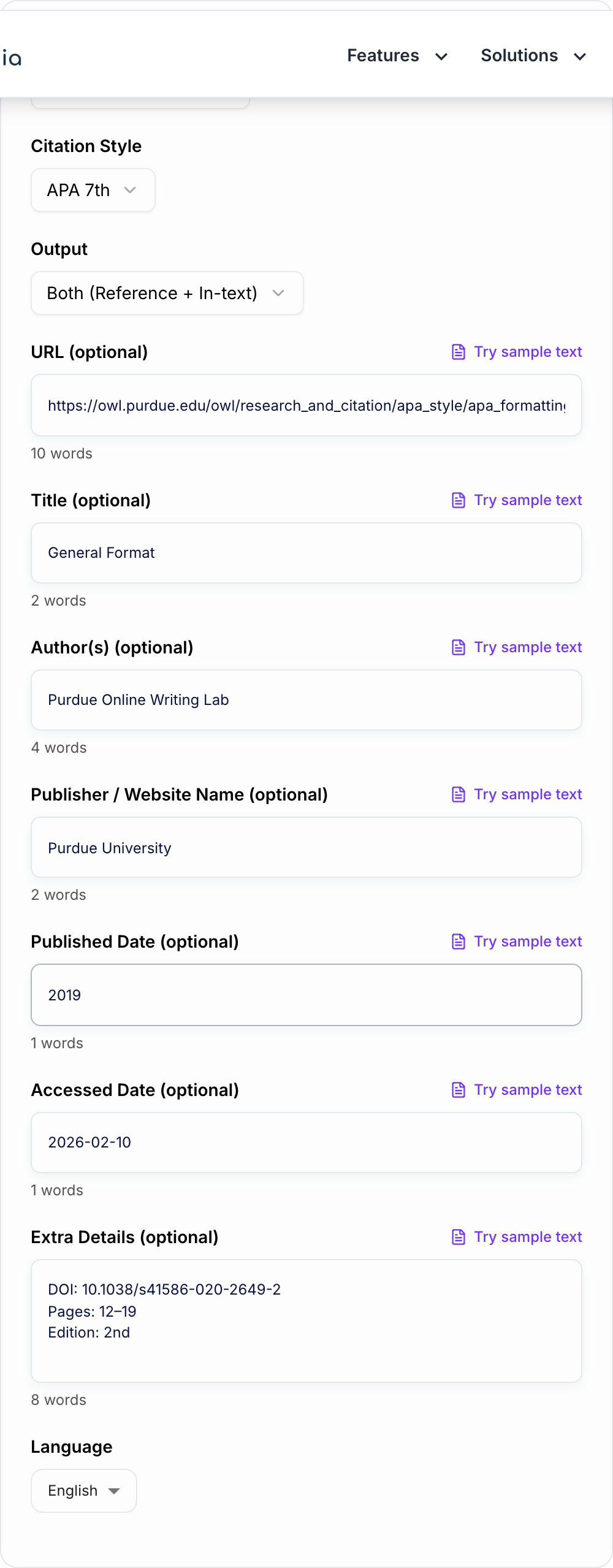
This AI Citation Generator is built for the boring but important part of writing: turning messy source details into clean, copy ready citations in the style your school, journal, or workplace expects.
You pick the style. Add what you know. And you get a formatted reference entry, an in text citation, or both.
What This Citation Generator Can Create
You can generate citations for common source types, including:
- Websites and webpages (with publisher/site name, published date, and accessed date when needed)
- Books (edition, ISBN, publisher, year)
- Journal articles (DOI, volume, issue, page range)
- Newspaper articles
- Videos (YouTube and other platforms)
- Reports and PDFs
- Podcasts
And you can output in:
- APA 7
- MLA 9
- Chicago Notes and Bibliography
- Chicago Author Date
- Harvard
- IEEE
Reference Entry vs In Text Citation (Quick Difference)
A lot of people mix these up, so here is the simple version.
Reference entry (bibliography, Works Cited, reference list)
This is the full citation that appears at the end of your paper.
In text citation
This is the short citation inside the paragraph where you use the source.
Most assignments need both. So if you are not sure, choose Both.
What to Enter for the Best Results
You do not need every field. But the more specific you are, the cleaner the output.
If you are citing a website
Try to include:
- Page title
- Author or organization
- Website name (publisher)
- Published or updated date
- URL
- Access date (sometimes required, especially depending on instructor or style)
If you are citing a journal article
Try to include:
- Authors
- Year
- Article title
- Journal name
- Volume and issue
- Page numbers
- DOI (seriously, use DOI when you have it)
If you are citing a book
Try to include:
- Author(s)
- Year
- Book title
- Edition (if not first)
- Publisher
- ISBN (optional, but helpful when you have multiple similar editions)
Common Citation Mistakes This Tool Helps You Avoid
A few things that trip people up constantly:
- Incorrect author order or formatting for multiple authors
- Missing no date rules (like n.d. in APA)
- Wrong title capitalization (APA vs MLA vs Chicago do not agree here)
- Forgetting italics placement (journal name vs article title, book title vs chapter title)
- Using the wrong date type for webpages (published vs updated vs accessed)
- Punctuation differences that feel tiny but matter a lot in grading rubrics
Mini Examples (So You Know What to Expect)
These are simplified, but this is the general idea.
APA 7 in text citation
- (Doe, 2024)
MLA in text citation
- (Doe)
IEEE in text citation
- [1]
And yes, the reference entry format changes just as much as the in text format, which is why automating it saves so much time.
When You Should Still Double Check the Output
Even with a good generator, it is smart to review your final result when:
- Your instructor uses a custom rule (happens more than you think)
- You are citing something weird like a class handout, internal document, or archival source
- A webpage has no clear author and no date, and the citation might need a manual decision
- You are submitting to a journal with stricter citation requirements than typical coursework
If you are doing a lot of academic writing, it also helps to keep a consistent workflow with the rest of your tools. If you want a full suite of writing and SEO helpers alongside utilities like this one, you can find more at Junia AI.
Quick Workflow for Students and Researchers
If you want the fastest routine that still stays accurate:
- Choose the correct source type first
- Paste the URL if you have it
- Add author, date, publisher, title, and any extras you can find
- Generate Both (reference entry plus in text)
- Paste into your paper, then do a final skim for assignment specific quirks
That is it. Less formatting. More actual writing.
Worked Metadata Audit Before Formatting
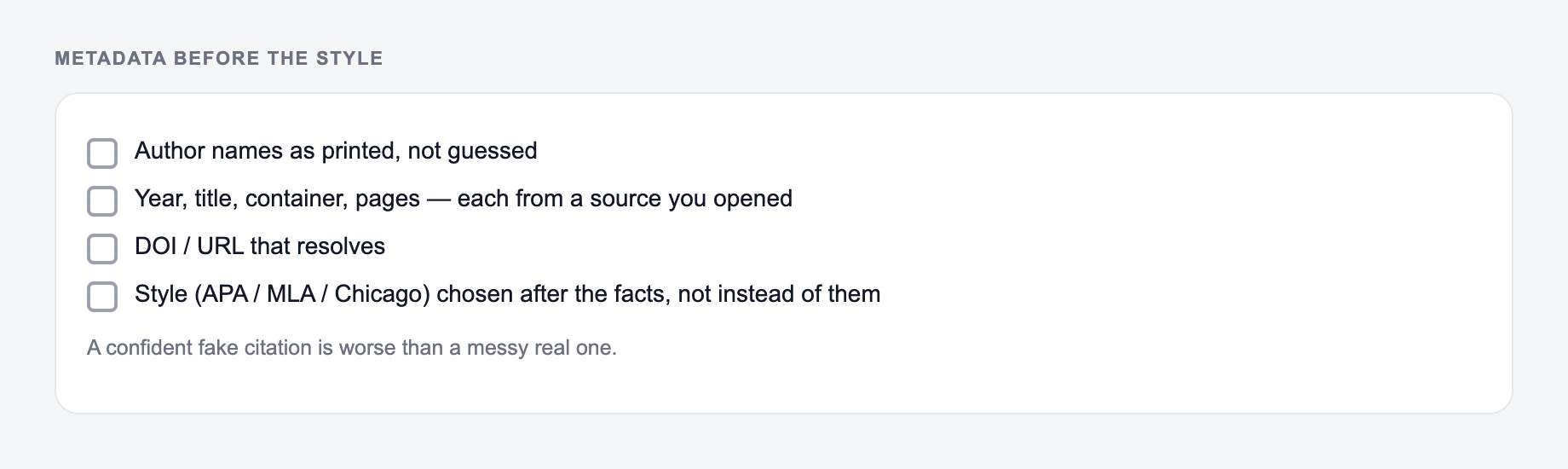
A citation generator can arrange metadata; it cannot reliably decide whether the metadata is correct. For a journal article, compare the landing page and PDF before entering:
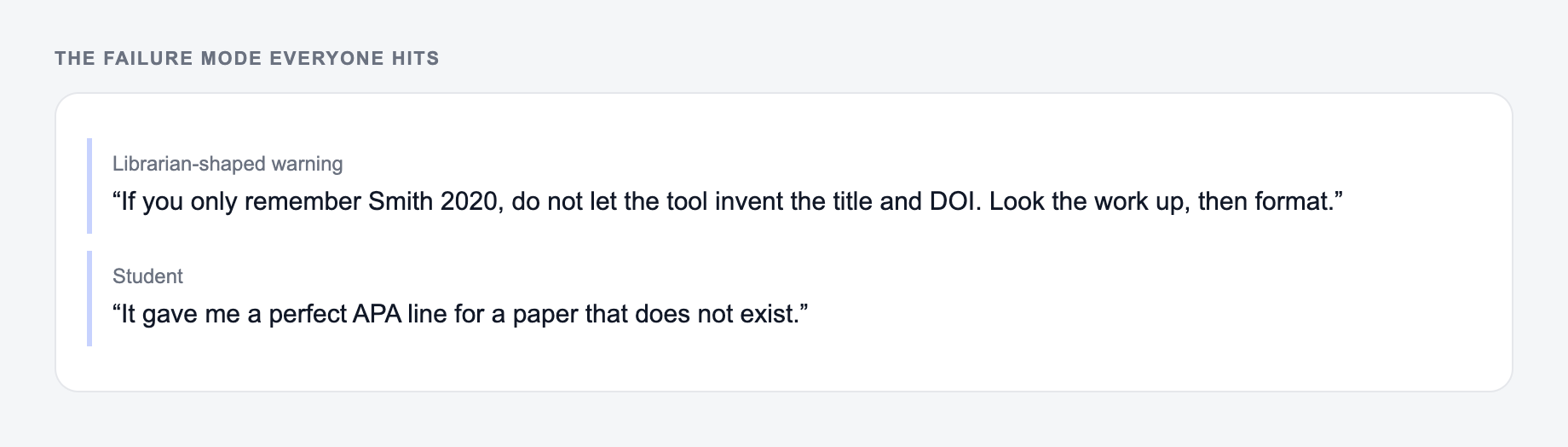
Enter the verified fields first. No generator can guess a correct DOI, so copy it from the publisher's page.
Authors: Ana Ruiz and Malik Chen
Year: 2025
Article title: “Repairing Small Data Pipelines”
Journal: Journal of Applied Data Practice
Volume 8, issue 2, pages 44–61
DOI:10.xxxx/example(placeholder—replace with the verified DOI)
Field-by-field checks: preserve author order and diacritics; use the publication year required by the style; distinguish article title from journal title; confirm volume, issue, and page or article number; resolve the DOI through an official resolver; and check whether the item is a corrected or retracted version. Never cite the placeholder above.
Then compare output against the exact style authority or the instructor/journal guide. Citation styles differ on sentence case, italics, author truncation, access dates, DOI display, and locator syntax. For a quotation, the in-text citation may need a page, paragraph, timestamp, chapter, or section locator that a basic record does not contain. A syntactically polished citation can still point to the wrong source edition.
Frequently Asked Questions
Is this citation generator free to use?+
Yes. You can generate citations for common styles like APA, MLA, Chicago, Harvard, and IEEE for free. Always review your final bibliography for assignment-specific rules.
What citation styles does this tool support?+
It supports APA 7th, MLA 9th, Chicago (Notes & Bibliography), Chicago (Author-Date), Harvard, and IEEE—covering most academic citation requirements.
Can it generate both in-text citations and reference list entries?+
Yes. Choose “Both” to generate an in-text citation plus a full reference/Works Cited entry so you can paste directly into your paper and bibliography.
What if I’m missing information like author or publication date?+
If details are missing, the generator follows common style rules for unknown author, no date (e.g., “n.d.” in APA), and other incomplete-source cases. Provide whatever you have for best accuracy.
Does the tool automatically fetch metadata from a URL?+
Not necessarily. For the most reliable results, paste the URL and add any known metadata (title, author, date, publisher). The tool will format what you provide according to the chosen style.
Will this help me avoid plagiarism?+
Proper citations help you attribute sources correctly and reduce plagiarism risk, but you should also paraphrase responsibly, quote when needed, and follow your institution’s guidelines.