
Free Classroom Jeopardy Generator
Build classroom Jeopardy games tailored to your topic, grade level, and difficulty. Generate categories, point values, review questions, and answer keys for test prep, lesson reviews, team competitions, and interactive retrieval practice.
Classroom Jeopardy Game
Your Jeopardy board (categories, point values, questions, and answers) will appear here...
How the AI Classroom Jeopardy Generator Works
Get results in seconds with a simple workflow.
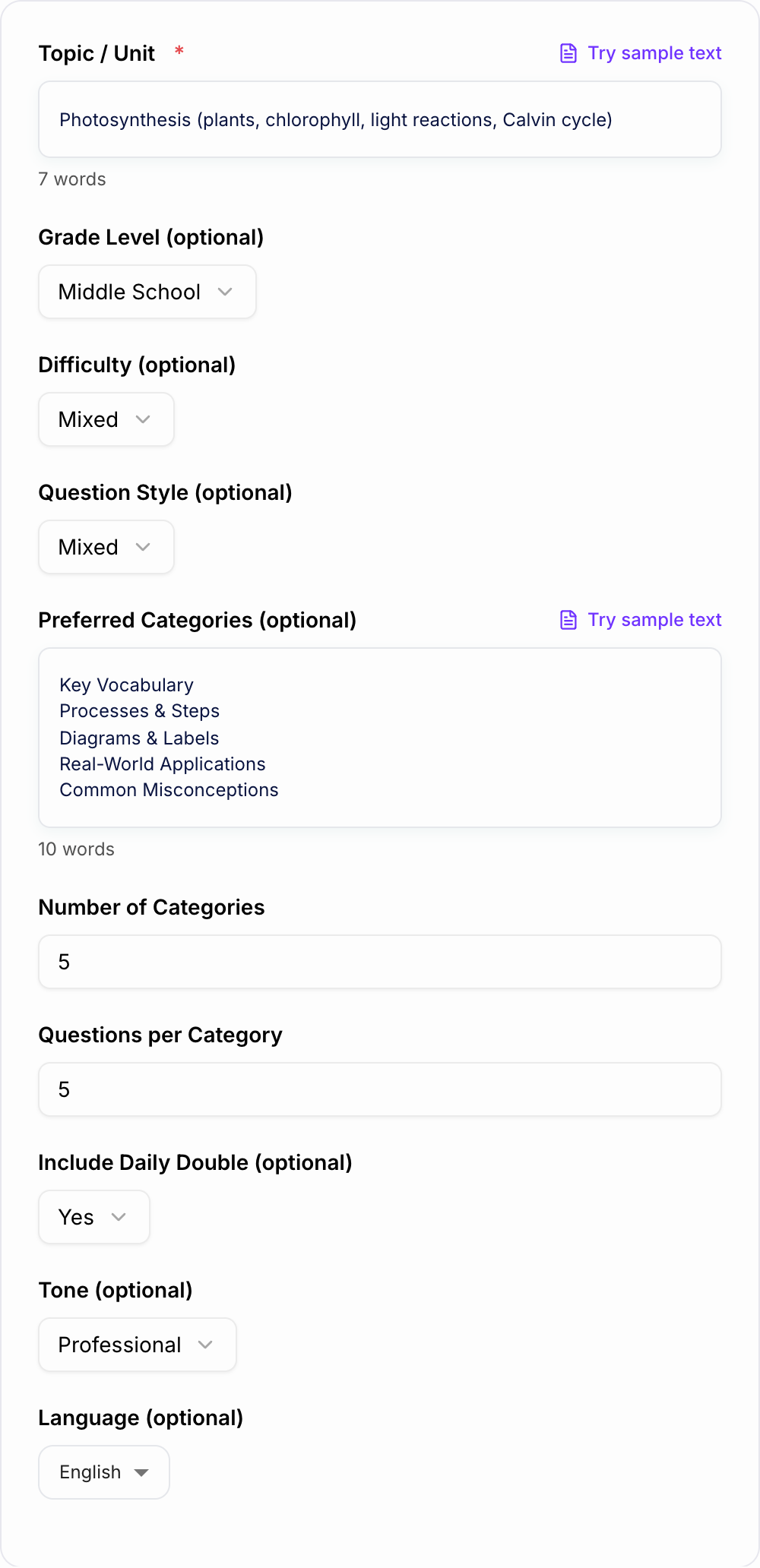
Enter Your Topic (and Optional Categories)
Type the unit/topic you’re reviewing. Optionally add category ideas (e.g., vocabulary, concepts, applications) to match your lesson plan and student needs.
Set Grade Level, Difficulty, and Question Style
Pick the grade level and difficulty to control rigor. Choose short-answer or multiple-choice depending on whether you’re reviewing concepts or doing test-style practice.
Generate and Teach
Get a complete Jeopardy board with questions and an answer key. Copy into a slide template or present directly and run it with teams, points, and a Daily Double.
See It in Action
Example of turning a topic into a complete Classroom Jeopardy review game with categories, point values, questions, and answers.
Topic: Photosynthesis
I need a Jeopardy game for my class.
Title: Classroom Jeopardy — Photosynthesis Review
Categories:
- Key Vocabulary
- Light Reactions
- Calvin Cycle
- Inputs & Outputs
- Applications & Misconceptions
Key Vocabulary (100): What pigment captures light energy for photosynthesis? | Answer: Chlorophyll Key Vocabulary (200): What tiny openings on leaves regulate gas exchange? | Answer: Stomata ... Calvin Cycle (500): In one sentence, explain the main purpose of the Calvin cycle. | Answer: To use ATP and NADPH to fix CO₂ into sugars (G3P) that can form glucose.
Daily Double: Inputs & Outputs (400): Name the two main products of the light reactions that power the Calvin cycle. | Answer: ATP and NADPH
Answer Key: Included for every question.
Why Use Our AI Classroom Jeopardy Generator?
Powered by the latest AI to deliver fast, accurate results.
Instant Jeopardy-Style Review Game (Categories + Point Values)
Generate a complete Classroom Jeopardy board with clear categories, escalating difficulty, and point values—ready for Google Slides, PowerPoint, or a whiteboard review game.
Accurate Questions and Answer Key (Teacher-Ready)
Creates a clean question set with a matching answer key to reduce prep time and support fast, confident facilitation during classroom review sessions.
Grade-Level and Difficulty Control
Customize the Jeopardy questions for elementary, middle school, high school, or college learners with easy, mixed, or hard difficulty for differentiation.
Flexible Question Formats (Short Answer, MCQ, True/False)
Choose question style to match your assessment goals—quick recall, vocabulary checks, conceptual understanding, or test-prep multiple choice practice.
Optional Daily Double + Classroom-Safe Content
Add a Daily Double for engagement while keeping wording student-friendly, age-appropriate, and focused on learning objectives and review outcomes.
Pro Tips for Better Results
Get the most out of the AI Classroom Jeopardy Generator with these expert tips.
Use categories that match your learning targets
For the best review, build categories around your objectives (vocabulary, key processes, problem types, and real-world applications) instead of broad topics.
Escalate difficulty from 100 to 500 intentionally
Keep 100-level questions for recall and definitions, and reserve 400–500 for application, multi-step reasoning, or explaining “why” to reinforce deeper understanding.
Add quick constraints to reduce ambiguity
If multiple answers are possible, specify the expected form (e.g., “Give the term,” “Answer in one sentence,” “Round to the nearest tenth”).
Differentiate by letting teams pick question style
Offer a choice between short answer (more points) and multiple choice (fewer points) to support mixed abilities without lowering engagement.
Turn missed questions into mini-lessons
After revealing the answer, ask students to explain the reasoning or provide an example to reinforce retention and improve test performance.
Who Is This For?
Trusted by millions of students, writers, and professionals worldwide.
Create a Classroom Jeopardy Review Game with an AI Generator
A classroom Jeopardy game works best when the board is more than random trivia. The categories should match the unit, the point values should get harder in a fair way, and the answer key should be clear enough to use while students are competing.
This AI Classroom Jeopardy Generator helps you build that board faster. Enter the topic, grade level, difficulty, and any required vocabulary or standards, then generate categories, point values, questions, and answers you can copy into slides or run directly.
What to enter before generating the game
Check classroom jeopardy generator output against the room you actually have:
- Times, loads, and criteria match what you typed
- Nothing medical, legal, or graded was invented
- You would still own this if a parent or clinician asked
The stronger the input, the better the game board. Include:
- Topic or unit: "photosynthesis", "fractions", "US Constitution", "figurative language"
- Grade or course level: Grade 5, middle school, high school biology, college intro
- Difficulty: easy review, balanced, challenging, or mixed
- Required terms: vocabulary, formulas, dates, concepts, characters, or standards
- Question style: recall, application, compare and contrast, explain why, word problems
- Board size: quick warm-up or full class game
If you already have learning objectives, paste them into the requirements field. They often make the best category structure.
How to choose categories that match the lesson
Broad categories create random questions. Narrower categories create better review.
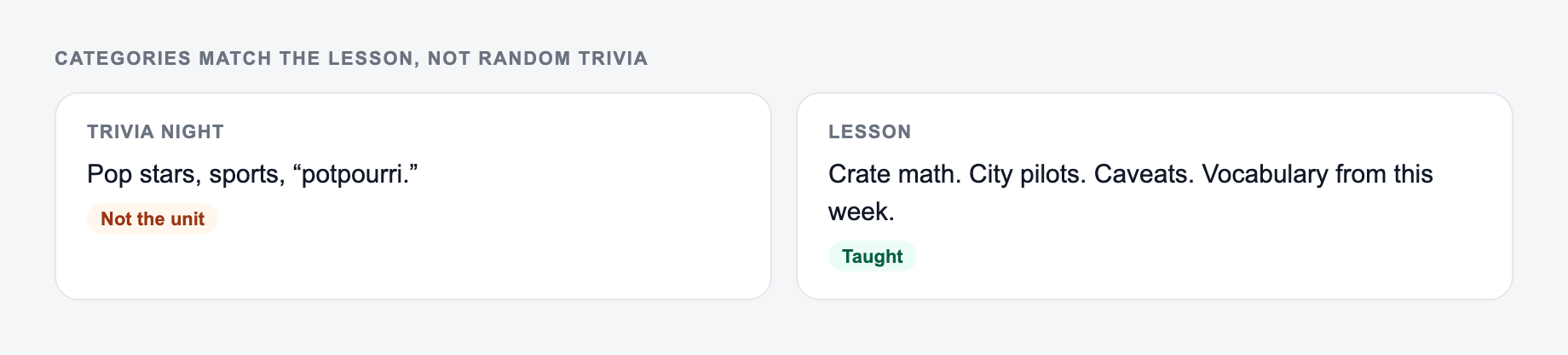
Categories should match what you taught, not a random trivia set.
Use the AI Classroom Jeopardy Generator to get a shape on the page. Then do the slow part: open the source, check the number, and cut unsourced certainty.
If the task is graded, cited, or used with students, the named writer still owns the claims.
A useful five-category structure is:
- Key vocabulary
- Core concepts
- Processes or steps
- Examples and applications
- Common mistakes or misconceptions
For math, you might use computation, word problems, formulas, graphs, and explain why. For ELA, try vocabulary, text evidence, figurative language, theme, and grammar. The goal is to make every column test a different kind of recall or thinking.
How point values should scale
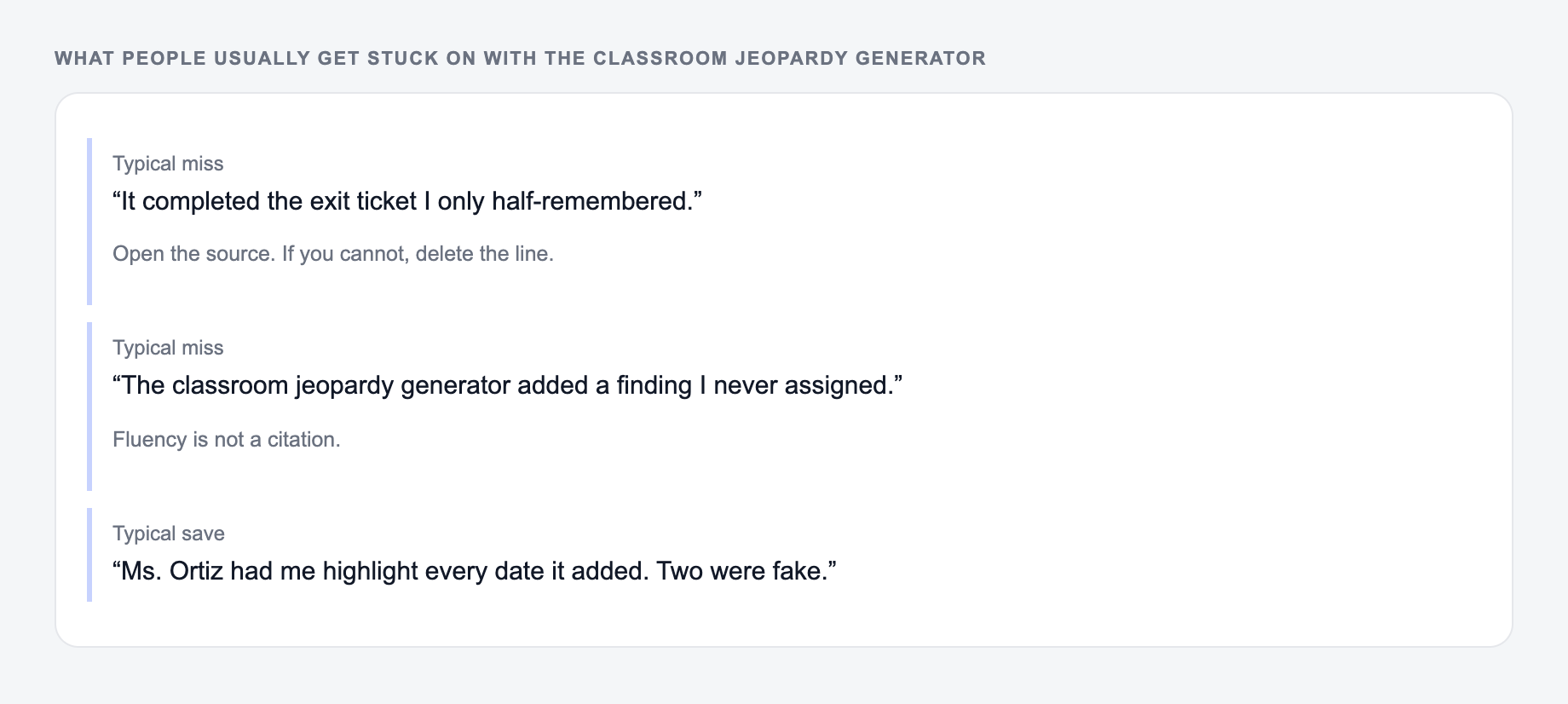
If the output felt generic, it is usually one of these three misses.
Point values should not be arbitrary. Use them to signal cognitive load.
- 100: definition, identify a term, quick recall
- 200: simple example or one-step problem
- 300: explain a concept or compare two ideas
- 400: apply the idea in a new situation
- 500: justify reasoning, analyze, or solve a multi-step prompt
After generating the board, scan the 400 and 500 questions first. Those are where AI-generated classroom games most often need teacher judgment.
Moving the generated board into slides or classroom play
Once the generator gives you categories, questions, and answers, choose the simplest classroom format.
For a polished activity, paste the board into a Google Slides or PowerPoint Jeopardy template. Put the answer key in speaker notes or a separate teacher document.
For a low-prep day, project the generated board and run it teacher-led. That works well for warm-ups, review blocks, and substitute-friendly activities.
If you are making broader lesson materials around the game, Junia AI has other generators that can help turn the same topic into worksheets, study guides, exit tickets, and classroom prompts without rebuilding the context each time.
Teacher review checklist before using the game
Before class, check:
- Are all answers factually correct?
- Do the categories match what students actually learned?
- Are the lowest point questions easy enough to build momentum?
- Are the highest point questions hard without being unfair?
- Is the answer wording clear enough for fast scoring?
- Are any questions too vague, too long, or likely to cause disputes?
The generator gives you the board quickly. A short teacher pass makes it classroom-ready.
Frequently Asked Questions
What is a Classroom Jeopardy generator?+
A Classroom Jeopardy generator creates a Jeopardy-style review game with categories, point values, questions, and answers so teachers can run an interactive review without building everything from scratch.
Can I use this for any subject or grade level?+
Yes. You can generate Jeopardy questions for math, science, ELA, social studies, and world languages across elementary through college levels by setting the topic and grade level.
Does it include an answer key?+
Yes. The output includes answers for every question so you can facilitate quickly and check responses consistently during the game.
How do I make the questions match my curriculum or standards?+
Add your preferred categories and include key concepts in the topic field (e.g., chapter sections, vocabulary lists, or learning objectives). For strict alignment, use a standards/objectives mode if available and paste your objectives into the topic field.
Can I copy this into Google Slides or PowerPoint?+
Yes. Copy the categories and Q&A into your preferred Jeopardy template in Google Slides or PowerPoint, or run it as a teacher-led board on a projector.
How can I keep the game fair and avoid ambiguous answers?+
Choose short-answer or multiple-choice formats for clarity, and quickly scan the output for wording. If a concept has multiple valid answers, edit the question to specify the exact expected response.