
Free Complaint Generator
Create complaint letters and customer service emails that clearly explain the issue, include supporting details, and request a resolution professionally. Useful for refunds, damaged products, billing errors, late deliveries, and service disputes.
Complaint Letter / Email
Your complaint letter will appear here...
How the AI Complaint Letter Generator Works
Get results in seconds with a simple workflow.
Describe the Problem
Paste the key details of what happened (dates, order numbers, billing amounts, service issues). Even rough notes are fine—the tool will organize them into a clear complaint.
Choose a Resolution and Tone
Select the outcome you want (refund, replacement, cancellation, billing fix) and set a tone (polite, firm, etc.) to match the situation and your relationship with the company.
Generate and Send
Get a professional complaint email/letter you can copy, review for accuracy, and send. Save it as documentation for follow-ups if needed.
See It in Action
Turn a rough description into a structured, professional complaint letter that clearly requests a resolution.
Your product arrived broken and nobody is replying. I want my money back. This is ridiculous.
Subject: Request for Refund or Replacement — Damaged Item (Order #AE-19402)
Hello ABC Electronics Support,
I’m writing to report an issue with my recent order (Order #AE-19402). The blender arrived damaged—the pitcher is cracked—so the product is not usable.
Timeline:
- Jan 12: Order placed
- Jan 14: Delivery received (item damaged)
- Jan 15 & Jan 18: I contacted support but have not received a response
Requested resolution: Please arrange a replacement shipment or issue a full refund to the original payment method. If you need photos of the damage or additional details, I can provide them.
Thank you for your help. I’d appreciate an update within the next 5 business days.
Sincerely, [Your Name]
Why Use Our AI Complaint Letter Generator?
Powered by the latest AI to deliver fast, accurate results.
Professional Complaint Letter Structure
Generates a clear complaint letter format with a concise summary, key dates, impact, and a direct request—so customer service teams can quickly understand and act.
Resolution-Focused Requests (Refunds, Replacements, Billing Fixes)
Optimizes your message around a specific desired outcome—refund request, replacement request, subscription cancellation, billing dispute correction, or service remediation.
Firm but Polite Tone Control
Creates complaints that are assertive without being aggressive—improving the chances of a helpful response and avoiding escalation triggers.
Better Clarity for Faster Customer Support Responses
Turns messy notes into a scannable, action-ready complaint email with essential details and a simple timeline—ideal for follow-ups and record keeping.
Multilingual Complaint Messages
Write complaint emails in multiple languages for international purchases, travel issues, deliveries, and cross-border customer support.
Pro Tips for Better Results
Get the most out of the AI Complaint Letter Generator with these expert tips.
Ask for one specific outcome
A clear request (e.g., “refund to original payment method” or “replacement shipped within 5 business days”) reduces back-and-forth and speeds up resolution.
Include a mini timeline
Add dates of purchase, delivery, and previous contact attempts. Customer support teams resolve issues faster when they can see the sequence at a glance.
Stay factual and attach proof
Mention that you can provide receipts, photos, tracking numbers, or screenshots. Keep claims precise and avoid exaggeration for maximum credibility.
Use a reasonable deadline (for follow-ups)
If the issue is time-sensitive, request a response within a reasonable timeframe (e.g., 3–7 business days) and state your next step calmly if unresolved.
Keep identifiers consistent
Use the exact order number, account email, and billing reference so your complaint can be found and processed quickly.
Who Is This For?
Trusted by millions of students, writers, and professionals worldwide.
Write a Clear Complaint Letter with an AI Complaint Generator
A useful complaint letter is not a rant. It is a clear record of what happened, what proof exists, and what resolution you want. When those pieces are easy to find, support teams have fewer reasons to delay or misunderstand the request.
This AI Complaint Letter Generator turns messy notes into a professional complaint email, refund request, billing dispute, or follow-up message. Use it when you need to sound calm, firm, and specific.
What to enter into the complaint generator
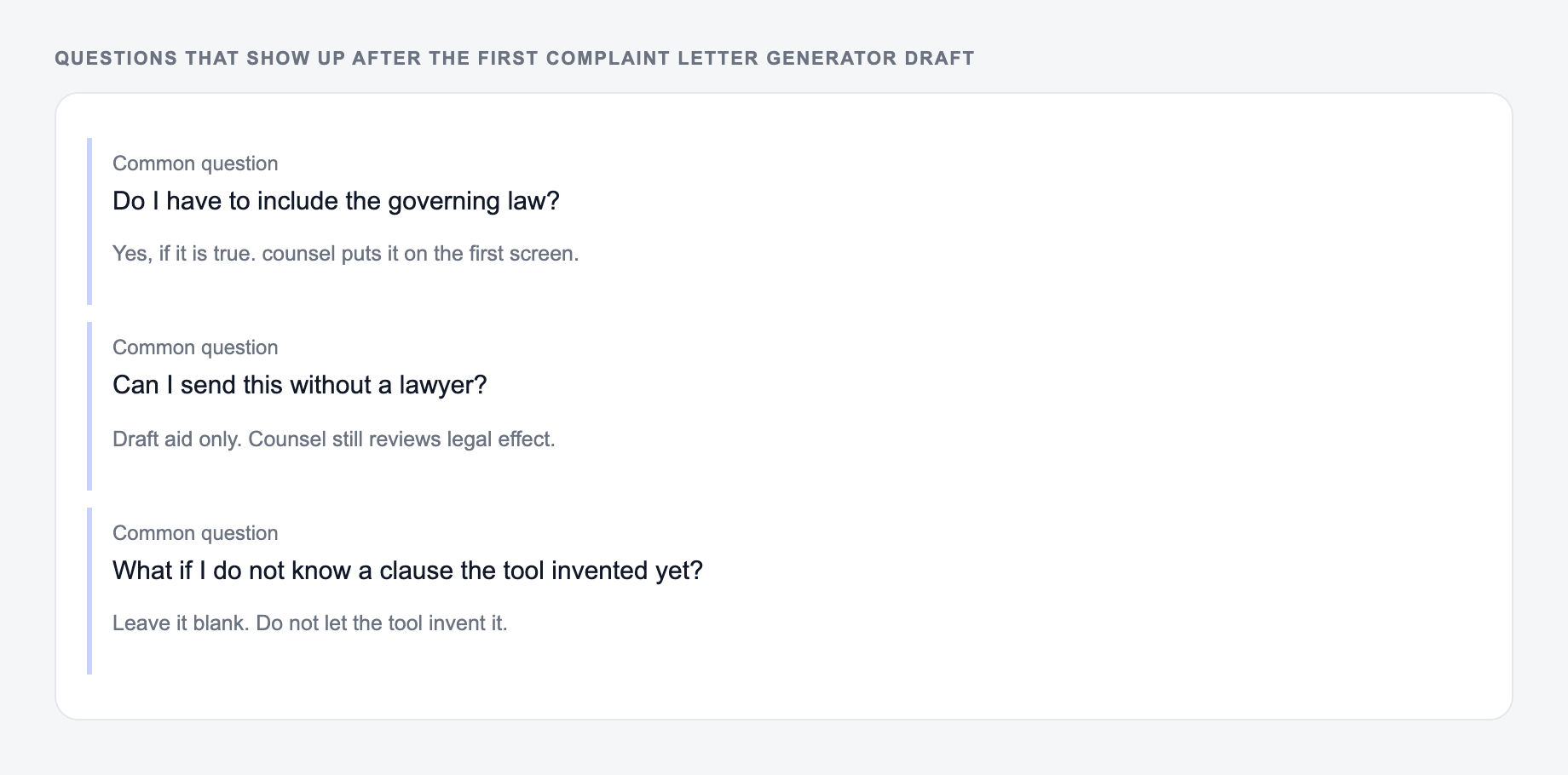
The same three questions show up after people generate once and then stall.
Include the details a support or billing team needs to verify the issue:
- Product, service, account, or order involved
- Date of purchase, delivery, charge, cancellation, or incident
- Order number, invoice number, ticket ID, or account email
- What went wrong
- What you have already tried
- Evidence you can provide, such as photos, receipts, screenshots, or tracking numbers
- The resolution you want
The requested resolution matters. Ask for one primary outcome: refund, replacement, repair, billing correction, cancellation confirmation, credit, or written response.
Choosing the right complaint tone
Use a polite professional tone for the first message. It keeps the complaint easy to route and respond to.
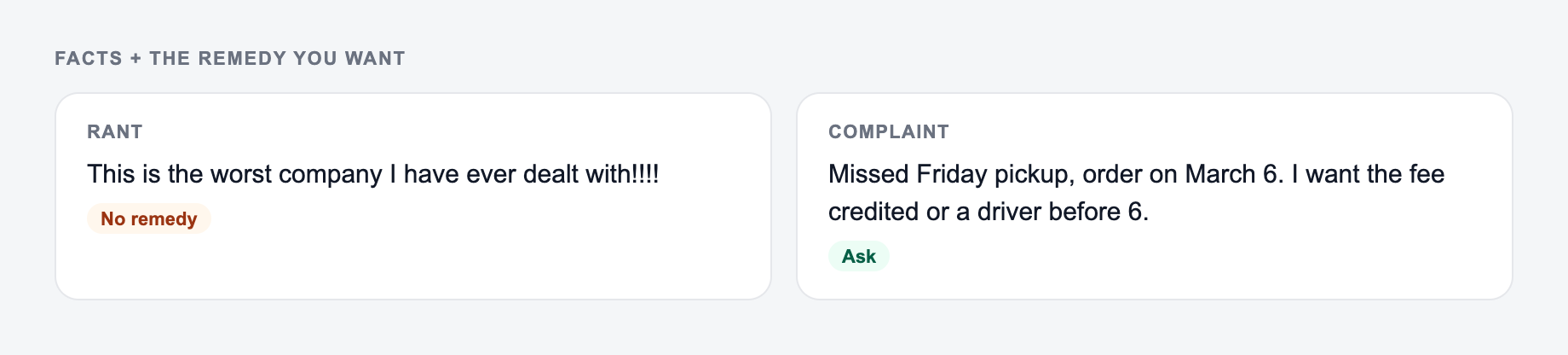
Use a firm tone when you have already contacted support, the deadline has passed, or the company keeps giving incomplete answers.
Use a billing dispute tone when money, invoices, subscriptions, or incorrect charges are involved. Keep it factual and record-like.
Use an escalation tone only when you need to reference prior attempts and set a clear next step. Even then, avoid insults or threats that make the message harder to resolve.
Example input and generated complaint structure
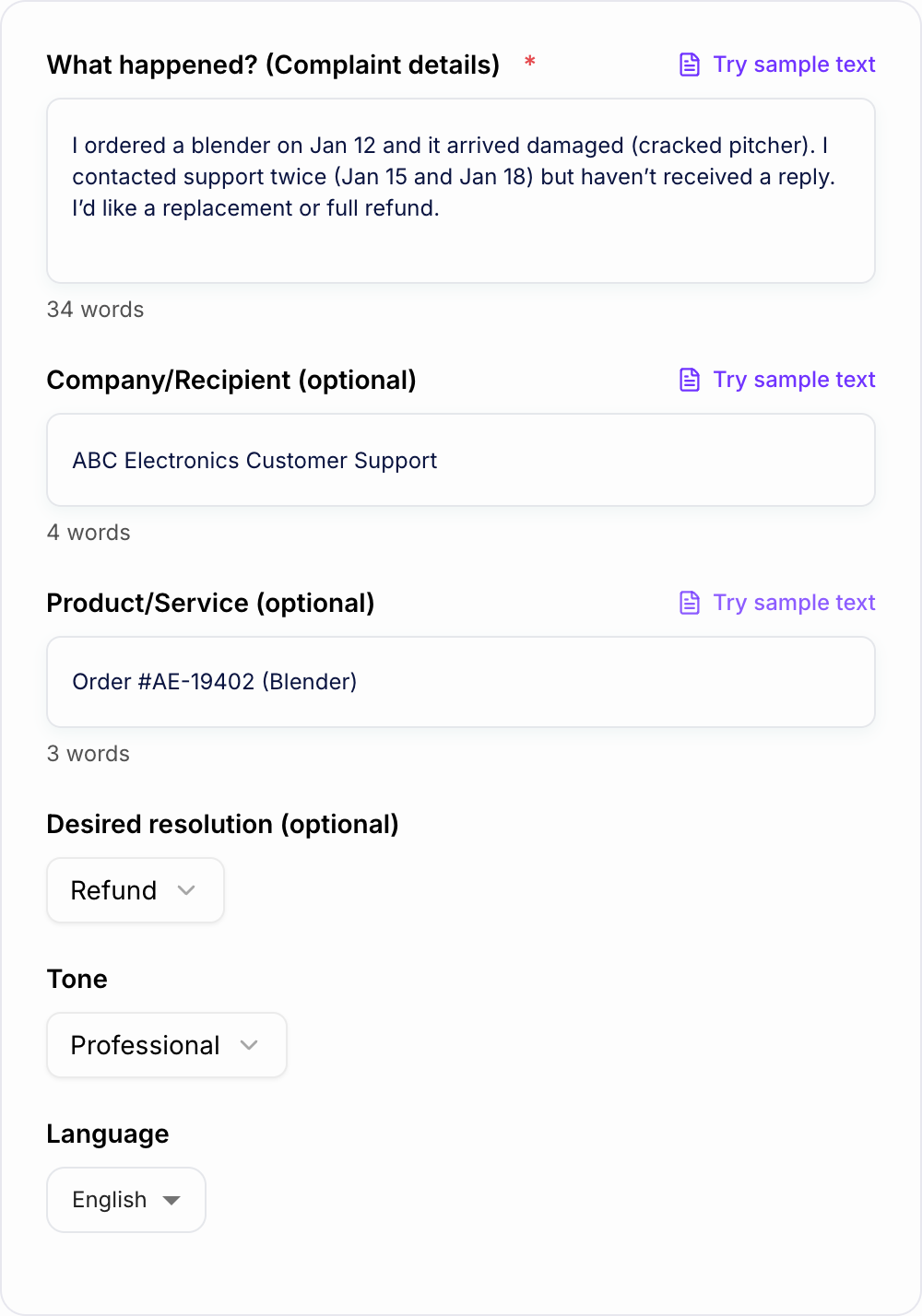
Input:
Dates and the remedy you want belong on the form. Do not invent harm.
Filled example to imitate
A brief the AI Complaint Letter Generator can use: who it is for, where the output will appear, and what must stay true.
Do not send this shape
A one-line request like “run the complaint generator” with no audience, channel, or constraint.
The first version names a date, a deliverable, and a boundary. The second hopes the reader will infer them.
This is a draft aid, not legal, medical, or financial advice.
I ordered two lamps on March 4. One arrived broken on March 8. I emailed support on March 9 with photos and have not heard back. Order #48391. I want a replacement or refund.
A strong generated complaint should include:
- A specific subject line
- A short opening that identifies the order
- A factual description of the issue
- A brief timeline
- A clear requested resolution
- A note about available evidence
- A professional close
That structure makes the message easier for support to act on and easier for you to reference if you need to follow up.
How to review the generated complaint before sending
Before anything leaves the outbox:
- You can point to the number in a spreadsheet or a contract
- You would sign it if your name were the only one on it
- Compensation, legal effect, and medical content had a human pass
Before sending, check every factual detail:
- Dates
- Amounts
- Order numbers
- Ticket IDs
- Product names
- Account email
- Requested resolution
- Attachments or evidence mentioned in the message
Do not let the generator invent policy language, legal claims, or promises from the company. If you need a more formal demand letter or escalation, Junia AI includes related writing tools, but the facts still need to come from your records.
Final checklist before sending
Before you send the complaint, ask:
- Can the recipient understand the issue in the first few lines?
- Did you include the identifier they need to find the account or order?
- Is the requested resolution specific?
- Is the tone firm enough without sounding hostile?
- Did you keep a copy for your records?
The generator helps with structure and wording. Your final accuracy check is what makes the complaint usable.
Frequently Asked Questions
What is a complaint letter generator?+
A complaint letter generator creates a professional complaint email or letter based on your situation. It helps you clearly explain what happened, include key details (dates, order numbers), and request a specific resolution such as a refund, replacement, repair, or billing correction.
Can I use this tool for refund requests and billing disputes?+
Yes. It’s designed for common scenarios like refund request emails, subscription cancellation disputes, unauthorized charges, double billing, and incorrect invoices—while keeping the message factual and easy for support teams to process.
Will the complaint sound rude or overly aggressive?+
No. The tool aims for a firm-but-polite complaint tone by default. You can choose a more direct style if needed, while still staying professional and focused on resolution.
What details should I include for the best results?+
Include what happened, when it happened, any reference info (order number, invoice, dates), what you already tried (support tickets, emails), and what you want them to do next (refund, replacement, cancellation, etc.).
Can I generate complaints in other languages?+
Yes. Choose your output language to generate a complaint letter that’s suitable for international customer support, travel issues, and cross-border purchases.
Is this a legal letter?+
No. This tool generates a customer complaint letter or email for communication and documentation. If you need legal advice or formal legal notices, consult a qualified professional in your jurisdiction.