
Free Content Calendar Generator
Use the AI Content Calendar Generator to plan blog posts, SEO topic clusters, social campaigns, and editorial schedules. Enter your niche, audience, goals, cadence, and seed keywords to generate a practical publishing plan with titles, dates, intent, brief notes, and internal linking ideas.
Content Calendar
Your SEO content calendar will appear here...
How the AI Content Calendar Generator Works
Get results in seconds with a simple workflow.
Enter Your Niche (and Optional Seeds)
Add your niche/industry and optionally seed keywords, audience, and competitors. This helps the calendar match your market, terminology, and search intent.
Choose Cadence, Duration, and Goals
Pick how often you want to publish and for how long. Set a goal (SEO traffic, leads, sales, authority) to shape topic selection and content angles.
Generate and Customize Your Calendar
Get a complete calendar with titles, keywords, intent, and brief notes. Then prioritize high-impact topics, refine based on your products and expertise, and start publishing.
See It in Action
Example of turning a broad niche into a structured, SEO-focused content calendar with topic clusters, intent, and keywords.
Niche: Customer support software Cadence: 2 posts/week Duration: 8 weeks Goal: Organic traffic
Week 1
- Post 1 (Informational): "What Is Help Desk Software? (Features, Use Cases, and Examples)" Primary keyword: help desk software Brief: define category, key features, who it’s for, evaluation checklist Internal links: link to "Help desk vs service desk" + "Customer support metrics"
- Post 2 (Informational): "Customer Support Metrics That Actually Matter (With Benchmarks to Track)" Primary keyword: customer support metrics Brief: KPIs, how to measure, reporting cadence, common mistakes
Week 2
- Post 3 (Commercial): "Help Desk vs Service Desk: Differences, Use Cases, and Which You Need" Primary keyword: help desk vs service desk Brief: definitions, comparison table, scenarios, decision framework
- Post 4 (Informational): "How to Reduce Support Tickets: 15 Proven Tactics (Automation + Self-Serve)" Primary keyword: reduce support tickets Brief: automation ideas, knowledge base strategy, in-app guidance, workflows
... (continues through Week 8 with a pillar page + supporting cluster articles, intent labels, and internal linking notes)
Why Use Our AI Content Calendar Generator?
Powered by the latest AI to deliver fast, accurate results.
SEO Content Calendar with Topics, Keywords, and Intent
Generates a structured content calendar with working titles, primary keywords, secondary keyword ideas, and search intent so you can plan content that targets real queries and ranks.
Topic Cluster Planning for Topical Authority
Builds pillar-and-cluster style content plans with internal linking recommendations to help search engines understand your site structure and improve organic visibility.
Publish Schedule Matched to Your Cadence
Creates a realistic publishing schedule based on your weekly cadence and duration, helping you maintain consistency—one of the biggest drivers of long-term SEO growth.
Content Brief Elements for Faster Writing
Adds lightweight brief components (angle, H2 ideas, FAQs, and key talking points) to reduce blank-page time and speed up content production.
Goal-Driven Topic Selection (Traffic, Leads, Sales)
Adapts topics to your primary goal—informational content for traffic, comparison and alternative posts for commercial intent, and BOFU pages for conversions.
Pro Tips for Better Results
Get the most out of the AI Content Calendar Generator with these expert tips.
Prioritize low-competition, high-intent topics early
Start with long-tail informational queries and pain-point keywords to win faster. Mix in a few commercial intent posts (comparisons, alternatives, best-of) as your site gains authority.
Build clusters around one clear pillar page
Choose 1–3 pillar topics and create supporting articles that answer sub-questions. Link cluster posts to the pillar and back to strengthen topical relevance and internal linking.
Refresh the calendar using Search Console data
After 2–4 weeks of publishing, review impressions and queries in Google Search Console. Update titles, add sections for missing subtopics, and expand FAQs to capture long-tail searches.
Use consistent templates to scale content production
Standardize your structure (intro, H2 sections, examples, FAQ, conclusion). Templates reduce time-to-publish and make your content feel cohesive across the site.
Plan internal links before writing
Add a simple rule: each new post links to 2–5 related posts and 1 pillar page. Internal linking improves crawl paths and helps distribute authority to important pages.
Who Is This For?
Trusted by millions of students, writers, and professionals worldwide.
Generate an SEO Content Calendar with an AI Content Calendar Generator
A useful content calendar is more than a list of publish dates. It connects topics, keywords, search intent, funnel stage, internal links, and ownership so each post has a reason to exist.
This AI Content Calendar Generator helps you turn a niche, audience, goal, cadence, and seed keyword list into a practical publishing plan. The output gives you a strategic first draft, then you decide what to keep, cut, assign, and brief.
What to enter into the Content Calendar Generator
Start with a specific niche and audience. "Marketing" is too broad. "SEO content planning for B2B SaaS teams" gives the generator a real direction.
Then add:
- your content goal, such as traffic, leads, product education, launch support, or retention
- your desired timeframe, such as 4, 8, or 12 weeks
- your publishing cadence
- seed keywords or product themes
- pillar pages, product pages, or campaigns the content should support
The more context you provide, the less cleanup the calendar needs later.
How to choose the right calendar mode
Use SEO calendar mode when rankings and organic traffic matter. This mode should include keyword themes, intent labels, cluster notes, and internal linking targets.
Use blog calendar mode when you mainly need article ideas and a realistic editorial rhythm. Use social calendar mode for channel-specific posts, formats, and themes. Use campaign calendar mode when content needs to support a launch, event, promotion, or seasonal push.
If you are planning organic growth, start with SEO mode even if you also publish on social. Search intent and internal links are easier to preserve when they are planned before writing begins.
Review the generated calendar before assigning work
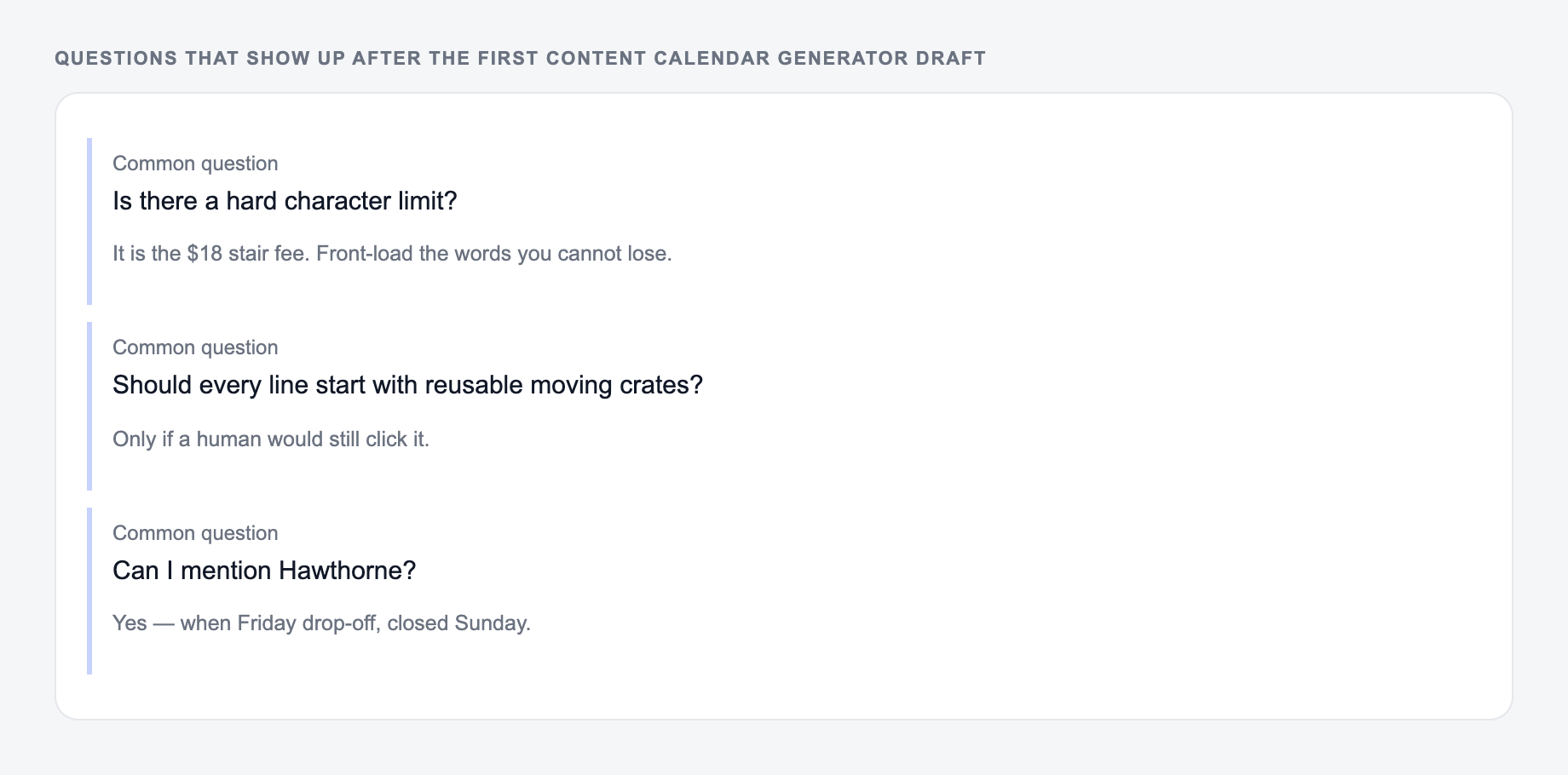
Answer these before you generate a second batch. A reroll will not fix a vague brief.
Do not publish every generated topic automatically. First, prune the calendar with a simple review:
- Does each topic match your audience and expertise?
- Does the keyword intent match the proposed format?
- Does the calendar include TOFU, MOFU, and BOFU topics?
- Does every post support a pillar page, product page, or campaign?
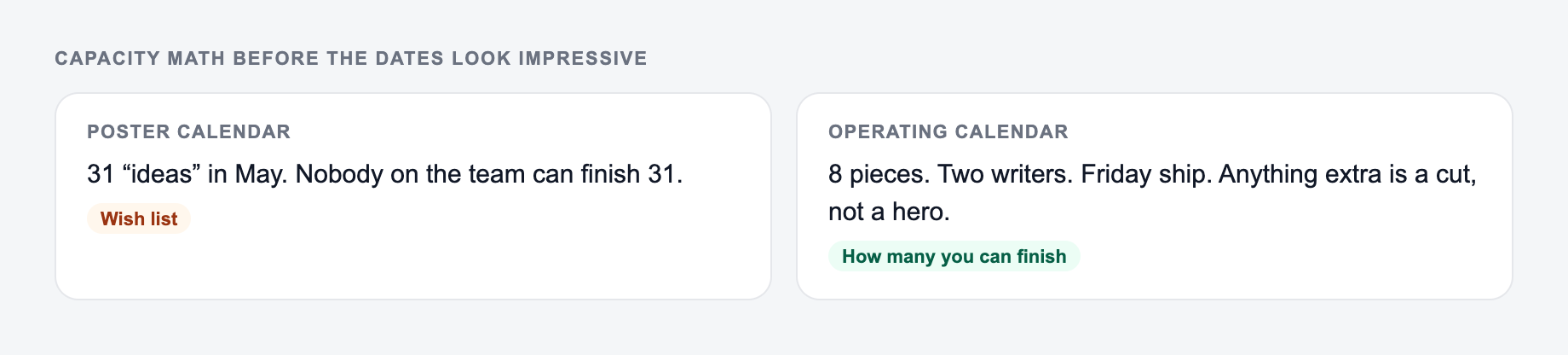
- Is the cadence realistic for your team?
The best calendar is one your team can actually execute. A realistic 8-week plan beats a crowded 90-day plan that stalls after two weeks.
Turning calendar entries into content workflows
Once the calendar looks right, convert priority entries into briefs. Start with an AI keyword research tool for the highest-value topics, then create outlines and briefs before drafting.
If you publish at scale with AI autoblogging software, map each scheduled post to a repeatable workflow: keyword validation, outline, draft, edit, internal links, and performance review. A clear AI autoblogging workflow keeps the calendar connected to production instead of leaving it as a planning document.
After publication, use an AI internal linking tool so new posts do not sit alone. The internal link plan should start in the calendar, but it still needs a final pass once URLs are live.
Limitations to keep next to the output:
Final checklist before using the calendar
A generated content calendar is ready when each entry has a purpose, not just a date. Check that priority topics have a keyword, intent, funnel stage, target page, CTA, and brief note. If a topic has no clear audience or business reason, cut it or rewrite the angle before assigning it.
Capacity Math Before the Dates Look Impressive
A calendar with 16 posts is not a plan if the team can ship four. After generating, run a capacity pass:
The form should state how many pieces you can actually finish, not how many dates you wish you had.
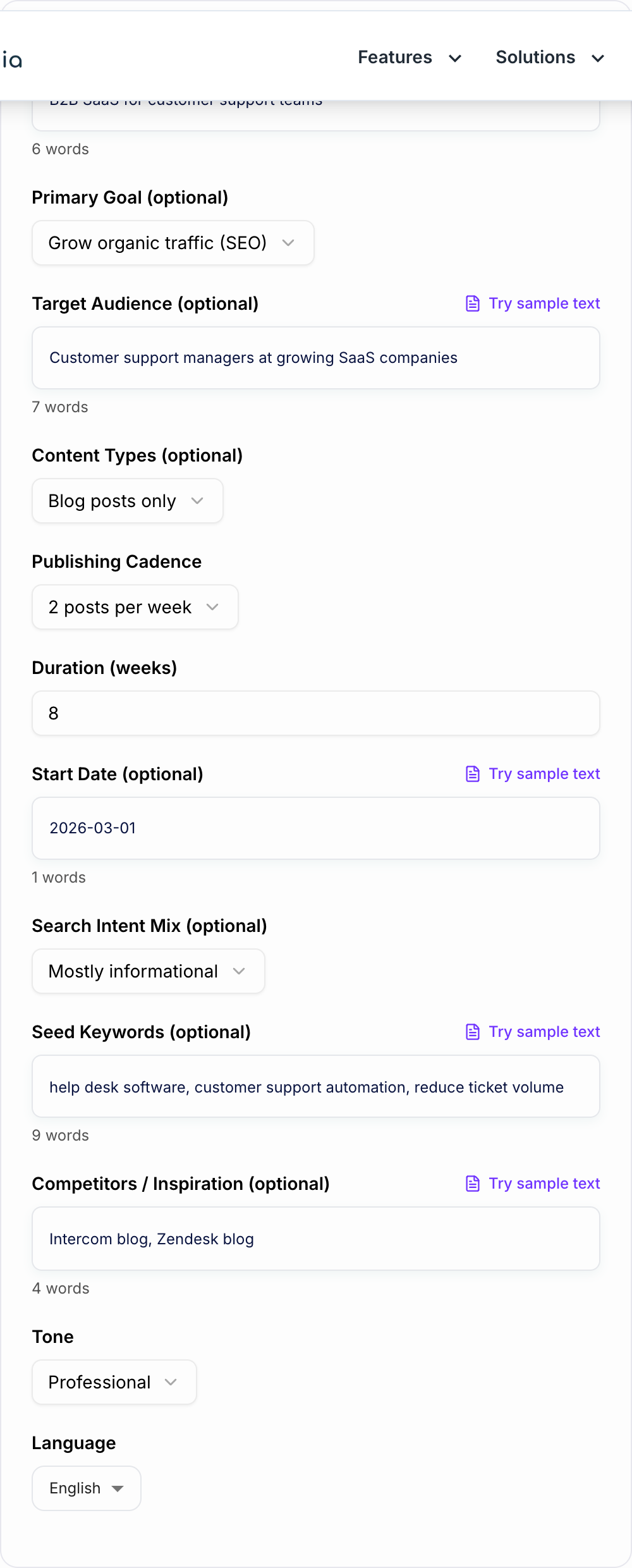
Before you lock the content calendar generator plan:
- Owners can take the week you assigned
- No publish date you cannot keep
- Recurring work is on the calendar, not wished away
A useful SERP-shaped check (not a live Google capture): title, URL path, and one line a searcher would believe after the click.
- Hours per asset type (brief, draft, edit, design, publish)
- Owners who can actually take the week
- Recurring work that already occupies those people
- Pages that would cannibalize an existing URL
Worked month for a two-person B2B blog: one pillar, two supporting posts, one refresh, and one newsletter. If the generator also scheduled four listicles on overlapping keywords, merge or cut them. Put the primary keyword, target URL, funnel stage, and CTA on every remaining row. Empty “TBD keyword” rows are backlog, not calendar.
Frequently Asked Questions
Is this content calendar generator free?+
Yes. You can generate an SEO content calendar for free. Some advanced modes (like content refresh plans or blog + social support) may be marked as premium.
Will the calendar include keywords and search intent?+
Yes. The output includes a primary keyword (or keyword theme) and a search intent label for each content item to help you match what searchers want and improve ranking potential.
Can it create topic clusters (pillar pages and supporting posts)?+
Yes. Use the SEO Topic Clusters mode to generate a pillar-and-cluster plan with internal linking suggestions designed to build topical authority.
How many weeks should my content calendar cover?+
If you’re starting out, 8–12 weeks is a practical range. It’s long enough to build momentum and short enough to adjust based on Google Search Console data and early performance.
Do I need seed keywords to use this tool?+
No. Seed keywords are optional. If you don’t provide any, the tool will infer keyword themes from your niche and goal, then propose realistic topic ideas and related keywords.
How do I turn this calendar into publish-ready content?+
Use each calendar item as a brief: finalize the title, confirm keyword intent, add internal/external links, then draft the article. You can also generate outlines or drafts with related tools like a blog post generator or content brief generator.