
Free Contract Generator
Generate professional agreement drafts for freelance work, consulting, services, NDAs, partnerships, and business arrangements. Add project scope, payment terms, deliverables, timelines, intellectual property clauses, and termination conditions in one structured contract.
Contract Draft
Your contract draft will appear here...
How the AI Contract Generator Works
Get results in seconds with a simple workflow.
Choose a Contract Type
Select the agreement you need—service agreement, freelance contract, consulting agreement, or NDA—so the clauses match your use case and risk profile.
Add Scope and Key Terms
Enter the scope of work or purpose (required). Optionally add party names, payment terms, timeline, jurisdiction, confidentiality, and IP ownership preferences.
Generate, Review, and Customize
Get a structured contract draft with clear sections and signature blocks. Review for accuracy, fill placeholders, and consider legal review before signing.
See It in Action
Turn a simple project note into a structured contract draft with clear scope, payment, and legal clauses.
I’m doing SEO consulting for a client for $1,500/month. I’ll do keyword research, on-page recommendations, and a content plan. 3-month term.
CONSULTING AGREEMENT (DRAFT)
This Consulting Agreement (the “Agreement”) is entered into as of [Effective Date] by and between [Party A] (“Consultant”) and [Party B] (“Client”).
-
Services. Consultant will provide SEO consulting services including (a) keyword research, (b) on-page SEO recommendations, and (c) a content plan for eight (8) blog posts (collectively, the “Services”).
-
Term. The initial term will be three (3) months beginning on the Effective Date, unless terminated earlier in accordance with this Agreement.
-
Fees and Payment. Client will pay Consultant $1,500 per month, billed monthly in advance. Payment is due within seven (7) days of invoice date.
-
Deliverables and Client Responsibilities. Client will provide timely access to analytics, CMS, and relevant materials needed to perform the Services.
-
Confidentiality. Each party will keep the other party’s Confidential Information confidential and use it only to perform obligations under this Agreement.
-
Intellectual Property. Upon full payment, Client will own the final deliverables specifically created for Client under this Agreement. Consultant retains ownership of pre-existing materials and general know-how.
-
Limitation of Liability. To the maximum extent permitted by law, neither party will be liable for indirect or consequential damages.
-
Termination. Either party may terminate with [X] days’ written notice. Client will pay for Services performed through the termination date.
-
Governing Law. This Agreement will be governed by the laws of [Jurisdiction].
SIGNATURES [Party A] ____________________ Date: ____ [Party B] ____________________ Date: ____
Why Use Our AI Contract Generator?
Powered by the latest AI to deliver fast, accurate results.
Contract Templates for Common Business Agreements
Generate a service agreement, freelance contract, consulting agreement, or NDA with practical clauses businesses actually use—scope, payment, term, confidentiality, IP ownership, limitation of liability, and termination.
Customizable Clauses for Scope, Payment, and Deliverables
Turn your scope of work into clear contract language that reduces disputes. Add payment schedule, milestones, late fees (optional), acceptance criteria, and change-request terms to protect both parties.
IP, Confidentiality, and Ownership Options
Choose ownership defaults (client owns after payment, license model, or work-made-for-hire style) and include confidentiality terms to safeguard sensitive business information and deliverables.
Clean, Copy-Paste Ready Contract Format
Outputs a structured agreement with numbered sections, defined terms, signature blocks, and placeholders you can edit—ideal for Google Docs, Word, Notion, or PDF workflows.
Plain-English, Professional Drafting
Creates contracts that are readable and professional, avoiding unnecessary legalese while maintaining common contract structure and risk-reducing clauses.
Pro Tips for Better Results
Get the most out of the AI Contract Generator with these expert tips.
Be specific about deliverables and acceptance criteria
Define what “done” means (files delivered, live URL, approvals) and include a simple acceptance window. Clear acceptance terms reduce disputes and improve project flow.
Prevent scope creep with a change-request clause
Add language for how new requests are handled (written approval, updated estimate, additional fees). This is one of the most useful clauses for freelancers and agencies.
Match IP ownership to how you sell your work
If you want the client to own deliverables, tie ownership to full payment. If you sell templates or reusable assets, consider a license model and clear restrictions.
Include confidentiality when sharing sensitive info
If you’ll exchange client data, credentials, strategies, or proprietary processes, confidentiality terms help define what is protected and how it must be handled.
Use plain language, then get legal review for high-stakes deals
This generator is ideal for fast drafts. For higher-value contracts or regulated industries, have counsel review the final version for your jurisdiction.
Who Is This For?
Trusted by millions of students, writers, and professionals worldwide.
Create Contract Drafts with an AI Contract Generator
A contract generator is useful when you already know the deal terms but need them organized into a clearer draft. This AI Contract Generator turns parties, scope, payment, timelines, ownership, confidentiality, and termination details into a structured agreement you can review.
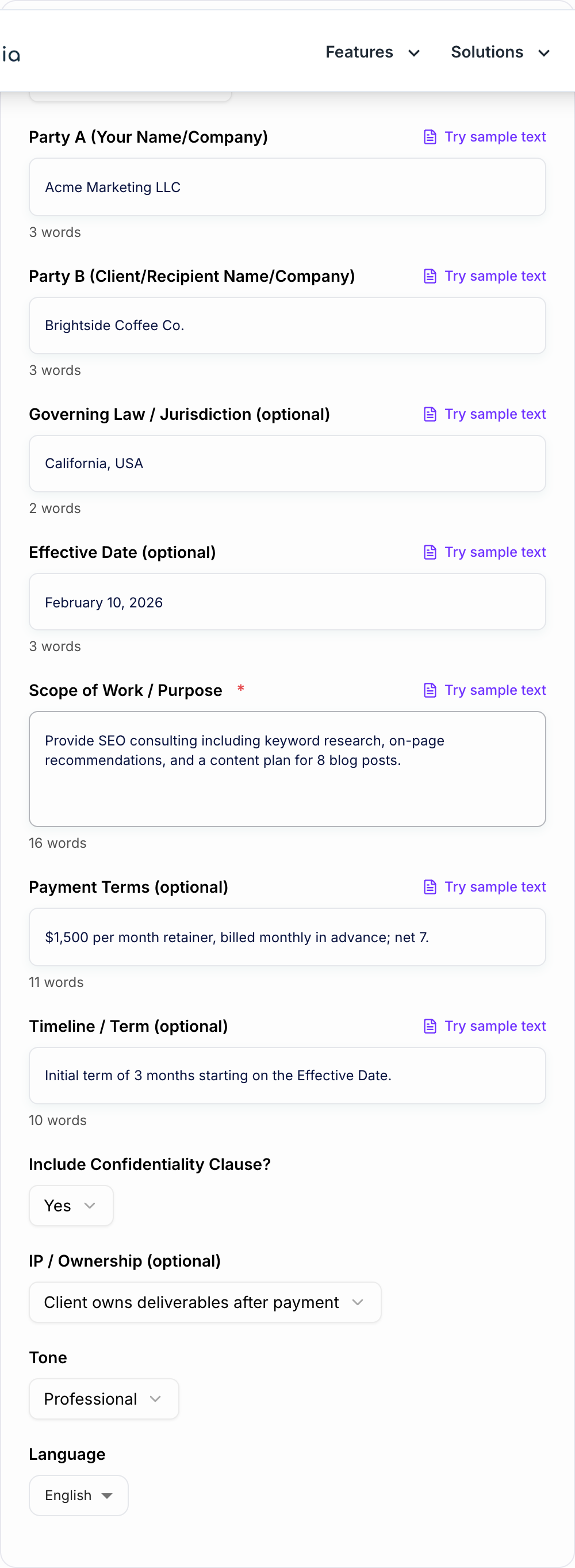
It is not a replacement for legal advice. Use the generated contract as a first draft, then verify the business terms and get qualified legal review for high-value, regulated, unusual, or jurisdiction-sensitive agreements.
What to enter into the Contract Generator
The quality of the draft depends on the specificity of your inputs. Do not enter only "SEO consulting" or "NDA." Add the terms someone would need if they were not in the kickoff call.
For a service agreement, include:
- legal names of the parties
- deliverables and exclusions
- client responsibilities and dependencies
- revision or approval process
- timeline, milestones, or term
- payment amount, invoice timing, and due date
- IP ownership or license terms
- confidentiality needs
- termination notice
- governing law if known
A checklist-style scope usually produces better contract language than a long vague paragraph.
How to choose the right contract mode
Use service agreement mode for freelance, agency, client, and project work. Use consulting mode when the work is advisory and may include calls, recommendations, reports, or strategy deliverables.
Use NDA mode when the main purpose is confidentiality. In that case, define what counts as confidential information, what is excluded, who can receive the information, and how long the obligation lasts.
Use simple contract mode for straightforward agreements where plain language matters more than dense legal formatting.
Review the generated contract before sending
Before you share or sign the generated draft, check every clause against the actual deal. Pay special attention to:
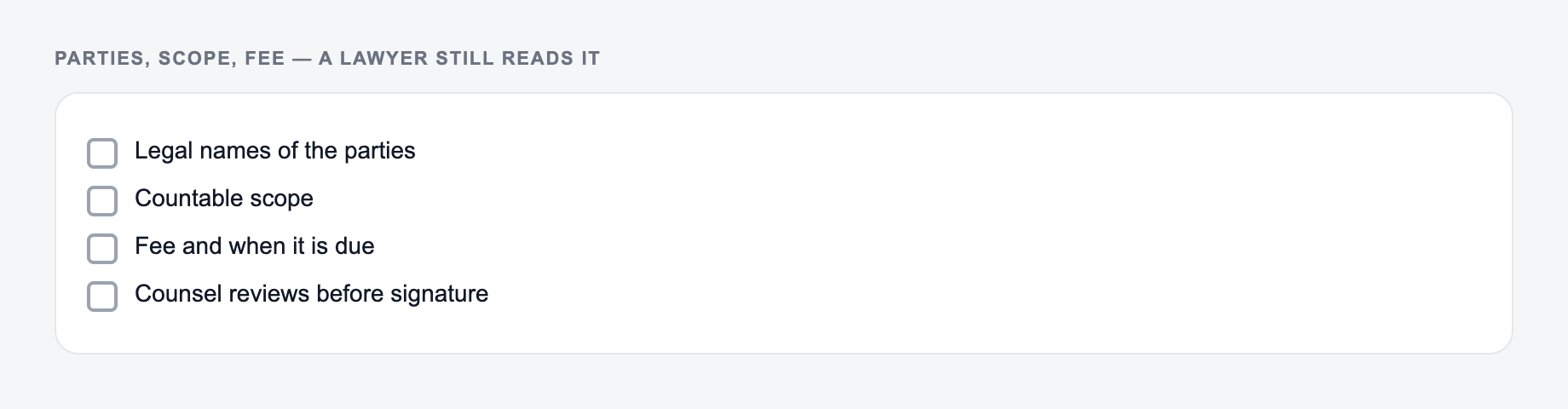
Parties, scope, and fee belong on the form. A lawyer still has to review the draft.
Section order that readers actually scan:
- The ask or the decision.
- The facts that make it true.
- What is out of scope.
- The date they must answer.
This is a draft aid, not legal, medical, or financial advice.
- whether the scope is clear enough to prevent scope creep
- whether payment timing is tied to invoices, milestones, or dates
- whether IP ownership transfers only after full payment if that is your intent
- whether confidentiality terms are usable and not overly broad
- whether termination explains final payment, handoff, and survival clauses
- whether governing law and signature blocks are complete
If anything is unclear, rewrite the business term in plain language first, then regenerate or edit the clause.
When to involve a lawyer
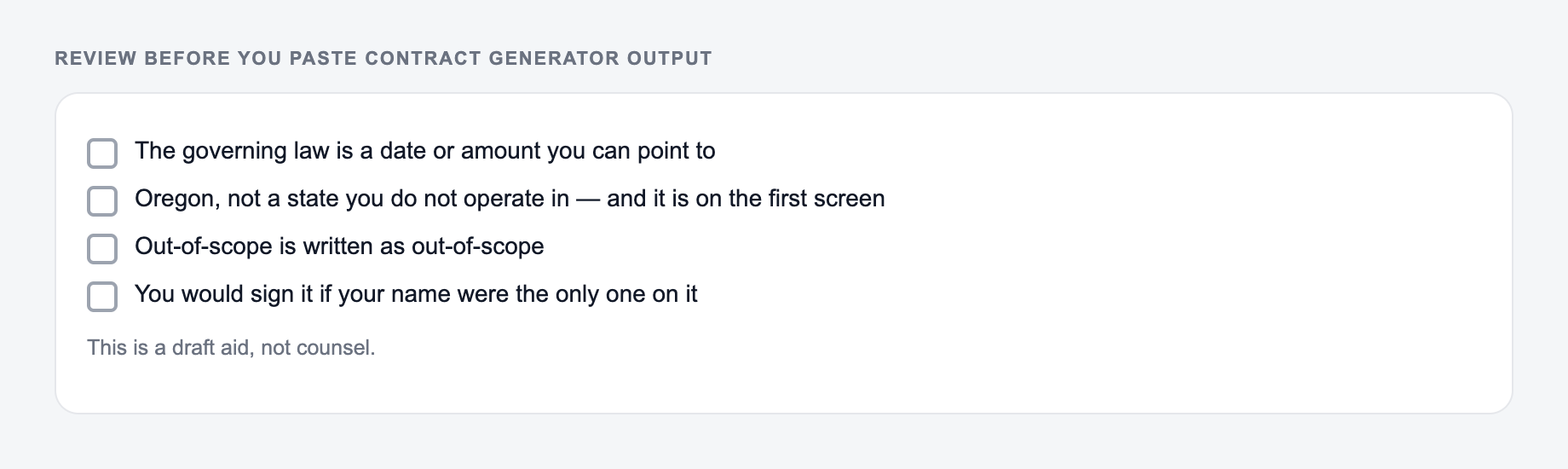
Tick these before the output leaves your machine. A fluent miss is still a miss.
Use the AI contract generator to get from loose terms to a reviewable draft quickly. Involve a lawyer before relying on the contract for large amounts, employment issues, regulated industries, international deals, complex IP, equity, financing, data processing, or unusual liability terms.
If you are preparing related business documents in Junia's AI writing platform, keep the terms consistent across proposals, scopes of work, emails, and the final contract. Conflicting language across documents is one of the easiest ways to create confusion.
Filled shape to imitate
The ask, the date, the deliverable, and the thing you will not promise — in that order. If the draft buries the uncomfortable sentence, put it back on the first screen.
Final checklist for a stronger contract draft
A generated contract is ready for review when it names the parties, explains the work, defines payment, assigns ownership, handles confidentiality, gives both sides an exit path, and includes signatures. If a clause would make you ask "what does this mean in practice?" rewrite it before sending.
Frequently Asked Questions
Is this contract generator free to use?+
Yes. You can generate contract drafts for common agreements for free. Some advanced templates or modes may be marked as premium.
Are the generated contracts legally binding?+
A contract can be binding if it meets legal requirements and is properly executed, but this tool provides a draft template. You should review, customize, and (when appropriate) have a qualified attorney review the final agreement for your jurisdiction and situation.
Can I generate an NDA (non-disclosure agreement)?+
Yes. Choose the NDA option to generate a confidentiality agreement with standard sections like definitions, exclusions, permitted disclosures, term, remedies, and governing law placeholders.
How do I describe the scope of work for the best contract draft?+
Include deliverables, what’s included/excluded, timelines, number of revisions, dependencies (client provides access/content), and acceptance criteria. Clear scope language helps prevent misunderstandings and scope creep.
Can I include payment terms like deposits, milestones, and late fees?+
Yes. Add your payment terms (deposit, milestone schedule, net terms). You can also edit the final draft to include late fees, expenses, and invoicing details as needed.
Does the tool support different languages and tones?+
Yes. Select an output language and tone to generate a contract draft suitable for your audience, while keeping the structure clear and professional.