
Free Cornell Notes Generator
Turn lectures, textbook chapters, articles, or study topics into structured Cornell Notes. Generate cue questions, concise notes, summaries, and key terms that make studying, review sessions, and exam preparation more efficient.
Cornell Notes
Your Cornell Notes will appear here...
How the AI Cornell Notes Generator Works
Get results in seconds with a simple workflow.
Add a Topic or Paste Source Text
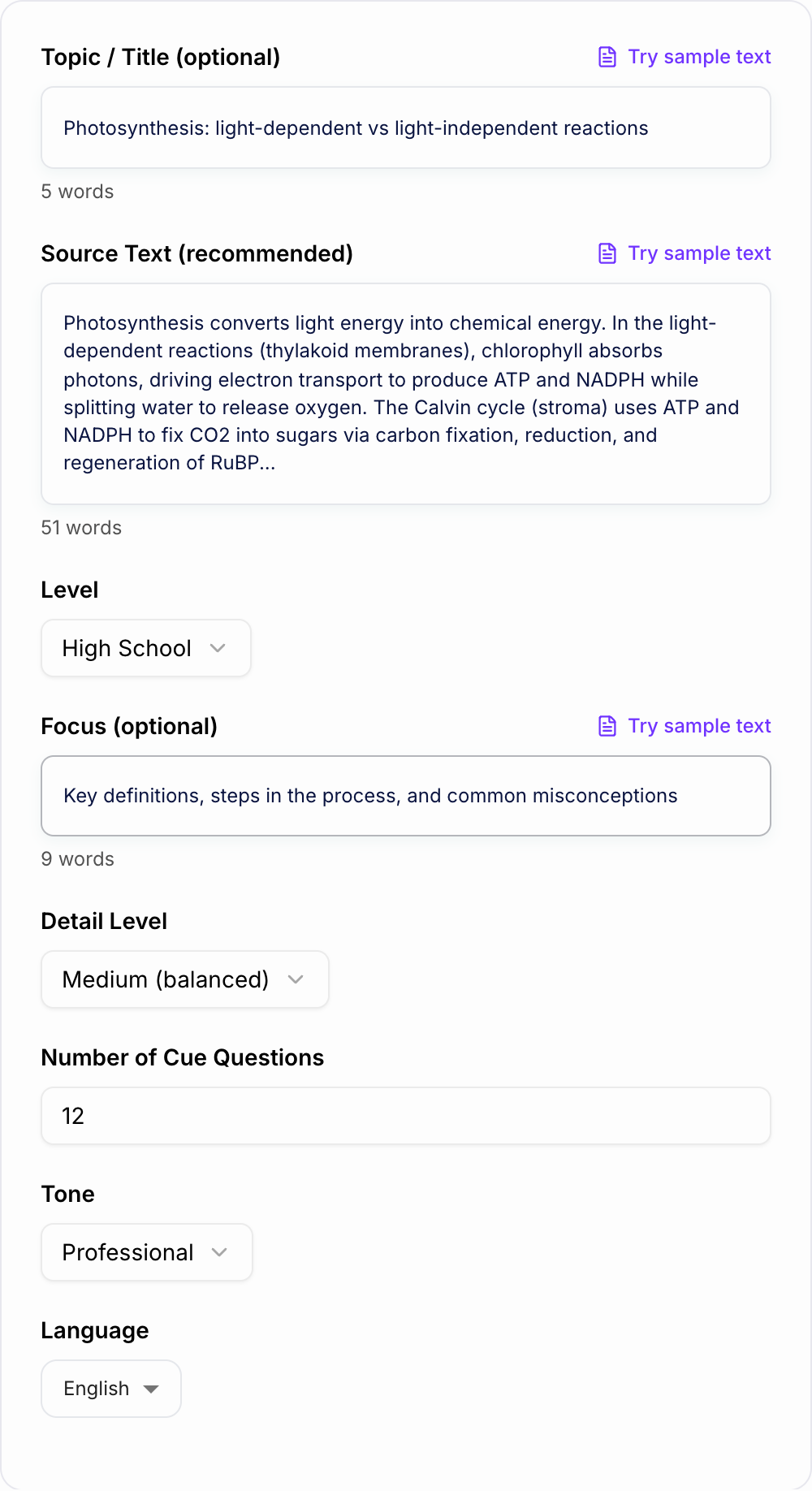
Enter a topic for general notes, or paste lecture notes, a textbook section, or an article for more accurate Cornell Notes aligned to your material.
Choose Level and Detail
Select your grade level and how detailed you want the notes. Optionally add a focus (definitions, steps, formulas, comparisons) to guide the output.
Generate and Study with Cue Questions
Get a Cornell Notes layout with cue questions, organized notes, and a summary. Review by covering the notes column and answering the cue questions from memory.
See It in Action
Example of turning a topic or text into a Cornell Notes layout with cue questions, main notes, and a summary for quick revision.
Topic: Photosynthesis
I need notes for my biology test. I’m confused about light-dependent reactions vs the Calvin cycle.
TITLE: Photosynthesis — Light-Dependent Reactions vs Calvin Cycle
CUE QUESTIONS:
- What is the overall purpose of photosynthesis?
- Where do the light-dependent reactions occur?
- What are the main outputs of the light-dependent reactions?
- Why is water split during photosynthesis?
- Where does the Calvin cycle occur?
- What does the Calvin cycle use as inputs?
- What are the 3 phases of the Calvin cycle?
- What is RuBP and why is it regenerated?
- How are ATP and NADPH connected to sugar production?
- What’s a common misconception about the Calvin cycle “not needing light”?
NOTES:
- Purpose: convert light energy into chemical energy stored in sugars.
- Light-dependent reactions (thylakoid membranes):
- Chlorophyll absorbs light → energizes electrons.
- Electron transport chain helps generate ATP.
- NADP+ is reduced to NADPH.
- Water is split (photolysis) → provides electrons + releases O2 as a byproduct.
- Calvin cycle (stroma):
- Uses ATP + NADPH to fix CO2 into carbohydrate (G3P).
- Phases: carbon fixation → reduction → regeneration of RuBP.
- Depends indirectly on light because it requires ATP/NADPH from light-dependent reactions.
- Key contrast:
- Light-dependent: captures energy (ATP/NADPH) + releases oxygen.
- Calvin cycle: uses energy to build sugars (carbon fixation).
SUMMARY: Photosynthesis has two linked stages: light-dependent reactions capture light to make ATP and NADPH (and release oxygen), while the Calvin cycle uses ATP and NADPH to fix CO2 and build sugars. The Calvin cycle doesn’t use light directly, but it relies on products made when light is available.
Why Use Our AI Cornell Notes Generator?
Powered by the latest AI to deliver fast, accurate results.
Proper Cornell Notes Format (Cue Column + Notes + Summary)
Generates a study-ready Cornell Notes layout with a clear cue/questions column, concise main notes, and a high-signal summary for fast revision and exam preparation.
Cue Questions for Active Recall and Better Memory
Creates targeted cue questions that turn passive reading into active recall practice—ideal for spaced repetition, self-quizzing, and turning notes into flashcards.
Key Terms, Definitions, and High-Yield Concepts
Extracts important vocabulary, definitions, formulas, and core concepts so you can quickly identify what matters most for quizzes, tests, and coursework.
Adjustable Detail Level (Quick Review to Deep Study)
Choose short, medium, or long notes to match your study goal—whether you need a quick overview, an organized lecture summary, or more thorough revision notes.
Works for Lectures, Textbooks, Articles, and Transcripts
Paste almost any learning material—class notes, textbook sections, blog posts, research summaries, or meeting transcripts—and convert it into structured Cornell notes.
Pro Tips for Better Results
Get the most out of the AI Cornell Notes Generator with these expert tips.
Use the cue column for active recall
After generating, cover the notes column and try to answer each cue question out loud or on paper. This method improves retention more than rereading.
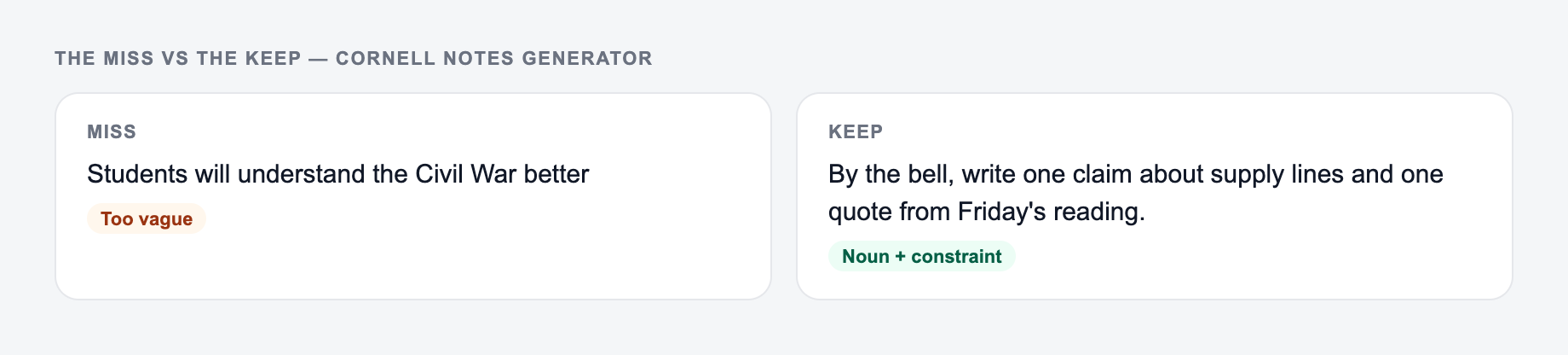
Keep cues specific and testable
If a cue feels vague, rewrite it into a concrete question (e.g., “What are the 3 steps of X?” or “Why does Y happen?”). Specific cues create better self-quizzes.
Add class-specific emphasis
Instructors often emphasize certain terms, frameworks, or examples. After generating, highlight or bold the items you know will be tested.
Turn cues into flashcards for spaced repetition
Copy each cue into a flashcard tool and use the matching note as the answer. Review daily in short sessions for stronger long-term memory.
Generate per section, then combine
For long chapters, paste one section at a time. This produces cleaner, more accurate notes and prevents missing details due to overly broad input.
Who Is This For?
Trusted by millions of students, writers, and professionals worldwide.
Generate Better Cornell Notes from Lectures, Chapters, and Study Material
Cornell Notes work because they turn raw information into a page you can actually study from. The cue column gives you prompts, the notes column gives you the answer material, and the summary forces you to restate the lesson in a few lines.
This Cornell Notes Generator does that structure work for you. Paste a lecture transcript, textbook section, article, or rough notes, then use the generated cue questions to test recall instead of just rereading.
What to paste into the Cornell Notes Generator
The tool can generate notes from a broad topic, but source material gives stronger results. Use text that contains the actual details you need to remember.
Good inputs include:
- lecture transcripts, even if they are messy
- one textbook section or article section at a time
- class handouts, slides, or review sheets
- meeting notes or training docs for certification prep
- research notes you want to turn into study prompts
If the material is long, split it by heading. One focused input usually produces clearer cue questions than one giant chapter dump.
How to choose the right study settings
The Cornell Notes Generator drafts structure. You still own the claim. If you cannot explain a sentence without looking it up, do not leave it in.
Use the mode and detail fields to tell the generator what kind of study page you need.
- Lecture Notes works well for class transcripts and rough notes.
- Textbook Chapter is better for dense explanations, definitions, and step-by-step concepts.
- Quick Study Guide gives you a tighter output for review before class.
- Exam Prep should be used when you want more recall prompts, common confusions, and review depth.
The focus field matters too. A short phrase like “definitions and process steps,” “causes and effects,” or “formulas and mistakes” helps the generator decide what belongs in the cue column.
Make cue questions testable
The cue questions are the most important part of the output. They should help you answer from memory, not just recognize a topic.
Weak cues look like this:
- Photosynthesis
- Causes
- Chapter 4 terms
Stronger cues look like this:
- What are the two main stages of photosynthesis?
- Why did the policy create conflict between the two groups?
- What does this formula measure, and when should it be used?
After generating notes, rewrite any cue that feels too broad. A good cue should make you think before you look at the notes column.
How to study with the generated notes
Use the output as a review system, not a pretty document.
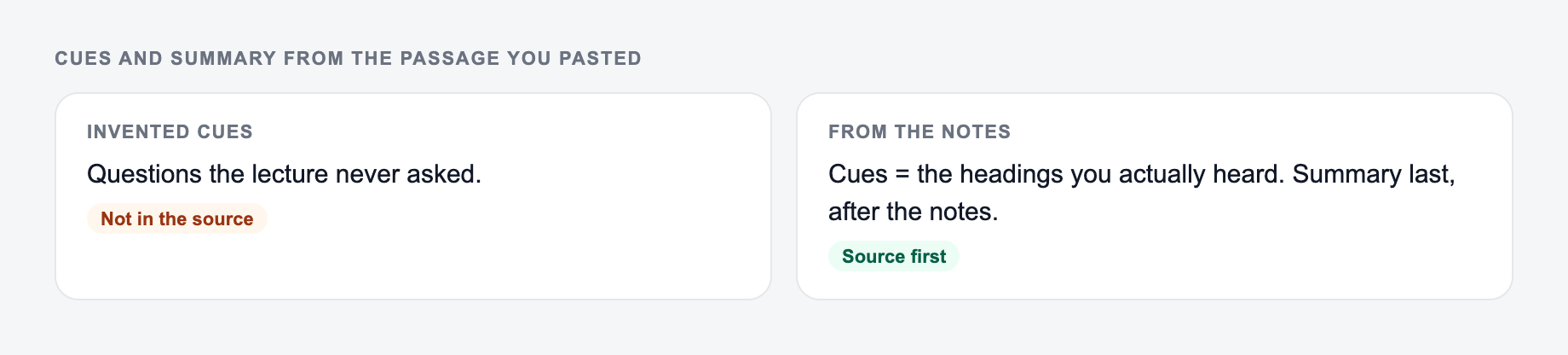
Paste the lecture or chapter you actually have. Cue questions should be testable, not decorative.
Worked example
Input: A one-line request like “run the cornell notes” with no audience, channel, or constraint.
Direction to keep: A brief the AI Cornell Notes Generator can use: who it is for, where the output will appear, and what must stay true.
Then verify: highlight every name, date, citation, load, or measurement the AI Cornell Notes Generator added. If you cannot source it, it does not ship.
If the task is graded, cited, or used with students, the named writer still owns the claims.
- Read the generated notes once to check accuracy.
- Cover the notes column.
- Answer each cue question out loud or on paper.
- Mark the cues you missed.
- Edit vague cues into sharper questions.
- Review only the missed cues the next day.
That active-recall loop is where Cornell Notes become useful. The generator saves formatting time, but the studying happens when you test yourself.
Review checklist before using the notes
Before you rely on the generated Cornell Notes, check:
- key terms match your class wording
- formulas, dates, names, and definitions are correct
- each cue question has a clear answer in the notes column
- the summary captures the main point, not just a random detail
- long sections have been split into separate note pages
If you are writing papers, building study guides, or turning rough material into cleaner drafts, the broader Junia AI workspace can help keep those study and writing tasks in one place.
Final reminder: do not skip the summary
The left side is what most people type. The right side is the brief that actually steers the draft.
The bottom summary is not filler. It forces you to compress the lesson into your own words, which helps you see whether you actually understood the material.
Use the generated summary as a starting point, then adjust it until it sounds like something you could explain without looking back at the notes.
Frequently Asked Questions
What are Cornell Notes?+
Cornell Notes are a note-taking method that splits your page into a cue/questions column, a main notes section, and a summary. This structure helps you review efficiently and practice active recall—two essentials for effective studying.
Do I need to paste source text to generate Cornell Notes?+
Source text is recommended for accuracy and specificity. If you only enter a topic, the generator will produce general Cornell Notes based on common knowledge—but pasting your lecture, reading, or transcript leads to better, more aligned notes.
How do the cue questions help with studying?+
Cue questions turn your notes into prompts you can quiz yourself with. This supports active recall and spaced repetition, which are proven study strategies for improving long-term memory and exam performance.
Can I use this Cornell Notes generator for any subject?+
Yes. It works well for most subjects—science, math concepts, history, literature, business, and more. For technical topics, include enough source text and specify what to focus on (definitions, steps, formulas, or comparisons).
Will the tool create flashcards too?+
It generates flashcard-ready cue questions. You can copy each cue into a flashcard app and use the notes column as the answer or explanation.
How can I improve the quality of the generated notes?+
Paste a clean, focused section of text (or a transcript), specify your level and focus (e.g., definitions, processes, key dates), and choose a detail level that matches your revision goal. Always review for class-specific wording and instructor emphasis.