
Free Exit Ticket Generator
Use the AI Exit Ticket Generator to create quick, objective-aligned checks for understanding at the end of a lesson. Add your topic, learning objective, grade level, subject, question count, format, and difficulty to generate copy-ready exit tickets with optional answer keys and brief rationales.
Exit Ticket
Your exit ticket will appear here...
How the AI Exit Ticket Generator Works
Get results in seconds with a simple workflow.
Enter Your Lesson Topic
Type the topic you taught (and optionally your learning objective). This helps generate an exit ticket that matches the lesson and checks the right skills.
Choose Format, Difficulty, and Question Count
Pick mixed/MCQ/short-answer/reflection, set difficulty, and choose how many questions you want for a quick formative assessment.
Generate and Use Immediately
Copy the exit ticket into a handout, slide deck, Google Form, or LMS quiz. Use the results to group students, reteach misconceptions, or extend learning.
See It in Action
Example of turning a simple lesson topic into a classroom-ready exit ticket with aligned questions and an answer key.
Topic: Photosynthesis
I need an exit ticket for today’s lesson.
Title: Exit Ticket — Photosynthesis (Check for Understanding)
-
(Multiple Choice) What is the primary purpose of photosynthesis? A. Break down glucose for energy B. Convert light energy into chemical energy stored in glucose C. Absorb oxygen and release carbon dioxide D. Turn water into carbon dioxide
-
(Short Answer) In one or two sentences, explain why sunlight is necessary for photosynthesis.
-
(True/False) Chlorophyll is found in chloroplasts. (T/F)
-
(Short Answer) Identify the two reactants and two products of photosynthesis.
-
(Reflection) What part of photosynthesis is most confusing right now, and what question do you have?
Answer Key (Brief):
- B — Photosynthesis stores energy by making glucose.
- True — Chlorophyll is located in chloroplasts.
- Reactants: carbon dioxide + water; Products: glucose + oxygen.
Why Use Our AI Exit Ticket Generator?
Powered by the latest AI to deliver fast, accurate results.
Standards-Aligned Checks for Understanding
Creates exit tickets aligned to your lesson topic and objective, helping you run consistent formative assessment and quickly measure mastery.
Multiple Formats: Mixed, MCQ, Short Answer, Reflection
Generate the right type of quick assessment for your classroom—ideal for bell-to-bell lessons, lesson wrap-ups, and end-of-class comprehension checks.
Difficulty Control for Differentiation
Choose support, on-level, or challenge to match your learners, provide scaffolds, and collect actionable assessment data without rewriting from scratch.
Answer Key with Brief Rationales
Optionally includes an answer key (and short rationales) to speed up grading, reduce ambiguity, and support consistent feedback.
Teacher-Friendly, Ready-to-Use Output
Produces clean, copy-ready exit tickets you can paste into Google Forms, LMS quizzes, handouts, or slides—saving planning time while improving instructional alignment.
Pro Tips for Better Results
Get the most out of the AI Exit Ticket Generator with these expert tips.
Align every question to the objective
A strong exit ticket measures the day’s learning target—not everything in the unit. Use 1–2 core skills and keep distractors focused on common misconceptions.
Use one item for reasoning, not just recall
Include at least one short-answer or “explain why” prompt to reveal thinking. This improves the quality of formative assessment data.
Design for fast completion (2–5 minutes)
Exit tickets work best when they’re short. If time is tight, reduce question count and keep prompts precise.
Add a confidence check to guide reteaching
A simple confidence rating helps you separate ‘got it’ from ‘lucky guess’ and plan targeted intervention groups.
Use results immediately
Sort responses into: mastered, partial, and needs support. Use this to start your next lesson with a quick reteach, small-group support, or an extension task.
Who Is This For?
Trusted by millions of students, writers, and professionals worldwide.
Create Lesson-Ready Exit Tickets with an AI Exit Ticket Generator
An exit ticket should be quick to create, quick for students to complete, and useful enough to shape tomorrow's instruction. If it checks the wrong skill or takes too long, the data becomes noise.
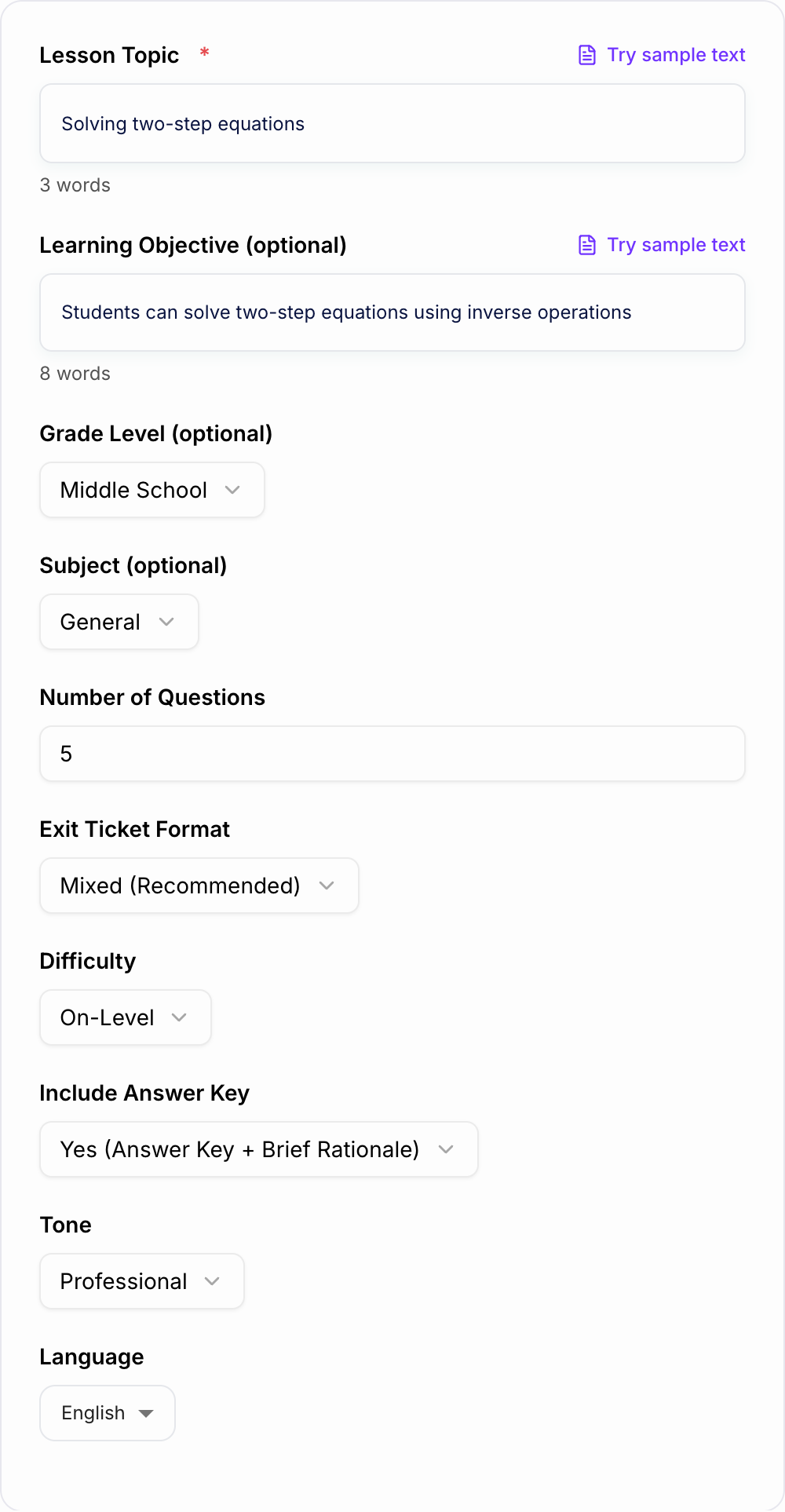
This AI Exit Ticket Generator creates objective-aligned questions for any lesson topic. You can choose the grade level, subject, format, difficulty, question count, and whether to include an answer key with brief rationales.
What to Enter Before You Generate
A strong exit ticket starts with a clear lesson target. The generator can infer a lot from the topic, but the output improves when you add the objective.
Useful inputs include:
- Topic: solving two-step equations, author's claim, photosynthesis, primary sources
- Objective: what students should be able to do by the end of class
- Grade level: elementary, middle school, high school, college, adult learning
- Subject: math, ELA, science, social studies, world language, CTE, general
- Question count: usually 3 to 5 for a true exit ticket
- Format: mixed, multiple choice, short answer, true/false, reflection
- Difficulty: support, on-level, challenge, or differentiated
- Answer key: include or remove depending on how you will use the ticket
A vague input like "fractions" may produce broad questions. A stronger input like "students can add fractions with unlike denominators using common denominators" gives the tool a precise target.
How to Choose the Right Exit Ticket Format
Use mixed format when you want a balanced snapshot: one quick item, one reasoning item, and one reflection or confidence check.
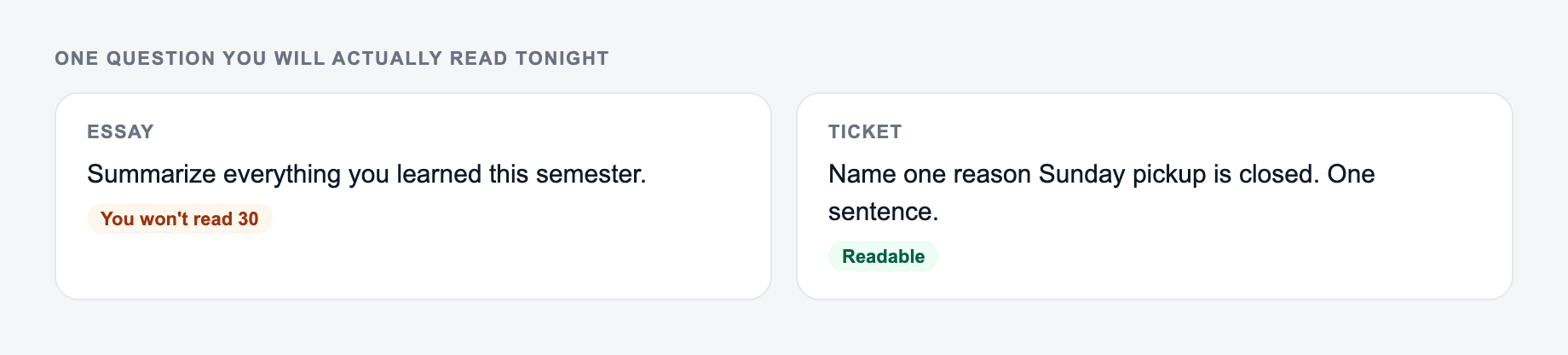
Use multiple choice when you need fast collection in Google Forms, an LMS, or a large class. Make sure wrong answers reflect common misconceptions.
Use short answer when reasoning matters more than speed. One sentence is usually enough.
Use true/false with explanation when you want students to catch and correct a misconception.
Use reflection prompts when the goal is metacognition, confidence, discussion quality, or process rather than a single right answer.
Example Input and Generated Exit Ticket
Check exit ticket generator output against the room you actually have:
- Times, loads, and criteria match what you typed
- Nothing medical, legal, or graded was invented
- You would still own this if a parent or clinician asked Input
- Topic: Solving two-step equations
- Objective: Students can solve two-step equations using inverse operations
- Grade level: Middle school
- Format: Mixed
- Question count: 4
- Difficulty: On-level
- Include answer key: Yes
The objective you taught today belongs on the form. An exit ticket should not introduce a new unit.
Learning workflow:
- Enter only facts you have.
- Generate a structured draft.
- Check names, dates, citations, and units.
- Rewrite the sentences you would actually say in class or in the paper.
If the task is graded, cited, or used with students, the named writer still owns the claims.
Generated ticket
- Solve: 3x + 5 = 20
- Multiple Choice: What is the first inverse operation you should use to solve 2x - 7 = 11? A. Divide by 2 B. Add 7 C. Subtract 7 D. Multiply by 2
- Explain in one sentence why you undo addition or subtraction before multiplication or division in a two-step equation.
- Reflection: Which step felt easiest today, and which step do you want to practice again?
Answer key
- x = 5
- B - Add 7 first to undo subtraction.
- Sample: You reverse the order of operations to isolate the variable.
- Answers vary; use responses to plan practice groups.
How to Review the Generated Ticket
Before using the output, check the ticket like a teacher, not just a writer:
- Does every question match today's objective?
- Can students finish it in 2 to 5 minutes?
- Is at least one item diagnostic enough to reveal thinking?
- Are the directions clear for your grade level?
- Are answer choices plausible but not confusing?
- Does the answer key match the exact wording of the question?
If the ticket feels too broad, regenerate with a narrower objective. If it feels too easy, choose challenge difficulty or ask for an explain-why item.
Using the Output in Class
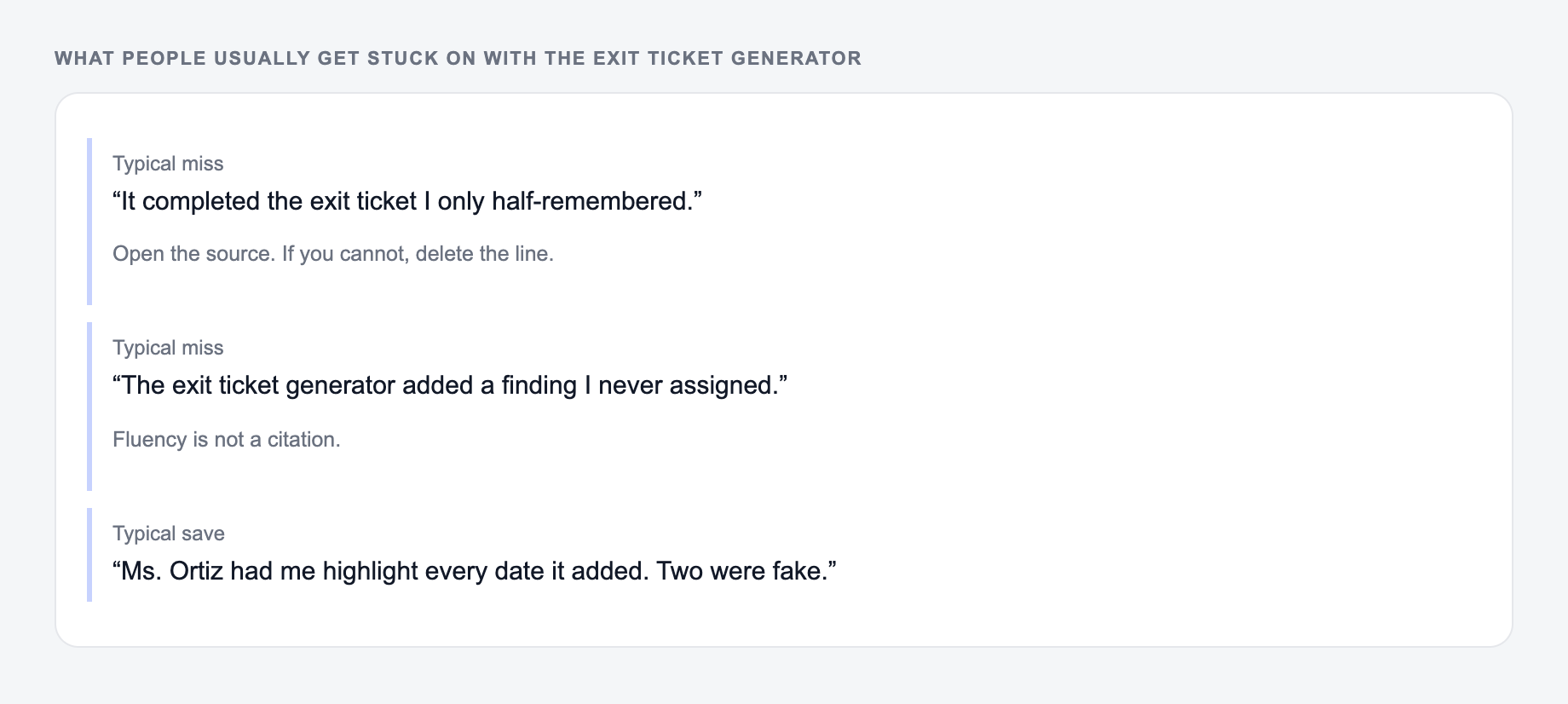
If the output felt generic, it is usually one of these three misses.
Copy the generated exit ticket into the format you already use:
- Google Forms or Microsoft Forms for quick collection
- Canvas, Schoology, Moodle, or another LMS for digital classes
- Slides for projected responses
- A printed half-sheet for paper collection
- Mini whiteboards or sticky notes for discussion-based closure
If you are building a larger teaching workflow, Junia AI can also help create lesson materials, reflection prompts, comments, and classroom writing from the same objective so you are not rebuilding every piece manually.
What to Do with Exit Ticket Results
Plan the response before collecting answers. Otherwise the ticket becomes another stack to sort later.
A simple approach works:
- Mastered: give extension, enrichment, or independent practice
- Almost there: start tomorrow with one targeted warm-up
- Needs support: pull a small group or reteach the misconception
- Unclear: ask one follow-up question before deciding
The best exit ticket is not the one with the fanciest questions. It is the one that tells you what to do next.
Frequently Asked Questions
What is an exit ticket?+
An exit ticket is a short formative assessment given at the end of a lesson to check for understanding. It helps teachers see what students learned, identify misconceptions, and plan reteaching or enrichment.
How many questions should an exit ticket have?+
Most exit tickets work best with 3–5 items. That’s enough to assess mastery of the objective while keeping completion time to a few minutes.
Can this exit ticket generator align to my learning objective?+
Yes. Add a learning objective (optional) and the tool will generate questions aligned to that goal. If you don’t provide one, it will infer a clear objective from your topic.
What formats can I generate?+
You can generate mixed-format exit tickets (recommended), multiple choice, short answer, true/false, or reflection prompts—depending on how you want to check for understanding.
Does it include an answer key?+
Yes. You can choose to include an answer key with brief rationales, which makes grading faster and helps you interpret student responses consistently.
Can I use the output in Google Forms or an LMS?+
Yes. The output is copy-ready and works well in Google Forms, Canvas, Schoology, Moodle, Microsoft Forms, or as a printable handout.