
Free Feedback Generator
Generate respectful, specific feedback for work, school, writing, design, presentations, and performance conversations. Choose the tone, format, and framework to turn rough notes into clear strengths, improvement points, and next steps.
Feedback
Your feedback will appear here...
How the AI Feedback Generator Works
Get results in seconds with a simple workflow.
Describe the Context
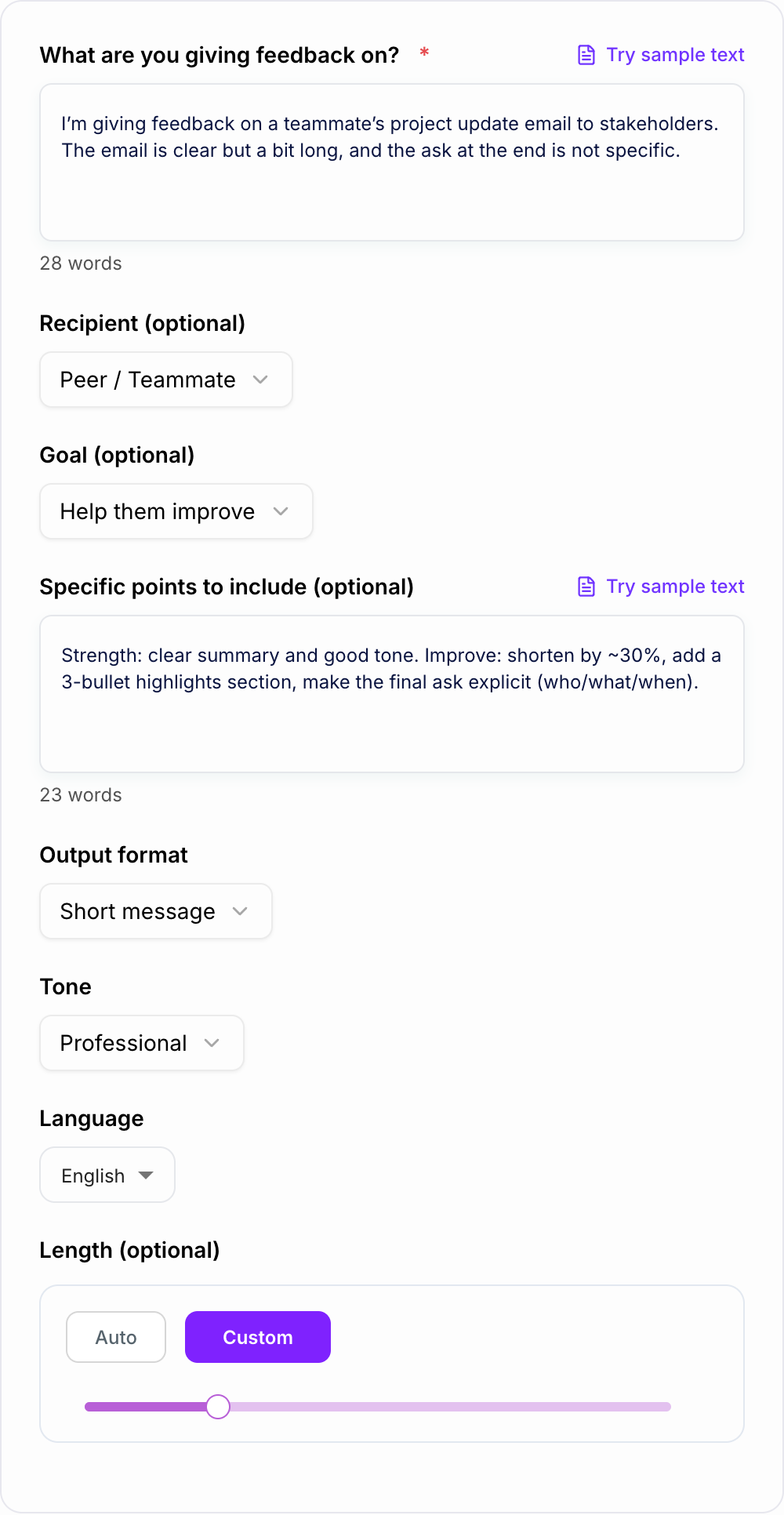
Paste what you’re giving feedback on (performance review, email, essay, design, presentation) and include any key requirements or expectations.
Choose Goal, Format, and Tone
Select whether you want recognition, coaching, or correction—then choose a message, bullets, review paragraph, or email format with an appropriate tone.
Generate, Review, and Personalize
Get ready-to-send feedback with strengths, improvements, and next steps. Add a specific example or metric if needed to make it even more credible.
See It in Action
Turn vague notes into clear, constructive feedback with strengths, improvement areas, and specific next steps.
Your update was good but kind of long. Try to be clearer next time.
You did a strong job summarizing the project status and keeping a professional tone—thank you. One improvement opportunity is length and scannability: the update is a bit dense, which makes it harder for stakeholders to quickly find key takeaways. For next week’s update, try adding a 3-bullet “Highlights” section at the top (progress, risks, next steps) and shorten the middle section by removing repeated context. Also, make the final ask explicit (who needs to do what, by when) so the next step is unambiguous.
Why Use Our AI Feedback Generator?
Powered by the latest AI to deliver fast, accurate results.
Constructive Feedback That’s Specific (Not Vague)
Generates clear, actionable feedback with concrete examples and next steps—ideal for employee feedback, peer reviews, writing critiques, and presentation notes.
Professional Tone Control (Kind, Direct, or Balanced)
Choose a tone that matches your situation—supportive coaching, direct expectation-setting, or positive reinforcement—while staying respectful and objective.
Framework-Based Options (SBI, Sandwich, Rubric)
Creates structured feedback using proven frameworks like Situation–Behavior–Impact (SBI), the feedback sandwich, or rubric-style criteria for consistent, high-quality reviews.
Ready-to-Send Formats (Message, Bullets, Email)
Outputs feedback in the format you need—short Slack message, bullet points for review docs, or a polished email for stakeholders and performance conversations.
Works for Work, School, and Content Reviews
Useful for performance review feedback, manager notes, student assignment feedback, UX/design critique, code review summaries, and editing feedback for writing.
Pro Tips for Better Results
Get the most out of the AI Feedback Generator with these expert tips.
Anchor feedback to observable behaviors
Use concrete examples (what happened, when, and what it impacted). Behavior-based feedback is clearer, more fair, and easier to act on than general opinions.
Give 1–3 priorities, not a long list
Too many improvement points can feel overwhelming. Focus on the highest-impact changes and include a simple next step for each.
Add an action + timeframe
Make feedback actionable by suggesting what to do next and by when (e.g., “For next week’s update, add a 3-bullet summary at the top”).
Balance clarity with kindness
Direct feedback can still be respectful. State expectations, explain impact, and offer support (templates, examples, or a quick review) to drive improvement.
Use a framework for consistency
SBI and rubric-based feedback reduce bias and improve clarity—especially for performance reviews, student grading, and cross-team collaboration.
Who Is This For?
Trusted by millions of students, writers, and professionals worldwide.
Generate Specific, Actionable Feedback with an AI Feedback Generator
Feedback is hard to write well because the tone has to do two jobs at once. It needs to be clear enough to change behavior, but respectful enough that the person can actually hear it.
This Feedback Generator helps turn rough notes into feedback that names what happened, why it matters, and what should happen next. It is useful for performance reviews, peer feedback, student comments, writing critiques, design reviews, presentations, and stakeholder messages.
If you already use Junia AI for writing work, this tool applies the same drafting support to a narrower job: feedback that is specific, fair, and ready to personalize.
What to enter into the Feedback Generator
The generator does better when you provide context, not just a judgment. Instead of writing "needs better communication," give it the situation and the effect.
Useful inputs include:
- Who the feedback is for: employee, peer, student, contractor, stakeholder, writer, designer, or presenter
- What you are reviewing: behavior, project, document, assignment, presentation, design, or update
- What worked: strengths you want them to repeat
- What needs improvement: the highest-impact gap, not every small flaw
- Example or evidence: what happened, when, or where it appeared
- Desired next step: what should change next time
- Tone: supportive, balanced, direct, positive, formal, or coaching
Weak input:
The report was confusing. Make it better.
Stronger input:
Feedback for a teammate on a weekly project update. Strength: tone is professional and progress is clear. Improvement: risks are buried near the end. Impact: stakeholders may miss decisions needed this week. Next step: add a 3-bullet summary at the top and make the final ask explicit. Tone: balanced and respectful.
Choose the right feedback mode
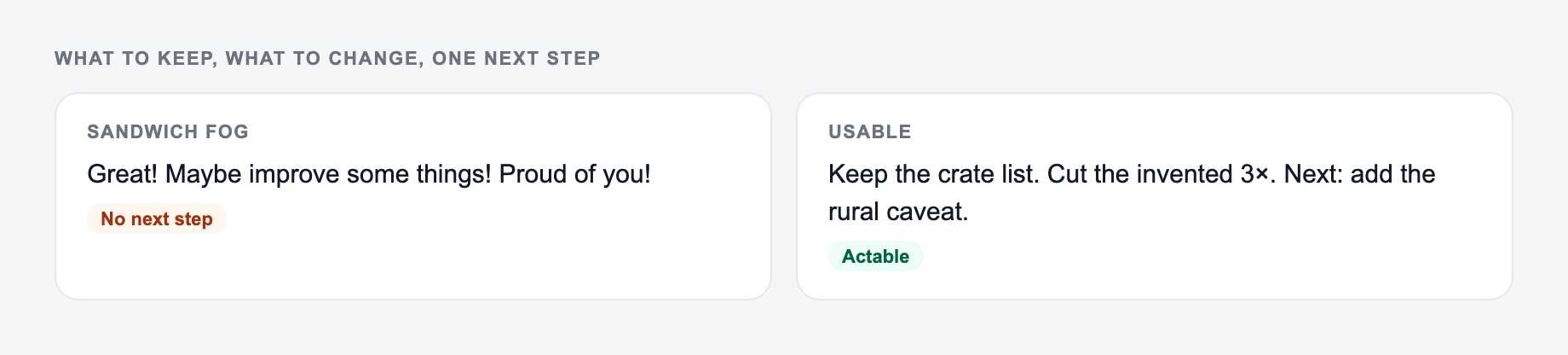
The mode matters because different situations need different shapes.
Constructive / Balanced
Use this for most workplace, school, and content feedback. It recognizes what worked while making the improvement point clear.
Positive Reinforcement
Use this when the person did something well and you want them to repeat it. Ask the generator to explain why the work was effective, not just praise it.
Direct but Respectful
Use this when expectations need to be reset. This is better for missed deadlines, repeated quality issues, unclear ownership, or behavior that affects others.
Feedback Sandwich
Use this only when the positive points are real. A weak sandwich hides the real issue. A good one gives honest strengths, one clear improvement point, and a practical next step.
SBI (Situation, Behavior, Impact)
Use SBI when fairness and objectivity matter. It describes the situation, the observed behavior, and the impact before moving to the recommendation.
Rubric Style
Use rubric feedback for grading, design critique, writing review, and any situation where quality depends on multiple criteria such as clarity, structure, accuracy, completeness, and tone.
Example input and generated feedback
Verify feedback generator output:
- Quotes and names match what you typed
- No credential, score, or story you did not give
- You would still say this in the room Input notes:
Observed notes belong on the form. The generator cannot supply evidence you did not write.
Learning workflow:
- Enter only facts you have.
- Generate a structured draft.
- Check names, dates, citations, and units.
- Rewrite the sentences you would actually say in class or in the paper.
If the task is graded, clinical, cited, or public, the named writer still owns the claims.
- Context: weekly stakeholder update
- Strength: clear progress summary
- Gap: too long and key risks are hard to find
- Impact: stakeholders may miss blockers
- Next step: add a highlights section and explicit ask
- Tone: balanced
Generated feedback direction:
You did a strong job summarizing project progress and keeping the tone professional. The main improvement is scannability: the update is dense, so stakeholders may miss the key risks and decisions needed this week. For next week, add a 3-bullet Highlights section at the top covering progress, risks, and next steps. Then make the final ask explicit by naming who needs to do what and by when.
That version is more useful than "be clearer" because it gives the recipient an exact edit to make.
How to review AI-generated feedback before sending
Generated feedback should still pass a human judgment check.
Before you send it, ask:
- Is it specific? Replace broad labels with examples.
- Is it fair? Remove assumptions about intent or personality.
- Is it focused? Keep the highest-impact one to three points.
- Is the next step clear? The recipient should know what to do next.
- Does the tone fit the relationship? A manager review, peer note, and student comment should not sound identical.
- Is anything missing? Add context the generator could not know, such as a metric, deadline, rubric requirement, or prior conversation.
The tool can draft the structure, but you should add the final context that makes feedback credible.
Common feedback problems the generator can help fix
If the output felt generic, it is usually one of these three misses.
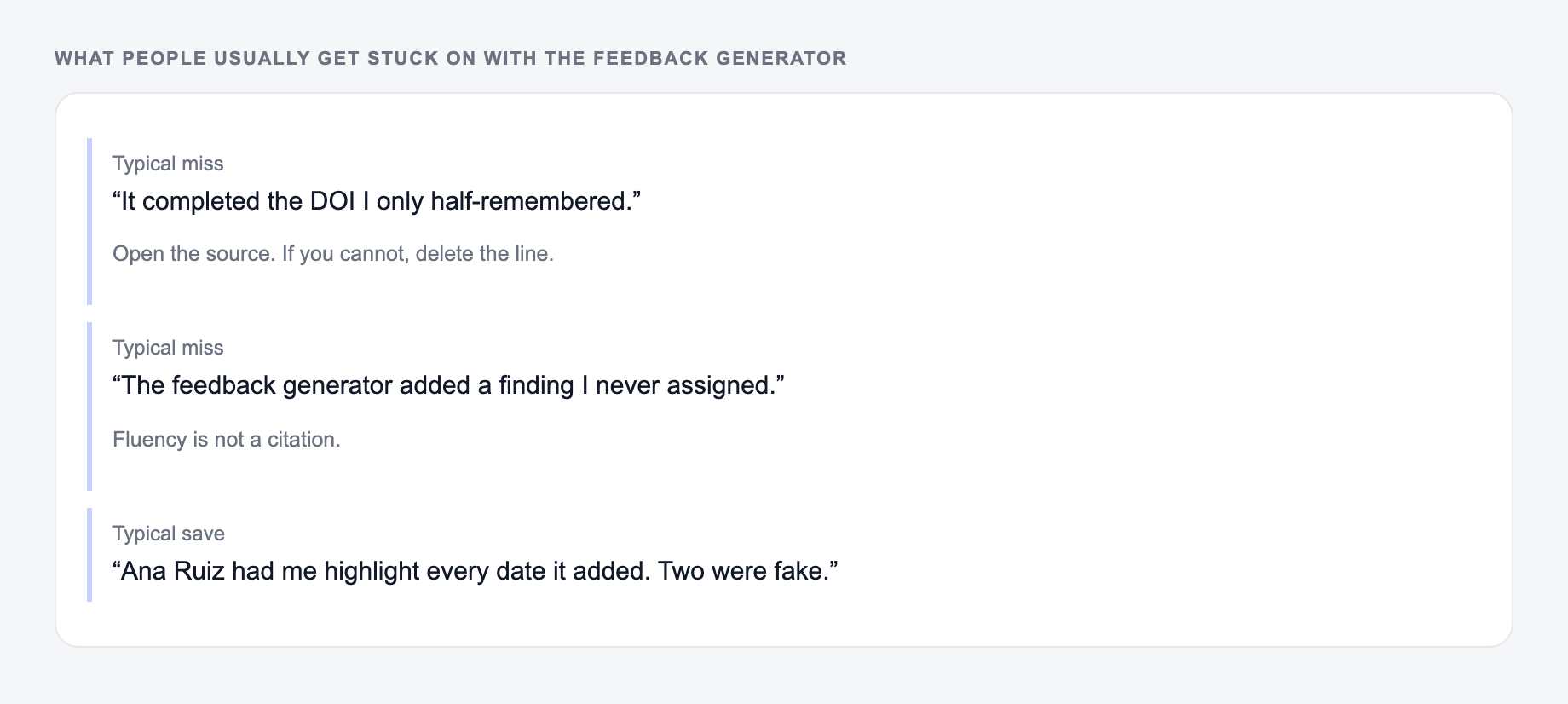
A few patterns make feedback less useful:
- Vague advice: "communicate better," "be more polished," "try harder"
- Too many points: a long list that gives no clear priority
- Personality judgments: comments about attitude, motivation, or character instead of behavior
- No impact: the recipient cannot see why the issue matters
- No next step: the feedback names a problem but gives no path forward
- Wrong tone: too soft to be clear or too blunt to be useful
When you notice one of these, regenerate with a stronger instruction. For example: "Use SBI," "make this more direct," "add one concrete next step," or "turn this into rubric-style student feedback."
Final checklist before using the feedback
Before you put the generated feedback into a review, email, comment, or conversation, confirm:
- It describes behavior, work, or outcomes rather than personality
- It includes at least one concrete example when the stakes are high
- The improvement point is actionable
- The tone matches the relationship and setting
- The recipient can tell what to repeat, change, or do next
- You have removed anything speculative, unfair, or unsupported
Frequently Asked Questions
What is a feedback generator?+
A feedback generator helps you write clear, constructive feedback quickly. It turns your context and notes into professional feedback that highlights strengths, addresses improvement areas, and suggests actionable next steps.
Can it generate feedback for performance reviews and employees?+
Yes. You can generate manager feedback for performance reviews, 1:1s, coaching notes, and goal-setting. Add specific examples to make the feedback more accurate, fair, and useful.
How do I make feedback sound professional but not harsh?+
Choose a balanced or supportive tone, include objective examples, and focus on behaviors and outcomes (not personality). Adding next steps and resources keeps feedback constructive and motivating.
Can I use a feedback framework like SBI (Situation–Behavior–Impact)?+
Yes. Select the SBI mode to structure feedback clearly: describe the situation, the observed behavior, and the impact—then provide actionable recommendations.
What should I include for the best feedback output?+
Provide the context (what you’re reviewing), what worked well, what needs improvement, and any constraints or expectations. Even a few bullet points helps generate more specific and actionable feedback.
Does the tool support different languages and tones?+
Yes. Choose your output language and tone to generate feedback that fits different cultures, audiences, and communication styles.