
Free Homework Assignment Generator
Generate ready-to-use homework assignments for any subject, grade level, and format. Create clear instructions, learning objectives, practice questions, mini projects, differentiation options, grading rubrics, submission checklists, and optional answer keys in seconds.
Homework Assignment
Your homework assignment (instructions, questions, rubric, and optional answer key) will appear here...
How the AI Homework Assignment Generator Works
Get results in seconds with a simple workflow.
Enter a Topic (and Optional Grade/Subject)
Type the concept you’re teaching and optionally choose grade level and subject so the generator matches difficulty, vocabulary, and expected depth.
Choose Format and Difficulty
Pick an assignment type (worksheet, problem set, essay, project) and difficulty level to fit your lesson plan, pacing, and student needs.
Generate, Review, and Customize
Get a ready-to-use homework assignment with instructions, questions/tasks, a rubric, and optional answer key. Edit point values, swap questions, and add your classroom details before distributing.
See It in Action
Example of turning a simple topic into a complete, classroom-ready homework assignment with instructions, tasks, and a rubric.
Topic: Photosynthesis
I need homework for my class about photosynthesis.
Title: Homework — Photosynthesis: Inputs, Outputs, and Why It Matters
Learning Objectives:
- Identify the reactants and products of photosynthesis.
- Explain (in your own words) how light energy is used to make glucose.
Instructions: Complete all sections. Show your thinking. Use complete sentences for written responses. Estimated time: 20–30 minutes
Section A — Vocabulary (6 points)
- Define: chlorophyll (2)
- Define: stomata (2)
- Define: glucose (2)
Section B — Core Questions (12 points) 4) Write the photosynthesis word equation. Label inputs and outputs. (4) 5) Explain why sunlight is necessary for photosynthesis. (4) 6) Describe what happens to oxygen after it is produced in a leaf. (4)
Section C — Application (8 points) 7) A plant is moved into low light for one week. Predict two changes you would expect and explain why. (8)
Submission Checklist:
- I labeled inputs/outputs correctly.
- I answered in complete sentences.
- I explained my reasoning for predictions.
Rubric (20 points total):
- Accuracy of science concepts (0–10)
- Clarity and completeness (0–6)
- Evidence of reasoning/application (0–4)
Why Use Our AI Homework Assignment Generator?
Powered by the latest AI to deliver fast, accurate results.
Standards-Aligned Homework Prompts and Clear Instructions
Generates a complete homework assignment with learning goals, step-by-step directions, and clear deliverables—making it easy for students to understand expectations and submit quality work.
Built-In Grading Rubric and Point Breakdown
Includes an easy-to-grade rubric with criteria and performance levels (plus point values when applicable) to speed up grading and keep assessment consistent and transparent.
Differentiation and Support Options
Creates scaffolds such as sentence starters, hints, guided steps, or extension challenges to support diverse learners and make homework more accessible without lowering rigor.
Multiple Assignment Formats (Worksheet, Project, Essay, Practice)
Adapts to the most common homework formats—problem sets, short answers, essays, reading responses, and mini projects—so you can match homework to your lesson plan and learning objectives.
Optional Answer Key / Exemplars for Faster Review
Can include model answers, worked solutions, or exemplar responses for open-ended questions to reduce prep time and improve feedback quality.
Pro Tips for Better Results
Get the most out of the AI Homework Assignment Generator with these expert tips.
Add 1–3 learning objectives for stronger alignment
Including a few objectives (skills students must demonstrate) improves relevance, keeps homework focused, and makes the rubric more meaningful.
Use a short submission checklist to reduce incomplete work
A checklist like “show your work,” “cite evidence,” or “label units” improves student compliance and reduces grading friction.
Differentiate with one core task plus one extension
Pair an on-level assignment with an optional challenge item so advanced students stay engaged while others complete the essential skill practice.
Keep homework time realistic and consistent
Match question count and complexity to your time target (e.g., 20–30 minutes). Short, focused practice is often more effective than lengthy assignments.
Ask for exemplar responses for writing prompts
For essays or constructed responses, an exemplar plus key points to look for makes grading faster and improves the quality of feedback.
Who Is This For?
Trusted by millions of students, writers, and professionals worldwide.
Create Classroom-Ready Work with the Homework Assignment Generator
A homework assignment generator is most useful when it turns a lesson objective into something students can actually complete: clear directions, appropriate difficulty, a realistic time target, a rubric, and a short checklist for submission.
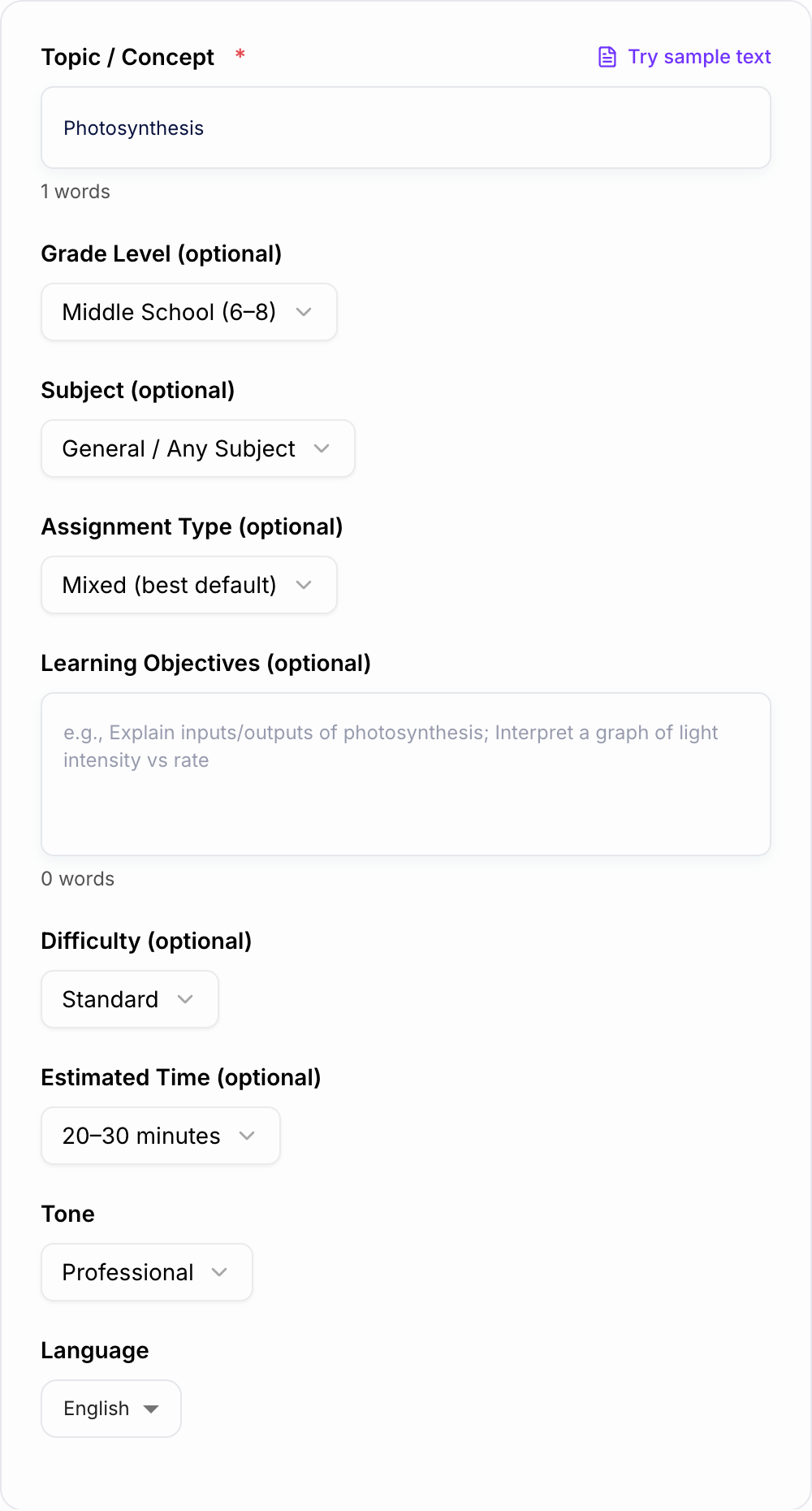
This AI Homework Assignment Generator can create worksheets, short-answer tasks, reading responses, problem sets, mini projects, differentiated versions, and answer keys. The important part is giving it enough classroom context before you generate.
What to Enter Before You Generate
Start with the topic, but do not stop there. Add details that shape the assignment:
- Grade level: elementary, middle school, high school, or college/adult learning
- Subject: math, science, ELA, social studies, foreign language, computer science, or general
- Learning objective: the skill students need to demonstrate
- Assignment type: worksheet, short answer, essay, problem set, mini project, or reading response
- Difficulty: support, standard, or advanced
- Estimated time: 10-15, 20-30, 30-45, 45-60 minutes, or multi-day
- Required vocabulary or constraints: show work, cite evidence, use a graph, include units, or explain reasoning
Weak input:
Photosynthesis homework
Better input:
Grade: middle school
Subject: science
Topic: photosynthesis
Objective: students will identify inputs and outputs and explain how light energy helps plants make glucose
Format: worksheet with one application question
Time: 20-30 minutes
Include: point values and a submission checklist
The second version gives the generator enough information to create an assignment that matches a real lesson instead of a generic worksheet.
Choose the Right Assignment Format
Use Standard Assignment for balanced homework with directions, tasks, rubric, and checklist.
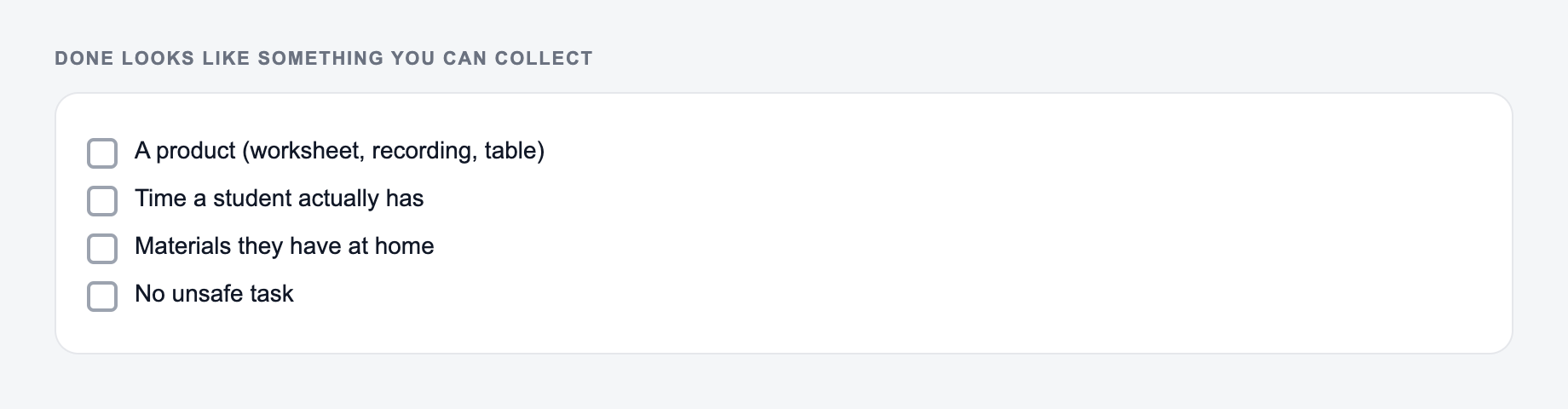
Use Worksheet-Style when students need short practice, mixed question types, and clean numbering.
Use Math Practice for warmups, core problems, challenge questions, and show-your-work requirements.
Use Reading Response when students need comprehension questions, evidence-based prompts, and a rubric for citing or explaining text.
Use Mini Project when the homework spans several steps, includes a final product, or needs milestones.
Use Differentiated when you want support, on-level, and extension versions that still target the same skill.
Use Include Answer Key when objective answers, worked solutions, exemplar responses, or "look for" notes will make review faster.
How to Review the Generated Assignment
Before assigning the output, read it like a student and then like a grader.
Check the student side:
- Are the directions clear without extra verbal explanation?
- Is the expected format obvious?
- Does the time estimate match the amount of work?
- Are vocabulary, reading level, and examples age-appropriate?
- Could any question be interpreted two ways?
Check the teacher side:
- Does every task match the learning objective?
- Do point values add up correctly?
- Does the rubric assess the same skills students are practicing?
- Is the answer key accurate?
- Are support and extension versions fair and parallel?
AI can create a polished-looking assignment that still asks one confusing question. Catch that before students see it.
Differentiation Without Creating Three Separate Lessons
The differentiated mode works best when all versions share one learning objective but change the level of support.
Example structure:
- Support: fewer items, guided steps, hints, sentence starters, or labeled examples
- On-level: standard practice that directly matches the lesson
- Extension: one deeper transfer question, application task, or open-ended challenge
Keep directions parallel so students are not doing entirely unrelated work. This also makes grading easier because the same rubric can still apply.
When to Include an Answer Key
The Homework Assignment Generator drafts structure. You still own the claim. If you cannot explain a sentence without looking it up, do not leave it in.
Answer keys are most useful for:
- math practice
- grammar and vocabulary
- factual science or social studies checks
- multiple-choice or short-answer review
- tutoring and independent practice
For open-ended work, ask for an exemplar response instead of a single "correct" answer. A good exemplar plus three to five look-for bullets helps you grade quality without pretending every strong answer will be identical.
Example Output Review
Generated task:
Standard, format, and how long it should take belong on the form. Do not invent an answer key you will not check.
How to verify homework-assignment output:
- A student can finish it in the time you named
- The answer key matches items you will actually check
- Nothing was added that you did not assign
If the task is graded, cited, or used with students, the named writer still owns the claims.
Explain photosynthesis.
Better revised task:
Write 3-4 sentences explaining how sunlight, carbon dioxide, and water help a plant make glucose. Include the words chlorophyll and oxygen, and label the inputs and outputs in the equation.
The revised version is easier to grade because it names the expected length, vocabulary, and conceptual pieces. When you review AI-generated homework, make those expectations explicit.
Make the Assignment Feel Teacher-Made
Small prompt details can make the output sound less generic:
- "Use classroom-friendly wording and short directions."
- "Add one real-world example students can relate to."
- "Include a common mistake warning."
- "Use a calm teacher tone, not formal academic wording."
- "Keep the assignment to 20 minutes."
- "Include a checklist students can use before submitting."
If you already use Junia AI for planning, writing support, or classroom copy, keep the same tone across assignments so students do not feel like every handout came from a different source.
Final Checklist Before Assigning
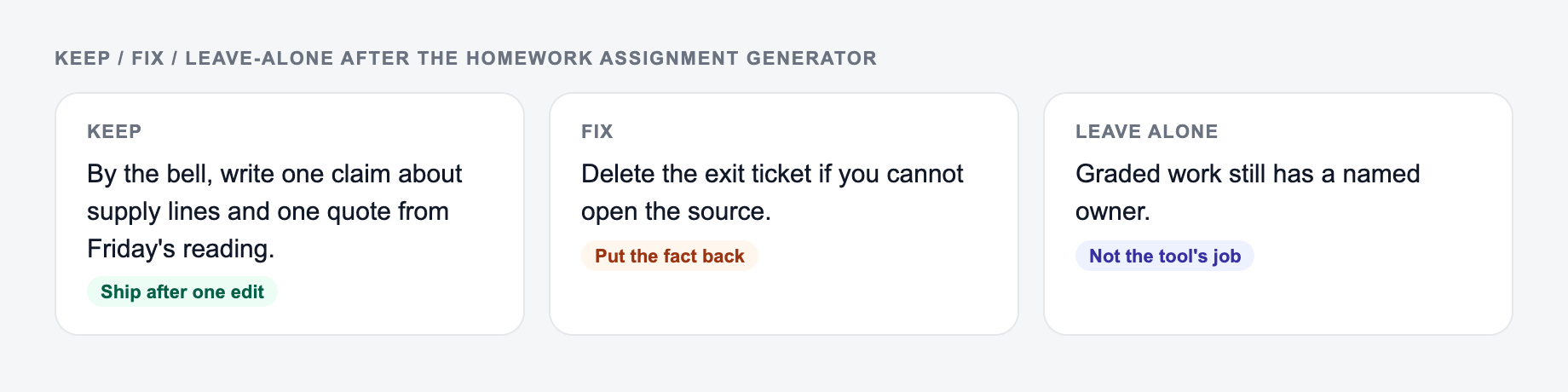
Keep the line you could publish. Put facts back. Do not outsource the judgment call.
Before posting, printing, or sending the homework, confirm:
- it matches what students have already learned
- directions and submission requirements are unambiguous
- time and difficulty are realistic
- rubrics and point totals are correct
- examples are age-appropriate and policy-safe
- the answer key or exemplar is accurate
- differentiation changes support level, not the learning goal
The generator should save prep time. The final teacher review is what makes the assignment usable in a real classroom.
Frequently Asked Questions
Is this homework assignment generator free?+
Yes. You can generate complete homework assignments for free. Some advanced modes—like multi-level differentiation or included answer keys—may be marked as premium.
Can it generate assignments for any subject and grade level?+
Yes. Enter a topic and optionally choose a subject and grade level. The generator will adapt question types, vocabulary, and expectations to the selected level.
Does it include a grading rubric?+
Yes. Each assignment includes a rubric with clear criteria (and point values when relevant) to help you grade consistently and quickly.
Can I request an answer key?+
Yes. When enabled, the tool can provide an answer key for objective questions and exemplar responses for open-ended items, including what to look for in strong student work.
How do I make the assignment more aligned to my curriculum or standards?+
Add your learning objectives (or paste a standard/skill) into the objectives field. You can also specify constraints like required vocabulary, number of questions, or allowed resources.
Will it generate age-appropriate and safe content?+
The generator is designed to produce age-appropriate, classroom-safe assignments. Always review outputs for local policy, context, and any sensitive topics before sharing with students.