
Free Job Title Generator
Generate clear, market-standard job titles from responsibilities, skills, seniority, department, industry, and work model. Use the tool to create searchable hiring titles, LinkedIn titles, resume titles, org-chart labels, and sourcing variants without relying on internal jargon.
Job Titles
Your generated job titles will appear here...
How the AI Job Title Generator Works
Get results in seconds with a simple workflow.
Describe the Role in Plain Language
Enter what the person does day-to-day (responsibilities). Add skills or keywords if you want more targeted job title suggestions.
Add Optional Context (Seniority, Department, Work Model)
Choose seniority and department to align titles with leveling and org structure. Add remote/hybrid/on-site context if relevant for job posting SEO.
Generate and Pick the Best-Fit Title
Review the list of job title options, select the most market-recognized version, and use it in your job description, ATS, or LinkedIn profile.
See It in Action
Transform vague responsibilities into clear, market-recognized job titles that perform better in search and job boards.
Role: does paid ads and improves landing pages Seniority: not sure Skills: Google Ads, Meta Ads
- Performance Marketing Specialist
- Paid Media Specialist
- Growth Marketing Specialist (Paid Acquisition)
- Performance Marketing Manager
- Paid Search (PPC) Specialist
- Acquisition Marketing Manager
- Paid Media & CRO Specialist
- Digital Advertising Specialist
Why Use Our AI Job Title Generator?
Powered by the latest AI to deliver fast, accurate results.
Market-Standard, Searchable Job Titles
Generates clear, commonly used job titles that match how candidates search on Google, LinkedIn, and job boards—helping improve job post SEO and applicant quality.
Seniority and Scope Alignment
Adapts titles to seniority (Junior → Director/VP) and role scope so your titles accurately reflect ownership, complexity, and expected outcomes.
Keyword-Rich Variations Without Jargon
Produces multiple job title variations that include relevant skills and domain terms while avoiding internal-only jargon that reduces discoverability.
Department + Industry Context
Uses department and industry signals (SaaS, eCommerce, healthcare, etc.) to suggest titles aligned with real-world naming conventions and candidate expectations.
Job Posting SEO Mode
Includes an SEO-friendly mode designed for job ad performance: clean phrasing, standard wording, and optional remote/hybrid modifiers when appropriate.
Pro Tips for Better Results
Get the most out of the AI Job Title Generator with these expert tips.
Use standard titles to improve applicant quality
Candidates search for common titles (e.g., “Performance Marketing Manager” vs. internal nicknames). Standard titles increase visibility on job boards and reduce irrelevant applicants.
Add one clarifier—avoid title stuffing
If needed, add a single clarifier like “Growth,” “Platform,” or “B2B,” but avoid stacking multiple skills into the title. Put the rest in the requirements section.
Align seniority with scope, not years alone
A “Senior” title should reflect ownership of outcomes and complexity. If the role is primarily execution with support, choose a mid-level title even with more years of experience.
For SEO job ads, prefer 'Manager' vs 'Specialist' carefully
“Manager” often implies ownership and sometimes people management; “Specialist” signals hands-on execution. Choose what matches responsibilities to avoid mismatch and churn.
Create 2–3 variants for sourcing and SEO coverage
Many roles have multiple common titles (e.g., 'Customer Success Manager' vs 'Client Success Manager'). Use variants in the job description to capture broader searches.
Who Is This For?
Trusted by millions of students, writers, and professionals worldwide.
Generate Accurate Job Titles with an AI Job Title Generator
The Job Title Generator turns responsibilities, skills, seniority, department, and industry context into clear job title options. Use it when you need a title for a hiring post, LinkedIn profile, resume, org chart, sourcing search, or internal role planning.
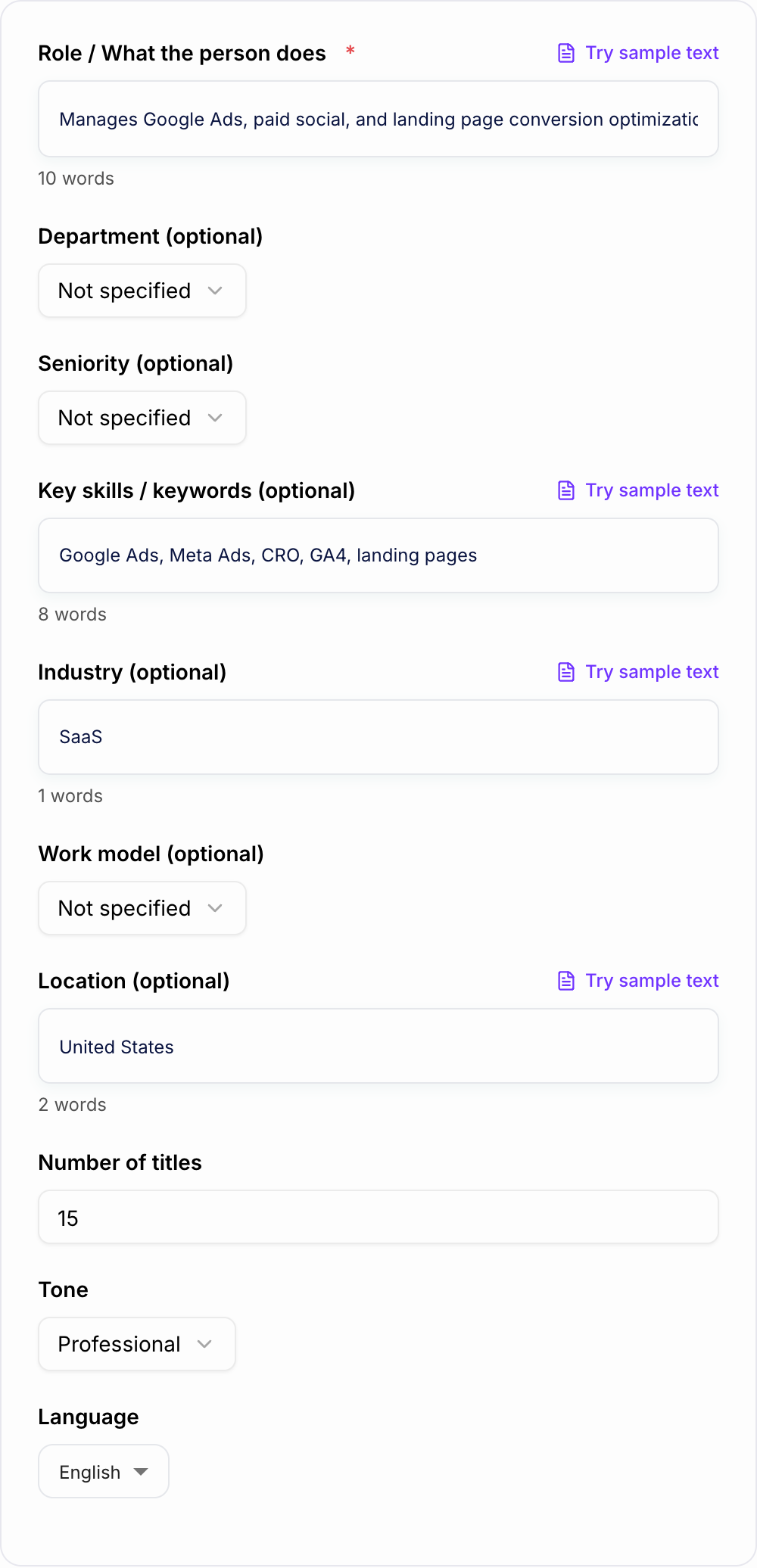
A good job title is not clever. It is recognizable, searchable, and honest about scope. The generator helps you move from "this person handles paid ads and landing pages" to title options like Performance Marketing Specialist, Paid Media Specialist, or Growth Marketing Manager depending on the level of ownership.
What to Enter Into the Job Title Generator
The more specific your role description, the better the title options.
Include:
- Core responsibilities: what the person does week to week
- Seniority: entry, junior, mid-level, senior, lead, principal, manager, director, VP
- Department: Marketing, Sales, Product, Engineering, People, Finance, Operations
- Skills or tools: React, Salesforce, SQL, paid social, compliance, onboarding, analytics
- Industry: SaaS, healthcare, ecommerce, education, agency, manufacturing
- Work model: remote, hybrid, on-site, global, regional
- Purpose: job posting, LinkedIn headline, resume title, org chart, startup generalist role
If you only enter a skill list, the generator may overfocus on tools. If you enter responsibilities and scope, it can suggest titles that match real market expectations.
How to Choose the Right Mode
Use Standard Job Titles when you need clean, recognizable options for hiring or internal use.
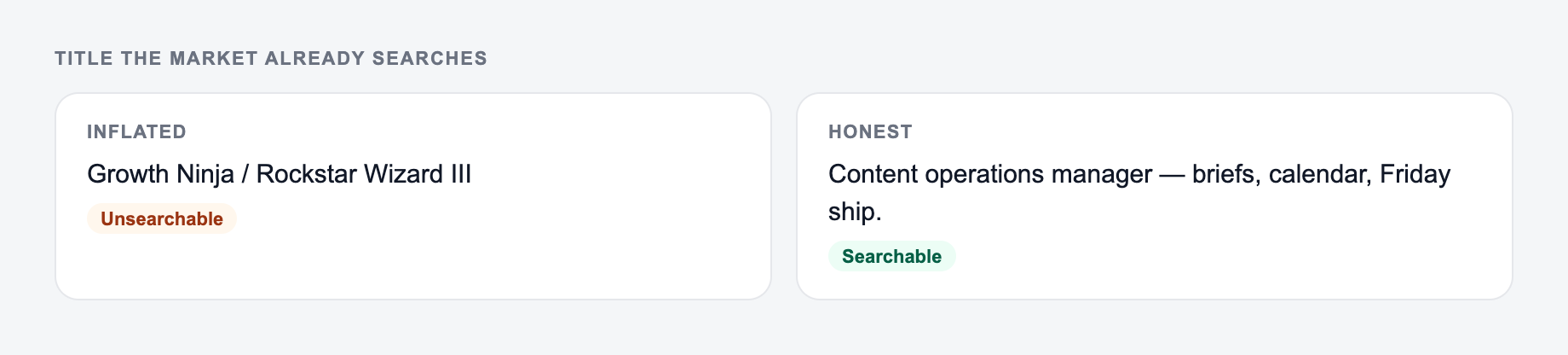
Use SEO-Friendly Job Posting when visibility on job boards matters. This mode favors titles candidates are likely to search.
Use Startup / Generalist when one role covers multiple functions and you need a title that does not sound inflated.
Use LinkedIn / Resume Title when the title needs to position a person for recruiter search while staying credible.
Use Executive / Leadership for director, VP, head-of, and C-level roles where the title should reflect strategy, ownership, and function scope.
Use Technical Role for engineering, data, IT, product, or specialized roles where architecture, platform, tooling, or domain depth changes the title.
Example Input and Title Options
Input:
Function and scope on the form beat a request for a “sexy title.”
Framework: write the uncomfortable sentence first (fee, last day, exclusion, jurisdiction). Then generate. If the AI Job Title Generator output buries that sentence, put it back in the first screen.
This is a draft aid, not legal, HR, or career advice.
- Responsibilities: manages paid search and paid social campaigns, improves landing pages, reports on acquisition performance
- Seniority: mid-level
- Department: Marketing
- Skills: Google Ads, Meta Ads, landing page testing, GA4
- Industry: B2B SaaS
- Purpose: job posting
Generated title options:
- Performance Marketing Specialist
- Paid Media Specialist
- Growth Marketing Specialist
- Paid Search Specialist
- Acquisition Marketing Specialist
- Paid Media and CRO Specialist
For a hands-on role, Performance Marketing Specialist is probably the safest primary title. Use Performance Marketing Manager only if the person owns budget, strategy, and cross-channel planning.
How to Pick the Best Final Job Title
After generating options, choose the title that passes four checks.
First, candidates should recognize it instantly. If the title needs an explanation, it may not belong at the top of a job post.
Second, the title should match search behavior. People search for Product Manager, Data Analyst, Customer Success Manager, and Software Engineer more than internal nicknames.
Third, seniority should match ownership. Senior means more than years of experience; it should reflect complexity, autonomy, and judgment.
Fourth, the title should not promise a different job than the description delivers. A title that attracts clicks but disappoints in interviews creates wasted pipeline.
When to Include Skills in the Title
Walk the Job Title Generator like a template, not a finished filing. Names, dates, and amounts have to be ones you can prove.
Skill-based titles work when the skill defines the role.
Good examples:
- Salesforce Administrator
- React Developer
- Technical SEO Specialist
- HubSpot Specialist
- Machine Learning Engineer
Weaker examples:
- React Node AWS Kubernetes Engineer
- Google Ads Meta Ads Analytics Manager
- CRM Email Lifecycle Automation Data Specialist
If the skill is important but not the whole job, keep it in the job description, requirements, or first paragraph. The title should carry the main role, not every keyword.
Use Variants Without Confusing Candidates
The generator may give you several strong title variants. Pick one official title for the ATS, careers page, offer letter, and internal documentation.
Then use close variants naturally in the job description body. For example, a Customer Success Manager post might mention account management, onboarding, renewals, and client success in the description. That gives search coverage without making the title messy.
For teams building several hiring pages, Junia AI can help keep job-title, responsibility, summary, and hiring-copy workflows consistent instead of rewriting each piece from scratch.
Common Job Title Mistakes to Fix
Avoid novelty titles. "Marketing Ninja" or "Customer Happiness Hero" may feel playful internally, but they usually hurt search visibility and clarity.
Avoid inflated titles. Calling a hands-on executor a Director may attract the wrong candidates and create compensation confusion.
Avoid under-leveled titles. A high-ownership role with a junior title will lose qualified senior applicants before they read the details.
Avoid mixing individual contributor and manager signals. If the role does not manage people or a function, "Manager" may be misleading unless that title is standard in the market.
Avoid title stuffing. One clarifier is useful. Five modifiers make the company look uncertain.
Final Review Before You Use the Generated Title
Use this as a preflight, not a caption. If a box fails, change the input or cut the line.
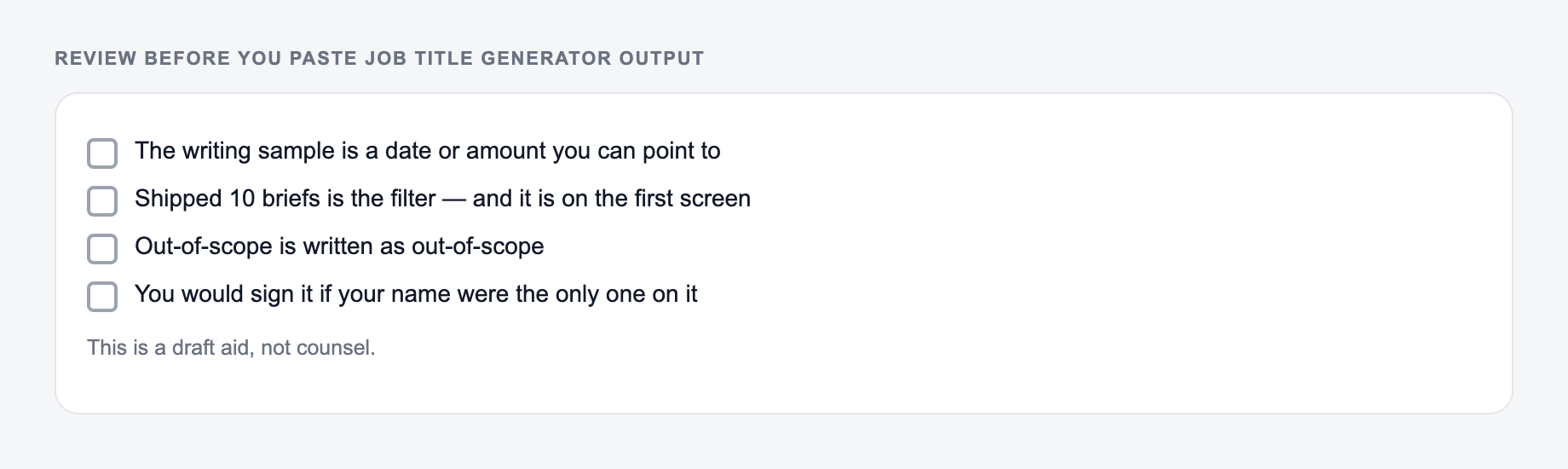
Before publishing the job title, ask:
- Would a candidate search for this exact phrase?
- Does the title match the responsibilities and seniority?
- Is it clear outside your company?
- Does it avoid internal codes, jokes, and inflated scope?
- Is there one official title and a small set of supporting variants?
- Would the title still make sense on LinkedIn, an ATS, and an offer letter?
The generator gives you options. Your final job is to choose the title that creates the least confusion and the best match between candidate expectations and the actual role.
Frequently Asked Questions
Is this job title generator free to use?+
Yes. You can generate job title ideas for free. Some advanced modes may be marked as premium depending on your setup.
How do I generate an accurate job title from responsibilities?+
Enter what the person actually does (core responsibilities), optionally add key skills and seniority, and the tool will suggest titles that match common market naming conventions.
Are the job titles optimized for job boards and SEO?+
Yes. The generator prioritizes clear, standard, searchable titles and avoids internal jargon—helping candidates find your job post via job boards and search engines.
Should I include skills in the job title (e.g., 'React Developer')?+
Only when it matches common candidate searches and the role truly centers on that skill. Overstuffing a job title can reduce clarity; you can place additional skills in the job description.
How do I choose the right seniority level (Junior vs Senior vs Lead)?+
Use scope and ownership: Junior executes with guidance, Mid owns tasks, Senior owns outcomes, Lead drives technical direction, and Manager/Director owns people and strategy.
Can I use the output for LinkedIn titles and resumes?+
Yes. The generated titles are designed to be professional and recognizable. For personal profiles, choose the title that best matches your responsibilities and aligns with how recruiters search.