
Free KPI Generator
Generate SMART KPIs from a business goal, team, timeframe, industry, and constraints. Get a practical KPI set with definitions, formulas, leading and lagging indicators, targets, owners, data sources, dashboard ideas, and a reporting cadence your team can actually use.
KPIs
Your KPI set (metrics, definitions, formulas, targets, and tracking plan) will appear here...
How the AI KPI Generator Works
Get results in seconds with a simple workflow.
Describe Your Goal
Enter a specific business goal (growth, retention, efficiency, revenue, or quality). Optional context like team, industry, and constraints improves relevance.
Generate KPIs with Measurement Details
Get a KPI set with definitions, formulas, leading/lagging indicators, suggested targets, and data sources so you can track performance consistently.
Implement a Simple Tracking Routine
Use the reporting cadence, owners, and dashboard plan to review KPIs weekly or monthly—then take corrective actions when metrics trend off-target.
See It in Action
Example of turning a vague goal into a measurable KPI framework with targets and tracking details.
Goal: Improve marketing performance. We want more traffic and more leads.
Goal: Increase qualified inbound leads from organic search by 30% in the next quarter.
North Star KPI:
- Marketing Qualified Leads (MQLs) from Organic (Monthly) Definition: Leads meeting ICP + intent criteria where first-touch channel = Organic Search Target: +30% vs. last quarter baseline Source: CRM + GA4/attribution
Leading KPIs:
- Organic sessions to high-intent pages (Top 20 landing pages) Formula: GA4 organic sessions filtered to intent pages Target: +20%
- SERP CTR for priority queries Formula: Search Console clicks / impressions Target: +15% relative
- Lead conversion rate (Organic) Formula: Organic leads / organic sessions Target: +10% relative
- Content velocity (SEO) Definition: # of publish-ready pages shipped per month Target: 12/mo
Tracking Plan:
- Cadence: Weekly KPI review (30 min), Monthly deep dive
- Owners: SEO lead (traffic/CTR), Content lead (velocity), RevOps (lead definitions)
- Alerts: CTR down >10% WoW on priority pages; conversion rate down >15% WoW
Why Use Our AI KPI Generator?
Powered by the latest AI to deliver fast, accurate results.
SMART KPIs Tailored to Your Goal
Generate SMART KPI ideas aligned to your business goal, timeframe, and team—so every KPI is measurable, time-bound, and decision-ready.
Leading vs. Lagging Indicators
Get a balanced KPI set that includes leading indicators (activity/inputs) and lagging indicators (outcomes) to improve forecasting and performance management.
KPI Definitions, Formulas, and Targets
Each KPI includes a plain-English definition, calculation formula, recommended target, and suggested threshold bands (good / watch / critical).
Data Sources + Tracking Guidance
Includes recommended data sources (GA4, CRM, billing, product analytics), event suggestions, and measurement notes to reduce KPI ambiguity.
Dashboard and Reporting Cadence
Produces an actionable KPI tracking plan: owners, update frequency, review agenda, and what actions to take when KPIs move.
Pro Tips for Better Results
Get the most out of the AI KPI Generator with these expert tips.
Start with one “North Star” KPI, then add 5–10 supporting metrics
A North Star KPI keeps teams aligned (e.g., activated users, repeat purchase rate). Supporting KPIs explain why it moves—like acquisition quality, activation rate, and retention cohorts.
Write KPI definitions to prevent misalignment
Define the exact formula, inclusion/exclusion rules, and source of truth. For example, specify whether conversion rate uses sessions or users, and whether refunds are excluded from revenue.
Choose KPIs you can act on within the timeframe
If your sales cycle is 90 days, weekly closed-won revenue is a slow feedback loop. Add leading KPIs like qualified meetings, proposal-to-close rate, or stage conversion.
Use threshold bands (good/watch/critical) instead of one target
Bands make KPI monitoring faster. For example: churn <2% (good), 2–3% (watch), >3% (critical) with clear playbooks for each band.
Avoid vanity metrics unless they predict outcomes
Pageviews and follower counts can be useful, but prioritize outcome-linked KPIs like qualified leads, conversion rate, retention, revenue per visitor, or CAC payback.
Who Is This For?
Trusted by millions of students, writers, and professionals worldwide.
Generate SMART KPIs with an AI KPI Generator
The KPI Generator turns a business goal into measurable KPIs with definitions, formulas, targets, data sources, owners, and a reporting cadence. It is useful when you know the outcome you want but need a cleaner way to measure progress and make decisions.
Use it for marketing, sales, product, customer success, operations, finance, HR, engineering, or company-wide goals. The output should not be treated as a decorative dashboard list. A good KPI tells a team what changed, why it matters, and what to do next.
What to Enter Into the KPI Generator
The business goal is the most important input. Make it as specific as you can.
Weak input:
- Improve marketing performance
Better input:
- Increase qualified inbound leads from organic search by improving conversion rate and high-intent content performance next quarter
Add optional context to improve the output:
- Team or function: marketing, sales, product, support, operations, finance, HR, engineering
- Industry: SaaS, ecommerce, healthcare, B2B services, marketplace, education
- Timeframe: weekly, monthly, quarterly, yearly
- Business stage: early, growth, mature, turnaround
- Constraints: limited budget, long sales cycle, messy CRM data, small team, GA4 and Stripe only
The generator can create better formulas, sources, and targets when it knows the operating reality.
Choosing the Right KPI Mode
Use SMART KPIs when you need a clean set of measurable metrics tied to one goal.
Use Startup KPIs when the business is still learning what matters. This mode usually leans toward activation, retention, revenue quality, and fast feedback loops.
Use Marketing KPIs, Sales KPIs, Product KPIs, or other team modes when the goal belongs to a specific function and needs function-specific metrics.
Use OKR to KPI when you already have an objective or key results and need trackable measures, formulas, and reporting structure.
Use Dashboard + Reporting Plan when you need both the KPI set and a practical way to review it with owners, cadence, and alert thresholds.
Example Input and Generated KPI Framework
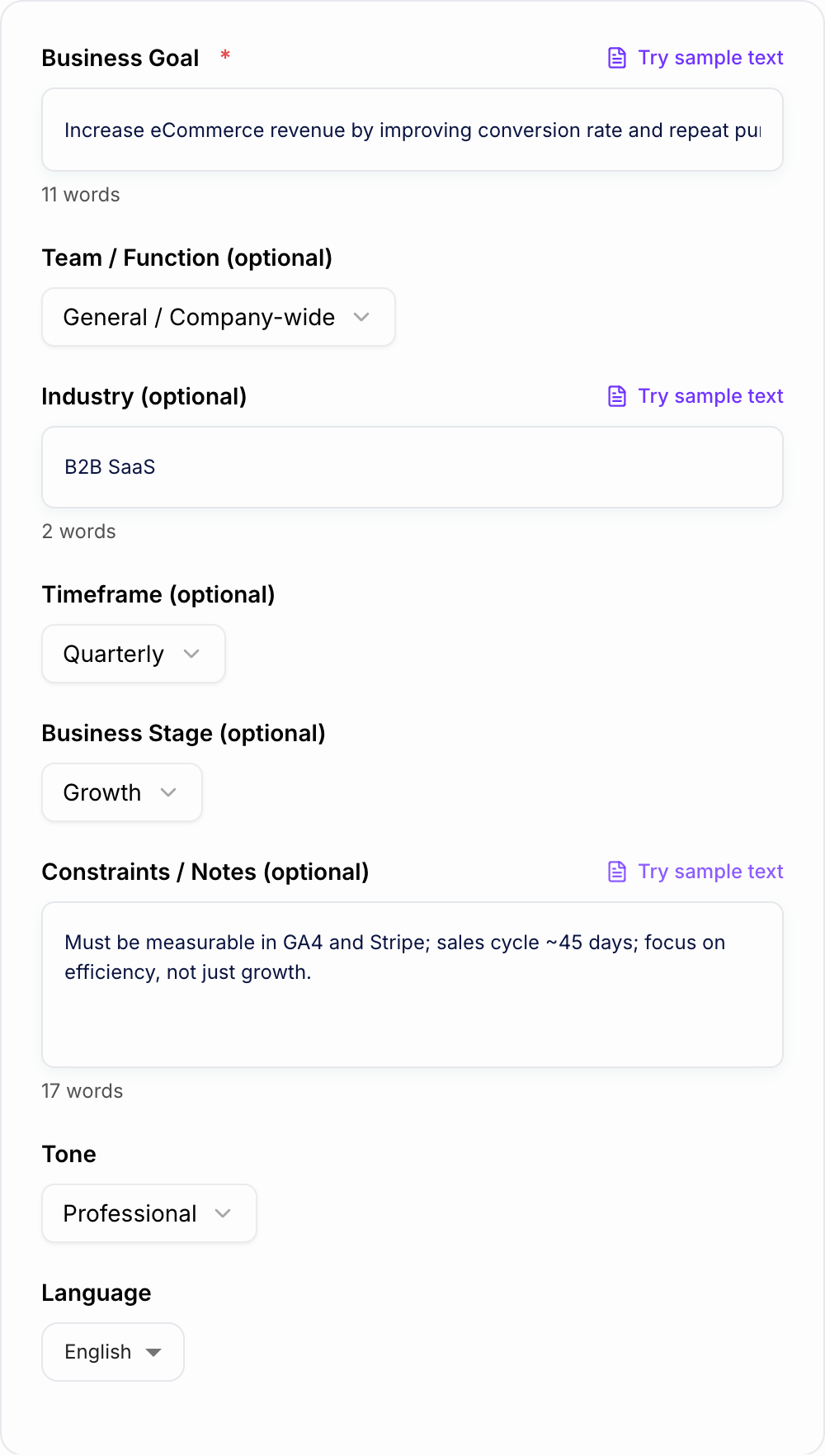
Input:
Goal and the data you can actually collect belong on the form.
After you generate, do not average the scores. Circle the one criterion that would make you walk away, then see whether the AI KPI Generator output still recommends that option.
A longer list is not a better decision. Score what you will actually live with.
- Goal: Increase ecommerce revenue by improving conversion rate and repeat purchase rate
- Team: Marketing
- Industry: ecommerce
- Timeframe: quarterly
- Constraints: small team, must use GA4 and Shopify, focus on efficiency not just growth
Generated KPI direction:
- North Star KPI: Revenue per visitor
- Lagging KPIs: total revenue, repeat purchase rate, average order value, conversion rate
- Leading KPIs: product page add-to-cart rate, email click-to-purchase rate, abandoned cart recovery rate, returning customer sessions
- Data sources: Shopify, GA4, email platform
- Review cadence: weekly leading KPI check, monthly revenue and cohort review
Before using the output, confirm that each formula matches your actual analytics setup.
How to Review the Generated KPIs
A KPI list is not finished until the team can answer six questions:
- What exactly does this KPI measure?
- What is the formula?
- What is the source of truth?
- Who owns the number?
- How often will it be reviewed?
- What action happens if it moves into a warning range?
If a generated KPI lacks one of those answers, edit it before putting it into a dashboard.
Leading vs Lagging KPIs in the Output
Lagging KPIs measure the result. Revenue, churn, gross margin, conversion rate, win rate, and NRR are common examples.
Leading KPIs measure the drivers. Demos booked, onboarding completion, product activation, first response time, content shipped, and feature adoption can move before the final outcome changes.
The KPI generator is most useful when you ask for both. Lagging KPIs tell you whether you won. Leading KPIs tell you whether the team is doing the work that should improve the result.
How to Set Targets from the Generated Suggestions
Treat generated targets as starting points, not facts.
A practical target-setting process is:
- Pull a recent baseline, such as the last 8 to 12 weeks or 3 to 6 months.
- Check seasonality, sample size, and data quality.
- Compare the target with team capacity and budget.
- Set a good/watch/critical threshold band.
- Revisit the target after one or two review cycles.
For example, if trial-to-paid conversion averaged 12% last quarter, a target of 14% may be realistic. A target of 30% might require a major pricing, onboarding, or product change.
Turn the Output Into a Review Routine
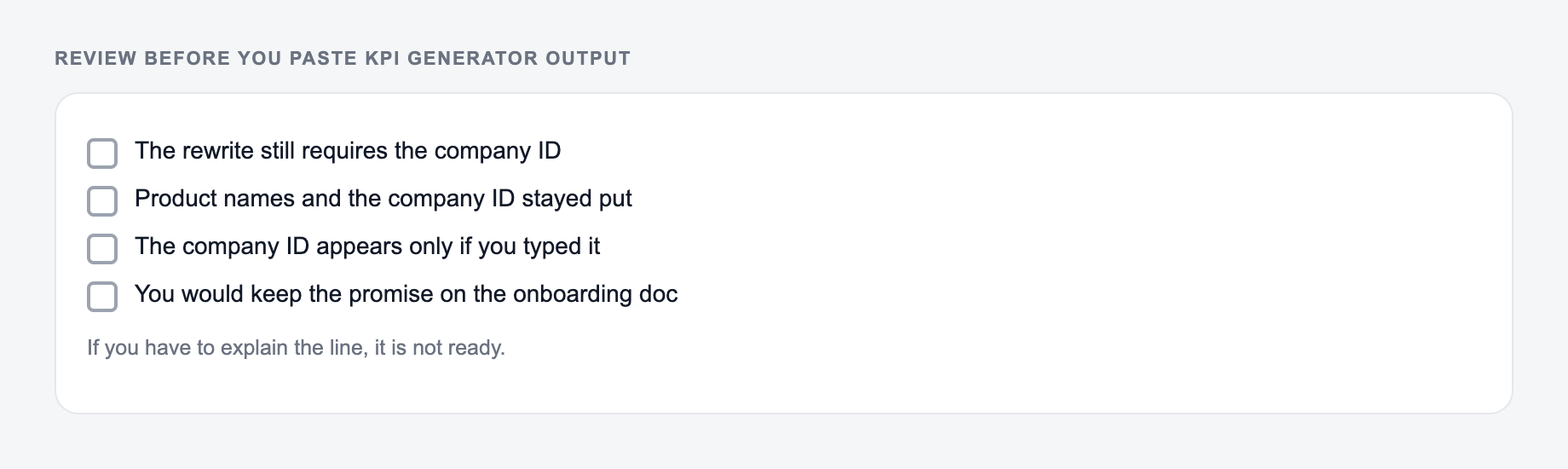
Before you adopt the kpi generator draft:
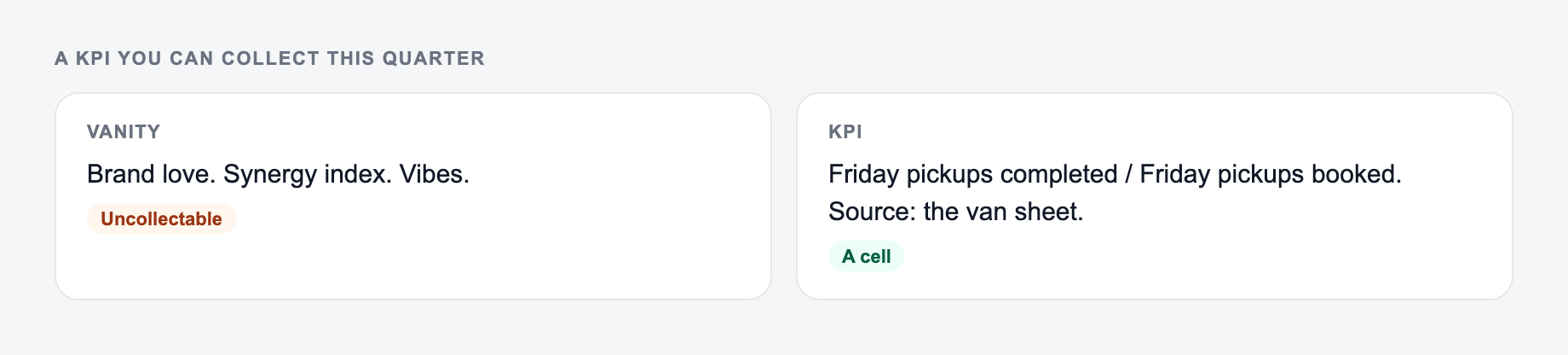
- The metric is something you can collect this quarter
- An owner and a review date are named
- Volume, “profit,” and “easy” were not treated as evidence
Use this as a preflight, not a caption. If a box fails, change the input or cut the line.
A KPI only becomes useful when it enters a decision rhythm.
A simple routine:
- Weekly: review leading KPIs, blockers, and next actions
- Monthly: review lagging outcomes, segments, and quality signals
- Quarterly: retire stale KPIs, reset targets, and confirm the next goal
For content, SEO, and planning workflows, Junia AI can help turn strategy into draft assets, but KPI ownership still needs a human review cycle. The dashboard should support decisions, not replace them.
Common KPI Generator Mistakes to Avoid
The first mistake is entering multiple goals at once. Generate one KPI framework per primary goal, then merge only the metrics that truly belong together.
The second mistake is accepting vanity metrics as core KPIs. Traffic, impressions, and followers can help diagnose performance, but they should connect to a real outcome.
The third mistake is ignoring data availability. If the team cannot measure the KPI reliably, it is not ready for weekly reporting.
The fourth mistake is assigning ownership to a group. A KPI can be cross-functional, but one person should own the definition and review.
The fifth mistake is tracking too many KPIs. If every metric is important, none of them will drive action.
Final KPI Checklist Before You Build the Dashboard
Before publishing the KPI set, confirm that:
- each KPI is tied to the business goal
- formulas and data sources are written down
- leading and lagging indicators are balanced
- targets are based on baseline reality, not wishful thinking
- owners are named
- review cadence is clear
- warning thresholds trigger specific actions
The generator gives you the framework. The final value comes from validating the numbers, assigning ownership, and using the KPIs to make better decisions every week.
Frequently Asked Questions
What is a KPI (Key Performance Indicator)?+
A KPI is a measurable metric tied to a specific business objective. Good KPIs are clearly defined, tracked on a consistent cadence, and used to make decisions—such as improving conversion rate, reducing churn, or increasing revenue per customer.
How do I choose the right KPIs for my goal?+
Start with the outcome you want (lagging KPI), then pick 2–5 leading KPIs that predict or drive that outcome. Choose metrics you can reliably measure, assign an owner, and set a timeframe and target so progress is unambiguous.
What’s the difference between leading and lagging KPIs?+
Lagging KPIs measure results (e.g., revenue, churn, CAC payback). Leading KPIs measure inputs or behaviors that influence outcomes (e.g., demos booked, onboarding completion rate, feature adoption). A strong KPI framework includes both.
How many KPIs should a team track?+
Most teams perform best with a small KPI set: 5–12 core KPIs plus supporting diagnostics. Too many KPIs create noise and reduce accountability. Focus on a few metrics that align tightly to the goal and can be acted on.
How do I set KPI targets if I don’t have benchmarks?+
Use a baseline from your last 4–12 weeks/months, then set a realistic improvement target based on constraints (budget, team size, cycle length). You can also set directional targets first (improve by X%) and tighten targets as data quality improves.
Can this KPI generator create KPIs for SEO and content marketing?+
Yes. You can generate KPI sets for SEO performance (organic sessions, rankings, CTR, conversions), content performance (engaged sessions, leads, revenue attribution), and technical SEO health (index coverage, Core Web Vitals, crawl errors).