
Free Limerick Generator
Generate funny five-line limericks with the classic AABBA rhyme scheme, playful rhythm, and a punchline ending. Enter a topic, name, character, or rhyme word, then choose a style for kid-friendly poems, romantic notes, playful roasts, classroom activities, cards, captions, and party ideas.
Limerick
Your limerick will appear here...
How the AI Limerick Generator Works
Get results in seconds with a simple workflow.
Enter a Topic (or Name)
Type what your limerick should be about—anything from a person to a funny scenario. Specific prompts produce sharper humor and clearer imagery.
Optional: Add a Rhyme Word + Pick a Mode
Provide an ending rhyme word to steer the rhyme family, then choose a mode like Funny, Kid-Friendly, Romantic, or Strict Meter for tighter form.
Generate and Iterate
Get a polished AABBA limerick instantly. Generate a few variations, then keep the best punchline or swap the rhyme word for a stronger ending.
See It in Action
Example of turning a simple prompt into a complete AABBA limerick with a punchline ending.
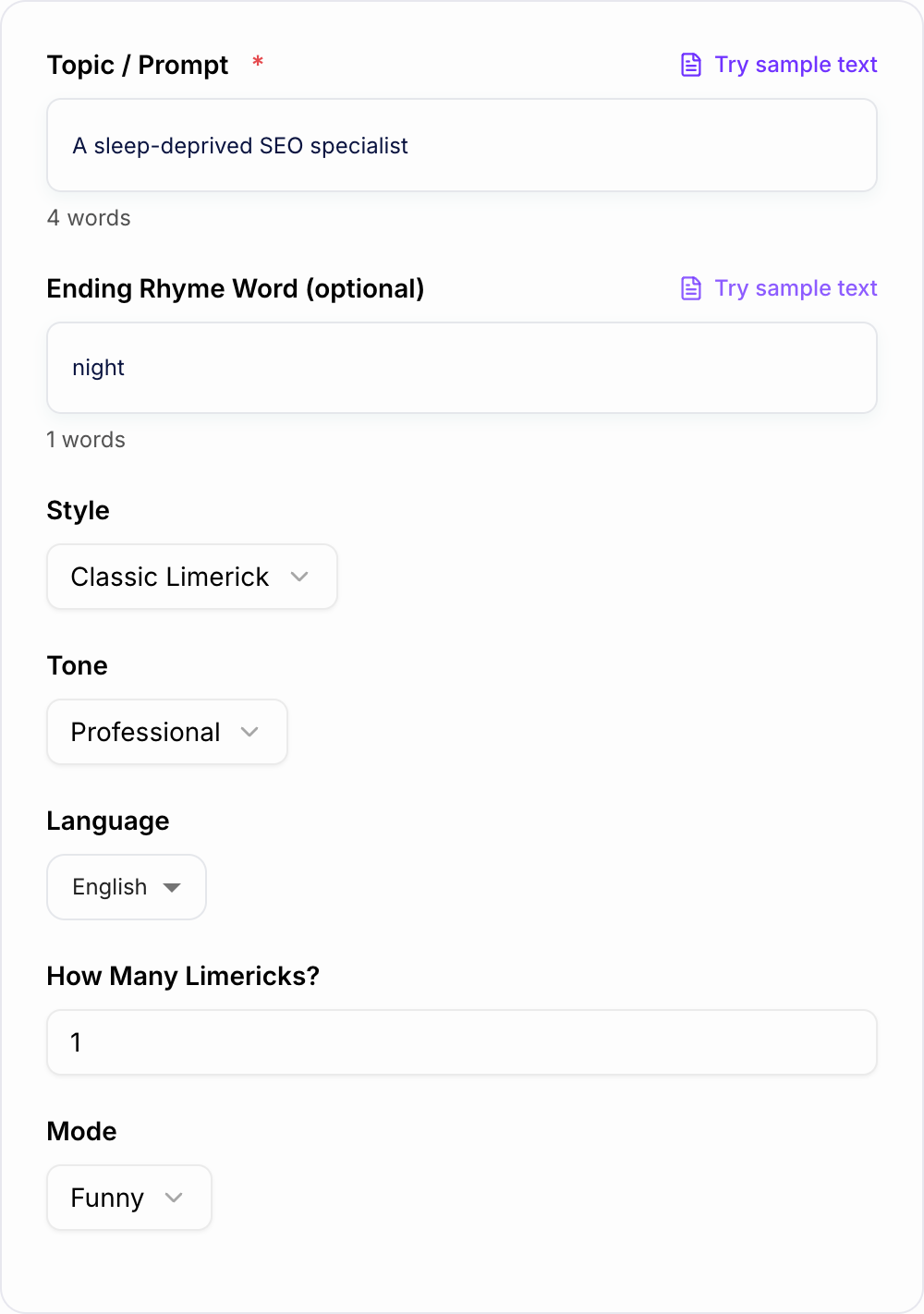
Topic: a tired SEO specialist working late
There once was an SEO pro in the night, Who tweaked all her titles just right, She chased down each flaw, With Search Console in awe, Then ranked—and at last—slept in delight.
Why Use Our AI Limerick Generator?
Powered by the latest AI to deliver fast, accurate results.
Proper Limerick Form (5 Lines, AABBA Rhyme)
Generates authentic limericks with the classic five-line structure and AABBA rhyme scheme—ideal for poetry practice, classroom activities, and quick creative writing.
Witty Punchline Endings
Builds toward a satisfying final line with a clean punchline, twist, or playful payoff—great for funny poems, greeting cards, and social captions.
Optional Rhyme-Word Control
Add an ending rhyme word to steer the rhyme family for tighter comedic timing and more personalized limericks (names, places, or inside jokes).
Tone, Style, and Language Customization
Choose tone and style (classic, modern, storybook) and generate limericks in multiple languages for localized humor and multilingual poetry.
Fast Variations for Sharing and Iteration
Generate multiple limerick options quickly to pick the best version for invites, speeches, classroom worksheets, party games, and content ideas.
Pro Tips for Better Results
Get the most out of the AI Limerick Generator with these expert tips.
Use prompts with clear characters and actions
Limericks work best with a person/character plus a funny action (e.g., “a dentist who sings opera”). This creates a strong setup and a punchier final line.
Pick rhyme words that have lots of rhyme partners
Words like “night,” “town,” “day,” or “blue” usually yield cleaner rhymes than very specific terms. If you need a proper noun, try pairing it with a nearby rhymable word.
Tighten the punchline by simplifying line 5
The last line should pay off the joke quickly. Short, direct wording often lands better than an overly detailed ending.
Generate 3–5 variations and mix the best lines
If one version has the best setup and another has the best ending, combine them into a final limerick that reads smoothly and rhymes cleanly.
Use Kid-Friendly mode for public sharing
If you’re posting on social media, using in classrooms, or sending to family, Kid-Friendly mode helps keep the humor clean and widely shareable.
Who Is This For?
Trusted by millions of students, writers, and professionals worldwide.
Generate Funny AABBA Limericks From Any Topic or Rhyme Word
A limerick generator helps when you want the poem without wrestling every rhyme by hand. Give it a topic, name, character, or rhyme word, and it creates a five-line poem with the classic AABBA pattern and a punchline ending.
Use this Limerick Generator for classroom poetry, birthday cards, party invites, captions, speeches, newsletters, creative warmups, or quick personalized jokes. The best results come from specific prompts and a quick edit pass after generation.
What to Enter Into the Limerick Generator
A strong limerick prompt usually has a character and an action.
Good inputs:
- "a pirate who is afraid of the ocean"
- "my friend Alex who always loses his keys"
- "a baker who keeps starting new diets"
- "a teacher who secretly loves video games"
- "a sleepy accountant during tax season"
- "a barista who takes coffee too seriously"
Weak inputs are usually too broad, such as "coffee" or "school." Add a person, problem, place, or funny detail so the generator has a setup for the final line.
How the AABBA Rhyme Scheme Works
A limerick has five lines:
- lines 1, 2, and 5 rhyme with each other
- lines 3 and 4 rhyme with each other
- lines 3 and 4 are usually shorter
- line 5 delivers the twist or punchline
The rhyme pattern is what makes the poem feel like a limerick instead of a short random verse. If the final line does not rhyme cleanly or feels too long, generate another version or edit the ending.
Using the Rhyme Word Field
How to stop after a usable pass with the Limerick Generator:
- State the job in one sentence (who + outcome).
- Add one fact you already have.
- Generate more options than you need, then delete anything a competitor could paste.
- Read the finalist out loud.
The rhyme word field gives you control over the sound of lines 1, 2, and 5 or sometimes the shorter middle pair.
Use it when:
- you want the poem to end around a specific sound
- you need a cleaner rhyme family
- you are writing for a name, place, or inside joke
- the first output rhymes awkwardly
Choose rhyme words with many partners: night, day, blue, town, light, sea, or fair. If a proper noun is hard to rhyme, put the name in the middle of a line and use a simpler word at the end.
Choose the Right Mode for the Moment
Funny is the default for quick jokes and playful captions.
Kid-Friendly keeps the wording clean, simple, and classroom-safe.
Romantic works for cards and messages when you want warmth without losing the limerick bounce.
Playful Roast should tease a habit or situation, not someone's identity or something cruel.
Strict Meter + Rhyme is best when rhythm matters more than cramming in every detail.
Multiple Variations is useful when you want to compare punchlines and choose the best version.
Example Prompt and Review Pass
Example input:
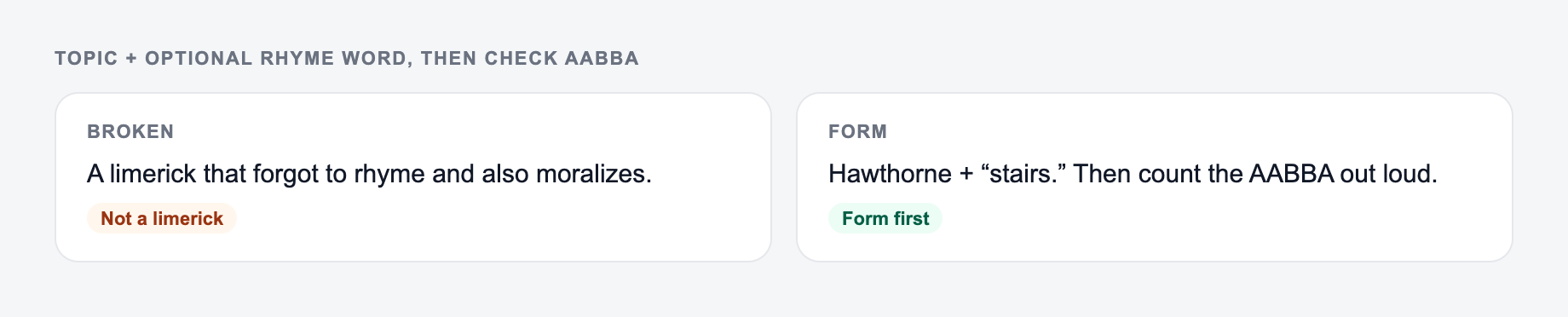
A topic plus an optional rhyme word on the form is enough. Then check the AABBA.
How to get a usable shortlist from the AI Limerick Generator:
- State the job in one sentence (who + outcome).
- Add one fact you already have — a number, a place, a constraint.
- Generate more options than you need, then delete anything you could paste on a competitor’s site.
- Read the finalist out loud. If you have to explain it, it is not ready.
Topic: a sleep-deprived SEO specialist. Rhyme word: night. Mode: funny. Style: workplace humor.
A good generated limerick should have:
- five lines
- AABBA rhyme
- a clear setup in lines 1 and 2
- a quick turn in lines 3 and 4
- a punchline in line 5
- no forced extra explanation after the joke
After generation, read it aloud. Limericks are rhythmic. If a line feels too long, cut filler words before changing the whole poem.
How to Edit a Generated Limerick
Use a quick polish pass:
- shorten line 5 so the punchline lands
- remove filler words like really, very, just, and actually
- swap the rhyme word if the rhymes feel strained
- keep lines 3 and 4 punchy
- generate 3 to 5 versions and combine the best setup with the best ending
- check audience fit before sharing a roast or workplace joke
A generated limerick does not have to be final on the first try. Variations are part of the process.
Creative Ways to Use the Output
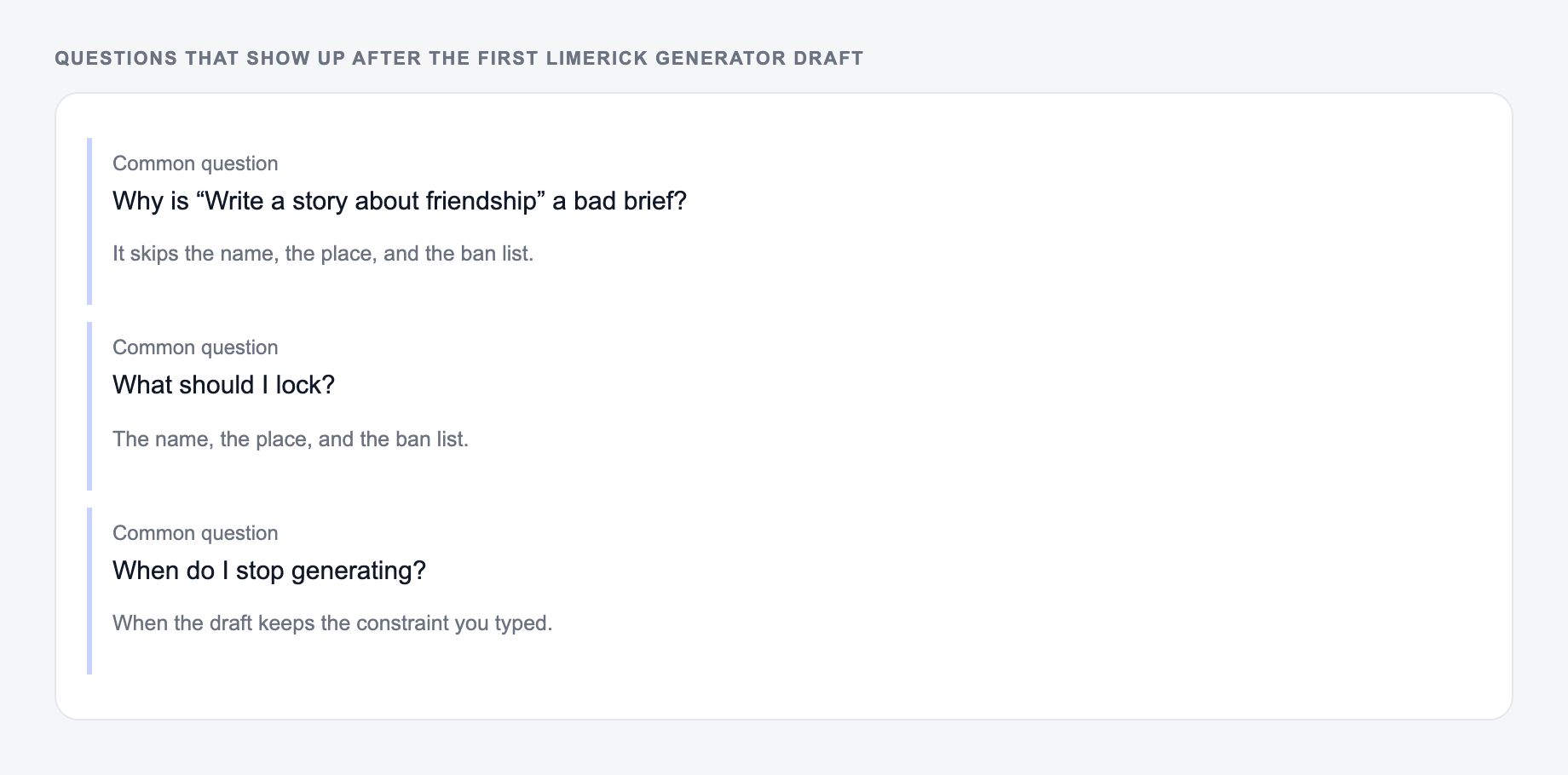
Answer these before you generate a second batch. A reroll will not fix a vague brief.
Generated limericks work well for poetry lessons, birthday cards, wedding speeches, party games, social captions, newsletter intros, classroom examples, and writing warmups.
If you need related copy after the poem, such as captions, invitations, rewrites, or short posts, a broader Junia AI workflow can help you keep the same playful idea moving into other formats.
Final Checklist for a Generated Limerick
Before you use the poem, confirm that it has:
- exactly five lines
- AABBA rhyme
- a clear character or scene
- a short middle turn
- a final-line payoff
- wording that fits the audience
- no forced rhyme that makes the joke confusing
Frequently Asked Questions
What is a limerick (and what’s the rhyme scheme)?+
A limerick is a short, humorous poem with 5 lines and an AABBA rhyme scheme. Lines 1, 2, and 5 rhyme with each other, and lines 3 and 4 rhyme with each other. Many limericks also have a bouncy rhythm that helps the punchline land.
Can I generate a limerick using a name or place?+
Yes. Enter a name, city, brand, or character in the topic field. If you also add an ending rhyme word, the generator will aim for cleaner rhymes and a more personalized result.
How do I make the rhymes better?+
Add a rhyme word (or a location/name that rhymes easily), keep the topic specific, and try the “Strict Meter + Rhyme” mode for tighter rhythm and cleaner AABBA rhyming.
Can this limerick generator create kid-friendly poems?+
Yes. Choose the Kid-Friendly mode to get wholesome, classroom-safe limericks with simpler language and a positive vibe.
Does the tool support different languages?+
Yes. Select an output language. For best results, use a topic in the same language and avoid forcing hard-to-rhyme proper nouns.
Can I request multiple limericks at once?+
Yes. Increase the “How Many Limericks?” field (or use the Multiple Variations mode) to generate several options so you can choose the funniest or best-sounding version.