
Free Marketing Campaign Generator
Create launch-ready marketing campaigns for products, promotions, webinars, seasonal offers, lead generation, and re-engagement. Enter your offer, audience, goal, channels, budget, and timeline to generate positioning, creative angles, channel plans, content calendars, KPIs, and next steps.
Marketing Campaign Plan
Your marketing campaign plan will appear here...
How the AI Marketing Campaign Generator Works
Get results in seconds with a simple workflow.
Describe Your Product and Goal
Enter your product/offer and pick a campaign goal (awareness, leads, sales, launch, retention). Add your audience and key benefit if available for sharper targeting.
Choose Channels, Budget, and Timeline
Select a channel focus (or multi-channel), budget range, and timeline. The generator uses these inputs to shape the plan, pacing, and recommended assets.
Generate a Campaign Plan and Execute
Get a structured campaign plan with messaging, assets, calendar, KPIs, and optimization ideas. Copy the sections into your campaign brief, then adapt and launch.
See It in Action
Example of turning a simple idea into a structured, keyword-rich marketing campaign plan with channels, messaging, and KPIs.
We need a campaign to promote our SEO tool and get more signups.
Campaign: 2-Week Lead Gen Campaign for an AI SEO Tool
Goal: Lead generation (free trial signups) Audience: Small business owners + SaaS marketers Core message: Create SEO-ready content faster without sacrificing quality
Positioning:
- Problem: SEO content is slow, inconsistent, and hard to scale
- Promise: Go from keyword → outline → draft in minutes
- Proof points: Templates, intent alignment, on-page optimization checklist
Channel Plan: Email: 5-email sequence (welcome, problem/solution, case-style story, objection handling, last-call) Social: 10 posts (hooks, mini tips, before/after, short demo script) Paid Ads: 3 angles + 6 headlines + landing page CTA variants SEO/Content: 1 pillar post + 3 supporting posts + repurposing into social threads
KPIs:
- Landing page conversion rate, email CTR, ad CTR, CAC/CPA, trial-to-paid
Execution Checklist:
- Landing page sections, UTM setup, creative variants, QA, launch-day monitoring, weekly optimization
Why Use Our AI Marketing Campaign Generator?
Powered by the latest AI to deliver fast, accurate results.
Complete Campaign Strategy (Positioning + Messaging)
Generates a structured marketing campaign strategy with positioning, target audience segments, key messages, objections, and a clear value proposition—so your campaign is coherent across every channel.
Multi-Channel Plan: Email, Social, Paid Ads, and Content
Creates a channel-by-channel plan with deliverables, timing, and recommended formats—ideal for growth marketing, product launches, seasonal promotions, and lead generation campaigns.
Ready-to-Use Copy: Hooks, Subject Lines, Ad Angles
Produces practical copy blocks such as ad headlines, primary text, email subject lines, CTAs, and social hooks—optimized for clarity, relevance, and conversions without sounding spammy.
Content Calendar + Asset Checklist
Includes a simple campaign calendar and asset list (landing page sections, creative themes, social posts, emails, UTM plan), helping you execute faster with fewer gaps.
KPIs, Tracking, and Optimization Suggestions
Recommends measurable KPIs (CTR, CVR, CAC, ROAS, MQLs, SQLs), tracking setup, and iteration ideas—so you can improve performance instead of guessing.
Pro Tips for Better Results
Get the most out of the AI Marketing Campaign Generator with these expert tips.
Start with one message, then adapt it per channel
Keep one core value proposition and 2–3 supporting proof points. Adapt the packaging (hooks, formats, CTAs) for email, ads, and social to improve consistency and conversion rates.
Use 3 creative angles to avoid ad fatigue
Generate three distinct angles (pain-led, outcome-led, proof-led). Rotate them across ads and posts, then double down on the angle that earns the best CTR and CVR.
Write for objections, not just benefits
Add one line for the top objections (time, complexity, trust, price). Addressing objections directly often increases conversion rate more than adding more features.
Track with UTMs from day one
Use consistent UTM naming so you can compare performance across channels and creatives. Clean tracking prevents “we don’t know what worked” after spending time or budget.
Optimize weekly: one change at a time
Pick one lever per week (audience, offer, creative angle, landing page section, email subject line). Small, controlled tests beat random changes and speed up learning.
Who Is This For?
Trusted by millions of students, writers, and professionals worldwide.
Generate a Launch-Ready Campaign with the AI Marketing Campaign Generator
A marketing campaign generator is useful when the idea is clear but the execution is scattered. You may know the offer, audience, and goal, but still need the message, channels, assets, calendar, and KPIs to work together.
This tool turns that rough campaign brief into a structured plan. Instead of random posts, one last-minute email, and a landing page nobody reviews, you get a campaign you can actually ship: audience, promise, creative angles, timeline, channel plan, and measurement.
Use the generator inside Junia AI as the campaign planning layer, then edit the output into your team's voice and production workflow.
What to Enter for a Strong Campaign Plan
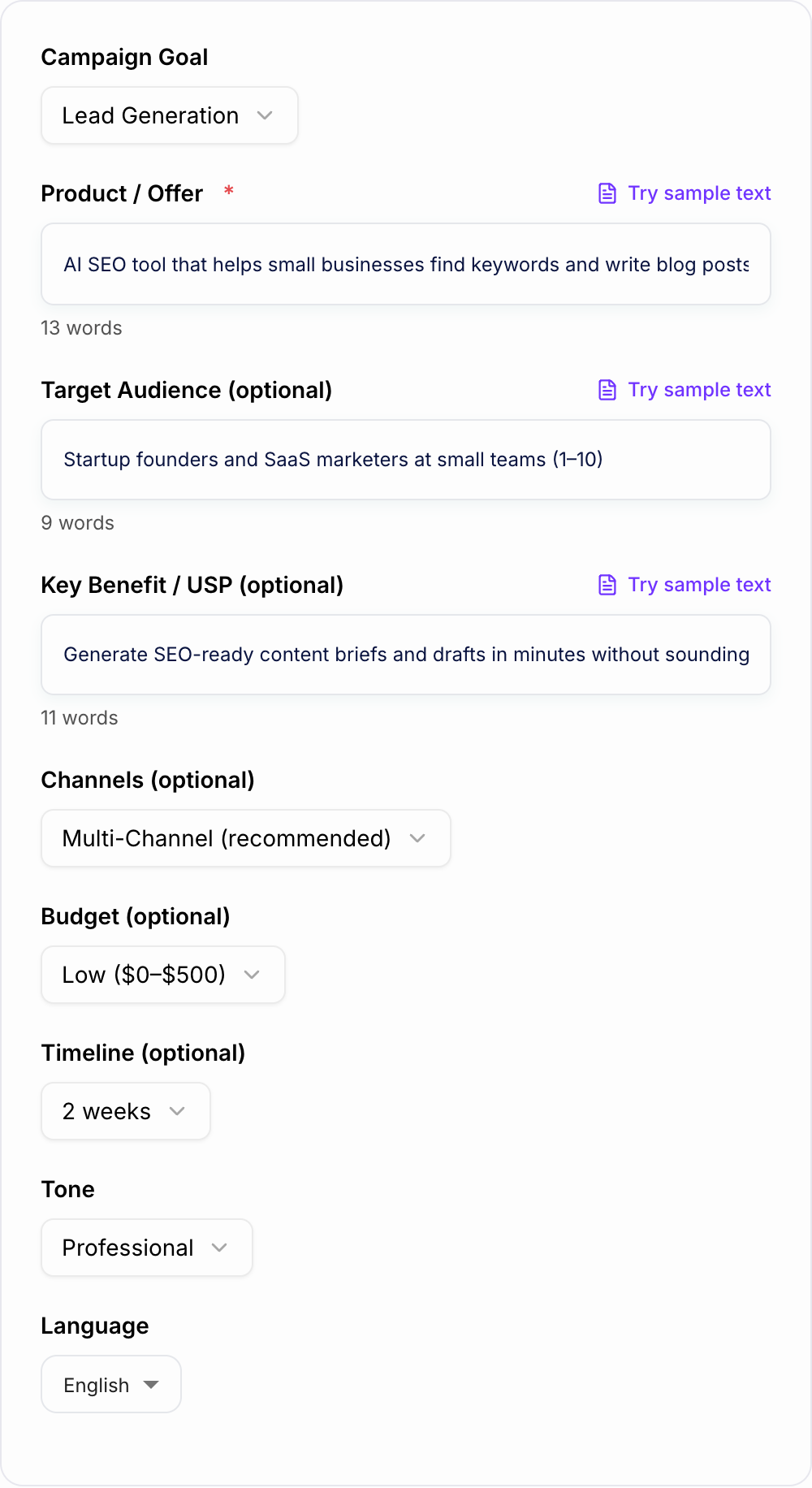
The best campaign outputs start with a specific offer. Name what you are promoting, who it is for, why it matters now, and what action you want.
A useful input includes:
- Offer: product launch, discount, webinar, report, service, event, or reactivation push
- Audience: role, industry, pain point, buying stage, or segment
- Goal: leads, sales, registrations, trials, awareness, retention, or reactivation
- Channels: email, social, ads, content, landing page, partners, event, or webinar
- Proof: data, customer quotes, screenshots, guarantees, demos, or differentiators
- Timeline: launch date, promotion window, follow-up period, or seasonal deadline
If you know the main objection, add it. A campaign that handles "too expensive," "not urgent," or "we already have a tool" will be stronger than one that only lists benefits.
Choose Campaign Type and Channels Realistically
A launch campaign needs different assets from a re-engagement campaign. A webinar needs reminders and replay follow-up. A seasonal promotion needs urgency, deadline handling, and offer clarity.
When you pick channels, think in systems, not wish lists. Email plus landing page plus LinkedIn may outperform email, TikTok, Google Ads, webinars, affiliates, and podcasts if your team cannot execute all of them.
Ask the generator for the channels you can maintain through launch and follow-up. Multi-channel means coordinated, not everywhere.
Turn the Generated Plan Into Assets
After the campaign generator gives you the strategy, break it into production tasks.
Start with the core message. This should be one sentence that can fit on the landing page, in the opening email, and in ad copy. If the sentence is fuzzy, fix it before creating assets.
Then build the asset list:
- Landing page headline, proof, CTA, and objection handling
- Email sequence with subject lines, preview text, body angles, and CTA
- Social posts grouped by pain, outcome, proof, and urgency
- Ad concepts with audience, hook, creative angle, and conversion action
- Follow-up assets for non-clickers, registrants, cart abandoners, or inactive leads
Use the generated calendar to decide what ships each week. A campaign plan is only useful when every asset has an owner and deadline.
Review the Output Before Launch
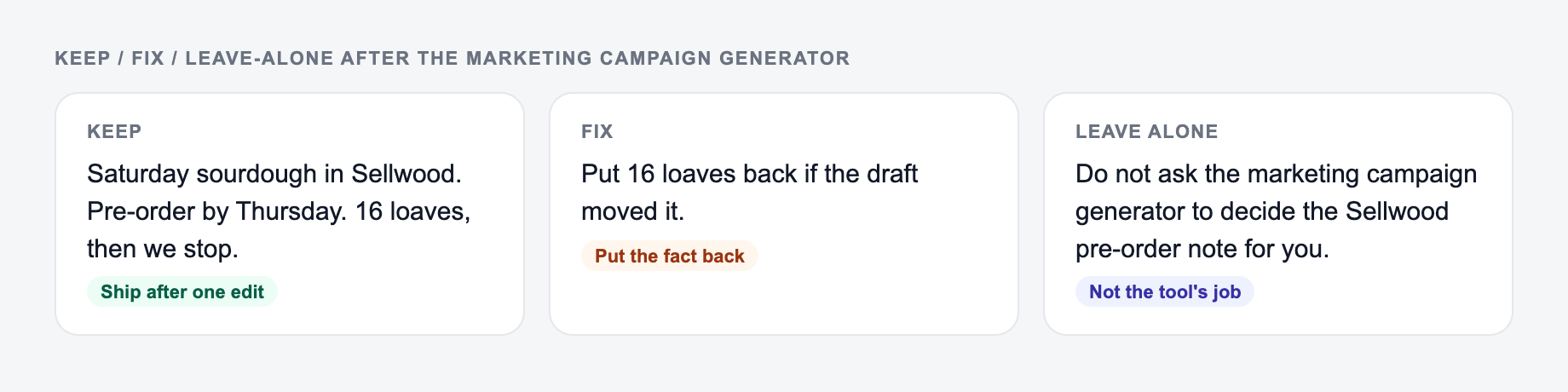
Check whether the campaign repeats the same promise across channels. If the email sells speed, the ad sells price, and the landing page sells simplicity, the buyer has to do too much work.
Next, check whether the KPIs match the goal. Awareness campaigns can track reach and branded search. Lead generation campaigns need conversion rate and lead quality. Sales campaigns need revenue, CAC, ROAS, and payback. Event campaigns need registrations, attendance, replay views, and follow-up conversions.
Finally, make sure tracking exists before launch. Add UTMs, conversion events, campaign names, and a basic reporting view. Without tracking, you will end up debating opinions instead of improving the campaign.
Common Campaign Generator Mistakes
The first mistake is giving the tool a vague audience like "small businesses." Add pain points, buying trigger, budget level, or industry.
The second mistake is asking for too many channels. If the campaign calendar looks impressive but impossible, cut it down.
The third mistake is skipping proof. The generator can suggest proof points, but real credibility should come from your product, customers, data, demos, or experience.
The fourth mistake is launching assets without a shared message. Consistency is what makes a campaign feel like a campaign.
Final Campaign Checklist
Before you publish, confirm that:
- One core promise appears across every major asset
- The audience and offer are specific
- The campaign has a clear start, launch, and follow-up phase
- Each channel has a reason to exist
- KPIs match the campaign goal
- Tracking is ready before traffic starts
- Every asset has an owner, deadline, and CTA
A good AI campaign plan should reduce coordination work. It should tell you what to create, why it matters, where it goes, and how you will know whether it worked.
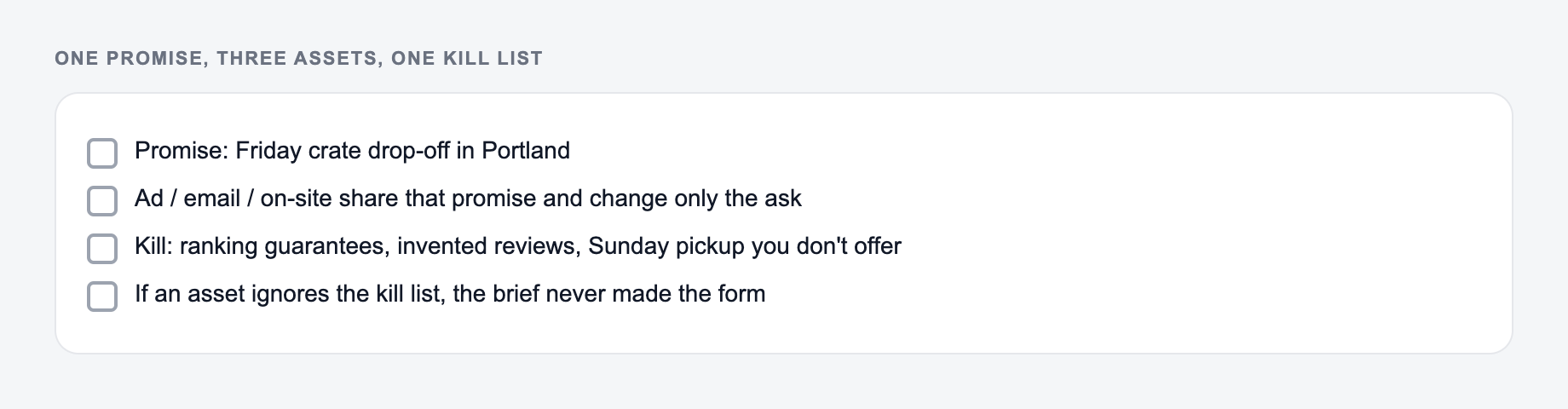
One Promise, Three Assets, One Kill List
Campaigns sprawl when every channel gets a unique story. After generating, compress the plan:
Pick one promise and only the channels you can staff before generating a launch plan.
- Promise: one sentence the landing page, email, and ads can all support
- Assets: the minimum set that must exist on day one
- Kill list: channels and extras you will not staff this cycle
Worked launch for a waitlist-to-paid tool: promise = “Export client reports without rebuilding them in slides.” Day-one assets = landing page, one email, one LinkedIn post, one retargeting ad. Kill list = TikTok, a webinar, a PR blast. If the generator added those, they belong in a later phase with a named owner or they come off the plan.
KPIs should match the bottleneck. A waitlist campaign measures confirmed emails and activation, not impressions.
Frequently Asked Questions
What does the Marketing Campaign Generator create?+
It generates a complete marketing campaign plan: campaign objective, audience and positioning, core message, channel strategy (email/social/paid/content), creative angles, sample copy, a simple content calendar, KPIs, and an execution checklist.
Can I use it for product launches and promotions?+
Yes. It works well for product launches, discounts and promotions, webinar/event campaigns, lead magnets, and evergreen growth campaigns. Choose a mode (like Product Launch or Promotion) to tailor the structure and assets.
Does it generate copy for ads and emails too?+
Yes. You’ll get practical copy ideas such as ad angles, headline variations, CTAs, email subject lines, and short social hooks—designed to be edited and tested rather than used blindly.
How do I choose the best channels for my campaign?+
If you’re unsure, select Multi-Channel. The plan will recommend an efficient mix based on your goal and budget. You can then prioritize the channels you can execute best (often email + social for low-budget, plus paid for faster scaling).
Will this help with SEO and content marketing?+
Yes. For content-led campaigns, the tool can outline pillar/supporting content ideas, distribution tactics, and messaging consistency—helping your SEO content and marketing channels work together.
Is the campaign plan ready to publish as-is?+
It’s designed to be execution-ready, but you should review claims, add product specifics, ensure compliance (industry rules, ad policies), and A/B test messaging for best results.