
Free Marketing Plan Generator
Generate an execution-ready marketing plan for your business, product, service, startup, local company, SaaS, or eCommerce brand. Add your audience, goal, budget, and timeline to create positioning, channel priorities, campaign ideas, budget guidance, KPIs, and weekly action steps.
Marketing Plan
Your marketing plan will appear here...
How the AI Marketing Plan Generator Works
Get results in seconds with a simple workflow.
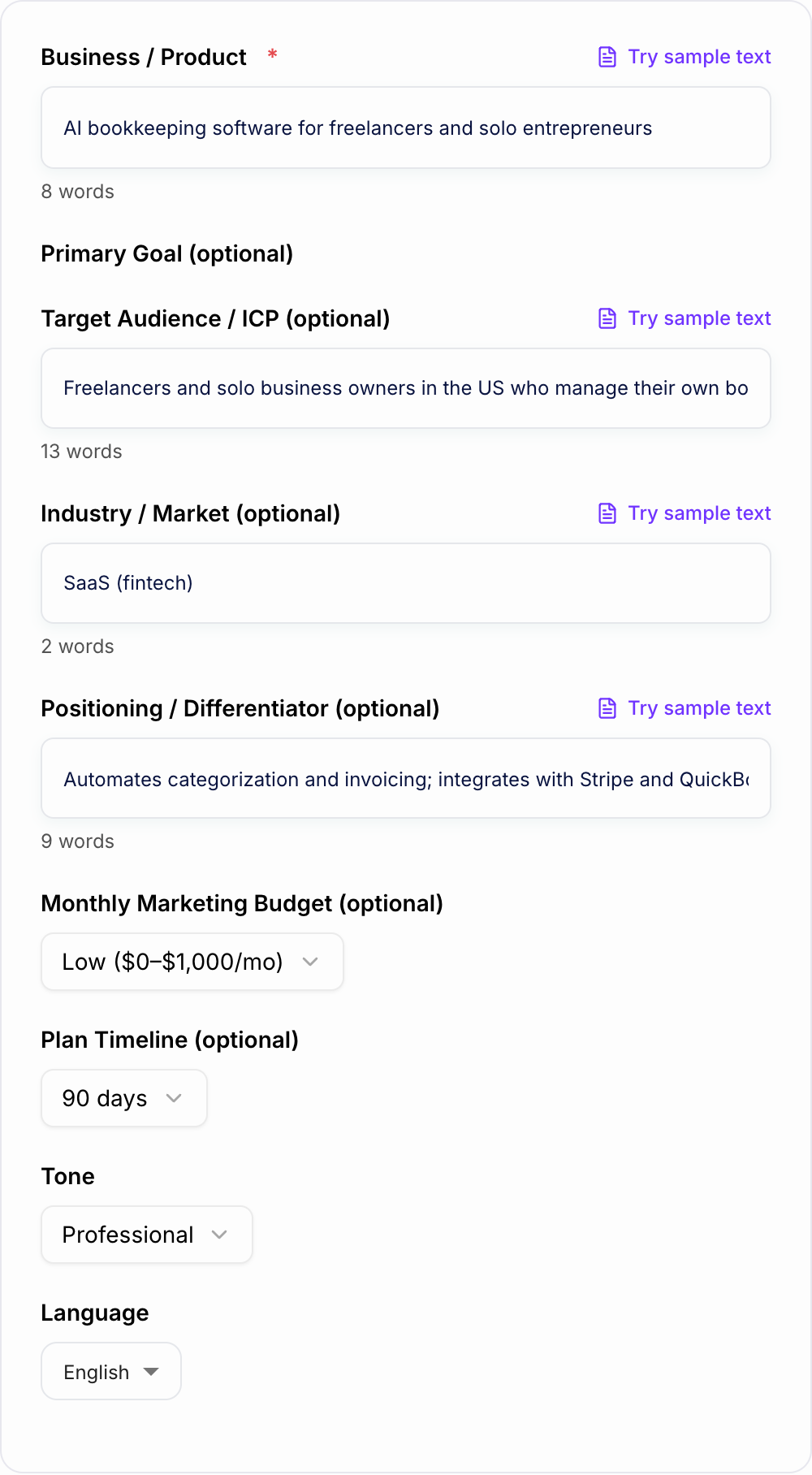
Describe Your Business and Goal
Enter what you sell and optionally your goal (leads, sales, SEO traffic, brand awareness, launch). Add your audience/ICP for better targeting.
Set Budget and Timeline
Choose your monthly budget range and plan duration (30/60/90 days or longer). The tool adapts channel recommendations and priorities accordingly.
Generate and Execute
Get a structured marketing plan with channels, campaigns, a content calendar, budget allocation, and KPIs. Copy it into your docs/project tool and start executing weekly.
See It in Action
Transform a vague marketing idea into a structured, KPI-driven marketing plan with channels, timeline, and execution steps.
We need marketing for our business. We want more customers but we’re not sure what channels to use or what to do each week.
Marketing Plan (90 Days)
Goal: Generate qualified leads and increase trials by 30%. Target Audience (ICP): Freelancers and solo business owners who manage their own bookkeeping. Positioning: Automated bookkeeping with Stripe + QuickBooks integrations; fastest setup.
Channel Strategy:
- SEO + Content: Publish 8 intent-driven articles (keyword clusters) + optimize 10 core pages.
- Email: Create lead magnet + 5-email nurture sequence + weekly newsletter.
- Paid Search: Run high-intent campaigns for “bookkeeping software for freelancers” with tight match types.
- Partnerships: Affiliate outreach to 15 creator/accountant partners.
Execution Timeline: Week 1–2: Tracking setup, landing pages, lead magnet, keyword map Week 3–6: Content production + email nurture + paid search testing Week 7–12: Scale winners, CRO improvements, partnership pipeline
KPIs:
- Organic: impressions, clicks, top-10 rankings, leads from SEO
- Paid: CPL, CAC, ROAS, conversion rate
- Lifecycle: trial-to-paid rate, activation, churn, LTV
Budget Split (Low): 40% content/SEO, 40% paid search tests, 20% design/tools
Why Use Our AI Marketing Plan Generator?
Powered by the latest AI to deliver fast, accurate results.
Complete Marketing Strategy (Goals → Positioning → Channels)
Generates a full marketing plan with clear objectives, target audience/ICP, value proposition, positioning, and a channel strategy you can execute immediately.
Channel Mix + Tactics (SEO, Content, Email, Social, Ads, Partnerships)
Builds a realistic channel plan based on your budget and timeline—covering organic marketing (SEO/content), lifecycle (email), social distribution, paid acquisition, and partnerships.
Campaign Calendar + Content Plan
Creates campaign themes, weekly execution tasks, and a content plan with topic ideas aligned to search intent and the marketing funnel (TOFU/MOFU/BOFU).
Budget Allocation + Resource Recommendations
Suggests a practical marketing budget split by channel, plus resourcing guidance (in-house vs freelancer vs agency) and estimated effort levels.
KPIs, Tracking, and Measurement Plan
Includes marketing KPIs (traffic, conversion rate, CAC, ROAS, MQL/SQL, retention) and a simple tracking checklist so you can measure what matters.
Pro Tips for Better Results
Get the most out of the AI Marketing Plan Generator with these expert tips.
Pick one primary goal per plan to avoid scattered execution
If your plan tries to do everything (awareness + leads + retention), it often does nothing well. Choose one primary KPI and make every channel support it.
Match channels to your funnel and sales cycle
For B2B, prioritize intent-driven SEO, LinkedIn, lead magnets, and email nurture. For eCommerce, lean into paid social/search, product pages, CRO, and lifecycle flows.
Start with 2–3 channels and go deeper before adding more
Depth beats breadth. Build a repeatable content system (SEO + email) or a paid acquisition system (creative testing + landing pages) before expanding the mix.
Use a simple measurement cadence
Review leading indicators weekly (traffic, CTR, CPL, conversion rate) and lagging indicators monthly (CAC, ROAS, pipeline, revenue, LTV). This keeps decisions fast and grounded.
Turn the plan into tasks with owners and deadlines
A marketing plan becomes real when you assign ownership. Convert each tactic into a weekly checklist: publish, distribute, test, measure, iterate.
Who Is This For?
Trusted by millions of students, writers, and professionals worldwide.
Build a Practical Plan with the AI Marketing Plan Generator
A marketing plan generator helps when you know you need structure but do not need a 40-page deck. The goal is to create a plan that explains what to focus on, which channels matter, what budget and timeline are realistic, and how you will measure progress.
This tool works best when you use it to turn business context into execution. Enter your audience, goal, budget, and timeline, then use the output as a working plan you can move into a doc, spreadsheet, or project board.
If your team already uses Junia AI for content or campaign work, the marketing plan generator can become the planning layer that keeps those assets tied to one goal.
What to Enter Into the Marketing Plan Generator
Start with the business or product. Be specific enough that the plan can make real choices.
Add the audience next. "Small businesses" is broad. "Local med spas that want more booked consultations from Google and Instagram" gives the generator much better direction.
Then set the goal. A plan for leads is not the same as a plan for revenue, awareness, launch, retention, or product adoption.
Useful inputs include:
- Business model and offer
- Target audience or ICP
- Current channels and what is already working
- Budget range or team capacity
- Timeline: 30 days, 90 days, 6 months, or 12 months
- Differentiators, objections, and constraints
- Main KPI, such as leads, sales, trials, bookings, pipeline, or retention
The more honest the constraints, the more usable the plan.
Choose the Right Plan Mode
Use Go-To-Market when you are launching a new product, feature, offer, or market. Expect positioning, launch phases, channel priorities, and early traction metrics.
Use Growth Plan when you already have customers and need repeatable acquisition, activation, conversion, retention, or expansion work.
Use Local Marketing when location matters. The plan should focus on Google Business Profile, local pages, reviews, community partnerships, local ads, and service-area messaging.
Use B2B Demand Generation for longer sales cycles. The plan should include ICP, offers, lead capture, nurture, sales enablement, and pipeline measurement.
Use eCommerce Plan when product pages, offers, paid creative, email or SMS flows, CRO, retention, and LTV matter most.
Use Advanced Ops and Measurement when tracking, dashboards, attribution, QA, and reporting cadence need to be clearer.
Turn the Generated Plan Into Weekly Work
After generation, pull out every tactic and rewrite it as a task that starts with a verb: publish, build, launch, test, update, audit, send, measure.
Then assign three things to each task:
- Owner: who is responsible
- Deadline: when it ships
- Metric: how you know it worked
This step matters because marketing plans fail when they stay in noun form. "SEO strategy" is not a task. "Publish three comparison pages for high-intent keywords by July 31" is a task.
For a 90-day plan, a practical rhythm might look like this:
- Weeks 1-2: tracking, offer clarity, landing page, audience and keyword map
- Weeks 3-6: content, email nurture, social distribution, small paid or partnership tests
- Weeks 7-10: conversion improvements, follow-up sequences, channel expansion
- Weeks 11-12: reporting, cut underperformers, double down on what works
Review Channel Recommendations Before You Commit
The generator may suggest SEO, email, paid acquisition, social, partnerships, lifecycle, events, or sales enablement. Keep the channels that match your goal and capacity.
SEO and content are strong when buyers search for the problem and you can publish consistently. Email is strong when you already have leads, users, or customers. Paid acquisition needs tracking and a conversion path. Partnerships work when trust and access matter. Social works when distribution is part of the routine, not an afterthought.
Cut anything you cannot run for long enough to learn from it.
Check the KPIs
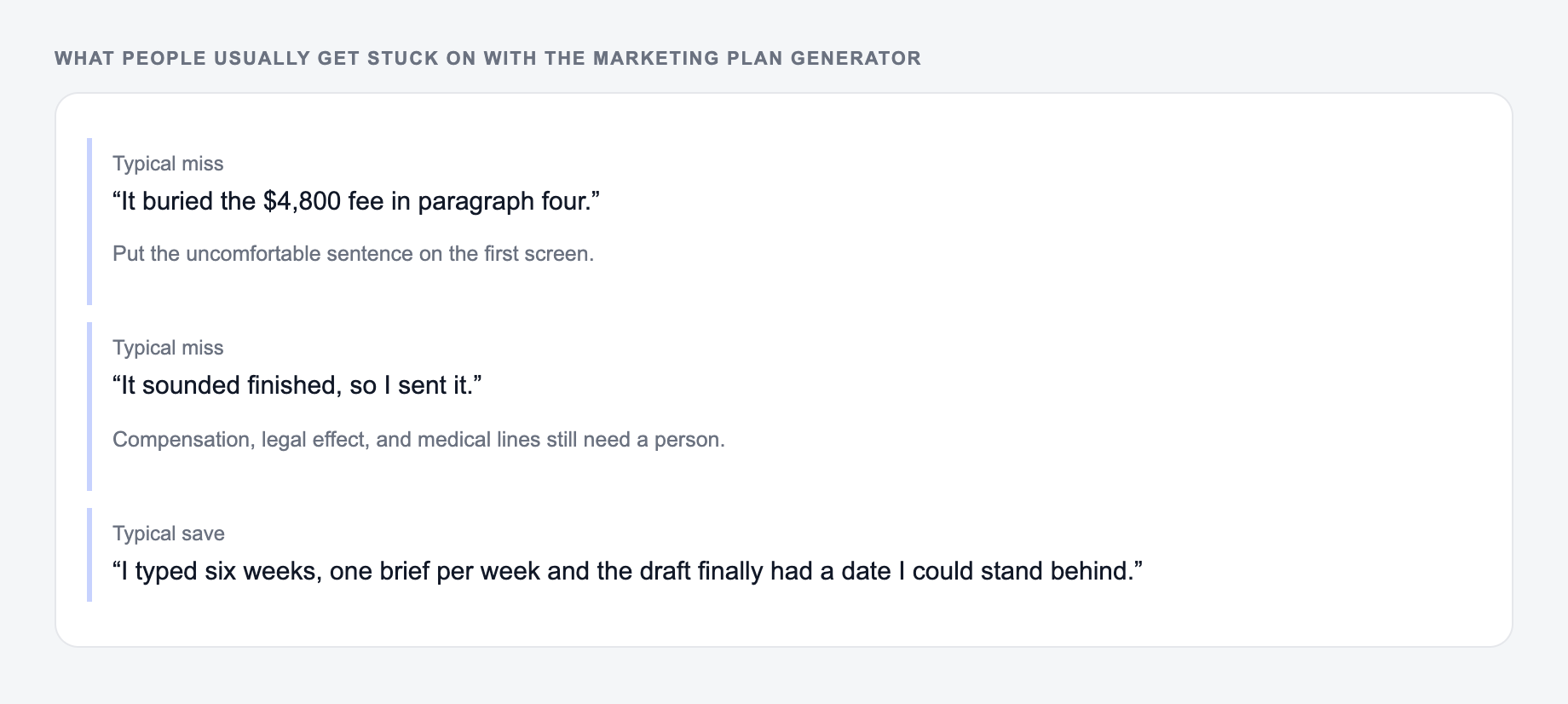
Every generated plan should include metrics, but you still need to sanity-check them.
Awareness plans can track reach, branded search, direct traffic, and engaged visits. Lead generation plans should track conversion rate, cost per lead, lead quality, and booked calls. Revenue plans need CAC, ROAS, conversion rate, and payback. Retention plans should track activation, repeat use, churn, upgrades, and LTV.
Review leading indicators weekly. Review revenue-level metrics monthly. That keeps the plan moving without turning every small fluctuation into a crisis.
Common Marketing Plan Generator Mistakes
The first mistake is asking for a plan without choosing a goal. You will get a menu instead of a strategy.
The second mistake is hiding constraints. If the budget is low or the team is small, say so.
The third mistake is accepting every channel. A plan that lists everything usually focuses on nothing.
The fourth mistake is skipping the operating cadence. Weekly review is what turns the generated plan into behavior.
Final Plan Checklist
Before using the plan, confirm that:
- The goal and primary KPI are clear
- The audience is specific enough to guide messaging
- The channel mix matches budget and capacity
- Each tactic has an owner, deadline, and metric
- The timeline is realistic
- Reporting cadence is defined
- Low-priority channels have been cut
A good AI marketing plan should make the next week clearer. If you know what to do, who owns it, and how to measure it, the generator has done its job.
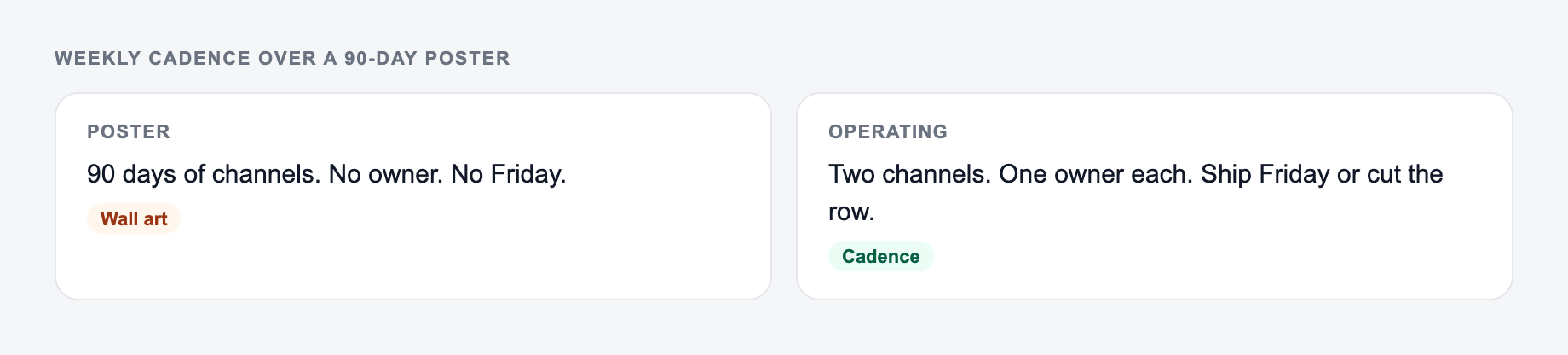
Weekly Operating Cadence Over the 90-Day Poster
If the plan cannot survive a Monday standup, it is decoration. Convert generated strategy into a one-week board:
A real budget, your actual team, and one offer beat asking for a 90-day poster.
- One primary KPI for the quarter
- This week’s three tasks with owners
- The channel you will ignore this week
- The metric you will look at on Friday
Worked constraint: $1,500/month paid, one marketer, lead-gen for a regional HVAC company. A plan that also recommends TikTok, a podcast, and a 40-page ebook is not executable. Keep Google Local plus one content asset that supports quote requests. KPI: booked estimates, not followers.
Review channel recommendations against skills and software you already have. Cut or sequence the rest.
Frequently Asked Questions
Is this marketing plan generator free?+
Yes. You can generate a complete marketing plan for free. Some advanced modes (like eCommerce and measurement-heavy plans) may be marked as premium.
What should I enter for the best marketing plan?+
At minimum, enter your business/product. For a more tailored plan, add your target audience (ICP), goal (leads/sales/traffic/launch), positioning/differentiator, budget range, and timeline.
Does it include SEO and content marketing?+
Yes. The plan includes an SEO and content marketing section with recommended content types, topic ideas, funnel alignment, and practical on-page SEO actions (like internal linking and intent matching).
Can it generate a go-to-market (GTM) plan?+
Yes. Choose the Go-To-Market mode to get a launch plan with phases (pre-launch, launch, post-launch), channel tactics, messaging, and KPIs.
Will it include KPIs and how to measure results?+
Yes. You’ll get suggested marketing KPIs and a measurement plan including what to track, how often to review results, and which metrics matter for your goal (e.g., CAC/ROAS for paid, rankings/traffic for SEO, MQL→SQL for B2B).
Can I use this for different industries (SaaS, eCommerce, local business)?+
Yes. The generator adapts the channel mix and tactics based on your industry, audience, budget, and timeline, and offers specialized modes like Local, B2B Demand Gen, and eCommerce.