
Free Podcast Episode Description Generator
Add your episode topic, guest, key points, keywords, timestamps, links, and platform to generate a polished podcast episode description or show notes draft. Create listener-friendly summaries for Spotify, Apple Podcasts, YouTube, websites, newsletters, and SEO episode pages.
Episode Description / Show Notes
Your podcast episode description will appear here...
How the AI Podcast Episode Description Generator Works
Get results in seconds with a simple workflow.
Add Your Topic (and Optional Episode Details)
Enter the episode topic and optionally add a title, guest, and key talking points so the description matches your content and audience.
Choose Platform, Tone, and Length
Select where you’ll publish (podcast apps, YouTube, website, newsletter), pick a tone, and set a target length for a tight description or longer show notes.
Generate and Publish
Get a paste-ready podcast episode description with takeaways, resources, and CTAs. Add your final links and adjust wording to match your brand voice.
See It in Action
Turn a rough topic into a polished, SEO-friendly podcast episode description with takeaways, chapters, and CTAs.
Episode about starting a podcast. Talked about gear, hosting, and promotion. Guest was a podcast producer.
How to Start a Podcast in 2026 (Gear, Hosting, and Promotion)
Thinking about launching a podcast but unsure where to begin? In this episode, former Spotify podcast producer Jane Doe breaks down the exact steps to plan, record, publish, and promote a podcast—without overspending on gear.
In this episode, you’ll learn:
- How to choose a podcast niche that attracts the right listeners
- The best beginner mic and simple audio setup (no studio required)
- Podcast hosting platforms compared (and what to pick first)
- A promotion checklist to get your first 100 listeners
- Common beginner mistakes that hurt audio quality and growth
Chapters: 00:00 Intro 02:10 Choosing a niche 06:45 Gear recommendations 12:30 Hosting platforms 18:05 Promotion checklist 22:40 Mistakes to avoid 26:10 Wrap-up
Resources: Website: https://example.com Newsletter: https://example.com/newsletter
Enjoy the episode? Subscribe for weekly growth tips and share this with a friend who’s starting a podcast.
Why Use Our AI Podcast Episode Description Generator?
Powered by the latest AI to deliver fast, accurate results.
SEO-Friendly Podcast Descriptions
Generates keyword-rich podcast episode descriptions that improve discoverability across Apple Podcasts, Spotify, Google, and YouTube—without sounding stuffed or robotic.
Conversion-Focused Hooks and CTAs
Writes strong opening lines to increase clicks and listens, plus clear calls-to-action for subscribing, leaving a review, visiting links, or listening to the next episode.
Structured Show Notes (Ready to Paste)
Creates clean, scannable show notes with a summary, key takeaways, topics covered, resources, and optional guest details—ideal for podcast hosting platforms and websites.
Optional Timestamps / Chapters
If you provide timestamps, the tool formats them into readable chapters for YouTube and podcast apps—improving navigation, retention, and user experience.
Multilingual Output for Global Audiences
Generate localized episode descriptions in many languages to support international listeners and multilingual SEO for podcast pages.
Pro Tips for Better Results
Get the most out of the AI Podcast Episode Description Generator with these expert tips.
Lead with the listener benefit in the first 2 lines
Most platforms truncate descriptions. Put the core promise up top (who it’s for + what they’ll learn) to increase clicks and listens.
Use 1 primary keyword + a few natural variants
If you’re optimizing for podcast SEO, include one main phrase (e.g., “how to start a podcast”) and sprinkle closely related terms in the summary and takeaways.
Add a consistent CTA to grow subscribers
End with a simple next step: subscribe, rate/review, share, or listen to the next episode—consistent CTAs improve long-term growth.
Paste timestamps only when you have them
Chapters improve retention, especially on YouTube. If you don’t have timestamps yet, publish without them and add later when available.
Turn show notes into SEO traffic on your website
Publish each episode as a blog-style page with show notes, links, and a transcript (if available). This can help you rank for episode topics and long-tail queries.
Who Is This For?
Trusted by millions of students, writers, and professionals worldwide.
Generate Podcast Episode Descriptions and Show Notes Faster
The Podcast Episode Description Generator turns a topic, guest name, key points, timestamps, links, and platform choice into a publish-ready episode description or show notes draft.
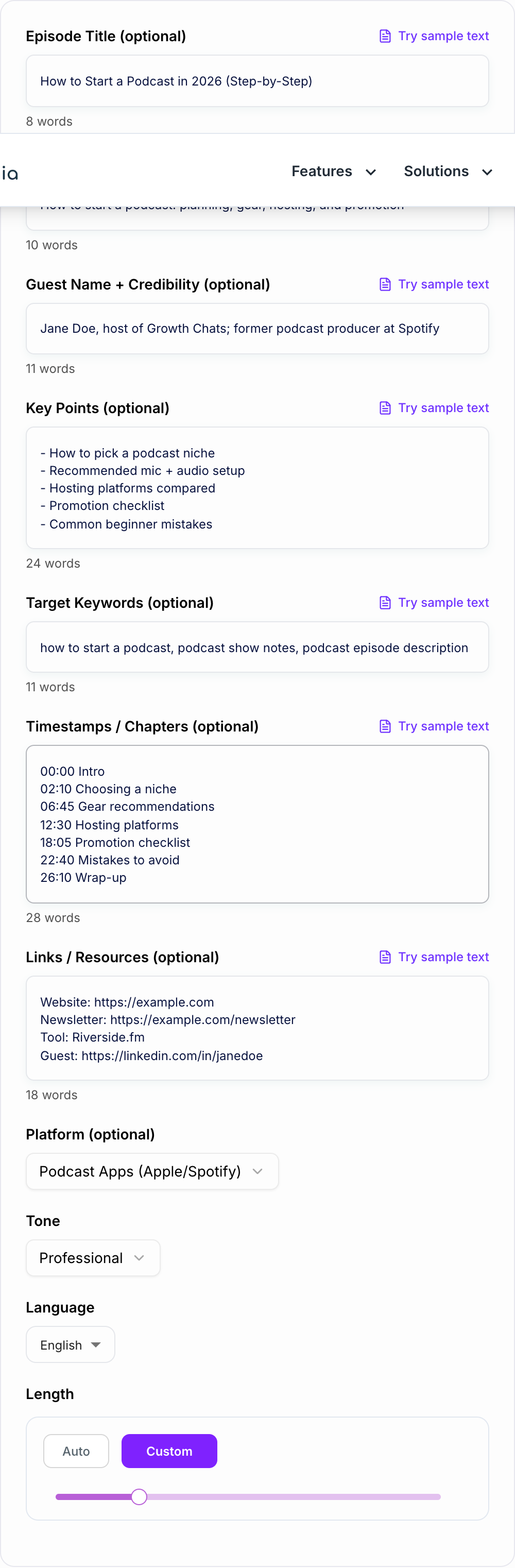
Use it when you know what the episode covers but need help shaping that information into a clear summary, listener hook, takeaways, resources, and call to action. The tool is especially useful for weekly podcasts, YouTube uploads, podcast websites, newsletters, and older episodes that need better descriptions.
The best output does three jobs at once: it sells the episode quickly, helps listeners decide whether to press play, and gives search engines enough context to understand the topic.
What to Enter into the Description Generator
You can generate a useful description from a topic alone, but the result gets much better when you include episode details.
Add:
- episode title or working title
- main topic
- guest name and credibility, if relevant
- 5 to 10 key points from the episode
- target keywords or listener questions
- timestamps or chapters, only if you already have them
- links, resources, sponsor URLs, newsletter links, and guest profiles
- platform, such as podcast apps, YouTube, website, or newsletter
Weak input:
Episode about starting a podcast.
Better input:
Topic: how to start a podcast in 2026. Guest: Jane Doe, former podcast producer. Key points: choosing a niche, beginner mic setup, hosting platforms, promotion checklist, common mistakes. Keywords: how to start a podcast, podcast gear, podcast hosting. CTA: subscribe and download the launch checklist.
The better input gives the generator enough substance to write a description that feels specific instead of generic.
How to Choose the Right Output Mode
Use Standard Description for Apple Podcasts, Spotify, and other podcast apps. This mode gives you a strong opening, short summary, key takeaways, and a clear CTA.
Use Full Show Notes when you publish episode pages on your website. This mode is better for longer summaries, resources, guest links, and structured sections.
Use YouTube-Optimized when the episode will be uploaded as a video. The first two lines matter more on YouTube, and chapters plus links need to be formatted cleanly.
Use Guest-Focused when the guest's experience is a major reason to listen. Add their role, credibility, and the specific lessons they share.
Use SEO + Keywords when you want stronger search coverage while keeping the copy natural. This works best when you provide one primary keyword and a few related phrases.
Example Input and Generated Output
Give the Podcast Episode Description Generator a real brief: who it is for, where it will appear, and one thing it is not allowed to invent. Input:
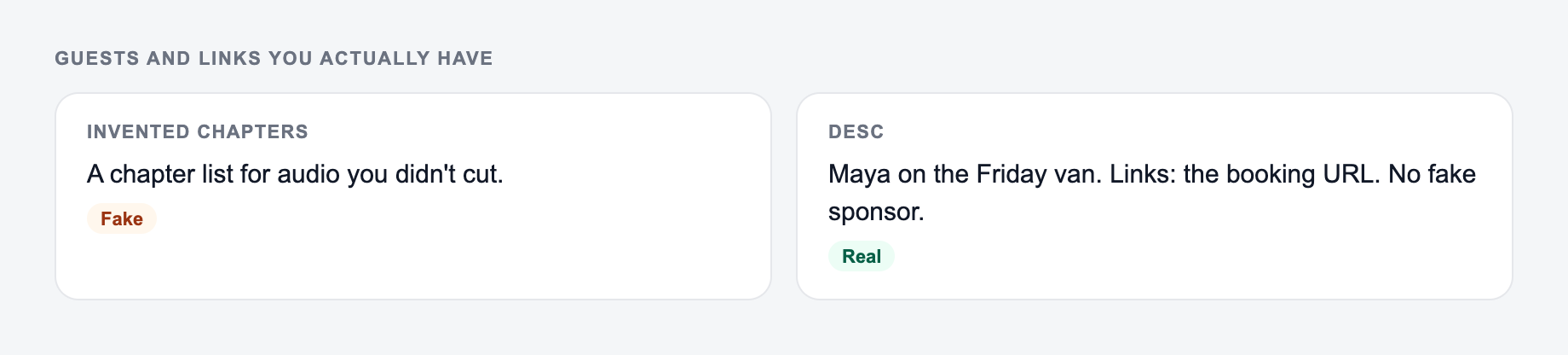
Guests and links you actually have belong on the form. Do not invent chapters.
Channel check for ai podcast episode description generator copy:
- Ad / social — outcome first; clever-but-vague loses.
- Email — specific object + date beats “don’t miss out.”
- On-site CTA — the next step this page can do. “Learn more” is a shrug.
Episode title: How to Start a Podcast in 2026 Topic: planning, gear, hosting, and promotion Guest: Jane Doe, former podcast producer Key points: niche selection, beginner audio setup, hosting platforms, launch checklist, promotion mistakes CTA: subscribe and download the launch checklist
Generated description:
Thinking about launching a podcast but unsure where to begin? In this episode, former podcast producer Jane Doe breaks down how to choose a niche, set up simple recording gear, pick a hosting platform, and promote your first episodes without overspending.
In this episode, you will learn:
- how to choose a podcast niche that attracts the right listeners
- what beginner gear is actually worth buying
- how to compare podcast hosting platforms
- common launch mistakes that slow early growth
Subscribe for weekly podcast growth tips and download the launch checklist in the show notes.
That output gives listeners a reason to click and gives you a clean structure to edit.
How to Review Before Publishing
Check the first two lines first. Many podcast apps and YouTube surfaces truncate descriptions, so the opening should say what the episode is about and why it matters.
Verify every name, title, link, sponsor mention, and resource. The generator should not be trusted with URLs unless you provide them and review them.
Remove fake timestamps. If you did not provide chapters, the tool should not invent timecodes. Add timestamps later when you have them.
Keep the CTA to one main action. Subscribe, review, download, share, or listen next. Too many CTAs weaken the description.
For teams publishing many episode pages, Junia AI can help turn the same episode notes into newsletter blurbs, social captions, and website copy after the description is ready.
Common Podcast Description Mistakes
Answer these before you generate a second batch. A reroll will not fix a vague brief.
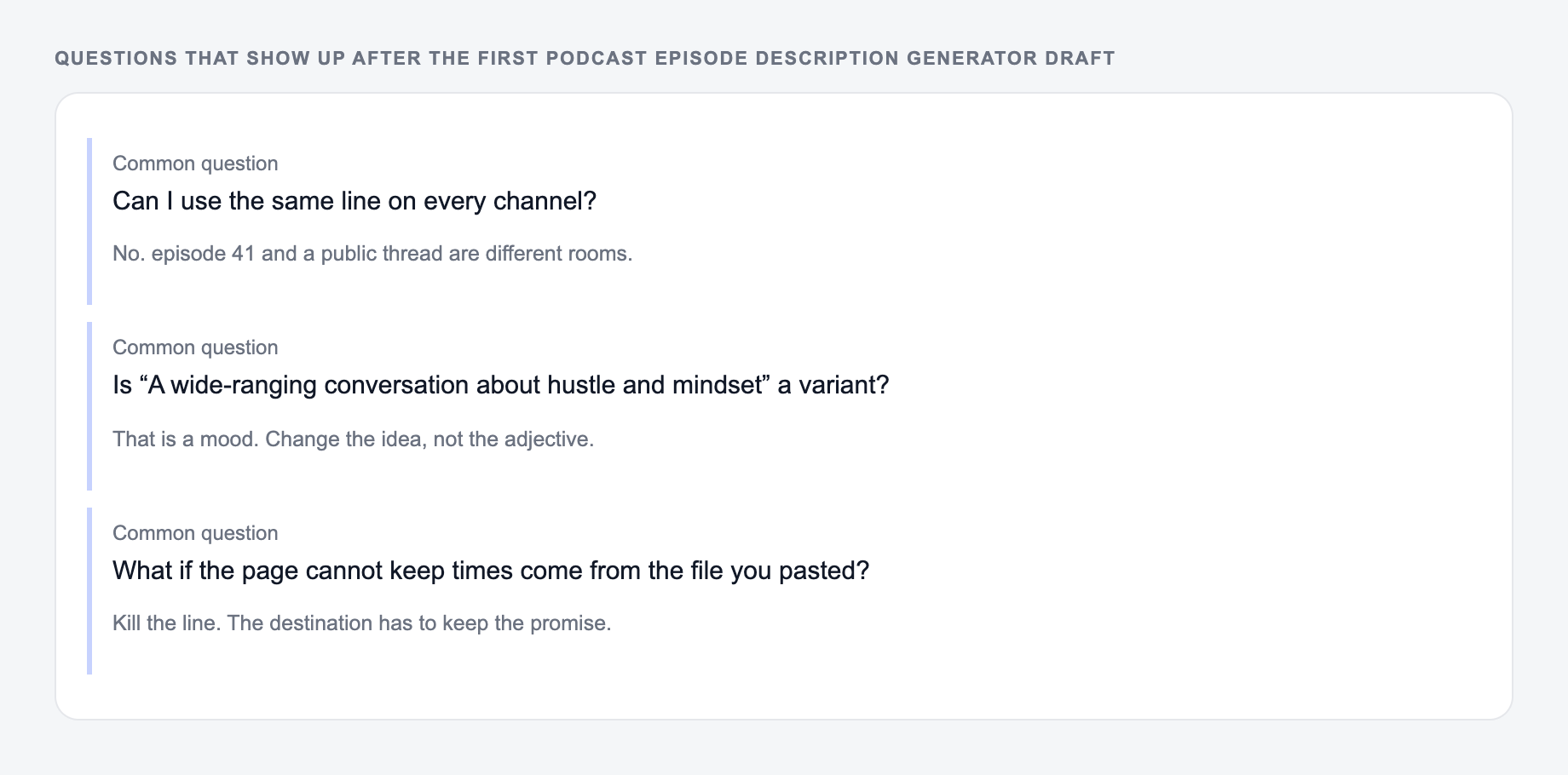
Do not start with "In today's episode" unless the next words immediately say something specific. The opening should carry the value.
Do not write one long paragraph. Use short sections, bullets, and labels like "In this episode" or "Resources" so listeners can scan.
Do not overstuff keywords. One primary phrase and a few natural variants are enough.
Do not forget guest credibility. If the guest is a founder, author, researcher, operator, creator, or practitioner, say why their perspective matters.
Do not bury links. If listeners need a resource, make it easy to find.
Final Episode Description Checklist
Before publishing the generated description, confirm:
- the first two lines explain the episode clearly
- the summary matches the actual conversation
- key takeaways are specific
- keywords sound natural
- timestamps are accurate or omitted
- links and sponsor details are correct
- the CTA gives listeners one clear next step
Frequently Asked Questions
Is this podcast episode description generator free?+
Yes. You can generate podcast episode descriptions and show notes for free. Some advanced modes may be marked as premium.
Will the description be SEO-friendly?+
Yes. The tool is designed to include relevant keywords naturally, highlight the episode’s main topic, and structure the copy for readability—helpful for podcast SEO, YouTube SEO, and ranking episode pages on your website.
Can it generate full show notes with timestamps?+
Yes—if you provide timestamps/chapters, the generator will format them cleanly. If you don’t provide timestamps, it won’t invent them.
What should I include to get the best show notes?+
Add the topic, guest info (if any), and 5–10 key points from the episode. If you have links or resources mentioned, paste them in so the output is ready to publish.
Can I use this for YouTube podcast uploads?+
Yes. Choose YouTube as the platform (or the YouTube-Optimized mode) to prioritize strong first lines, clean chapters (if provided), and an organized link section.
Does this replace editing and fact-checking?+
It creates a high-quality draft, but you should still review names, links, sponsor details, and any claims for accuracy before publishing.