
Free Podcast Script Generator
Use the AI Podcast Script Generator to turn a topic, outline, transcript idea, or content brief into a ready-to-record episode script. Create scripts for solo episodes, interviews, co-hosted shows, branded podcasts, and video podcasts with natural spoken wording, pacing cues, transitions, and CTAs.
Podcast Script
Your podcast script will appear here...
How the AI Podcast Script Generator Works
Get results in seconds with a simple workflow.
Enter Your Topic (and Optional Outline)
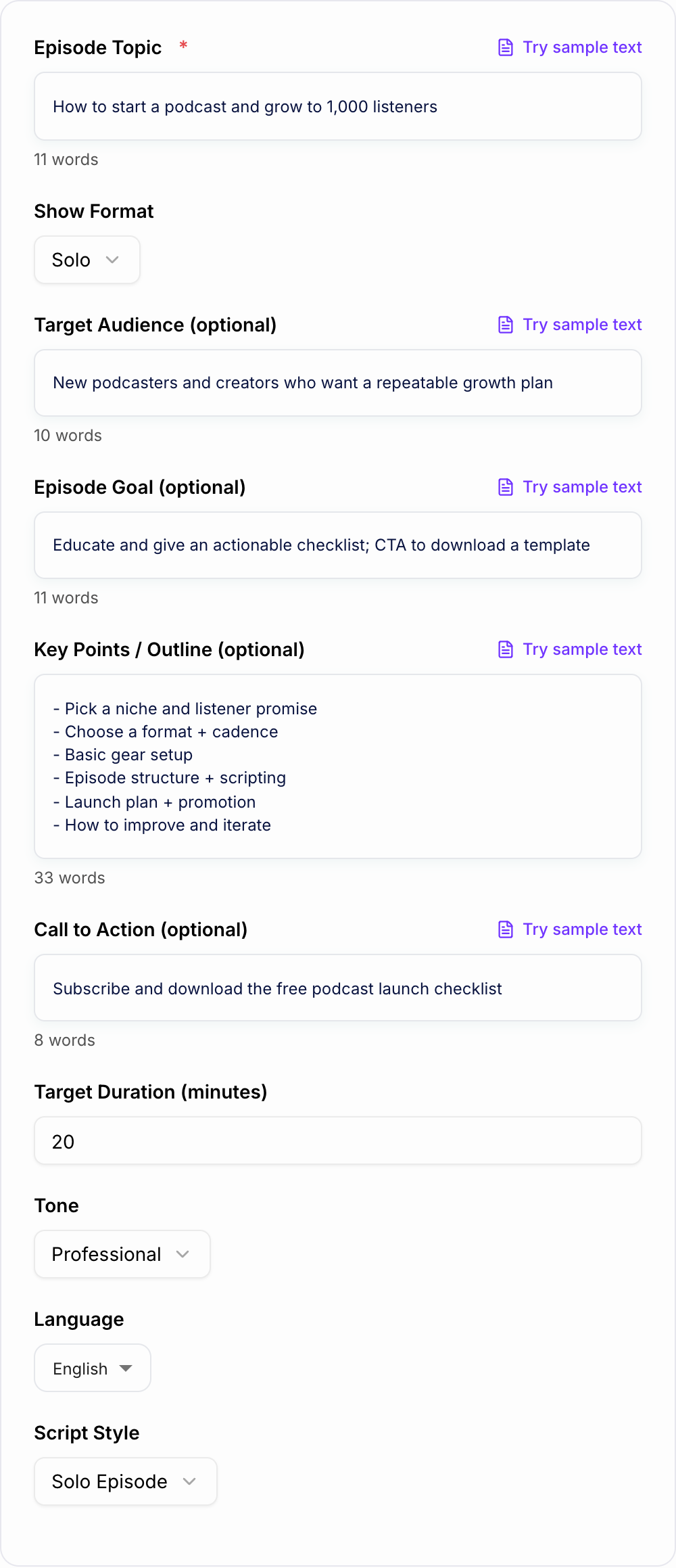
Add an episode topic. Optionally paste key points, your target audience, and the goal (educate, entertain, promote, or convert) to guide the structure and messaging.
Pick a Format, Duration, Tone, and Language
Choose solo, interview, co-host, narrative, or panel. Set a target duration, select a tone that matches your show, and generate the script in your preferred language.
Generate, Rehearse, and Personalize
Get a ready-to-record script with hook, segments, transitions, and CTAs. Do a quick read-through, add your personal stories and examples, then record with confidence.
See It in Action
Turn a rough topic into a ready-to-record podcast episode script with a hook, segments, transitions, and CTAs.
Topic: starting a podcast
I want to record an episode about how to start a podcast.
Title: How to Start a Podcast (and Grow Past Your First 10 Episodes)
COLD OPEN (Hook): “If you’ve been stuck in planning mode—mic research, name ideas, endless prep—today I’ll show you the simple launch plan that gets you recording this week, not ‘someday.’”
INTRO: “Welcome back to [Show Name]. I’m [Host Name], and this is the podcast where we help [audience] do [result].”
H2: Segment 1 — Pick a Listener Promise (Not a Niche) Host: “Instead of ‘a marketing podcast,’ aim for: ‘marketing experiments for early-stage founders.’ Here’s why…”
H2: Segment 2 — Choose Your Format and Cadence Host: “Solo is easiest to launch. Interview is easiest to sustain. Here’s how to decide…”
H2: Segment 3 — Minimum Viable Gear and Setup Host: “You don’t need a studio. You need a quiet room, a decent mic, and a repeatable workflow…”
MID-ROLL (Optional): “Quick break—if you want my free podcast launch checklist, grab it at…”
H2: Segment 4 — A Simple Episode Template You Can Repeat Host: “Hook, context, 3 takeaways, recap, CTA. Let’s break it down…”
RECAP + OUTRO CTA: “Today you learned how to choose a listener promise, pick a format, and record your first episodes. If this helped, subscribe and download the checklist at…”
Why Use Our AI Podcast Script Generator?
Powered by the latest AI to deliver fast, accurate results.
Complete Podcast Script Structure (Hook → Outro)
Generates a full podcast episode script with a compelling cold open, intro, segment-by-segment flow, transitions, mid-roll placement, recap, and a strong outro—so you can record faster with fewer retakes.
Natural Spoken-Wording (Not Blog-Style)
Writes in a conversational, audio-friendly voice with short sentences, clear phrasing, and host cues—ideal for narration, co-host dynamics, and listener retention.
Pacing Cues, Transitions, and Timing Guidance
Adds simple pacing notes (pause, emphasis, beat) and transition lines that keep the episode moving—helpful for maintaining rhythm and avoiding awkward jumps between topics.
Interview Questions and Follow-Ups (When Needed)
For interview formats, creates grouped questions, logical sequencing, and suggested follow-ups—making it easier to lead a great conversation and extract actionable insights from guests.
Built-In CTAs for Subscribers, Reviews, and Conversions
Includes listener calls to action (subscribe, review, newsletter, lead magnet, product) placed at moments that feel natural—supporting podcast growth and content marketing goals.
Pro Tips for Better Results
Get the most out of the AI Podcast Script Generator with these expert tips.
Open with a cold hook to boost listener retention
Start with a 10–20 second tease: the problem, the promise, and what the listener will gain. Then roll into your intro. This improves average listen time and reduces early drop-off.
Write for the ear: short sentences and clear signposts
Use simple phrasing, fewer clauses, and verbal signposts like “Here’s the big idea,” “Next,” and “Quick example.” It sounds more natural and is easier to follow while multitasking.
Use 3–5 segments for a tight, scannable episode
A clear segment structure helps you stay on track, makes editing easier, and improves clarity. It also helps repurpose clips for social media and short-form video.
Place your CTA after value, not before it
For better conversions, deliver one useful takeaway first, then place a short CTA. Repeat a slightly different CTA near the end for listeners who stayed to the outro.
Add one real story or case study to avoid generic content
Even a short personal example (what you tried, what worked, what didn’t) makes the script more credible and unique—especially for business, marketing, and SEO topics.
Who Is This For?
Trusted by millions of students, writers, and professionals worldwide.
Generate a Ready-to-Record Podcast Script From a Topic
The podcast script generator turns a topic, outline, guest brief, or content idea into a script you can rehearse and record. It is most useful when you need structure: a cold open, intro, segments, transitions, talking points, interview questions, CTAs, and an outro.
The point is not to make you sound scripted. The point is to give you a strong recording path so you can stay focused without rambling.
What to Enter Into the Podcast Script Generator
A broad topic will create a broad script. A clear brief will create something much closer to recordable.
Include:
- Episode topic
- Target listener
- Episode goal: educate, entertain, persuade, sell, recap, interview
- Format: solo, interview, co-host, panel, narrative, branded
- Target duration
- Key points or source material
- Guest details, if relevant
- CTA or sponsor message
- Tone and pacing preference
Example input:
Topic: how to start a podcast without overplanning
Audience: creators launching their first show
Format: solo episode
Duration: 12 minutes
Goal: help listeners record their first episode this week
Tone: practical, encouraging, direct
CTA: download the podcast launch checklist
That gives the generator enough detail to build a script with a real point of view.
Choose the Right Script Format
A shortlist from the Podcast Script Generator is not a decision. Keep a line you could publish after one edit. Reroll anything that only works if the reader already knows you. Throw away a line that invents proof.
The mode you choose changes the structure of the output.
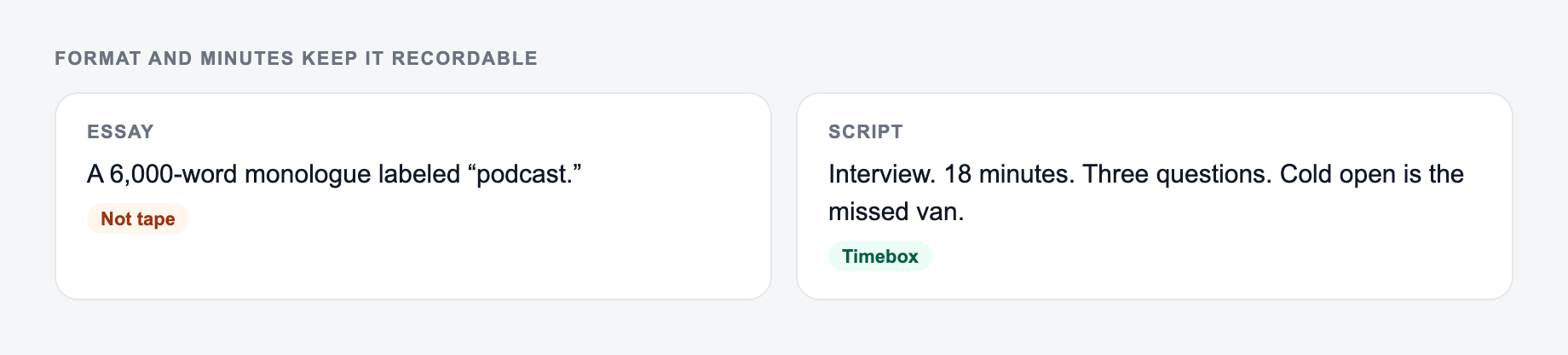
Solo episode script
Use this for teaching, commentary, news breakdowns, and tactical episodes. The generated script should include clear signposts, short sections, and recap moments.
Interview script
Use this when a guest drives the episode. The output should include a guest intro, warm-up questions, topic groups, follow-ups, and a closing question.
Co-host script
Use this when two hosts need handoffs. The script should avoid long monologues and create prompts for reactions, debate, and transitions.
Branded podcast script
Use this when a product, sponsor, or company message needs to appear naturally. The generator can place CTAs after value instead of forcing them into the opening.
Example Generated Structure
Input:
Format and minutes on the form keep the script recordable instead of essay-length.
Weak brief
A one-line request like “run the podcast script” with no audience, channel, or constraint.
Brief that actually steers the ai podcast script generator
A brief the AI Podcast Script Generator can use: who it is for, where the output will appear, and what must stay true.
Name the audience, the room it will appear in, and one thing the line is not allowed to invent.
Episode about starting a podcast for creators who are stuck in planning mode.
Target length: 10 minutes.
CTA: download the launch checklist.
Generated script structure:
COLD OPEN:
If you are still comparing microphones and editing your show description instead of recording, this episode is for you.

INTRO:
Welcome back to Launch Notes, the show for creators building practical media habits.

SEGMENT 1: Pick the listener promise before the format.
Explain why "a business podcast" is too broad and how to narrow the promise.

SEGMENT 2: Choose the simplest recording setup.
Cover microphone, room, recording software, and why done beats perfect.

SEGMENT 3: Use one repeatable episode template.
Hook, context, three points, recap, CTA.

CTA:
Download the podcast launch checklist and record your first draft this week.

OUTRO:
Recap the three decisions and point listeners to the checklist.
This is the kind of structure you can rehearse, personalize, and record without starting from scratch.
How to Make the Generated Script Sound Natural
Even a strong generated script needs a human pass.
Use this edit before recording:
- Read the script out loud once.
- Cut lines that sound written instead of spoken.
- Replace formal words with words you actually use.
- Add one real example, story, opinion, or detail from your experience.
- Shorten long paragraphs into breath-friendly chunks.
- Check that transitions sound like natural host language.
If a sentence looks good on the page but feels awkward in your mouth, rewrite it. Audio punishes stiff wording quickly.
How Long Should the Generated Script Be?
A natural speaking pace is often around 130 to 160 words per minute. A 10-minute solo episode might need 1,300 to 1,600 words, while a 20-minute episode might need 2,600 to 3,200 words.
Interview scripts are different. You usually want fewer scripted words and more question prompts because the guest will expand. For co-hosted shows, use shorter blocks and more handoffs.
Set the duration before generating, then trim during rehearsal.
Turn the Script Into Supporting Podcast Assets
Once the episode script is clear, you can use the same structure for show notes, descriptions, newsletters, and clips. The script already contains the main promise, segments, examples, and CTA.
That is why a consistent workflow helps. An AI writing platform like Junia AI can support the rest of the production flow after the script is drafted: show notes, blog recaps, episode descriptions, and promo copy can all work from the same angle.
Final Review Checklist
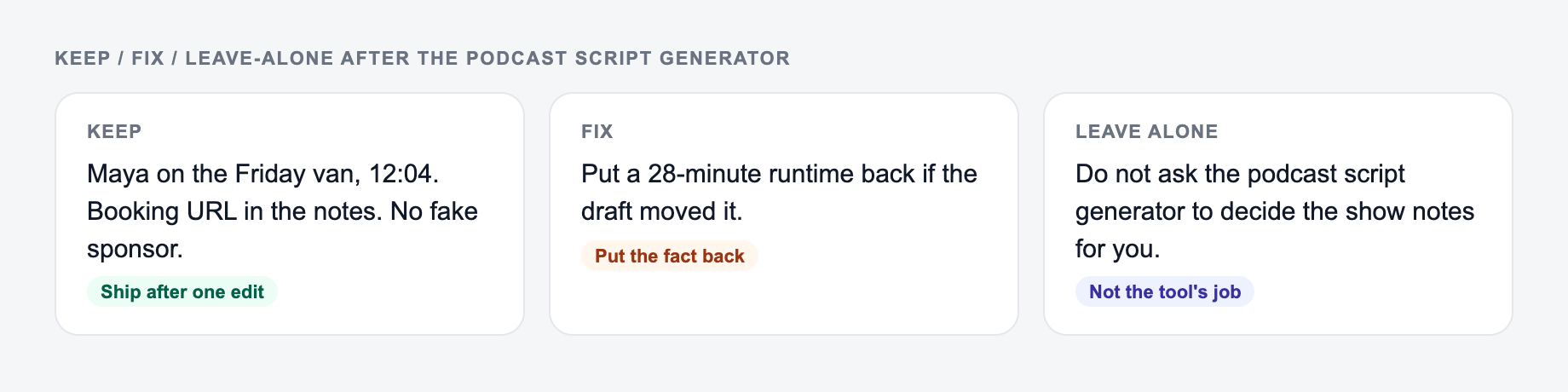
After you generate, sort the draft into keep / fix / leave-alone. Do not “improve” a sentence that was blunt on purpose.
Before recording the generated podcast script, check:
- Does the cold open give listeners a reason to stay?
- Does the format match the episode type?
- Are the segments in a logical order?
- Are transitions short and natural?
- Is the CTA placed after useful content?
- Did you add at least one original story, example, or opinion?
- Can you read each paragraph without losing your rhythm?
The best generated script should feel like a recording guide, not a finished performance. Use the tool to create the structure, then add the details that make it sound like your show.
Frequently Asked Questions
Is this podcast script generator free?+
Yes. You can generate full podcast scripts for free. Some advanced styles (like narrative storytelling or branded scripts) may be marked as premium depending on your site’s settings.
Will the script sound natural when read aloud?+
The generator is designed for spoken delivery: shorter sentences, conversational language, clear transitions, and light host cues. You can further personalize it by adding your own catchphrases and real examples.
Can it create interview questions for my guest?+
Yes. Choose an interview format and the tool will produce a structured question flow with topic groupings, warm-up questions, deeper follow-ups, and a closing sequence that fits the episode goal.
How long will the generated script be?+
You can set a target duration in minutes. The script will aim for that length using a practical pacing estimate. If you need tighter timing, regenerate with a shorter duration or ask for fewer segments.
Can I use the script for Spotify, Apple Podcasts, and YouTube?+
Yes. The script works for audio platforms and video podcasts. If you’re recording for YouTube, you can add on-screen cues during editing, but the wording remains audio-first for clarity.
What should I provide to get the best results?+
At minimum, add a clear topic. For stronger scripts, include your audience, goal, key points, and a specific CTA (subscribe, download, book a call). The more context you provide, the less generic the output will be.