
Free Presentation Slides Text Generator
Create slide-by-slide presentation copy from a topic, audience, goal, and rough notes. Generate titles, concise bullets, agendas, speaker notes, CTAs, and deck structures for pitch decks, sales decks, training sessions, executive updates, webinars, and classroom presentations.
Presentation Slide Text
Your slide-by-slide titles, bullets, and optional speaker notes will appear here...
How the AI Presentation Slides Text Generator Works
Get results in seconds with a simple workflow.
Enter Your Topic (and Optional Notes)
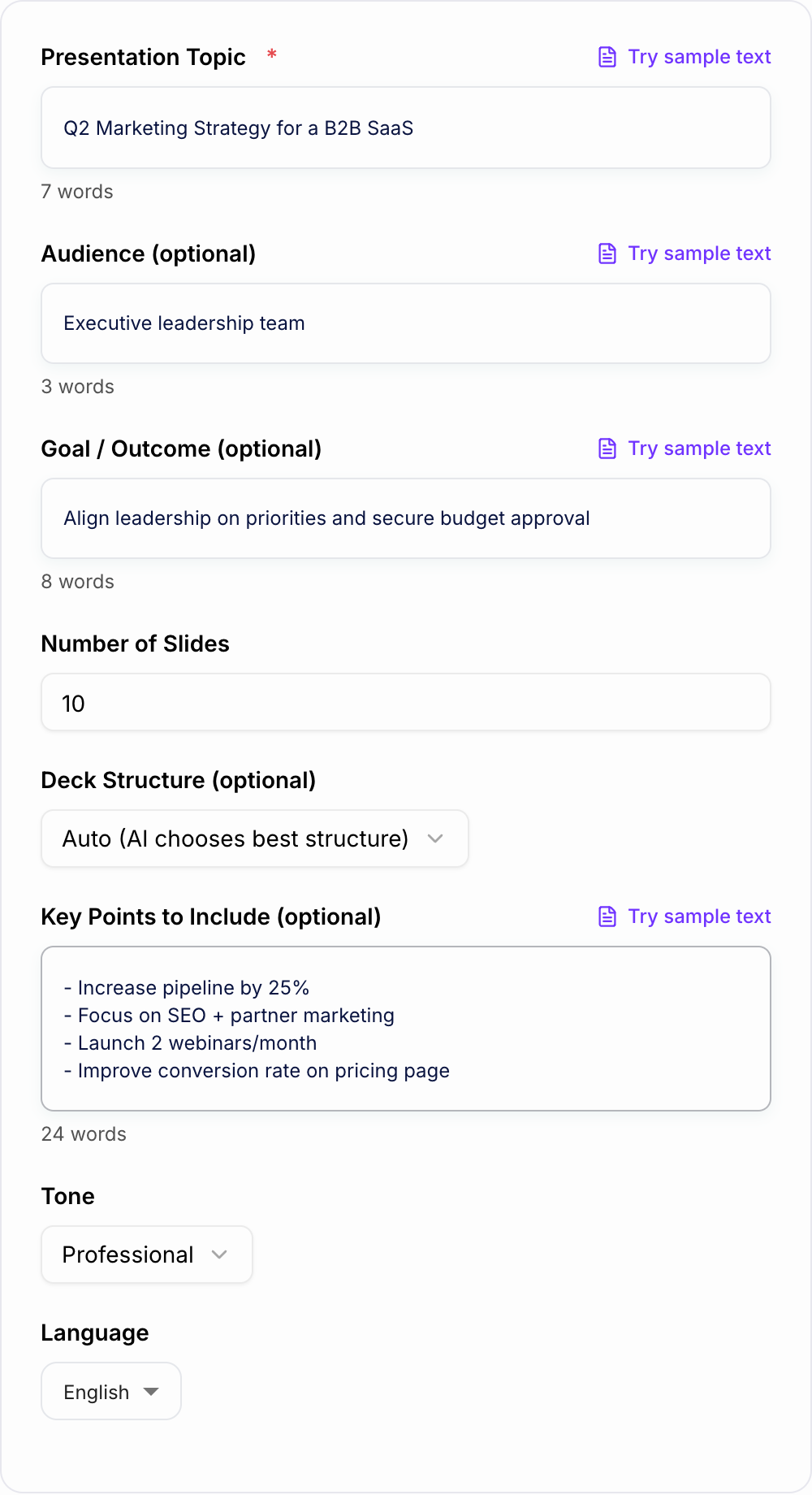
Provide your presentation topic. Optionally add audience, goal, and key points (metrics, outline, or must-include messages) to make the slide content more specific.
Choose Slide Count and Structure
Pick a slide count and a deck structure (pitch, sales, roadmap, training) or let Auto choose a logical flow with an opening, core sections, and conclusion.
Generate Slide Text and Paste Into Your Deck
Get slide-by-slide titles, bullets, and optional speaker notes. Copy into PowerPoint/Google Slides and apply your theme, visuals, and charts.
See It in Action
Turn rough notes into structured slide text with clear titles, bullet points, and optional speaker notes for a coherent presentation flow.
Topic: Q2 Marketing Strategy
Notes: SEO, partnerships, webinars, improve pricing page conversion. Need leadership buy-in and budget.
Slide 1 — Title: Q2 Marketing Strategy (B2B SaaS)
- Goal: Grow qualified pipeline and improve conversion efficiency
- Outcome: Alignment + budget approval
Slide 2 — Agenda
- Where we are now
- Q2 priorities
- Channel plan
- Budget + KPIs
- Risks + decisions needed
Slide 3 — Current Snapshot (What’s Working / What’s Not)
- Strengths: consistent inbound interest, improving trial-to-paid
- Gaps: limited partner pipeline, SEO content velocity too low
Slide 4 — Q2 Priority #1: SEO Growth Engine
- Publish topic cluster content for high-intent use cases
- Refresh key landing pages for conversion-focused messaging
- Improve internal linking and technical SEO basics
Slide 5 — Q2 Priority #2: Partner Marketing
- Identify 10 target partners with overlapping audiences
- Co-marketing: guest webinars, newsletters, content swaps
- Shared tracking: leads, meetings, CAC by partner
Slide 6 — Q2 Priority #3: Webinars (2/month)
- Theme: pain-point driven, demo-light, value-heavy
- Funnel: registration → reminder sequence → replay nurture
- KPI: cost per registrant, meetings booked, pipeline influenced
Slide 7 — Conversion Lift: Pricing Page
- Clarify positioning + differentiate tiers
- Add proof: testimonials, case studies, security/compliance
- Add stronger CTA + objection handling
Slide 8 — KPIs and Targets
- Pipeline: +25%
- Organic sessions: +20%
- Pricing page CVR: +15%
- Partner-sourced meetings: 20+
Slide 9 — Risks and Mitigations
- Resource constraints → prioritize highest-impact pages first
- Webinar attendance variability → improve topic selection + promotion
Slide 10 — Ask / Decisions Needed
- Approve budget for content + webinar tools
- Confirm priority segments and target accounts
- Assign owners and review cadence
Why Use Our AI Presentation Slides Text Generator?
Powered by the latest AI to deliver fast, accurate results.
Slide-by-Slide Presentation Copy (Titles + Bullet Points)
Generates clear slide titles and scannable bullet points optimized for presentations—so you can paste directly into Google Slides, PowerPoint, or Keynote.
Optional Speaker Notes for Confident Delivery
Add speaker notes per slide to improve narrative flow, expand on bullets, and keep the talk track consistent—ideal for demos, webinars, and executive updates.
Audience- and Goal-Aligned Messaging
Adapts slide language and emphasis based on audience (executives, prospects, students) and your goal (inform, persuade, align, or get approval).
Proven Deck Structures (Pitch, Sales, Training, Roadmap)
Uses common slide frameworks—problem/solution, pitch deck flow, training objectives, or roadmap timelines—to produce a coherent story with minimal input.
Concise, Presentation-Friendly Writing
Keeps bullets short and readable, avoids paragraph-heavy slides, and emphasizes key takeaways—helpful for professional presentation design and better engagement.
Pro Tips for Better Results
Get the most out of the AI Presentation Slides Text Generator with these expert tips.
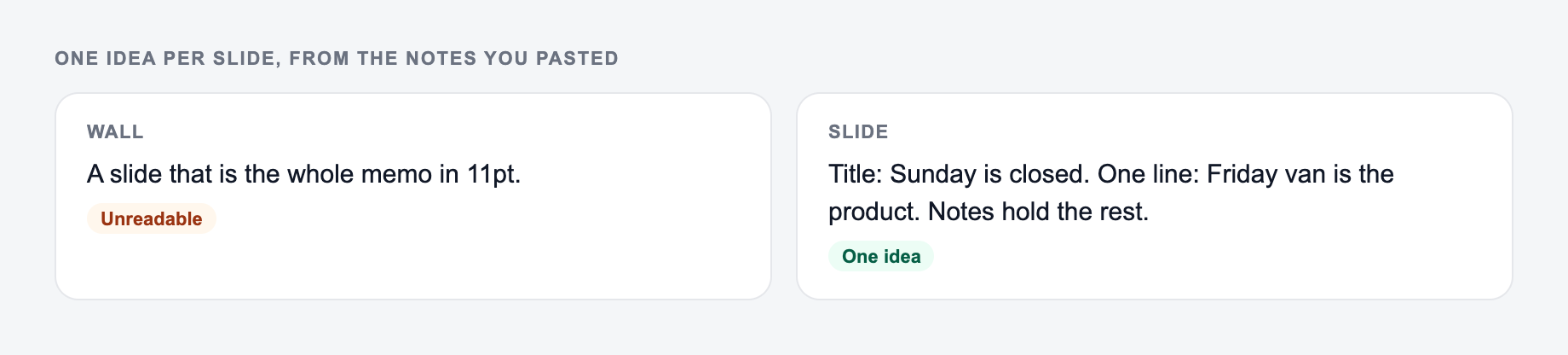
One idea per slide improves clarity
Keep each slide focused on a single message (a takeaway, metric, or decision). If a slide needs more than 5–6 bullets, split it into two slides.
Use numbers and proof points where possible
Add KPIs, benchmarks, customer quotes, or results in your key points. Concrete metrics make business presentations and pitch decks more persuasive.
Write bullets for scanning, use notes for the story
Keep bullets short. Put context, examples, and transitions into speaker notes so slides stay clean while your talk track stays confident.
End with a clear ask or next step
Presentations convert better when the last slide includes a decision, CTA, timeline, or owners—especially for executive updates and sales decks.
Make titles takeaway-based
Instead of generic titles like “Results,” use takeaway titles like “Results: +18% conversion rate in 6 weeks” to make slides more impactful.
Who Is This For?
Trusted by millions of students, writers, and professionals worldwide.
Generate Presentation Slide Text from Rough Notes
The Presentation Slides Text Generator turns a topic, audience, goal, slide count, and rough notes into slide-by-slide copy. It creates titles, concise bullets, and optional speaker notes so you can move from a blank deck to a usable structure faster.
Notes and how many slides you will actually present belong on the form.
Workflow that usually survives contact with real input:
- Paste the actual text, list, or URL — not a description of it.
- Set the one constraint that breaks this job (format, length, flavor, allergy).
- Run a first pass.
- Test the ugly case (empty cell, mixed separators, a name you must not change) before you trust the happy path.
The tool does not design the deck or choose your visual theme. Its job is to organize the words: what each slide should say, what order the story should follow, and what the presenter should explain out loud.
What to enter for better slide text
The topic field gives the generator the subject. The optional fields make the output useful.
Tick these before the output leaves your machine. A fluent miss is still a miss.
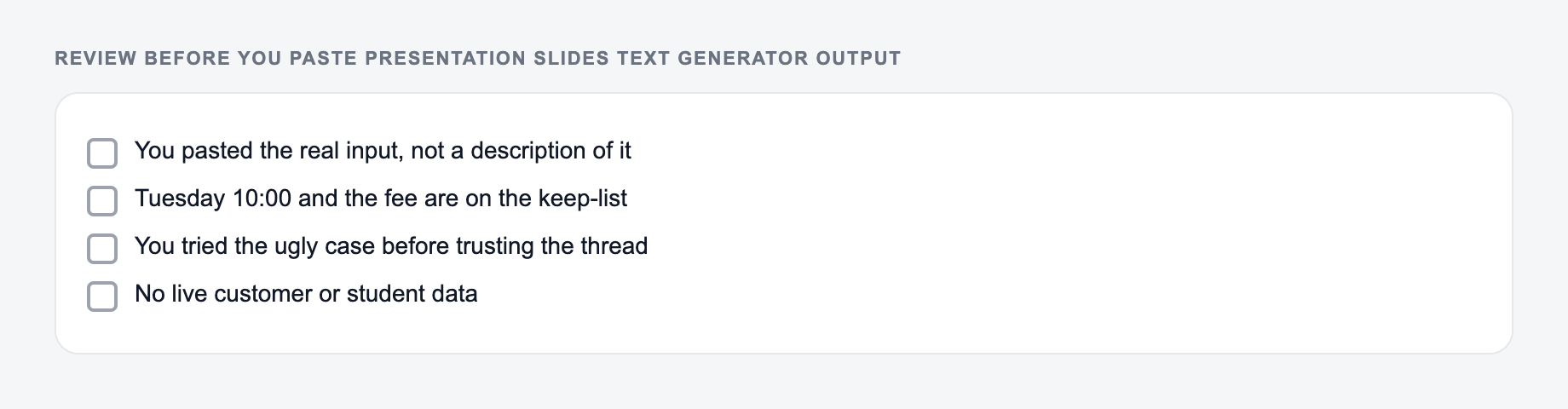
Use the Presentation Slides Text Generator as a mechanical pass. Paste the real input, set the one constraint that usually breaks the job, then test the ugly case before you trust the happy path.
Add:
- Audience: executives, prospects, students, new hires, investors, customers, board members
- Goal: get approval, teach a process, persuade buyers, align a team, explain results, secure budget
- Key points: metrics, objections, examples, deadlines, owners, risks, proof points, must-include messages
- Constraints: keep it short, avoid jargon, include speaker notes, make it formal, focus on ROI
For example, "Q2 marketing strategy" will produce a generic deck. "Q2 marketing strategy for executive leadership, goal is budget approval, include SEO, partners, webinars, pricing page conversion, +25% pipeline target, risks and decisions needed" gives the generator a real business brief.
Choosing the right deck structure
Use Auto when you have a topic but no clear outline. The tool will choose a logical flow with an opening, body, and conclusion.
Use Agenda -> Sections -> Conclusion for internal updates, school presentations, webinars, and general business decks. It is predictable and easy for audiences to follow.
Use Problem -> Solution -> Proof -> CTA when the deck needs to persuade. This structure works for sales presentations, proposals, campaign pitches, and approval requests.
Use How-To for workshops, tutorials, product education, onboarding, and training content.
Use Case Study when you have a before-and-after story with context, approach, results, and lessons.
Use Plan / Roadmap for strategy decks, product updates, project plans, launch plans, and quarterly priorities.
Use Training when the output needs learning objectives, lessons, examples, exercises, recap, and next steps.
Bullets only or speaker notes
Choose Slide Bullets Only when you already know the talk track or need quick copy to paste into a designed deck. This keeps the output tight.
Choose Bullets + Speaker Notes when you need help presenting the story. Speaker notes are useful for webinars, sales decks, training, executive updates, and any presentation someone else may deliver.
Good slide bullets should be short. Good speaker notes should explain the bullet, add context, and transition to the next slide. If a slide has paragraph-length bullets, move that detail into notes.
Example prompt for a stronger deck
Try this:
Topic: Q2 Marketing Strategy for a B2B SaaS Audience: executive leadership Goal: align on priorities and secure budget approval Slide count: 10 Structure: Plan / Roadmap Key points: grow pipeline by 25%, focus on SEO and partner marketing, run 2 webinars per month, improve pricing page conversion, include risks, owners, budget ask, and KPIs
A good generated deck should include an opening, current state, priorities, channel plan, KPI slide, risks, and a final decision slide. If the first version skips the decision or budget ask, add those as must-include points and regenerate.
How to review generated slide text
Read the output like a presenter, not like a document. Each slide should have one job.
Check that:
- each title says the takeaway, not just the topic
- bullets are short enough to scan
- speaker notes do not repeat the bullets word for word
- the deck has a clear opening and ending
- the order builds toward the goal
- risks, objections, or assumptions are included when the audience will expect them
- the final slide has a decision, CTA, recap, or next step
For business decks, replace vague claims with numbers wherever possible. "Conversion is improving" is weaker than "Pricing page conversion rose from 3.8% to 4.5% after copy changes."
Copying the output into PowerPoint or Google Slides
After generating, paste each slide's title and bullets into your deck tool. Then apply design, visuals, charts, icons, screenshots, and branding.
Keep the design pass separate from the writing pass. If you try to write and design every slide at the same time, the deck takes longer and the message usually gets blurrier.
For copy-friendly formatting:
- keep most slides to three to five bullets
- split crowded slides instead of shrinking text
- move explanations to speaker notes
- turn "Overview" titles into takeaway titles
- add visual placeholders where charts or screenshots belong
Slide types people forget to request
If the presentation has stakes, add missing slide types directly in the key points field:
- risks and mitigations
- assumptions
- decision needed
- budget ask
- objections or FAQ
- implementation timeline
- owners and next steps
- metrics definitions
- customer proof or case study
These slides often make the difference between a deck that looks complete and a deck that actually helps people decide.
If you are building related business copy, the writing workflows on Junia AI can help draft summaries, plans, and supporting text while this generator focuses on the slide-by-slide presentation copy.
Final checklist before presenting
Before you present, confirm:
- the first slide makes the topic and outcome clear
- every slide supports the audience's decision or learning goal
- the deck is not overloaded with text
- important numbers are accurate
- speaker notes sound like something you would actually say
- the final slide tells the audience what happens next
The generator gives you the structure and words. Your review turns the output into a deck that fits the room.
Frequently Asked Questions
What does the Presentation Slides Text Generator create?+
It generates slide-by-slide text for a presentation, including slide titles and bullet points. You can also generate speaker notes to support your talk track and improve flow.
Can I use this for PowerPoint or Google Slides?+
Yes. The output is formatted as plain text per slide so you can copy and paste into PowerPoint, Google Slides, or Keynote and then apply your preferred design theme.
How many slides should I generate?+
For most presentations, 8–12 slides is a strong starting point. Pitch decks often use 10–14 slides, while training decks can be longer if you include exercises and recap slides.
Will it include an agenda and conclusion?+
If you choose a structure that includes them (or let Auto decide), the tool will add an agenda/opening slide and a conclusion/next steps slide to ensure a complete presentation flow.
How do I make the slides less generic?+
Add key points, constraints, metrics, product details, or examples in the notes field. The more specific inputs you provide (KPIs, timeline, audience objections), the more tailored the slide text becomes.
Can it generate slides in other languages?+
Yes. Select an output language and the slide text (and optional speaker notes) will be generated in that language while keeping presentation-friendly brevity.