
Free Project Name Generator
Generate memorable project names for apps, startups, SaaS products, open-source projects, internal initiatives, campaigns, and product codenames. Add a short brief, keywords, naming style, tone, and constraints to get brandable, descriptive, or keyword-informed ideas with optional taglines.
Project Name Ideas
Your project name ideas (and optional taglines) will appear here...
How the AI Project Name Generator Works
Get results in seconds with a simple workflow.
Describe Your Project
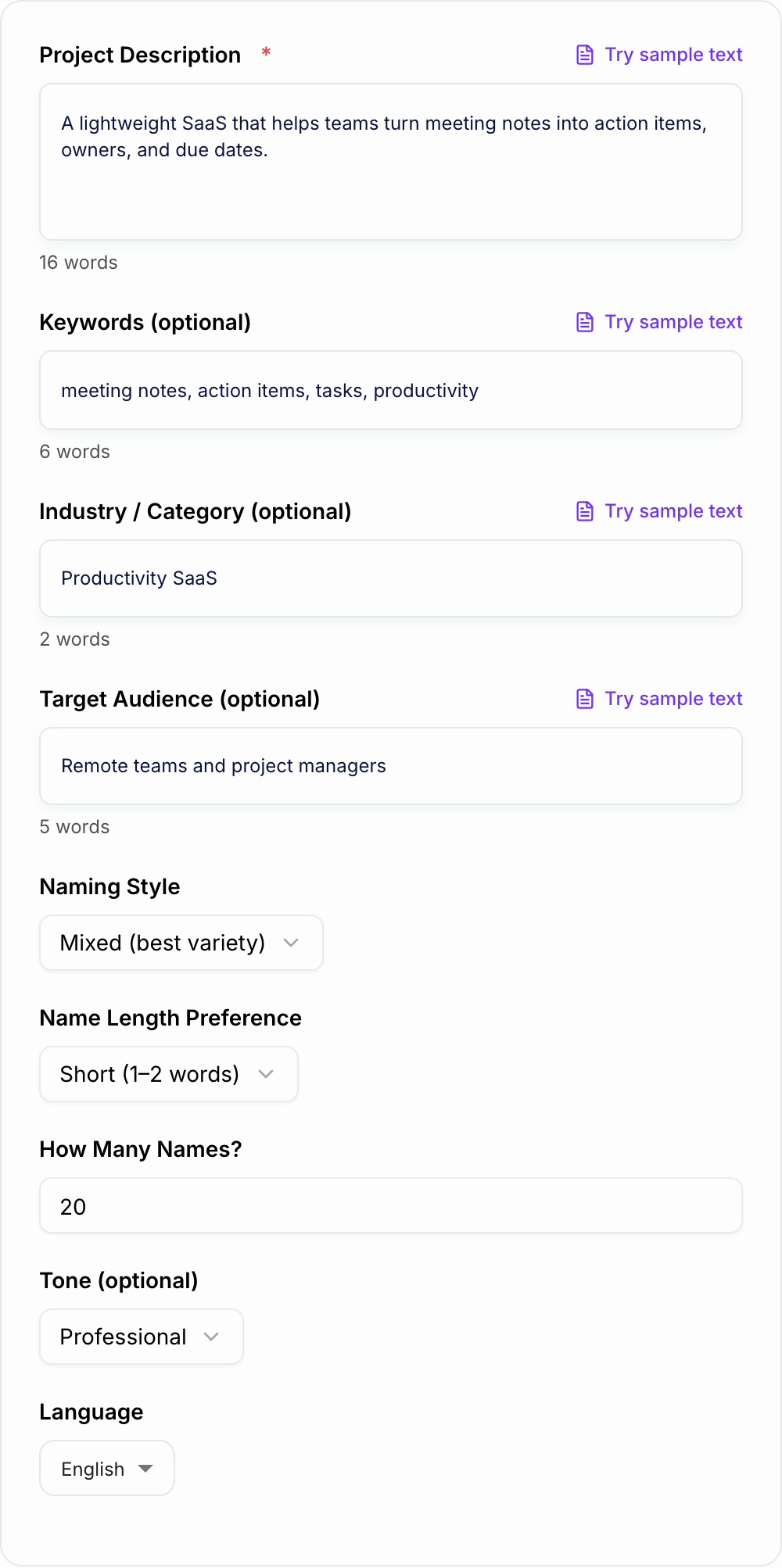
Enter a short description of what you’re building. Include the core problem, solution, or outcome (e.g., “turn meeting notes into tasks”).
Add Keywords and Choose a Style
Optionally add keywords, industry, and audience. Pick a naming style (brandable, descriptive, keyword-informed, or codename) and a preferred length.
Generate and Shortlist
Get a list of names (and optional taglines). Shortlist favorites, then check domain/handle availability and do a quick trademark search before committing.
See It in Action
Turn a simple project idea into a shortlist of brandable, relevant project name options (with optional taglines).
Project: an AI tool that turns meeting notes into tasks Keywords: meeting notes, action items, productivity Need: a short, brandable name
Name ideas:
- TaskScribe — Turn meeting notes into action items
- Note2Next — From notes to next steps
- ActionMint — Capture decisions, mint tasks
- SyncSlate — Shared notes, aligned execution
- BriefBolt — Fast notes, faster follow-through
- AgendaSpark — Make meetings produce outcomes
- NudgeNotes — Notes that nudge work forward
- OutcomePad — Write it down. Ship it out.
Why Use Our AI Project Name Generator?
Powered by the latest AI to deliver fast, accurate results.
Brandable Project Name Ideas (Fast)
Generate catchy, memorable project names for apps, startups, SaaS, internal tools, open-source projects, and side hustles—optimized for clarity and recall.
Keyword-Informed Naming for Relevance
Incorporate your keywords naturally to create names that feel relevant to your niche (e.g., SEO tools, productivity apps, fintech products) without sounding spammy.
Multiple Naming Styles (Modern, Professional, Playful)
Choose a naming style to match your brand voice—tech-forward, corporate, minimal, playful, or premium—so the final names fit your positioning.
Domain-Friendly Suggestions
Produces names that are typically easier to use as domains and handles (shorter, distinctive, fewer special characters), helping you shortlist more usable options.
Optional Taglines for Positioning
Get optional name + tagline pairs to speed up go-to-market messaging, landing page copy, and product positioning for SEO and conversion.
Pro Tips for Better Results
Get the most out of the AI Project Name Generator with these expert tips.
Use 2–5 keywords to guide relevance (not stuffing)
Choose keywords that reflect the value or outcome (e.g., “notes,” “tasks,” “sync”). Too many keywords can make names feel forced—focus on a few strong terms.
Decide if you want clarity or curiosity
Descriptive names help users understand instantly; brandable names create a stronger identity. Generate both and compare which fits your go-to-market plan.
Screen for pronunciation and spelling
Say each name out loud. Remove options that are hard to pronounce, easy to misspell, or too close to existing brands in your category.
Check domain and social handles early
Even if you don’t need a .com, availability matters. Look for names that can work as a clean URL and consistent social handles.
Pair names with a one-line positioning statement
A great name becomes clearer with a tagline. If you’re stuck, generate taglines and test which ones resonate with your audience.
Who Is This For?
Trusted by millions of students, writers, and professionals worldwide.
Generate Project Names You Can Actually Shortlist
Naming a project is easy until the name has to survive real use. It needs to be memorable, pronounceable, appropriate for the audience, and available enough to use without constant confusion.
The AI Project Name Generator helps you explore naming directions quickly: brandable names, descriptive names, keyword-informed names, internal codenames, and names with taglines. The better your brief, the less random the output feels.
Use the generator to create a shortlist, then run the names through practical checks before you commit.
What to Enter Into the Project Name Generator
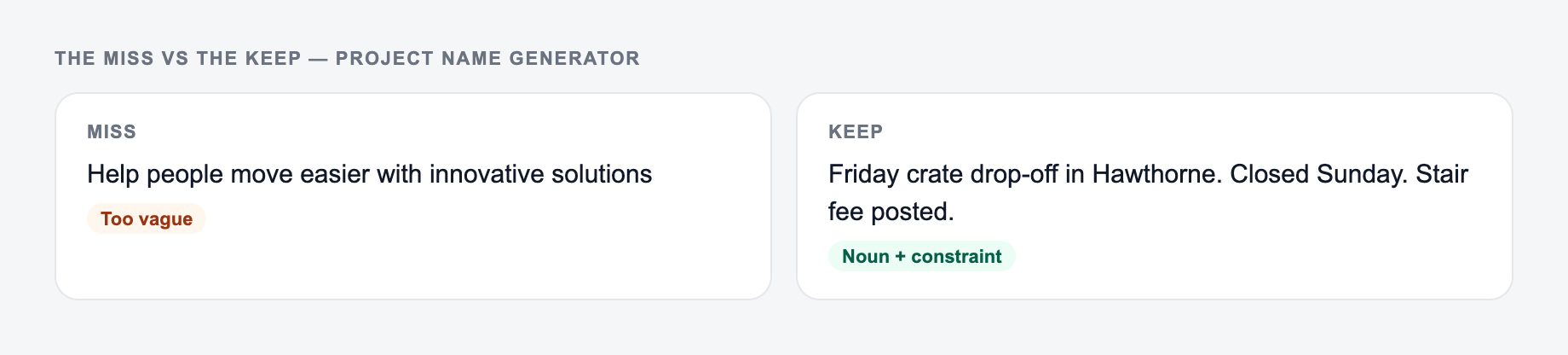
A vague prompt like "name my app" usually produces vague names. Give the generator the same context you would give a naming partner.
Useful inputs include:
- What the project is: app, SaaS product, internal tool, open-source repo, campaign, feature, community, research project, or startup
- Who it is for: customers, employees, developers, marketers, students, creators, or a niche audience
- Core outcome: what the project helps people do
- Keywords: category words, benefit words, use-case words, and adjacent terms
- Tone: modern, playful, premium, technical, friendly, serious, minimal, bold
- Naming style: brandable, descriptive, keyword-informed, acronym, codename, or tagline-first
- Constraints: one word, two words, easy to pronounce, no acronyms, avoid certain words, domain-friendly
For example, "AI tool for meeting notes" is a start. "A lightweight SaaS app that turns meeting notes into owned action items for remote project teams" gives the generator much more useful direction.
Pick the Naming Style Before You Generate
Different naming styles solve different problems. Run more than one style if you are unsure.
Brandable names
Choose this when you want the project to feel like a product, startup, app, or long-term brand. Brandable names can be slightly abstract, but they still need to be easy to say and remember.
Descriptive names
Choose this when clarity matters more than cleverness. Descriptive names work well for internal tools, early MVPs, utilities, templates, and B2B products where people need to understand the purpose immediately.
Keyword-informed names
Choose this when search relevance matters but you do not want a spammy exact-match name. Good keyword-informed names hint at the category without sounding like a list of SEO terms.
Codenames
Choose this for internal initiatives, migrations, redesigns, experiments, or confidential projects. Codenames can be more playful because they usually do not need to sell the product publicly.
Name plus tagline
Choose this when stakeholders need to understand why a name works. A tagline can turn an abstract name into a clear positioning idea.
How to Review Generated Project Names
Do not choose a name only because it looks good in a list. Test it in the places where the project will actually appear.
Check each shortlisted name for:
- Pronunciation: can someone say it after seeing it once?
- Spelling: can someone spell it after hearing it once?
- Meaning: does it create the right first impression?
- Search results: is it already crowded by companies, apps, repos, or products?
- Domain and handles: is there a usable domain, social handle, or repo name?
- Trademark risk: does it conflict with an existing brand in your category?
- UI fit: does it look good in a navbar, mobile header, Slack channel, app icon, or documentation title?
- Future flexibility: will it still work if the project expands?
The generator can help you move fast, but availability and legal checks still need a human review.
Example Input and Better Name Output
Here is a practical input:
Project: lightweight SaaS that turns meeting notes into tasks Audience: remote teams and project managers Outcome: fewer follow-ups and clearer ownership Keywords: notes, action items, tasks, follow-through Style: modern, short, easy to pronounce Constraints: avoid acronyms and hard-to-spell names
Weak output would be names like:
- Meeting Notes Task Manager
- AI Productivity Tool
- Best Action Item App
Those names are clear, but they are not very memorable.
Stronger generated options might be:
- TaskScribe: turn meeting notes into owned action items
- Note2Next: from notes to next steps
- SyncSlate: shared notes for aligned execution
- BriefBolt: fast summaries, faster follow-through
- NudgeNotes: notes that move work forward
These options are still category-relevant, but they sound more like real project names.
Avoid Keyword-Friendly Names That Sound Forced
Keyword relevance can help, especially for niche tools or public projects, but exact-match naming often sounds clumsy.
Instead of forcing the full search phrase into the name, use adjacent words:
- notes: memo, slate, scribe, brief, log
- tasks: queue, nudge, sprint, flow, action
- analytics: signal, pulse, lens, radar, beacon
- automation: loop, relay, trigger, motion, sync
- content: draft, page, publish, brief, voice
This gives the generator more creative room while still keeping the name connected to the category.
Common Project Naming Mistakes
The first mistake is picking a name that only fits one feature. If the product may expand, avoid names that lock you into a narrow function.
The second mistake is choosing something clever but hard to spell. A name that needs constant explanation creates friction every time someone shares it.
The third mistake is ignoring search overlap. If the name is already used by similar products, open-source repos, or companies, users may struggle to find you.
The fourth mistake is skipping the tagline. If a name is abstract, a short promise line can make it much easier to evaluate.
Final Checklist Before You Commit
Before you announce, design, or register a project name, check:
- The name is easy to say out loud
- The spelling is not confusing
- The tone matches the project and audience
- Search results are not dominated by close competitors
- A usable domain, handle, or repo name exists
- The name does not create obvious trademark concerns
- It still works if the project grows beyond the first feature
- A one-line tagline makes the positioning clear
If you are moving from naming into landing page copy, launch emails, or product descriptions, the broader writing tools on Junia AI can help keep the same positioning consistent across the launch materials.
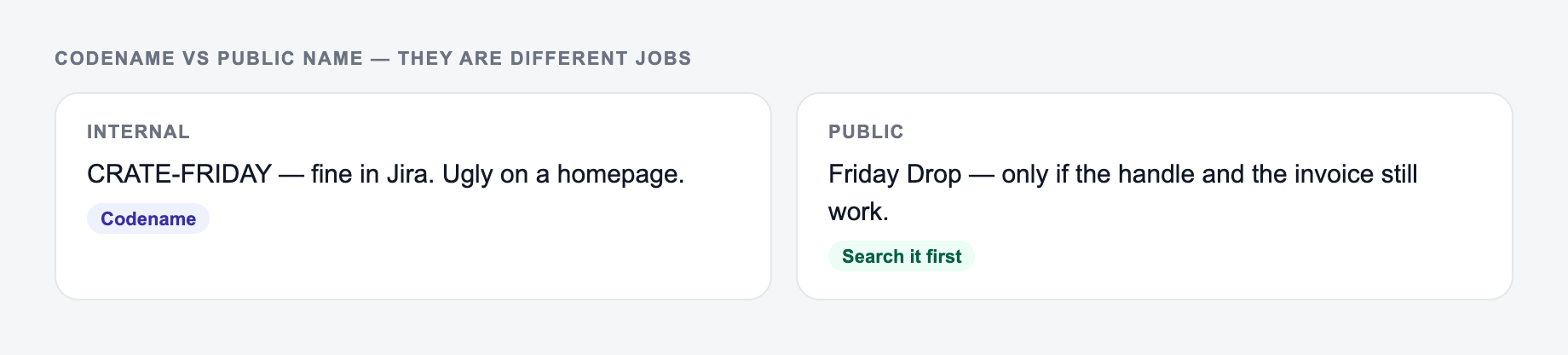
Internal Codename vs Public Product Name
Many generated “project names” are actually codenames. Separate the jobs before you fall in love with a word.
Say up front whether you need a throwaway internal codename or a name customers will see.
- Codename: can be playful, opaque, and short-lived. Example: Copper Kettle for an internal billing migration.
- Public product: must survive support tickets, invoices, and a five-year search. Example: Client Ledger Export—dull, findable, honest.
- Repo/handle: check uniqueness and hyphenation.
kettlewill collide;acct-ledger-exportis ugly and greppable.
If marketing later needs a brandable name, keep the codename off customer emails. A keyword-stuffed public name (“AI SEO Cloud Pro Max”) may look searchable and still fail pronunciation, trademark, and trust checks. Write the tagline that would sit under the name; if the tagline is doing all the work, the name is too vague.
Frequently Asked Questions
How does the AI Project Name Generator work?+
You describe your project (and optionally add keywords, industry, and audience). The tool generates a list of project name ideas in different styles—brandable, descriptive, keyword-informed, or codename—based on your inputs.
Can I generate brandable names that don’t sound generic?+
Yes. Use the Brandable mode and provide a clear project description. If you include 2–5 keywords and a style (Modern, Minimal, Premium), the names are more likely to feel distinctive and on-brand.
Are these names safe to use for a business or trademark?+
The generator provides creative suggestions, but it can’t guarantee trademark availability. Before using a name commercially, check trademark databases, domain availability, and app store results, and consider legal advice for high-stakes brands.
Can it create SEO-friendly or keyword-relevant project names?+
Yes. Add keywords and choose Keyword-Informed mode to generate names that reflect your niche (for example, “content briefs,” “analytics,” or “meeting notes”) while keeping the name natural and brandable.
What should I include to get better name ideas?+
Add what the project does, who it’s for, the core benefit, and 2–5 keywords. Mention constraints like “short name,” “professional tone,” or “codename” to guide the results.
Can I generate names in other languages?+
Yes. Select a language for output. If your project targets a local market, generating names in that language can improve memorability and cultural fit.