
Free Reel Script Generator
Generate structured scripts for Instagram Reels, TikTok, and YouTube Shorts. Add your idea, audience, platform, duration, and goal to create a hook, beat-by-beat script, on-screen text, voiceover, caption, hashtags, and CTA you can film faster.
Reel Script
Your Reel script (hook + beats + on-screen text + voiceover + caption + hashtags) will appear here...
How the AI Reel Script Generator Works
Get results in seconds with a simple workflow.
Enter Your Topic
Add a Reel idea or angle (problem, tip, myth, or result). Optionally include key points so the script matches your exact message.
Choose Platform, Length, and Goal
Select Instagram Reels, TikTok, or YouTube Shorts, set the duration, and pick your goal (engagement, followers, leads, or sales) to shape the CTA and pacing.
Generate and Film from the Beat Sheet
Use the timestamped beats, on-screen text, and b-roll ideas to record quickly. Post with the included caption and hashtags, then iterate with new hooks.
See It in Action
See how a simple idea becomes a complete Reel script with a hook, beat sheet, voiceover, on-screen text, caption, and hashtags.
Idea: tips to get more views on Instagram Reels
HOOK (choose one):
- “If your Reels are stuck under 500 views, you’re probably doing this…”
- “Three tiny changes that doubled my Reel reach.”
DURATION: ~30s
BEATS (timestamped): 0–2s — On-screen: “Stuck under 500 views?” VO: “If your Reels aren’t getting pushed, check these 3 things.” Shot: talking head, tight framing.
2–10s — On-screen: “1) Your hook is too slow” VO: “Say the result first—no intro. Lead with the payoff.” B-roll: examples of strong hooks.
10–20s — On-screen: “2) One Reel = one takeaway” VO: “Don’t cram 5 ideas. Pick one and make it easy to follow.” B-roll: quick cut to notes or checklist.
20–28s — On-screen: “3) Add captions + pattern interrupts” VO: “Captions for sound-off + a cut every 3–5 seconds boosts retention.” B-roll: timeline edits, zoom cuts.
28–30s — On-screen: “Save this + follow for more” VO: “Save this so you can fix your next Reel—and follow for more growth tips.”
CAPTION: Reels reach is mostly retention. Try these 3 changes on your next post and tell me which one moved the needle.
HASHTAGS: #instagramreels #reelsgrowth #contentcreator #socialmediamarketing #instagramtips #shortformvideo
Why Use Our AI Reel Script Generator?
Powered by the latest AI to deliver fast, accurate results.
High-Retention Hook + Fast Pacing
Generates thumb-stopping hooks and tight pacing optimized for short-form video retention on Instagram Reels, TikTok, and YouTube Shorts.
Scene-by-Scene Beat Sheet
Produces a clear beat sheet with timestamps, shot ideas, b-roll prompts, and on-screen text so you can film quickly without overthinking.
Voiceover + On-Screen Text That Matches
Creates voiceover lines and matching on-screen captions designed for clarity, watch time, and accessibility (sound-on and sound-off viewers).
CTA and Caption for Growth or Conversions
Adds a platform-appropriate CTA and a ready-to-post caption tailored to your goal—engagement, followers, leads, or sales—without sounding spammy.
Keyword-Rich Hashtags and Topics (Without Stuffing)
Suggests relevant niche hashtags and keyword phrases aligned to your topic and audience to improve discoverability while staying natural.
Pro Tips for Better Results
Get the most out of the AI Reel Script Generator with these expert tips.
Test 3 hooks for the same idea
Keep the core content identical and swap only the first 1–2 seconds. Hook testing is the fastest way to improve Reel retention and reach.
Write for sound-off viewers
Use short on-screen text that mirrors the voiceover. Clear captions increase watch time and saves, especially on Instagram Reels.
One Reel = one takeaway
Short-form performs best when each video delivers a single clear win. Save deeper explanations for a follow-up Reel or carousel.
Use pattern interrupts every 3–5 seconds
Switch camera angle, add b-roll, change on-screen text style, or use quick zoom cuts to maintain attention and improve completion rate.
Turn winners into a content series
If a Reel performs well, create a Part 2/3/4 series and pin the top Reel. This compounds reach and accelerates follower growth.
Who Is This For?
Trusted by millions of students, writers, and professionals worldwide.
Generate Reel Scripts With Hooks, Beats, and CTAs
The Reel Script Generator turns a rough short-form video idea into a script you can actually film: hook, beats, voiceover, on-screen text, caption, hashtag ideas, and CTA. It is built for Instagram Reels, TikTok, and YouTube Shorts where the first two seconds matter and every beat has to earn its place.
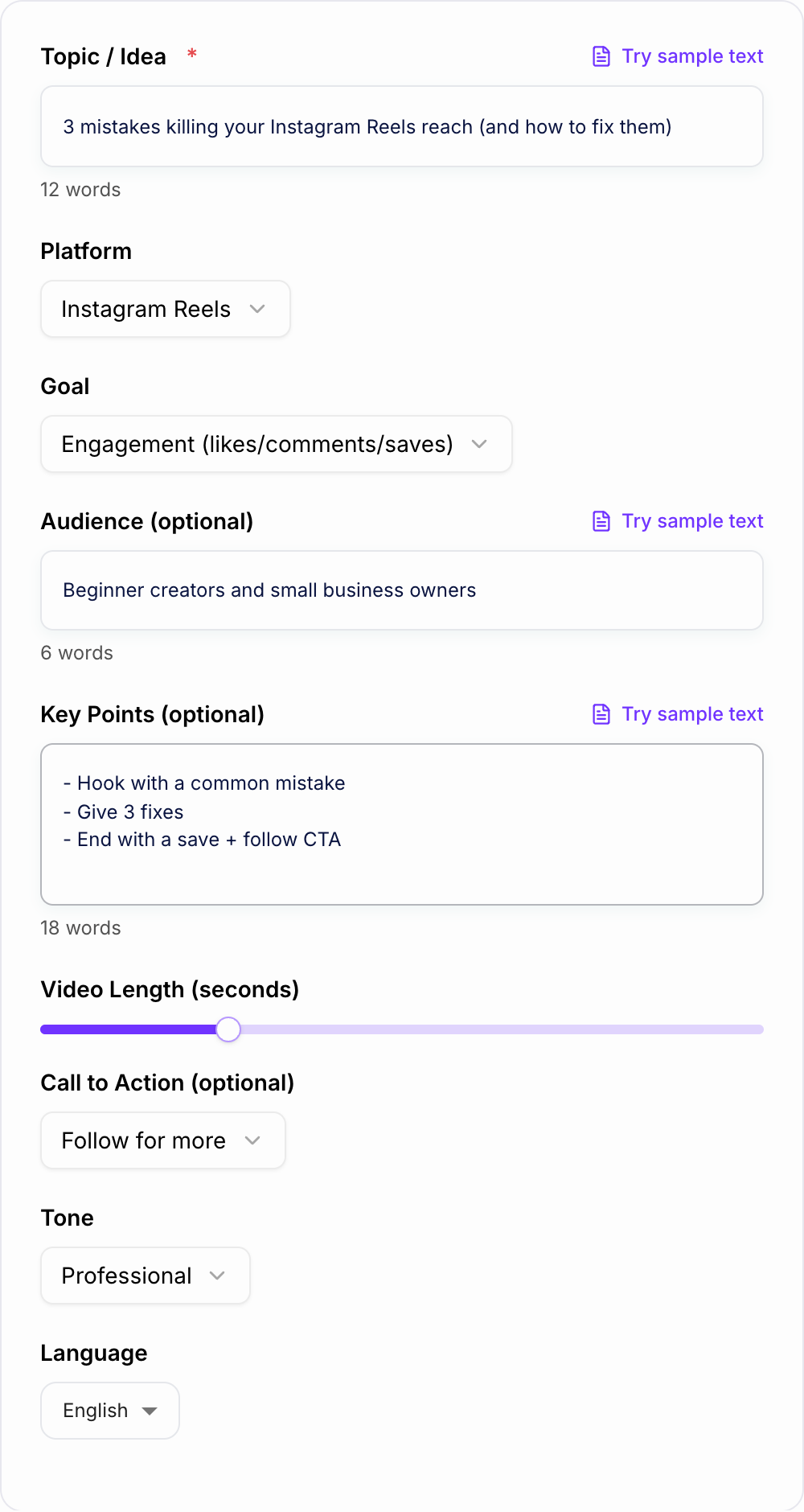
Use it when you have the idea but not the structure. The tool helps you decide what to say first, how to pace the middle, what should appear on screen, and what action the viewer should take next.
What to Enter Into the Reel Script Generator
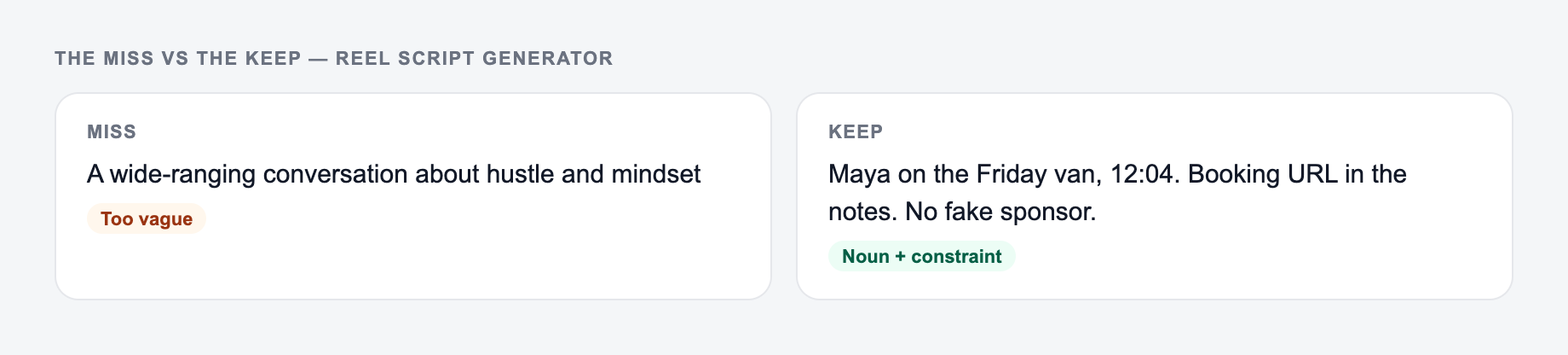
The topic field should contain the promise of the video, not just the broad category.
Weak input:
Instagram tips
Better input:
3 mistakes killing your Instagram Reels reach and how to fix them
For stronger scripts, add:
- the platform: Instagram Reels, TikTok, or YouTube Shorts
- the audience, such as beginner creators, SaaS founders, local businesses, or fitness coaches
- the goal: saves, comments, followers, leads, sales, or traffic
- key points you want included
- video length, especially if it must be 15, 30, 45, or 60 seconds
- the CTA you want viewers to take
The more specific the promise, the easier it is for the generator to create a hook that feels sharp instead of generic.
How to Choose the Right Script Mode
Choose the mode based on the job of the video.
Use Educational when you want to teach one idea clearly and make the Reel saveable.
Use How-To / Tutorial when the video needs visible steps, screen recordings, demonstrations, or a simple process.
Use Listicle when you want fast pacing and numbered points. This works well for mistakes, tools, myths, lessons, and quick wins.
Use Story / Case Study when the strongest angle is a result, mistake, transformation, or behind-the-scenes lesson.
Use Soft Promo when you need to mention a product or service without making the entire video feel like an ad.
Use UGC Ad Script when the video should sound like a creator explaining a problem, showing the solution, adding proof, and ending with a conversion CTA.
Example Input and Output Direction
Here is a strong input:
A hook, one proof shot, and a single call to action keep the script short enough to film.
Topic: 3 reasons your Reels get views but no leads
Platform: Instagram Reels
Audience: solo consultants
Goal: leads
Key points: vague CTA, no offer context, too much top-of-funnel content
Duration: 35 seconds
CTA: comment "audit"
The generated script should include a direct hook, a beat for each reason, on-screen text for scanning, and a CTA that matches lead generation.
The draft might start like:
Hook: "If your Reels get views but no leads, your content may be attracting the wrong action."
Beat 1: "You are teaching useful tips, but not connecting them to the problem you solve."
Beat 2: "Your CTA is too soft. 'Follow for more' does not tell a buyer what to do next."
Beat 3: "Your offer appears only in your bio, so viewers never understand the next step."
CTA: "Comment 'audit' and I will send the 3-point lead check."
That gives you a script spine. You can then adjust the lines to sound more like your voice.
How to Review a Generated Reel Script
Before filming, read the generated script out loud. Short-form video often fails because the script looks fine on the page but feels slow on camera.
Check:
- Does the hook create tension or promise a clear result?
- Does the first real point arrive quickly?
- Can every beat be shown visually?
- Is the on-screen text shorter than the voiceover?
- Is there one main takeaway, not five?
- Does the CTA match the goal?
- Can the script fit the selected duration?
If the draft is too long, cut examples before cutting the hook. If the hook is weak, generate five more and keep the rest of the script.
Using the Script in a Repeatable Content Workflow
A strong short-form workflow usually separates idea, script, filming, caption, and repurposing. The generator can handle the script layer, but you still need to pick the best angle and make the delivery feel natural.
If you publish regularly, keep your hooks, captions, and rewritten variations in an AI writing workspace like Junia AI. That makes it easier to test multiple angles without losing the original idea or rewriting the same caption from scratch.
Common Mistakes to Avoid
The first mistake is asking for a script about a broad topic. "Productivity tips" is too loose. "3 calendar habits that stop founders from losing half their week" gives the generator a real angle.
The second mistake is choosing a CTA that does not match the video. A tutorial usually earns saves. A problem-aware video can earn comments or leads. A product demo can support traffic or sales.
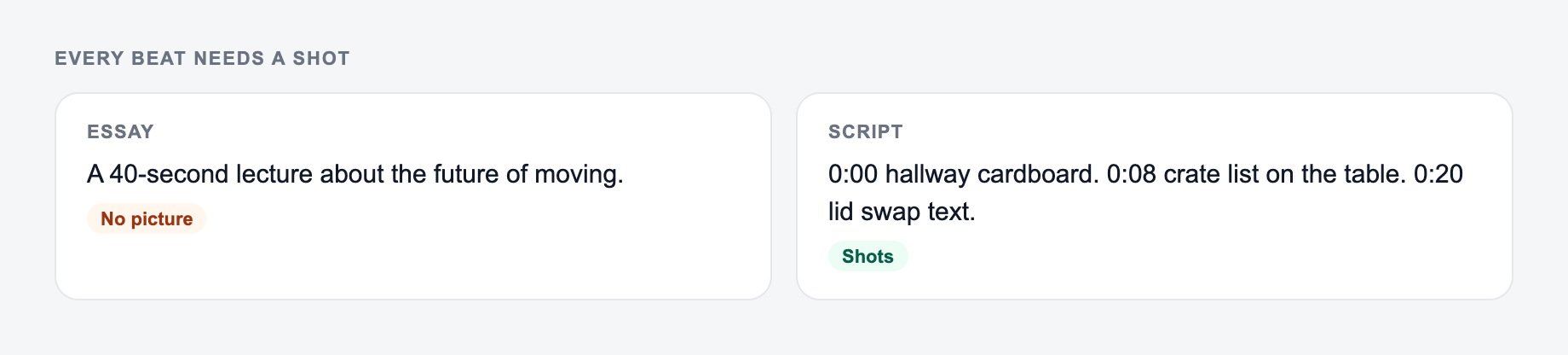
The third mistake is making every beat verbal. If the viewer cannot see something change on screen, the video may feel static.
The fourth mistake is keeping the generated script too clean. Add your phrasing, pauses, and examples so the final version sounds filmed, not read.
Final Checklist Before You Film
- Topic includes a clear promise or tension.
- Audience and platform are specified.
- Mode matches the content type.
- Hook lands in the first two seconds.
- Beats are short and visual.
- On-screen text is skimmable.
- CTA matches the goal.
- Script has been trimmed to fit the duration.
Frequently Asked Questions
Is this Reel script generator free?+
Yes. You can generate Reel scripts for Instagram Reels, TikTok, and YouTube Shorts for free. Some advanced modes (like UGC ad scripts or soft promo) may be marked as premium.
What do I get in the output?+
You’ll get a complete short-form video script including: hook options, a timestamped beat sheet (scenes), voiceover lines, on-screen text, b-roll/shot ideas, a CTA, a caption, and suggested hashtags.
How long should an Instagram Reel or TikTok script be?+
Most high-performing scripts are short and punchy—often 15–45 seconds. Use shorter lengths for a single idea, and longer lengths for step-by-step tutorials or listicles.
Can I use this for YouTube Shorts too?+
Yes. Choose YouTube Shorts as the platform and the script will be optimized for clear pacing, strong hooks, and concise delivery that fits Shorts behavior.
How do I make the script sound like my brand voice?+
Pick a tone, specify your audience, and add key points or phrases you commonly use. After generating, replace a few lines with your signature wording while keeping the hook and structure intact.
Will the generator add hashtags and captions?+
Yes. It includes a ready-to-post caption and a set of relevant hashtags and keyword phrases tailored to your topic and niche (without excessive hashtag stuffing).