
Free Resume Bullet Points Generator
Generate ATS-friendly resume bullet points from your responsibilities, achievements, tools, and target role. Choose quantified impact, leadership, technical, entry-level, rewrite, CAR, XYZ, or action-impact formats to create stronger bullets for resumes and LinkedIn.
Resume Bullet Points
Your ATS-friendly resume bullet points will appear here...
How the AI Resume Bullet Points Generator Works
Get results in seconds with a simple workflow.
Paste Responsibilities and Context
Add your job responsibilities, projects, tools, and any context. Short fragments are fine—the tool turns them into polished resume bullet points.
Choose Mode, Format, and Count
Pick ATS-Optimized, Quantified Impact, Leadership, Technical, Entry-Level, or Rewrite mode. Select a bullet framework (Action-Impact, CAR, or XYZ) and how many bullets you want.
Generate and Tailor to the Job Description
Copy the bullets into your resume and quickly tailor keywords to the posting. Replace placeholders with real metrics and keep the strongest, most relevant bullets.
See It in Action
Example of turning generic responsibilities into ATS-friendly, results-driven resume bullet points with clearer impact and keywords.
Responsible for onboarding customers and helping with renewals. Worked with other teams to solve issues and created documentation.
• Led customer onboarding and training for ~30 SMB accounts, improving time-to-value and accelerating product adoption. • Managed renewals and QBRs, influencing retention outcomes through proactive risk mitigation and stakeholder alignment. • Partnered cross-functionally with Product and Support to escalate bugs and unblock customers, improving resolution speed and customer satisfaction. • Created onboarding playbooks and templates to standardize processes, reducing ramp time for new team members.
Why Use Our AI Resume Bullet Points Generator?
Powered by the latest AI to deliver fast, accurate results.
ATS-Friendly Resume Bullet Points
Generates clean, scannable bullet points designed for applicant tracking systems (ATS), with role-relevant keywords and straightforward formatting recruiters can skim quickly.
Action Verbs + Results-Driven Writing
Transforms responsibilities into strong, accomplishment-focused bullets using action verbs, outcomes, and business impact—ideal for modern resume writing best practices.
Quantified Achievements (Without Over-Claiming)
Prioritizes measurable impact (%, $, time saved, scale). If you don’t provide metrics, it suggests clearly labeled placeholders so you can fill in accurate numbers later.
Role-Specific Keywords and Skills
Incorporates your tools and skills (e.g., CRM, SQL, project management, stakeholder management) naturally to improve keyword matching for job descriptions and ATS scans.
Multiple Bullet Formats (CAR, XYZ, Action-Impact)
Choose structured resume bullet frameworks to match your industry and seniority—helpful for tailoring your resume for different roles and job postings.
Pro Tips for Better Results
Get the most out of the AI Resume Bullet Points Generator with these expert tips.
Match bullet keywords to the job description (without copying it)
Pull 5–12 relevant keywords from the posting (tools, skills, responsibilities) and include them naturally. This helps ATS matching while keeping your resume readable.
Lead with impact—then explain how
Recruiters skim fast. Put outcomes early (reduced churn, improved cycle time, increased adoption) and follow with what you did and the tools you used.
Use numbers for scope even if outcomes are qualitative
If you can’t share revenue, add scope metrics like # accounts managed, # stakeholders, # tickets resolved, # reports shipped, or # users supported.
Avoid vague verbs and filler
Replace “helped,” “worked on,” and “responsible for” with strong action verbs like “led,” “owned,” “implemented,” “optimized,” “automated,” or “delivered.”
Keep bullets scannable
Aim for 1–2 lines per bullet. If a bullet is long, split it into two: one for the action, one for the result or metric.
Who Is This For?
Trusted by millions of students, writers, and professionals worldwide.
Generate ATS-Friendly Resume Bullet Points from Your Experience
A resume bullet points generator helps you turn rough responsibilities into stronger, recruiter-friendly bullets. Instead of listing what you were responsible for, the tool helps you show what you did, how you did it, and what changed because of it.
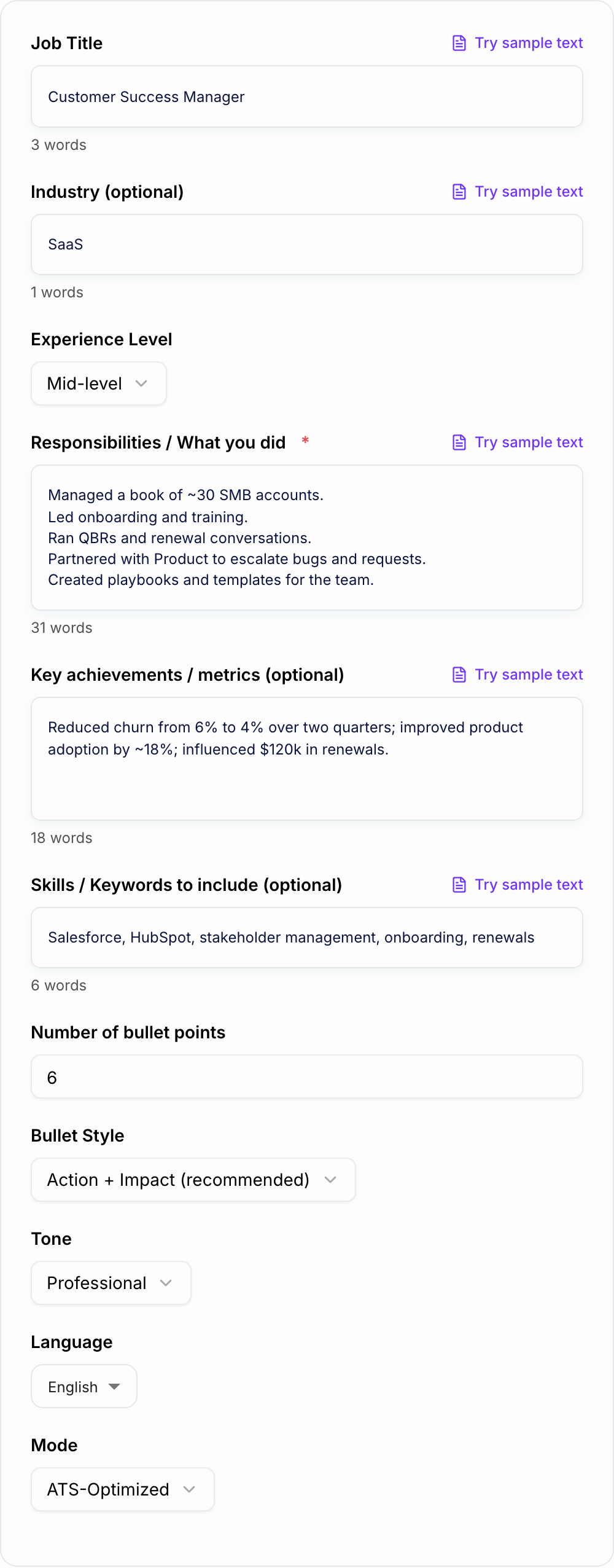
The best outputs still depend on your input. Give the generator real context, then verify every metric and claim before adding the bullets to your resume.
What to Paste Into the Resume Bullet Generator
You do not need polished sentences. Raw notes are often better.
Useful inputs include:
- responsibilities and recurring tasks
- projects or initiatives you owned
- tools, platforms, and technical skills
- achievements, metrics, or business outcomes
- team size, account size, ticket volume, budget, or user scope
- target job title and industry
- keywords from the job posting
- existing weak bullets you want rewritten
Weak input:
Helped customers and worked on renewals.
Better input:
Managed 30 SMB SaaS accounts, led onboarding and training, ran QBRs, partnered with Product on bugs, improved adoption by 18%, influenced $120k in renewals.
Choose the Right Bullet Mode
ATS-Optimized
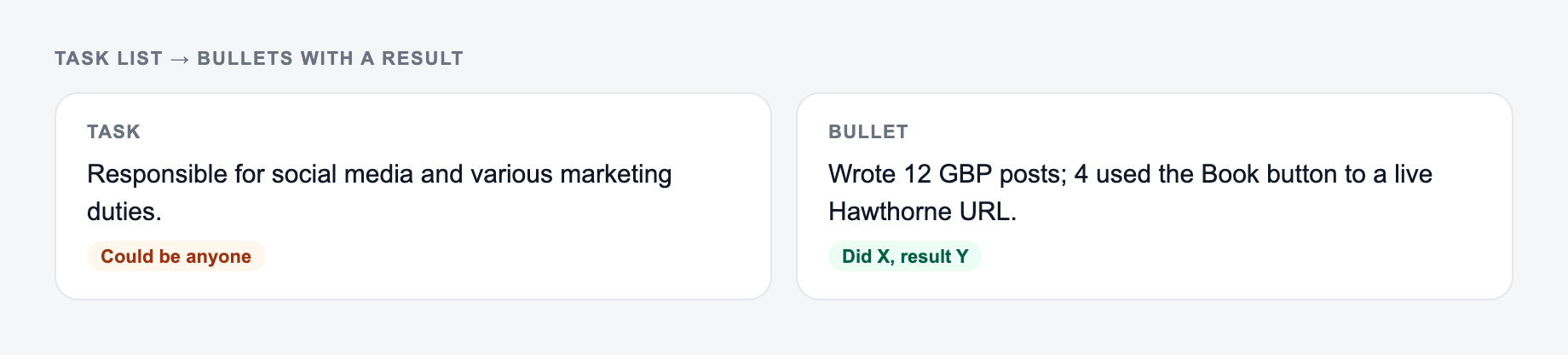
Use this when applying through job portals. The output should stay plain, keyword-aware, and easy for recruiters to skim.
Quantified Impact
Use this when you have numbers, outcomes, or scope. This mode is strongest for revenue, retention, cost savings, performance, productivity, and operational improvements.
Leadership and Ownership
Use this when your role involved stakeholders, teams, strategy, programs, process ownership, or cross-functional work.
Technical or Engineering
Use this when tools, systems, performance, automation, infrastructure, reliability, or data work matter.
Entry-Level or Internship
Use this when you need credible bullets from projects, internships, coursework, volunteer work, or early responsibilities without overstating seniority.
Rewrite Existing Bullets
Use this when your resume already has content but the bullets are too passive, vague, long, or task-heavy.
Pick a Format: Action-Impact, CAR, or XYZ
Action-Impact is the safest default:
Improved onboarding completion by 18% by redesigning training workflows and creating reusable customer templates.
CAR works when context matters:
Resolved recurring onboarding delays by mapping handoff gaps across Sales and Success, reducing time-to-value by 22%.
XYZ works when the result is very clear:
Increased product adoption by 18% by launching usage-based onboarding playbooks for 30 SMB accounts.
If the output feels too formulaic, regenerate with a simpler format and add the best keywords manually.
How to Review Generated Resume Bullets
Before pasting bullets into your resume, check:
- Does each bullet start with a strong action verb?
- Is the claim true and defensible?
- Is there a result, metric, or scope signal?
- Are tools and keywords included only where relevant?
- Is the bullet one to two lines at most?
- Does it match the target role better than the original version?
Be especially careful with metric placeholders. Replace them with real numbers or remove them.
Example: From Task List to Strong Bullets
Input:
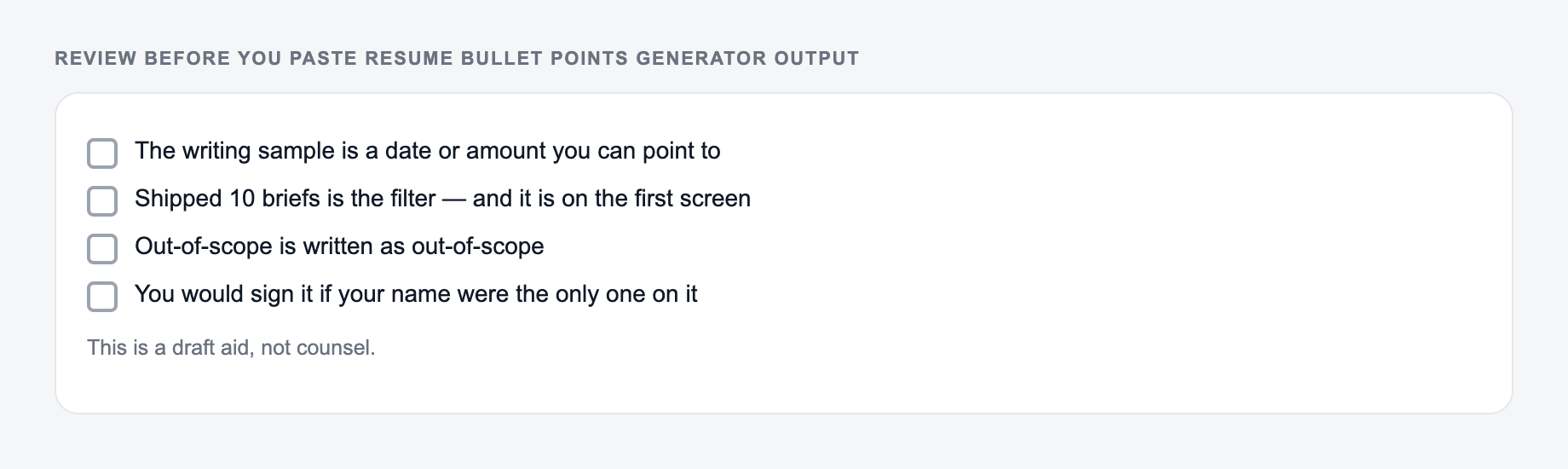
Paste your tasks plus one number you can defend. A bullet should never invent impact.
Managed customer onboarding, created templates, helped renewals, worked with Product and Support, used Salesforce and HubSpot.
Generated bullets might become:
- Led onboarding for 30 SMB accounts, improving time-to-value through structured training sessions and reusable customer templates.
- Managed renewal preparation in Salesforce and HubSpot, improving account visibility and supporting proactive retention conversations.
- Partnered with Product and Support to escalate recurring customer issues, reducing friction during implementation and onboarding.
The final edit should make the bullets match the job posting. For a Customer Success role, emphasize retention and adoption. For a RevOps role, emphasize systems, data quality, process, and forecasting.
Final Checklist Before Applying
For each generated bullet, confirm:
- the action verb matches what you actually did
- the metric or scope is accurate
- the keywords align with the posting
- the bullet does not exaggerate seniority
- the wording is plain enough for ATS parsing
- the strongest bullets appear first under each role
When building the rest of the application package, Junia AI can help draft related resume sections, cover letters, and LinkedIn content while keeping your edits grounded in real experience.
Frequently Asked Questions
Is this resume bullet points generator free?+
Yes. You can generate resume bullet points for free. Some advanced modes or higher-volume usage may be offered as premium depending on your site settings.
Are the bullet points ATS-friendly?+
Yes. The tool produces clear, keyword-aware bullet points with simple formatting that works well for ATS parsing and recruiter skimming. For best results, also tailor keywords to the job description.
How do I add metrics if I don’t know the exact numbers?+
If you don’t have metrics, the generator can suggest reasonable metric placeholders (clearly labeled as placeholders). Replace them with real numbers from reports, dashboards, or performance reviews before submitting applications.
Will it keep my experience truthful and accurate?+
It’s designed to preserve your intent and avoid inventing facts. You should review outputs for accuracy, especially names, tools, dates, and metrics, and edit anything that doesn’t reflect your real work.
What should a strong resume bullet point include?+
A strong bullet typically includes an action verb, what you did, how you did it (tools/skills), and the result (impact/metric). This tool generates bullets in that structure to improve clarity and outcomes.
Can I generate bullet points in other languages?+
Yes. Choose your output language to generate resume bullet points for international applications and multilingual resumes.