
Free Resume Skills Generator
Build a resume skills section that matches the job you want. Paste a job title or job description and generate a focused list of hard skills, soft skills, tools, and ATS keywords you can review, trim, and paste into your resume.
Resume Skills
Your ATS-friendly resume skills list will appear here...
How the AI Resume Skills Generator Works
Get results in seconds with a simple workflow.
Enter a Job Title or Paste a Job Description
Add a job title for quick suggestions, or paste the job description for the most accurate, ATS-optimized resume skills and keywords.
Choose Seniority and Optional Industry Context
Select the seniority level (entry to lead) and optionally add an industry to get more relevant tools, platforms, and role expectations.
Generate and Add Only What You Can Prove
Copy the skills into your resume and keep it honest—include the skills you can demonstrate in your work experience, projects, certifications, or portfolio.
See It in Action
Example of turning a generic skills section into a targeted, ATS-friendly resume skills list aligned to a specific role.
Skills: Communication, Teamwork, Microsoft Office, Social Media, Problem Solving, Time Management
Skills: Google Ads, Meta Ads Manager, GA4, Google Tag Manager (GTM), Keyword Research, On-Page SEO, SEO Content Optimization, A/B Testing, Conversion Rate Optimization (CRO), Campaign Reporting, UTM Tracking, Landing Page Optimization, Audience Targeting, Budget Management, Marketing Analytics, Stakeholder Communication, Cross-Functional Collaboration, Copywriting Basics, Excel/Sheets, Performance Marketing
Why Use Our AI Resume Skills Generator?
Powered by the latest AI to deliver fast, accurate results.
ATS-Friendly Resume Skills (Hard Skills + Keywords)
Generates an ATS-optimized skills list using job-title and job-description keywords, including exact matches and close variants to improve resume parsing and relevance.
Role-Specific Tools, Platforms, and Technical Skills
Surfaces relevant tools and technologies (e.g., GA4, SQL, Jira, Excel, Salesforce) commonly expected for the role so your resume skills section matches real hiring criteria.
Balanced Hard Skills and Soft Skills for Hiring Managers
Includes job-relevant soft skills (communication, stakeholder management, problem solving) without generic filler—so your resume reads credible to both ATS and humans.
Seniority-Aware Skills Suggestions
Adjusts skill depth by level (entry, mid, senior, lead) so the skills section aligns with expectations like strategy, leadership, systems thinking, or execution.
Fast Resume Tailoring for Multiple Applications
Create targeted skill sets for different job postings quickly—ideal for job seekers optimizing resumes for each application to increase callback rates.
Pro Tips for Better Results
Get the most out of the AI Resume Skills Generator with these expert tips.
Mirror the job description (without keyword stuffing)
Use the exact tools and skill phrases that appear in the posting when they match your experience. ATS systems and recruiters both reward clear keyword alignment.
Prioritize skills you can demonstrate in bullet points
If you list a skill, back it up in your experience section (e.g., “GA4 reporting,” “SQL dashboards,” “stakeholder management”) to increase credibility and interview success.
Put role-critical tools first
Order matters—lead with the top tools and hard skills for the role (e.g., Excel/SQL for analysts, Jira for PMs, React for frontend) before adding secondary skills.
Avoid generic soft-skill spam
Instead of listing vague traits (e.g., “hardworking”), use job-relevant soft skills like “cross-functional collaboration,” “requirements gathering,” or “client communication.”
Tailor per application with small edits
Create one base resume, then tailor the skills list to each job posting. Even small keyword alignment improvements can raise ATS match and recruiter relevance.
Who Is This For?
Trusted by millions of students, writers, and professionals worldwide.
Build a Tailored Skills Section with an AI Resume Skills Generator
A resume skills section should not be a dumping ground. It should help an ATS recognize the right keywords and help a recruiter understand your strongest fit for the role.
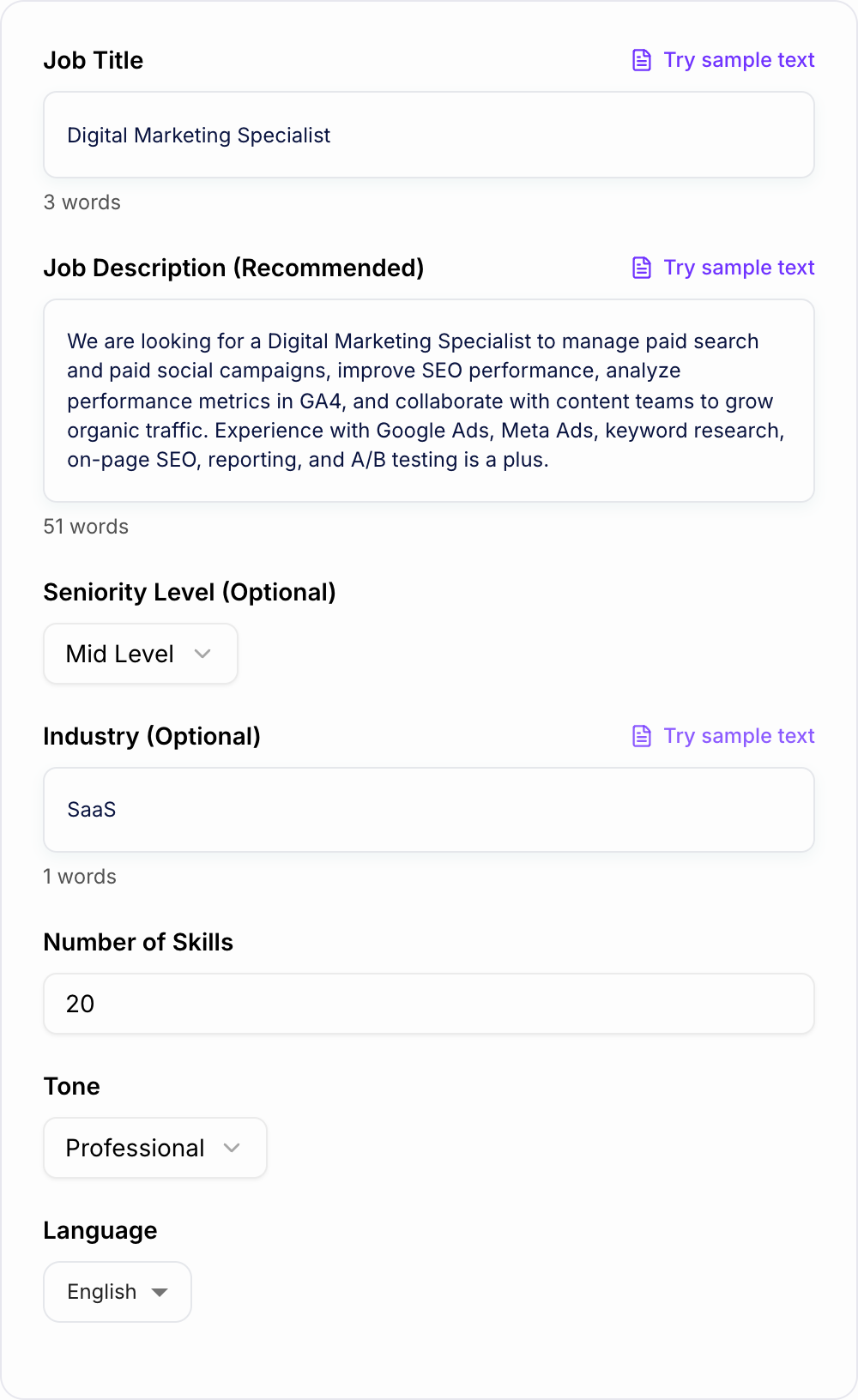
This AI Resume Skills Generator turns a job title or job description into a focused skills list you can review and paste into your resume. It is especially useful when you are tailoring several applications and need the right hard skills, soft skills, tools, and keyword phrases without guessing.
What to paste into the resume skills generator
You can start with only a job title, but a job description produces better output. The generator can see the exact tools, responsibilities, and phrasing the employer uses.
Helpful inputs include:
- Target job title
- Full job description or the requirements section
- Seniority level: entry, mid-level, senior, lead, or executive
- Industry context, such as SaaS, finance, healthcare, ecommerce, or education
- Tools you actually know
- Certifications, projects, or platforms you want represented
Weak input:
Skills for a marketing job.
Better input:
Digital Marketing Specialist job description. Requirements mention Google Ads, Meta Ads, GA4, landing page optimization, campaign reporting, budget management, SEO basics, and cross-functional collaboration. Mid-level candidate with ecommerce experience.
That gives the tool enough context to create a skills section that sounds like it belongs on the application.
How to choose what stays in the final list
Generated skills are suggestions. Your job is to keep the ones that are both relevant and true.
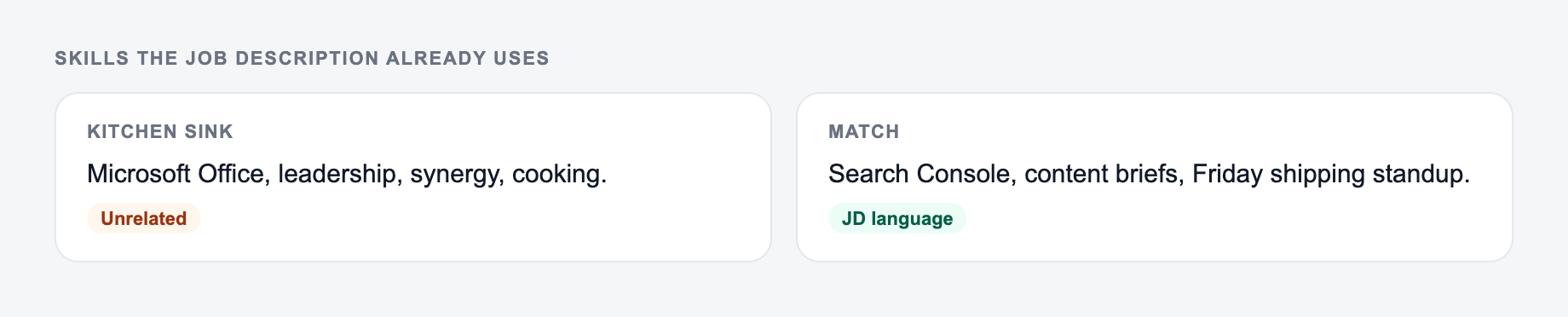
Use three filters:
- Required by the posting: Does the job description mention this skill, tool, or responsibility?
- Supported by your background: Can you explain it in an interview or show it in your work?
- Useful to the reader: Does it help a recruiter understand your fit quickly?
If a skill fails the second filter, remove it. A smaller honest skills section is stronger than a long list you cannot defend.
Hard skills, soft skills, and ATS keywords
The generator may return different types of skills. Keep the mix balanced.
Hard skills
These are tools, methods, platforms, and technical capabilities. They usually matter most for ATS scans and quick recruiter screening.
Examples:
- SQL, Excel, Python
- GA4, Google Ads, Meta Ads Manager
- Jira, Figma, Salesforce
- Financial modeling, forecasting, ETL
Soft skills
Soft skills work only when they are role-specific. Avoid vague traits like hardworking or reliable. Use skills that connect to job responsibilities.
Better examples:
- Stakeholder management
- Requirements gathering
- Client communication
- Cross-functional collaboration
- Executive reporting
ATS keyword phrases
Sometimes the exact phrase matters. A posting may say search engine optimization instead of SEO, or paid social instead of Meta Ads. When the phrase is true for you, use the employer's wording.
Example generated skills section
Input:
Product Manager role. Mid-level. B2B SaaS. Job description mentions roadmapping, product discovery, user stories, analytics, Jira, stakeholder management, experimentation, and go-to-market coordination.
Paste tools and skills you can demonstrate. The form should not add ATS keywords you cannot defend.
Use the AI Resume Skills Generator as a mechanical pass. If the output needs a judgment call (legal, medical, grading, production code), a person still owns the last look.
Generated skills section:
Product Roadmapping, Product Discovery, User Stories, Jira, Backlog Prioritization, Customer Research, Stakeholder Management, Cross-Functional Collaboration, Product Analytics, Experimentation, Go-to-Market Planning, Requirements Gathering, Agile Delivery, KPI Tracking
What to edit:
- Remove skills you cannot explain with examples.
- Move the most important tools or methods to the front.
- Add one missing skill if the posting emphasizes it and you genuinely have it.
Match your skills section to your resume bullets
The same three questions show up after people generate once and then stall.
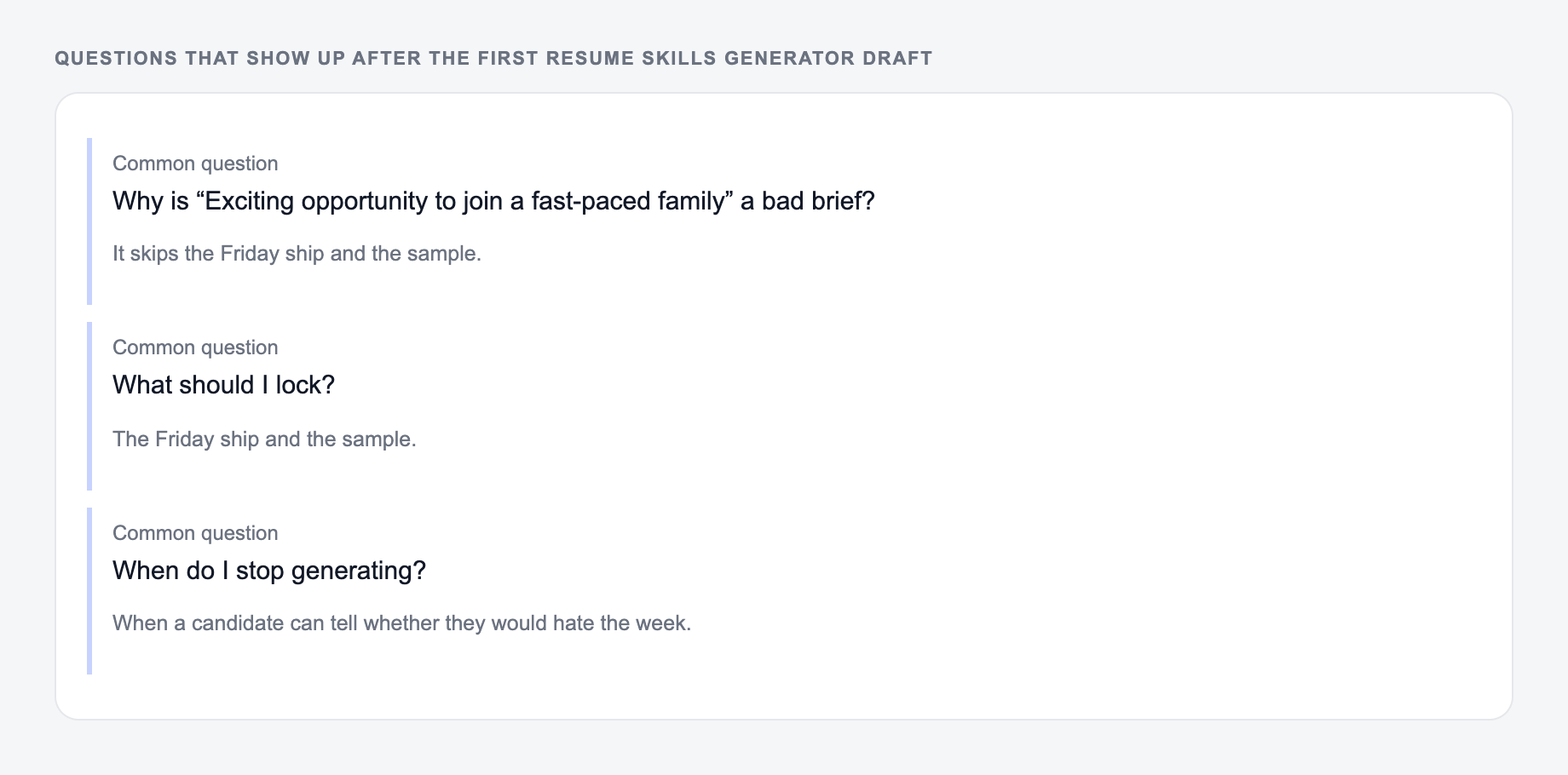
The biggest mistake is listing a skill that never appears anywhere else. If your skills section says GA4, SQL, Jira, or stakeholder management, your experience bullets should prove it.
For example:
- Skill: GA4 reporting
- Resume bullet: Built weekly GA4 reports to identify checkout drop-off points and recommend landing page tests.
That connection turns keywords into credibility.
If you are creating multiple resume versions, an AI writing workspace like Junia AI can help keep the skills section, summary, bullets, and cover letter aligned across applications.
Final checklist before pasting the skills section
Common misses with the Resume Skills Generator:
- Describing the file instead of pasting it.
- Running one setting across mixed formats.
- Pasting live customer or student data “to see what happens.”
- Did you remove skills you cannot support?
- Are the most important hard skills near the front?
- Does the wording match the job description where appropriate?
- Is the list focused enough to scan quickly?
- Do your experience bullets prove the top skills?
- Did you avoid generic soft-skill filler?
When those checks pass, the skills section does more than fill space. It tells both the ATS and the hiring team why this resume fits the role.
Frequently Asked Questions
Is this resume skills generator free to use?+
Yes. You can generate a resume-ready skills list for free. Some advanced modes (like transferable skills or skills-gap ideas) may be marked as premium.
How does this help with ATS (Applicant Tracking Systems)?+
ATS systems often look for keyword alignment between your resume and the job description. This tool extracts role-relevant skills, tools, and keyword variants so your skills section better matches what recruiters and ATS scanners expect.
Should I paste the full job description?+
Yes—pasting the job description produces the most accurate, tailored results. If you only provide a job title, the tool will infer common skills for that role, but job-description input is best for ATS optimization.
Will the tool invent skills I don’t have?+
It will suggest relevant skills for the role, but you should only include skills you can honestly support. If a suggested skill is a gap, use it as a learning target rather than claiming it on your resume.
How many skills should I include on my resume?+
Most resumes perform best with a focused list (often 12–25 skills) that matches the job posting. Prioritize core tools and role-critical skills first, then add complementary skills that you can demonstrate in your experience.
Can I use these skills on LinkedIn too?+
Yes. You can reuse the skills list for your LinkedIn Skills section and tailor your LinkedIn headline/about section to include a few of the highest-priority keywords naturally.