
Free Roadmap Generator
Turn a high-level goal into a structured roadmap. Add your objective, timeline, constraints, and roadmap type to generate phases, milestones, priorities, owners, dependencies, risks, and KPIs you can copy into Notion, Jira, Asana, slides, or planning docs.
Roadmap
Your roadmap will appear here...
How the AI Roadmap Generator Works
Get results in seconds with a simple workflow.
Define the Goal and Roadmap Type
Enter your desired outcome and choose the roadmap type (product, project, marketing, SEO, or business). This sets the structure, deliverables, and recommended KPIs.
Set the Timeframe and Constraints
Pick a timeframe (30 days to 12 months) and optionally add constraints like team size, deadlines, budget, or no-dev periods to keep the roadmap realistic and actionable.
Generate, Then Adapt for Execution
Get phases, milestones, priorities, dependencies, risks, and metrics. Copy into Notion/Jira/Asana, assign owners, and convert deliverables into tickets and weekly plans.
See It in Action
Turn a vague idea into a structured, prioritized roadmap with phases, milestones, dependencies, risks, and KPIs.
We need a roadmap for improving SEO and getting more leads. Timeline: next few months. Not sure what to do first.
Goal: Increase qualified organic leads by 25% in 6 months.
Phase 1 (Weeks 1–4) — Foundation & Quick Wins
- Milestone: Technical SEO baseline + tracking in place
- Deliverables: GA4/GSC setup, sitemap/robots check, indexation audit, core templates optimized
- KPI: Baseline impressions/clicks captured; crawl errors reduced
- Milestone: Keyword theme map + topic cluster plan
- Deliverables: 1 pillar page brief + 8 supporting article targets
Phase 2 (Weeks 5–12) — Content Production & Internal Linking
- Milestone: Publish pillar + first 6 supporting articles
- Deliverables: On-page SEO checklist, internal links, FAQs, schema where relevant
- KPI: +20% organic clicks to hub pages; rankings for priority terms improve
Phase 3 (Months 4–6) — Optimization, Refresh, and Conversion
- Milestone: Refresh top pages + conversion improvements
- Deliverables: Update winning posts, add CTAs, improve UX, build links to pillar
- KPI: +25% qualified leads from organic; improved CTR on priority queries
Dependencies: Dev time for templates; SME review for technical accuracy. Risks: Content velocity, indexing delays, insufficient internal links. Mitigation: Publishing cadence, internal linking SOP, monthly SEO review.
Why Use Our AI Roadmap Generator?
Powered by the latest AI to deliver fast, accurate results.
Phased Roadmap with Milestones and Deliverables
Generates a clear roadmap organized by phases (Now/Next/Later or monthly/quarterly) with milestones, deliverables, and acceptance criteria—ideal for product roadmaps, project plans, and marketing calendars.
Prioritization, Dependencies, and Sequencing
Adds priority (P0/P1/P2), dependencies, and sequencing logic so teams can execute in the right order and avoid blockers—useful for agile planning, release planning, and cross-functional alignment.
KPIs, Success Metrics, and Reporting Cadence
Includes measurable KPIs and a simple measurement plan (baseline → target) to connect roadmap items to outcomes like activation, conversion rate, organic traffic, leads, or revenue.
Risks, Assumptions, and Mitigation Plan
Surfaces key risks, assumptions, and mitigation steps to reduce surprises and improve delivery confidence—especially helpful for stakeholders and leadership updates.
SEO & Content Roadmap Mode (Topic Clusters + Internal Linking)
For SEO roadmaps, creates keyword themes, pillar pages, supporting articles, publishing cadence, internal linking plan, and technical SEO checklist to support sustainable organic growth.
Pro Tips for Better Results
Get the most out of the AI Roadmap Generator with these expert tips.
Write the goal as an outcome, not an output
Instead of “launch a new site,” use measurable outcomes like “increase organic leads by 25% in 6 months” or “improve activation by 15%.” This makes prioritization and KPI selection much stronger.
Add at least one hard constraint
A single constraint like a fixed deadline, limited headcount, or “no engineering for 4 weeks” dramatically improves sequencing, scope, and feasibility.
Use Now/Next/Later for stakeholder clarity
If timelines are uncertain, a Now/Next/Later roadmap reduces false precision while still communicating priorities, dependencies, and decision points.
Include a kill criterion for risky initiatives
For experiments, define what success and failure look like. A clear stop rule prevents roadmap bloat and protects team focus.
For SEO roadmaps, connect content to intent and conversion
Map keyword themes to funnel stages (informational, commercial, transactional) and define conversion events (newsletter signup, demo request) so the roadmap drives business outcomes, not just traffic.
Who Is This For?
Trusted by millions of students, writers, and professionals worldwide.
Create a Phased Plan with an AI Roadmap Generator
A roadmap turns a big goal into a sequence people can actually follow. It shows what comes first, what waits, who owns what, what could block progress, and how success will be measured.
This AI Roadmap Generator takes your goal, timeline, constraints, and roadmap type and turns them into phases, milestones, deliverables, dependencies, risks, owners, and KPIs. The result is a planning draft you can copy into Notion, Jira, Asana, a slide deck, or a strategy doc.
What to enter into the roadmap generator
The generator works best when you describe the outcome, not just the activity.
Weak input:
Make an SEO roadmap.
Better input:
Goal: Increase qualified organic leads by 25% in 6 months. Team: 1 SEO lead, 2 writers, limited dev support. Need a content and technical SEO roadmap with topic clusters, internal links, conversion improvements, and monthly KPIs.
Useful inputs include:
- Goal or desired business outcome
- Roadmap type: product, project, marketing, SEO, operations, or business
- Timeframe: 30 days, 90 days, 6 months, 12 months, or custom
- Team size and owner roles
- Budget or resource limits
- Known dependencies
- Hard deadlines or launch dates
- KPIs or success metrics
- Risks or constraints you already know
The more real constraints you provide, the less generic the roadmap will be.
Choose the right roadmap format
Different planning situations need different structures.
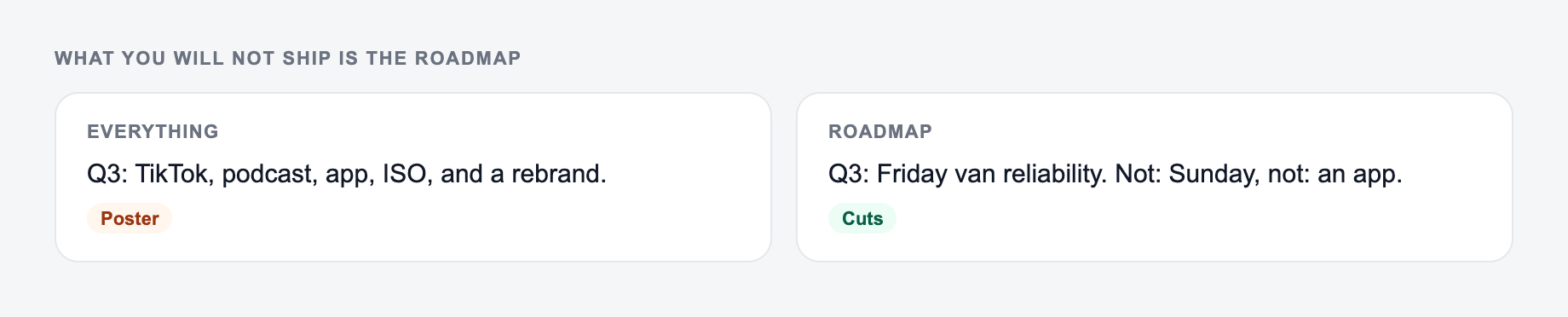
Now, Next, Later
Use this when priorities are clear but dates are uncertain. It is good for stakeholder updates, early product planning, and teams that do not want false precision.
30-60-90 day roadmap
Use this when you need a focused execution plan for a new role, campaign, launch, or turnaround. The generator should make the first 30 days especially concrete.
Monthly or quarterly roadmap
Use this for longer initiatives where leadership needs milestones, metrics, and decision points across several months.
Phase table
Use this when you want to paste the output into a planning tool.
| Phase | Milestone | Deliverables | Owner | KPI | Dependencies | Risks |
|---|
Roadmap types the generator can create
Product roadmap
Use product mode for features, releases, discovery, product bets, adoption goals, and launch plans. Strong input should include users, product area, desired outcome, and constraints.
Expected output:
- Themes and epics
- Release milestones
- Discovery and validation work
- Dependencies across design, engineering, data, and go-to-market
- KPIs such as activation, retention, adoption, or revenue
Project roadmap
Use project mode when the goal is delivery. This should include workstreams, owners, deadlines, dependencies, and risks.
Expected output:
- Phases and tasks
- Critical path dependencies
- Owner roles
- Risk notes
- Delivery checkpoints
Marketing roadmap
Use marketing mode for launches, campaigns, channel plans, and demand generation programs.
Expected output:
- Channel plan by phase
- Asset list
- Experiment ideas
- Reporting cadence
- KPIs such as CTR, CVR, pipeline, signups, or CAC
SEO content roadmap
Use SEO mode when you need topic clusters, publishing cadence, internal links, technical fixes, and organic growth metrics.
Expected output:
- Keyword themes
- Pillar and supporting pages
- Publishing order
- Internal linking plan
- Technical SEO checks
- KPIs such as impressions, clicks, rankings, and qualified leads
How to review the generated roadmap
Before anything leaves the outbox:
- You can point to the number in a spreadsheet or a contract
- You would sign it if your name were the only one on it
- Compensation, legal effect, and medical content had a human pass
These are the complaints that show up after the first draft — they are almost always about the brief, not the model.
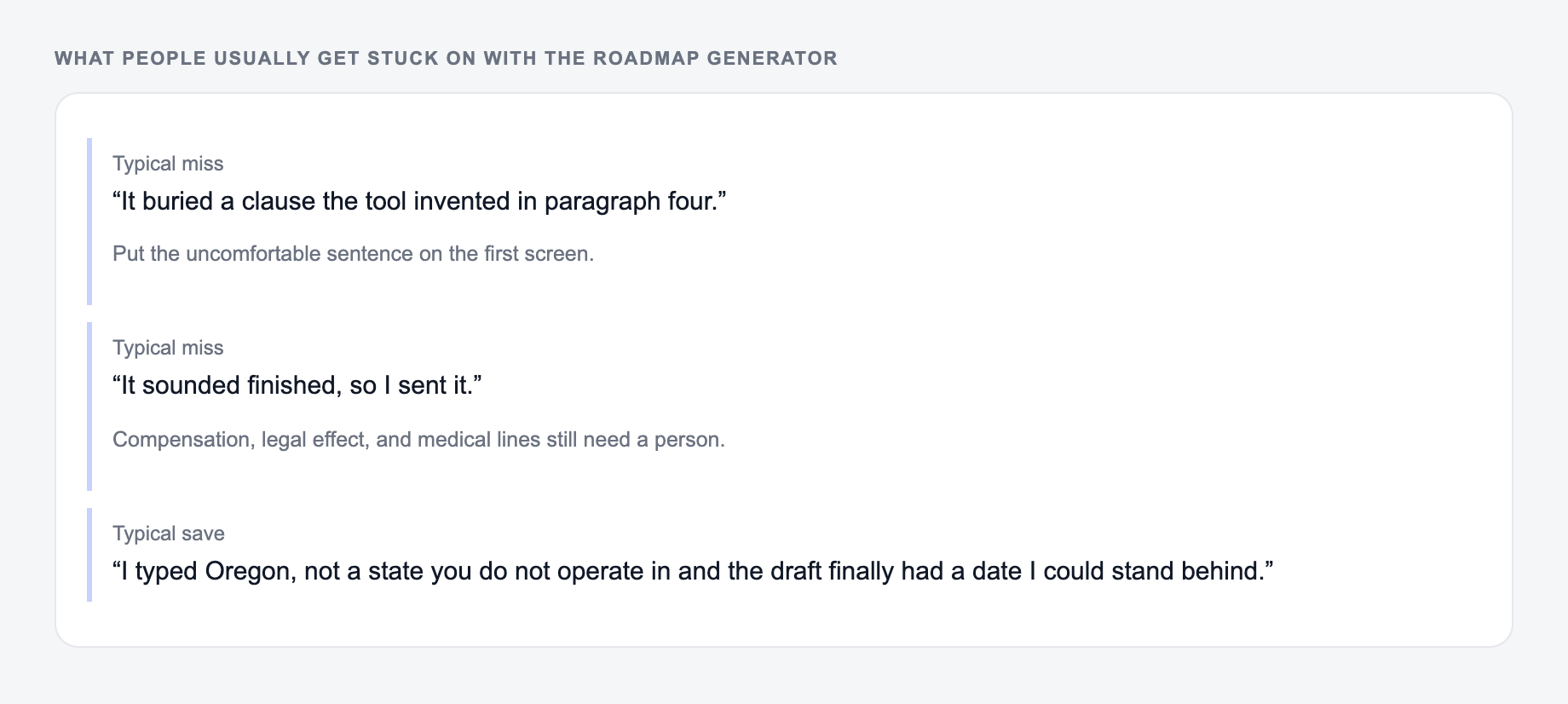
A generated roadmap is a planning draft, not a final operating plan. Before sharing it, review it for realism.
Check:
- Are the phases in the right order?
- Are dependencies visible before the work that depends on them?
- Are owners listed as real people or at least clear roles?
- Are KPIs tied to outcomes, not just activity?
- Are risks honest enough for leadership to trust the plan?
- Are dates flexible where estimates are uncertain?
If everything is priority P0, the roadmap is not prioritized. Push lower-value or uncertain work into Next or Later.
Example roadmap input and output
Input:
Create a 6-month SEO roadmap for a B2B SaaS site. Goal: increase qualified organic leads by 25%. Constraints: one SEO lead, two writers, limited dev support for the first month. Need content clusters, technical checks, internal linking, and conversion improvements.
Goal, timebox, and what you will not ship belong on the form.
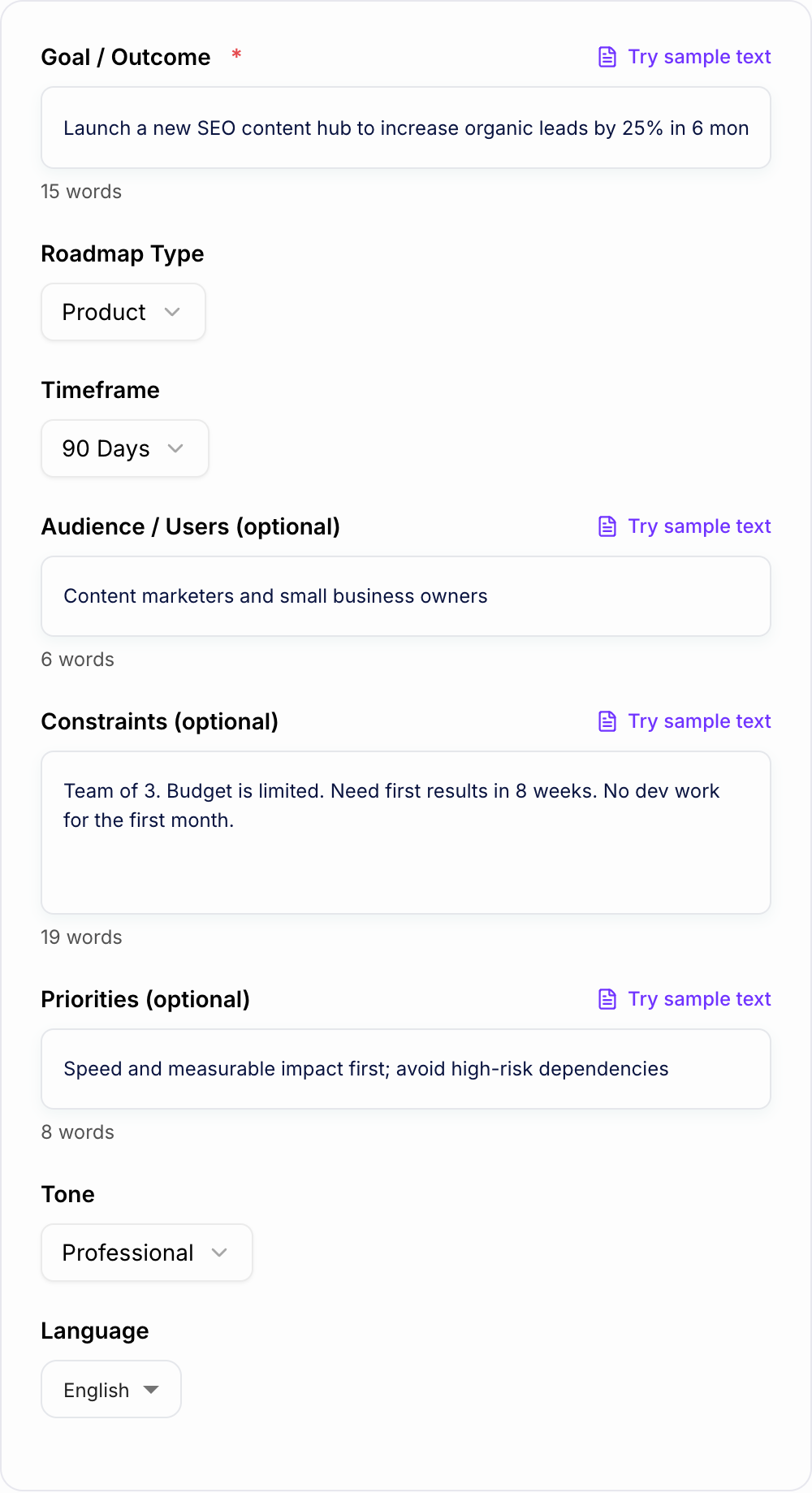
Filled example to imitate
A brief the AI Roadmap Generator can use: who it is for, where the output will appear, and what must stay true.
Do not send this shape
A one-line request like “run the roadmap generator” with no audience, channel, or constraint.
The first version names a date, a deliverable, and a boundary. The second hopes the reader will infer them.
This is a draft aid, not legal, medical, or financial advice.
Generated roadmap excerpt:
| Phase | Milestone | Deliverables | Owner | KPI | Risk |
|---|---|---|---|---|---|
| Weeks 1-4 | Foundation | Tracking check, technical baseline, topic cluster map, priority page list | SEO | Baselines captured, crawl issues logged | Limited dev bandwidth |
| Weeks 5-12 | Production | Pillar page, six supporting articles, internal links, briefs, metadata updates | SEO + Content | More impressions and first ranking movement | Content velocity |
| Months 4-6 | Optimization | Refresh top pages, improve CTAs, update internal links, report lead quality | SEO + Growth | 25% more qualified organic leads | Slow indexing or weak conversion |
That output still needs owner names, estimates, and review, but it gives the team a clear starting sequence.
Turn the roadmap into execution
After generating the roadmap, move it into the tool your team actually uses.
A practical handoff looks like this:
- Confirm the goal and timeframe.
- Assign owners to each milestone.
- Convert deliverables into tickets or tasks.
- Add due dates only where confidence is reasonable.
- Review dependencies before committing to dates.
- Set a weekly or monthly roadmap review.
If you are creating strategy docs, briefs, or supporting copy around the roadmap, the writing tools on Junia AI can help keep those documents consistent while the roadmap stays focused on execution.
Final checklist before sharing the roadmap
- Is the goal measurable?
- Does each phase have a clear purpose?
- Are dependencies and risks visible?
- Are owners assigned or at least named by role?
- Are KPIs connected to outcomes?
- Is the first phase realistic with current resources?
- Is lower-priority work intentionally deferred?
A roadmap should reduce ambiguity. If the generated version makes the next decision clearer, it is doing the job.
Frequently Asked Questions
What is a roadmap generator?+
A roadmap generator creates a structured plan that breaks a goal into phases, milestones, deliverables, and success metrics. It helps teams prioritize work, align stakeholders, and track progress over a defined timeframe.
Can I use this for a product roadmap and a project plan?+
Yes. Choose Product for themes/epics and release planning, or Project for delivery phases, tasks, owners, dependencies, and risk management. The output is designed to be easy to copy into tools like Jira, Asana, or Notion.
Does it include KPIs and success metrics?+
Yes. The roadmap includes recommended KPIs and targets aligned to your goal (for example activation rate, conversion rate, retention, organic traffic, leads, or revenue) plus a simple reporting cadence to measure progress.
How do I make the roadmap more accurate for my team?+
Add constraints (team size, deadlines, budget, dependencies) and priorities (speed vs quality, learning vs certainty). The more specific your context, the more realistic the sequencing, scope, and milestones will be.
Can this generate an SEO roadmap for content and technical SEO?+
Yes. Use SEO Content mode to get keyword themes, topic clusters (pillar + supporting content), internal linking suggestions, technical SEO checks, and KPIs like impressions, clicks, rankings, and qualified organic leads.
Is the roadmap output a substitute for detailed project management?+
It’s a strong starting point. You’ll still want to validate estimates, assign owners, confirm dependencies, and refine tasks into tickets. Use the roadmap as the strategy-to-execution bridge.