
Free Syllabus Generator
Create a complete syllabus for a course, workshop, bootcamp, online class, or training program. Generate a course overview, learning outcomes, weekly or module schedule, assessments, grading breakdown, materials, policies, and learner expectations in minutes.
Syllabus
Your course syllabus will appear here...
How the AI Syllabus Generator Works
Get results in seconds with a simple workflow.
Enter Your Course Title (and Optional Details)
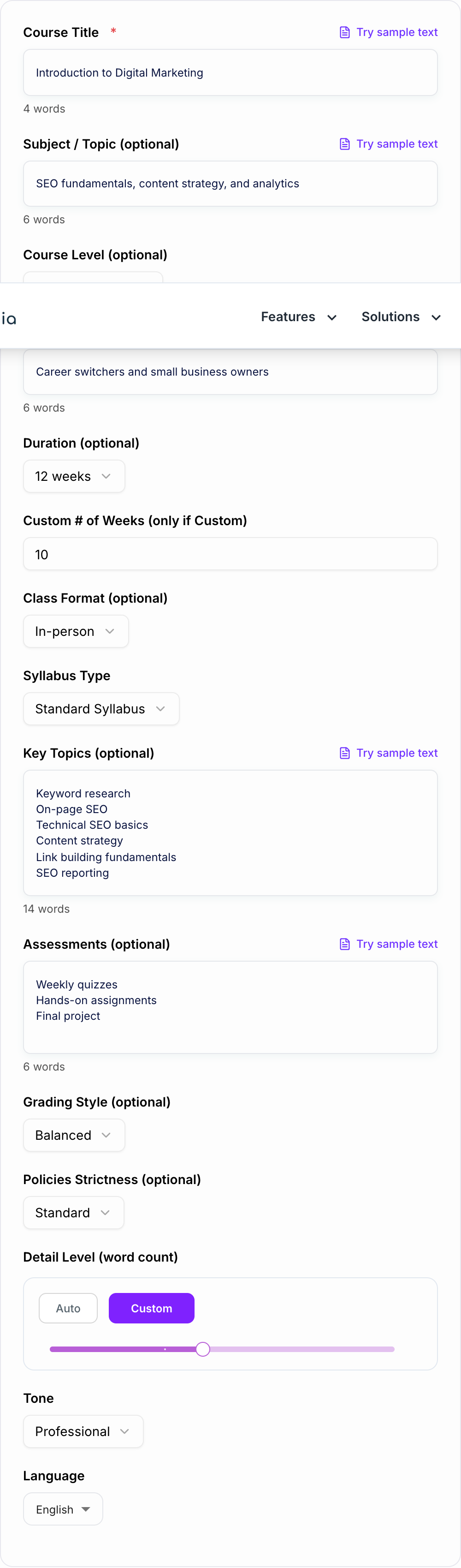
Add a course title and optionally specify subject, level, audience, and key topics. The generator uses these details to match scope, difficulty, and terminology.
Choose Duration, Format, and Syllabus Type
Pick a course duration (weeks) and class format (in-person, online, hybrid). Choose a standard or module-based syllabus to match your teaching structure.
Generate, Review, and Customize
Get a full syllabus with outcomes, schedule, assessments, grading, and policies. Review for institutional requirements, adjust due dates/readings, and copy into your preferred template or LMS.
See It in Action
Turn a basic course idea into a structured, professional syllabus with outcomes, schedule, grading, and clear policies.
Course: Intro to SEO
Need a syllabus for a 10-week online class. Topics: keyword research, on-page SEO, technical basics, links, reporting.
Course Title: Introduction to SEO (10-Week Online Course)
Course Description: This course teaches the fundamentals of search engine optimization, including keyword research, on-page optimization, technical SEO basics, link building principles, and reporting. Learners will build practical skills through hands-on assignments and a final project.
Learning Outcomes: By the end of this course, learners will be able to:
- Conduct keyword research and map keywords to search intent
- Optimize on-page elements (titles, headings, internal links) for relevance and usability
- Identify common technical SEO issues and propose fixes
- Evaluate link opportunities using quality and risk criteria
- Create an SEO report with actionable recommendations
Weekly Schedule (Summary): Week 1: SEO overview + how search works Week 2: Search intent + keyword research methods Week 3: Keyword mapping + content planning Week 4: On-page SEO essentials (titles, H1/H2, metadata) Week 5: Internal linking + site structure Week 6: Technical SEO basics (crawl, index, Core issues) Week 7: Content optimization + refresh strategy Week 8: Link building fundamentals + digital PR basics Week 9: Measurement + SEO reporting dashboards Week 10: Final project presentations + course wrap-up
Assessments & Grading:
- Weekly quizzes: 20%
- Hands-on assignments: 40%
- Participation/discussions: 10%
- Final SEO audit + content plan project: 30%
Policies: Attendance/Participation, Late Work, Academic Integrity, AI/Tool Use, Accessibility/Accommodations, Communication expectations.
Why Use Our AI Syllabus Generator?
Powered by the latest AI to deliver fast, accurate results.
Complete Course Syllabus Template (Ready to Copy)
Generates a full syllabus with course description, learning outcomes, weekly or module schedule, assignments, grading policy, required materials, and classroom policies—formatted for easy copy/paste into a syllabus document or LMS.
Measurable Learning Outcomes + Assessment Alignment
Creates clear, measurable learning outcomes (action verbs, observable skills) and ties major assessments to what students must demonstrate—improving course design quality and student clarity.
Weekly Schedule With Topics, Readings, and Deliverables
Builds a structured week-by-week plan with session themes, key concepts, suggested activities, and due dates—ideal for college courses, training programs, bootcamps, and workshops.
Flexible Grading Breakdowns (Balanced to Project-Heavy)
Outputs a grading rubric and percentage breakdown tailored to your grading style—useful for instructors who need a fair, transparent grading system.
Customizable Policies for Attendance, Late Work, and Academic Integrity
Includes practical syllabus policies (attendance, participation, late submissions, make-up work, AI/tool use, accommodations) that you can adapt to your institution’s guidelines.
Pro Tips for Better Results
Get the most out of the AI Syllabus Generator with these expert tips.
Use measurable outcomes (and keep them limited)
Aim for 5–10 learning outcomes using action verbs (analyze, design, evaluate, implement). Fewer, clearer outcomes make assessment alignment and student expectations much stronger.
Align assessments to outcomes to prevent scope creep
If an assignment doesn’t map to a learning outcome, it often becomes busywork. Use outcomes to keep projects, quizzes, and participation focused on real skills.
Balance workload with pacing and due dates
Avoid stacking multiple major deliverables in the same week. Spread deadlines across the term and include review weeks or buffer time for projects.
Add a simple weekly routine for consistency
A predictable rhythm (readings early week, discussion midweek, quiz or deliverable end of week) improves completion rates and reduces student confusion.
Include an AI/tool-use policy that matches your context
If learners may use AI tools, define what’s allowed (brainstorming, outlines, grammar) vs. prohibited (submitting generated work as original) and how attribution should work.
Who Is This For?
Trusted by millions of students, writers, and professionals worldwide.
Create a Complete Syllabus from Course Details, Outcomes, and Schedule Needs
An AI Syllabus Generator is most useful when you give it the building blocks of the course: title, audience, duration, format, topics, outcomes, assessments, grading preferences, and policy needs.
This tool turns those inputs into a complete syllabus draft with a course overview, measurable learning outcomes, weekly or module schedule, assessments, grading breakdown, materials, class policies, and learner expectations. You still review institutional requirements, but you do not have to start from a blank document.
What to Enter for a Better Syllabus
Start with the required course details, then add anything that affects pacing or expectations.
Useful inputs include:
- course title
- subject or topic area
- learner level
- target audience
- duration
- delivery format
- key topics
- assessments
- grading style
- policy strictness
- required materials
- AI-use expectations
Example:
Course title: Introduction to Digital Marketing
Audience: Career switchers and small business owners
Duration: 12 weeks
Format: live online
Topics: SEO, content strategy, email marketing, paid ads, analytics, reporting
Assessments: weekly quizzes, hands-on assignments, final campaign plan
Grading: project-heavy
Policies: standard late work policy, clear AI-use policy
This gives the syllabus generator enough structure to create a draft that feels like a real course rather than a generic outline.
How to Choose the Right Syllabus Format
Use Standard Syllabus for traditional courses with a full overview, outcomes, schedule, grading, assignments, materials, and policies.
Use Module-Based when the course is self-paced, online, cohort-based, or organized around units instead of calendar weeks.
Use Outcomes-First when accreditation, assessment alignment, or skills mastery matters. This mode works well when every assignment needs to map back to a measurable outcome.
Use Accelerated / Bootcamp when the course is intensive, project-heavy, and built around frequent checkpoints.
The format should match how students will experience the class. A 16-week college course and a 4-week skills bootcamp need different pacing.
Review the Generated Learning Outcomes
Learning outcomes should describe what students can do, not just what they will hear about.
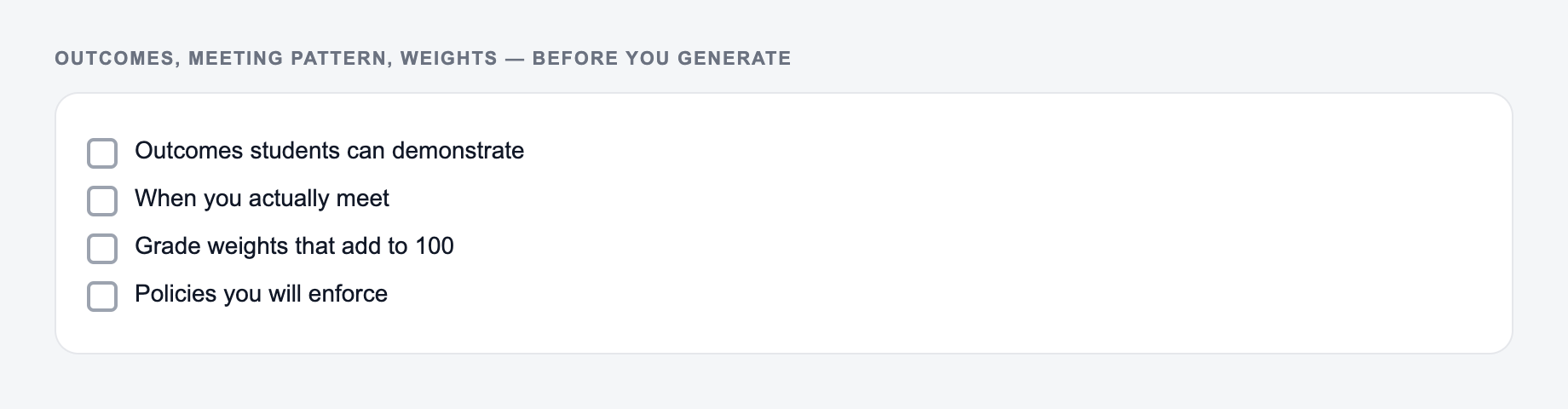
Outcomes, meeting pattern, and grading weights belong on the form before you generate.
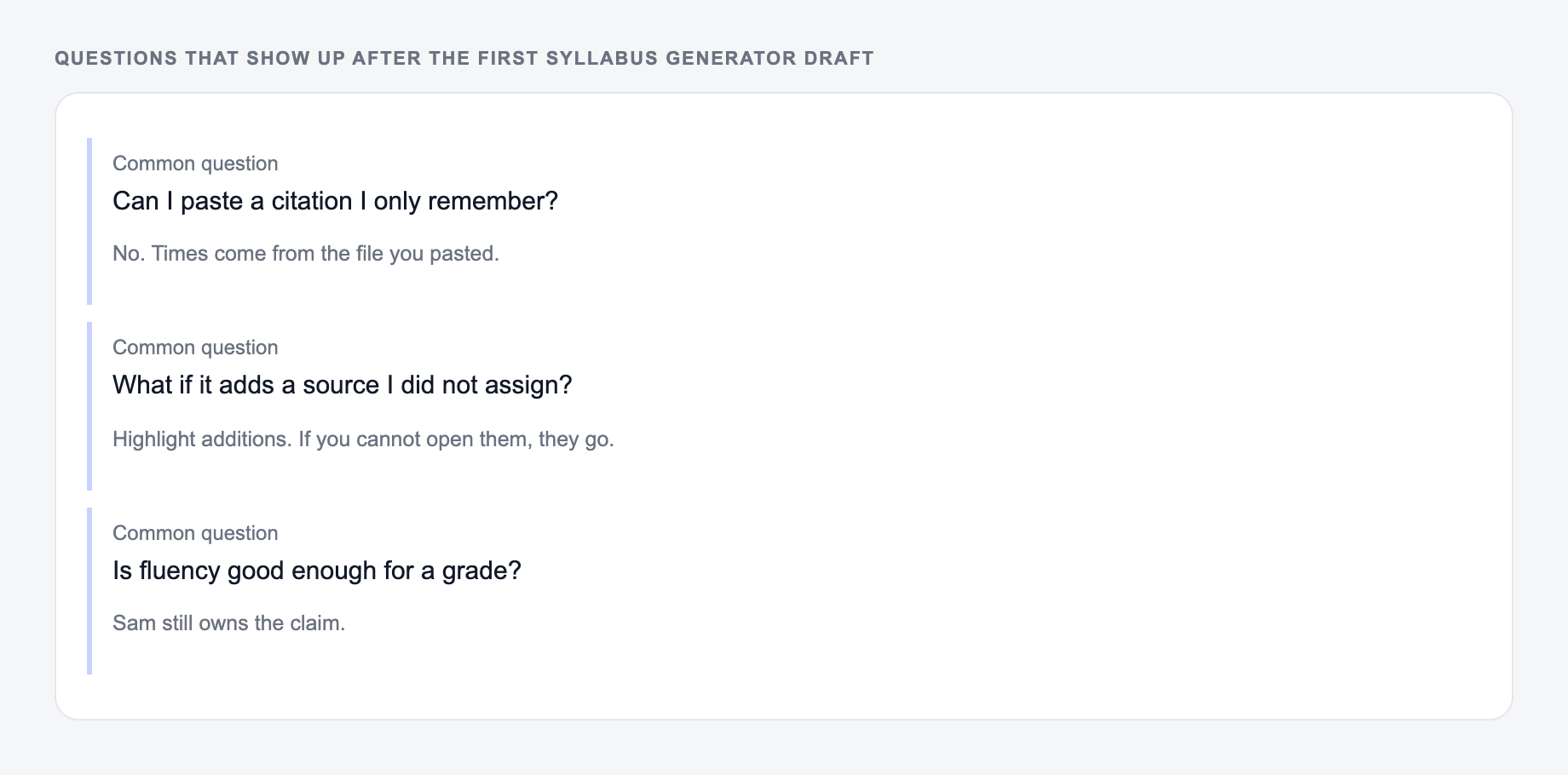
Use the AI Syllabus Generator to get a shape on the page. Then do the slow part: open the source, check the number, and cut unsourced certainty.
If the task is graded, cited, or used with students, the named writer still owns the claims.
Weak outcome:
Understand SEO.
Better outcome:
Conduct basic keyword research, map keywords to page intent, and recommend on-page SEO improvements.
After generating the syllabus, scan each outcome and ask:
- Can this be assessed?
- Does it use an observable verb?
- Is it realistic for the course level?
- Does at least one assignment prove it?
If the answer is no, rewrite the outcome before publishing.
Align Schedule, Assignments, and Grading
Answer these before you generate a second batch. A reroll will not fix a vague brief.
A strong syllabus is not just complete. It is coherent.
Use the generated draft to check:
- Topics build in a logical order.
- Major assignments appear after the needed instruction.
- Workload is not overloaded in one week.
- Grading percentages match the course priorities.
- Policies are short enough for students to understand.
- Due dates, holidays, and institutional deadlines are correct.
If the tool creates too many assignments, cut the low-value ones. If it creates too many outcomes, merge them.
Common Syllabus Generator Mistakes to Avoid
- Entering only a course title and expecting a complete course design.
- Using vague outcomes that cannot be assessed.
- Choosing a weekly schedule for a self-paced course that would work better as modules.
- Forgetting required institutional statements.
- Copying policies without checking local rules.
- Publishing before dates, grading weights, and accessibility language are reviewed.
If you are building several course assets, Junia AI can help turn the same course plan into outlines, lesson content, assignment instructions, rubrics, and learner-facing explanations.
Accuracy caveats:
Check syllabus generator output against the room you actually have:
- Times, loads, and criteria match what you typed
- Nothing medical, legal, or graded was invented
- You would still own this if a parent or clinician asked
Final Checklist Before You Publish the Syllabus
- Course title and description are accurate.
- Learning outcomes are measurable.
- Schedule matches the duration and format.
- Assignments support the outcomes.
- Grading weights add up and make sense.
- Policies match how the class will run.
- Required institutional language is included.
- Dates, holidays, materials, and LMS details are checked.
The generated syllabus gives you a complete draft quickly. Your final pass makes it institution-ready, learner-friendly, and aligned with the actual course.
Frequently Asked Questions
What does the AI syllabus generator create?+
It generates a complete course syllabus: course overview, learning objectives/outcomes, weekly or module schedule, assessments and assignments, grading breakdown, required materials, and common course policies (attendance, late work, integrity, etc.).
Can I generate a syllabus for any subject or grade level?+
Yes. You can create a syllabus for academic subjects (e.g., biology, history, computer science), professional skills (e.g., SEO, project management), corporate training, workshops, and more. Use the Course Level and Target Learners fields to match the depth.
Does the tool include a week-by-week course schedule?+
Yes. It can generate a week-by-week plan (or a module-based plan) with topics, learning goals, suggested activities, and deliverables to help you plan pacing and student workload.
Will it create grading criteria and percentages?+
Yes. The syllabus includes a grading breakdown (percentages) and concise criteria for common assessment types. You can choose a balanced, project-heavy, exam-heavy, participation-heavy, or mastery-based grading style.
Can I customize policies like late work and attendance?+
Yes. Choose a policies strictness level (lenient/standard/strict). You can then edit the output to match your institution’s rules or program requirements.
Is this syllabus generator free to use?+
Yes. You can generate a full syllabus for free. Some advanced modes (like outcomes-first alignment or accelerated bootcamp design) may be marked as premium.