
Free Timestamped Overview Generator
Convert transcripts, captions, agendas, or notes into a clean timestamped overview. Generate YouTube chapters, podcast show notes, webinar recaps, meeting summaries, course sections, key takeaways, and scannable timestamps from content with or without existing time markers.
Timestamped Overview
Your timestamped overview (chapters + summary) will appear here...
How the AI Timestamped Overview Generator Works
Get results in seconds with a simple workflow.
Paste a Transcript (With or Without Timestamps)
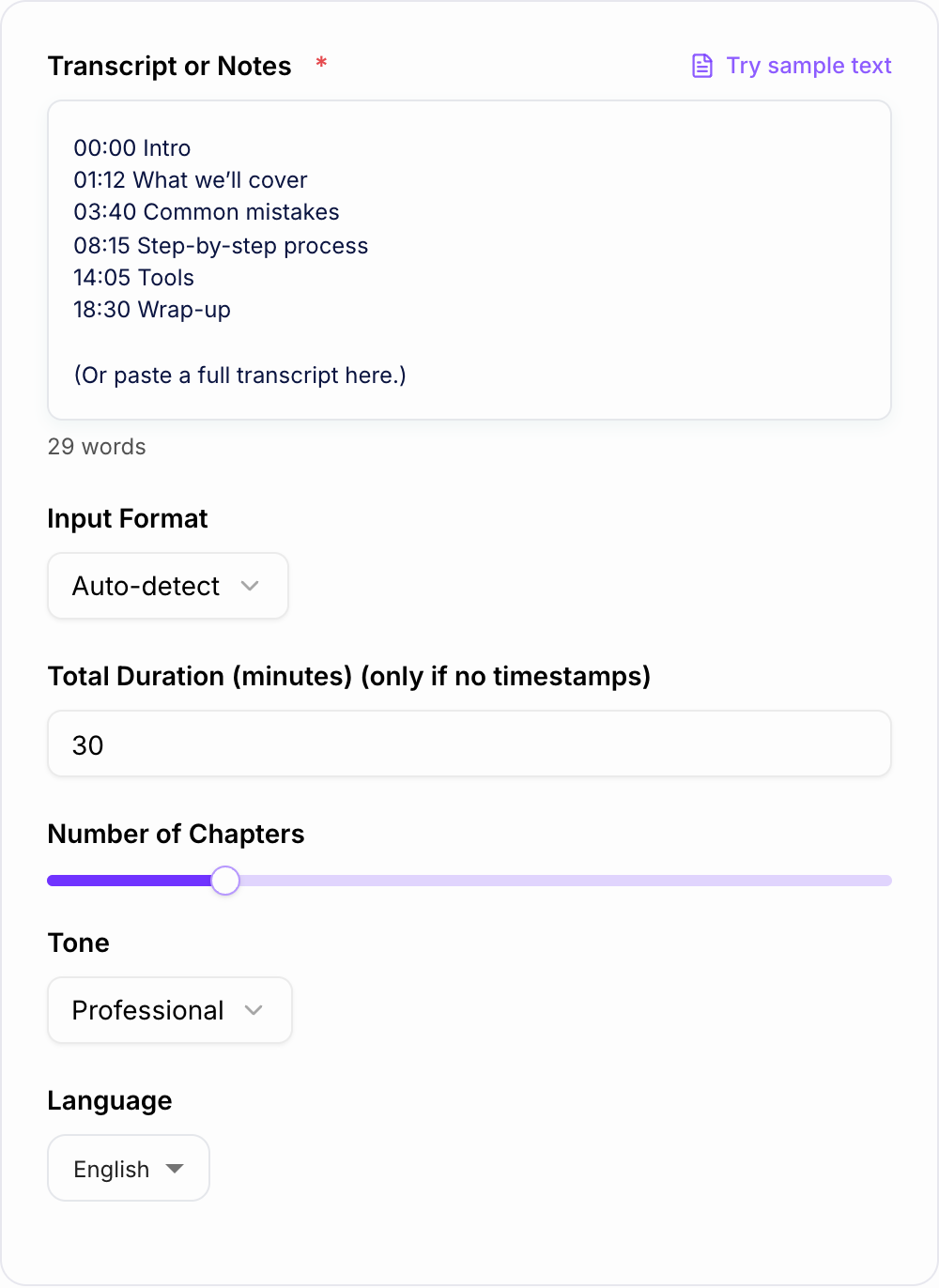
Add your transcript, captions, or structured notes. If you have timestamps, include them (00:00 / 0:00 / 00:00:00). If not, provide the total duration so the tool can approximate chapter timing.
Choose Chapter Count + Output Style
Set how detailed you want the chapters to be, pick a mode (YouTube, Podcast, Meeting, Course), and optionally set language and tone.
Generate and Publish
Copy the timestamped overview into your YouTube description, podcast show notes, course module, or meeting doc. Optionally edit chapter titles to match your brand style and keywords.
See It in Action
Convert a long, hard-to-scan transcript into clear chapters with timestamps, titles, and key takeaways for YouTube, podcasts, and SEO-friendly pages.
We talk about the basics, then mistakes, then the process, then tools, then wrap up. (Long transcript pasted with no structure.)
00:00 Intro (what you’ll learn) 02:10 What “keyword research” means (simple definition) 04:05 Common keyword research mistakes (and how to avoid them) 07:30 Step-by-step keyword research process 12:45 How to evaluate difficulty and intent 16:20 Free and paid tools to use 19:40 Quick checklist + next steps 21:05 FAQ
Key Takeaways:
- Start with seed topics from customer questions
- Match keywords to intent before writing
- Use a repeatable checklist to scale content
Why Use Our AI Timestamped Overview Generator?
Powered by the latest AI to deliver fast, accurate results.
YouTube Chapter Timestamps (00:00 Format)
Generates clean video chapters you can paste directly into a YouTube description to improve navigation, viewer retention, and search visibility.
Transcript-to-Chapters Structuring
Turns raw transcripts into scannable sections with clear chapter titles, topic highlights, and logical progression—ideal for webinars, tutorials, and podcasts.
Accurate Topic Segmentation (Less Fluff)
Identifies real topic shifts and summarizes each segment without filler so your timestamps match what viewers actually care about.
SEO-Friendly Show Notes & Summaries
Creates keyword-relevant chapter headings and concise summaries that help search engines and users understand the content quickly (great for embedded videos and blog posts).
Works With or Without Timestamps
If your transcript includes timestamps, it uses them. If not, it can generate approximate timestamps based on duration and content flow (best-effort).
Pro Tips for Better Results
Get the most out of the AI Timestamped Overview Generator with these expert tips.
Start at 00:00 for YouTube chapters
YouTube chapters typically require a 00:00 starting timestamp. Ensure your first chapter begins at 00:00 and titles clearly match the on-screen content.
Use descriptive chapter titles (not vague labels)
Replace generic titles like “Part 1” with keyword-relevant titles like “Keyword Research Basics” or “Pricing Comparison Criteria” to improve clarity and search intent alignment.
Don’t over-chapter long videos
Too many chapters can feel noisy. Aim for meaningful topic shifts and keep each chapter focused on one idea, step, or segment.
Add a Key Takeaways block for retention
A short “Key Takeaways” section helps readers scan the value quickly—great for show notes, webinar recaps, and SEO-friendly pages.
Pair chapters with a short summary above the fold
On web pages, add a 2–4 sentence summary above the timestamps. It improves readability and can help on-page SEO by clarifying the topic immediately.
Who Is This For?
Trusted by millions of students, writers, and professionals worldwide.
Generate Timestamped Overviews From Transcripts, Captions, or Notes
A timestamped overview generator turns long audio or video content into something people can actually navigate. Instead of one dense transcript, you get chapters, timestamps, short summaries, and key takeaways that can be used in YouTube descriptions, podcast show notes, webinar recaps, meeting notes, course pages, and blog updates.
The tool is most useful when the content already exists and you need structure fast.
What to Paste Into the Generator
The best input is a transcript with timestamps, because the generator can use the real timing. Captions exported from YouTube, webinar software, podcast tools, or meeting recorders usually work well.
You can also use:
- a transcript without timestamps
- rough episode notes
- a webinar agenda
- meeting notes in chronological order
- course lesson notes
- a list of topics covered in the recording
If you do not have timestamps, add the total duration. The generated times will be approximate, so plan on a quick review before publishing.
Choosing the Right Output Mode
Use YouTube Chapters when you need clean lines for a video description. Keep titles short, start at 00:00, and make every chapter easy to understand at a glance.
Use Podcast Show Notes when listeners need segments, brief notes, and takeaways. Podcast notes can be a little richer than YouTube chapters because they often live on an episode page.
Use Meeting Recap when the recording contains decisions, action items, blockers, or follow-ups. The timestamps should help people find the exact discussion quickly.
Use Course Lesson Overview when learners need a structured path. Add learning objectives or recap lines for each section.
Use Detailed Chapters + Notes when the source is long and the audience needs more than simple titles.
How Many Chapters Should You Generate?
Chapter count should follow the content, not an arbitrary number.
For a 10 minute video, 4 to 8 chapters may be enough. For a 30 minute tutorial, 8 to 15 often works well. For a 60 minute webinar or podcast, 12 to 25 may be useful if the topics genuinely change.
Too few chapters make the overview vague. Too many chapters make it noisy. If the first output feels cluttered, reduce the chapter count and regenerate.
Example Input and Output Direction
Edge cases worth one run:
- Empty or two-word input — it should ask for a noun, not invent a project.
- Mixed lists — one delimiter per run.
- Protected terms — lock them before you generate.
Input notes:
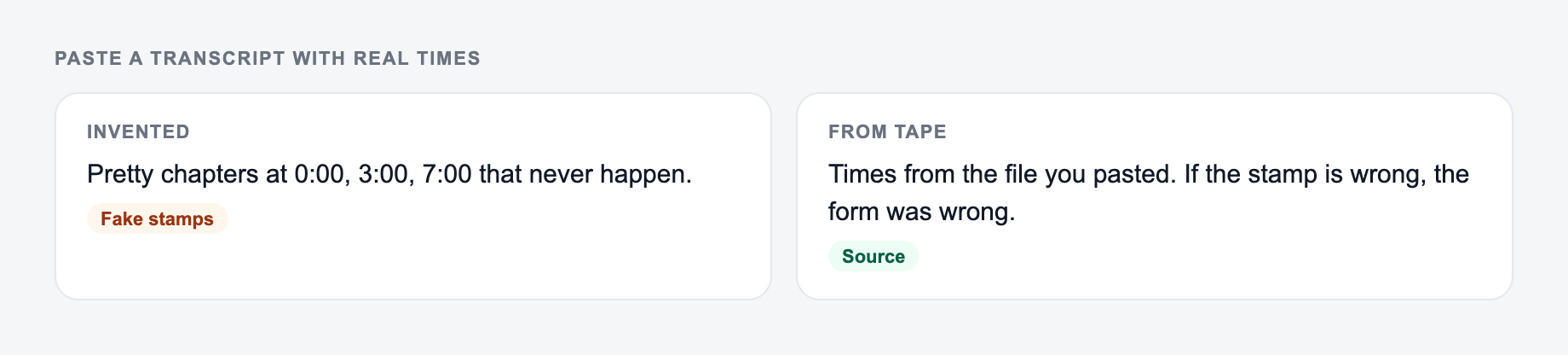
Paste a transcript with real times. The form cannot invent accurate timestamps.
Common mistakes:
- Assuming the tool will invent missing context.
- Running one setting across mixed formats.
- Pasting live customer, student, or employee data to “see what happens.”
Do the reverse: add the noun, split the batch, and strip sensitive details first.
00:00 intro, 02:10 keyword research definition, 04:05 mistakes, 07:30 process, 12:45 difficulty and intent, 16:20 tools, 19:40 checklist.
Generated direction:
00:00 What this keyword research tutorial covers 02:10 What keyword research means in practice 04:05 Common keyword research mistakes to avoid 07:30 Step-by-step keyword research workflow 12:45 How to evaluate difficulty and search intent 16:20 Free vs paid keyword research tools 19:40 Final checklist and next steps
The output is stronger because the titles explain value, not just topic labels.
Review the Timestamps Before Publishing
Always do a fast human pass. Check three things:
- Does the first YouTube chapter start at 00:00?
- Do the titles match what actually happens at that time?
- Are approximate timestamps close enough to be useful?
If your input did not include real timestamps, scrub through the recording and adjust the most important chapter starts. The tool can structure the overview, but it cannot verify video timing without reliable time data.
Use the Overview for More Than One Channel
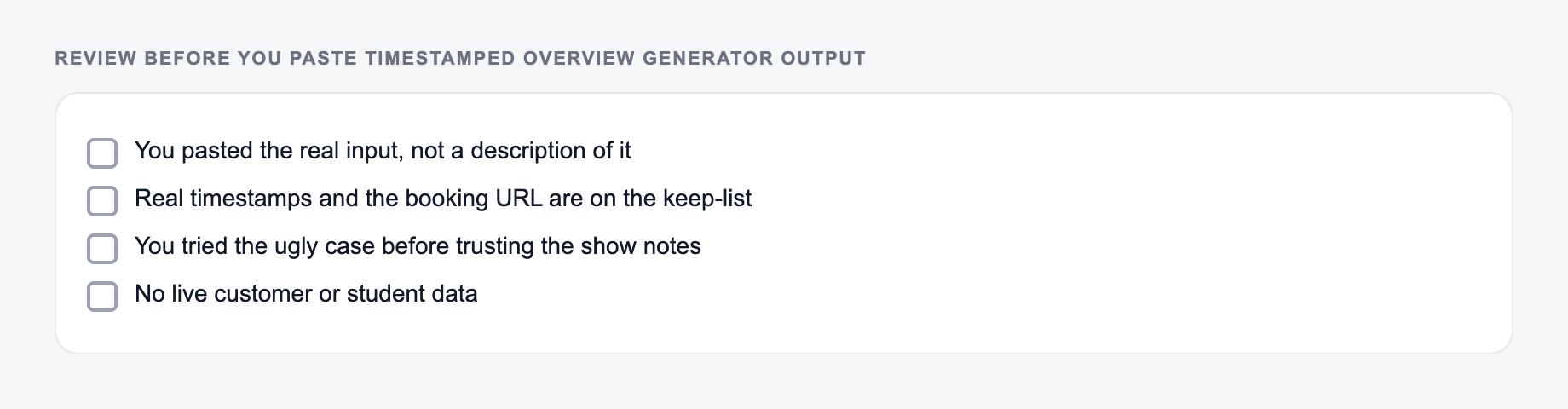
Tick these before the output leaves your machine. A fluent miss is still a miss.
A good timestamped overview can become several assets:
- YouTube description chapters
- podcast episode show notes
- webinar recap sections
- course lesson summaries
- meeting minutes
- blog outline from a video transcript
- email recap with key takeaways
If you regularly repurpose recordings, a broader writing workspace like Junia AI can help turn the same transcript into summaries, blog sections, social posts, and follow-up emails after the timestamped structure is in place.
Common Output Problems and Fixes
If the chapters are too generic, provide more detailed notes or lower the chapter count. Vague inputs usually create vague titles.
If the chapters are too granular, choose fewer chapters or use a higher-level mode.
If timestamps look wrong, check whether the transcript had real time markers. Approximate timestamps need manual verification.
If the overview misses action items, use meeting mode and mention that decisions and owners matter in the input.
Final Timestamped Overview Checklist
Before you publish, confirm:
- the format matches the platform
- YouTube chapters start at 00:00
- each chapter marks a real topic shift
- titles are specific and readable
- summaries or takeaways are accurate
- approximate times have been checked against the recording
Once those checks pass, the overview should make long content easier to search, skim, watch, and reuse.
Frequently Asked Questions
What is a timestamped overview?+
A timestamped overview is a list of time-based chapters (like 00:00 Intro, 03:40 Key Point) that summarizes what happens in each section of a video, podcast, webinar, or meeting. It helps viewers jump to the parts they want and makes long content easier to consume.
Does this create YouTube chapters I can paste into my description?+
Yes. Use the “YouTube Chapters” mode to generate timestamps starting at 00:00 with short, descriptive chapter titles that are ready to paste into a YouTube description.
Do I need a transcript with timestamps?+
No, but it helps. If you paste a transcript with timestamps, the chapters can be more precise. If you don’t have timestamps, the tool can generate approximate timestamps using the total duration and the content structure (best-effort).
Will timestamps improve SEO?+
Timestamps can improve user experience and engagement—especially on YouTube—by making content easier to navigate. Better engagement signals and clearer structure can indirectly support discoverability. For websites, adding structured summaries alongside embedded videos can also improve on-page relevance.
How many chapters should I use?+
For most 10–30 minute videos, 8–15 chapters is a good range. For longer content (60+ minutes), 15–30 chapters can work well as long as each chapter represents a meaningful topic shift.
Can I generate show notes in different languages?+
Yes. Select your output language to generate timestamped chapters and summaries in your preferred language—useful for multilingual audiences and international SEO.