
Free Waitlist Email Generator
Generate waitlist emails for product launches, beta access, app releases, newsletters, courses, communities, and early-access campaigns. Add your product, audience, launch stage, CTA, and tone to create welcome emails, updates, referral prompts, early access invites, re-engagement nudges, and launch-day announcements.
Waitlist Email
Your waitlist email will appear here...
How the AI Waitlist Email Generator Works
Get results in seconds with a simple workflow.
Describe Your Product in One Sentence
Enter what your product does (the core outcome). This is the only required input and is enough to generate a strong waitlist email draft.
Pick an Email Type and Add Optional Details
Choose welcome, update, early access invite, referral, re-engagement, or launch. Add optional benefits, offer, timeline, and social proof for higher click-through and conversions.
Generate, Customize, and Send
Copy the email into your ESP (Mailchimp, ConvertKit, Klaviyo, Customer.io) and quickly edit specifics like dates, links, and brand voice before sending to your waitlist.
See It in Action
Example of turning a basic announcement into a structured, conversion-focused waitlist email with clear value, expectations, and CTA.
Subject: Waitlist Update
Hey there, we’re building a new tool for Shopify stores. We’ll let you know when it’s ready.
Subject: You’re in — early access invites start Friday
Hi there,
Thanks for joining the Acme Analytics waitlist. We’re building a faster way for Shopify stores to spot conversion leaks and fix them with clear, step-by-step recommendations.
What happens next:
- Invites go out every Friday (starting this week)
- Early access includes onboarding + priority support
Why you’ll like it:
- Funnel insights in minutes (no messy spreadsheets)
- Automated anomaly alerts so you catch issues faster
- Clear action steps to improve conversion rate
Want priority access? Join early access here: [Join early access]
P.S. Know a store owner who’d want this? Share your link to move up the list: [Your referral link]
Why Use Our AI Waitlist Email Generator?
Powered by the latest AI to deliver fast, accurate results.
High-Converting Waitlist Email Templates
Generate proven waitlist email copy for welcome emails, progress updates, early access invites, referral nudges, and launch announcements—optimized for clarity, curiosity, and conversions.
Audience-Targeted Messaging
Tailor your waitlist email to your exact audience (founders, marketers, creators, consumers) with benefits and language that match their pain points, objections, and desired outcomes.
Stronger CTAs and Click-Worthy Subject Lines
Create compelling subject lines and clear call-to-action options that improve open rates and click-through rates for product launch and early access campaigns.
Built for Product Launch and Pre-Launch Marketing
Perfect for SaaS launches, mobile apps, newsletters, courses, and marketplaces—keep your email list warm and engaged from waitlist signup to launch day.
Fast Personalization Without Complexity
Only one required field—what your product does—so you can generate a strong waitlist email quickly, then add optional details like timeline, offer, and social proof for higher conversion.
Pro Tips for Better Results
Get the most out of the AI Waitlist Email Generator with these expert tips.
Lead with the outcome, not the features
The first 1–2 lines should answer: “What will I get?” Focus on the transformation (save time, earn more, reduce risk) before listing features.
Use one primary CTA
Too many links split attention. Pick one goal per email—join early access, share, reply, or activate—and make the CTA obvious and repeated once.
Add a believable milestone to build trust
Simple progress signals (beta opened, new integrations, number of signups) reduce skepticism and keep your waitlist warm until launch day.
Invite replies to learn positioning
Ask one short question (e.g., “What are you trying to solve?”). Replies give you copy, objections, and language you can reuse on landing pages and onboarding.
Segment VIPs for early access
Offer early access to high-intent users (referrals, engaged subscribers, relevant roles) to increase activation, gather better feedback, and improve retention.
Who Is This For?
Trusted by millions of students, writers, and professionals worldwide.
Generate Waitlist Emails That Keep Launch Momentum Warm
A waitlist signup is a high-intent moment. If the next email says only “thanks, stay tuned,” that momentum fades fast.
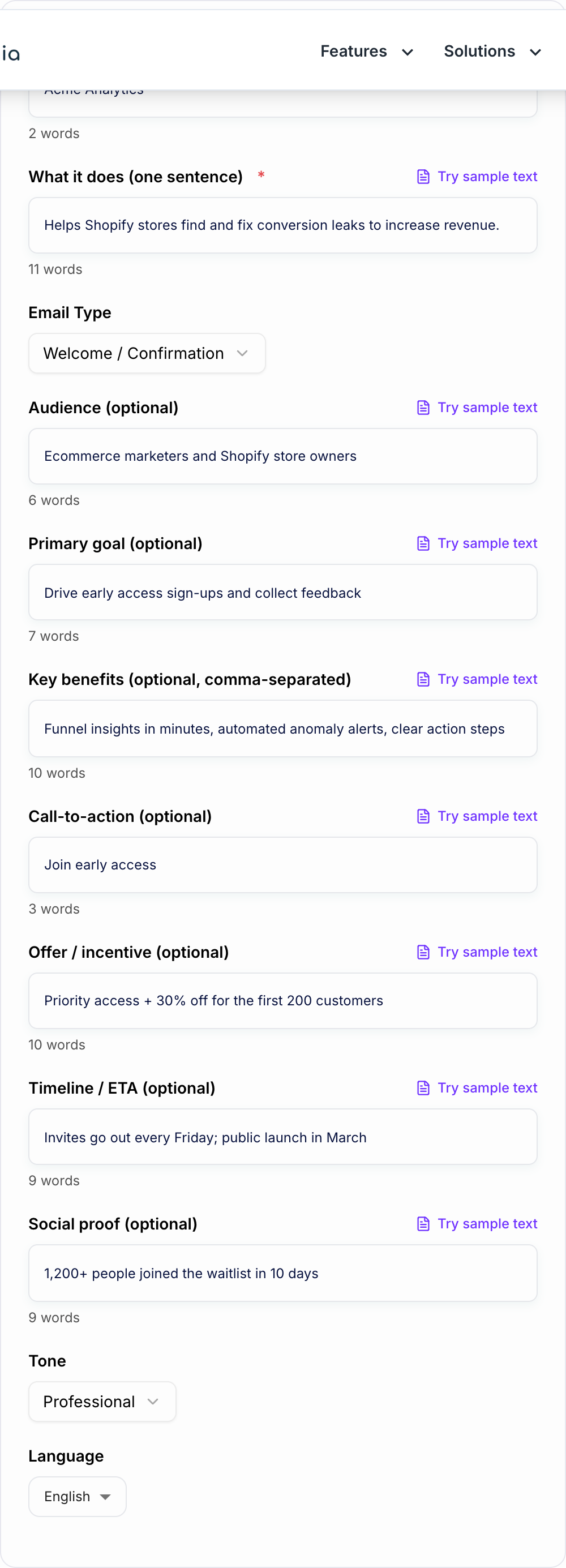
The Waitlist Email Generator helps you create the emails that keep people interested between signup and launch: welcome messages, progress updates, referral prompts, early access invites, re-engagement nudges, and launch-day announcements. Use it to draft the structure quickly, then add real dates, milestones, and product details before sending.
What to Enter Into the Waitlist Email Generator
The generator needs more than a product name. Give it the reason someone joined the list.
Weak input:
New analytics app for Shopify stores
Better input:
A privacy-first analytics app for Shopify founders who want to spot conversion leaks without building custom dashboards. Early access opens in August. CTA: reply with store URL for priority invite.
Useful inputs include:
- Product promise: what the subscriber will be able to do
- Audience: founders, creators, operators, marketers, students, course buyers, or another real group
- Launch stage: just joined, build update, beta invite, referral push, launch day, or re-engagement
- CTA: reply, share, join early access, book onboarding, claim offer, or activate account
- Proof: waitlist size, milestone, shipped feature, beta result, testimonial, or founder note
- Tone: founder-led, premium, friendly, urgent, concise, playful, or professional
The more specific the stage and CTA, the easier it is for the tool to generate an email that feels useful instead of promotional.
Which Waitlist Email Type to Generate First
Start with the email closest to the subscriber’s current moment.
Welcome and confirmation email
Use this immediately after signup. Confirm they are on the list, repeat the product promise, explain what happens next, and give one small action.
Progress update email
Use this when something meaningful changes: beta opened, feature shipped, integration added, cohort selected, launch date confirmed, or a milestone reached.
Referral email
Use this when sharing can improve access, unlock a bonus, or help the launch grow. Keep the incentive simple and the sharing instructions obvious.
Early access invite
Use this when you are ready for a small group. Explain who the invite is for, what they get, how long it is open, and what they need to do next.
Re-engagement nudge
Use this when subscribers have gone quiet. Keep it short, restate the core value, ask one easy question, and give them a clean way to stay or leave.
Launch announcement
Use this when the product is live. Lead with the promise, show what changed since they joined, explain the offer if there is one, and repeat the CTA once.
How to Review the Generated Email
Give the Waitlist Email Generator a real brief: who it is for, where it will appear, and one thing it is not allowed to invent. Before sending, check that the email has one job.
- Does the subject line match the actual email?
- Is the first sentence useful without hype?
- Does the email explain what changed or what happens next?
- Is there one primary CTA?
- Are timing, access, and expectations clear?
- Does it sound like a person wrote it?
If the draft feels vague, add a milestone or specific CTA and regenerate. “Reply with your biggest onboarding problem” is stronger than “let us know what you think.”
Example Waitlist Email Workflow
Input:
Email type: early access invite Product: AI onboarding checklist for SaaS teams Audience: B2B SaaS founders Offer: first 50 users get guided setup CTA: claim invite Tone: concise and founder-led
Generated structure:
- Subject: Your early access invite is ready
- Opening: Confirm why they are receiving the email.
- Value: Explain the onboarding problem the product solves.
- What they get: Guided setup, checklist template, and first-cohort support.
- Deadline: Make access timing clear.
- CTA: Claim the invite.
- P.S.: Invite one quick reply if they are not ready yet.
This works because the email is not just an announcement. It gives the subscriber a clear reason to act now.
Make the Sequence Feel Connected
A waitlist sequence should build trust over time. Each email should answer a slightly different question:
- Welcome: Am I on the list, and what happens next?
- Update: Is this product actually moving forward?
- Referral: Why should I share it?
- Early access: Is this the right time for me to try it?
- Launch: What can I do now that I could not do before?
If you are creating a full launch campaign, keep the same core promise across your waitlist emails, landing page copy, and social posts. The writing tools on Junia AI can help draft those surrounding assets without making every channel sound disconnected.
Common Mistakes to Fix Before Sending
The first mistake is sending an update with no update. If nothing changed, ask a useful question or wait until you have something real to say.
The second mistake is using too many CTAs. A waitlist email should usually ask for one action, not clicks to five different places.
The third mistake is hiding the timeline. Even a rough expectation is better than silence if the launch is still moving.
The fourth mistake is overexplaining the product before the reader understands the outcome. Lead with what changes for them, then add details.
Final Checklist Before You Send
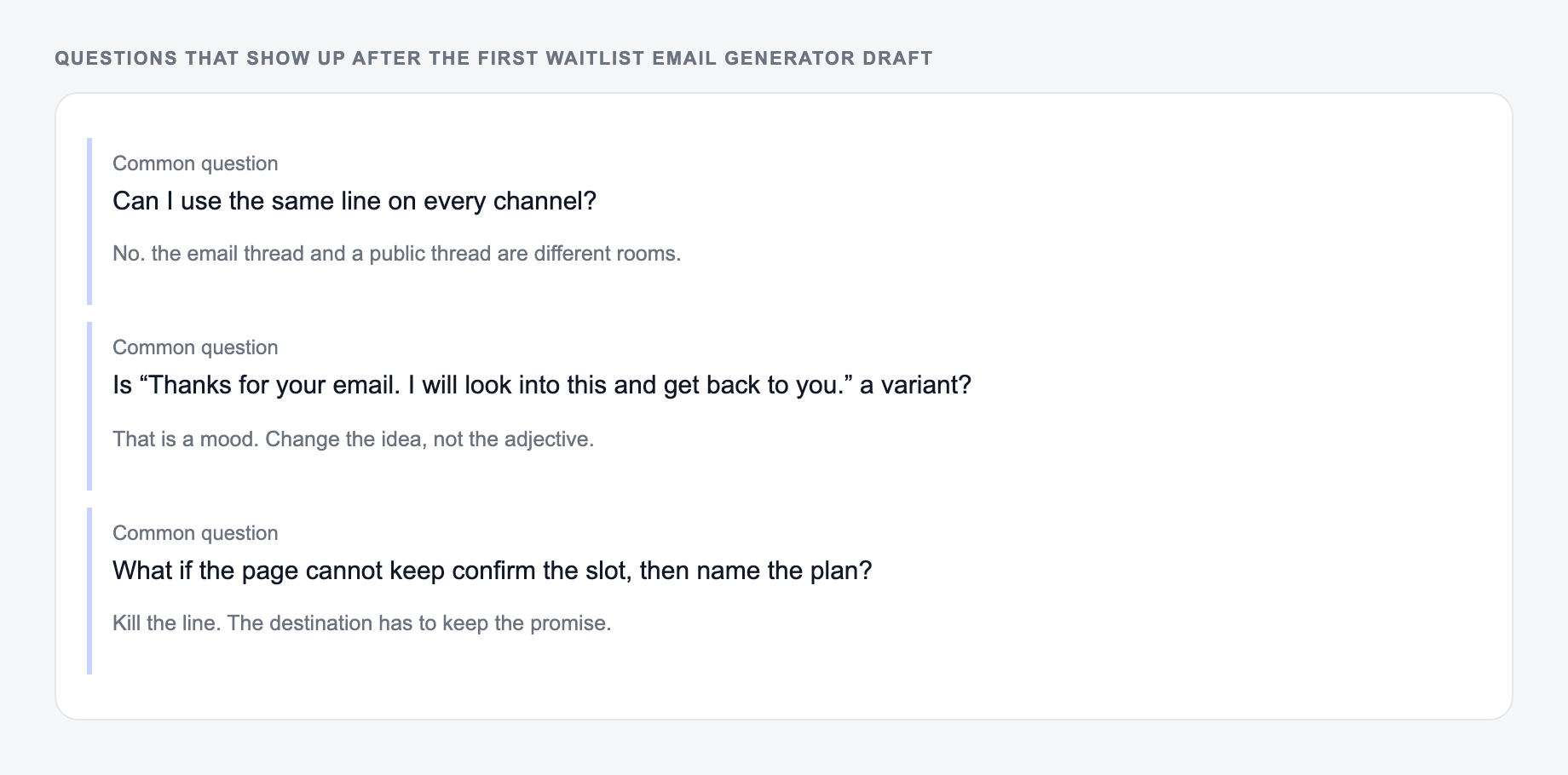
Answer these before you generate a second batch. A reroll will not fix a vague brief.
- The email type matches the subscriber’s stage.
- The subject line is clear and honest.
- The product promise appears near the top.
- There is one primary CTA.
- Any dates, access limits, or referral rewards are accurate.
- The email includes a human line, not just marketing copy.
Once those pieces are in place, the generated draft becomes a practical launch email instead of another placeholder update.
Stage Match and an Honest Clock
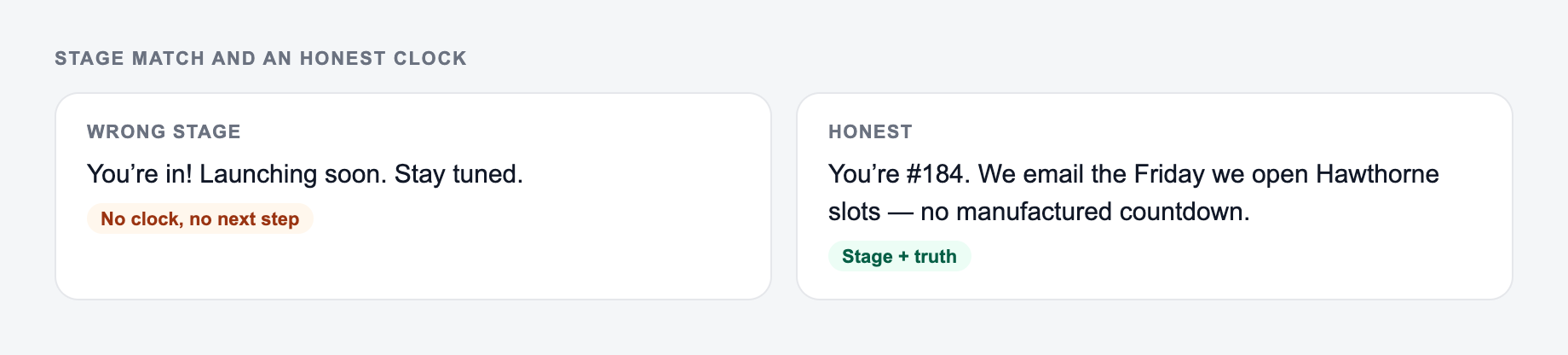
Welcome, nurture, and launch emails are different jobs. A launch-day blast that still explains the category from scratch wastes people who already signed up.
Match the email type to the real stage. Do not put a launch date on the form unless it is real.
Channel check for ai waitlist email generator copy:
- Ad / social — outcome first; clever-but-vague loses.
- Email — specific object + date beats “don’t miss out.”
- On-site CTA — the next step this page can do. “Learn more” is a shrug.
Worked three-email spine for a reporting tool waitlist:
- Welcome: what they joined, what happens next, one CTA (reply with their report type)
- Proof/progress: one build update with a date, no fake “almost gone”
- Launch: access path, what changed, who it is not for yet
If the ship date slipped, say so in the next send. Referral rewards, seat caps, and pricing must match the live page. One primary CTA. A “human line” is a specific owner or constraint (“Maya is answering setup questions this week”), not “our team is passionate.”
Frequently Asked Questions
What is a waitlist email?+
A waitlist email is a message sent to people who signed up to be notified about a product launch, early access, or upcoming release. Common types include welcome/confirmation emails, progress updates, early access invites, referral emails, and launch announcements.
How do I write a high-converting waitlist welcome email?+
A strong waitlist welcome email confirms the signup, restates the core value in one sentence, sets expectations (what happens next and timing), and gives an immediate next step (share the waitlist, reply with a question, or follow updates). Keeping it short and scannable improves engagement.
How often should I email my waitlist?+
Email often enough to stay top-of-mind without overwhelming subscribers. Many teams send updates every 1–2 weeks or after meaningful milestones (feature shipped, beta opened, launch date announced). Consistency matters more than volume.
What should I include in an early access invite email?+
Include who the early access is for, what they’ll get, how long the invite is open, and one clear CTA. Add a short onboarding expectation (time to set up, what’s needed) and a feedback request to improve activation and product learning.
How can I increase referrals from my waitlist?+
Offer a simple, relevant incentive (priority access, discount, bonus feature), explain it clearly, and make sharing frictionless with a direct link and pre-written share copy. A single, prominent CTA often performs best.
Can I use this for SaaS, apps, newsletters, or courses?+
Yes. The generator works for SaaS tools, mobile apps, newsletters, digital products, online courses, communities, and ecommerce launches—any scenario where you’re building a pre-launch email list or early access cohort.