
Free Word Count Tool
Paste any draft and instantly count words, characters with and without spaces, sentences, paragraphs, and estimated reading time. Use the results to check SEO snippets, essays, ads, captions, content briefs, and readability before you publish or submit.
Word Count Results
Your word count results will appear here (words, characters, sentences, paragraphs, reading time, and more)...
How the Word Count Tool Works
Get results in seconds with a simple workflow.
Paste or Type Your Text
Add any text—blog content, SEO titles, meta descriptions, essays, emails, or social captions.
Choose Options (Optional)
Decide whether numbers count as words and set your reading speed (WPM) to tailor the reading time estimate.
Get Instant Counts
View totals for words, characters (with/without spaces), sentences, paragraphs, and estimated reading time—ready to copy into your brief or checklist.
See It in Action
Example of using the word count tool to validate SEO snippet length and readability metrics.
Meta description draft: “Learn keyword research fast with our step-by-step guide that covers tools, intent, and how to pick realistic keywords for a new website.”
Results summary:
- Words: 22
- Characters (with spaces): 129
- Characters (without spaces): 108
- Sentences: 1
- Paragraphs: 1
- Est. reading time (@200 WPM): ~0.1 min
Insight: Fits most meta description length guidelines while staying clear and intent-focused.
Why Use Our Word Count Tool?
Powered by the latest AI to deliver fast, accurate results.
Instant Word Count + Character Count (with/without spaces)
Get accurate word count plus character totals with and without spaces—ideal for SEO titles, meta descriptions, PPC ad limits, and social captions.
Sentence & Paragraph Counts for Readability
Measure sentence and paragraph counts to quickly evaluate scannability, structure, and readability for blog posts, landing pages, and email newsletters.
Estimated Reading Time (Custom WPM)
See reading time estimates using a configurable words-per-minute rate to optimize user experience, engagement, and content pacing.
SEO-Friendly Length Checks
Use length insights to align with search intent and on-page SEO guidelines—avoid thin content and keep sections appropriately sized for SERP competitiveness.
Clean, Copyable Summary Output
Generates a concise summary you can copy into content briefs, editorial checklists, or client deliverables for fast approvals and QA.
Pro Tips for Better Results
Get the most out of the Word Count Tool with these expert tips.
Use character count to prevent SERP truncation
For SEO snippets, keep meta descriptions concise and verify character count to reduce the chance of cut-offs on desktop/mobile results.
Pair word count with search intent
Longer isn’t always better. Match length to intent: informational content often needs depth, while transactional pages benefit from clarity and strong structure.
Improve readability by splitting long paragraphs
If paragraph count is low and sentences are long, split sections into scannable chunks with clear subheads to increase engagement.
Track edits with before/after counts
When optimizing content, compare word count and reading time before and after edits to ensure you didn’t remove key context or add unnecessary fluff.
Set WPM based on your audience
Technical audiences often read slower. Adjust WPM for realistic reading time estimates in documentation, tutorials, and long-form guides.
Who Is This For?
Trusted by millions of students, writers, and professionals worldwide.
Use the Free Word Count Tool to Check Length Before You Publish
A word count tool is most useful before the final panic edit. Paste your draft while you are still shaping it, and the counts can show whether the piece is too thin, too dense, too long for a platform limit, or harder to read than it needs to be.
This Word Count Tool gives you words, characters, sentences, paragraphs, and estimated reading time in one place. Use it for SEO snippets, articles, essays, ad copy, product descriptions, captions, newsletters, and any draft where length affects clarity or approval.
What to Paste Into the Word Counter
You can paste a full draft, but smaller checks are often more useful. Try checking these pieces separately:
- a meta title or meta description
- one article section that feels too long
- an essay introduction or conclusion
- a social caption or ad variation
- a product description with marketplace limits
- a full page draft for reading time and paragraph balance
Separate checks make the output easier to act on. A 1,500-word article may be fine overall while the introduction is still 250 words too long.
How to Use the Count Settings
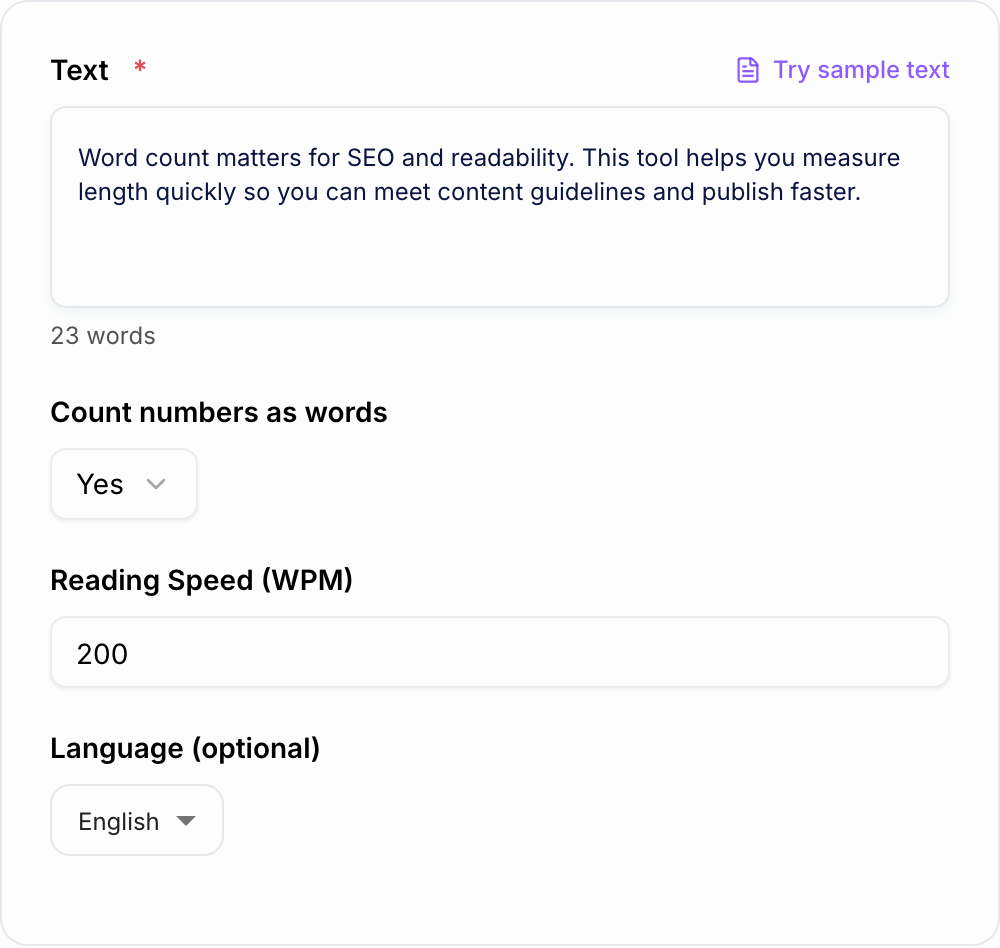
The numbers-as-words setting matters when your draft includes dates, prices, statistics, or numbered lists. Count numbers as words for most essays, scripts, editorial assignments, and general content checks. Turn that setting off when you are reviewing data-heavy snippets where numerals would distort the real reading load.
The reading speed setting is also worth adjusting. Use a slower words-per-minute rate for legal, academic, technical, or dense instructional copy. Use a faster rate for simple posts, casual newsletters, and short marketing pages.
How to Read the Results
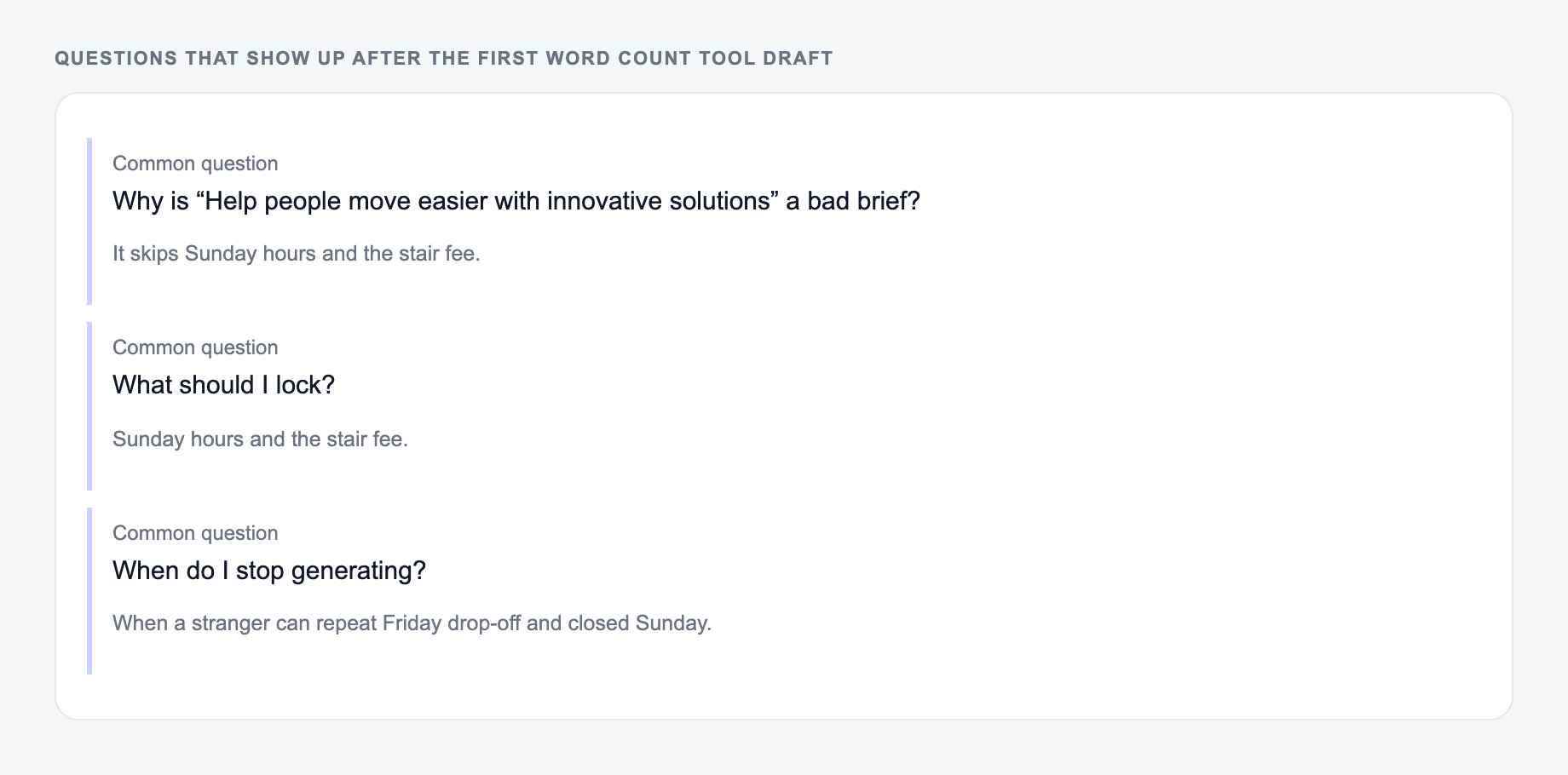
Answer these before you generate a second batch. A reroll will not fix a vague brief.
Word count tells you whether the draft fits a requirement or has enough room to cover the topic. It does not prove the writing is useful. If the count is low, look for missing examples, steps, definitions, comparisons, or objections. Do not add filler just to make the number look better.
Character count is the practical limit checker. Use it for title tags, meta descriptions, ad copy, subject lines, captions, bios, and product listings. Check with and without spaces because different platforms measure limits differently.
Sentence and paragraph counts tell you about density. If a page has plenty of words but very few paragraphs, the reader may see a wall of text. If the sentence count is low compared with the word count, look for long sentences that can be split.
Reading time sets expectations. A 2-minute page should get to the point quickly. A 10-minute guide needs stronger structure, examples, and signposting.
Example Workflow: From Draft to Cleaner Copy
- Paste the full draft and record the baseline word count, paragraph count, and reading time.
- Paste the introduction by itself and cut any setup that delays the main promise.
- Paste dense sections one at a time and split long paragraphs where needed.
- Paste the meta title and meta description separately to check character length.
- Run one final full-page count after the edit and compare it with the baseline.
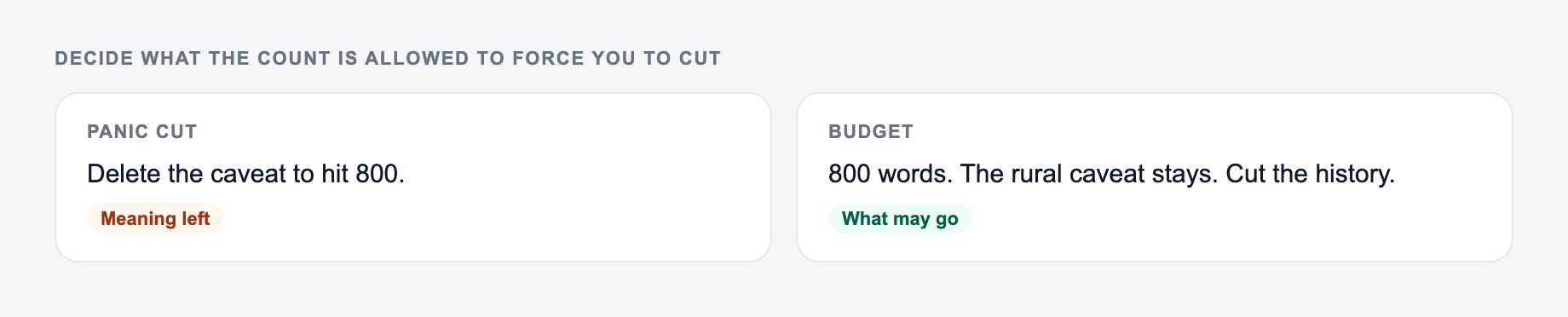
Paste the draft you will publish. Then decide what the count is allowed to force you to cut.
Input / output pair to copy:
IN: A one-line request like “run the word counter” with no audience, channel, or constraint.
OUT: A brief the Word Count Tool can use: who it is for, where the output will appear, and what must stay true.
If your real run diverges from that shape — extra claims, missing names — change the input, not the hope.
This turns the counter into an editing loop instead of a pass/fail tool. The goal is not always shorter copy. The goal is copy that fits the job.
Common Checks for SEO, School, and Marketing
For SEO pages, use the tool to check whether the page has enough room to satisfy the query and whether the snippet is concise enough to display cleanly. For school work, compare the count against the assignment rules and confirm whether numbers should be included. For marketing copy, check the exact section that has the platform limit, not the whole draft.
If you are building a larger writing workflow, a consistent counting step pairs well with the broader content tools inside Junia AI, especially when drafts need to move from generation to editing to final QA.
Edge cases worth one run:
- Empty or two-word input — it should ask for a noun, not invent a project.
- Mixed lists — one delimiter per run.
- Protected terms — lock them before you generate.
Final Review Checklist
Before you use the counted draft, check:
- Does the word count match the actual requirement?
- Are title tags, descriptions, captions, or ads inside their practical character limits?
- Is the reading time realistic for the page type?
- Are paragraphs short enough to scan?
- Did cutting words remove any examples, proof, or instructions the reader needs?
Use the numbers to guide the edit, then make the final decision by reading the draft like the audience would.
Frequently Asked Questions
How does the word count tool calculate words?+
It counts word tokens separated by whitespace and punctuation. You can choose whether numbers (e.g., “2026”) should be counted as words.
Does character count include spaces?+
The results include both: character count with spaces and character count without spaces—useful for SEO snippets, ads, and platform limits.
Why do sentence and paragraph counts matter for SEO?+
They help you gauge readability and structure. Clear paragraphs and sensible sentence length improve user experience, which can support engagement and content performance.
Is reading time accurate?+
Reading time is an estimate based on words per minute (WPM). You can adjust WPM to match your audience or content type (e.g., technical vs. casual).
Can I use this for meta titles and meta descriptions?+
Yes. Paste your title or description to check character limits and reduce the chance of truncation in SERPs.
Will this tool store my text?+
The tool is designed for quick analysis. If you’re handling sensitive content, avoid pasting confidential information and follow your organization’s data policies.