
I Tested 6 AI Email Writers for Cold Outreach — Here Are the Winners (2026)

Thu
AI SEO Specialist, Full Stack Developer

What I was actually testing
I did not need another tool that could spit out "Hope this finds you well." I needed drafts that sounded like I had actually looked at the person I was emailing.
Most AI email writers fail in the same place. They make volume cheap. They do not make the first line specific. If the opener could sit on anyone's inbox, the rest of the email is already dead.
That is why I tested these tools against cold outreach, follow-ups, and partnership pitches I would actually send. Speed mattered. Reply-worthiness mattered more. If a draft still needed a full rewrite, I counted that as a miss.
Why Use an AI Email Writer?
Here are three practical reasons I still use one:
- Save time: Draft first versions in seconds instead of starting from scratch.
- Improve consistency: Keep messaging aligned across campaigns and teammates.
- Personalize faster: Adapt tone, context, and structure without rewriting every email by hand.
None of that replaces a human pass. The useful tools just make that pass shorter.
How to Pick the Right AI Email Writer
Before choosing a tool, I ignore feature lists and look at what actually moves reply rates:
- Ease of use: You should get from prompt to a usable draft quickly.
- Personalization controls: The tool should take audience context, not just a tone slider.
- Editing quality: Good output should still need review, but not a complete rewrite.
Here’s a quick way to think about the six tools in this list:
| Tool | Best for | Main strength |
|---|---|---|
| Junia AI | Multi-purpose writing workflows | Strong all-around drafting and tone control |
| Smartwriter.ai | Personalized outbound outreach | Prospect-aware cold email generation |
| Mailr | Lightweight in-browser assistance | Fast email drafting inside your workflow |
| Ellie | Personal reply automation | Learns your tone for day-to-day email responses |
| Copy.ai | Teams that need broad templates | Flexible campaign and workflow support |
| Lavender | Coaching and optimization | Improves clarity, readability, and email quality |
What actually gets replies
I would rather send 20 emails with a real observation than 200 that sound like a sequence. Personalization is not a first-name merge tag. It is one concrete detail that proves you noticed something the recipient did, shipped, or wrote.
Personalization beats volume. If the tool cannot help you name a specific reason you are reaching out, sending more of the same draft will not save the campaign.
This walkthrough is a useful reminder of how a personalized cold email is actually built, before you pick software:
How to Write a Personalized Cold Email That Works
In this article, I walk through six options that still hold up in 2026, plus GhostWrite as a specialist extra, and where each one actually fits.
1. Junia AI: The All-In-One AI Writing Tool
Junia AI is a strong fit if you want one tool that can support email drafting alongside broader writing workflows. Instead of focusing only on cold outreach, it works well for teams that also create landing pages, blog content, newsletters, and follow-up sequences.
For email writing, the main advantage is flexibility. You can use Junia AI to draft cold emails, refine messaging for different audiences, and keep tone more consistent across campaigns.
What Junia AI is good at in an email workflow
Here are the capabilities that matter most for email workflows:
- Context-aware drafting: Junia AI uses your prompt, positioning, and brand context to generate more relevant first drafts.
- Tone control: You can shape output for colder outreach, warmer follow-ups, newsletters, or more formal business emails.
- Brand voice support: If consistency matters across campaigns, it helps to pair email drafting with a defined brand voice.
- Workflow flexibility: It fits broader content systems, which is useful if your team writes emails alongside blog posts, landing pages, and sales assets.
When Junia AI is the better email pick
Used well, Junia AI can help you:
- Draft faster: Generate first versions quickly instead of building every email from zero.
- Reduce repetitive editing: Start from a cleaner draft and spend more time improving the offer and CTA.
- Keep messaging aligned: Consistent tone is easier when the same tool supports multiple campaign assets.
- Support broader writing needs: If email is just one part of your content workflow, an all-purpose platform can be more practical than a narrow specialist tool.
Junia AI is not the most niche outreach tool on this list. But if you want an AI email writer that also fits a wider content operation, it is one of the most useful options.
What Actually Matters in AI Email Writing Today
The biggest change in AI email writing is not that tools can produce more text. It is that better tools can now combine speed with stronger context, cleaner structure, and more usable personalization.
A few trends matter most here:
- Personalization at scale: Better tools use prospect or audience context to produce emails that feel less templated.
- Stronger brand voice controls: Teams can shape output around tone guidelines instead of accepting one generic style.
- Cleaner human editing: Many tools now work better when paired with a quick human pass to improve tone and add an authentic opening line. That is usually where adding a human touch to AI-generated content actually happens: one specific detail, not a friendlier adjective.
- Workflow integrations: CRM, inbox, and sales-engagement integrations matter more than novelty features because they reduce friction.
In other words, the best AI email writer is usually the one that helps you send better emails with less cleanup, not the one with the longest feature list.
2. Smartwriter.ai
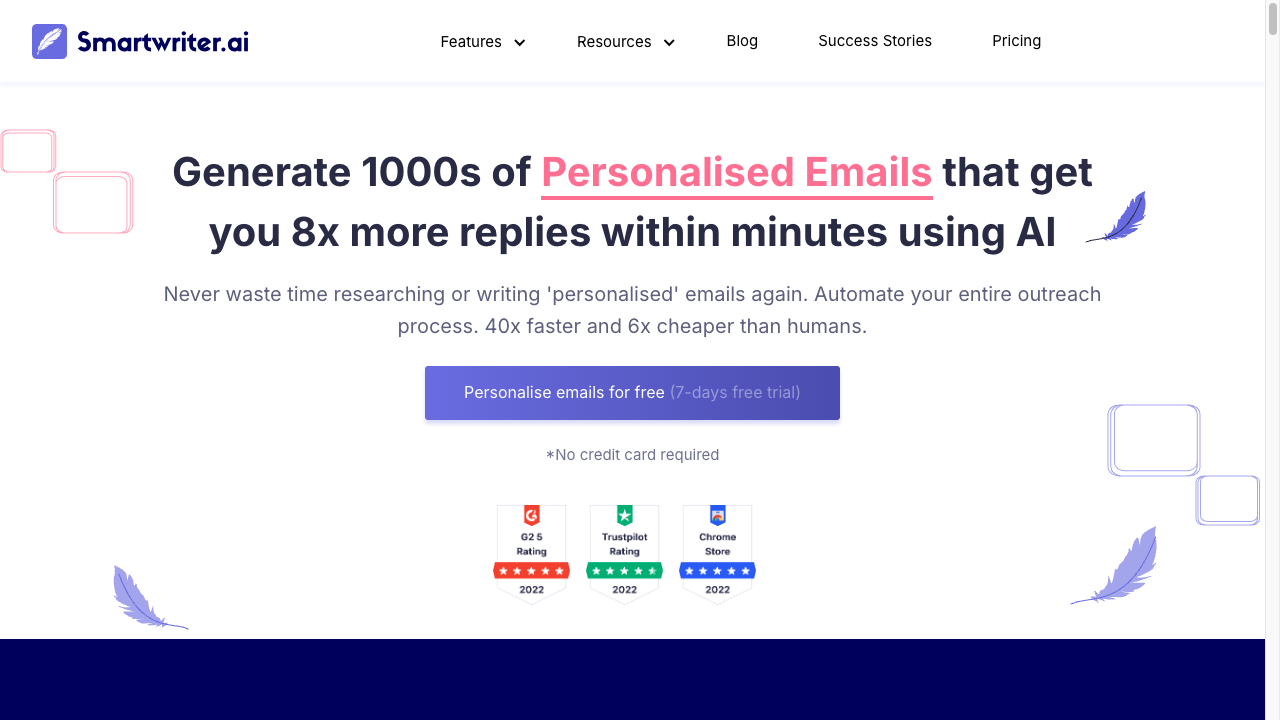
If your main goal is outbound personalization at scale, Smartwriter.ai is one of the more purpose-built tools in this list.
Unlike broader writing platforms, it is designed around prospect-aware cold outreach. That makes it more useful for sales teams, link builders, agencies, and founders who care less about generic email drafting and more about sending personalized first-touch messages faster.
Features and Benefits: What Makes Smartwriter.ai Stand Out?
The product is strongest when you need help with research-heavy outreach workflows:
- Prospect-aware personalization: It pulls in recipient context to help emails feel less templated.
- Cold outreach focus: The workflows are built around outbound use cases rather than general-purpose writing.
- Time savings on research: It reduces the amount of manual prospect prep needed before drafting.
- Team usability: It works well when multiple people need a repeatable outreach process.
Why Use Smartwriter.ai as Your AI Email Writer
Smartwriter.ai is not the most flexible writing assistant overall, but that is not really the point.
Its value is specialization. If you send large volumes of cold emails and want more relevant first drafts without researching every lead from scratch, it can shorten the workflow meaningfully.
The main caveat is that highly personalized outreach still benefits from a human pass. You will usually get better results if you treat the output as a strong draft rather than something to send untouched.
3. Mailr
Mailr is a lighter-weight option for people who want faster drafting inside the browser instead of a bigger outbound sales platform.
Its main appeal is convenience. You can generate or refine emails without leaving your existing workflow, which makes it useful for founders, recruiters, and operators who send a steady volume of emails but do not need a full personalization engine.
Where Mailr Fits Best
Mailr is strongest when your bottleneck is speed, not prospect research.
It helps you:
- draft replies and outreach emails faster
- keep tone more consistent across day-to-day messages
- polish wording without overcomplicating the workflow
That makes it a practical choice for lightweight email assistance. If you need deep lead personalization, Smartwriter.ai is a better fit. But if you mainly want cleaner drafts inside your inbox flow, Mailr is easier to justify. I could not capture a usable product UI from the public homepage during this pass (the page rendered blank), so I am not inventing a screenshot for it.
4. Ellie
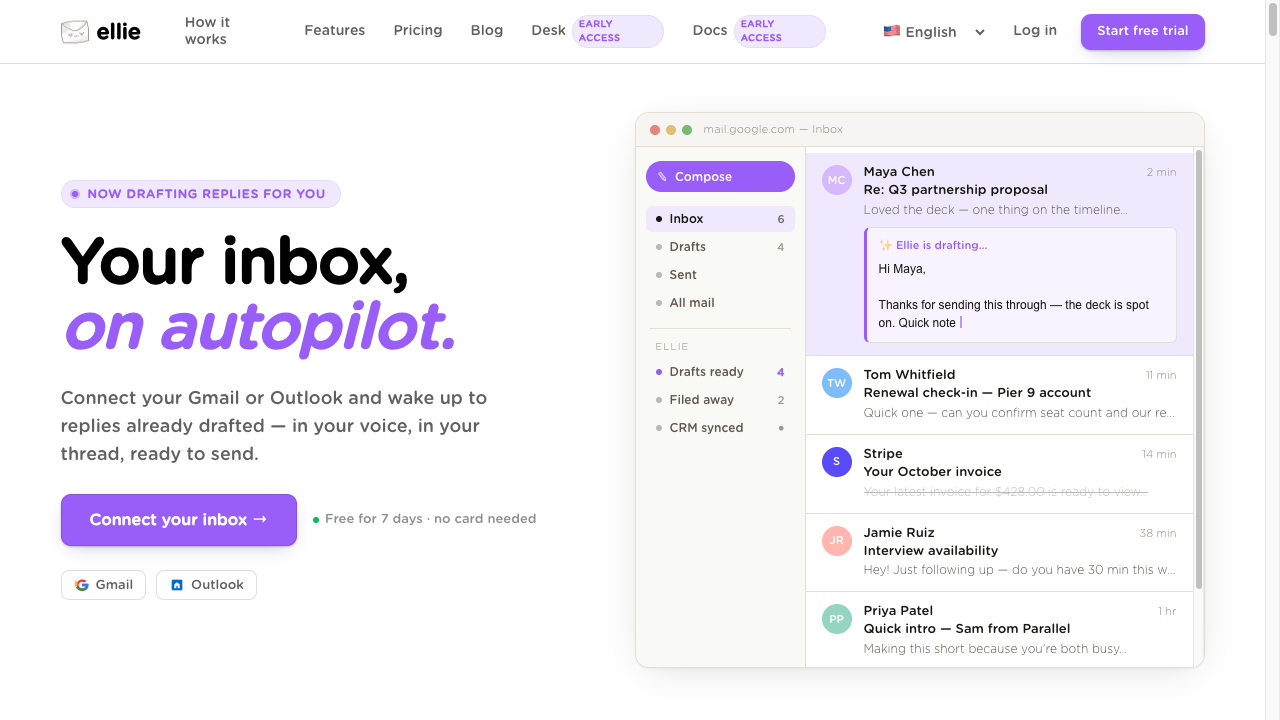
Ellie is a better fit for reply-heavy workflows than for large-scale cold outreach. The live product now lives at tryellie.com; ellie.ai currently points to an unrelated data-modeling company, so I would not trust the old URL. It is designed to learn how you write over time, which makes it useful for founders, operators, and client-facing teams who spend more time answering emails than building outbound sequences.
That positioning matters. If you need prospect research and first-touch personalization, Smartwriter.ai is still the stronger choice. But if your bigger problem is keeping replies fast, consistent, and human-sounding, Ellie is easier to justify.
What Makes Ellie Useful
The product stands out in three areas:
- Tone learning: Ellie adapts to how you normally write, which helps replies feel less generic.
- Reply drafting: It is especially useful for everyday responses, follow-ups, and inbox management.
- Template support: You can reuse common reply patterns without rewriting the same emails over and over.
Why Teams Choose Ellie
Used well, Ellie can help you:
- Respond faster: Useful when email volume is high and speed matters.
- Keep your tone consistent: Especially helpful if multiple people handle shared inboxes.
- Reduce repetitive writing: Good for recurring reply formats, updates, and short follow-ups.
Ellie is not the most advanced option for outbound prospecting. But for reply automation that still sounds reasonably personal, it fills a practical niche.
5. Copy.ai
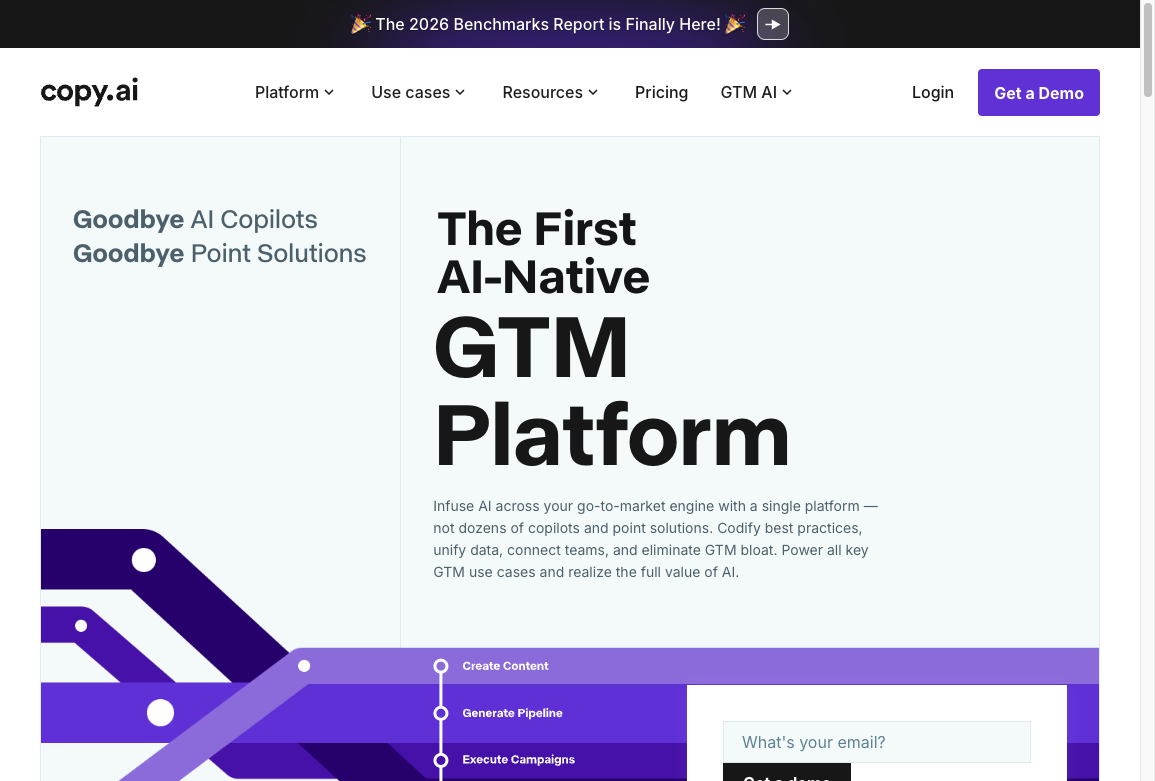
Copy.ai is a better fit for teams that want broad template coverage rather than a niche outreach-only tool.
It is useful when email is just one output among many. If your team also creates ad copy, landing page text, campaign messaging, and sales collateral, Copy.ai can keep those workflows in one place instead of splitting them across separate tools.
Features and Capabilities
Copy.ai is strongest when teams need range more than precision. The useful parts for email workflows are fairly straightforward:
- Wide template coverage: Helpful for sales emails, nurture sequences, follow-ups, and supporting campaign copy.
- Customizable output: Teams can shape drafts around tone and messaging guidelines.
- Collaboration support: Shared workflows make it easier to review and refine copy across a team.
- Broad workflow fit: It works better when email is just one part of a larger content operation.
The tradeoff is that Copy.ai can feel broader than necessary if all you want is a cold-email specialist. But for multi-channel teams that want one workspace for several content types, that breadth is a strength.
6. Lavender
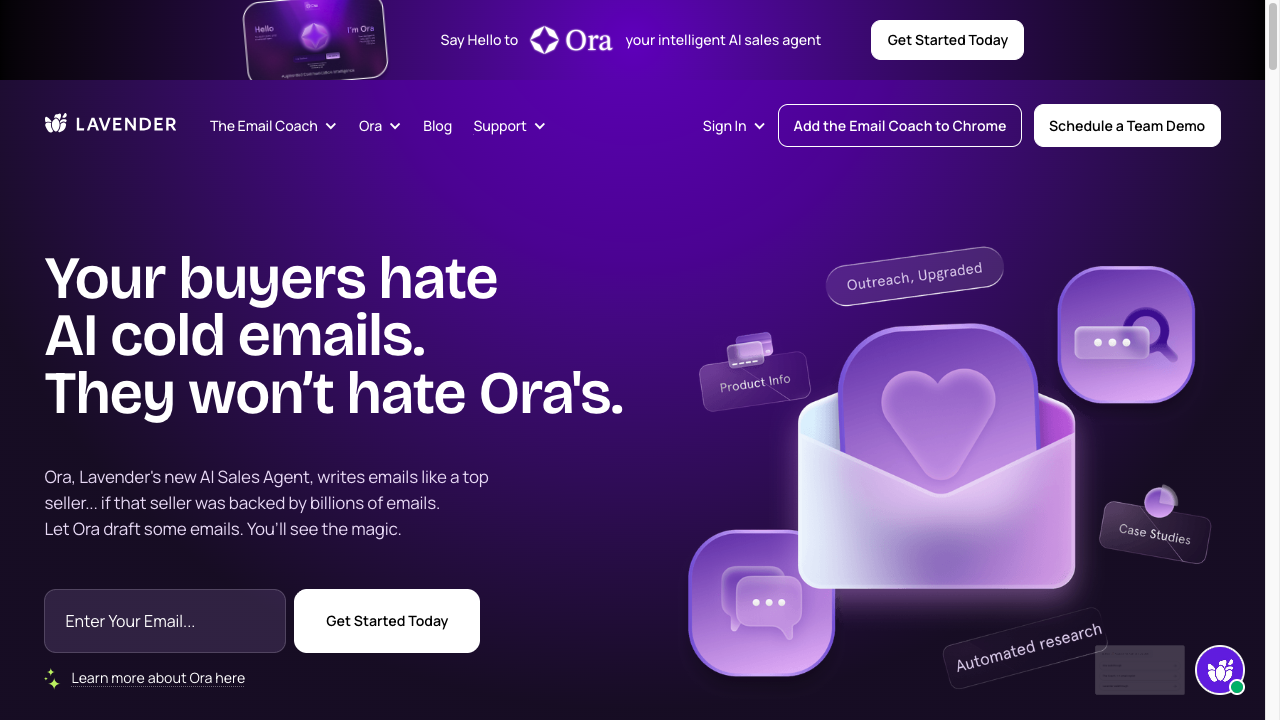
Lavender is less about writing entire campaigns from scratch and more about helping you improve the emails you already plan to send.
That makes it especially useful for sales reps, founders, and outreach teams who want coaching on message quality before hitting send.
Here are the features that matter most:
- Content suggestions: Lavender highlights weak phrasing, unnecessary filler, and areas where clarity can be improved.
- Clarity and conciseness checks: It pushes you toward shorter, easier-to-read emails, which is often exactly what cold outreach needs.
- Tone analysis: You get feedback on whether the message feels too stiff, too vague, or misaligned with the audience.
- Readability guidance: Scoring and feedback help you simplify emails that are likely to lose attention.
Lavender is strongest when you already have messaging ideas but want help making them sharper.
If you need a tool to generate large volumes of personalized first drafts, Smartwriter.ai is the more direct fit. But if your real problem is that your emails are too long, unclear, or easy to ignore, Lavender is one of the most practical tools in this category.
Bonus: GhostWrite
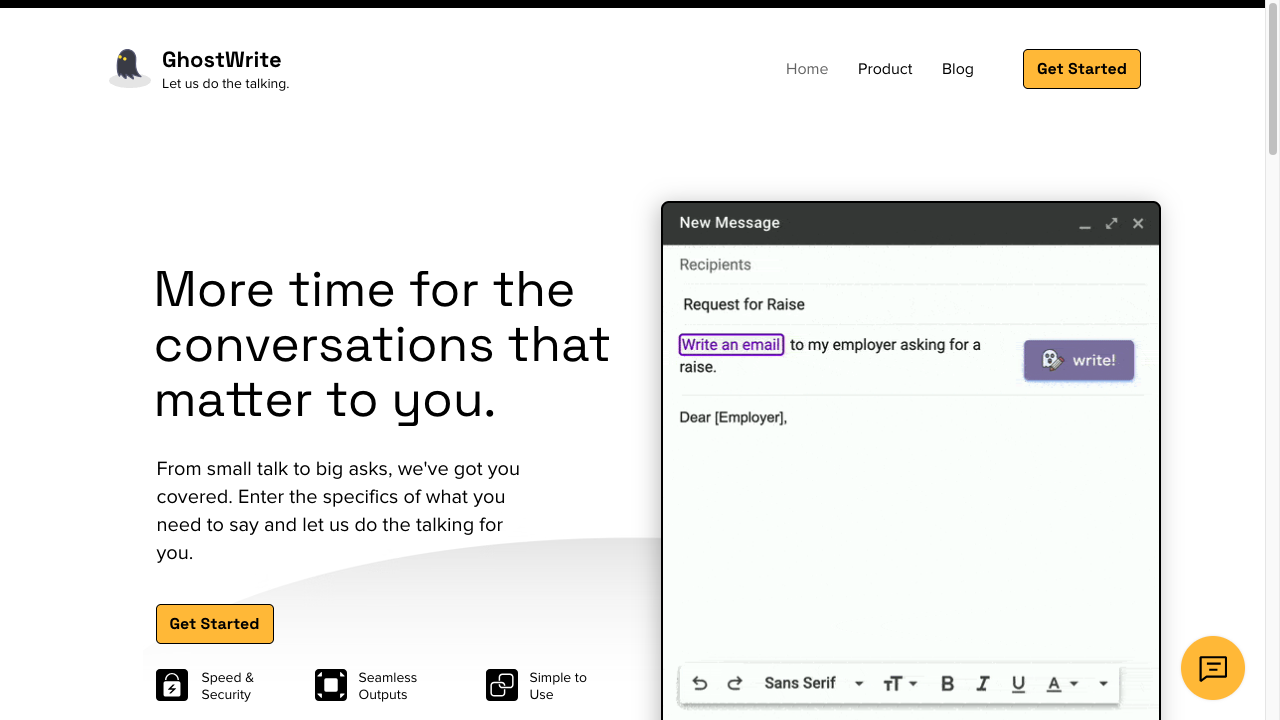
GhostWrite is still a real product, and it is worth a look if you care about fast sales-email drafting beyond the bigger names in this category.
Its main appeal is speed. You can generate drafts quickly, adapt messages for different outreach scenarios, and keep momentum when you are working through high email volume.
The more practical reasons to consider it are:
- Fast draft generation: Useful when teams need to move through repetitive sales-email workflows quickly.
- Flexible personalization: Better when you want more than a fixed template but less complexity than a full sales platform.
- Performance feedback: Helpful if you want messaging data tied back to campaign performance.
GhostWrite is not as broadly useful as a full writing platform, and it is not as coaching-oriented as Lavender. But for sales teams that want fast drafting with some personalization and reporting, it can be a reasonable addition to the shortlist.
What I would buy from this list
The best AI email writer is the one that matches the part of the workflow you actually get stuck on.
If I need drafts plus other content work, I start with Junia AI. If the job is personalized outbound at scale, Smartwriter.ai is the more honest specialist. If the emails already exist and they are too long or too vague, Lavender is the one I would open before sending.
What I would not do is pick a tool because it can generate 500 variants. Most of them can. The test is how much you still have to rewrite before the message sounds like it belongs in that inbox.
If outreach sits inside a bigger writing stack, compare that against a dedicated AI text editor instead of adding a second generator.