
Copy.ai Alternatives: 7 Tools Ranked for Long-Form, SEO, and Price

Yi
SEO Expert & AI Consultant

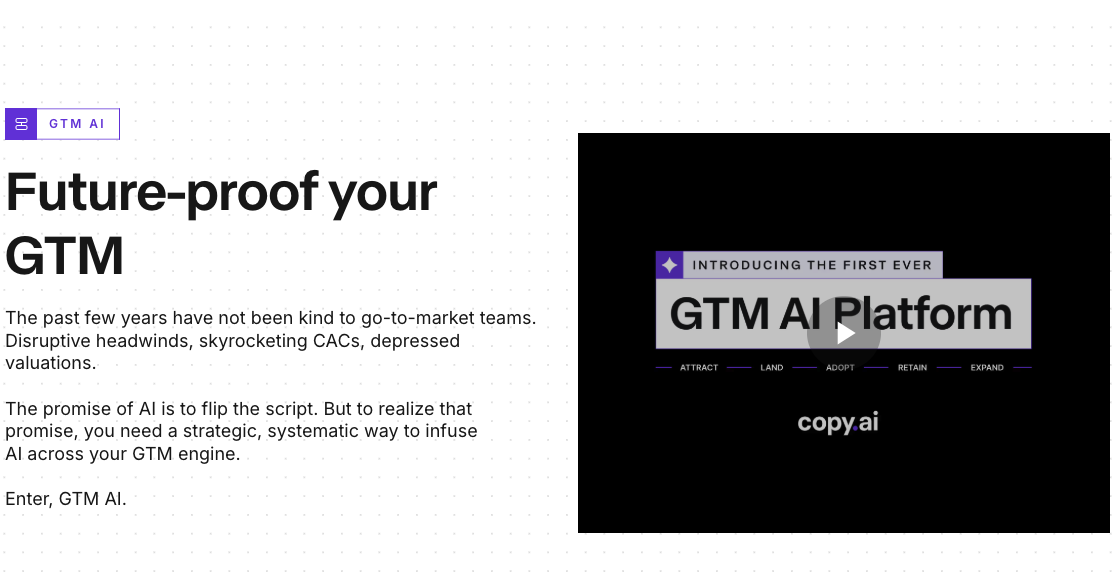
I would not treat Copy.ai as a weak tool. It is still useful if you want a go-to-market AI platform for sales, marketing, and repeatable workflow automation. Its own positioning now leans heavily into GTM AI and workflow orchestration, not just simple copy generation.
That shift is exactly why many content teams start looking for Copy.ai alternatives. If your main job is publishing long-form SEO content, keeping a brand voice consistent, optimizing existing pages, or producing affordable short-form copy, a more specialized tool may fit better. The better starting point is to ask what part of the workflow actually feels slow: drafting, optimizing, editing, approval, or publishing.
TL;DR: Best Copy.ai Alternatives
| Rank | Tool | Best for | Starting price to check |
|---|---|---|---|
| 1 | Junia AI | Long-form SEO content, briefs, images, internal links, and publishing | From $17/month |
| 2 | Jasper | Brand-safe marketing content across teams | Pro pricing is listed on Jasper's pricing page |
| 3 | Writesonic | SEO content creation plus AI search visibility tracking | Plan limits vary by tier |
| 4 | Rytr | Affordable short-form copy, rewriting, and solo use | Free plan available; paid plans are low-cost |
| 5 | Surfer SEO | SEO optimization when you already have writers | Paid SEO toolkit plans |
| 6 | Frase | SEO briefs, content refreshes, and SERP-led optimization | From $39/month yearly |
| 7 | Copysmith / Describely | Ecommerce product content at catalog scale | Product-content platform pricing varies |
My short recommendation: choose Junia AI if you want the closest replacement for Copy.ai from a content and SEO workflow angle. Choose Jasper if brand governance matters more than SEO depth. Choose Rytr if budget matters most. Choose Surfer or Frase if your bottleneck is optimization rather than writing. That distinction matters more than most feature grids admit.
Why Teams Look Beyond Copy.ai
Copy.ai is not a bad tool. The question is whether it solves the right problem. I see this mistake often with AI writing tools: teams switch platforms when the real issue is a mismatch between the tool and the content process.
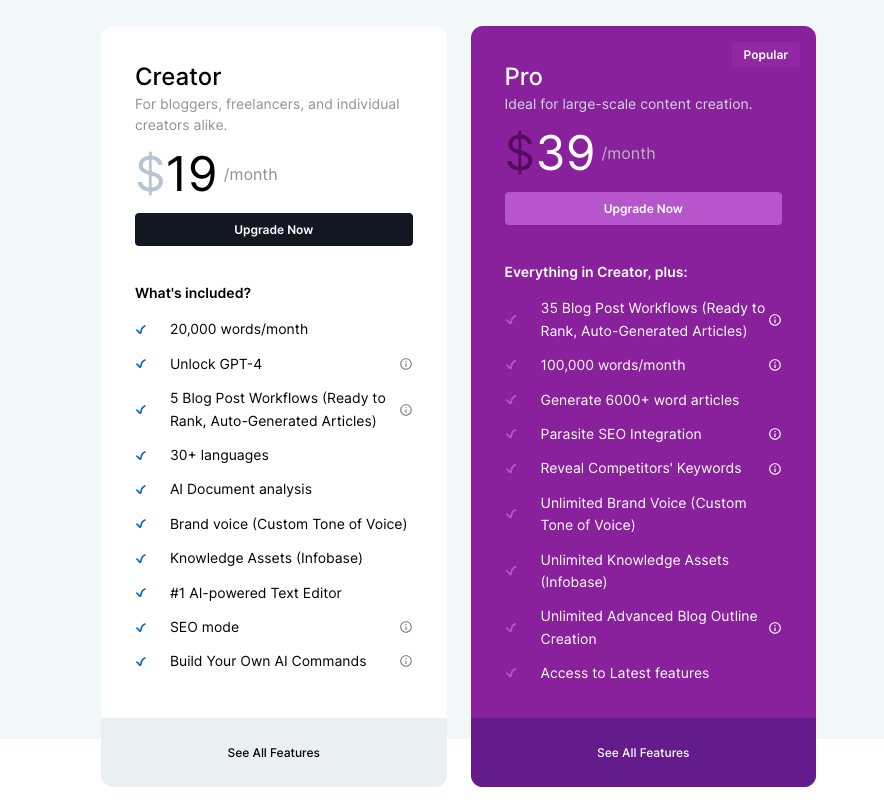
Copy.ai's public pricing page currently shows a self-serve Chat plan and much larger workflow-oriented business plans, which makes sense for teams that want GTM automation. But if you mainly need blog posts, SEO briefs, product-led articles, or content refreshes, you may not want to pay for a broad platform when a narrower writing or SEO tool would do the job.
There are usually five reasons to switch:
- You need stronger long-form structure. Short copy can be fixed line by line. Long-form content needs a clear outline, useful examples, search intent coverage, internal links, and evidence.
- You care about SEO outcomes. A generic draft is not enough when the page needs keyword coverage, competitor context, source-backed claims, and a clean publishing workflow.
- You want more predictable value. Workflow credits, seat-based pricing, and enterprise tiers can make a tool feel expensive if you only use a small part of it.
- You need brand control. Some teams care less about raw generation and more about keeping every landing page, email, and campaign on voice.
- You publish at scale. If you are producing dozens of posts, product descriptions, or content updates, workflow fit matters more than a clever prompt box.
Google's guidance on AI-generated content is also worth keeping in mind: AI can help with research and structure, but scaled pages without added value can cross into spam-risk territory. The safer standard is still Google's broader advice to create helpful, reliable, people-first content, whether the first draft came from a person, an AI tool, or both.
How I Ranked These Copy.ai Alternatives
I ranked the tools by practical fit for people who search "Copy.ai alternatives," not by feature count alone.
The strongest alternatives had to do at least one of these better than Copy.ai:
| Evaluation point | What I looked for |
|---|---|
| Long-form quality | Can it produce structured, usable articles instead of thin copy blocks? |
| SEO support | Does it help with briefs, keywords, optimization, internal links, or publishing? |
| Brand control | Can teams keep tone, style, and messaging consistent? |
| Workflow fit | Does it reduce production steps rather than add another app? |
| Price-value match | Is the entry plan sensible for the job it is likely to do? |
| Editing burden | How much human cleanup should you expect before publishing? |
I also looked at what ranking competitors emphasize: early quick answers, comparison tables, use-case recommendations, pricing notes, product screenshots, and direct "Copy.ai vs alternative" explanations. That is useful, but only up to a point. A comparison article still needs an actual point of view, so this one stays focused on content and SEO teams rather than turning into a generic software directory.
1. Junia AI
.png?token=eyJhbGciOiJIUzI1NiIsInR5cCI6IkpXVCJ9.eyJ1cmwiOiJ1c2VyLWdlbmVyYXRlZC1pbWFnZXMvYmM1OGY0NzktYTkwNS00MWY4LWIxZmEtZDU2ZGMxM2E4ZThkL1NjcmVlbnNob3QgMjAyMy0wOS0yNyBhdCAxLjI4LjEyICgxKS5wbmciLCJpYXQiOjE2OTk3Mzc0NzIsImV4cCI6MTg1NzQxNzQ3Mn0.08-jbaosRFpdr3DesjSOPRxhEmfxyLIyC6LqtRb3U_o)
Junia AI is the best Copy.ai alternative if your main goal is publishing long-form content that can compete in search. It is the one I would look at first when the output needs to become a real article, not just a better first draft.
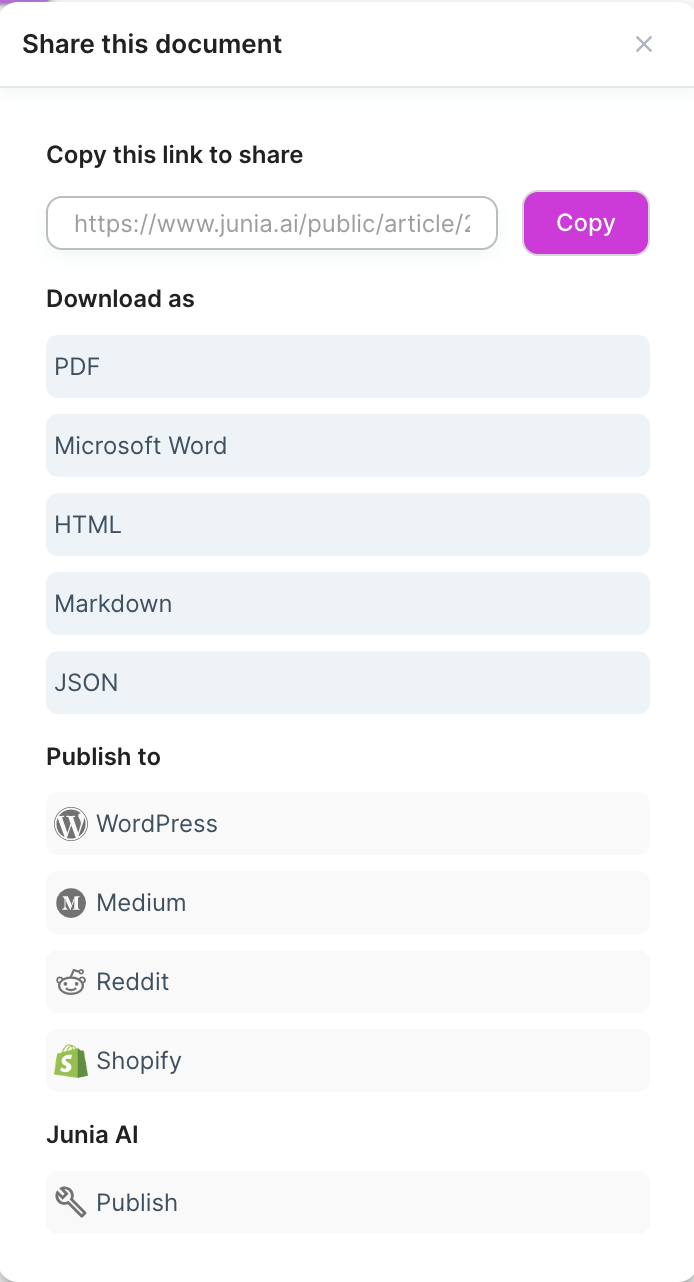
The difference is focus. Copy.ai is broader and more GTM-oriented. Junia is more useful when the work is content production: article planning, SEO writing, optimization, internal links, images, metadata, and publishing. That matters because a good blog post is not just a generated draft. It is a page with a clear angle, a useful structure, and enough supporting detail to be trusted.
Junia is especially strong when you are building a repeatable SEO workflow. For example, if your team is producing guides, product comparisons, or articles that need to connect into a wider topical cluster, a dedicated AI article writer is more useful than a generic copy box. In my experience, the first draft matters less than the starting structure; if the outline, intent, and internal-link logic are wrong, editing gets expensive quickly.
Best suited for
- bloggers, SEO teams, content marketers, agencies, ecommerce teams, and founders who want long-form articles with SEO support
Why it beats Copy.ai
- Better fit for long-form blog posts and search-focused content.
- Stronger workflow for briefs, drafts, optimization, images, and publishing.
- More useful for teams thinking about topical authority and internal links.
- Pricing starts lower than many broad marketing AI platforms.
When to skip it
- if your main use case is sales automation, outbound workflows, or GTM operations, Copy.ai's broader platform may be closer to what you need
This matters most when you're choosing a tool for bloggers, seo teams, content marketers, agencies, ecommerce teams, and founders who want long-form articles with seo su….
2. Jasper
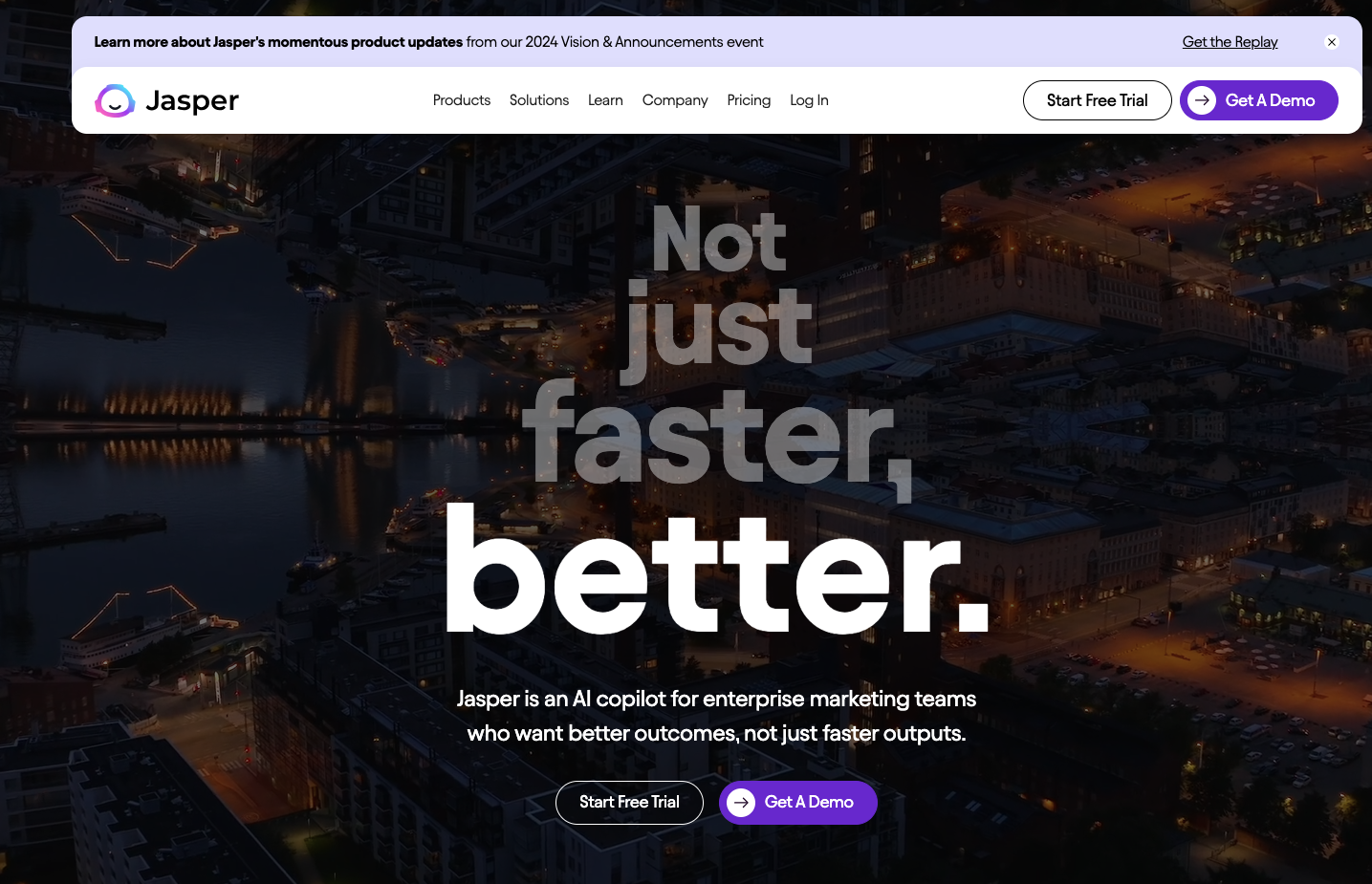
Jasper is the strongest Copy.ai alternative for marketing teams that care about brand control.
Where Copy.ai leans into GTM workflows, Jasper leans into brand-safe content production. It is useful when several people create campaigns, emails, landing pages, and social content, but the output still needs to sound like one company. Jasper makes the most sense when brand consistency is the constraint, not when you just want cheaper blog drafts.
The main advantage is governance. Jasper is less about one-off drafting and more about giving marketing teams a shared system for brand voice, knowledge, campaign assets, and approvals. That makes it a better fit for enterprise or larger marketing teams than for a solo creator who just wants affordable copy. For small teams, the polish can be nice, but the value only really shows when multiple people are creating content under the same brand rules.
Jasper is a strong fit for brand teams, campaign teams, agencies, and companies that need consistent messaging across many writers. choose Jasper if your main pain is brand drift. If your main pain is SEO article production, Junia, Surfer, or Frase will usually be more relevant.
Why teams switch from Copy.ai
- Stronger brand voice and team-governance features.
- Better fit for multi-channel marketing campaigns.
- Polished interface and workflows for non-technical marketers.
- Useful when brand consistency matters more than the cheapest plan.
Tradeoff: jasper can be expensive once seats and governance needs grow. It also still needs editorial review, especially for long-form SEO articles that require evidence, search intent coverage, and original judgment.
3. Writesonic
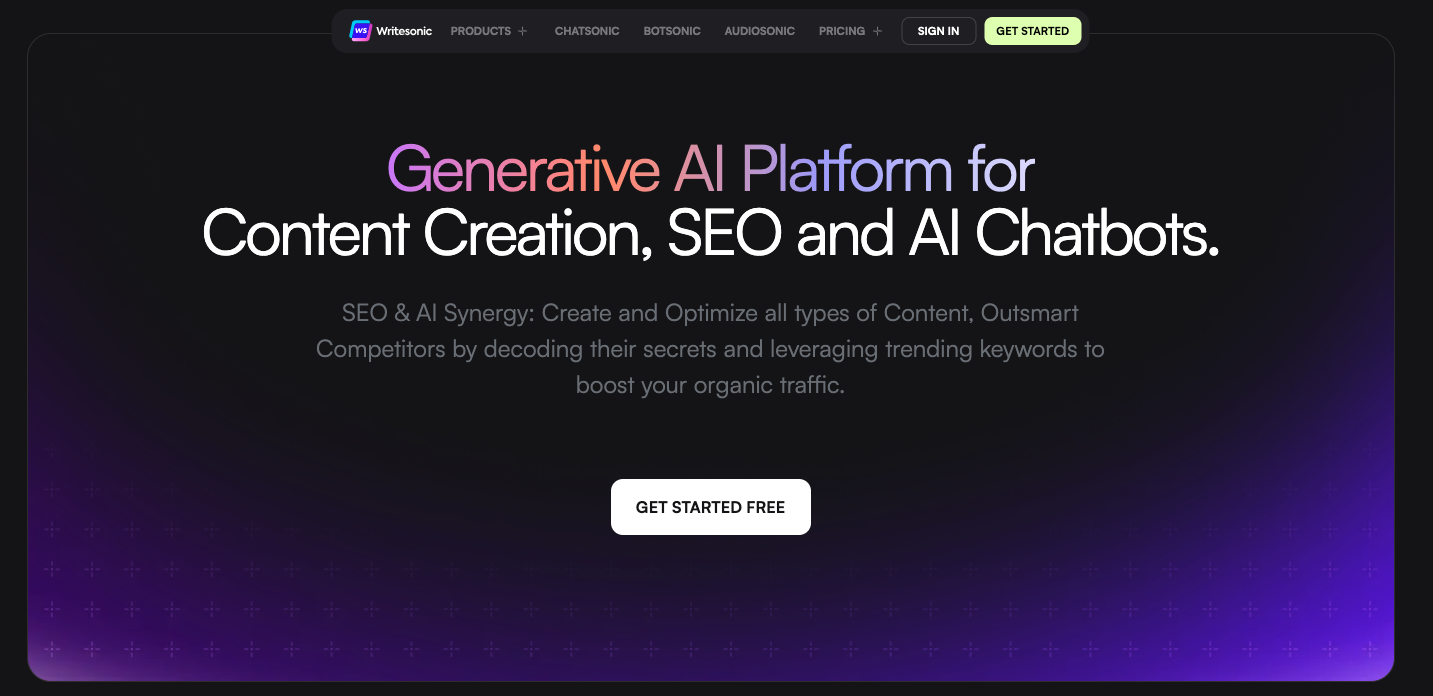
Writesonic is a good Copy.ai alternative if you want writing tools and SEO features in the same workspace. Put it on the shortlist when a team wants more content operations support but is not ready to assemble a stack from separate tools.
The platform has moved beyond simple AI writing. Its docs and pricing materials now emphasize content generation, audits, projects, articles, and AI-search visibility features. That makes it closer to an SEO content platform than a lightweight copywriting assistant.
This can be useful if your workflow includes content ideation, article drafts, audits, and performance checks. It can also be too much if you only need a fast caption, email, or product blurb. The tradeoff is simple: more workflow depth usually means more settings, limits, and plan details to understand.
Good fit
- SEO teams and content marketers who want one platform for writing, optimization, and visibility tracking
Compared with Copy.ai
- More SEO-focused than Copy.ai's current GTM positioning.
- Useful research and optimization features for content teams.
- Can support broader content production instead of isolated copy tasks.
- Good fit for teams experimenting with AI-search visibility tracking.
Poor fit
- plan limits matter. Before choosing Writesonic, check how many articles, audits, projects, seats, and tracking features are included in the tier you are considering
The biggest mistake I see is choosing Writesonic when you really needed plan limits matter.
4. Rytr
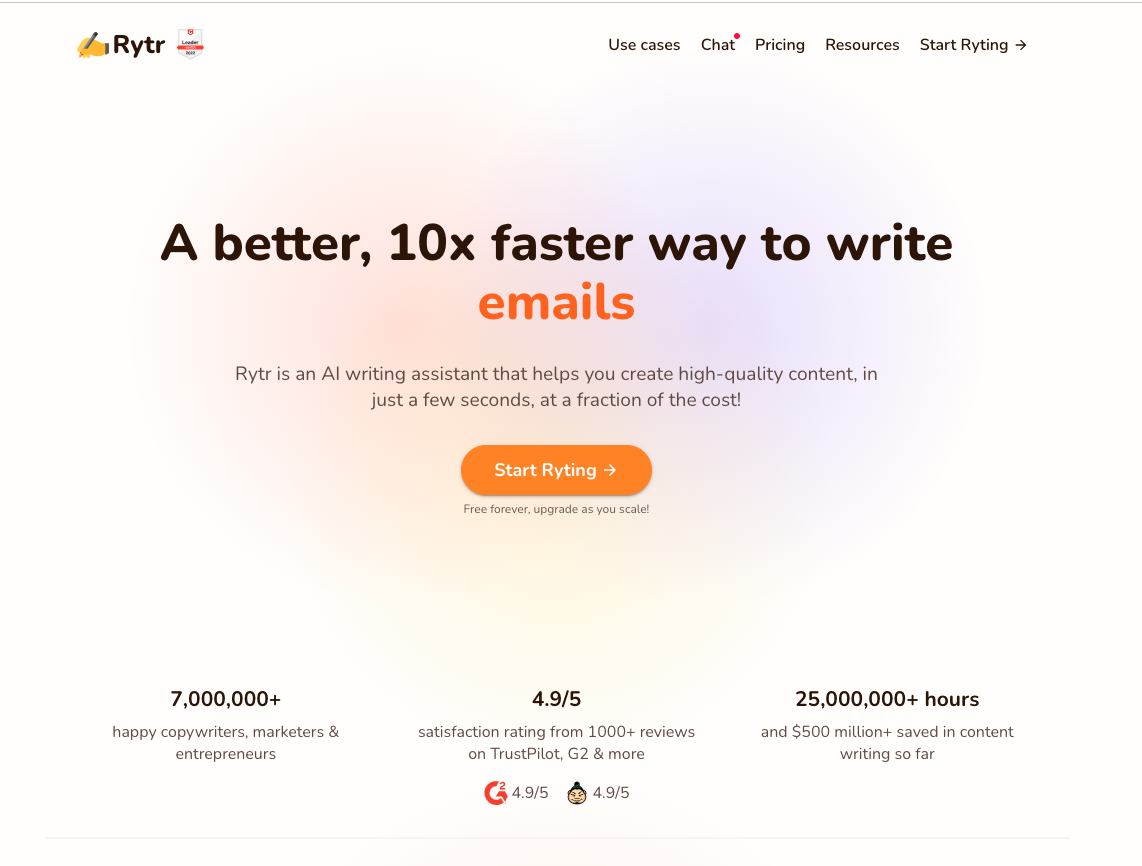
Rytr is the best Copy.ai alternative for budget-conscious users who mostly need short-form copy, rewriting, and basic content generation.
It is not the tool I would choose for serious SEO publishing or complex content operations. But that is also the point. Rytr is simple, affordable, and fast. For freelancers, solo founders, and small businesses, that can be enough. I like it most when the job is practical and contained: rewrite this paragraph, draft this email, create a few product snippets, move on.
Rytr's public pricing page lists a free plan and low-cost paid plans, which makes it one of the easiest alternatives to test before committing. It is a practical choice when you want to draft emails, product copy, social posts, outlines, or quick rewrites without buying a heavier marketing platform.
Tradeoff
choose Rytr if Copy.ai feels too expensive or too broad for basic writing. Do not choose it expecting a complete content operations platform. Best suited for freelancers, small businesses, creators, and users who want low-cost AI writing. I would avoid this approach if rytr is not a full seo content workflow.
Skip it when rytr is not a full SEO content workflow. You will still need separate research, optimization, editing, and publishing steps for serious blog content.
Why it beats Copy.ai
- Much cheaper entry point.
- Simple interface with less workflow overhead.
- Good for everyday copy and rewriting tasks.
- Useful browser extension and tone options.
5. Surfer SEO
.webp?token=eyJhbGciOiJIUzI1NiIsInR5cCI6IkpXVCJ9.eyJ1cmwiOiJ1c2VyLWdlbmVyYXRlZC1pbWFnZXMvZjJmOThkNWUtNjNjNC00MTJiLTkyY2QtZjgyNDI5NTE3YWRkLzYzNjRmNTMwZWIyNjE0MTk2ZGVhNWU1Zl9jb250ZW50IGVkaXRvciAtIHBsYW4tcC0xMDgwICgyKS53ZWJwIiwiaWF0IjoxNzAyNzU5ODU3LCJleHAiOjIwMTgxMTk4NTd9.dhbyJki_MyPAL4QX82vMY9MaNLMrxyy8xsrY49ITx-w)
Surfer SEO is not a pure Copy.ai replacement. It is a better choice when your writing process already exists, but your optimization process is weak. It is most useful after the draft has a point of view, not before.
Copy.ai helps you generate copy. Surfer helps you compare a page against competing search results, plan outlines, optimize drafts, and improve on-page content coverage. That makes it more valuable for teams that already have writers, editors, or AI drafting tools and need a stronger SEO layer.
If you are building a full content stack, Surfer often works better beside a writing tool than instead of one. For example, a team might draft with Junia, ChatGPT, Jasper, or an internal process, then use Surfer to validate coverage and improve the page. The mistake is treating the score as the editor. It is a signal, not a substitute for judgment.
Best suited for
- SEO teams, agencies, and publishers that need content optimization rather than simple generation
Why it beats Copy.ai
- Stronger SERP and content optimization workflow.
- Useful for refreshing existing pages.
- Helps writers see topical gaps before publishing.
- Better fit when SEO performance is the main metric.
When to skip it
- Surfer does not replace the need for editorial judgment. A high content score can still produce a generic article if the writer follows suggestions mechanically
Prefer Surfer SEO for seo teams, agencies, and publishers that need content optimization rather than simple generation — not when surfer does not replace the need for editorial judgment.
6. Frase
Frase is another strong SEO-focused Copy.ai alternative, especially for briefs, SERP research, content updates, and optimization.
It is closer to Surfer than to Rytr. You use it when you want to understand what ranking pages cover, build a brief, identify missing topics, and improve an existing article. Frase's current pricing page also frames the product around research, writing, publishing, SEO scores, GEO scores, and content fixes, which matches how many modern SEO teams now work.
Where Frase becomes useful is in the messy middle of content production. A writer may have a draft, but the article still needs a stronger outline, better coverage, or clearer answers. Frase gives structure to that review. I find that especially useful for refreshes, where the page is not broken enough to rewrite from scratch but is too thin to leave alone.
Frase is a strong fit for content teams refreshing old articles, creating briefs, or improving search coverage. choose Frase if your biggest problem is knowing what the article should cover before you write or refresh it.
Why teams switch from Copy.ai
- Better SERP-led research and content brief workflow.
- Stronger fit for refreshes and optimization.
- Useful for teams that need consistent article planning.
- Lower entry price than many larger marketing AI platforms.
Tradeoff: frase is not the best choice if you mainly want short-form ads, social copy, or sales emails.
7. Copysmith / Describely
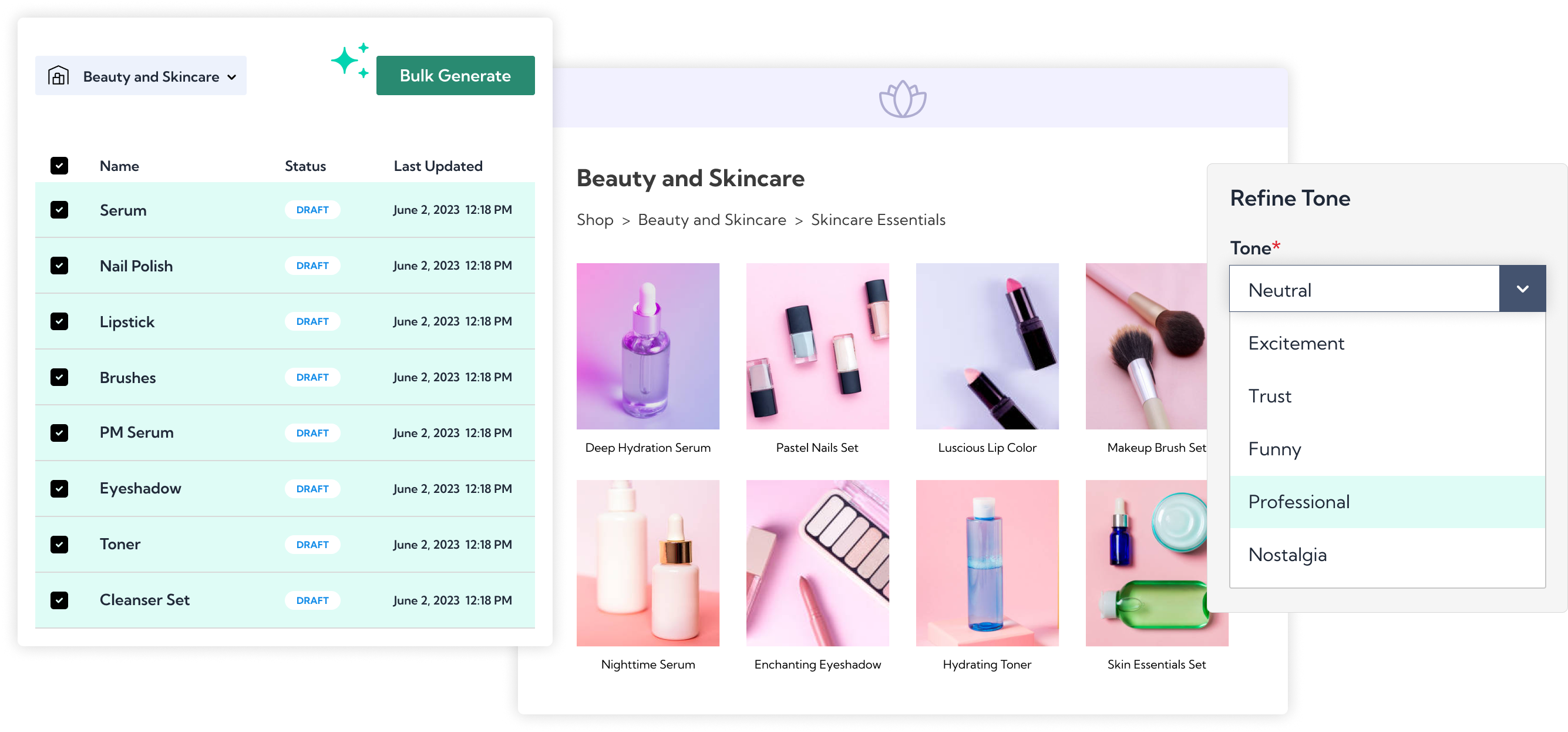
Copysmith is worth mentioning because the brand now sits around a group of related content products, including Frase, Rytr, and Describely. For ecommerce teams, Describely is the most relevant part of that ecosystem because it focuses on product content at catalog scale.
This is a different use case from most Copy.ai alternatives. If you need five blog posts a month, Describely is probably not the tool. If you need hundreds or thousands of product descriptions, titles, attributes, and ecommerce copy variants, it starts to make more sense. Only consider it when structured product data is central to the workflow.
Good fit
- ecommerce teams, marketplace teams, and catalog-heavy brands
Compared with Copy.ai
- More specialized for product content workflows.
- Better fit for large SKU catalogs.
- Useful when content needs to be generated from structured product data.
- Fits ecommerce operations better than a general copywriting tool.
Poor fit
- it is too specialized for many bloggers, creators, and small marketing teams
This matters most when you're choosing a tool for ecommerce teams, marketplace teams, and catalog-heavy brands.
Best Copy.ai Alternative by Use Case
| Use case | Best choice | Why |
|---|---|---|
| Long-form SEO articles | Junia AI | Built around article creation, SEO support, and publishing workflows |
| Brand-safe marketing content | Jasper | Stronger brand voice and team governance |
| SEO suite plus writing | Writesonic | Combines generation, optimization, and visibility features |
| Cheapest practical option | Rytr | Low-cost plans and simple short-form writing |
| Content optimization | Surfer SEO | Better for SERP-led editing and on-page optimization |
| SEO briefs and refreshes | Frase | Strong fit for research, briefs, and content updates |
| Ecommerce product content | Copysmith / Describely | Built for structured product copy at scale |
If you are comparing several AI writing tools for SEO, do not judge them only by whether they can produce a draft. The more important question is whether they help you produce a better page. That usually means a stronger brief, clearer search intent, better examples, natural internal links, and a realistic editing process. When I review AI-assisted articles, this is where the gap usually appears: the draft reads smoothly, but the page still lacks a clear reason to rank. A broader guide to choosing AI writing tools for SEO can help if your shortlist is still too wide.
What to Check Before You Switch
Before moving from Copy.ai to another tool, I would check six things. These are less exciting than feature launches, but they are the checks that prevent tool regret.
1. Your primary content format
A tool that is great for ads may be weak for articles. A tool that is great for SEO briefs may feel heavy for social copy. Be honest about the work you do most often.
If long-form content is the priority, compare tools built for long-form AI writing, not only general copywriting platforms.
2. The true editing burden
Every AI writing tool needs review. The difference is how much review.
A weak tool gives you fluent text with vague claims. A stronger tool gives you a better structure, clearer sections, and fewer obvious gaps. You still need to check facts, add examples, and make the piece feel specific. This is the cleanup work people underestimate.
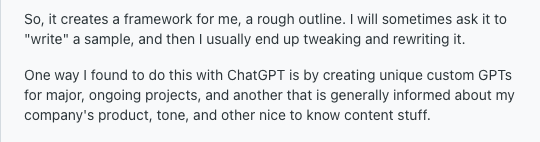
That editing burden shows up in public content-marketing discussions too: experienced users often treat AI drafts as a scaffold, then rewrite them with stronger product context, audience knowledge, and editorial judgment.
3. SEO workflow depth
For search-focused content, look beyond "SEO mode" claims. Check whether the tool helps with briefs, keyword research, internal links, metadata, content scoring, image support, and publishing.
If rankings matter, a dedicated AI SEO agent can be more useful than a general writing assistant because it connects the writing step to the wider search workflow.
4. Brand voice controls
Brand voice is more than tone labels like friendly, professional, or witty. Good brand controls should understand examples, banned phrases, approved claims, audience context, and product positioning. In practice, I care less about whether a tool offers a "brand voice" toggle and more about whether it can stop the same off-brand phrasing from coming back draft after draft.
This is where Jasper tends to stand out, while simpler tools like Rytr are better for individual use.
5. Pricing limits
Do not compare only the headline monthly price. Check:
- seats
- generated articles
- workflow credits
- projects
- words or characters
- audits
- AI-search tracking prompts
- publishing integrations
- plagiarism or brand voice limits
Pricing can look cheap until the plan cap blocks the workflow you actually need.
6. Publishing and integration fit
The best tool is often the one that removes handoffs. If your team publishes in WordPress, Webflow, Shopify, or another CMS, integration quality can save more time than a slightly better first draft. For example, a content team publishing through WordPress may care more about workflow and metadata handling than about having another generic template library. Boring integration details often decide whether a tool actually gets used after the first week.
Copy.ai Alternatives I Would Skip for This Specific Job
Some tools can be useful but are not strong replacements for Copy.ai if your goal is content production.
QuillBot and Wordtune are better for rewriting and sentence-level editing than complete content workflows.
Article Forge can generate articles quickly, but I would be careful with any tool that encourages bulk publishing without enough editorial review. Google's guidance on using generative AI content is clear that mass-generated pages without added value can create quality and spam risks.
ChatGPT and Claude are powerful, but they are not workflow tools by default. They can outperform many paid writing apps when prompted well, but you need to build your own process for briefs, sources, internal links, SEO checks, and publishing.
That is the real tradeoff. General AI chat tools are flexible. Dedicated content platforms are more structured. Chat tools are better when you want maximum control. Platforms are better when repeatability matters more than flexibility.
Final Recommendation
The best Copy.ai alternative depends on the job you are trying to improve. My bias is to choose the tool that removes the most manual rework, because that is where AI writing stacks usually win or fail.
If you want a content-led replacement for Copy.ai, choose Junia AI. It gives you the strongest mix of long-form writing, SEO workflow, internal linking, and publishing support.
If you need brand-safe marketing output across a larger team, choose Jasper. If you want a lower-cost writing assistant, choose Rytr. If you already have writers and need optimization, choose Surfer SEO or Frase. If you need ecommerce product content at scale, look at Copysmith's Describely side.
The simplest rule is this: do not choose the tool with the longest feature list. Choose the tool that improves the weakest part of your content workflow.