
Free Terms and Conditions Generator
Create a tailored Terms and Conditions agreement covering payments, subscriptions, acceptable use, liability limitations, intellectual property, refunds, and account termination. Useful for SaaS products, ecommerce stores, mobile apps, and online businesses.
Terms and Conditions
Your Terms and Conditions will appear here...
How the AI Terms and Conditions Generator Works
Get results in seconds with a simple workflow.
Enter Your Business Basics
Provide your business/site name (optional), business type, and jurisdiction (optional). Add a contact email so users know where to reach you for support or legal notices.
Select What Applies (Accounts, Payments, UGC)
Choose whether you offer user accounts, accept payments, run subscriptions, or allow user-generated content. Add your refund policy and prohibited uses to tailor the agreement.
Generate, Review, and Publish
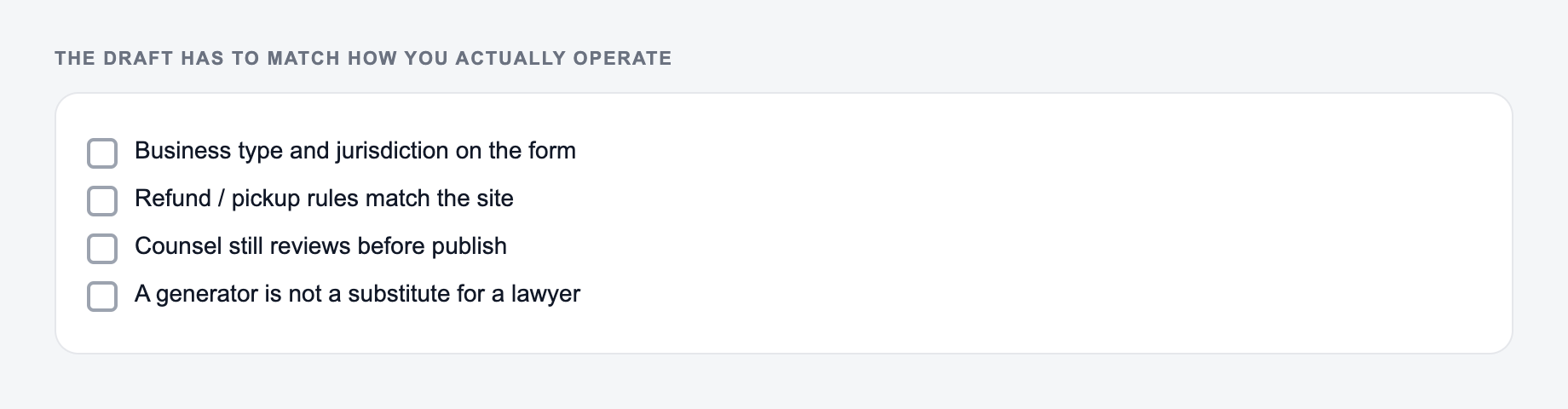
Generate your Terms and Conditions, then review for accuracy, align with your actual product flows, and publish on a dedicated /terms page with links in your footer and checkout/signup flows.
See It in Action
Example showing how a generic, unclear clause can become a clearer Terms and Conditions section (still a draft for review).
We are not responsible for anything that happens when you use the website. We can stop your access at any time. Purchases are final.
Limitation of Liability: To the maximum extent permitted by law, the Service is provided “as is” and “as available.” We will not be liable for any indirect, incidental, special, consequential, or punitive damages arising out of or related to your use of the Service.
Termination: We may suspend or terminate your access if you violate these Terms or misuse the Service.
Refunds: Refund eligibility, timelines, and exceptions are described in the Refund Policy section of these Terms (or our posted refund policy).
Why Use Our AI Terms and Conditions Generator?
Powered by the latest AI to deliver fast, accurate results.
Website, SaaS, Ecommerce & App Terms
Generate Terms and Conditions tailored to your business type—content site, SaaS subscription, ecommerce store, marketplace, or mobile app—with the clauses users expect to see.
Key Legal Sections Included (Draft-Ready)
Includes essential T&C sections such as account responsibilities, acceptable use, IP rights, user content rules, payments, refunds, disclaimers, limitation of liability, termination, and governing law—based on your inputs.
Plain-English, User-Friendly Formatting
Produces clear, readable Terms and Conditions that are easier to understand—helpful for user trust, onboarding, and reducing disputes—while keeping a professional legal tone.
Customizable Payments, Refunds & Subscriptions
Add billing, renewals, cancellations, and refund terms for paid products—ideal for SaaS, ecommerce, and digital services where payment terms must be explicit.
Publish-Ready Output (Copy/Paste)
Get a clean, structured Terms & Conditions page you can paste into your website CMS, privacy policy generator workflow, or legal pages section.
Pro Tips for Better Results
Get the most out of the AI Terms and Conditions Generator with these expert tips.
Match terms to real product behavior
If you offer trials, auto-renewals, or account termination, make sure the terms match what your product actually does (billing timing, cancellation steps, access removal). Mismatches create disputes.
Add a clear refunds section (reduce chargebacks)
Chargebacks often happen when policies are unclear. Include a simple refund eligibility rule, timelines, and contact method—especially for SaaS and digital products.
Publish Terms in high-intent locations
Link your Terms and Conditions in the website footer and surface them at account signup, checkout, and subscription purchase screens to strengthen enforceability and user clarity.
Handle UGC with moderation and licensing language
If you allow reviews or uploads, include prohibited content rules, reporting/contact steps, and a license to display user content—while respecting user rights and platform requirements.
Use consistent names across legal pages
Use the same entity name (company, site, product) across your Terms, Privacy Policy, and Refund Policy to avoid ambiguity—especially if you operate multiple brands or domains.
Who Is This For?
Trusted by millions of students, writers, and professionals worldwide.
Terms and Conditions Generator: How to Create Website Terms of Service (T&Cs) That Match Your Business
A Terms and Conditions page (also called Terms of Service or Terms of Use) sets the rules for how people can use your website, app, or online store. It’s one of the most common legal pages online—right alongside a Privacy Policy.
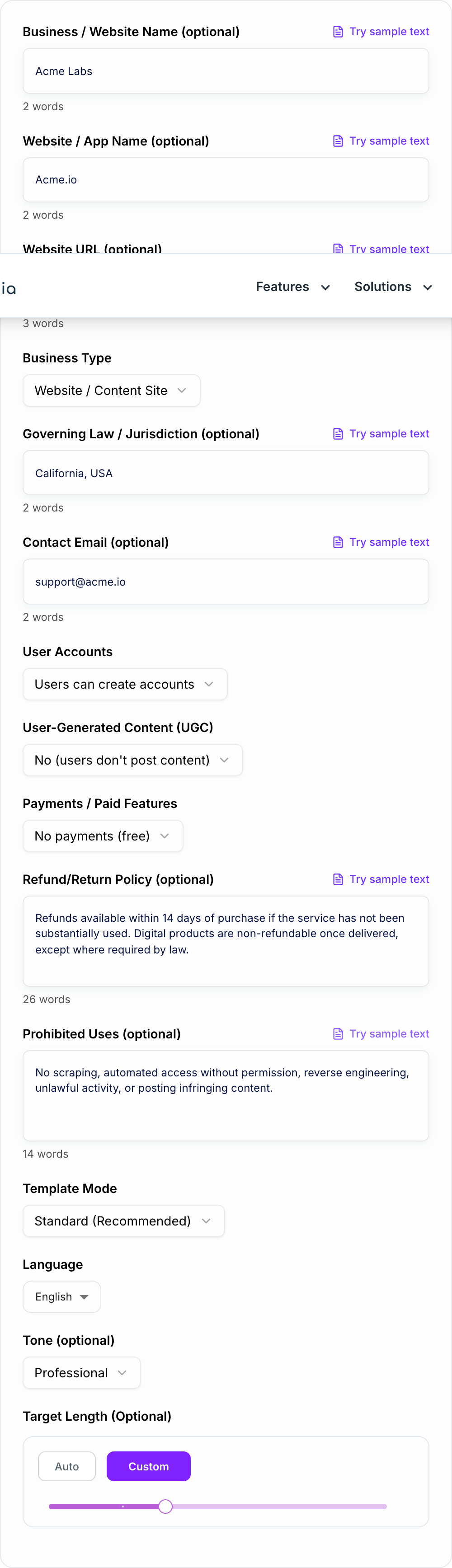
This free Terms and Conditions generator helps you draft a clear, structured agreement you can publish quickly, then review and tailor to your real product flows.
What Terms and Conditions Should Include (Core Sections)
Most Terms and Conditions templates include:
- Acceptance of terms (how users agree)
- Accounts and user responsibilities (if you allow signups)
- Acceptable use / prohibited activities (spam, abuse, scraping, unlawful use)
- Intellectual property (your content, trademarks, software)
- User-generated content rules (if you allow reviews, comments, uploads)
- Payments and billing (if you sell products/services)
- Subscriptions and renewals (for SaaS)
- Refunds and returns (for ecommerce and paid services)
- Disclaimers and limitation of liability
- Termination (when you can suspend accounts)
- Governing law / jurisdiction
- Contact information
The right mix depends on your business type. A content site needs different terms than an ecommerce store or subscription SaaS.
Terms of Service for SaaS vs Ecommerce vs Basic Websites
SaaS / Subscription Terms
If you offer recurring billing, your Terms should clearly explain:
- billing cycle and renewal
- trial periods (if any)
- cancellation steps and timing
- access changes after non-payment
- service availability and support expectations
Ecommerce Terms
If you sell physical or digital products, your Terms often cover:
- order acceptance and pricing
- shipping and delivery
- returns and refunds
- chargebacks and fraud prevention
Basic Website Terms
For simpler sites, focus on:
- acceptable use
- intellectual property
- disclaimers
- limitation of liability
- contact details
SEO Tip: Where to Publish Terms and Conditions
From an SEO and trust perspective, publish Terms and Conditions at a clean, crawlable URL like:
/terms/terms-and-conditions/terms-of-service
Then link it in your footer and in high-intent flows like signup and checkout. While Terms pages typically don’t rank for competitive keywords, they support a trustworthy site structure and reduce user friction.
Best Practices (So Your T&Cs Actually Match Reality)
- Make sure billing terms match your checkout and subscription settings.
- Keep prohibited uses aligned with what you actively enforce.
- If you allow UGC, define moderation and takedown expectations.
- Use consistent naming across Terms, Privacy Policy, and Refund Policy.
Specify your business type and where you operate. This is a draft, not legal advice.
Important Note
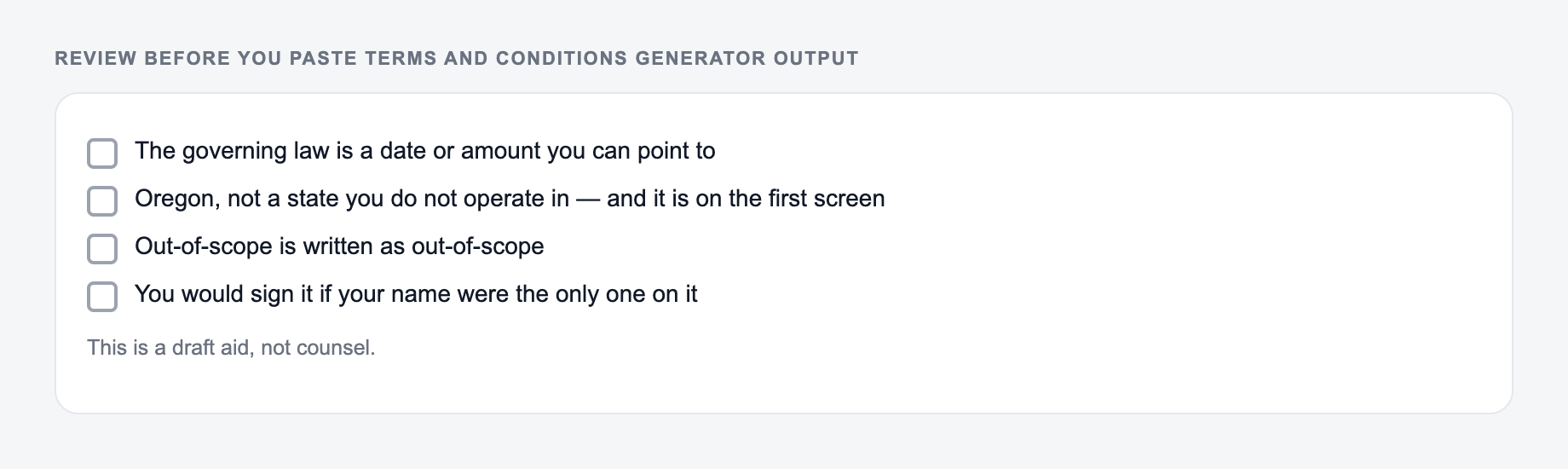
This generator produces a draft template. Laws and requirements vary by location and business model—review and customize before publishing, and consult an attorney if you need jurisdiction-specific coverage.
Frequently Asked Questions
What are Terms and Conditions (Terms of Service)?+
Terms and Conditions (also called Terms of Service or Terms of Use) are the rules that govern how users can access and use your website, app, or service. They typically cover acceptable use, accounts, payments, refunds, intellectual property, disclaimers, limitation of liability, and dispute-related terms.
Do I need Terms and Conditions for my website?+
Many websites benefit from Terms and Conditions, especially if you have user accounts, paid features, subscriptions, user-generated content, or any risk of misuse. Terms help set expectations and can reduce disputes by clearly defining permitted use and limitations.
Is this Terms and Conditions generator legal advice?+
No. This tool generates a draft Terms and Conditions template based on the information you provide. You should review it and, if needed, consult a qualified attorney to ensure it fits your business model, jurisdiction, and legal requirements.
Can I use this for SaaS subscriptions and recurring billing?+
Yes. Choose the SaaS/Subscription mode and include your subscription details and refund policy. The generator can include terms for billing cycles, renewals, cancellation, and access limitations based on your inputs.
Will it include refund and return policy language?+
Yes. If you provide your refund/return policy, the generator will integrate it. If you leave it blank, it can include a generic placeholder-style clause that you should review and tailor to your actual policy and local laws.
Should I also have a Privacy Policy?+
Often, yes. If your website or app collects personal data (analytics, contact forms, accounts, payments), a Privacy Policy is typically required or strongly recommended. Many sites publish Terms and Conditions alongside a Privacy Policy and Cookie Policy for complete legal coverage.