
12 Best AI Text Generators in 2026: Ranked Picks for Blogs, SEO, Marketing, and Editing

Thu
AI SEO Specialist, Full Stack Developer

Most AI text generators can write a passable paragraph now. That is not the hard part anymore.
The hard part is choosing a tool that fits the writing job: SEO articles, sales emails, brand campaigns, rewriting, internal docs, fiction, or quick social posts. A tool that feels brilliant for one workflow can feel slow, generic, or overpriced in another.
I would not choose an AI text generator by output quality alone in 2026. Many tools use the same families of large language models, so the real difference is usually workflow: how much context the tool captures, how well it controls tone, whether it helps with SEO, and how much editing the draft needs before it can be published. If you want to see what that looks like in practice, the AI text generator examples I keep on file are more useful than another feature list.
In my experience, the best tool is usually the one that makes the boring middle of writing easier: shaping the outline, tightening weak sections, keeping the angle intact, and turning a decent draft into something you would actually publish.
TL;DR: Best AI Text Generators by Use Case
If you want the quick answer, start here:
| Rank | Tool | Best for | Why choose it |
|---|---|---|---|
| 1 | Junia AI | Long-form SEO content | Best fit for turning topics into structured, publishable articles |
| 2 | ChatGPT | Flexible drafting and editing | Strongest general-purpose option for open-ended writing tasks |
| 3 | Claude | Long-form drafting and editing | Follows detailed style instructions and handles long documents well |
| 4 | Gemini | Writing inside Google Workspace | Drafts and rewrites directly in Google Docs and Gmail |
| 5 | Jasper | Brand-controlled marketing copy | Good for teams that need consistent campaign messaging |
| 6 | Writesonic | SEO and content marketing | Useful when writing, optimization, and AI-search visibility need to sit together |
| 7 | Copy.ai | Sales and GTM copy | Stronger fit for outreach, campaigns, and repeatable commercial writing |
| 8 | Writer | Enterprise governance | Better for teams with strict brand, legal, or compliance controls |
| 9 | QuillBot | Rewriting and paraphrasing | Best when you already have a draft and need cleaner wording |
| 10 | Notion AI | Internal docs and notes | Convenient if your team already writes inside Notion |
| 11 | Rytr | Budget short-form copy | Simple, affordable option for lightweight writing tasks |
| 12 | Sudowrite | Fiction writing | Built around scenes, characters, story beats, and creative drafts |
My practical recommendation is simple: use Junia AI if your main goal is publishable SEO content, use ChatGPT if you want a flexible writing assistant, and use a more specialized tool only when its workflow clearly matches your job.
How I Evaluated the Tools
I looked at each tool through the lens of a real writing workflow, not a feature checklist.
The main questions were:
- Does the tool produce usable drafts, or does the output need heavy rewriting?
- Does it understand the format it is built for: blogs, ads, emails, docs, fiction, or rewriting?
- Can it control tone, structure, brand voice, examples, and context?
- Does it help with SEO, search intent, headings, metadata, internal links, or content improvement?
- Can it edit weak text, not just generate more of it?
- Does the product justify paying for it when general chatbots can already generate text?
- Is it usable for the people most likely to rely on it?
That last point matters more than many tool roundups admit. A dedicated AI writing app has to do more than produce words. It has to remove friction from the writing process.
I am biased toward tools that make revision easier, because generation is rarely where a serious article fails. The draft usually fails later, when the examples are thin, the structure drifts, or the writer cannot see what should be cut.
For SEO and public publishing, I also considered whether the tool helps create content that can meet Google's guidance on AI-generated content. The important question is not whether AI helped write the draft. The important question is whether the finished page is helpful, accurate, original, and worth reading.
That standard is especially important for broad AI content generators, because a fast draft is only useful when the final page still has a clear purpose, accurate details, and a reason to exist beyond matching a keyword.
The Best AI Text Generators in 2026
1. Junia AI: Best Overall AI Text Generator for SEO Content
Junia AI is the strongest overall pick if your main writing job is long-form content: blog posts, SEO articles, comparison pages, product-led content, and web copy.
Most tools can generate a paragraph from a prompt. Junia is more useful when the task is bigger than that. It helps with topic planning, article structure, long-form drafting, rewriting, optimization, and publishing preparation. That makes it a better fit for content teams and site owners who need a repeatable content workflow rather than a one-off text box.
Use Junia when you need:
- SEO blog posts and long-form articles
- article outlines and first drafts
- product-led content and comparison pages
- rewriting or expanding thin pages
- brand-consistent content across a site
- content that needs structure, not just sentences
What I like most is that Junia fits the way SEO content is actually produced. A writer rarely needs only one paragraph. They need a brief, a useful outline, clear sections, internal links, examples, metadata, and a final editorial pass.
That is where Junia's AI text generator works best: as part of a larger writing system, not as an isolated novelty.
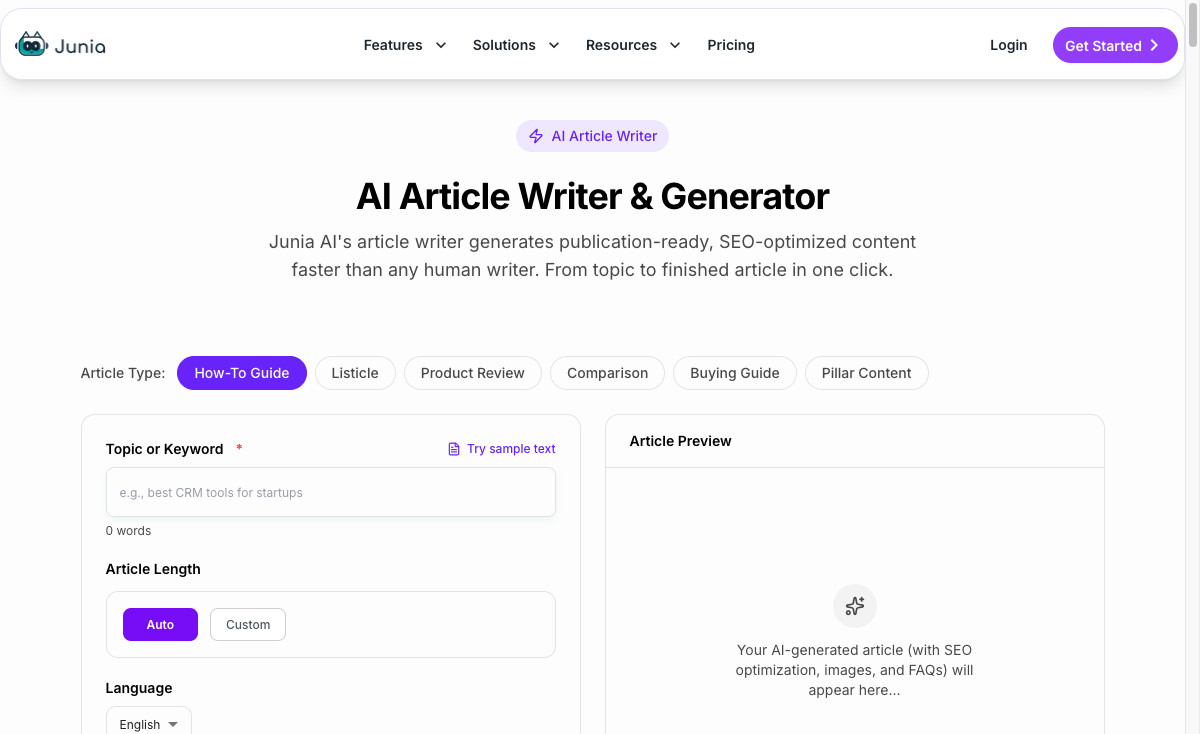
If the article needs to become a complete page, the AI article writer is the more natural next step because it is built for structure, sections, and long-form output.
For teams producing many pages, the bigger advantage is consistency. A repeatable workflow for long-form AI writing reduces the amount of manual rebuilding needed after each first draft.
Where Junia is weaker: it is not the lightest option for a quick caption, slogan, or one email subject line. You can use it for shorter work, but its real strength is bigger content jobs.
Best for: SEO writers, marketers, SaaS teams, affiliate site owners, agencies, and businesses publishing content regularly.
2. ChatGPT: Best General-Purpose AI Text Generator
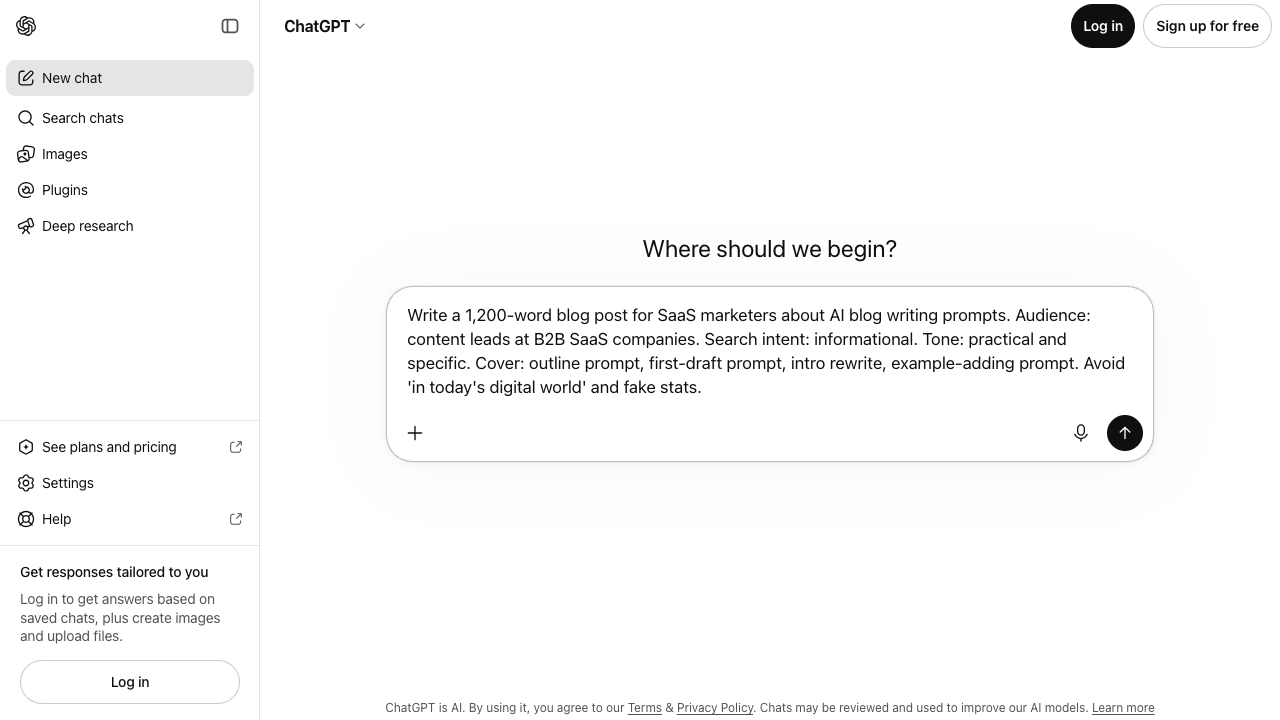
ChatGPT is still one of the most useful AI text generators because it is not locked into one format.
You can use it for brainstorming, outlining, summarizing, rewriting, editing, drafting emails, explaining technical ideas, creating briefs, and testing different angles before writing. It is the broadest option on this list.
Use ChatGPT when you need:
- quick brainstorming
- rough first drafts
- editing and critique
- outline generation
- prompt experimentation
- writing support across many formats
The quality depends heavily on your instructions. A weak prompt produces a bland answer. A good prompt gives the model an audience, goal, tone, format, examples, constraints, and source material.
I like ChatGPT most as a thinking and editing partner. It is useful for asking, "What is weak in this section?" or "What claims need evidence?" or "Give me five cleaner versions of this headline." Those small, iterative uses often produce better results than asking it to write the whole article from scratch.
Where ChatGPT is weaker: it is not automatically a publishing workflow. It does not know your internal linking strategy, brand voice, editorial standards, or SEO requirements unless you give it that context. The main ChatGPT alternatives are worth comparing when you need different model behavior, stronger privacy controls, or a tool that fits a narrower writing workflow.
Best for: writers, founders, marketers, students, and professionals who want a flexible AI assistant rather than a specialized content platform.
3. Claude: Best for Long-Form Drafting and Careful Editing
Claude, from Anthropic, is the general-purpose assistant many writers reach for when the job is long or nuanced. It handles long documents well, follows detailed style instructions closely, and tends to produce prose that needs less trimming than other chatbots.
Use Claude when you need:
- long-form drafts that keep a consistent structure
- editing and line-level feedback on a full article
- summaries or rewrites of long source documents
- writing that follows a detailed style guide
- a second opinion on clarity, tone, and argument
Projects let you keep reference material, such as a style guide, product notes, or past articles, attached to every conversation, so you do not have to paste the same context each time.
Where Claude is weaker: like ChatGPT, it is a general assistant, not a publishing workflow. It will not plan keywords, add internal links, or push a draft to your CMS on its own.
Best for: writers, editors, and teams who care about prose quality and work with long documents.
4. Gemini: Best AI Text Generator for Google Workspace Users
Gemini is Google's AI assistant, and its biggest advantage is where it lives. If your team already writes in Google Docs and Gmail, Gemini can draft, rewrite, and summarize inside those apps instead of in a separate tab.
Use Gemini when you need:
- drafts and rewrites inside Google Docs
- email replies and summaries in Gmail
- research summaries with links back to sources
- quick text tasks without switching tools
Where Gemini is weaker: outside Google's apps it is a general chatbot like the others, and it has no SEO or content workflow of its own. Like any assistant, its drafts still need fact-checking and editing before publishing.
Best for: teams that already run on Google Workspace and want AI writing help without adopting another app.
5. Jasper: Best for Brand-Controlled Marketing Copy
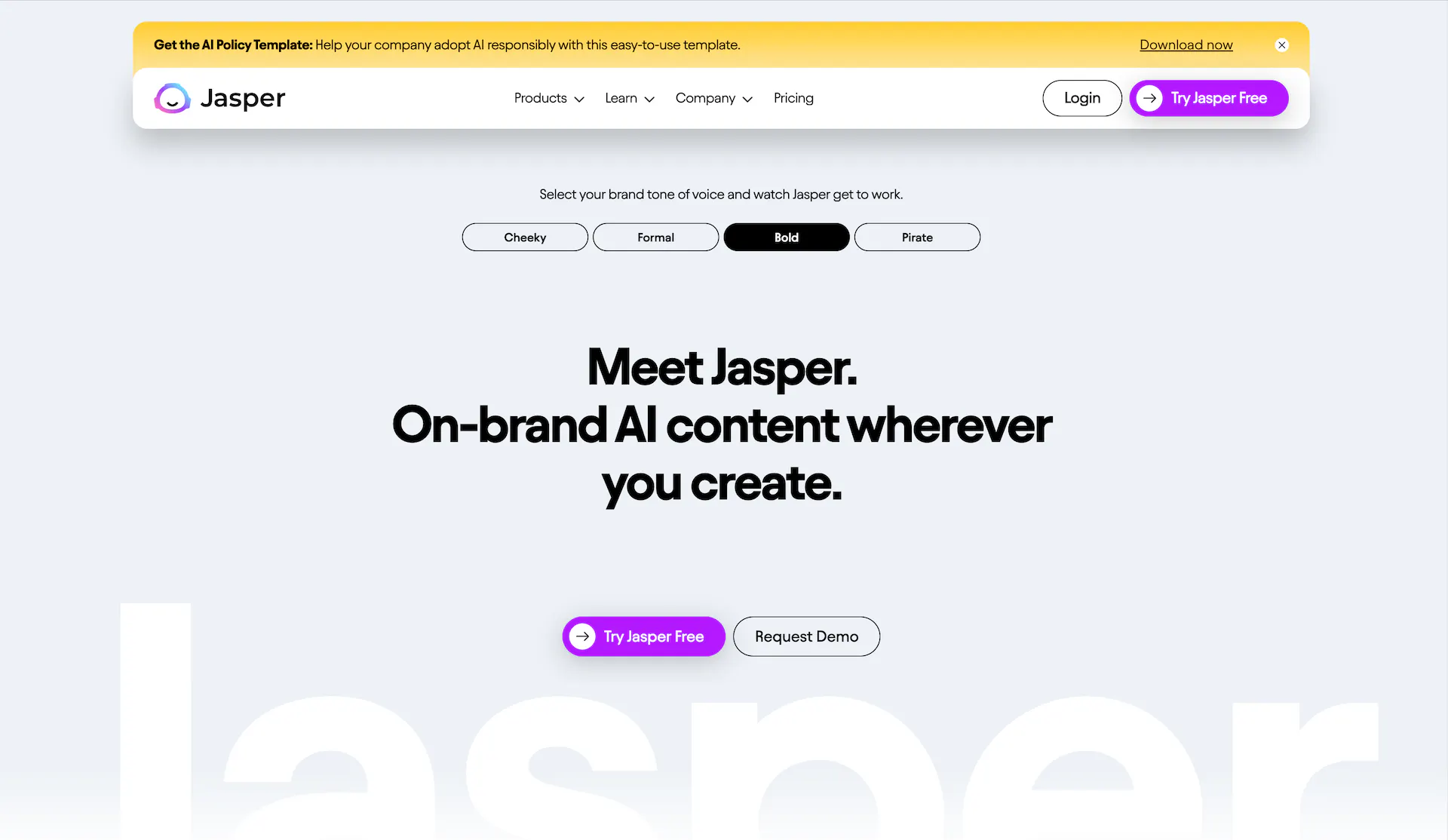
Jasper is built for marketing teams that care about repeatable, on-brand output.
Its main value is not that it magically writes better than every other tool. Its value is that it wraps AI writing in brand controls, campaign workflows, templates, and team-friendly features. That matters when several people are creating copy for the same brand.
Use Jasper when you need:
- brand voice controls
- campaign copy
- landing page drafts
- ad and email variants
- marketing templates
- team collaboration around business content
Jasper makes the most sense when inconsistent voice is expensive. If freelancers, sales teams, and campaign managers all describe the product differently, a brand-controlled system can reduce cleanup. The same principle applies inside Junia's brand voice workflow: the point is not to make every sentence identical, but to keep recurring product language and tone from drifting.
Where Jasper is weaker: it can feel heavy for solo writers or occasional drafting. It is also a bigger investment than simple text tools, so the brand and team controls need to matter. If you are evaluating it mainly for SEO content, compare Jasper AI alternatives against the actual pages you need to publish, not just the campaign features on the pricing page.
Best for: marketing departments, agencies, and brands that need consistent campaign copy across multiple channels.
6. Writesonic: Best for SEO and Content Marketing Workflows

Writesonic is a strong option for users who want AI writing tied closely to content marketing and search visibility.
It is more than a plain text generator. Its strongest appeal is the mix of article creation, SEO support, optimization features, and AI-search visibility tools. That makes it more useful for marketers than a basic chatbot.
Use Writesonic when you need:
- SEO-oriented drafts
- article generation
- search snippets and metadata
- content optimization
- AI-search or generative-engine visibility features
- marketing copy connected to SEO workflows
What I like about Writesonic is that it understands content teams rarely need words alone. They need topic coverage, structure, search alignment, and a way to improve the draft before publishing.
Where Writesonic is weaker: the platform can feel more complex than a simple writer because it tries to cover several content and SEO jobs. If you only need quick notes, emails, or simple rewriting, it may be more tool than you need.
Best for: content marketers, SEO teams, and users who want writing and optimization in the same platform. The strongest Writesonic alternatives are usually tools that either go deeper on SEO workflows or stay lighter for general writing.
7. Copy.ai: Best for Sales and GTM Copy
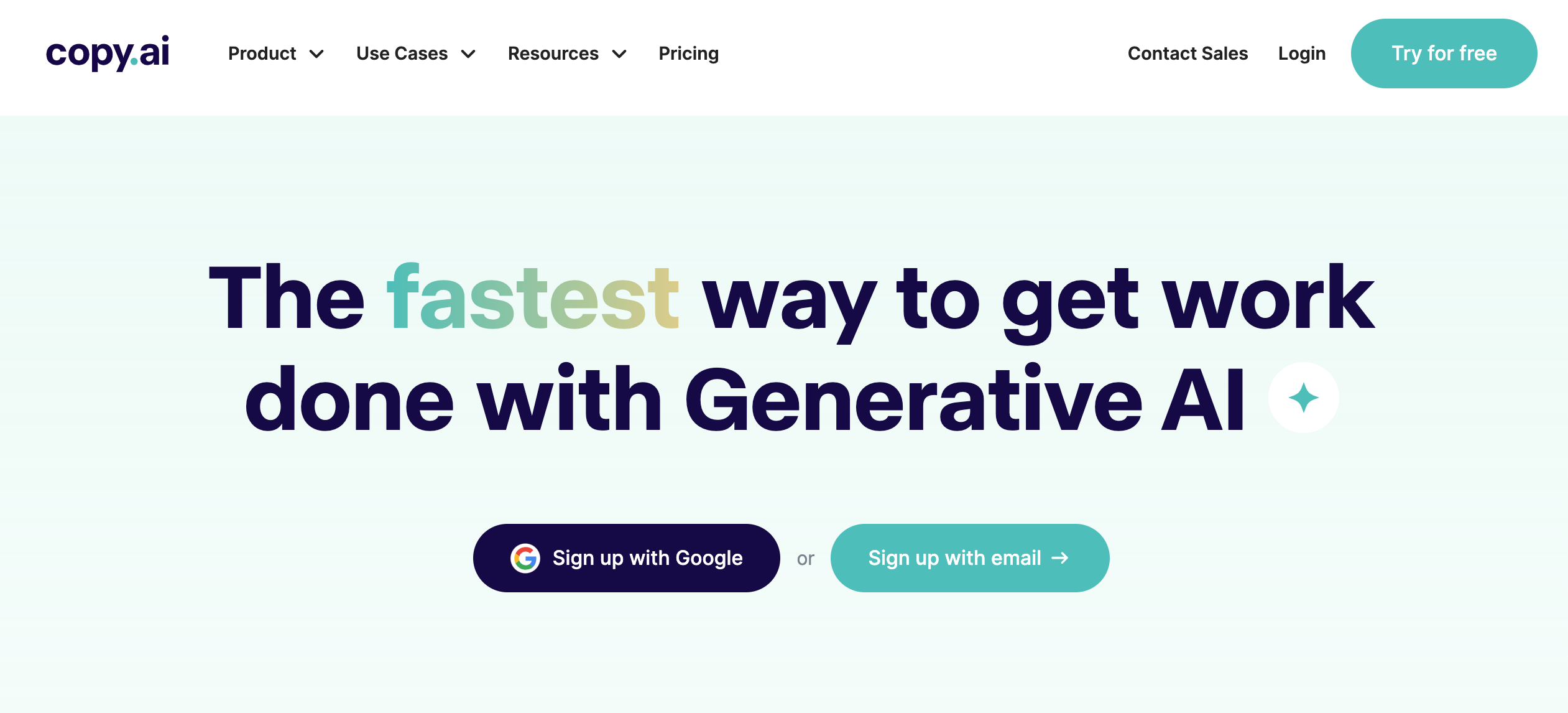
Copy.ai is best understood as a go-to-market writing tool, not just a general AI writer.
Its strongest use cases are sales emails, outbound messaging, campaign copy, product descriptions, and repeatable commercial writing workflows.
Use Copy.ai when you need:
- sales emails
- outbound sequences
- product descriptions
- GTM campaign copy
- short-form marketing content
- repeatable prompts for sales and marketing teams
This is where Copy.ai makes the most sense. A sales team may need personalized outreach at scale. A marketing team may need copy variations for campaigns. Copy.ai is built closer to that revenue workflow than to deep editorial writing.
I would not reach for it first when the job is a thoughtful article, but I do like it for repeatable commercial copy where speed, variants, and message testing matter more than long-form nuance.
Where Copy.ai is weaker: it is not the best choice for research-heavy articles, long-form SEO content, or editorial strategy. It can generate longer text, but the platform's center of gravity is commercial copy.
Best for: sales teams, revenue teams, and marketers creating outreach, campaign copy, and short-form conversion-focused text. Copy.ai alternatives become more relevant when the work shifts from GTM copy into long-form editorial content, support content, or SEO articles.
8. Writer: Best for Enterprise Writing and Governance
Writer is the best fit when AI writing needs to follow strict rules.
For a solo creator, that may be overkill. For enterprise teams, regulated industries, HR, finance, healthcare, legal-adjacent content, and large organizations, governance can be the whole point.
Use Writer when you need:
- style guide enforcement
- brand terminology controls
- compliance-aware writing workflows
- enterprise permissions
- approved language across departments
- AI assistance inside larger business systems
Writer treats AI writing as part of an operational system. The goal is not only to generate copy, but to reduce risky claims, off-brand wording, inconsistent terminology, and policy problems.
Personally, I think this is one of the clearest cases where a more specialized AI writer can justify itself. If a bad sentence can create legal, brand, or compliance work for other teams, governance is not a nice-to-have feature.
Where Writer is weaker: it needs setup. Smaller teams that just want faster blog drafts will probably get more immediate value from a lighter writing tool.
Best for: enterprise teams, regulated industries, and organizations where governance matters as much as speed.
9. QuillBot: Best for Rewriting and Paraphrasing
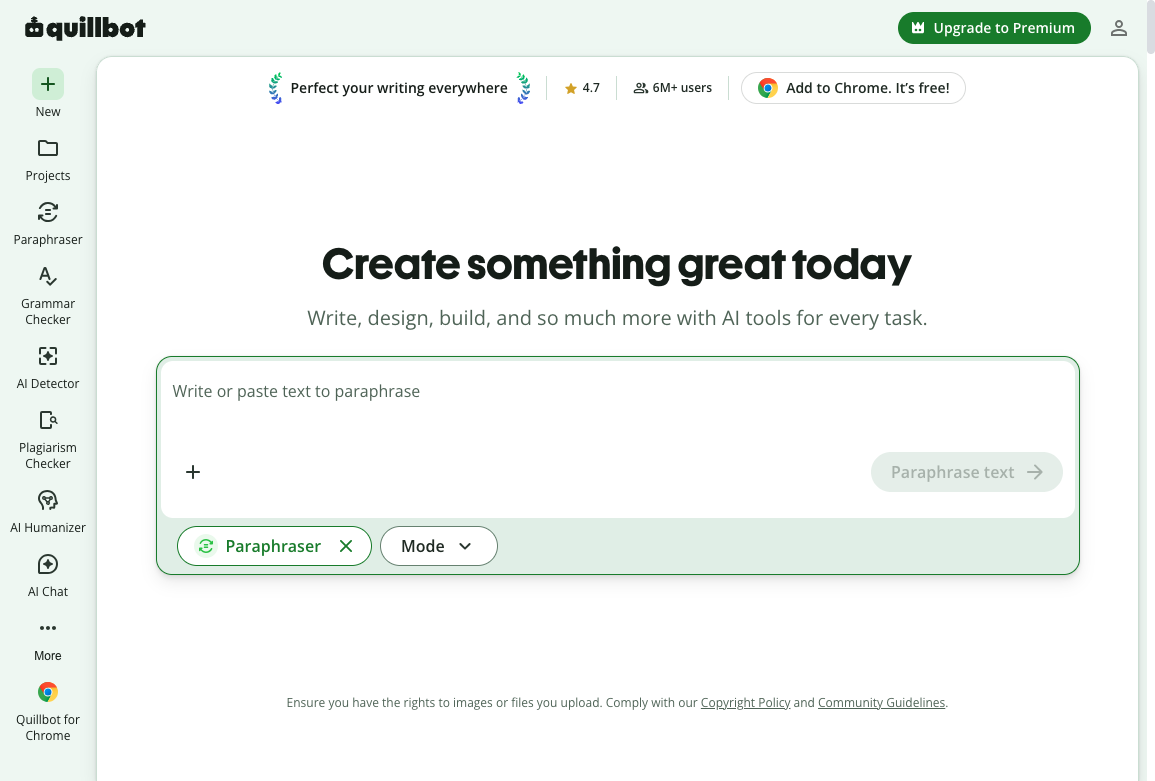
QuillBot is less of a full content platform and more of a practical editing companion.
That distinction matters. Sometimes you do not need a new draft. You need to make an existing paragraph clearer, shorter, more formal, more readable, or less repetitive.
Use QuillBot when you need:
- paraphrasing
- sentence rewriting
- grammar cleanup
- summaries
- tone adjustments
- a polishing pass on AI-generated text
QuillBot is easy to understand: paste text, choose the kind of change you want, and review the result. That makes it useful for students, writers, marketers, and professionals who want sentence-level control.
Where QuillBot is weaker: it is not the best tool for building a content strategy or generating complex long-form articles from scratch. It can generate text, but editing is its stronger use case.
For more serious rewrite workflows, compare dedicated AI rewriter tools before deciding whether QuillBot is enough.
A focused paraphraser is better when the task is narrow: clean up the wording, preserve the meaning, and avoid rebuilding the whole piece.
Best for: writers who already have a draft and want to improve clarity, tone, and wording.
10. Notion AI: Best for Internal Docs and Team Notes
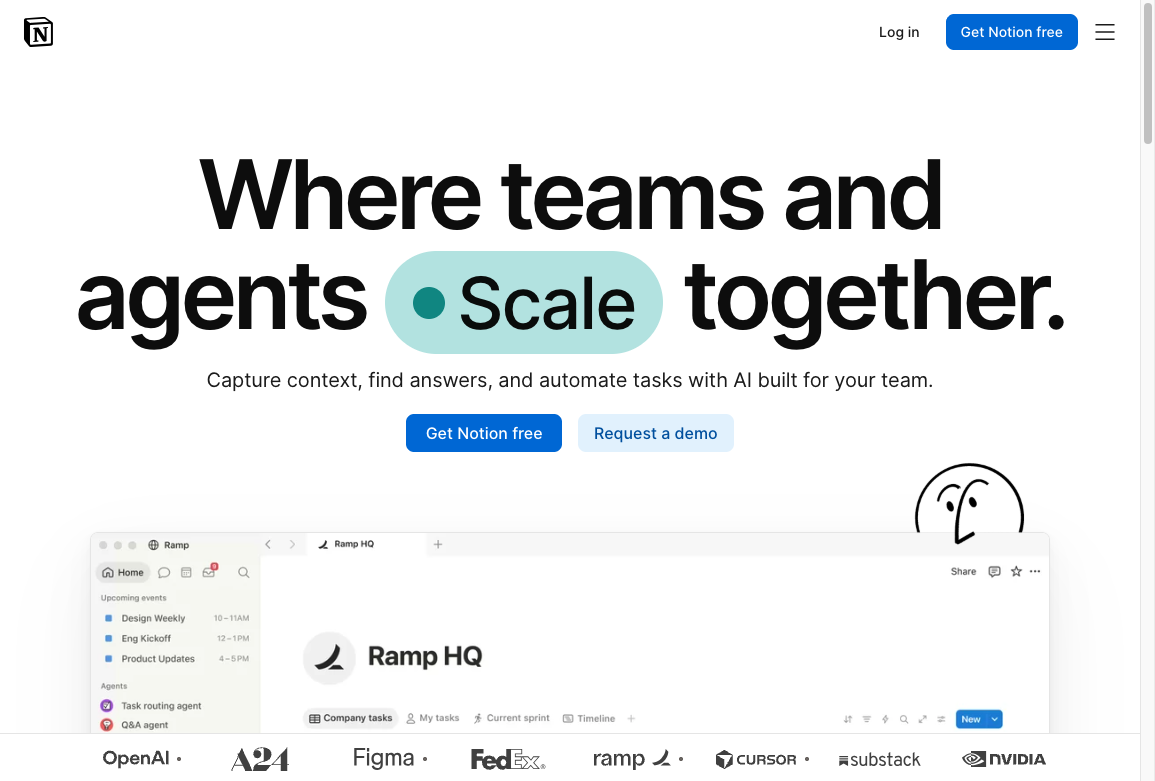
Notion AI is strongest when the writing already happens inside Notion.
It is not the most powerful standalone AI text generator, but it is convenient. And convenience matters when teams are writing meeting notes, project plans, internal docs, brainstorms, and content briefs.
Use Notion AI when you need:
- meeting summaries
- internal documentation
- project notes
- brainstorms
- content briefs
- quick rewrites inside Notion pages
The main benefit is reduced context switching. If your notes, plans, and drafts already live in Notion, AI assistance inside that workspace can save time.
Where Notion AI is weaker: it is not ideal for SEO-heavy publishing workflows. It can help draft and organize, but it does not replace a dedicated article writer, optimization platform, or editorial process.
Best for: teams that already use Notion and want AI help inside their internal workspace.
11. Rytr: Best Budget-Friendly AI Text Generator
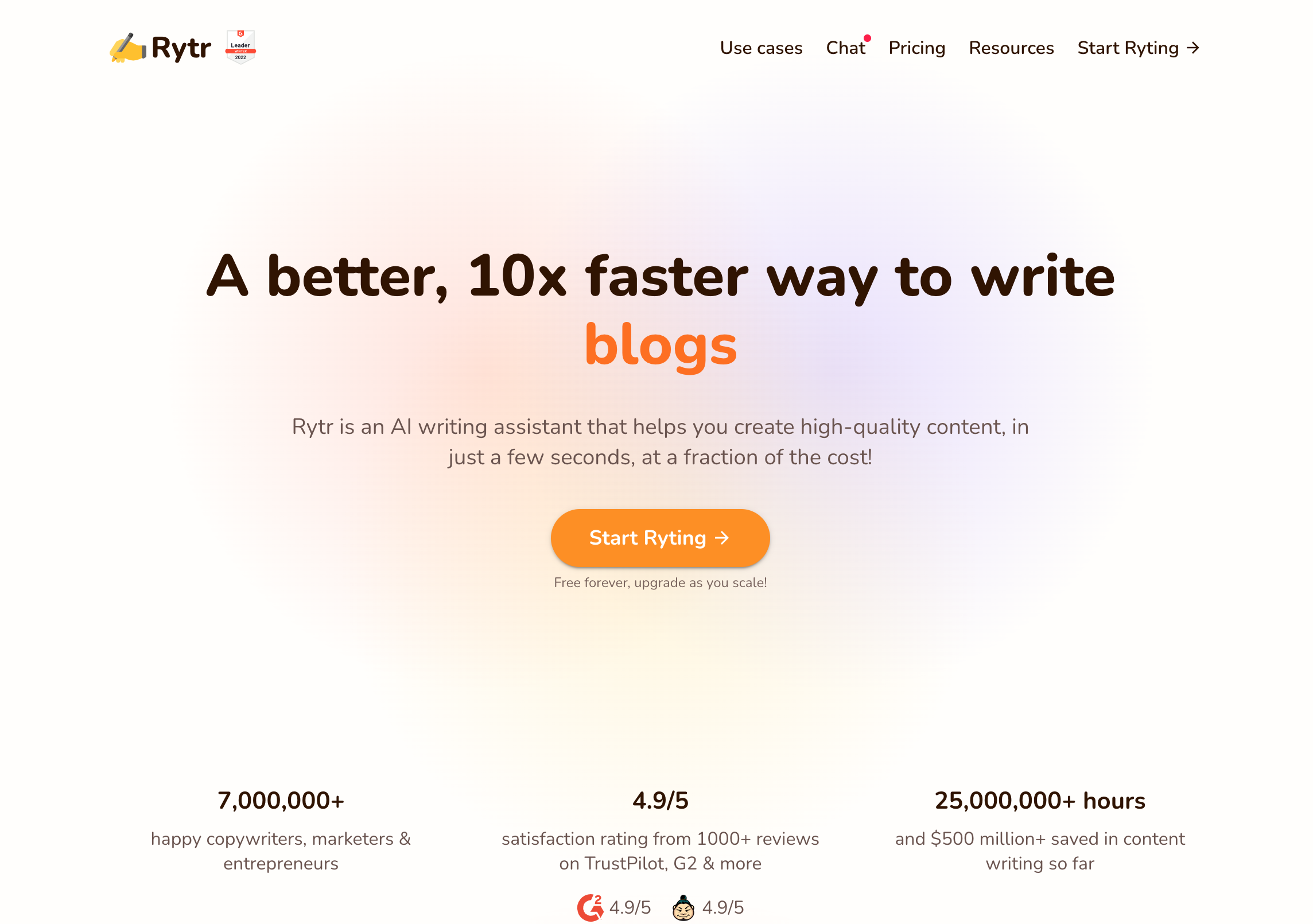
Rytr is a simple, affordable AI writer for lightweight content needs.
It is not the deepest tool on this list, but not everyone needs a complex platform. Sometimes you need a quick caption, a simple product description, a short blog section, or a few social post variations.
Use Rytr when you need:
- captions
- short blog sections
- product descriptions
- social media posts
- lightweight marketing copy
- affordable AI writing support
Rytr works best when the task is short, clear, and low-risk. It can be a useful entry point for freelancers, small teams, and casual users who do not want to pay for a full content suite.
I see Rytr as a practical starter tool rather than a publishing system. For quick copy, that is fine. For a page that needs to rank, persuade, or carry brand authority, I would want a stronger workflow around it.
Where Rytr is weaker: the output can be generic if the prompt is thin. It also lacks the depth, workflow controls, and SEO support of stronger long-form tools.
Best for: budget-conscious users who need simple short-form copy.
12. Sudowrite: Best AI Text Generator for Fiction
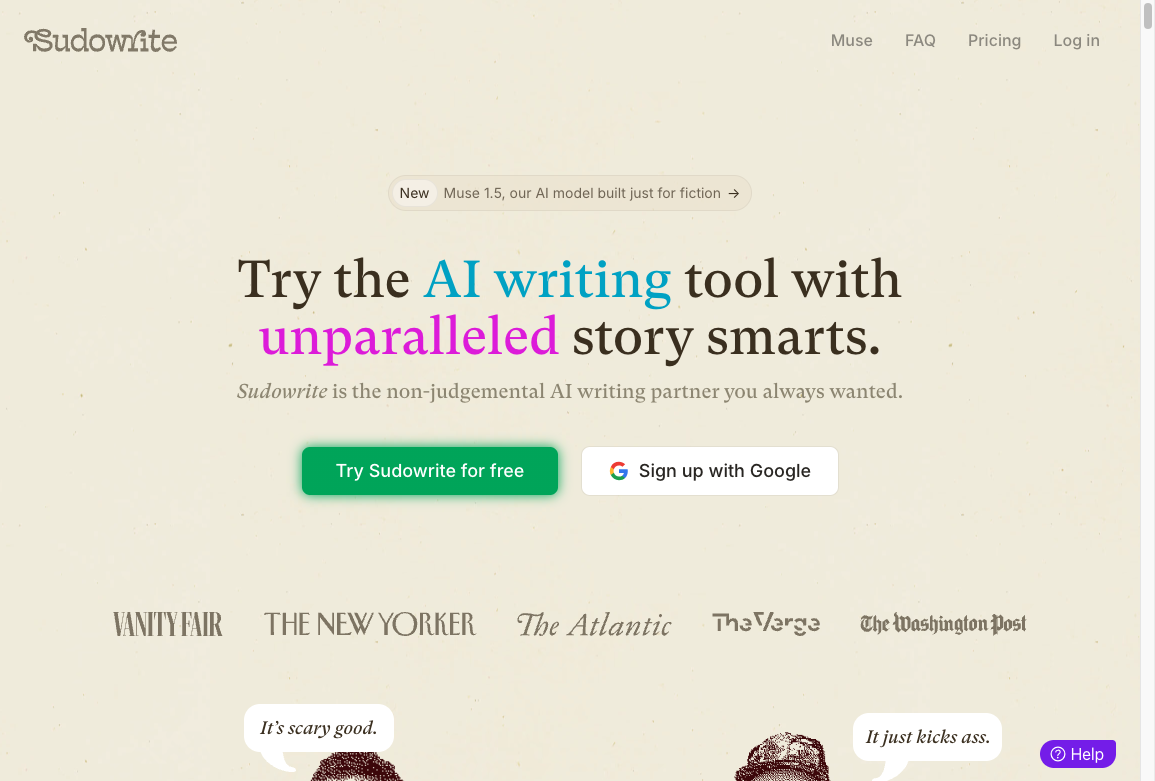
Sudowrite is different because it is built around creative writing.
If you write SEO articles, sales emails, or landing pages, Sudowrite probably should not be your first choice. If you write scenes, dialogue, character notes, story outlines, or fiction drafts, it deserves attention.
Use Sudowrite when you need:
- fiction scenes
- character ideas
- plot brainstorming
- story outlines
- sensory descriptions
- creative rewrites
Sudowrite does not try to be every kind of writing tool. Its features are built around story momentum: expanding scenes, describing moments, developing characters, and moving through story beats.
That focus is what makes it useful. I would rather use a fiction-specific tool that understands scenes and revision than force a business writing platform into creative work it was never designed to handle.
Where Sudowrite is weaker: it is not built for SEO, business copy, or team content operations.
Best for: fiction writers who want help developing scenes, characters, and story structure.
Which AI Text Generator Should You Choose?
The best tool depends on the writing job, not the longest feature list.
| If your main job is... | Choose... | Why |
|---|---|---|
| Publishing SEO articles | Junia AI | It supports the full path from topic to structured draft |
| Exploring ideas and editing text | ChatGPT | It is flexible and fast across many writing tasks |
| Long drafts and detailed editing | Claude | It follows style instructions closely on long documents |
| Writing inside Google Docs and Gmail | Gemini | It works where Workspace teams already write |
| Keeping marketing copy on brand | Jasper | It has stronger brand and campaign controls |
| Writing with SEO optimization built in | Writesonic | It combines writing and content optimization features |
| Creating sales and GTM copy | Copy.ai | It is shaped around revenue and outreach workflows |
| Managing enterprise language controls | Writer | It supports governance, terminology, and compliance needs |
| Improving an existing draft | QuillBot | It is strongest at sentence-level rewriting |
| Drafting inside a team workspace | Notion AI | It works where internal docs already live |
| Producing simple copy cheaply | Rytr | It is lightweight and affordable |
| Writing fiction | Sudowrite | It is built for story development |
If you are still unsure, write down the three text tasks you do most often. Then choose the tool that improves those tasks with the least extra setup.
When I test writing tools, this is the question I keep coming back to: does the tool reduce the number of editorial decisions I have to make, or does it simply produce more text for me to judge?
A Simple Test Before You Pay for Any AI Text Generator
Before buying a paid AI text generator, test each tool with the same prompt. This gives you a cleaner comparison than reading feature pages.
Use a prompt like this:
Write a 900-word section for small business owners about choosing an AI writing tool. Use a practical, friendly tone. Include a short comparison table, avoid hype, explain tradeoffs, and give a final recommendation for people who care about SEO.
Then judge the result on:
- Did it follow the requested structure?
- Did it sound generic?
- Did it include specific tradeoffs?
- Did it make unsupported claims?
- Did it add useful examples?
- Did it need heavy editing?
- Did the tool help you improve the draft after generation?
I like this test because it exposes the real difference between tools. Homepages can look similar. Editing a real draft is where the workflow either helps or gets in the way.
I would also run the same test with one of your real drafts. A polished demo prompt is useful, but a messy draft from your own workflow reveals whether the tool understands your actual constraints.
What Makes AI-Generated Text Good Enough to Publish?
Good AI-generated text still needs human judgment.
That is not a flaw in AI writing. It is the publishing workflow.
A generated paragraph is not a published page. Google’s concern is scaled, unhelpful content, not whether a model typed the first draft. If the page would not exist without the prompt, it is not ready.
Google Search Central’s explanation of auto-generated content is the standard I use when a draft looks “done” after one pass:
Google Search Central on auto-generated content in Search
I have become more convinced of this over time: AI is strongest when it speeds up the draft, but a human editor still has to decide what is true, what is useful, and what deserves to stay on the page.
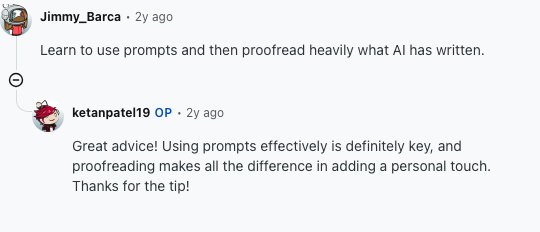
The same point shows up in working content communities: in a practical r/content_marketing discussion about writing with AI without sounding like AI, the recurring advice is to use prompts well and then proofread heavily before anything public goes live.
AI can help with outlines, drafts, rewrites, summaries, metadata, variations, and idea generation. The final page still needs:
- accurate facts
- clear structure
- original examples
- useful internal links
- a real point of view
- source checks for important claims
- editing for rhythm, repetition, and specificity
The 2026 Stanford AI Index notes how quickly generative AI adoption has spread, including broad organizational use and fast consumer adoption. That raises the bar for published content. If many people can generate a decent first draft, the advantage comes from better context, better editing, stronger examples, and clearer expertise.
For SEO content, the standard is simple: would this page help the reader more than the competing pages? If the answer is no, generating more words will not fix it.
That is also why choosing AI writing tools for SEO should start with workflow fit. The tool should help you understand intent, structure the article, support claims, and edit the final draft instead of merely producing a longer version of the same generic answer.
Common Mistakes to Avoid
The biggest mistake is publishing raw AI output without editing it.
Other common mistakes:
- choosing a tool before defining the workflow
- asking for long-form content with no source material
- using the same generic prompt every time
- ignoring search intent and internal links
- trusting product claims without testing output
- over-optimizing for keywords instead of usefulness
- generating more content than you can review properly
If your drafts keep sounding generic, the problem may not be the model. It may be the prompt, the missing context, or the editing process. A better prompt should define the audience, goal, format, tone, examples, constraints, and source material. A repeatable process for using an AI text generator can fix many weak outputs before you switch tools.
My rule is simple: do not switch tools until you have tested the same task with better context and a real editing pass. Otherwise, you may just move the same weak workflow into a new interface.
Final Recommendation
If your goal is long-form content, SEO articles, and a smoother path from idea to publishable draft, start with Junia AI.
If you want the most flexible general writing assistant, use ChatGPT. If you need brand-controlled marketing campaigns, try Jasper. If your work is mostly sales copy, Copy.ai makes more sense. If you already have a draft and only need cleaner wording, use QuillBot.
The best AI text generator is not the one that writes the most words. It is the one that helps you publish better work with less wasted editing. For long-form pages, that usually means pairing a generator with a proper AI article writer workflow instead of hoping a chatbot remembers your outline.
That is why my default pick is Junia AI for SEO publishing, ChatGPT for flexible thinking, and the specialized tools only when their specific workflow clearly matches the job.