
Free Checklist Generator
Create organized checklists for operations, marketing campaigns, SOPs, travel planning, events, onboarding, and project execution. Get practical task lists that are easy to follow, share, print, or customize.
Checklist
Your checklist will appear here...
How the AI Checklist Generator Works
Get results in seconds with a simple workflow.
Enter a Task or Goal
Type what you want to accomplish (for example: publish an SEO blog post, launch a landing page, onboard a new client, or plan a trip).
Choose Type and Detail Level
Select a checklist type (Content, SEO, Project, SOP) and choose simple, balanced, or thorough detail to match your workflow and time constraints.
Generate and Use the Checklist
Copy the checklist into your tool of choice, assign owners if needed, and run it as a repeatable process to reduce errors and speed up execution.
See It in Action
Turn a vague task into a structured, step-by-step checklist you can follow or share with a team.
Task: Publish a blog post
I just need a checklist to make sure I don’t miss anything.
Checklist: Publish a Blog Post (SEO + QA)
Planning
- Confirm primary topic and target audience
- Define search intent (informational/commercial/transactional)
Draft & Structure
- Write an SEO-friendly title aligned to the query
- Create an outline with H2/H3 headings
- Add examples, steps, and clear takeaways
On-Page SEO
- Include primary keyword naturally in the intro
- Add related terms and variants where relevant
- Add 3–8 internal links to related pages
- Add descriptive image alt text
- Write a compelling meta description
Pre-Publish QA
- Proofread for clarity and remove repetition
- Check links, formatting, and mobile readability
Post-Publish
- Submit/inspect URL in Search Console (if applicable)
- Track impressions/clicks and update content based on queries
Why Use Our AI Checklist Generator?
Powered by the latest AI to deliver fast, accurate results.
Instant Step-by-Step Checklist Creation
Generate clear, actionable checklists for any task—ideal for project planning, content workflows, marketing launches, and day-to-day productivity.
Multiple Checklist Types (Project, Content, SEO, SOP)
Choose a checklist type to match your goal, including SEO checklists for on-page optimization, content publishing, and pre-launch review steps.
Scannable, Print-Friendly Formatting
Outputs a clean checklist with grouped sections and checkbox-ready items so users can copy, paste, print, or share with a team instantly.
Context-Aware Recommendations
Add constraints like platform, deadline, or tools, and the generator adapts steps to your workflow—reducing missed requirements and rework.
Quality Checks to Reduce Mistakes
Includes verification items (QA-style) to catch common errors—helpful for publishing content, shipping projects, and ensuring consistent SOP execution.
Pro Tips for Better Results
Get the most out of the AI Checklist Generator with these expert tips.
Add a clear definition of “done” in the context box
Including acceptance criteria (what success looks like) produces a more practical checklist with fewer vague steps and better QA items.
Use grouped sections to match your workflow
For SEO and content checklists, ask for sections like Planning, Writing, On-Page SEO, Internal Links, Images, Pre-Publish QA, and Post-Publish Tracking.
Turn the checklist into an SOP for repeatable results
If you do the task often, generate a thorough checklist and reuse it as an SOP—especially for publishing workflows, audits, and recurring marketing tasks.
Include post-publish tracking steps for SEO
Add steps like indexing checks, internal link additions, Search Console monitoring, and updating the content based on impressions and queries.
Keep items action-oriented and measurable
A strong checklist uses verbs and clear outputs (e.g., “Add 3 internal links to related pages”) instead of vague goals (e.g., “Improve SEO”).
Who Is This For?
Trusted by millions of students, writers, and professionals worldwide.
Generate a Practical Checklist with an AI Checklist Generator
A checklist only works when it is specific enough to run. "Publish the post" is not a checklist. "Review the meta title, add internal links, preview mobile formatting, and submit the URL for indexing" is much closer.
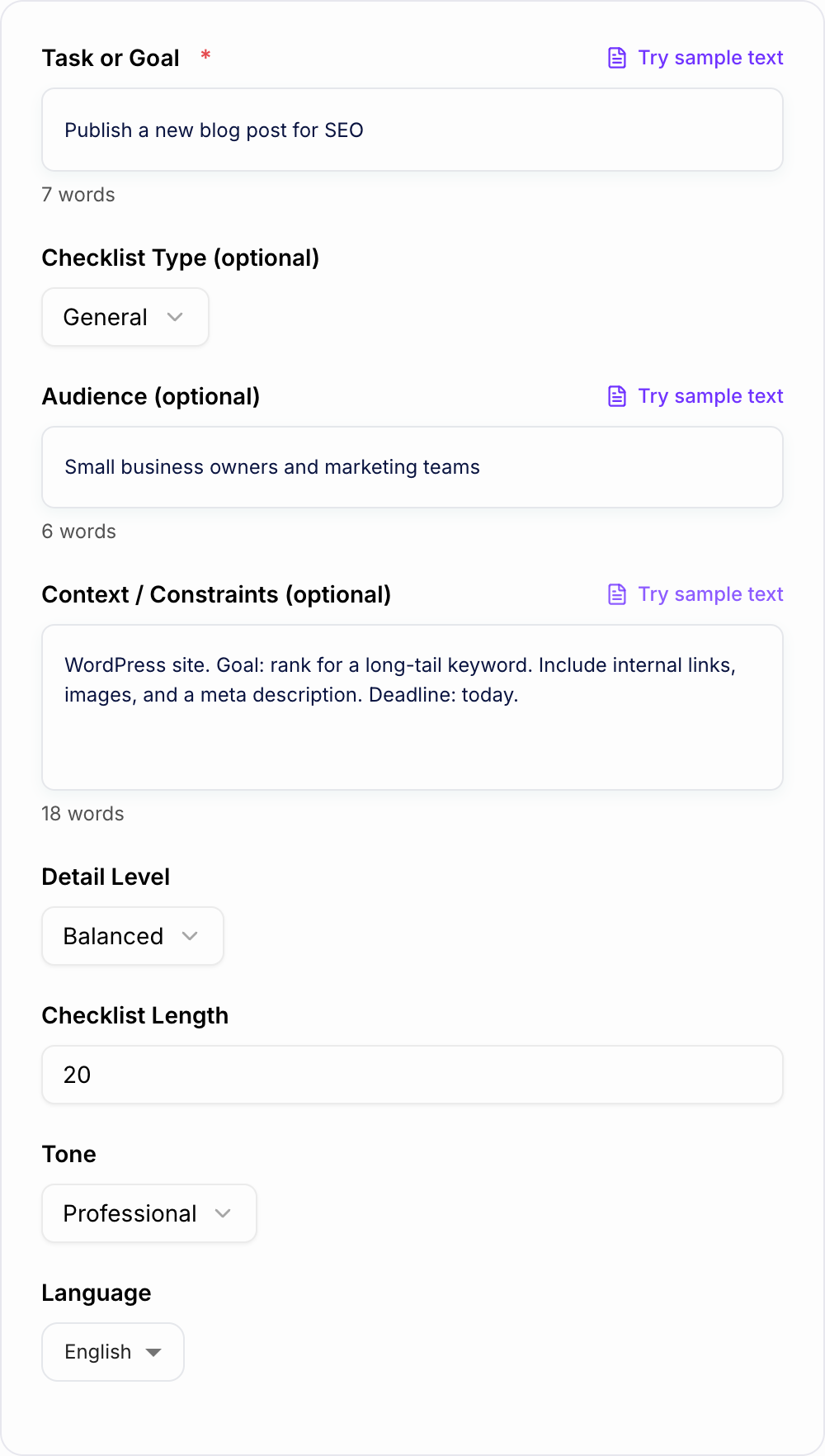
This AI Checklist Generator turns a task, process, or routine into a structured list of steps you can actually follow. Use it when you need a quick reminder list, a detailed project checklist, a QA pass, or the first draft of a reusable SOP.
What to enter into the checklist generator
Start with the task you want to complete. Then add the details that change how the checklist should be built.
Useful inputs include:
- The task or process: "launch a landing page", "onboard a new client", "pack for a 7-day trip"
- The person using it: editor, project manager, assistant, teacher, student, freelancer
- The platform or tool stack: WordPress, Shopify, Google Docs, Notion, Asana, GA4
- The deadline or cadence: daily, weekly, before launch, end of month
- The definition of done: what must be true before the task is complete
- Approval rules: who reviews, signs off, or receives the handoff
You do not need to write a full brief. Even two or three constraints can move the output from generic to useful.
Choosing quick, balanced, SOP, or QA checklist formats
Use the format that matches the risk of the task.
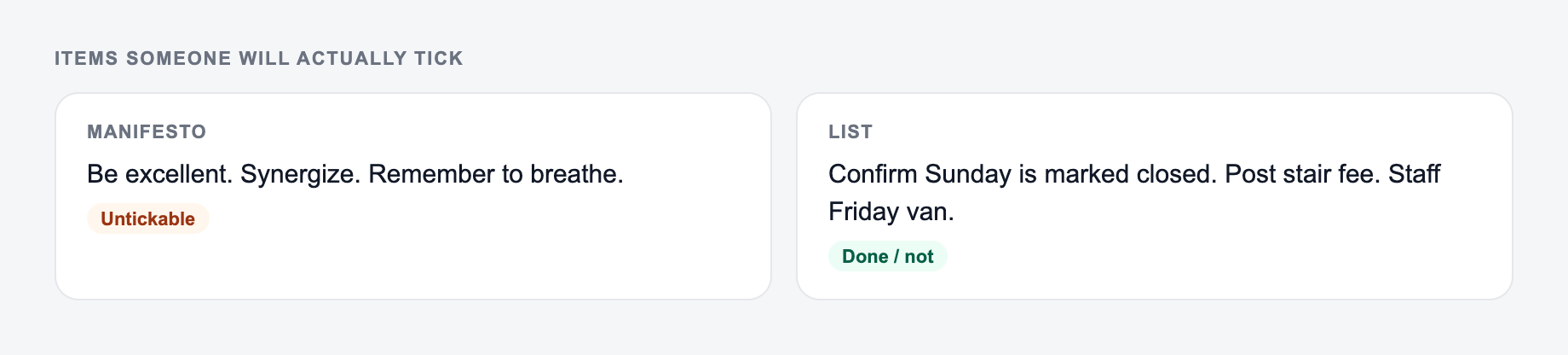
A quick checklist is best when you already know the process and only need a reminder. It works for packing, recurring admin, simple publishing steps, or daily routines.
A balanced checklist is better for projects with several phases. It can group steps into planning, execution, review, and follow-up so the list is easier to scan.
An SOP-style checklist is the right choice when another person will run the process. Ask for owner cues, timing notes, dependencies, and approval checkpoints.
A QA checklist is useful when the work is mostly done and you need to catch mistakes before publishing, sending, submitting, or handing off.
Example input and generated output
Try an input like this:
The job and who will use the list belong on the form.
Use the AI Checklist Generator as a mechanical pass. If the output needs a judgment call (legal, medical, grading, production code), a person still owns the last look.
Create a checklist for publishing an SEO blog post in WordPress. Include editing, internal links, metadata, formatting, image checks, and post-publish tracking. The user is a content editor.
A strong generated checklist should include phases like:
- Confirm search intent and article structure
- Review the title, H1, headings, and intro
- Add useful internal links without forcing anchors
- Check images, alt text, formatting, and mobile preview
- Review the meta title and meta description
- Publish, test links, and monitor Search Console
That output gives you a working base. After generating it, add your own team rules, required tools, naming conventions, and approval steps.
How to refine a generated checklist before using it
These are the complaints that show up after the first draft — they are almost always about the brief, not the model.
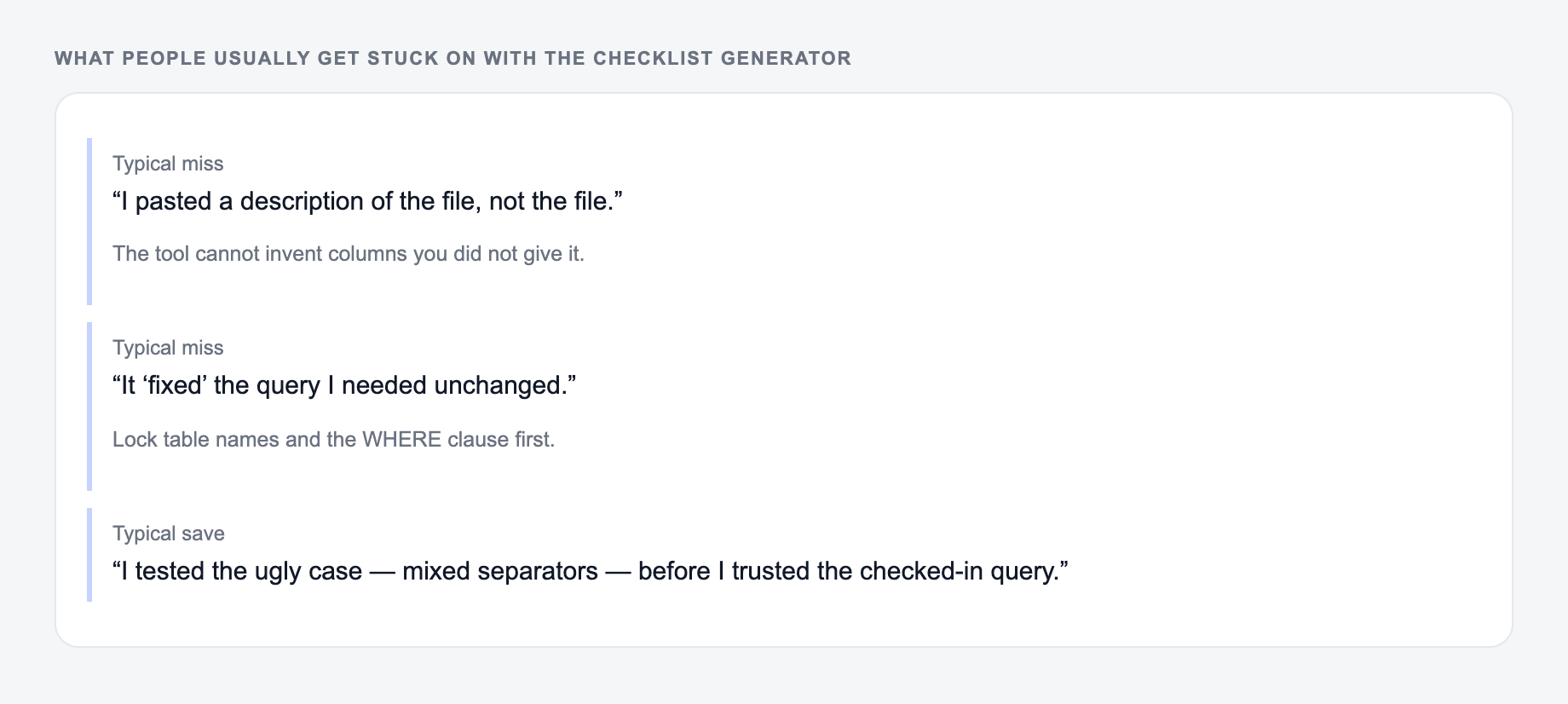
Do not treat the first output as final. Run a quick quality pass:
- Remove steps that do not apply to your workflow
- Combine duplicate items
- Add missing platform-specific details
- Put steps in the order they actually happen
- Add owners for team workflows
- Add verification steps for anything that commonly breaks
For a broader content workflow, the tools on Junia AI follow the same practical pattern: generate a useful draft, then make the final pass with your real constraints in mind.
Common misses with the Checklist Generator:
- Describing the file instead of pasting it.
- Running one setting across mixed formats.
- Pasting live customer or student data “to see what happens.”
Final review checklist for your checklist
Before you share or save the checklist as a template, ask:
- Does every item start with a clear action?
- Could someone else follow it without asking what you meant?
- Are the most important checks included before the final handoff?
- Are deadlines, owners, or approvals clear where they matter?
- Does the checklist remove uncertainty instead of adding more reading?
If the answer is yes, you have more than a list. You have a repeatable workflow.
Frequently Asked Questions
What is an AI checklist generator?+
An AI checklist generator creates a step-by-step checklist from a short task description. It helps you plan, execute, and review work with fewer missed steps—useful for SEO, content publishing, projects, and SOPs.
Can I generate an SEO checklist for blog posts and web pages?+
Yes. Use the SEO or Content checklist type (or an SEO-focused mode) to generate on-page SEO and pre-publish checks like headings, keyword placement, internal linking, metadata, images, and readability.
How do I make the checklist more specific to my workflow?+
Add context such as platform (WordPress, Webflow), goals (rank for a keyword, improve conversions), constraints (deadline, team roles), and tools (Search Console, Ahrefs). The checklist will adapt to those requirements.
Is the checklist formatted for printing or copying into tools?+
Yes. The output is plain text with clear sections and checkbox-style items so you can paste it into Notion, Google Docs, Trello, Asana, ClickUp, or a SOP template.
How many items should a good checklist include?+
It depends on complexity. Quick checklists might be 8–15 items, while thorough SOP or SEO checklists can be 20–50 items with sub-steps and verification checks.
Will the checklist include quality control steps?+
Yes. When you choose thorough detail or QA-style guidance, the checklist will include verification items to catch common mistakes and ensure consistent results.