
Free Conclusion Generator
Use the AI Conclusion Generator to turn a draft, thesis, or bullet-point summary into a clear final paragraph. Create blog conclusions, essay endings, report summaries, and CTA-driven closing sections that feel finished instead of repetitive.
Conclusion
Your conclusion will appear here...
How the AI Conclusion Generator Works
Get results in seconds with a simple workflow.
Paste Your Text or Add Key Points
Provide your blog post, essay, email, or a short list of key points. More context helps the tool write a conclusion that matches your content and avoids generic endings.
Choose Style, Tone, and Length
Pick a conclusion style (SEO, academic, CTA, short), set your tone, and choose a target length so the closing paragraph fits your format and audience.
Generate and Fine-Tune
Get a ready-to-use conclusion. Optionally add a stronger CTA, adjust formality, or regenerate variations until it fits perfectly.
See It in Action
Example of turning a weak ending into a clear, SEO-friendly conclusion with a takeaway and next steps.
In conclusion, keyword research is important and can help your website. That’s why you should do it.
Keyword research is the foundation of a sustainable SEO strategy because it shows you what your customers actually search for and how competitive those topics are. By targeting realistic long-tail keywords, matching content to search intent, and strengthening internal links, you can build traffic that compounds over time. Start by choosing one primary keyword, collect closely related terms, and map each to a specific page or blog post—then track results and refine as you learn.
Why Use Our AI Conclusion Generator?
Powered by the latest AI to deliver fast, accurate results.
Meaningful Summary + Clear Takeaway
Generates a conclusion paragraph that restates the main idea, summarizes key points, and leaves readers with a clear final takeaway—ideal for blog posts, essays, and reports.
Multiple Conclusion Styles (SEO, Academic, CTA, Short)
Choose the best ending for your content: SEO blog conclusions with next steps, academic wrap-ups with implications, or marketing conclusions with a natural call-to-action.
Consistent Tone and Audience Fit
Adapts the closing paragraph to your preferred tone and audience, helping your writing feel cohesive from introduction to conclusion.
Action-Oriented Next Steps for Blog Posts
For SEO content, it can include practical next steps that improve reader satisfaction, engagement, and content usefulness—signals that support long-term search performance.
Works From Full Text or Bullet-Point Notes
Paste the full article/essay or provide key points—either way, the tool produces a polished conclusion that matches your message without adding unrelated ideas.
Pro Tips for Better Results
Get the most out of the AI Conclusion Generator with these expert tips.
Don’t introduce brand-new points in the conclusion
Strong conclusions synthesize what you already covered. If a new idea feels important, add it to the body first—then regenerate the conclusion for a cohesive ending.
Add 3–7 key points to reduce “generic AI” endings
Bullet points give the model specific anchors (benefits, steps, results), producing a more accurate, keyword-relevant summary that matches your content structure.
Use an action-oriented close for SEO content
SEO conclusions perform best when they summarize and give next steps. This improves user satisfaction and helps readers apply the advice immediately.
Match your CTA to the page goal
For landing pages, end with one clear action (trial, demo, download). For blogs, use a softer CTA (read next, try a checklist, leave a comment).
Keep it proportional to the content length
A 1,500-word article typically needs a longer conclusion than a short email. Use the length control to keep the ending balanced and readable.
Who Is This For?
Trusted by millions of students, writers, and professionals worldwide.
Generate Strong Conclusions with an AI Conclusion Generator
A conclusion should make the draft feel finished. It should restate the main idea in fresh words, connect the key points, and leave the reader with a clear final takeaway. This AI Conclusion Generator helps you do that without copying the introduction or tacking on a weak final sentence.
Use it for blog posts, essays, reports, emails, landing pages, and short-form pieces that need a cleaner ending.
What to paste into the Conclusion Generator
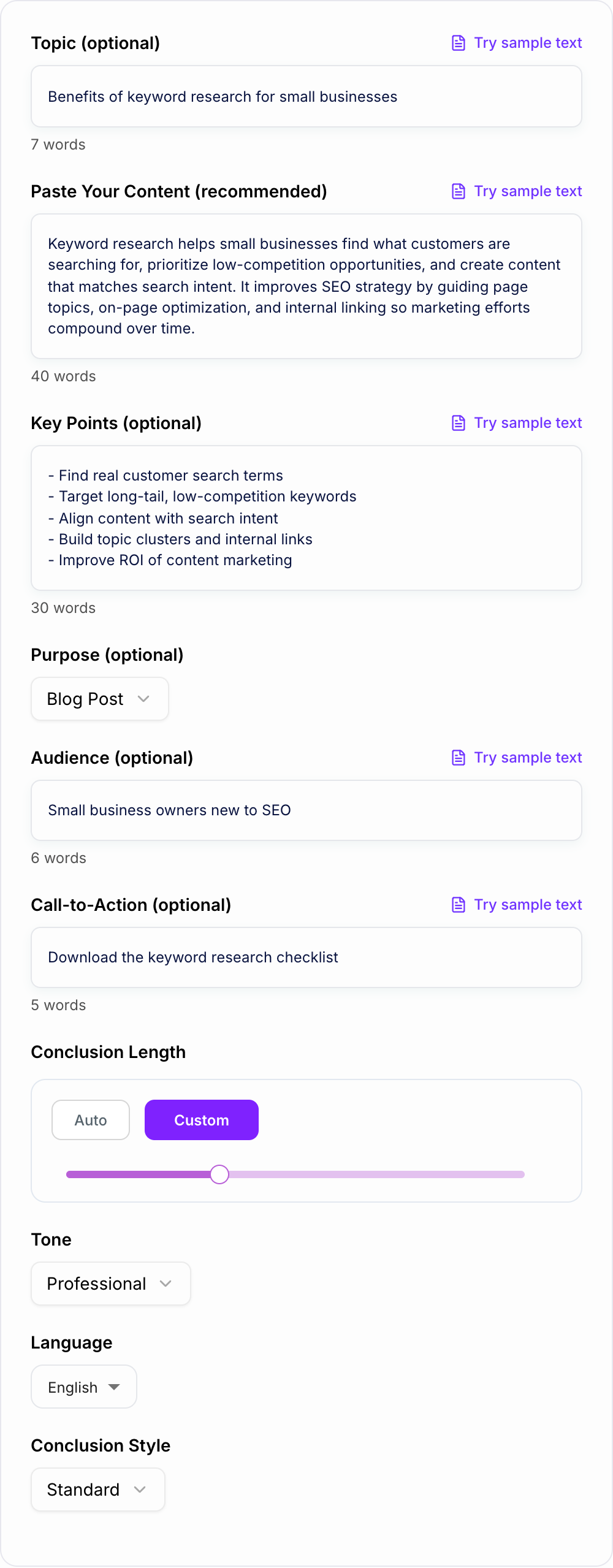
The best input is your full draft. That gives the generator the argument, examples, structure, and tone it needs to write a conclusion that actually fits.
If you do not have the full draft ready, paste:
- the topic or thesis
- 3 to 7 key points
- the audience
- the content type
- any call to action that belongs at the end
For example, do not enter only "content calendars." Enter "a blog post for SaaS marketers about using content calendars to plan topic clusters, publish consistently, and add internal links." That gives the tool enough direction to close the right idea.
How to choose the right conclusion mode
A blog wrap-up, an essay close, and a report recommendation are different jobs. Fill the form with the actual last sections of the piece, then pick the mode that matches the ending you need.
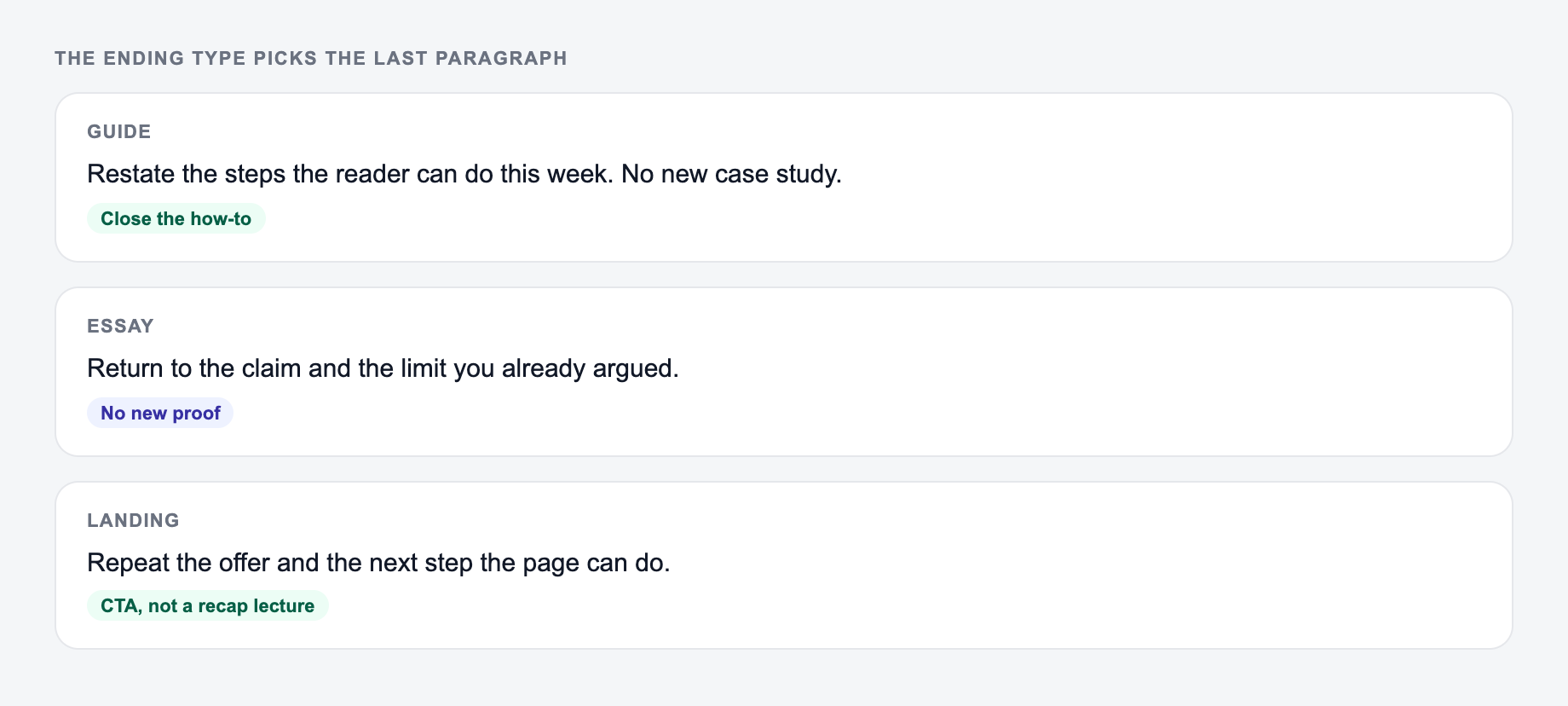
| Ending type | The form should include | Do not invent |
|---|---|---|
| Summary | The article’s real claims | A new statistic |
| Synthesis | Two ideas the body already connected | A twist the piece never earned |
| Recommendation | Who should do what next | A guarantee |
Use standard mode for most articles and reports. Use SEO blog mode when the ending should reinforce the reader benefit and include a practical next step. Use CTA mode when the page should lead to a signup, download, demo, or next article.
Use academic mode for essays, research papers, and formal assignments. In that mode, check that the conclusion restates the thesis, synthesizes the argument, and does not add new evidence.
Short mode works for emails, social posts, and concise articles. Detailed mode works better for long guides, reports, and essays that need more synthesis.
Review the generated conclusion before publishing
A generated conclusion is a draft, not the final pass. Before publishing, check whether it:
- repeats the introduction too closely
- introduces a new argument that belongs in the body
- summarizes every section instead of synthesizing the main point
- includes a CTA that feels bolted on
- ends with a final sentence that is too vague
If the ending sounds generic, add one specific phrase from your article: a key concept, audience pain point, product name, or practical implication.
When to use this tool in a writing workflow
Use the conclusion generator after the body is mostly done. If the article is still changing, the conclusion may close the wrong version of the argument.
For full article creation, draft the piece first with Junia's AI blog post generator, then use this tool to tighten the ending. Before publishing, run the finished piece through a blog post editing checklist and a readability improver so the final paragraph matches the quality of the full draft.
Final checklist for a better conclusion
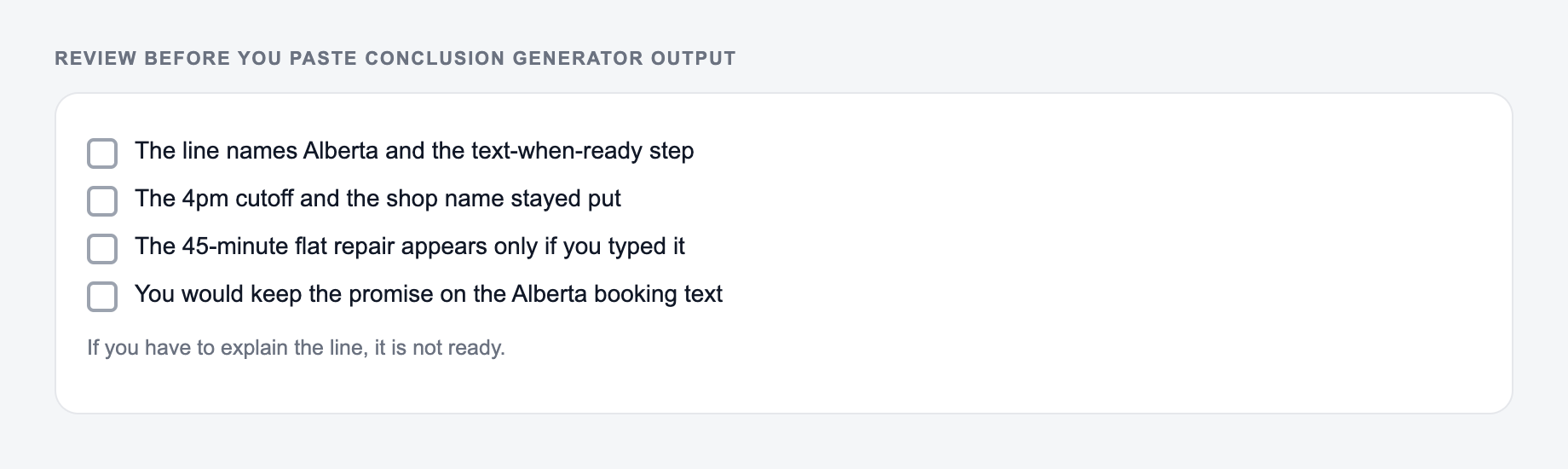
The conclusion is ready when it gives closure, not just summary. It should remind readers what matters, explain why it matters, and end with one clear thought. If the final paragraph could fit any article on the topic, add more detail from your actual draft.
Worked Ending: Summary Versus Synthesis
Weak ending: “In conclusion, content calendars are important for marketing success.” Better illustrative ending: “A calendar earns its place when it connects each planned article to an audience question, a publishing owner, and the next internal link. Start with one month, review what was actually shipped, and change the system before adding more fields.” The second version does not recap every section; it states the operational implication.
AI Article Writer
Turn one keyword into a complete, SEO-optimized article
- Researches the topic and outlines the article for you
- Writes headings, images, FAQs, and internal links in one go
- Publishes to WordPress, Webflow, Shopify, Ghost, and more
Frequently Asked Questions
What is an AI conclusion generator?+
An AI conclusion generator writes a closing paragraph for your content. It summarizes the main idea, reinforces key points, and ends with a strong final sentence—often including next steps or a call-to-action if needed.
Can it write conclusions for essays and academic writing?+
Yes. Choose an academic or formal style and provide your topic, thesis, or full text. The tool will restate the thesis in fresh words, synthesize the arguments, and avoid introducing new evidence.
How do I generate an SEO-friendly blog conclusion?+
Select the SEO Blog Conclusion style and paste your article or key points. The result will recap the post, provide actionable next steps, and end with a natural closing that fits the blog’s search intent.
Will it copy sentences from my content?+
It aims to paraphrase and synthesize rather than copy. For best results, provide your text and key points so it can keep the meaning while writing an original conclusion in a consistent voice.
Can I add a call-to-action in the conclusion?+
Yes. Add an optional CTA (e.g., subscribe, download, start a trial). The tool will include a relevant, non-pushy call-to-action that matches your purpose and audience.
What should I provide for the best conclusion?+
Pasting your content works best. If you don’t have a full draft, add a topic and 3–7 key bullet points so the conclusion accurately reflects what you covered.