
Best AI Content Generators in 2026: 10 Tools Ranked by Real Use Case

Yi
SEO Expert & AI Consultant

The best AI content generator in 2026 is not the tool that creates the most words. After testing these tools against real content workflows, I care much more about the tool that helps you publish useful content with the least rewriting, fact-checking, formatting, and workflow cleanup.
That distinction matters now because almost every writing app claims to be an AI content generator. Some are just prompt boxes with templates. Some are SEO platforms. Some are better for ads, product pages, video scripts, images, or content repurposing. A few can actually support a full content workflow from brief to publish.
If you want the short version, these are the three I would shortlist first. I would not start with ten free trials. I would start with the workflow you need to fix.
| Best for | Tool | Why it stands out |
|---|---|---|
| Long-form SEO content | Junia AI | Built around research, drafting, optimization, brand voice, and publishing |
| Flexible general writing | ChatGPT | Strong for ideation, outlines, rewrites, and prompt-led drafting |
| Marketing teams | Jasper | Useful brand voice and campaign features for teams that produce a lot of marketing copy |
The rest of the list is still worth considering, but for more specific jobs. Copy.ai is strong for short-form marketing workflows. Frase and Surfer are better for SEO briefs and optimization than pure generation. Canva and Synthesia make more sense when "content" includes visuals or video. Grammarly and QuillBot are better as editing layers than primary generators. In my experience, the wrong fit usually shows up fast: the draft may look polished, but the handoff still creates more editing work than it removes.
Quick comparison
| Rank | Tool | Best for | Main limitation |
|---|---|---|---|
| 1 | Junia AI | SEO articles, blog workflows, and one-click publishing | Best fit if written content and organic search are the priority |
| 2 | ChatGPT | General drafting, ideation, editing, and prompt-based writing | Needs strong prompts, source checks, and manual workflow management |
| 3 | Jasper | Brand-led marketing copy and team workflows | Can feel heavy if you only need occasional drafts |
| 4 | Copy.ai | Ads, emails, sales copy, and content repurposing | Less ideal as a serious long-form SEO publishing system |
| 5 | Frase | Research briefs and SEO-led article planning | Output still needs a strong editor |
| 6 | Surfer SEO | Content optimization and SERP-informed structure | More optimizer than all-purpose generator |
| 7 | Writesonic | Broad content formats and quick marketing drafts | Quality depends heavily on use case and editing standards |
| 8 | Canva Magic Write | Design-adjacent captions, blurbs, and campaign assets | Not built for standalone long-form writing |
| 9 | Synthesia | AI video scripts and avatar-led video content | Useful for video, not a replacement for written content strategy |
| 10 | Grammarly / QuillBot | Polishing, rewriting, and clarity improvements | Better as support tools than primary content engines |
What counts as an AI content generator?
An AI content generator is software that uses AI models to create, rewrite, summarize, or adapt content from a prompt, brief, document, keyword, or dataset. The output can be a blog post, landing page, email, ad, product description, video script, social caption, image prompt, or even a full content plan.
That is why the category gets confusing. An AI article writer is usually focused on written long-form output.
A text generator can produce smaller blocks of copy. A broader content generator may also include SEO briefs, brand voice controls, workflows, publishing, images, video, or repurposing.
For SEO and business content, the best tools usually do more than generate a draft. They help you:
- turn a keyword or topic into a useful structure
- match search intent instead of stuffing keywords
- keep brand voice consistent
- cite or preserve factual claims where needed
- improve readability before publishing
- repurpose the finished content into other formats
- move the draft into your CMS without a messy handoff
That workflow layer is where many tools separate themselves. Fast first drafts are easy now. Publishable content is still harder. That is the line I kept coming back to while comparing these tools.
How I ranked the tools
I weighted the list around practical content work, not novelty. A good AI content generator should save time without making the editor's job worse. Personally, I would rather use a narrower tool that produces a dependable draft than a flashy platform that creates five mediocre assets at once.
| Criterion | What I looked for |
|---|---|
| Output quality | Does the draft sound specific, structured, and usable after light editing? |
| Workflow fit | Does it support briefing, drafting, editing, optimization, and publishing? |
| SEO usefulness | Can it help with search intent, outlines, headings, internal links, and optimization? |
| Brand control | Can teams keep tone, product facts, and messaging consistent? |
| Format coverage | Does it support the content types the user actually needs? |
| Human review support | Does it make fact-checking, editing, and quality control easier? |
There is also a bigger SEO point here. Google says its ranking systems are designed to reward helpful, reliable, people-first content, regardless of whether AI helped create it. So the question is not "Can this tool generate 2,000 words?" The better question is "Can this tool help me publish something worth reading?"
Google's own short answer on automatically generated content is the bar I used while ranking these tools. Generation is allowed. Pages that add nothing are not.
Does Google see automatically generated content as a bad thing?
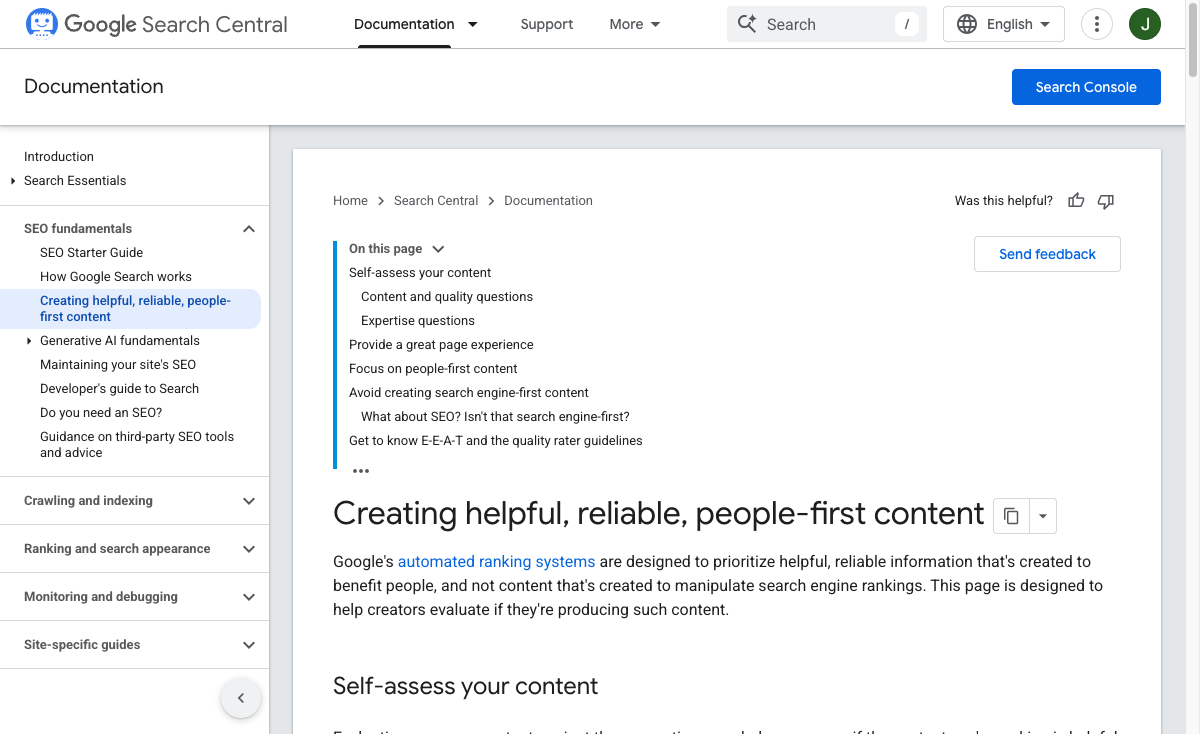
That is the standard I used below. The ranking also gives more credit to tools that make review easier, because that is where AI content workflows usually succeed or fail.
1. Junia AI
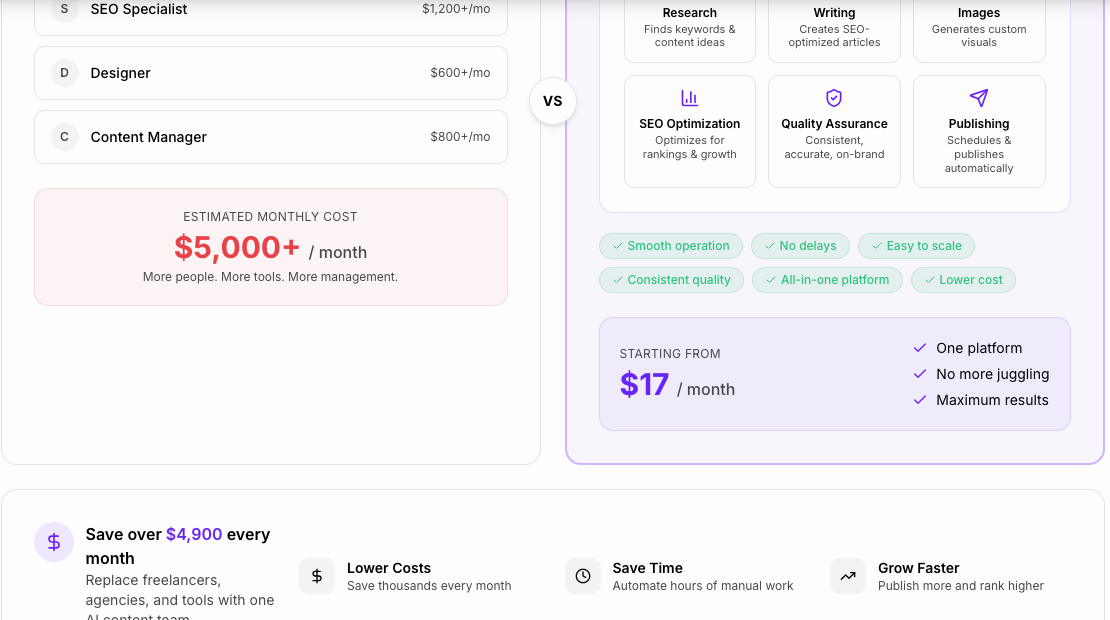
Junia AI is the best overall pick if your main goal is to create long-form content for SEO.
What makes Junia different is that it is not just a blank AI writing box. It is built around the full article workflow: topic research, structure, drafting, SEO optimization, brand voice, editing, and publishing. That matters if you are producing blog content repeatedly and care about rankings, not just words. I find a workflow tool more useful than another open-ended chatbot when the goal is a finished article, not a clever paragraph.
I would choose Junia if you want to create:
- SEO blog posts
- content briefs
- long-form articles
- product-led educational content
- content clusters
- refreshed or expanded existing articles
Junia is especially useful when you do not want to stitch together five separate tools. Instead of using one app for outlines, another for drafting, another for optimization, and another for CMS publishing, Junia keeps the workflow tighter.
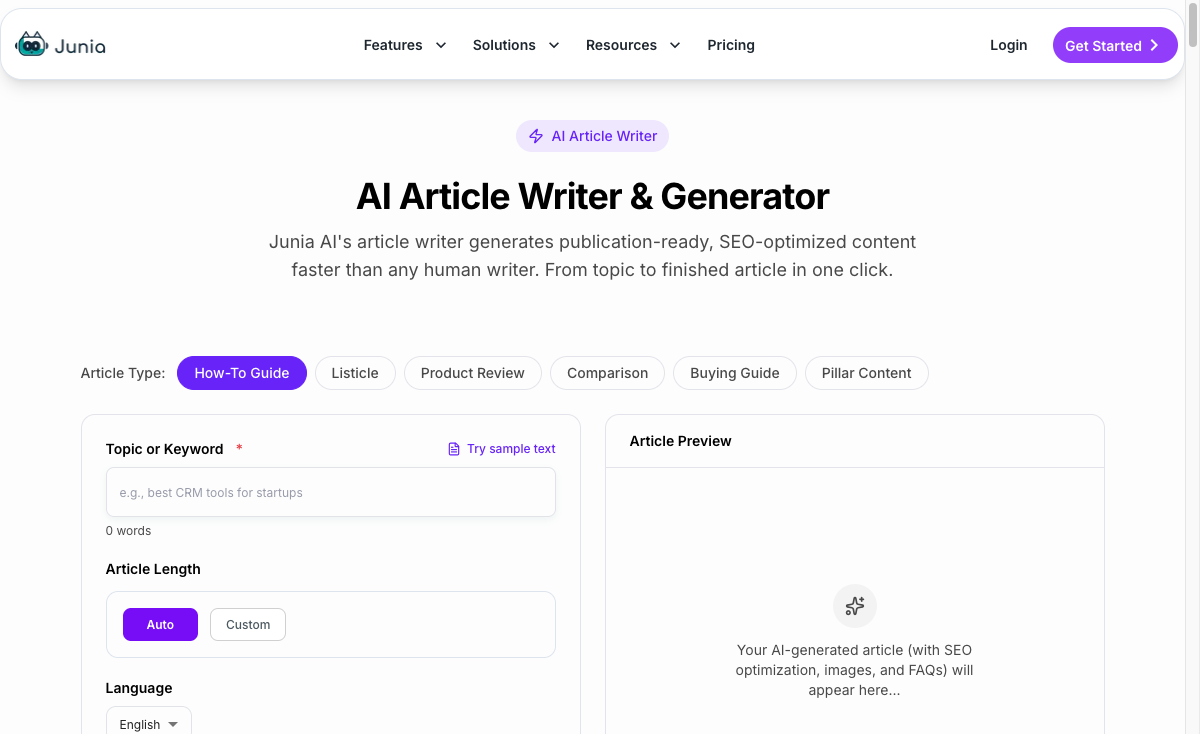
It also fits teams that need content at scale but still want editorial control. You can use AI to speed up the heavy lifting, then use human review to improve examples, claims, tone, and final positioning. That is the healthier way to use AI for SEO, especially if you are building a site for long-term authority. I would be cautious with any system that treats publishing as a one-click finish line; the review step is still where most of the quality is made.
For related workflows, Junia's guide on choosing AI writing tools for SEO is a useful follow-up if organic search is the main goal.
Best for: SEO teams, bloggers, founders, agencies, and content teams that want a practical writing-to-publishing workflow.
Watch out for: If you only need one-off captions or casual brainstorming, a simpler general-purpose AI assistant may be enough.
2. ChatGPT
ChatGPT is still one of the most flexible AI content generators because it can handle almost any writing task with the right prompt.
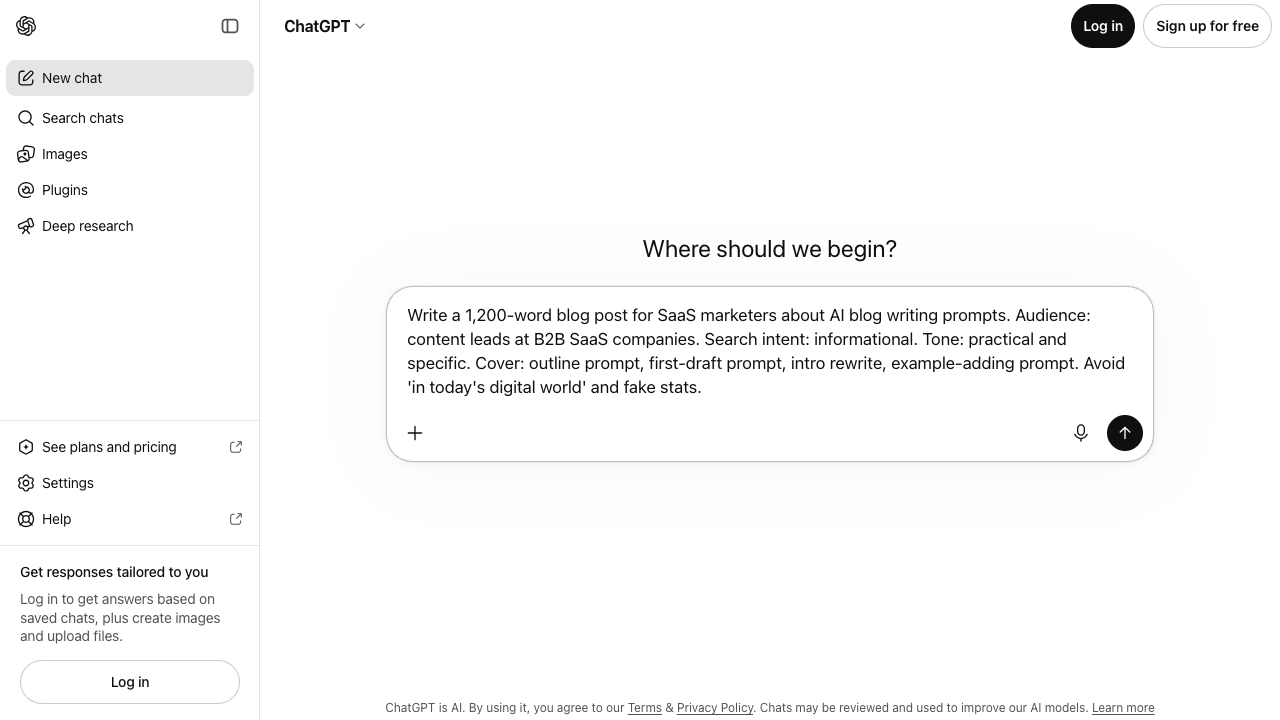
You can use it for topic ideas, outlines, email drafts, blog sections, social posts, interview questions, summaries, rewrites, content repurposing, and editing feedback. It is also easy to iterate: ask for a stronger hook, a tighter structure, more examples, a simpler explanation, or a different tone.
The tradeoff is that ChatGPT is not a dedicated content production system. It will not automatically give you a clean SEO workflow, brand governance, CMS publishing, content briefs, or source discipline unless you build that process yourself.
That is why ChatGPT works best for people who know how to prompt and edit. If you give it a vague instruction, you may get a polished but generic draft. If you give it a clear audience, angle, outline, examples, internal links, claims to verify, and tone constraints, the output becomes much more useful. When I use it for content work, I get the best results by treating it like a drafting partner that needs a tight brief, not like an editor that already knows the business.
Best for: General writing, ideation, rewrites, outlines, and flexible content work.
Watch out for: It can invent details, flatten brand voice, or produce generic prose if you do not give it enough direction.
3. Jasper
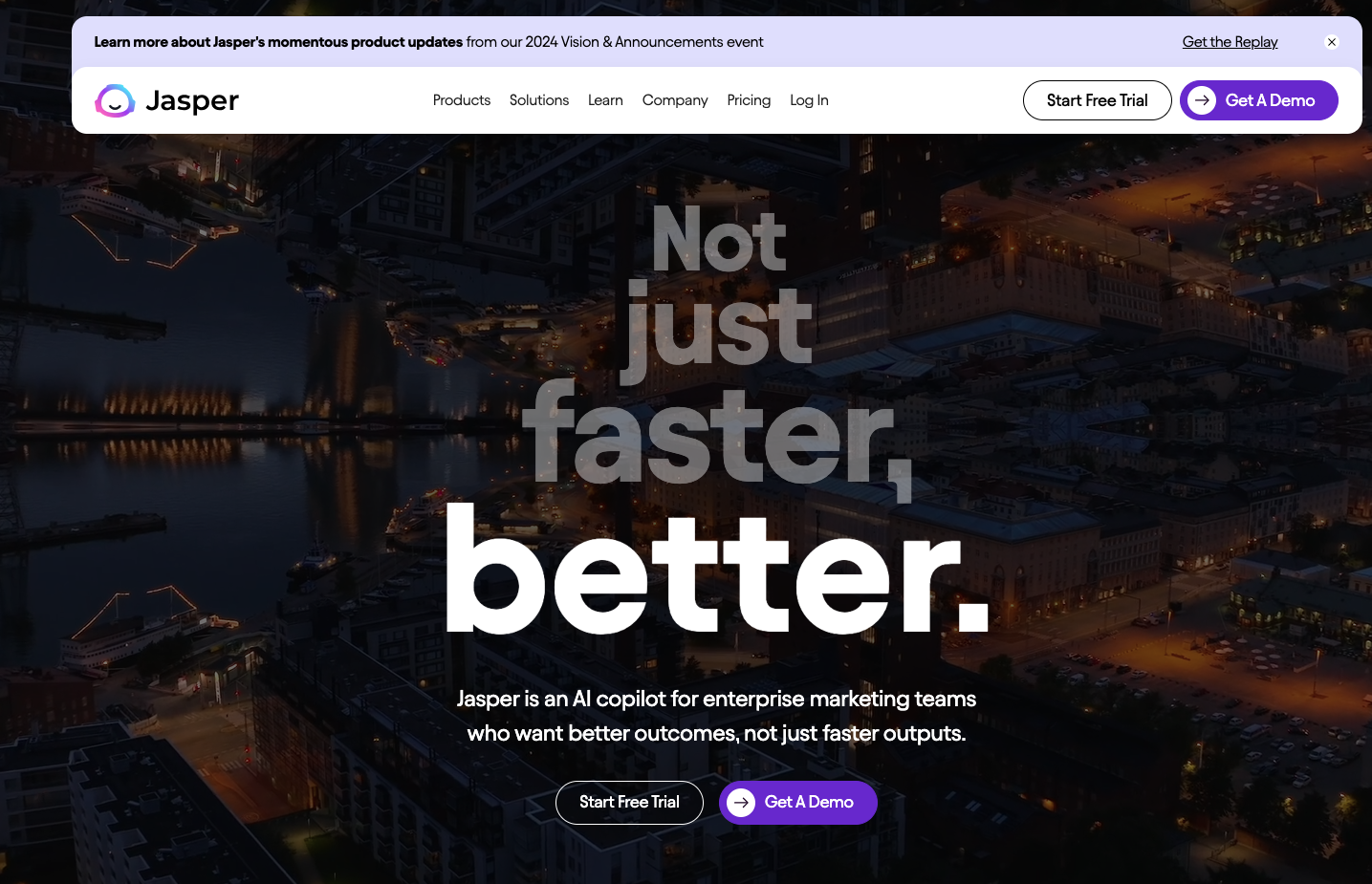
Jasper is a strong option for marketing teams that need repeatable brand-led content across campaigns.
Its main appeal is not that it writes one blog post better than every other tool. The appeal is workflow: brand voice, campaign assets, templates, team collaboration, and marketing-focused outputs. If your team is creating ads, landing page copy, email sequences, product messaging, and blog drafts, Jasper can help keep those assets moving.
Jasper also makes sense for teams that have a defined brand voice and want AI to stay closer to that voice across multiple writers or campaigns. That is more useful than it sounds. A lot of AI content fails because every draft sounds like it came from the same generic assistant. Brand controls help reduce that problem, especially once more than one person is producing assets.
Still, Jasper is not always the first tool I would choose for SEO-first long-form publishing. It can support that workflow, but teams focused heavily on organic search may want a more SEO-native setup or a dedicated optimization process alongside it. The bias should be simple: if search is the main channel, the tool should understand the article workflow before it understands campaign volume.
Best for: Marketing teams, campaign copy, brand voice consistency, and multi-format assets.
Watch out for: It may be more platform than a solo creator needs.
4. Copy.ai
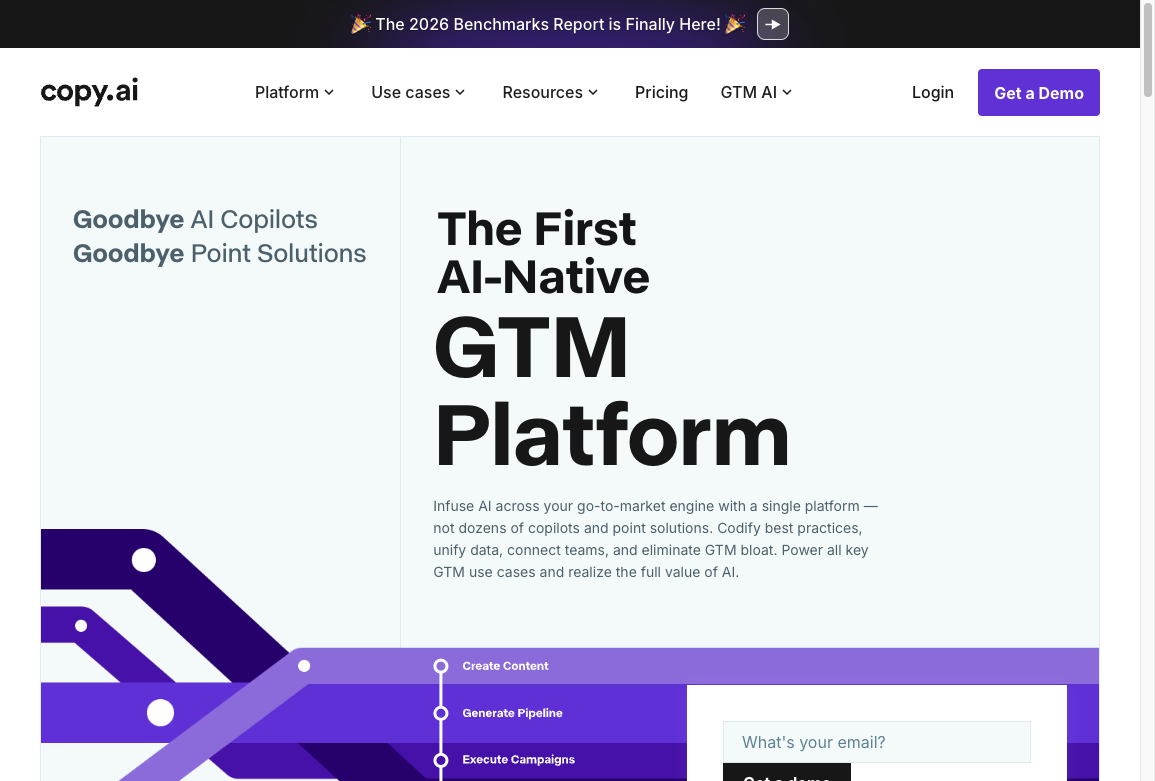
Copy.ai is strongest when you need short-form marketing copy and variations.
It is useful for ads, email ideas, sales copy, social posts, product descriptions, and repurposing existing content into smaller assets. If you have a webinar, blog post, or landing page and want to turn it into social posts, outreach copy, or campaign snippets, Copy.ai can be a good fit.
That is a different job from long-form SEO article production. Copy.ai can help with blog content, but I would not treat it as the main system for serious SEO publishing unless you already have a strong editorial workflow around it.
Where it shines is speed and variation. Need ten headline directions? A few email angles? Several ways to describe the same product benefit? That is where Copy.ai can save time. It works better as a campaign variation tool than as the place where an important article should begin and end.
Best for: Short-form marketing copy, content repurposing, and campaign variation.
Watch out for: Long-form drafts can still need heavy structural editing.
5. Frase
Frase is best understood as a research and SEO briefing tool with AI writing features.
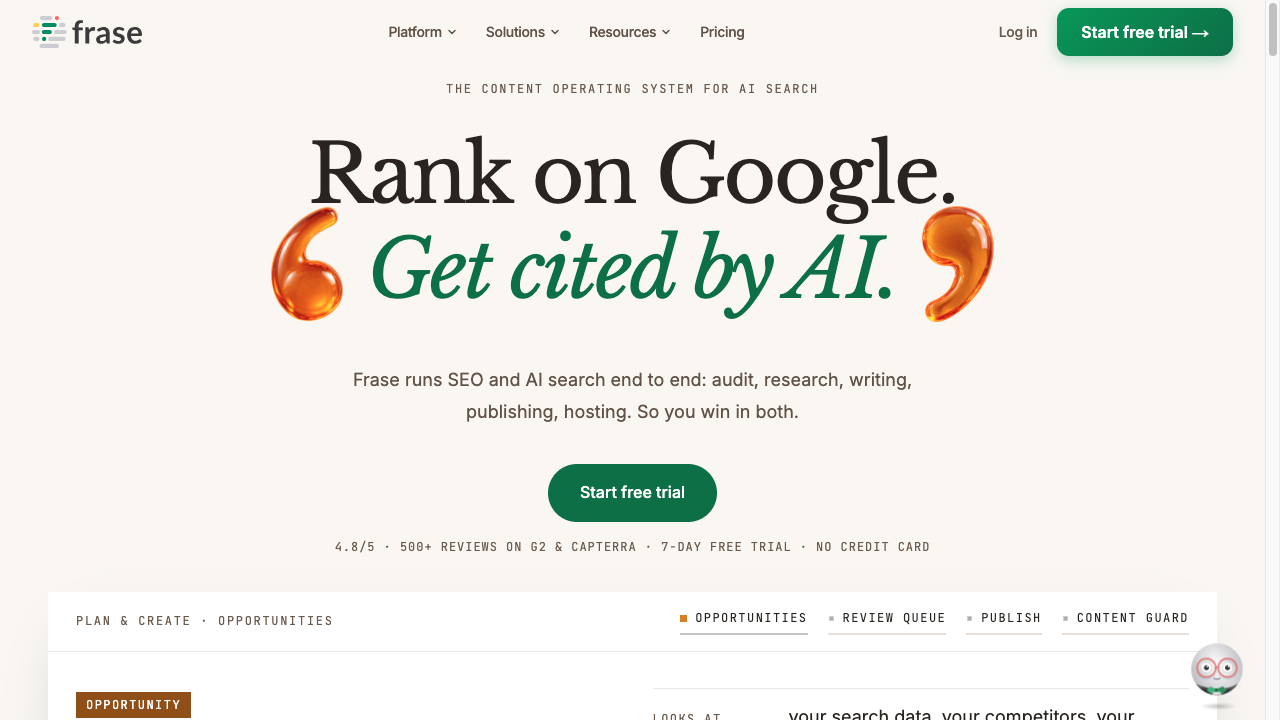
It helps you analyze search results, build content briefs, identify common questions, and structure articles around what people are actually looking for. That makes it useful before the writing starts. A strong brief can prevent a weak draft.
If you are writing SEO content, Frase can help answer questions like:
- What topics do ranking pages cover?
- Which subtopics should this article include?
- What questions should the article answer?
- Where is the current draft thin?
- What headings or entities are missing?
The AI writing side can help you draft sections, but I would still treat the output as raw material. Frase is most valuable when paired with a writer or editor who can add judgment, examples, and a clear point of view. The brief is the real asset here; the draft is only as good as the decisions behind it.
Best for: SEO briefs, content research, search intent coverage, and outline planning.
Watch out for: SERP-informed content can become copycat content if you do not add original value.
6. Surfer SEO
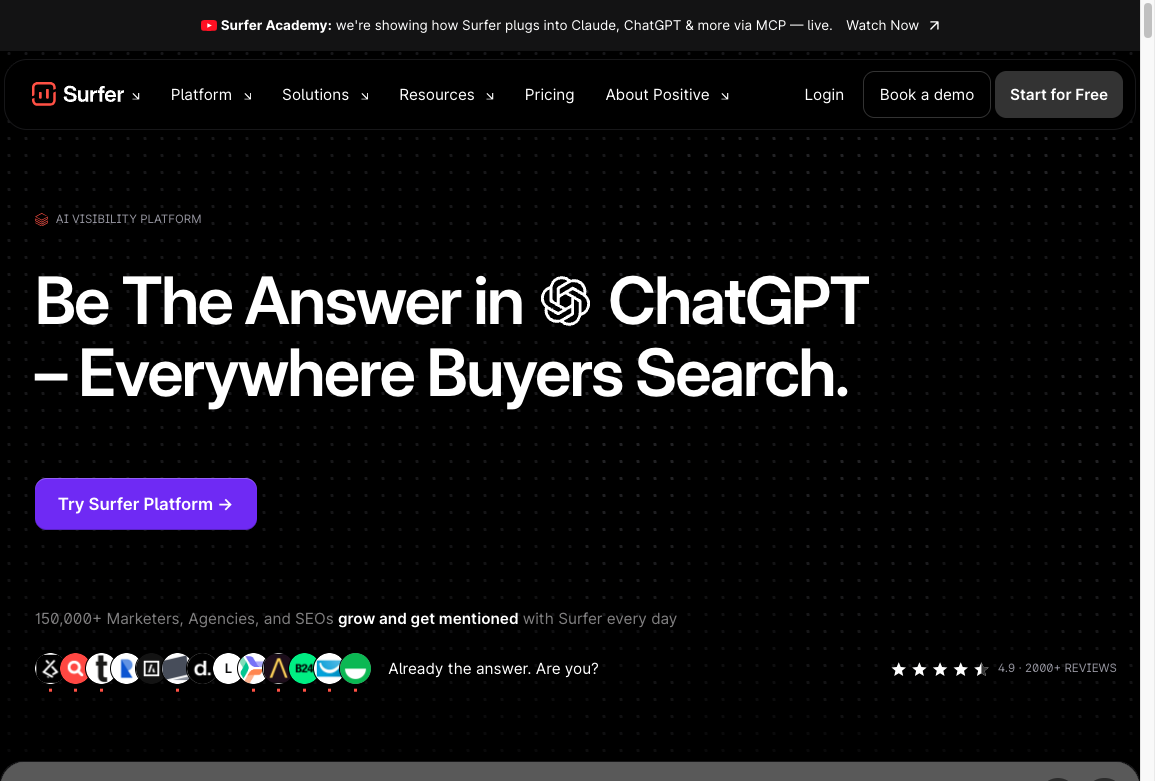
Surfer SEO is not a pure content generator, but it belongs in this list because many teams use it as part of their AI content workflow.
Its strength is optimization. It helps compare your content against ranking pages, suggests terms and structure, and gives writers a clearer sense of topical coverage. That can be useful when you already have a draft and want to improve it before publishing.
The risk is over-optimization. If you chase every suggested term mechanically, the article can become bloated and unnatural. Use Surfer as a diagnostic tool, not as the final editor. I have seen otherwise decent drafts get worse when writers obey the score instead of the reader.
For teams using AI-generated drafts, Surfer can be helpful after the first draft is complete. It can flag gaps, but the final decisions should still come from search intent, product knowledge, and reader usefulness.
Best for: SEO optimization, content scoring, and improving existing drafts.
Watch out for: Do not let optimization scores override clarity or usefulness.
7. Writesonic
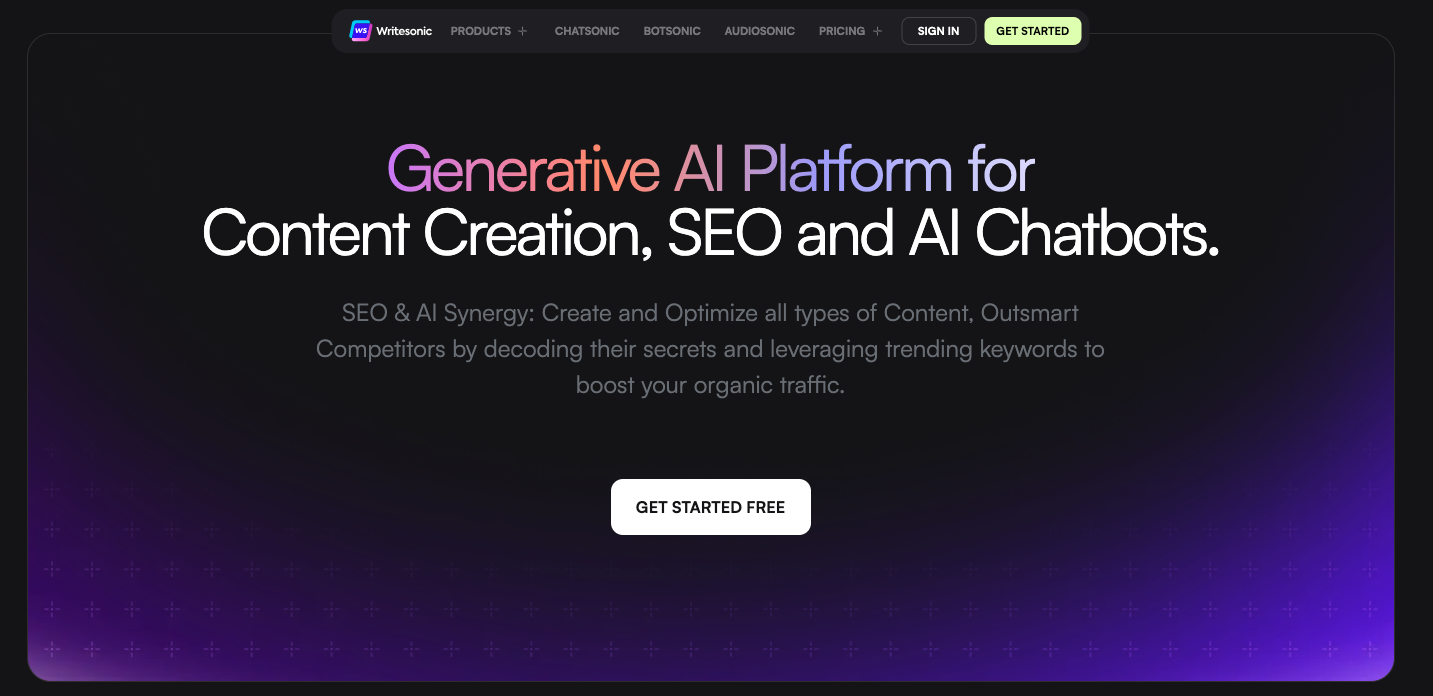
Writesonic is a broad AI content generator for marketers who want a mix of blog, ad, social, and website copy features.
It is useful when you need many different formats in one place. You can draft blog sections, generate product descriptions, create ads, write landing page copy, or produce social content. That makes it a practical option for small teams that need range more than deep specialization.
The downside is that broad tools can feel uneven. A tool that does everything may not be the best at your most important workflow. If long-form SEO is the priority, compare its output against Junia, Frase-supported workflows, or a dedicated article writer. If campaign speed is the priority, compare it against Jasper and Copy.ai. Judge Writesonic by one real use case, not by the number of templates it offers.
Best for: Small businesses and marketers who need a wide range of content formats.
Watch out for: Test your main use case before committing. The best tool on paper is not always the best tool for your workflow.
8. Canva Magic Write
Canva Magic Write is useful when content lives inside a design workflow.
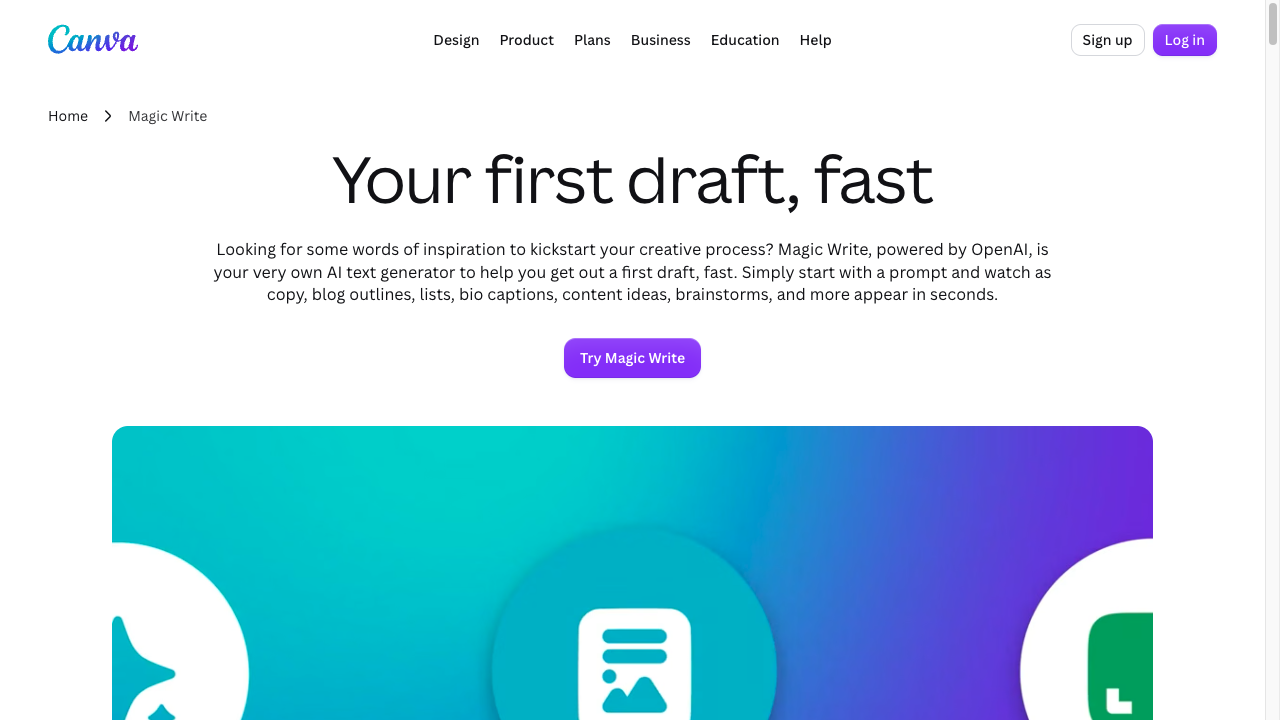
It makes sense for social posts, presentation copy, ad text, short campaign blurbs, image captions, and quick copy inside Canva designs. If your team already creates visual assets in Canva, having a writing assistant inside the same workspace is convenient.
But Canva Magic Write is not the right tool for serious long-form articles, SEO strategy, or editorial publishing. It is a helper for design-adjacent content, not a full writing system. That is not a flaw; it is just the wrong job for the tool.
Best for: Captions, design copy, social graphics, presentations, and campaign assets.
Watch out for: Long-form content teams will outgrow it quickly.
9. Synthesia
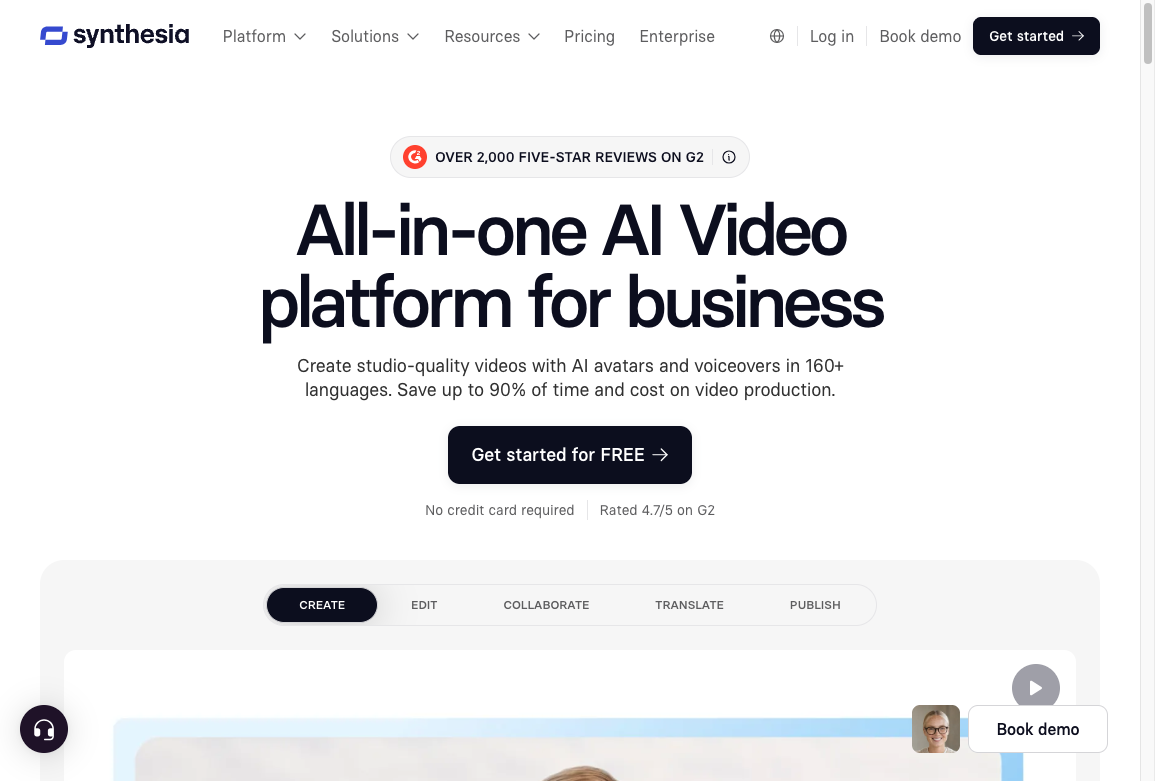
Synthesia is an AI video creation tool, so it fits the broader meaning of "content generator."
It can help turn scripts into avatar-led videos for training, product explainers, internal communication, onboarding, and simple marketing assets. If your content strategy includes video but you do not have a production team for every small project, the format can be useful.
For blog and SEO teams, Synthesia is more of a supporting tool. You might use it to turn an article into a short explainer video or create training content from an existing guide. It will not replace an article writer, editor, or SEO workflow. Add it to the stack after the written content process is already working.
Best for: Training videos, explainers, internal education, and video repurposing.
Watch out for: Avatar video can feel impersonal if the script is weak or the use case does not fit.
10. Grammarly and QuillBot
Grammarly and QuillBot are not primary AI content generators, but they are useful finishing tools.
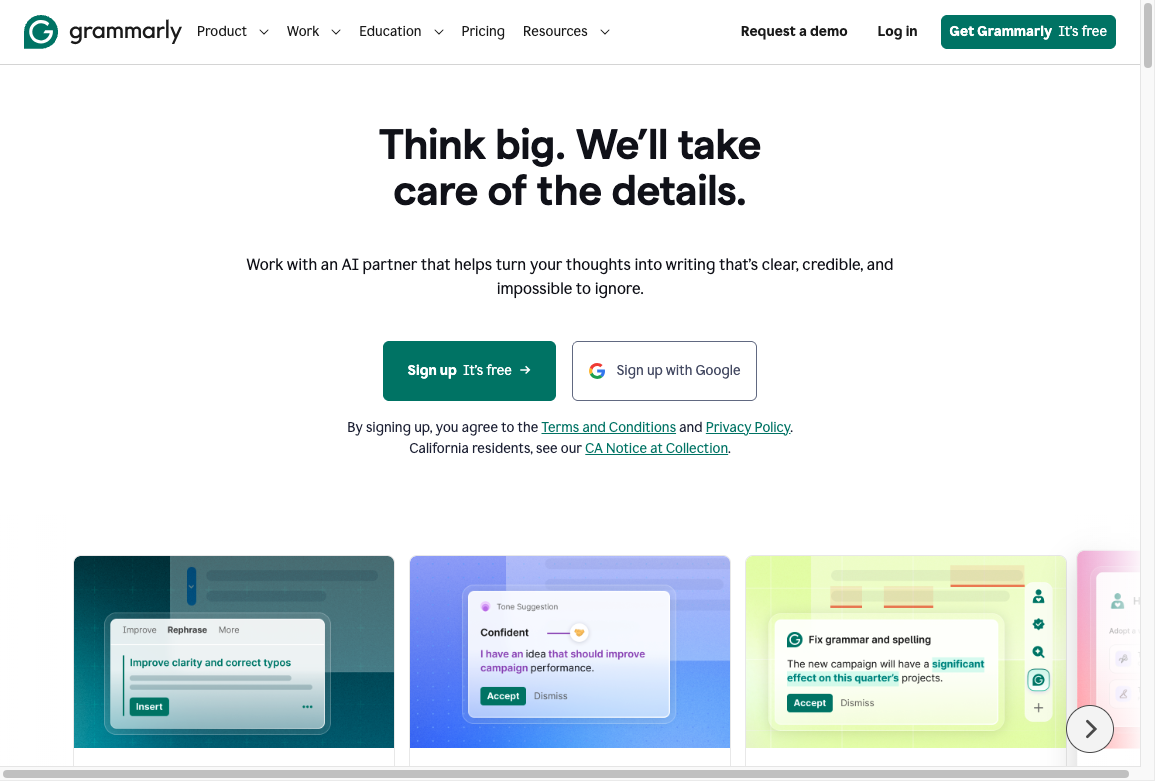
Grammarly helps with clarity, grammar, tone, and sentence-level polish. QuillBot is useful for paraphrasing, simplifying, or reworking clunky passages. Both can improve content after a first draft exists.
Neither should be the main engine for a blog strategy. But both can be useful as part of the editing layer, especially for teams that publish frequently and need faster cleanup. They are most useful after the hard editorial decisions have already been made.
These tools are also useful when you are trying to humanize AI text or tighten sentences before publication.
For deeper edits, use a dedicated readability improver or a human editor.
Best for: Editing, rewriting, grammar checks, and polishing AI-assisted drafts.
Watch out for: Polishing does not fix weak strategy, thin research, or unsupported claims.
How to choose the right AI content generator
Start with the content you publish most often. Do not choose a tool because it has the longest feature list.
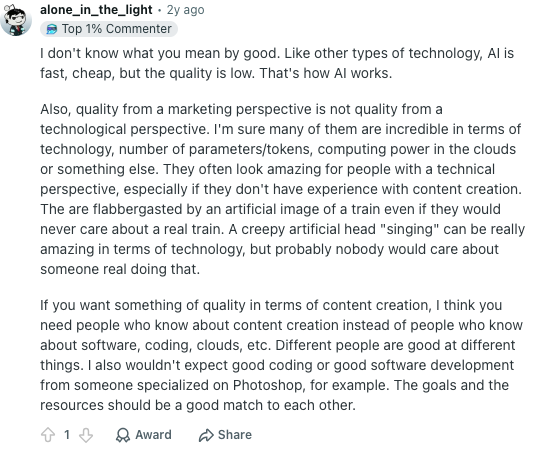
That same caution is common among public marketers about AI content generators: quality depends on whether the tool fits the content job, not just whether the model is technically impressive. From the buyer side's perspective, testing your real workflow matters more than comparing feature pages.
If you publish SEO articles every week, choose a tool that helps with briefs, headings, internal links, optimization, and publishing. If you write ads and emails, choose a tool with campaign workflows and fast variations. If you create videos, choose a tool built for scripts, avatars, and editing. If you mostly need help rewriting rough drafts, choose an editing tool instead of a full platform.
Here is a simpler choose-this matrix than a feature spreadsheet:
| Choose this | If you need... | I would skip it if... |
|---|---|---|
| Junia AI | SEO articles, briefs, and a path to publish | You only need captions or one-off brainstorming |
| ChatGPT | Flexible drafts and you already have an editor | You need CMS publishing and brand controls built in |
| Jasper | Campaign copy with a shared brand voice | Search is the main channel and you want an article workflow |
| Copy.ai | Ads, emails, and variations | Long-form SEO is the job |
| Frase or Surfer | Briefs and SERP coverage before or after drafting | You expect the score to replace an editor |
| Canva Magic Write | Copy that lives inside designs | You are producing blog posts |
| Synthesia | Avatar videos from existing scripts | Written SEO content is the bottleneck |
| Grammarly / QuillBot | A finishing layer | You still do not have a first draft worth polishing |
One more thing: avoid buying a tool before testing it with your real content. Use the same prompt, same topic, and same constraints across two or three tools. Then compare how much editing each draft needs.
What I actually measure: not the first draft's polish. The leftover work after ten minutes of review. Missing examples, invented claims, and a messy handoff into the CMS usually matter more than a pretty demo.
I usually care less about the first draft's polish and more about what is missing after ten minutes of review. The tool that gives you the cleanest usable output is usually better than the tool with the flashiest demo.
A practical AI content workflow
The tool matters, but the workflow matters more. This is the process I would use for most SEO or marketing content, especially when the content needs to rank or represent a brand:
- Topic or keyword
- Search intent and audience check
- Brief with angle, outline, examples, and links
- AI-assisted draft
- Human edit for accuracy, voice, and usefulness
- SEO and readability pass
- Source, link, and media check
- Publish and refresh later
View diagram source
flowchart TD
    A[Topic or keyword] --> B[Search intent and audience check]
    B --> C[Brief with angle, outline, examples, and links]
    C --> D[AI-assisted draft]
    D --> E[Human edit for accuracy, voice, and usefulness]
    E --> F[SEO and readability pass]
    F --> G[Source, link, and media check]
    G --> H[Publish and refresh later]
This prevents the most common AI content mistake: publishing a clean-looking draft that has no real insight. AI can help you move faster, but the final article still needs judgment, examples, product knowledge, and a reason to exist. That last part is not optional; it is the difference between content that merely exists and content someone would actually use.
That is especially important for SEO. If you plan to scale content, start with Junia's guide on adding a human touch to AI-generated content before turning generation into a volume game.
When SEO risk is part of the decision, read whether AI content can rank in Google before you pick a tool that makes publishing too easy.
Common mistakes to avoid
The biggest mistake is treating AI output as finished content. Most AI drafts need stronger examples, sharper structure, source checks, and brand-specific details. If I had to pick one quality rule, it would be this: never publish a draft until a human has added something the model could not know on its own.
The second mistake is choosing a tool for the wrong job. A short-form copy tool will not automatically become a strong SEO article system. An SEO optimizer will not replace a writer. A grammar assistant will not fix a weak content strategy.
The third mistake is ignoring originality. Competitor-style outlines can help you understand search intent, but copying the same structure and saying the same things will not make your article more useful. Add examples, testing notes, screenshots, product knowledge, or a clearer decision framework.
The fourth mistake is overusing AI for sensitive claims. If the article includes statistics, legal claims, medical claims, technical details, pricing, or product limitations, verify them from reliable sources before publishing.
Final recommendation
If you want one AI content generator for SEO-led long-form content, start with Junia AI. It is the strongest fit for teams that want to move from keyword or idea to optimized article without building the whole workflow manually. That is the recommendation I would make to a team whose main bottleneck is publishing better search content more consistently.
If you want a flexible assistant for everyday writing, use ChatGPT and build a strong prompting and editing process around it.
If you are a marketing team producing many campaign assets, Jasper and Copy.ai are worth testing.
The best setup for many teams is not one tool. It is a small stack: one primary generator, one SEO or briefing layer, and one editing layer. If your main need is written copy rather than a full multichannel content workflow, compare the best AI text generators before choosing.
Keep the human review step. In my view, that is where the difference between "AI-generated" and "publishable" usually shows up. Pick one live brief this week, run it through two tools, and keep the one that leaves you less cleanup after ten minutes.