
Free Python Code Generator
Generate runnable Python code for automation, APIs, data processing, scraping, utilities, and backend tasks. Describe the job, choose the output type, add constraints, and get readable code with type hints, examples, dependency notes, validation, and optional tests.
Python Code
Your generated Python code will appear here...
How the AI Python Code Generator Works
Get results in seconds with a simple workflow.
Describe the Task
Write what you want the Python code to do, including inputs, outputs, and any examples. The more specific your requirements, the more accurate the generated code will be.
Choose Output Type and Version
Select whether you want a script, function, class, API, data code, or tests. Pick your Python version and optionally list preferred libraries.
Generate, Run, and Customize
Copy the code, install any dependencies, and run it. Then customize edge cases, integrate into your project, and add additional logging or tests as needed.
See It in Action
Turn a plain-English requirement into clean, runnable Python code with structure, validation, and example usage.
I need Python code to download a bunch of web pages, extract the title, and handle errors.
Function: fetch_titles(urls: list[str]) -> dict[str, str]
- Uses requests with a 10s timeout
- Retries failures with exponential backoff
- Parses
with BeautifulSoup - Returns a dict mapping URL to title (skips failures with logged warnings)
Example: urls = ['https://example.com', 'https://www.python.org'] print(fetch_titles(urls))
Why Use Our AI Python Code Generator?
Powered by the latest AI to deliver fast, accurate results.
Generate Python Scripts, Functions, and Classes
Create runnable Python code for automation, data processing, web scraping, and backend tasks—with clean structure, sensible defaults, and readable style.
Idiomatic Python with Type Hints and Docstrings
Produces maintainable Python using type hints, docstrings, and clear naming—ideal for production codebases, collaboration, and faster debugging.
Edge-Case Handling and Input Validation
Includes practical guardrails (validation, error handling, retries/timeouts where relevant) to help prevent common runtime issues in real-world use.
Optional FastAPI, pandas, and pytest Outputs
Generate code for APIs (FastAPI), data workflows (pandas), and unit tests (pytest) to speed up development from prototype to shippable code.
Copy-Paste Ready with Minimal Setup
Outputs code you can run immediately, including dependencies, install notes, and example usage—so you can go from idea to working Python quickly.
Pro Tips for Better Results
Get the most out of the AI Python Code Generator with these expert tips.
Specify inputs, outputs, and a quick example
Including a sample input and expected output helps the generator choose the right data structures, validation, and return types—especially for parsing and transformation tasks.
Add constraints to match production needs
If you need retries, timeouts, rate limiting, async support, memory constraints, or Windows compatibility, add it to Constraints to avoid rework later.
Name your preferred libraries
If you prefer requests vs httpx, dataclasses vs Pydantic, or pathlib vs os.path, list them so the generated code matches your stack and style.
Ask for tests when reliability matters
When generating business-critical utilities, enable the pytest mode or request test coverage to catch regressions and validate edge cases.
Review security-sensitive code carefully
For code involving credentials, file deletion, or network requests, review carefully, avoid hardcoding secrets, and add least-privilege and safe defaults.
Who Is This For?
Trusted by millions of students, writers, and professionals worldwide.
Generate Runnable Python Code with an AI Python Code Generator
A good Python code generator should give you more than code-shaped text. The output needs imports, clear inputs, predictable return values, realistic error handling, and a short example you can run before you wire it into a project.
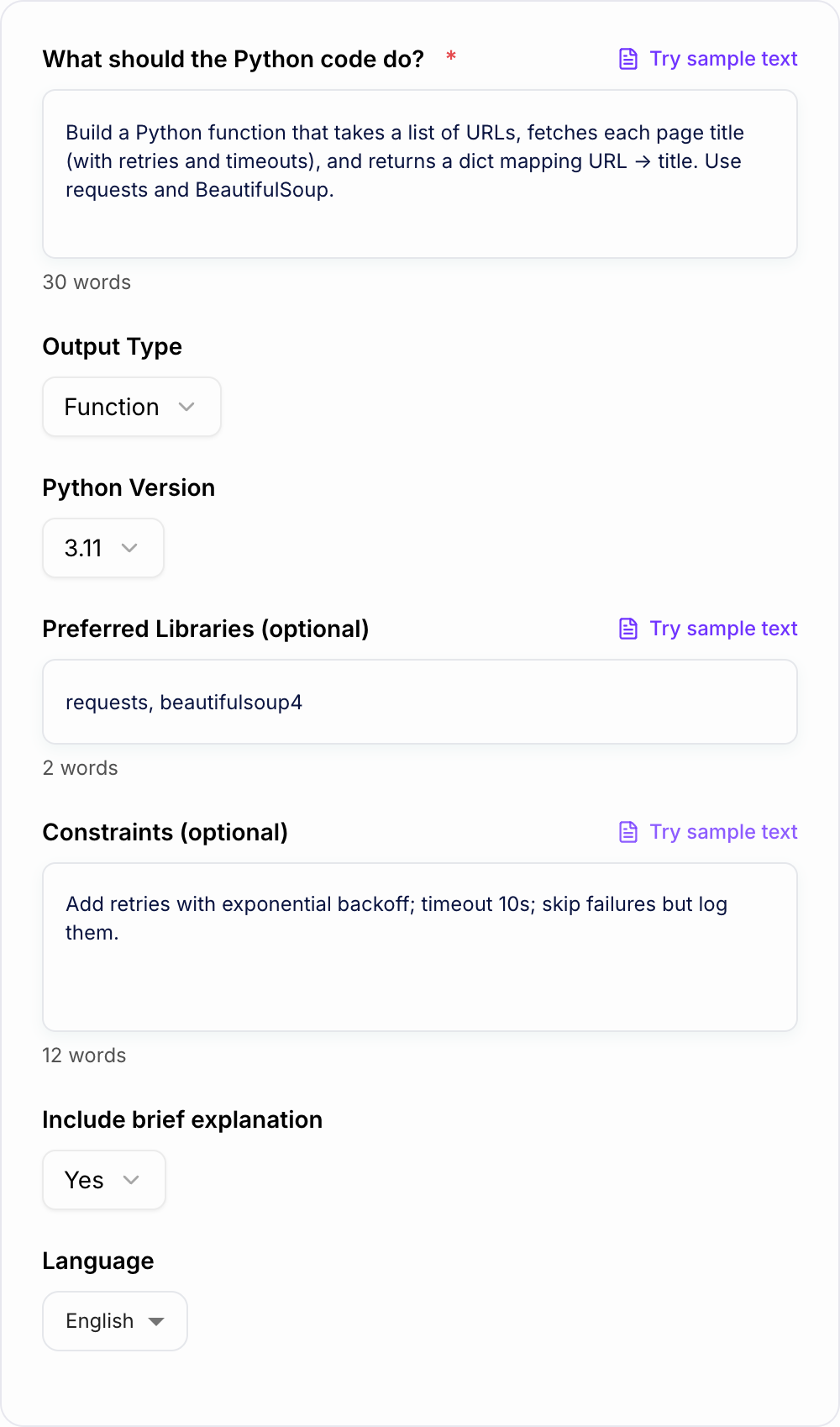
This AI Python Code Generator is built around that workflow. Describe the task, choose the output type, add your constraints, and use the result as a working baseline for scripts, functions, classes, FastAPI endpoints, pandas jobs, or pytest tests.
If you already use Junia AI for content and workflow generation, this tool applies the same idea to development work: fast first drafts that still need practical review before shipping.
What to Enter into the Python Code Generator
The best prompt explains the job like a short technical ticket. Include the input, the output, and anything the code must avoid.
Useful details include:
- The data source: CSV, JSON, folder path, API endpoint, list of URLs, database rows, or user input
- The expected result: return value, printed summary, new file, API response, chart, or transformed dataset
- A small example input and output when the task involves parsing or transformation
- Allowed libraries, such as requests, beautifulsoup4, pandas, fastapi, or standard library only
- Failure rules, such as skip bad rows, retry network errors, validate empty input, or stop on duplicates
A weak prompt is “make a scraper.” A stronger prompt is “Generate a Python function that takes a list of URLs, fetches each page title, retries timeouts twice, skips failed pages with a warning, and returns a dict of URL to title. Use requests and BeautifulSoup.”
Choose the Right Output Mode
Use Script when you want a file you can run from the command line. This is best for folder cleanup, one-off reports, scheduled jobs, and quick automation.
Use Function when you want reusable logic inside an existing project. The output should have a clear signature, type hints, a docstring, and a few example calls.
Use Class / OOP when the code needs configuration or state. API clients, crawlers, import pipelines, and multi-step workflows often fit this mode better than one large function.
Use API (FastAPI) when you need a small endpoint with request and response models. Review validation, authentication, and deployment settings before exposing it.
Use Data (pandas) for CSV, Excel, cleanup, grouping, and reporting tasks. Add column names and sample rows so the generator does not guess your schema.
Use Add Tests (pytest) when the generated code will be reused. Ask for normal cases, edge cases, and failure cases so the tests catch more than syntax errors.
Example Input and Generated Output Plan
Prompt:
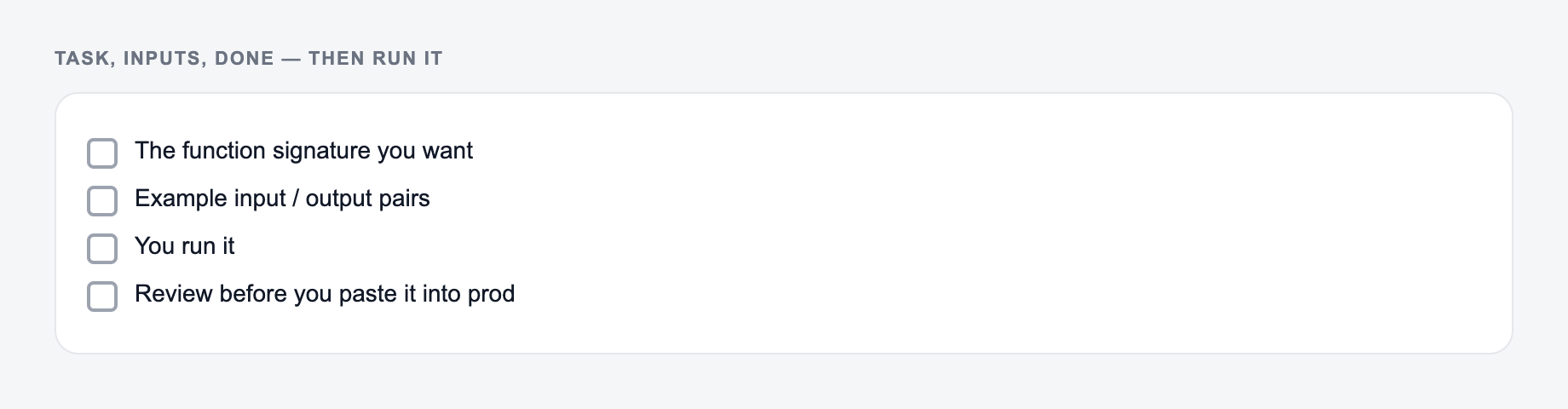
Task, inputs, and what “done” looks like belong on the form. Run and review before you trust it.
Use the AI Python Code Generator as a mechanical pass. If the output needs a judgment call (legal, medical, grading, production code), a person still owns the last look.
Write a Python script that scans a folder, finds CSV files modified in the last 7 days, combines them, removes empty rows, groups by category, and saves a summary CSV. Use pathlib and pandas. Print a short summary at the end.
A useful generated result should include:
- Imports for pathlib, datetime, and pandas
- Config variables or CLI arguments for the folder path and output path
- A safe file search that ignores non-CSV files
- Missing-column and empty-file handling
- A grouped summary with counts and totals
- A main function and command-line guard
- Dependency notes and a short run command
That output is much easier to test than a generic code block because you can immediately see what to change for your environment.
Review the Generated Python Before You Use It
Generated code can save a lot of time, but the final review still matters. Check the imports, dependency versions, file paths, environment variables, and exception handling.
Be extra careful with code that:
- Deletes, moves, uploads, or overwrites files
- Handles API keys, tokens, passwords, or customer data
- Executes shell commands
- Writes to databases or production systems
- Scrapes websites at scale
For higher-risk tasks, ask the generator for a dry-run mode, confirmation prompts, logging, and tests. Those guardrails are usually faster to add in the first prompt than after the code is already tangled.
Common Prompt Fixes for Better Code
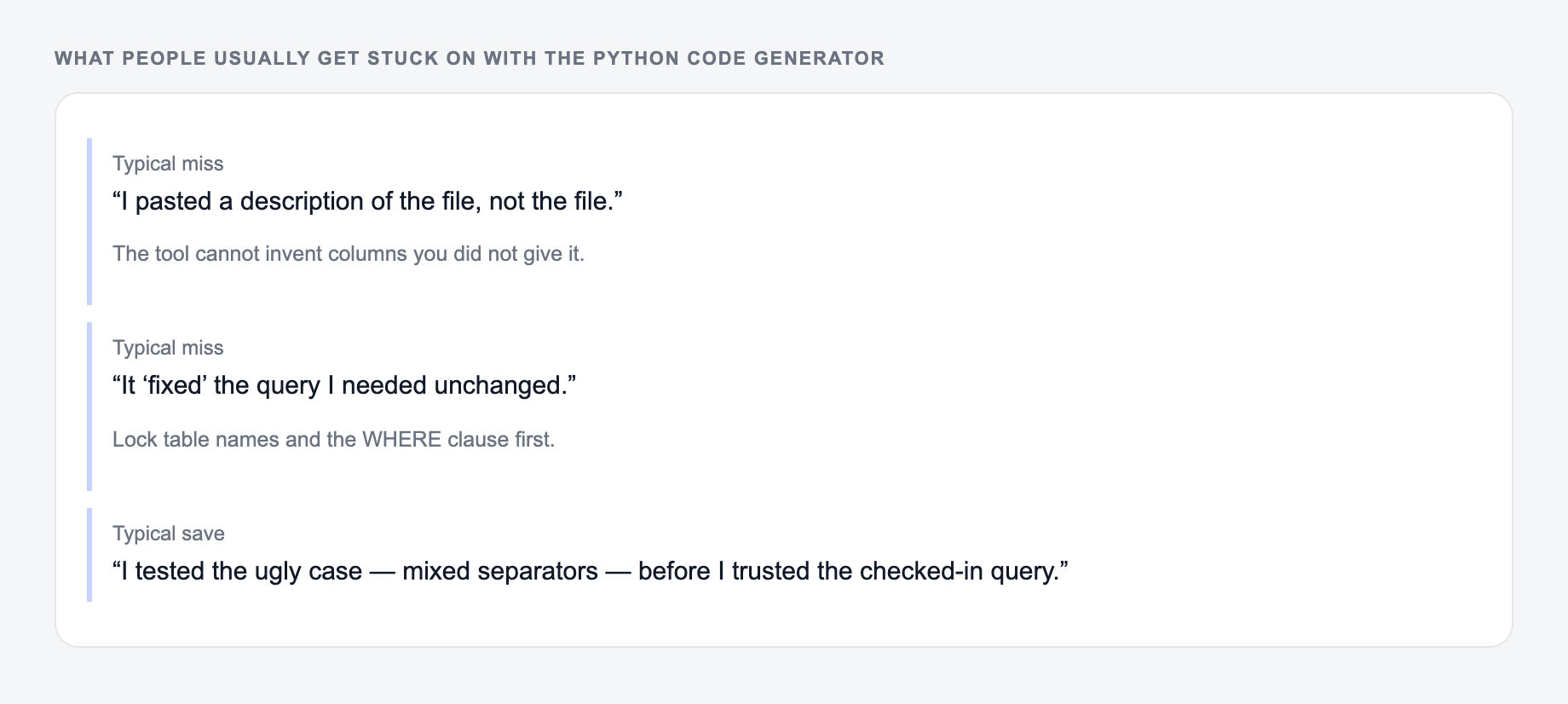
These are the complaints that show up after the first draft — they are almost always about the brief, not the model.
If the generated code uses the wrong library, name the allowed libraries in the prompt. If the output is too long, ask for a minimal version first, then add logging or tests in a second pass.
If the code ignores edge cases, list the exact failures you expect: missing files, empty rows, invalid dates, network timeouts, duplicate records, empty user input, or bad API responses.
If the style is wrong, say what you prefer: functional code, class-based code, dataclasses, Pydantic models, explicit type hints, concise comments, or standard-library-only code.
Final Checklist Before Running the Code
Common misses with the Python Code Generator:
- Describing the file instead of pasting it.
- Running one setting across mixed formats.
- Pasting live customer or student data “to see what happens.”
Before you paste the generated Python into a real project, confirm:
- The Python version matches your environment
- Required packages are installed
- Inputs and outputs are clearly named
- Errors are handled in a way you actually want
- Destructive operations have a dry run or confirmation step
- Tests or example calls cover at least one normal case and one failure case
Use the generator to get a strong working draft quickly. Use your review to make sure the code is safe, maintainable, and aligned with the system where it will run.
Frequently Asked Questions
Is this Python code generator free to use?+
Yes. You can generate Python code for free. Some advanced modes (like FastAPI, pandas workflows, or pytest test generation) may be marked as premium depending on your site settings.
Will the generated Python code run as-is?+
The output is designed to be runnable. If external libraries are required, the tool includes dependency notes (for example, pip install requests). You should still review environment-specific details like file paths, credentials, and API keys.
Can it generate code for web scraping and automation?+
Yes. It can generate Python scripts for web scraping, browserless HTTP scraping (requests), parsing (BeautifulSoup), and automation tasks like file handling, scheduling, and API integrations—plus practical error handling like timeouts and retries.
Can it generate FastAPI or pandas code?+
Yes. Choose the FastAPI mode to generate endpoints with request/response models, or the pandas mode for data cleaning, aggregation, and analysis tasks.
Does it include best practices like type hints and docstrings?+
By default, it generates readable, maintainable code with type hints and docstrings when appropriate, along with example usage so you can quickly validate behavior.
How do I get better results from the prompt?+
Include inputs/outputs, example data, constraints (timeouts, async, no dependencies), and edge cases. If you have a preferred library or style (pandas vs standard library), list it in the Preferred Libraries field.