
Free Text Tone Analyzer
Paste your text and see how it may sound to readers before you send it. The free Text Tone Analyzer detects tone, sentiment, formality, confidence, intent, and possible misreadings, then suggests practical edits for clearer emails, support replies, marketing copy, and professional messages.
Tone Analysis
Your tone analysis will appear here...
How the AI Text Tone Analyzer Works
Get results in seconds with a simple workflow.
Paste Your Text
Add an email, paragraph, ad, or message. Short or long text works, but complete sentences provide the clearest tone signals.
Add Context (Optional)
Optionally include who it’s for (audience) and the scenario (context). This helps detect whether the tone is appropriate for the situation.
Get Tone + Fixes
Receive tone labels, sentiment and formality indicators, highlighted phrases that drive the tone, and concrete edits to improve clarity and reader response.
See It in Action
Example of turning a potentially pushy follow-up into a professional, clear, and friendly message while preserving urgency.
Hi—just checking in. I need your decision by Friday. If I don't hear back, I'll assume it's a no.
Hi—quick follow-up on the proposal. If you’re able to share a decision by Friday, I can reserve the time and resources on our side. If you need more time or have questions, just let me know and I’ll adjust accordingly.
Why Use Our AI Text Tone Analyzer?
Powered by the latest AI to deliver fast, accurate results.
Instant Tone Detection (Friendly, Formal, Assertive, Neutral, etc.)
Identifies the dominant tone and secondary tones so you can quickly understand how your message comes across to a reader.
Sentiment + Confidence + Formality Scoring
Provides a clear sentiment read (positive/neutral/negative) along with formality and confidence indicators to improve professionalism and clarity.
Intent & Reader Interpretation Insights
Estimates likely intent (inform, request, persuade, apologize, follow up) and highlights where the text might be misunderstood or feel pushy, vague, or harsh.
Actionable Rewrite Suggestions (Not Just Labels)
Gives targeted improvements—word swaps, sentence-level edits, and optional example rewrites—so you can quickly adjust tone without losing meaning.
Useful for Email, Marketing Copy, Support Replies, and SEO Content
Works across formats: cold emails, client follow-ups, landing pages, social captions, blog introductions, and customer support messages.
Pro Tips for Better Results
Get the most out of the AI Text Tone Analyzer with these expert tips.
Use context for sensitive or high-stakes messages
A negotiation email and a friendly check-in can use similar words but feel very different. Add context like “pricing discussion” or “support escalation” for better tone accuracy.
Watch for urgency language that sounds demanding
Phrases like “ASAP,” “immediately,” or “we need this by Friday” can read as pressure. Consider adding a reason and a polite option (e.g., “If Friday works for you…”).
Increase confidence by reducing hedging
If you want a more confident tone, replace repeated hedges like “maybe,” “kind of,” and “I think” with clearer statements—while keeping politeness.
Improve clarity by making requests explicit
Ambiguous requests create friction. Add a single clear ask, a deadline if needed, and the next step (e.g., “Please reply with approval or edits by Thursday.”).
Keep brand voice consistent across channels
Use the same tone targets (friendly-professional, direct, helpful) for emails, landing pages, and support messages to build trust and improve conversions.
Who Is This For?
Trusted by millions of students, writers, and professionals worldwide.
Analyze and Fix Reader Reaction with a Text Tone Analyzer
A text tone analyzer is most useful before you send something that could be misread: a client follow-up, support reply, sales email, proposal note, landing page section, or internal message. The goal is not to make every sentence sound cheerful. The goal is to check whether the words match your intent and the reader's situation.
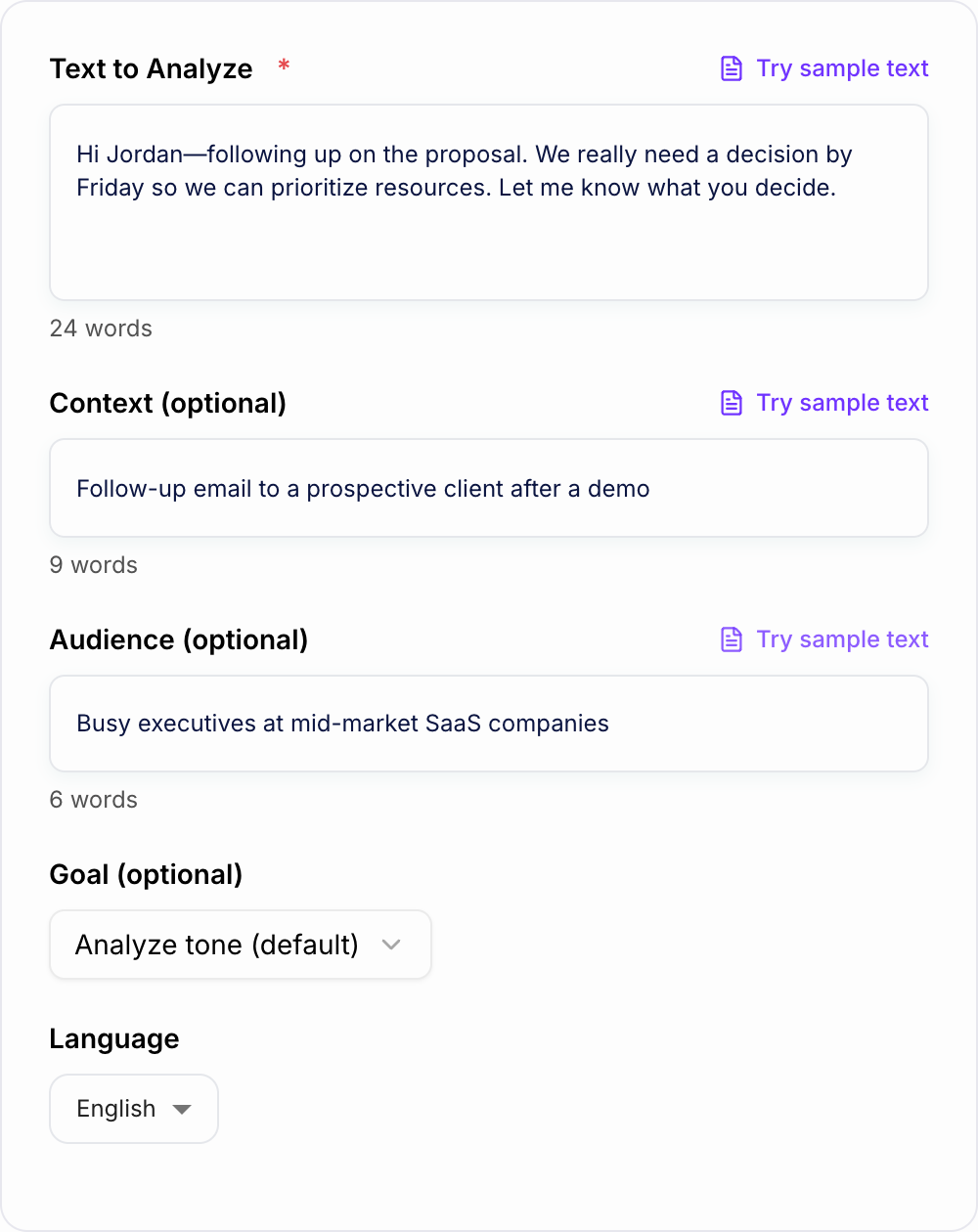
Paste the exact draft you plan to send. Then use the analysis to answer three questions:
- What tone is the reader likely to feel first?
- Which words are causing that tone?
- What small edits would make the message clearer, safer, or more persuasive?
That is the difference between a generic tone check and a practical editing pass.
What to Paste Into the Tone Analyzer
Use the full message whenever possible. A single sentence can be analyzed, but tone depends on context. A polite closing may soften a direct request. A missing greeting can make a normal sentence feel abrupt.
Good inputs include:
- the full email thread reply you are about to send
- a customer support response with the problem and proposed next step
- a landing page headline plus supporting paragraph
- a cold outreach message with the ask included
- a feedback note where you need to be direct without sounding unfair
If the text is long, keep the section you want judged together. Do not paste only the sentence you already distrust unless you are checking one phrase in isolation.
Add Context When the Stakes Are High
The optional context and audience fields matter most when the relationship affects tone. A sentence that sounds normal between teammates can sound blunt to a customer. A confident sales claim can sound fine on a pricing page but too aggressive in an apology email.
Add details like:
- who will read it: client, manager, customer, recruiter, student, executive
- what happened before: missed deadline, demo follow-up, refund request, interview, escalation
- what you want the reader to do: approve, reply, book, forgive, understand, decide
- what tone you want: direct, friendly-professional, empathetic, confident, neutral
This helps the analyzer judge fit, not just language in the abstract.
How to Read the Output
Start with the dominant tone label, but do not stop there. The useful part is the evidence. Look for phrases the analyzer identifies as driving the tone.
For example, if the tool says the message sounds urgent or harsh, the cause might be:
- commands without a reason
- short sentences stacked together
- deadline language with no flexibility
- phrases like "as mentioned" or "per my last email"
- vague endings like "let me know" when a specific action is needed
Once you know the cause, you can fix the sentence without flattening your voice.
Choosing the Right Improvement Goal
Use the goal field to guide the kind of edit you want.
Choose sound more professional when the message is too casual for the reader. This is useful for recruiters, clients, executives, or customer-facing communication.
Choose sound more friendly when the message is technically correct but cold. Add warmth without adding filler.
Choose sound more confident when the draft hedges too much with phrases like "I think," "maybe," "kind of," or "just wondering."
Choose sound more empathetic for support replies, apology notes, refund responses, and tense conversations.
Choose reduce harshness when the draft includes deadlines, corrections, criticism, or escalation language.
Choose be more direct when politeness has made the request unclear.
Example Input and Review Pass
Input:
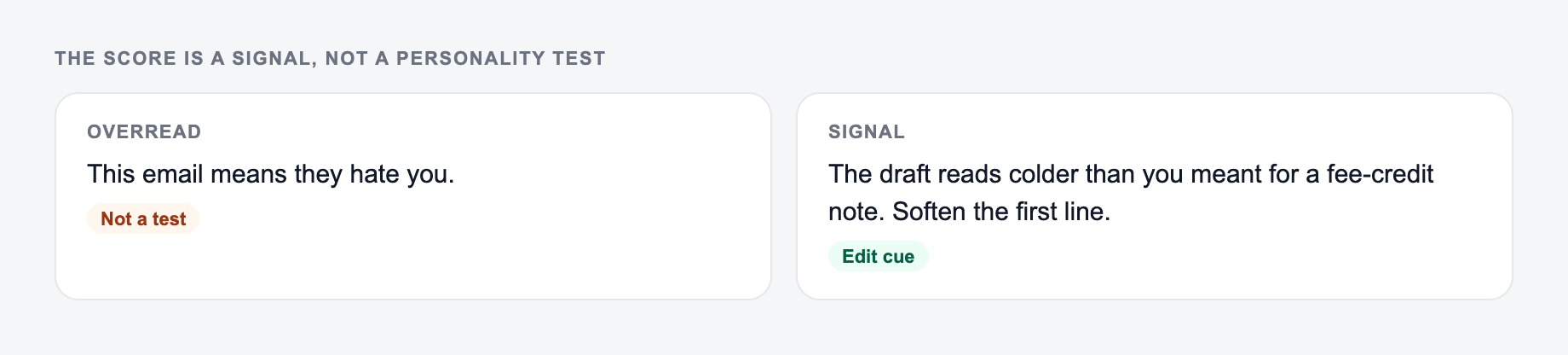
Paste the message and who will read it. The score is a signal, not a personality test.
Use the AI Text Tone Analyzer as a mechanical pass. If the output needs a judgment call (legal, medical, grading, production code), a person still owns the last look.
Just following up again. I need your edits by Friday or we will have to move forward without them.
Likely issue: the message is clear, but "again" and "I need" can sound irritated or demanding.
Better version:
Quick follow-up on the draft. If you can send edits by Friday, I can include them before we finalize the next version. If that timing does not work, let me know what changes are most important and I will adjust the plan.
The edit keeps the deadline, adds the reason, and gives the reader a workable next step.
When to Trust the Analyzer and When to Override It
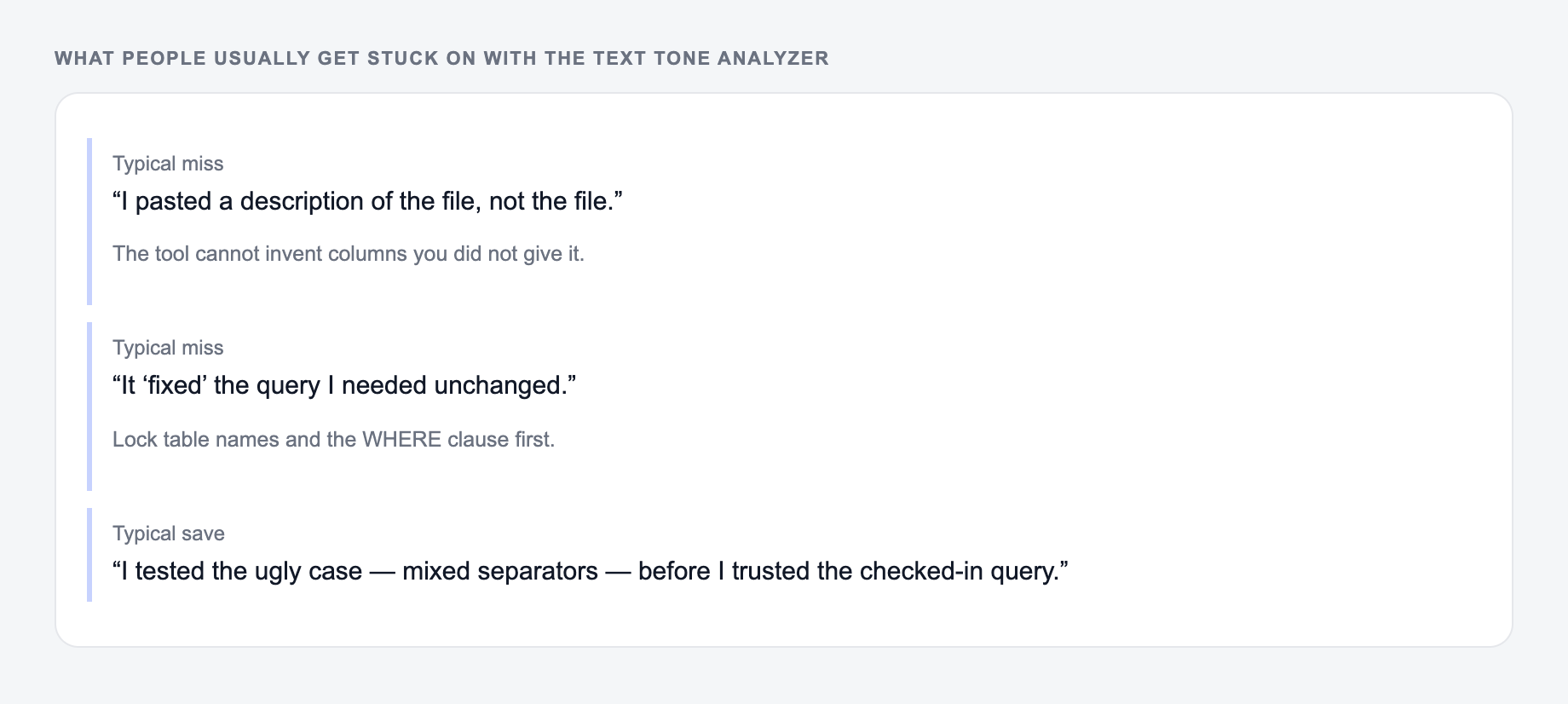
Common misses with the Text Tone Analyzer:
- Describing the file instead of pasting it.
- Running one setting across mixed formats.
- Pasting live customer or student data “to see what happens.”
These are the complaints that show up after the first draft — they are almost always about the brief, not the model.
Tone analysis is directional, not a final authority. Trust it when it points to a phrase that you can clearly see may cause friction. Override it when the suggestion weakens necessary clarity.
For example, a legal notice, billing reminder, or safety update may need to sound firm. In that case, do not remove the firmness. Remove unnecessary blame, confusion, or emotional charge.
A broader writing workspace like Junia AI is useful when the tone check becomes part of a larger editing flow: analyze the message, rewrite the risky lines, then keep the final version consistent with the rest of your emails, pages, or support content.
Final Tone Review Checklist
Before sending or publishing the revised text, check:
- Does the reader know exactly what you want them to do?
- Does any urgency include a reason?
- Did you remove accidental blame or irritation?
- Does the tone match the relationship and channel?
- Did you keep the meaning intact while improving the wording?
If the answer is yes, the analysis did its job. The message should sound intentional, not over-edited.
Frequently Asked Questions
What does a text tone analyzer do?+
A text tone analyzer evaluates how your writing may feel to a reader—such as friendly, formal, confident, apologetic, or urgent—along with sentiment and clarity signals. It helps you spot mismatches between your intent and how the message might be interpreted.
Can this tool detect passive-aggressive or harsh wording?+
It can flag phrasing that may be perceived as harsh, demanding, passive-aggressive, or overly urgent. You’ll also get safer, clearer alternatives that preserve your message while reducing the risk of misinterpretation.
Is the tone analysis accurate?+
It’s a strong directional signal based on language patterns, but tone can be context-dependent. Adding optional context and audience details improves accuracy—especially for sensitive messages like negotiations, performance feedback, or escalation emails.
Can I use it for marketing and SEO copywriting?+
Yes. Tone impacts conversion and trust. You can analyze landing pages, ads, and blog intros to ensure the writing matches the audience and search intent (informational, commercial, transactional) and reads naturally.
Will it rewrite my text too?+
This tool focuses on analysis first and provides targeted rewrite suggestions and optional example rewrites. If you want a full rewrite, pair it with a paragraph rewriter or writing enhancer tool.
Does it support different languages?+
Yes. Select an output language to receive the analysis in that language. For best results, paste the original text in the same language you want analyzed.