
Best AI Social Media Tools for Content Creation in 2026

Yi
SEO Expert & AI Consultant

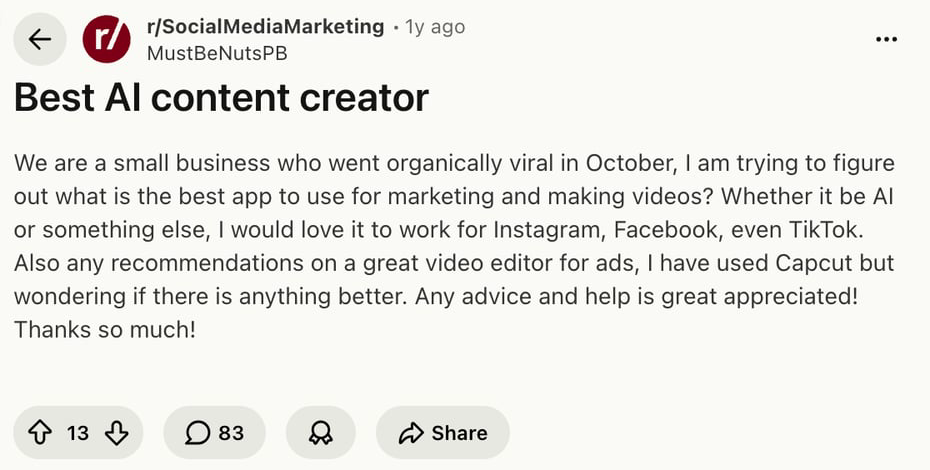
The best AI social media tool depends on the bottleneck you are trying to remove. I would decide that before comparing logos, because most bad tool choices start with a vague wish to "do more social" instead of a clear workflow problem.
If you mostly need better captions, use a writing-first tool. If you are drowning in scheduling, approvals, comments, analytics, and content you should be reusing, use a social media management platform with AI built into the workflow.
That distinction matters. A simple caption generator can save you 10 minutes. A proper AI social media platform can change how your whole content calendar gets planned, written, approved, published, reused, and measured. Those are very different purchases.
Very often, people are not only looking for "AI captions." They are trying to choose between writing, video editing, cross-platform publishing, and ad creative support.
TL;DR: Best AI Social Media Tools
| Tool | Best for | Standout AI use | Starting price* |
|---|---|---|---|
| Junia AI | Platform-specific social copy | Fast captions, hooks, replies, bios, ad copy, and channel-specific templates | Free tools available |
| Buffer | Simple scheduling for creators and small teams | Channel-aware AI assistant and idea repurposing | Free plan; paid from $5/month/channel annually |
| FeedHive | Recycling high-performing posts | AI writing, post recycling, and performance prediction | From 15 euros/month annually |
| Predis.ai | Turning prompts into visual posts | AI-generated carousels, videos, captions, and hashtags | Free trial; paid plans vary by credits |
| Vista Social | Agencies and multi-profile workflows | AI post generation, prompts, inbox, reviews, and reporting | From $64/month |
| Ocoya | AI copy plus scheduling in one place | Caption, hashtag, and post generation with ecommerce integrations | From $15/month |
| Flick | Instagram content ideas and hashtags | AI social assistant, Content Lab, captions, and hashtag support | 7-day trial; paid plans vary |
| Audiense | Audience intelligence and segmentation | AI-assisted audience research and social intelligence | Quote/request-trial pricing |
*Pricing changes often, so treat these as quick screening notes and confirm the current plan details before buying.
If I had to choose quickly, I would start with Junia AI for social writing, Buffer for simple scheduling, FeedHive for repurposing, Predis.ai for visual-first content, and Sprout Social or Audiense when audience intelligence matters more than post drafting.
How I Chose These Tools
I looked at social media AI tools through a practical publishing lens, not just a feature checklist. In my experience, the tools that look most impressive in demos are not always the ones teams keep using three months later.
The strongest tools had to help with at least one real social media job:
- Turning one idea into platform-specific posts for LinkedIn, Instagram, TikTok, Facebook, X, or Threads.
- Keeping the brand voice consistent instead of producing generic AI captions.
- Repurposing old posts, blog content, product updates, or campaign ideas into new social assets.
- Scheduling, approving, publishing, or recycling posts without adding more manual work.
- Understanding performance, audience behavior, sentiment, hashtags, or posting times.
- Supporting visual content, especially carousels, short videos, ads, and ecommerce posts.
I gave extra weight to tools that can fit into a repeatable workflow. Social media is not just writing a caption. It is idea selection, creative direction, platform adaptation, posting, replies, measurement, and iteration. If a tool only improves one step but makes the rest clumsier, I would be careful with it.
1. Junia AI
Junia AI is the best starting point if your main problem is writing social content faster while still keeping posts specific to the platform.
Most social teams do not need one caption. They need several versions of the same idea: a punchy X post, an Instagram caption, a TikTok script, a Facebook post, a reply, a hook, a CTA, and maybe ad copy. That is where Junia is useful because it gives you dedicated tools for the smaller jobs inside social content creation instead of forcing every task through one generic prompt box.
For example, you can use the Instagram post generator when the caption needs to support a visual, then use an Instagram hashtag generator to build a cleaner hashtag set instead of guessing from memory.
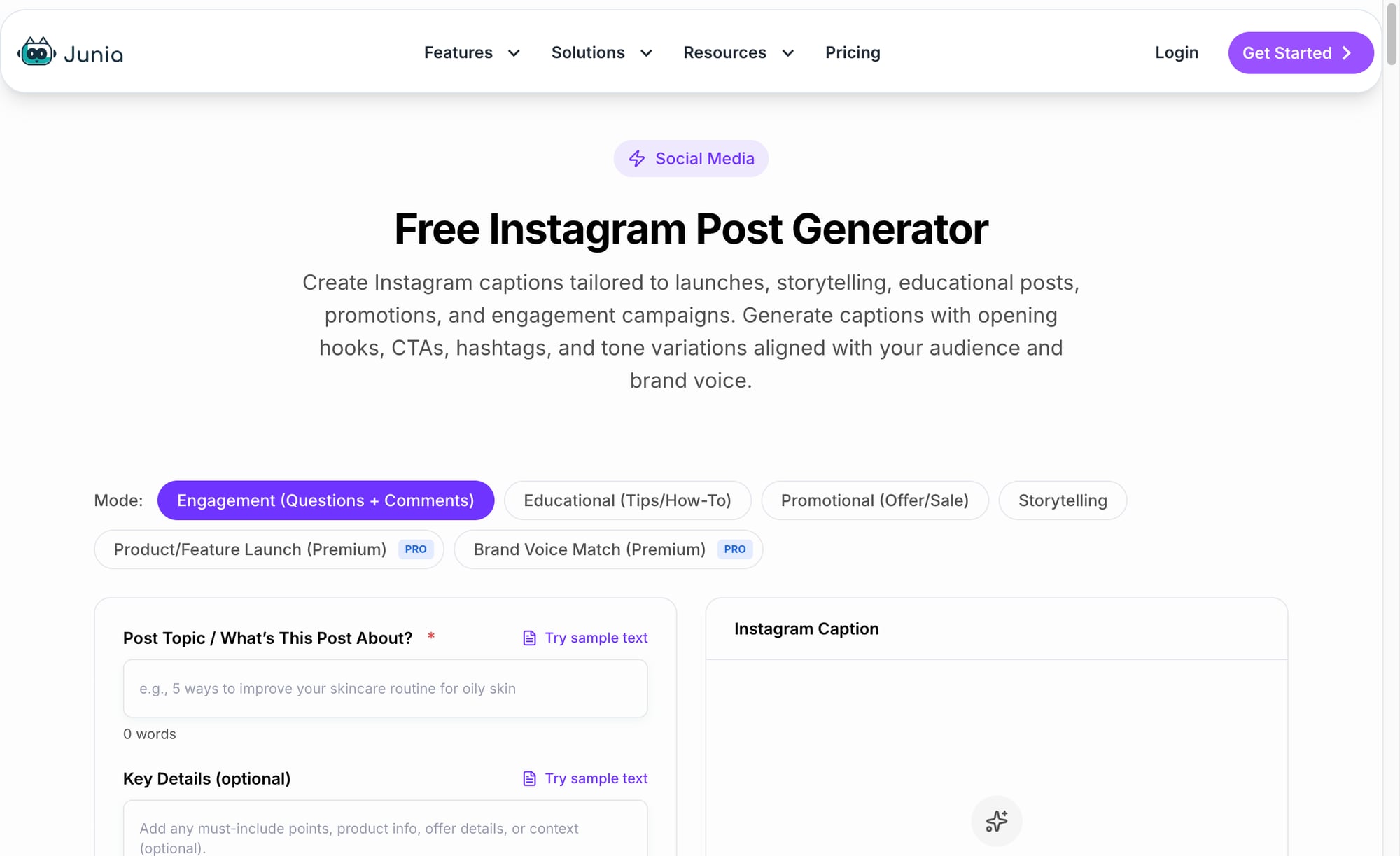
For short-form video, the workflow changes. A TikTok or Reel needs a hook, movement, spoken structure, and a reason to keep watching. Junia's TikTok video script generator is more useful here than a generic writing assistant because it starts from the format the platform actually rewards.
Junia is also helpful for channel-specific campaign work. If you are adapting the same launch message across platforms, a Twitter/X post generator can compress the idea into sharper variations, while a Meta post generator gives you more room for context and storytelling.
Best for: marketers, creators, founders, and small teams that need better social copy without buying a full social media management suite.
What I like: Junia works well as a writing layer. It is not trying to replace your scheduler, analytics stack, or design tool. When I test social workflows, this is usually the missing layer: turning a rough idea into usable, platform-aware copy before it reaches the calendar.
Watch out for: you still need a publishing process. Junia can help you write the post, but you should still review the tone, check facts, match the creative asset, and schedule the content in your preferred tool.
2. Buffer
Buffer is the cleanest option for creators and small teams that want AI writing inside a simple scheduler.
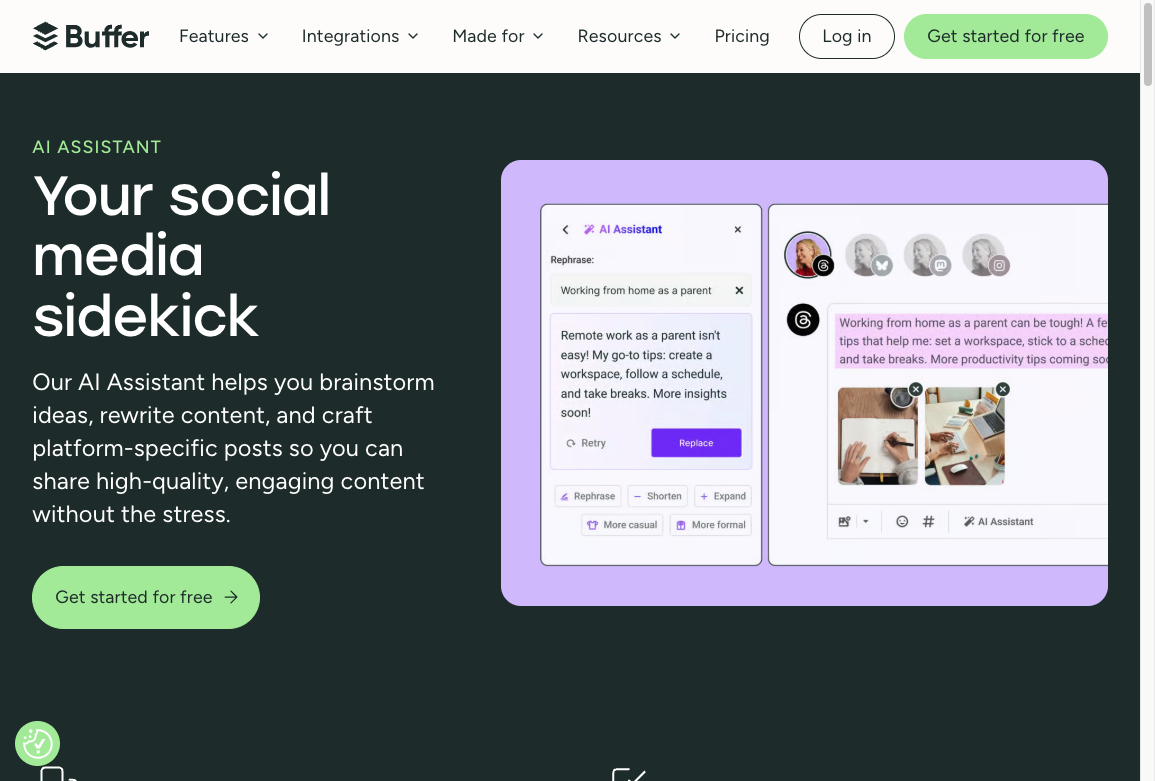
Buffer is not trying to be a heavy enterprise platform. That is the point. You can plan posts, schedule across channels, store ideas, repurpose content, and use the AI assistant without turning your social media process into a software implementation project.
The AI assistant is most useful when one idea needs to be adapted for several channels. A LinkedIn post can be more reflective and specific. An X post needs a sharper point. An Instagram caption may need a stronger opening line and a less formal rhythm. Buffer helps you make those changes inside the publishing workflow instead of copying everything back and forth between tools. That sounds small, but it removes a lot of daily friction. Threads sits in between: it rewards a conversational opener and a reply-worthy question more than a polished caption, so a Threads post should read like the start of a conversation.
Best for: solo creators, small businesses, founders, and lean marketing teams.
What I like: Buffer keeps the workflow calm. Personally, I like that restraint. It gives you enough AI help to draft and repurpose posts, but the interface still feels like a scheduler first.
Watch out for: pricing scales by channel. If you manage many brands or client accounts, model the total cost before committing.
3. FeedHive
FeedHive is best when your content strategy depends on recycling and improving posts that already worked.
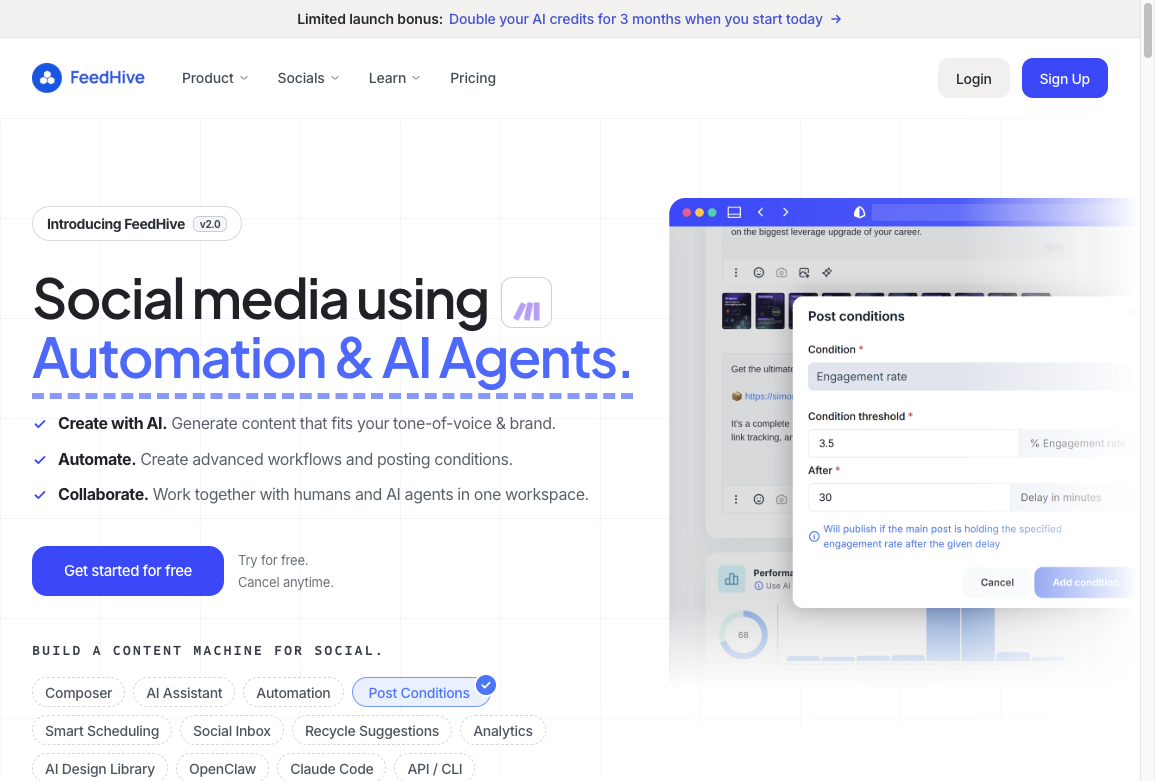
This is a useful distinction. Many teams treat social content as disposable: publish once, watch it fade, start again tomorrow. FeedHive is built around the opposite idea. If a post performed well, it should become a reusable asset.
The AI writing assistant can help create new variations, but the stronger value is the recycling workflow. You can bring back older ideas, refresh the angle, and keep the relationship between the original post and the new version. I think this is underrated because the best social ideas rarely deserve to be used only once.
FeedHive also includes conditional posting, which can trigger comments or follow-up actions based on rules. For example, a high-engagement post can automatically get a follow-up comment with a link, reminder, or extra context.
Best for: creators, coaches, founders, and brands with evergreen ideas worth reusing.
What I like: FeedHive treats past performance as an input for future content. That is a better way to use AI than asking it to invent random posts every day.
Watch out for: some stronger AI features may sit on higher plans. Check the exact plan limits before choosing it as your main workflow tool.
4. Predis.ai
Predis.ai is a strong choice when social content needs visuals, not just text.
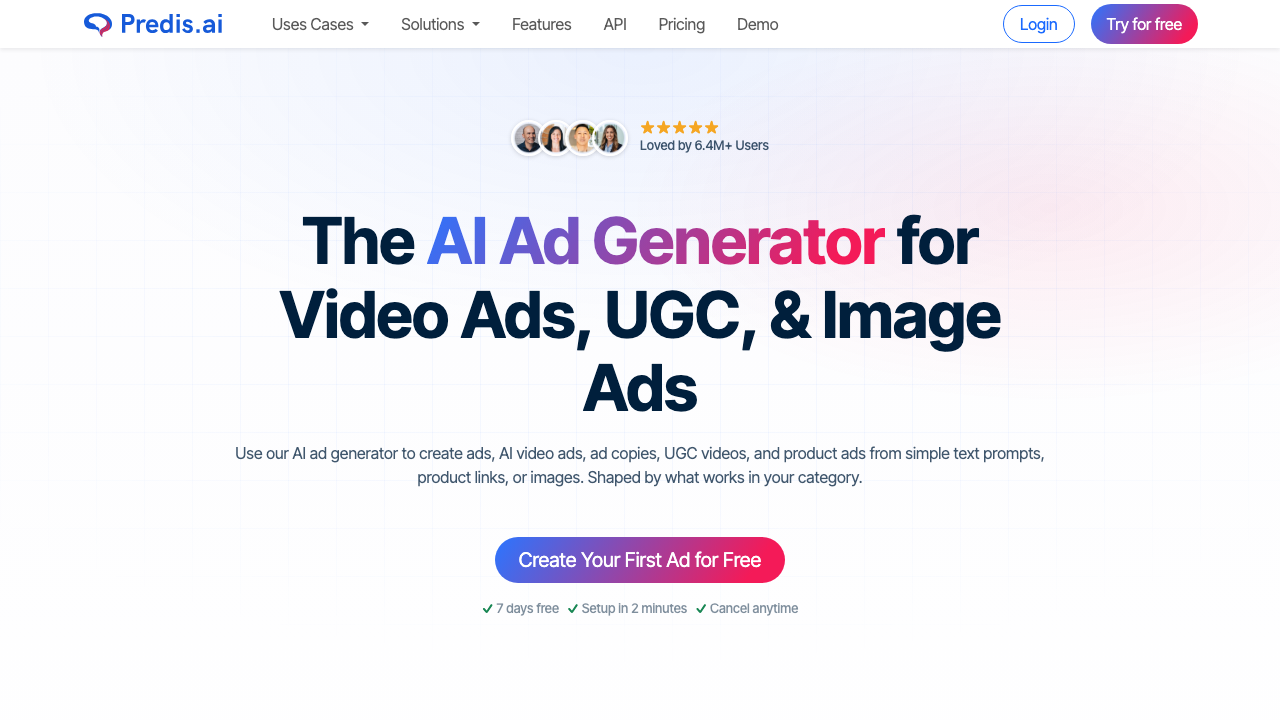
For ecommerce brands, local businesses, and creators, the hardest part is often producing enough finished creative. A caption alone is not enough if the post also needs a carousel, short video, product visual, or ad creative. This is where text-only AI tools start to feel thin.
Predis.ai can turn a prompt or product description into a more complete post package: copy, visual direction, hashtags, and scheduling. That makes it especially useful for teams that publish visual-first content and do not want to jump between a writing tool, design tool, and scheduler for every post.
Best for: ecommerce teams, Instagram-heavy brands, agencies, and creators who need carousels or short videos.
What I like: it reduces the distance between idea and finished asset. That matters when your calendar needs visual content every week.
Watch out for: generated visuals still need human review. Check brand fit, product accuracy, text overlays, and whether the final creative feels native to the platform. I would be especially strict with product images and sale claims.
5. Vista Social
Vista Social is best for teams that need social media management, not just post generation.
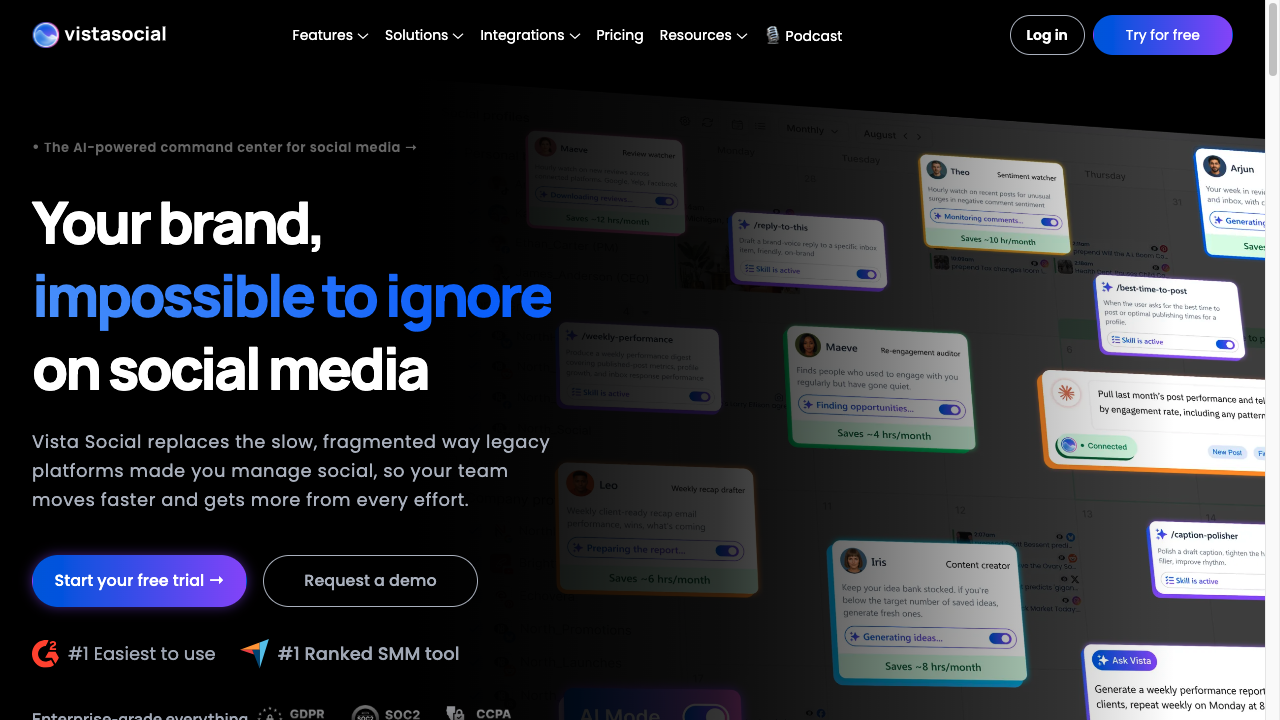
It brings together publishing, engagement, reviews, reporting, listening, and AI-assisted writing. That makes it more useful for agencies, multi-location brands, and teams managing many social profiles.
The AI assistant can generate post ideas and captions, but the bigger value is workflow coverage. If you need a central place for scheduling, inbox work, approvals, reporting, and team coordination, Vista Social is more complete than a standalone AI caption writer. It is the kind of tool I would consider only after the lightweight stack starts showing real limits.
Best for: agencies, multi-profile teams, and brands that need publishing plus engagement management.
What I like: Vista Social gives AI a practical role inside the broader workflow. It is useful when content creation, approvals, replies, and reporting all need to stay connected.
Watch out for: if you only need captions, it may be more tool than you need.
6. Ocoya
Ocoya is useful when you want AI copywriting, scheduling, and ecommerce-aware social content in one lightweight platform.
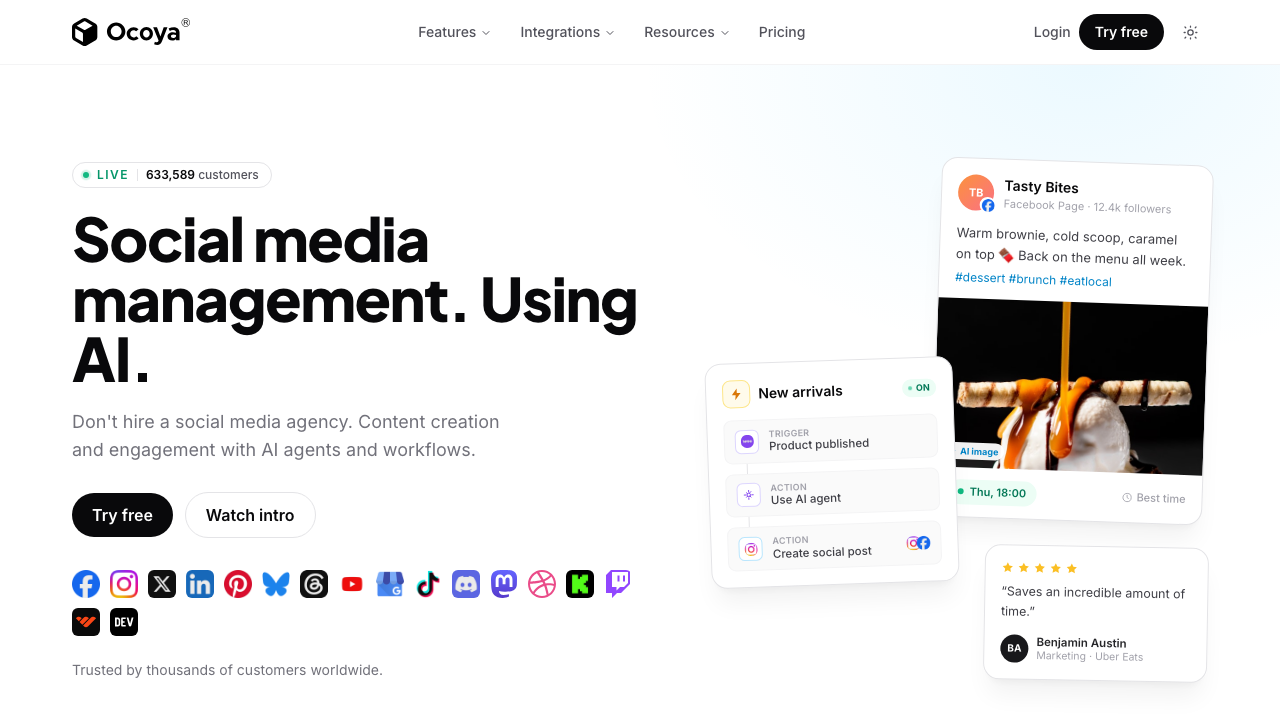
It can generate captions, hashtags, post ideas, and social content variations, then move those posts into a calendar. The ecommerce integrations are a clear use case: product-led brands can create posts around new items, promotions, collections, or seasonal campaigns without writing every caption from scratch.
Ocoya is not the deepest analytics platform on this list, but it is a practical middle option for people who want more than a writing tool and less than an enterprise social suite. That middle category matters because many small teams outgrow copy generators long before they need enterprise reporting.
Best for: ecommerce brands, freelancers, and small teams that want AI writing plus scheduling.
What I like: it keeps creation and publishing close together. That reduces the common problem where AI drafts sit in a document and never make it into the calendar.
Watch out for: review generated hashtags and captions carefully. Hashtag quantity is less important than relevance, and generic captions can still slip through.
7. Flick
Flick is strongest for Instagram-focused creators and small brands that need ideas, captions, planning, and hashtag support.
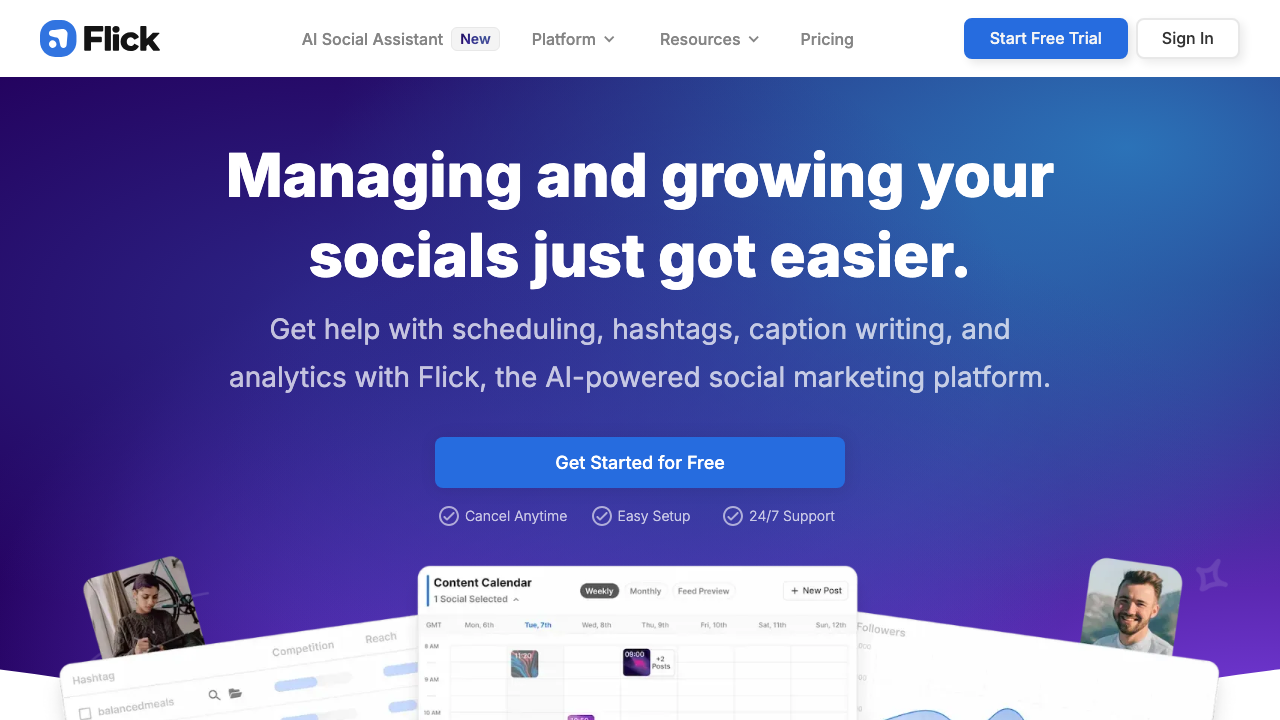
Flick's Content Lab is useful when the problem is not only writing the caption, but deciding what to post in the first place. It can help turn broad ideas into more structured content plans, then support the caption and hashtag side of the workflow.
This makes Flick a better fit for creators who need social strategy help than for teams that already have a complete campaign calendar. If you know exactly what you want to publish, a simpler writer may be enough. If you need help finding angles, Flick becomes more interesting. I would not buy it just for hashtags; the planning layer is the better reason.
Best for: Instagram creators, personal brands, and small teams building content themes.
What I like: Flick is good for the messy middle between idea and post. That is where many social calendars get stuck.
Watch out for: it is not the best fit if you need heavy cross-channel analytics, large-team approvals, or enterprise listening.
8. Audiense
Audiense is different from most tools on this list because it is more about audience intelligence than content generation.
That makes it valuable when the question is not "what should we write today?" but "who are we actually trying to reach, what do they care about, and how should that shape the campaign?"
Audiense can help with segmentation, audience research, influencer discovery, and social intelligence. For brands that already have a content team, this can be more valuable than another caption generator. Better briefs usually beat more drafts.
Best for: strategy teams, agencies, researchers, and brands with serious audience segmentation needs.
What I like: it helps social teams make better decisions before writing begins. AI-generated content is much stronger when the brief is based on real audience insight.
Watch out for: this is not a plug-and-play caption tool. It is more useful when you have the time and team to turn audience research into strategy.
When to Consider Sprout Social or Hootsuite
Sprout Social and Hootsuite deserve mention because they are often the right choice for larger teams.
Sprout Social is a serious option when social listening, sentiment analysis, inbox management, reporting, and stakeholder visibility matter. Its pricing starts much higher than lightweight tools, but the value is different: it is built for teams that need social media intelligence, not just content output.
Hootsuite is similar in that it is strongest for established social operations. If your team needs governance, approvals, analytics, social listening, and paid/organic management in one place, it can make sense. If you only need AI captions, it is probably too heavy.
My simple rule: start with a lightweight tool unless your social media program has already outgrown lightweight workflows. Paying for complexity before you need it is one of the fastest ways to slow a team down.
Which Tool Should You Choose?
| If your main problem is... | Choose this kind of tool | Good options |
|---|---|---|
| Writing faster captions | AI writing and template tools | Junia AI, Buffer, Ocoya |
| Repurposing old posts | Recycling and scheduling tools | FeedHive, Buffer |
| Producing carousels and videos | Visual-first AI tools | Predis.ai, Canva, Ocoya |
| Managing many profiles | Full social media management platforms | Vista Social, Sprout Social, Hootsuite |
| Understanding your audience | Social listening and intelligence tools | Audiense, Sprout Social |
| Keeping a monthly calendar full | Planning and content calendar tools | Buffer, FeedHive, Vista Social |
If you are starting from scratch, do not buy the biggest platform first. Start with the bottleneck. I have rarely seen teams regret choosing the simpler tool first; I have seen plenty regret buying a platform nobody wants to maintain.
For example, if your team has ideas but struggles to phrase them well, use Junia AI and a simple scheduler. If your team has strong posts but no reuse system, use FeedHive. If visual production slows everything down, test Predis.ai. If leadership wants reports, sentiment, and customer-care visibility, look at Sprout Social, Hootsuite, Vista Social, or Audiense.
A Simple AI Social Media Workflow
Here is the workflow I would use for most teams. Batching beats daily panic. Write a week's posts in one sitting, then schedule them.
How to batch content for social media
- Plan the month around themes. Pick three to five content themes instead of inventing ideas daily. A content calendar generator can help turn those themes into a draft schedule.
- Write platform-specific drafts. Do not paste the same post everywhere. Adapt the hook, length, CTA, and tone for each channel.
- Create the visual asset. For Instagram, TikTok, Pinterest, and Facebook, the visual usually carries the post. Use AI for drafts, but review every visual for brand fit.
- Schedule with context. Put posts into a calendar with campaign notes, not just dates. This helps you understand later why a post existed.
- Reply faster without sounding automated. A social media reply generator can help with first drafts, but sensitive comments still need human judgment.
- Review performance weekly. Look for repeatable patterns: hooks that work, formats that fail, topics that get saved, and posts that deserve recycling.
This workflow keeps AI in the right role. It speeds up production, but it does not replace strategy, taste, or accountability. That last part matters most once real customers start replying.
What Makes a Good AI Social Media Tool?
The best tool is not the one with the longest AI feature list. It is the one that improves the part of the workflow you actually repeat. A feature you use every Tuesday is worth more than ten impressive features buried in a menu.
Look for these features first:
- Platform-aware output: LinkedIn, TikTok, Instagram, Facebook, X, and Threads need different rhythms.
- Brand voice controls: A strong brand voice system matters more than a fancy prompt box.
- Repurposing support: Good tools can turn a blog post, newsletter, webinar, or old post into several native social assets.
- Scheduling and approvals: If multiple people review posts, workflow matters as much as writing quality.
- Analytics: At minimum, you need to know which topics, hooks, formats, and publishing times are working.
- Visual support: For many channels, AI copy is only half the job.
- Human review points: The tool should make it easy to edit, approve, and reject drafts.
I would be cautious with any tool that promises fully automated social media without review. That can work for low-risk filler posts, but it is risky for brand positioning, customer replies, product claims, crisis moments, and anything tied to legal or regulated topics.
Common Mistakes to Avoid
Do not publish the first AI caption. Social tools make it easy to fill a calendar. They do not make a vague post worth posting.
The first mistake is choosing a tool before naming the bottleneck. A creator who needs hooks does not need the same software as an agency managing 60 profiles. This sounds obvious, but it is where most comparison shopping goes sideways.
The second mistake is publishing the first AI draft. Social media moves quickly, but that does not excuse vague captions. A strong hook generator can help with the opening line, but the final post still needs a clear point of view.
The third mistake is overusing the same CTA. Not every post should say "learn more" or "shop now." Rotate your ask based on the post type: comment, save, share, click, reply, book, download, or buy. When the next step is unclear, a call-to-action generator can give you options, but choose the one that matches the actual intent.
The fourth mistake is treating AI hashtags as strategy. Hashtags can help discovery, but they will not fix weak creative, unclear positioning, or boring topics. I would spend more time improving the opening idea than polishing a 25-tag stack.
The fifth mistake is ignoring replies. Social is not only publishing. If a post gets comments and DMs, the follow-up matters. AI can draft responses, but the voice should still sound like someone from the brand is paying attention.
Final Recommendation
For most people, I would not start with the most expensive all-in-one platform. I would earn my way into that kind of tool by proving the simpler workflow is actually too limiting.
Start with the narrowest tool that solves your current problem:
- Use Junia AI if you need stronger platform-specific social copy.
- Use Buffer if you want simple AI-assisted scheduling.
- Use FeedHive if your best posts should be reused more intelligently.
- Use Predis.ai if visual production is the bottleneck.
- Use Vista Social if you manage many profiles and need a fuller workflow.
- Use Audiense if audience research matters more than caption generation.
The right AI social media tool should make your team faster without making your posts sound interchangeable. If the tool helps you publish more, learn faster, and keep the brand voice intact, it is doing its job. If it only helps you publish more generic posts, add a human pass before you buy a bigger stack.