
Best AI Website Builders for Startups in 2026

Yi
SEO Expert & AI Consultant

If you need a startup website live this week, the best AI website builder is the one that gets you to a credible first version without trapping you in a weak editor later.
For most startups, I would start with Wix because it combines AI setup with a mature website builder. If you care more about price, Hostinger is the better budget pick. If you need a quick validation page, Mixo or Durable will usually get you online faster than a heavier platform. If design control matters most, Framer is the stronger choice.
That is the honest split. AI can help you generate a page, structure sections, write starter copy, and publish faster. It does not remove the need to check your positioning, replace generic images, tighten your offer, and make sure the site can grow with the business.
Quick Picks
| Use case | Best AI website builder | Why it fits |
|---|---|---|
| Best overall for most startups | Wix | Strong AI onboarding plus a mature editor, apps, ecommerce, bookings, blog, and automation options. |
| Best low-cost startup site | Hostinger | Affordable hosting and builder bundle with AI tools for copy, images, logo work, and page setup. |
| Fastest business site | Durable | Built around speed, local business pages, CRM, AI chat, and quick publishing. |
| Best simple validation page | Mixo | Good for MVP landing pages, waitlists, and one-page startup tests. |
| Best for design-led startups | Framer | Better control over layout, motion, CMS, and polished landing pages. |
| Best for WordPress | 10Web | AI setup with WordPress infrastructure, hosting, and editable pages. |
| Best for local services | Jimdo | Simple AI setup for small businesses that need customers to find, book, and pay. |
| Best for campaign landing pages | Unbounce | Built for landing page testing, conversion copy, and campaign workflows. |
| Best for WordPress customization | CodeWP | Useful when you already run WordPress and need AI-assisted code or plugin-specific snippets. |
| Best inside the Divi ecosystem | Divi AI | Best if your team already builds with Divi and wants AI copy/image help in that workflow. |
How I Evaluated the Builders
The strongest ranking pages on this topic do three useful things: they give quick recommendations, explain how the tools were judged, and admit that many AI builders still produce generic results. I used that same practical lens here, but adjusted it for startup needs.
A startup website usually needs five things before it needs anything fancy:
- A clear offer above the fold.
- Pages that can explain the product, team, pricing, waitlist, or launch.
- Basic SEO controls for titles, descriptions, URLs, image alt text, indexing, and structured pages.
- Room to connect forms, analytics, CRM, email, payments, bookings, or ecommerce later.
- An editor your team can actually use after the AI draft is generated.
That last point matters. A bad AI website builder creates a quick demo and then makes every future change annoying. A good one gets you to 70-80% quickly and still gives you enough control to finish the job properly.
An AI builder is not a ranking strategy. Getting a site live in 30 seconds does not get it crawled, indexed, or trusted. I still treat Search Console as a launch step, not an optional extra.
Google’s Search Console training on adding and verifying a property is the part I would watch before you pick a builder based on the demo:
Google Search Console training: how to add and verify a site
Before publishing anything, I would also prepare the inputs the AI builder needs: the company name, positioning, audience, offer, page sections, product screenshots, testimonials, FAQs, and target keywords. If the naming or positioning still feels loose, Junia's business name generator can help you turn a rough idea into something more concrete before you ask a builder to design around it.
Once the offer is clear, use a website landing page generator to pressure-test the page sections before you commit them to the site builder. The goal is not to publish generated copy untouched. It is to give the AI website builder a sharper starting brief.
1. Wix: Best Overall AI Website Builder for Startups
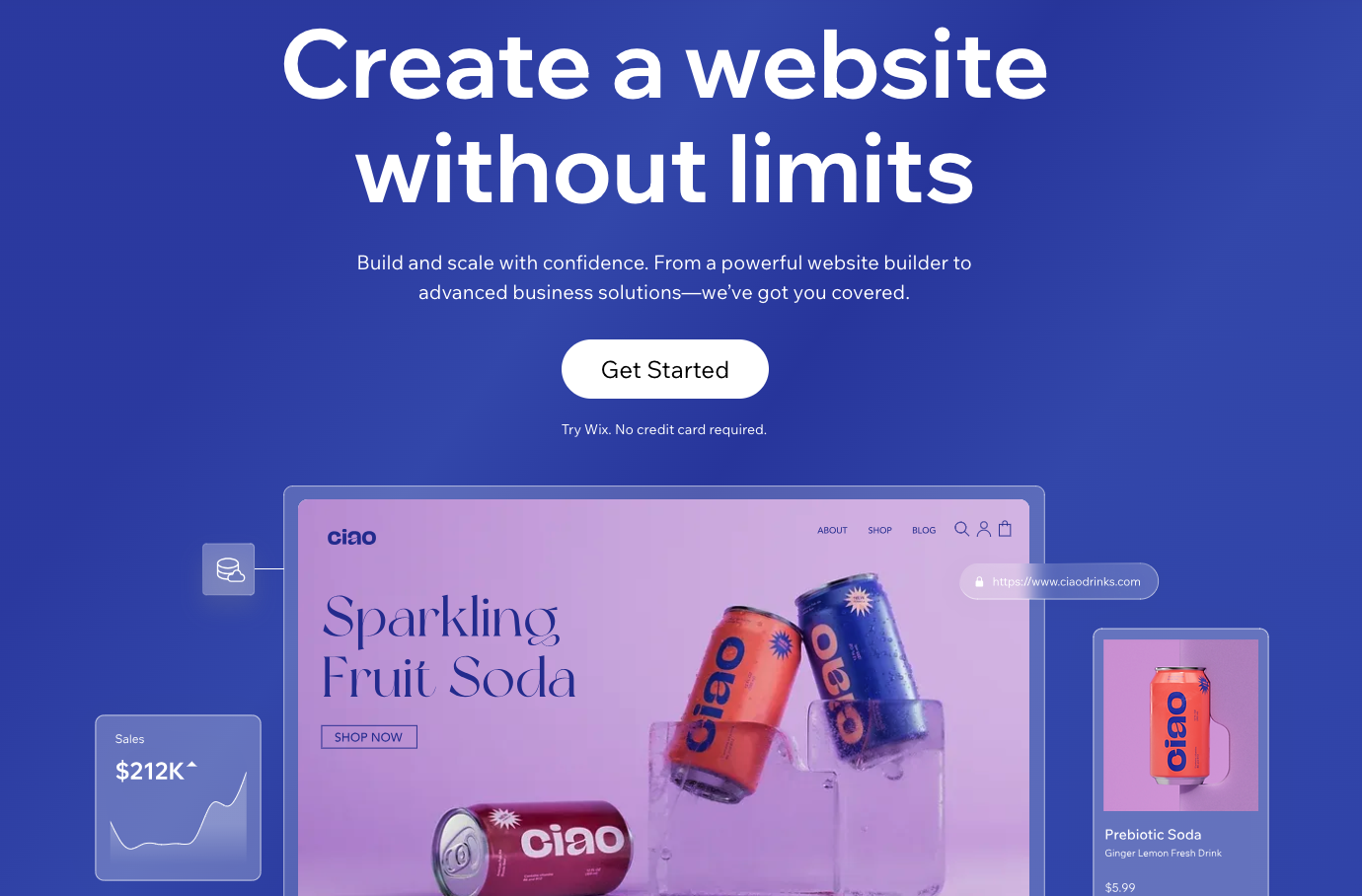
Wix is the safest default choice for most startups because the AI builder is backed by a mature website platform. That matters more than the novelty of the AI itself.
The AI onboarding helps you create an initial site by answering questions about the business, the type of site, and the pages you need. After that, you can keep editing in Wix's regular builder, add sections, connect apps, set up ecommerce, take bookings, publish a blog, and manage the basics without moving to another platform.
That makes Wix a good fit if your website may start as a landing page but later needs more: a pricing page, resource hub, appointment booking flow, product catalog, gated lead magnet, or email automation. According to Wix's official pricing page, premium plans include options for a custom domain, storage, analytics, ecommerce, and additional business features depending on the tier.
Best for: startups that want an AI-assisted launch but still need a real website builder behind it.
Where it is strong:
- AI setup is easy for non-technical founders.
- The editor is flexible enough for ongoing changes.
- The app ecosystem is much deeper than most newer AI builders.
- It can handle blogs, bookings, ecommerce, events, forms, and automation.
Where it can disappoint:
The AI output still needs editing. You should expect to replace stock copy, adjust images, rewrite the hero section, and clean up the page hierarchy. Wix is practical, not magical.
If you pick Wix, spend extra time on your title tags and descriptions before launch. Junia's meta title generator and meta description generator are useful for turning each page into a search result people might actually click.
2. Hostinger: Best Budget AI Website Builder
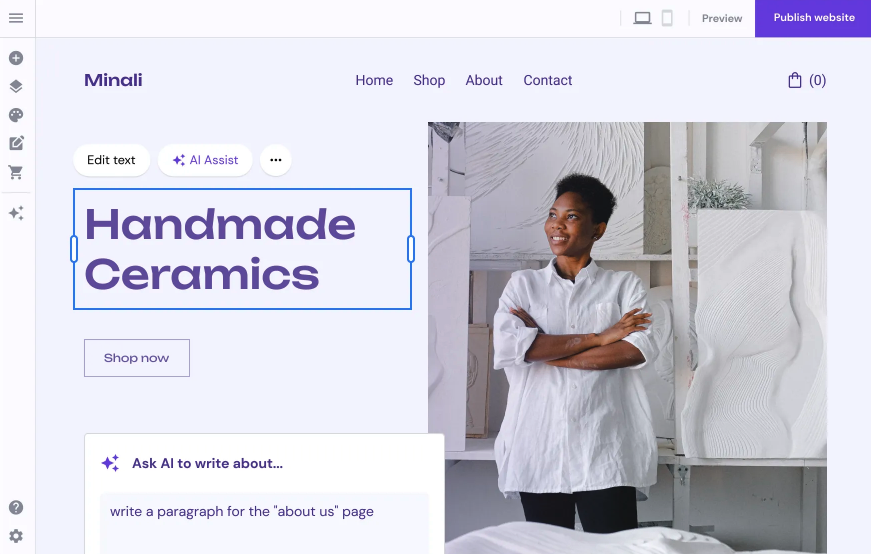
Hostinger is the budget-friendly pick for startups that want hosting, a site builder, and AI tools in one place. Its official AI website builder page highlights AI site generation, AI logo tools, image tools, heatmaps, and business-ready website plans.
The main advantage is cost and simplicity. A founder can describe the business, generate a first version, customize it with a drag-and-drop editor, and publish without dealing with separate hosting. For a pre-seed startup, solo founder, local service, or side project, that can be enough.
Best for: budget-conscious startups that need a professional site without a heavy platform.
Where it is strong:
- Good value if you want hosting and site building together.
- AI tools cover several common startup needs: copy, logo, images, and layout.
- The setup is friendly for beginners.
- It works well for simple business sites, portfolios, and service pages.
Where it can disappoint:
It is not the best choice if you want deep design control or a complex content operation. Hostinger is strongest when the site is straightforward and the goal is to publish quickly at a low cost.
3. Durable: Fastest Way to Get a Business Site Online
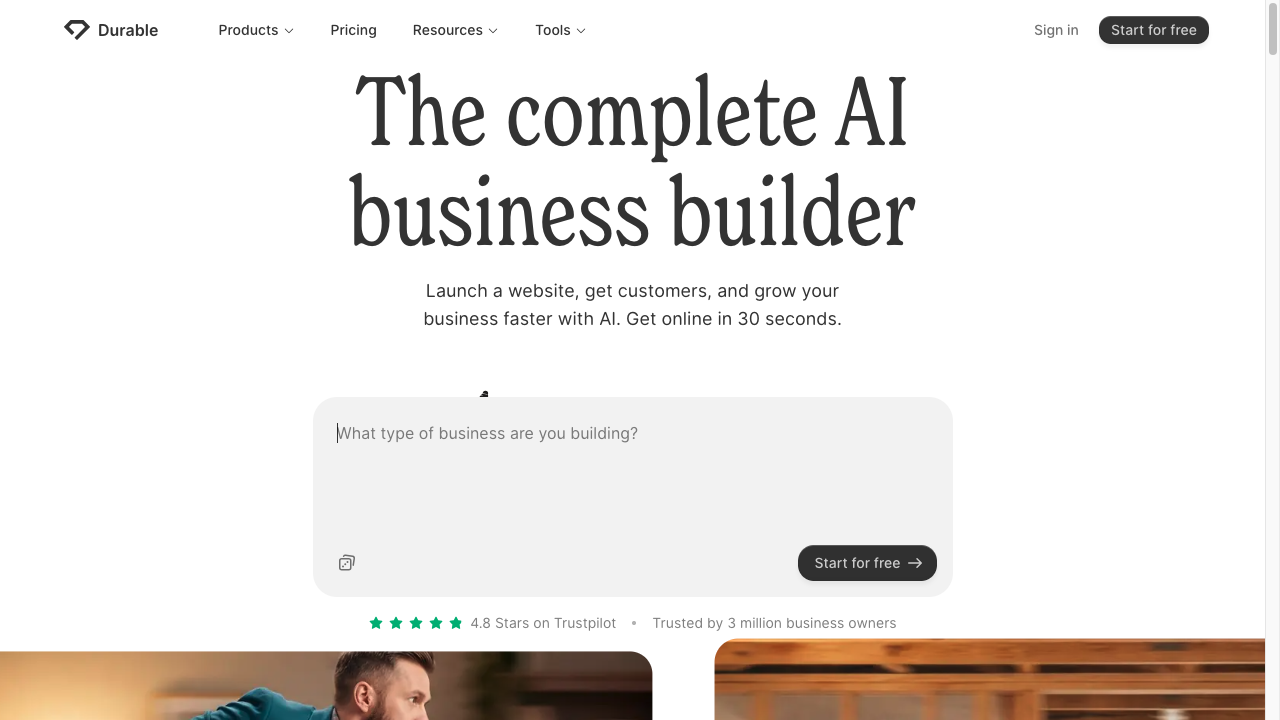
Durable is built for speed. Its official homepage positions it as an AI business builder that can get a business online quickly, and its pricing page now emphasizes more than the website itself: hosting, CRM, AI chat, business tools, SEO, and AI visibility features depending on the plan.
That makes Durable different from a pure design tool. It is aimed at founders and small business owners who need a functional online presence, not a pixel-perfect brand site. If you are testing a consulting offer, local service, coaching business, or simple startup idea, this can be a very fast path from blank screen to published page.
Best for: quick business sites, service pages, and founders validating an offer.
Where it is strong:
- Very fast first draft.
- Built-in business tools reduce setup friction.
- Good for service businesses that need leads, bookings, or simple customer management.
- Useful when speed matters more than brand-level design control.
Where it can disappoint:
Durable can feel limiting if you want detailed layout control, complex pages, or a site that feels heavily custom. Treat it as a launch tool first and a long-term design platform second.
4. Framer: Best AI Website Builder for Design Control

Framer is the best pick here for design-led teams. It is not the easiest tool on this list, but it gives you more control over layout, responsive design, motion, CMS content, and polished landing pages than most beginner-focused AI builders.
Framer's official site describes it as a no-code AI website builder for professional sites, with tools for design, CMS, SEO, collaboration, and publishing. Its pricing page also shows that AI credits, CMS capacity, bandwidth, and SEO features vary by plan, so you should choose based on how serious the site is, not just the lowest monthly number.
Best for: startups that care about brand, design polish, and landing page quality.
Where it is strong:
- Better visual control than many simple AI builders.
- Strong fit for SaaS landing pages, product pages, portfolios, and launch pages.
- Good CMS and publishing workflow for design-focused teams.
- Easier to make the final site feel custom instead of template-driven.
Where it can disappoint:
Framer still needs someone with taste. The AI can help you start, but a strong Framer site usually depends on editing the hierarchy, spacing, copy, imagery, and mobile states carefully. If nobody on the team wants to handle that, Wix or Hostinger may be easier.
5. 10Web: Best AI Website Builder for WordPress
10Web is best when you want AI-assisted website generation but still want WordPress underneath. Its official AI website builder page says generated websites can be customized with an AI co-pilot or drag-and-drop editor, and its pricing page includes hosting, AI credits, storage, visitor limits, and WordPress CMS features depending on the plan.
This is useful for startups that already know they will need a blog, content hub, plugin ecosystem, or WordPress ownership model. Instead of starting from a blank theme, you can use AI to generate the structure, then keep building on a familiar CMS.
Best for: founders who want WordPress flexibility without starting from scratch.
Where it is strong:
- WordPress remains the underlying CMS.
- AI can speed up setup and page creation.
- Hosting, performance, and AI tooling are bundled.
- Better fit for content-heavy sites than many one-page AI builders.
Where it can disappoint:
WordPress gives you flexibility, but it also brings more decisions: plugins, updates, themes, security, and content structure. If you only need a one-page waitlist, 10Web may be more setup than necessary.
For content-led startups, the extra structure can be worth it. A strong website launch should include a basic publishing plan, and Junia's guide on how to create content for a startup is a good place to tighten that plan before you commit to a CMS.
6. Jimdo: Best Simple AI Builder for Local Businesses
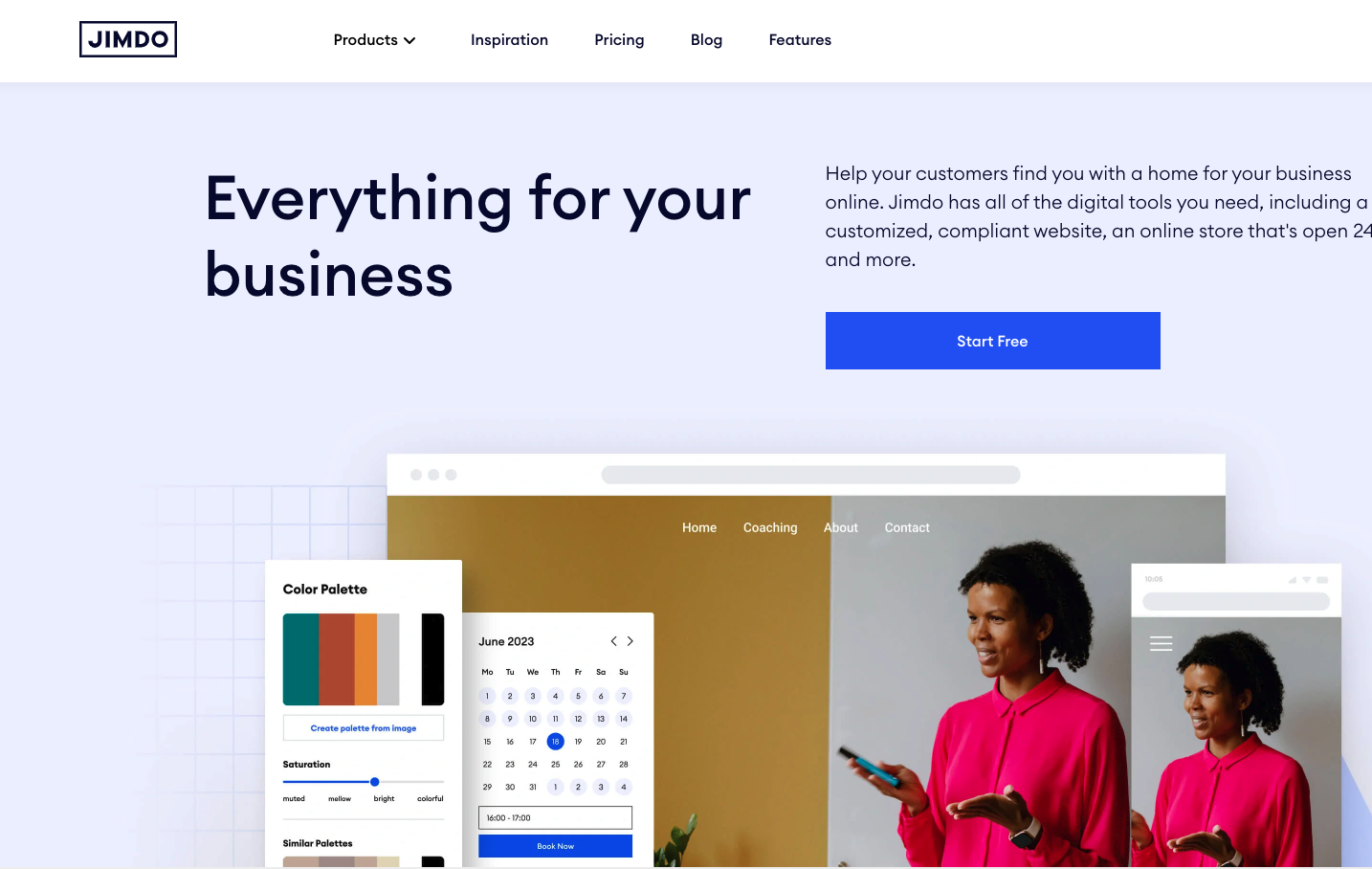
Jimdo is not the flashiest builder, but it is practical for small businesses that need a clean web presence without learning a large platform. Its official website says the AI builder can create structure, copy, images, calls to action, and SEO-oriented content for business sites.
That makes it a good fit for founders who need a basic service site: homepage, about page, contact information, booking or payment options, and clear local SEO signals.
Best for: local businesses, solo service providers, and simple company websites.
Where it is strong:
- Very approachable for beginners.
- Good for simple business pages and service information.
- Helpful when the main goal is being found, contacted, booked, or paid.
- Less overwhelming than larger builders.
Where it can disappoint:
Jimdo is not where I would start for a design-heavy SaaS site, a complex ecommerce store, or a large content engine. It is better for straightforward business presence than ambitious product marketing.
7. Mixo: Best AI Builder for MVP Landing Pages
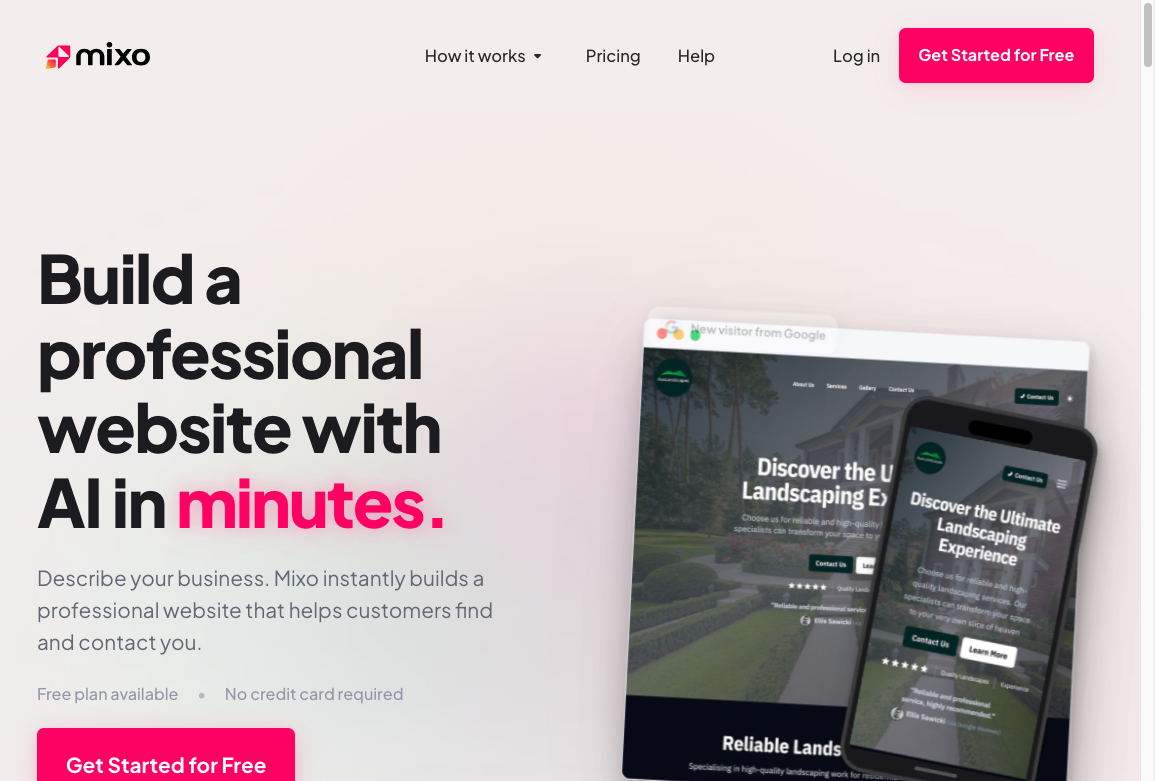
Mixo is made for one of the most common startup jobs: describe an idea, generate a page, collect interest, and see if anyone cares. Its official AI website builder page says it can create a lead-generating website quickly and notes that a free plan is available.
This is exactly where AI website builders make sense. You do not need a complex brand system for a validation page. You need a clear promise, a few sections, a form, and a reason for visitors to leave their email.
Best for: MVP pages, waitlists, prelaunch campaigns, and side-project validation.
Where it is strong:
- Very fast setup.
- Good fit for one-page offers.
- Useful when you are testing demand before investing in a full site.
- Simple enough for non-designers.
Where it can disappoint:
Mixo is not the best long-term home for a complex startup website. Once you need a larger site architecture, blog, support docs, integrations, or advanced SEO, you may outgrow it.
A simple Mixo page can still rank if it has a clear angle and solves a specific query, but most startups will eventually need deeper content and better internal linking. Junia's AI keyword research tool can help you decide which pages to build next after the first landing page is live.
8. Unbounce: Best AI Builder for Campaign Landing Pages
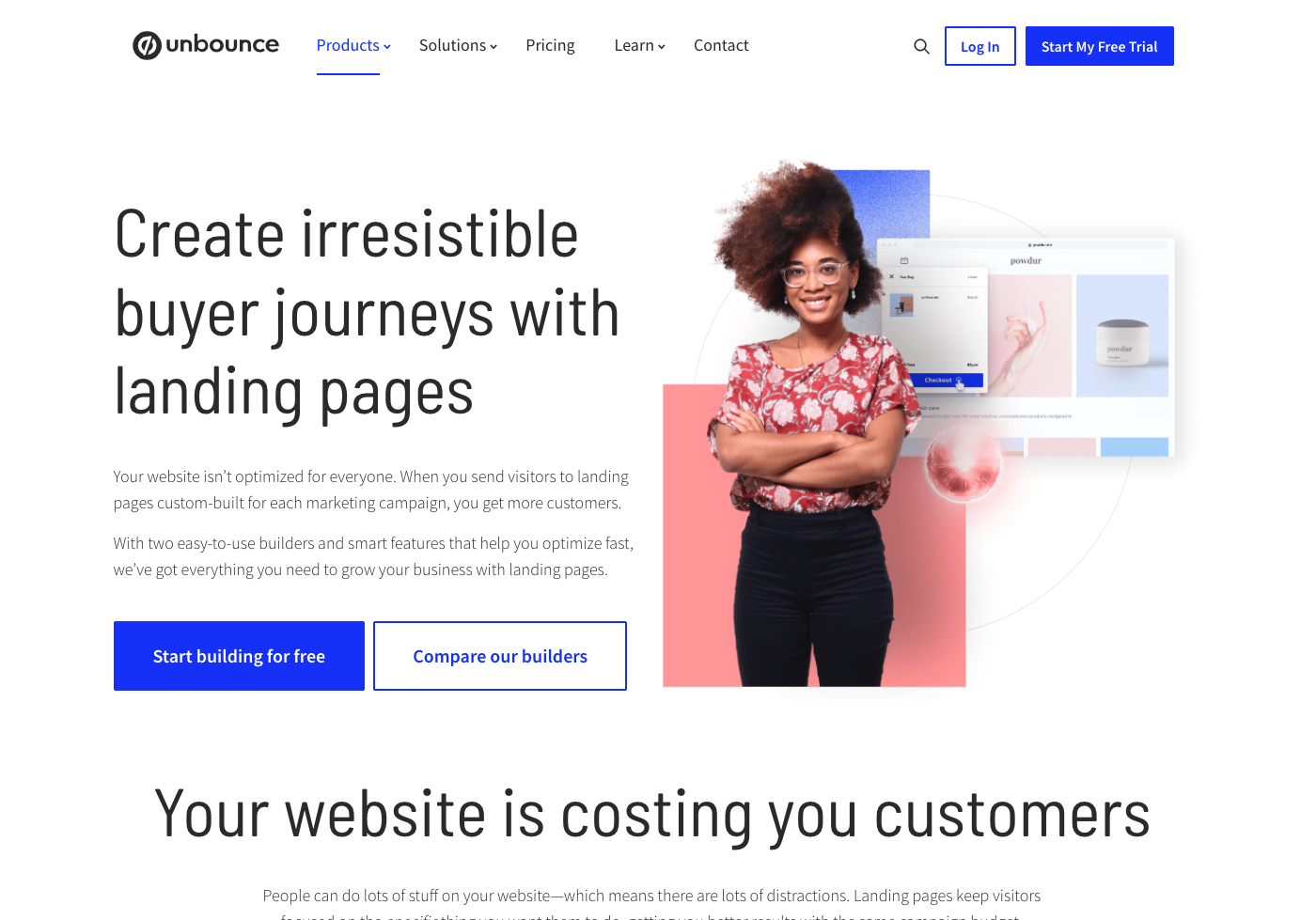
Unbounce is different from most tools here because it is not trying to be the best general-purpose website builder. It is strongest as a landing page and conversion platform. If your startup is running paid ads, testing offers, launching webinar pages, or building lead generation funnels, that focus can be useful.
Unbounce's AI copywriting and landing page tools are more relevant when every page has a measurable conversion goal. You can use AI to generate copy ideas, create variants, and move faster through campaign testing.
The draft still needs an SEO pass if the page will stay live after the campaign. A landing page that starts as paid traffic can become an organic asset later, but only if the headline, search intent, and copy quality are strong enough to deserve indexing. Junia's guide to writing tools for SEO is useful when the page copy needs more than a quick conversion tweak.
Best for: paid acquisition, lead generation, and conversion-focused campaign pages.
Where it is strong:
- Built for landing pages rather than broad website management.
- Useful for testing offers, CTAs, and campaign variants.
- Better fit for marketers than general site builders.
- Pairs naturally with analytics, forms, and automation workflows.
Where it can disappoint:
Unbounce is overkill if you only need a simple startup website. It makes more sense when landing pages are part of your growth process and you already know what you want to test.
9. CodeWP: Best for WordPress Code and Plugin Work
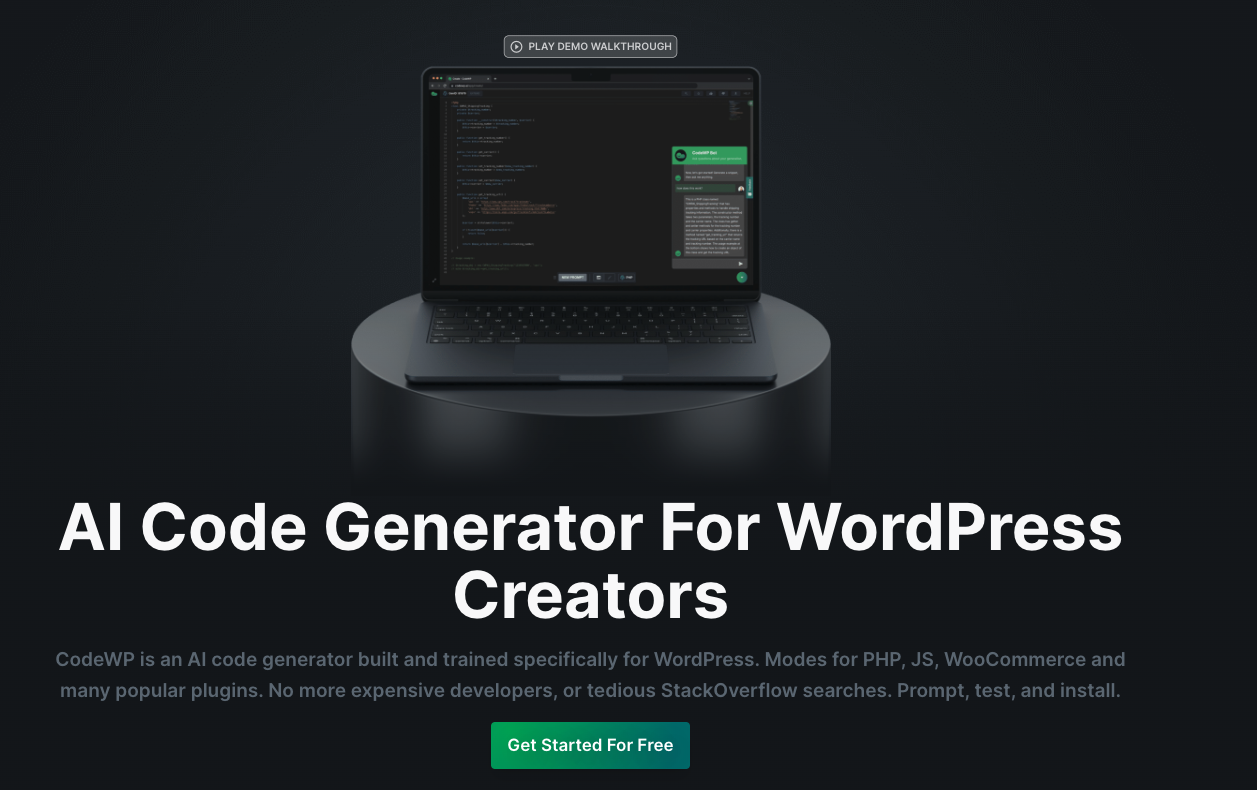
CodeWP is not a standard AI website builder in the same way Wix or Hostinger is. It is better understood as an AI code assistant for WordPress creators. If you already have a WordPress site and need help creating snippets, working with plugins, or customizing functionality, it can save time.
That makes it useful for technical founders, WordPress freelancers, and teams that want AI support inside an existing WordPress workflow. It is not the right choice if your goal is to answer a few questions and instantly publish a polished site.
Best for: WordPress users who need AI-assisted code, snippets, and customization.
Where it is strong:
- Useful for plugin-specific WordPress work.
- Helps technical users move faster.
- Can support custom functionality that no-code builders may not expose.
- Fits teams that already know WordPress.
Where it can disappoint:
AI-generated code still needs review. Do not paste code into a production WordPress site without testing it, checking compatibility, and understanding the security implications.
10. Divi AI: Best for Existing Divi Users
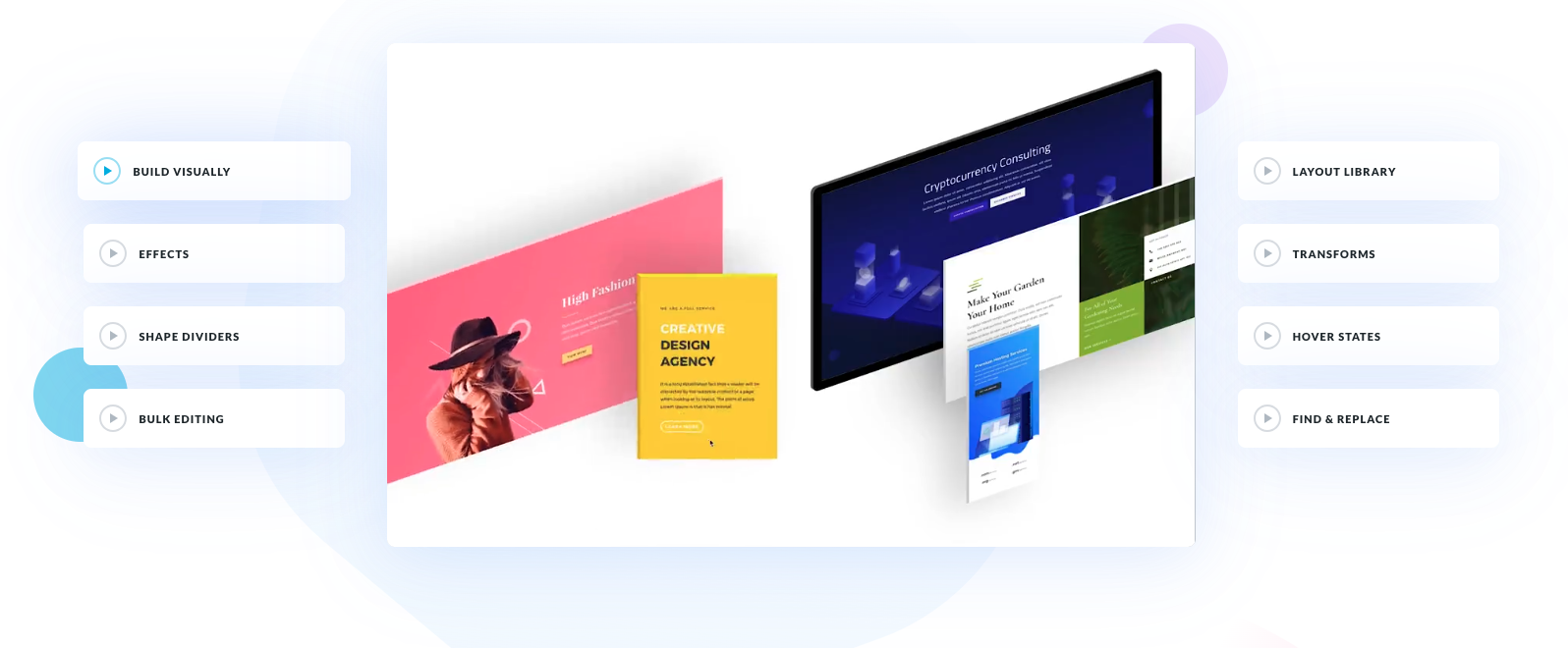
Divi AI is the right pick only if Divi is already part of your website workflow or you are comfortable committing to it. It can generate copy, images, and page elements inside the Divi ecosystem, which is useful if your team already uses Elegant Themes for WordPress builds.
For a startup starting from zero, I would usually choose Wix, Framer, Hostinger, or 10Web first. But for a Divi-based WordPress site, keeping AI assistance inside the builder can be convenient.
Best for: WordPress sites already built with Divi.
Where it is strong:
- AI copy and image generation inside the Divi workflow.
- Convenient for teams already using Divi layouts and modules.
- Good for updating existing WordPress pages faster.
Where it can disappoint:
It is ecosystem-specific. If you do not want Divi, this should not be your first AI website builder.
Worth Considering: Dorik AI
Dorik AI generates website layouts, text, and images from a prompt, then lets you revise the result in its builder. It is worth shortlisting for a startup that needs a small marketing site and wants to keep editing it without a custom development workflow.
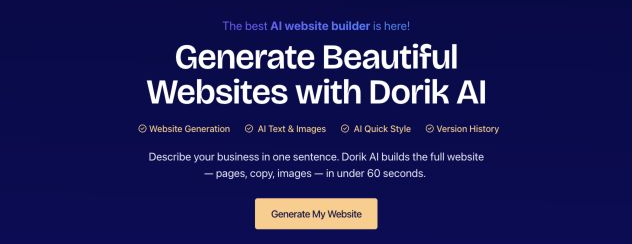
Dorik’s product overview brings generation, styling, and version history into the same workflow.
Dorik documents section regeneration, style changes, and version history. Test those controls on a real task: change your service description, add a page, and check the mobile layout. Choose it if those routine edits feel manageable; check forms, CMS needs, and integrations before committing to the platform.
AI Website Builder Comparison
| Builder | Best for | Main strength | Watch out for |
|---|---|---|---|
| Wix | Most startups | AI setup plus mature website platform | AI draft still needs editing |
| Hostinger | Budget sites | Low-cost builder and hosting bundle | Less design depth than Framer or Webflow-style tools |
| Durable | Fast business sites | Speed, CRM, AI chat, local business tools | Less suited to custom design |
| Framer | Design-led startups | Polished design control and CMS | Needs design judgment |
| 10Web | WordPress startups | AI plus WordPress CMS | More moving parts than simple builders |
| Jimdo | Local businesses | Simple setup and business basics | Limited for complex growth sites |
| Mixo | MVP pages | Fast validation pages and waitlists | Easy to outgrow |
| Unbounce | Campaign pages | Conversion testing and landing pages | Not a full site platform for everyone |
| CodeWP | WordPress customization | AI-assisted WordPress code | Requires technical review |
| Divi AI | Divi users | AI inside existing Divi workflows | Only makes sense if you use Divi |
| Dorik AI | Small marketing sites | Prompt-based generation and visual editing | Check CMS, forms, and integrations for your workflow |
How to Choose the Right AI Website Builder
Start with the job your website has to do in the next 90 days. A lot of founders choose the tool with the most exciting demo, then realize they actually needed a simpler publishing workflow or better SEO controls.
Use this decision rule:
- Choose Wix if you want the best all-around startup website builder.
- Choose Hostinger if budget and bundled hosting matter most.
- Choose Durable if you need a live business site immediately.
- Choose Mixo if you are validating a single offer or collecting emails.
- Choose Framer if the site needs to look more custom and design-led.
- Choose 10Web if WordPress is part of your long-term content plan.
- Choose Unbounce if the page exists to convert paid traffic.
Also check what happens after launch. Can you add pages? Can you edit title tags? Can you redirect URLs? Can you connect analytics? Can you export or migrate if needed? Can your team edit the site without breaking the design?
For legal and trust pages, do not leave the AI draft vague. Most startup sites need an about page, privacy policy, and terms page before serious campaigns begin. Junia's about us page generator can help you write a founder or company page that sounds specific instead of padded.
Privacy and terms pages need a separate pass because they carry legal and compliance expectations. A privacy policy draft can give you a starting structure, but you should review it carefully before publishing.
What AI Website Builders Still Get Wrong
AI builders are better than they were a few years ago, but they still struggle with three things.
First, the copy often sounds generic. It may explain that your product is innovative, seamless, powerful, or transformative without saying anything specific. Replace that with real positioning: who the product is for, what painful problem it solves, and why someone should trust you.
Second, the imagery can feel fake. Swap in real product screenshots, founder photos, interface previews, customer logos, or diagrams as soon as you have them. A polished but generic page is less convincing than a slightly imperfect page with real proof.
Third, the structure often misses search intent. AI might generate a nice homepage, but it will not automatically build the topic cluster, comparison pages, use-case pages, and article library that help a startup grow organic traffic. If organic growth matters, treat the website builder as the launch layer and your content strategy as the growth layer. Junia's startup SEO solution is built around that broader problem: getting a young company found when it does not yet have much authority.
What to Do After the AI Website Is Live
Do not stop at publishing. The first live version should start a feedback loop.
Check the homepage on mobile. Submit the site to Google Search Console. Connect analytics. Test every form. Click every CTA. Make sure the page title, meta description, favicon, social preview, and contact details are correct. If the AI builder generated placeholder testimonials, remove them. If it invented claims, delete them.
Then build the first few support pages around real customer questions. For many startups, that means a product launch page, use-case page, comparison page, pricing page, and a few search-focused articles. Junia's product launch generator can help you turn a rough announcement into a clearer launch page.
If you are starting from zero authority, growing without backlinks is usually more realistic than waiting for outreach to work.
If your site is on Webflow or you are comparing AI content workflows around Webflow, Junia's article on AI writing software for Webflow can help with the content side after the site structure is in place.
Final Recommendation
If you want the safest AI website builder for a startup, choose Wix. It gives you a fast AI start without locking you into a thin product.
If you want the cheapest credible path, choose Hostinger. If you want to test an idea quickly, choose Mixo or Durable. If the website is a core brand asset and design quality matters, choose Framer. If your startup is committing to WordPress, choose 10Web.
The main thing is not to confuse a generated website with a finished website. AI can build the first draft. Your job is to make the offer specific, add real proof, clean up the copy, and build the pages that help customers and search engines understand why the startup matters.