
Free Email Newsletter Generator
Create polished email newsletters for product updates, creator newsletters, ecommerce promotions, and SaaS campaigns. Generate engaging subject lines, preview text, content sections, and CTAs that keep subscribers informed and improve open and click-through rates.
Generated Newsletter
Your newsletter (subject + preview + body) will appear here...
How the AI Email Newsletter Generator Works
Get results in seconds with a simple workflow.
Enter a Topic (and Optional Notes)
Add your newsletter topic and paste any key points, links, offers, or announcements you want included. The more specific your notes, the more tailored the newsletter draft.
Choose Newsletter Type + Tone
Pick a newsletter style (educational, promotional, product update, curated, welcome) and optionally set tone, audience, and a CTA to match your email marketing goal.
Generate, Edit, and Send
Get subject lines, preview text, and a ready-to-send newsletter body. Do a quick brand and accuracy review, then paste it into your email platform (Mailchimp, Klaviyo, ConvertKit, HubSpot, etc.).
See It in Action
Example of upgrading a basic newsletter into a structured email with a stronger hook and CTA (without adding new facts).
Subject: SEO tips
Hey, here are some SEO tips. Update your titles and add internal links. Also add FAQs. Thanks.
Subject: 7 quick on-page SEO fixes you can do this week Preview: Small changes that often improve rankings, CTR, and crawlability.
Hey — quick win list for today.
If your pages aren’t moving, it’s often not “more content”… it’s the on-page basics.
Here are 7 fast fixes worth checking:
- Match your title tag to search intent (not just keywords)
- Tighten the first 100 words to answer the query immediately
- Add internal links to your priority pages (with descriptive anchor text)
- Refresh outdated sections with newer examples
- Improve H2s so the page is easier to scan
- Add an FAQ section to cover common objections
- Fix thin pages by expanding the most useful section first
Want a simple checklist you can follow? → Read the full guide
P.S. If you reply with your URL, I’ll tell you the #1 on-page fix I’d do first.
Why Use Our AI Email Newsletter Generator?
Powered by the latest AI to deliver fast, accurate results.
Email Subject Lines + Preview Text (Higher Opens)
Generates multiple subject line options and preview text tailored to your newsletter goal—promotional, educational, product update, welcome, or curated—so you can improve email open rates without guesswork.
Skimmable Newsletter Structure (Better Click-Through Rate)
Creates a clean, readable email layout with a hook, short sections, scannable bullets, and a clear call to action—ideal for busy subscribers on mobile.
Goal-Driven Copy: Clicks, Replies, or Conversions
Choose the newsletter type and get copy optimized for the outcome you want: drive traffic to a blog post, promote an offer, announce a feature, collect replies, or re-engage inactive subscribers.
Tone + Audience Matching (Brand Voice Consistency)
Adapts voice to your brand and audience—professional, friendly, persuasive, or simple—so your email marketing stays consistent across campaigns and newsletters.
Fast Drafts You Can Send Today
Turn a topic (and optional notes) into a ready-to-send email newsletter draft in seconds—perfect for weekly newsletters, content promotion, and lifecycle email marketing.
Pro Tips for Better Results
Get the most out of the AI Email Newsletter Generator with these expert tips.
Write one clear CTA (and repeat it once)
If you want clicks, keep the email focused on one primary action (read the post, watch the demo, register, buy). A single CTA repeated near the end often improves click-through rate.
Lead with a hook in the first 2 lines
Many subscribers only see the first line on mobile. Start with a strong outcome, curiosity gap, or pain point that makes the reader want the next sentence.
Use short paragraphs and skimmable bullets
Newsletter readability directly affects engagement. Keep paragraphs to 1–3 lines, use bullets, and add clear section breaks so the email feels fast to read.
Add a personalization detail (without overdoing it)
A small human detail—what you noticed this week, a quick lesson learned, or a brief story—often increases replies and trust more than extra marketing copy.
Avoid unsupported claims in promotional emails
Don’t promise outcomes you can’t guarantee. Use specific, verifiable benefits (what it does, what’s included, what changes) and make the CTA frictionless.
Who Is This For?
Trusted by millions of students, writers, and professionals worldwide.
Email Newsletter Generator: How to Write Newsletters That Get Opens and Clicks
A great email newsletter is simple: it earns attention, delivers value fast, and makes the next step obvious.
But most newsletters fail for predictable reasons:
- The subject line is vague (“Newsletter #12”)
- The intro takes too long to get to the point
- The email feels like a wall of text
- The CTA is unclear—or there are too many CTAs
- The tone doesn’t match the audience
This Free Email Newsletter Generator helps you produce a structured, skimmable draft with high-performing essentials: multiple subject lines, preview text, a strong opening hook, and a clear CTA.
What a High-Converting Newsletter Includes
1) A subject line that matches intent
Promotional emails should highlight a clear benefit or offer. Educational newsletters should spark curiosity or promise a practical outcome.
2) Preview text that earns the open
Preview text is the “second subject line.” It should clarify what the reader gets in 1 sentence.
3) A fast hook (first 1–2 lines)
Assume the reader is busy. Get to the value immediately.
4) Scannable structure
Short paragraphs, helpful line breaks, and bullets where it improves readability.
5) One primary CTA
If your goal is clicks, pick one action and make it obvious.
Choosing the Right Newsletter Type
A synonym is not a test. If you change “unlock” to “discover,” you did not run a variant — you changed the mood of the same fog.
- Educational: teach something useful; add a soft CTA (read more, reply, save this)
- Promotional: benefits first, reduce friction, clear CTA
- Product update: what’s new, why it matters, how to try it
- Curated links: 3–7 items with quick takeaways
- Welcome email: set expectations and guide the first click
- Re-engagement: win back attention with a simple reason to return
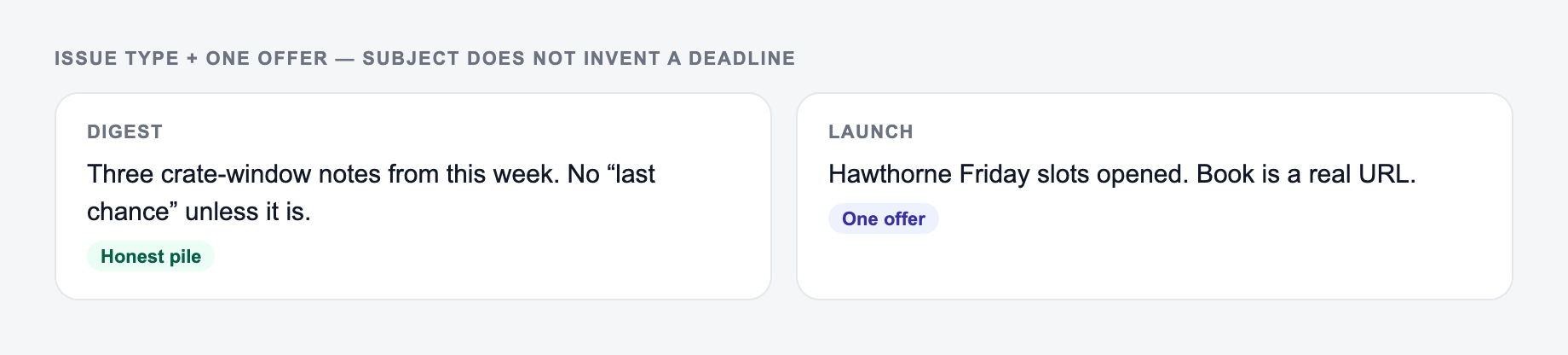
Issue type and one offer belong on the form. Subject and preview should not invent a deadline.
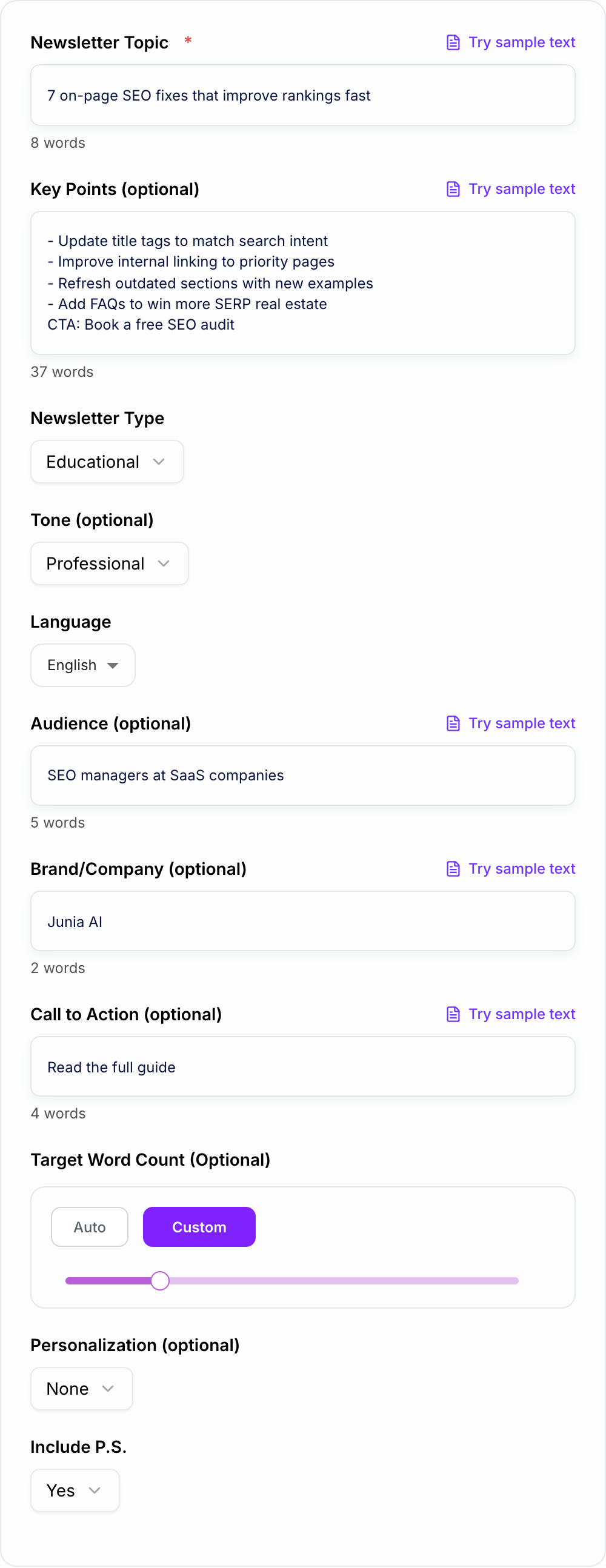
Angle A: A one-line request like “run the newsletter generator” with no audience, channel, or constraint.
Angle B: A brief the AI Email Newsletter Generator can use: who it is for, where the output will appear, and what must stay true.
B is stronger when the first clause names an outcome the destination can keep. A synonym of A is not a test — change the idea, not the adjective.
Practical Tips to Improve Email Marketing Results
- Keep the message focused on one goal (traffic, replies, conversions).
- Write like a human: clear, specific, and direct.
- Avoid unsupported claims—especially in promotional copy.
- Make mobile readability the default (short lines and spacing).
- Add a P.S. to reinforce the CTA without repeating the entire email.
Use This Newsletter Generator for Content and SEO Promotion
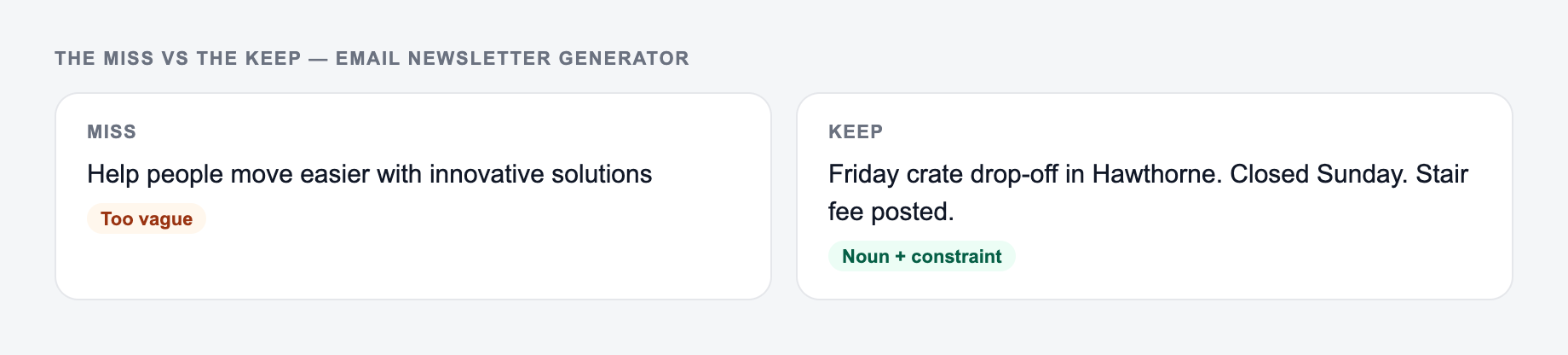
The left side is what most people type. The right side is the brief that actually steers the draft.
Email is one of the fastest ways to drive traffic to a new blog post, improve content distribution, and build a repeat audience. If you publish SEO content, a consistent newsletter helps you:
- drive early clicks to new pages (faster indexing signals)
- get more repeat readers to your site
- collect replies and topic ideas for future content
- promote updates to existing posts (content refresh)
Paste your topic, add a few bullets, choose a tone, and generate a newsletter draft you can send today.
Frequently Asked Questions
What is an email newsletter generator?+
An email newsletter generator creates ready-to-send newsletter copy based on your topic and goals. It can produce subject lines, preview text, structured email body content, and a call to action—helping you write newsletters faster and more consistently.
Does this tool generate subject lines and preview text?+
Yes. It generates multiple subject line options plus preview text designed to improve open rates and match the newsletter’s angle, tone, and audience.
Can I use it for promotional and educational newsletters?+
Yes. You can choose different newsletter types (educational, promotional, product update, curated, welcome, and more). Each mode changes the structure and writing style to fit the goal—traffic, clicks, conversions, or engagement.
How do I make the newsletter match my brand voice?+
Add an optional tone, audience, and brand/company name. You can also paste examples or brand phrases into the key points field, and the newsletter will reflect that style more closely.
Will it add facts or claim results I didn’t provide?+
No. The generator is designed to avoid inventing facts, numbers, testimonials, or guarantees. If you include specific details (pricing, dates, features, links), it will use them; otherwise it will keep claims general and accurate.
What’s the best length for a newsletter?+
It depends on the goal. Promotional and product update emails often perform well when concise (150–300 words). Educational newsletters can be longer (250–600 words) if they’re skimmable and clearly structured. Use the target word count option if you want tighter control.