
Free Product Launch Generator
Build a complete product launch strategy with positioning, messaging, rollout timelines, launch emails, social campaigns, and landing page copy. Useful for SaaS launches, ecommerce products, courses, apps, and feature releases.
Product Launch Plan
Your product launch plan and copy will appear here...
How the AI Product Launch Generator Works
Get results in seconds with a simple workflow.
Add Your Product Details
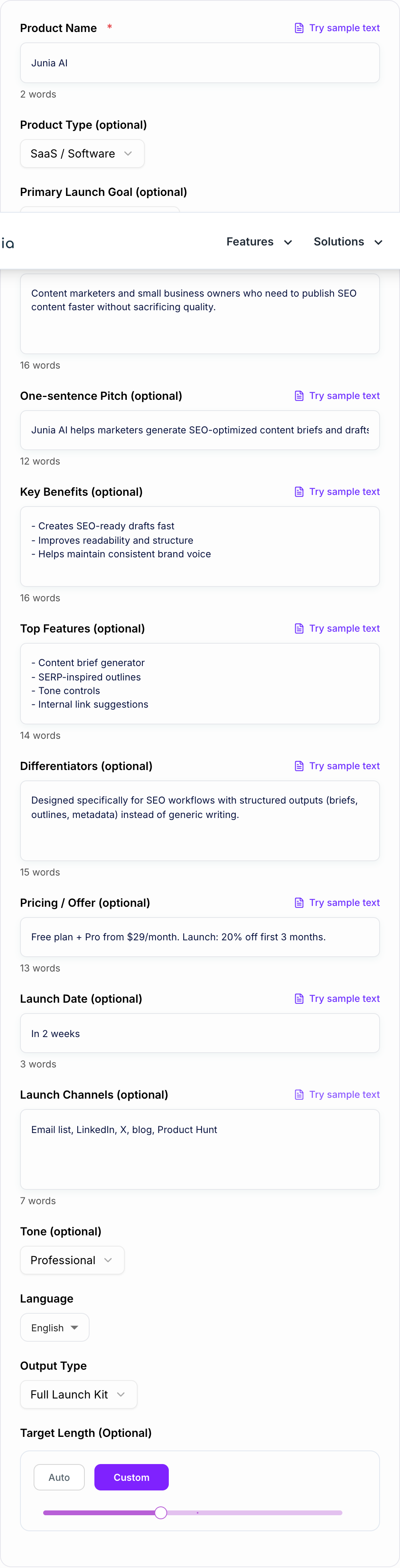
Enter your product name and (optionally) audience, benefits, features, differentiators, pricing, and launch date. More context produces sharper positioning and better launch copy.
Choose the Output You Need
Pick Full Launch Kit or generate a specific asset like landing page copy, an email launch sequence, a social campaign, or messaging + positioning.
Generate, Review, and Ship
Publish the launch assets, then refine any placeholders (proof, quotes, metrics) with verified details. Use the timeline to execute consistently across channels.
See It in Action
Example of turning raw product details into clear launch messaging and a conversion-focused announcement.
We’re launching a new tool that helps with SEO writing. It’s fast and uses AI. Sign up to try it.
Introducing Junia AI — an SEO writing assistant that helps marketers create publish-ready briefs, outlines, and drafts in minutes. Get clearer structure, stronger readability, and faster content production without losing your brand voice. Start free today.
Why Use Our AI Product Launch Generator?
Powered by the latest AI to deliver fast, accurate results.
Complete Product Launch Plan Generator (Strategy + Execution)
Generate a structured product launch plan with positioning, target audience messaging, launch phases (pre-launch, launch day, post-launch), and a clear execution timeline.
Launch Messaging That Converts (Value Prop + Differentiators)
Creates a concise positioning statement, value proposition, and key messages that highlight benefits, differentiators, and outcomes—ideal for product marketing and go-to-market strategy.
Ready-to-Publish Launch Copy (Landing Page, Email, Social)
Get launch assets you can ship immediately: landing page copy, email launch sequence, and platform-ready social posts aligned to your product pitch and audience pain points.
Channel-Aware Plan (Email, LinkedIn, X, Product Hunt, PR)
Adapts the launch plan to your selected distribution channels and suggests an actionable schedule so you can execute faster with fewer decisions.
SEO-Friendly Launch Content Prompts (Without Keyword Stuffing)
Includes SEO-aware structure and copy prompts for launch pages and blog announcements, helping you publish content that targets search intent naturally.
Pro Tips for Better Results
Get the most out of the AI Product Launch Generator with these expert tips.
Lead with outcomes, not features
Your launch messaging should emphasize the result the audience wants (time saved, revenue, fewer errors) before listing features. Add 3–7 benefits to get stronger copy.
Write to one primary persona
Launch pages and emails convert better when they target a specific role and pain point. Add a short target audience description to avoid generic messaging.
Add proof points (and keep them verifiable)
If you have metrics, testimonials, or case studies, include them. If you don’t, keep claims conservative and use placeholders to avoid overpromising.
Use a simple pre-launch → launch → post-launch structure
Most launches fail due to inconsistency. A short pre-launch warm-up, clear launch day CTA, and post-launch follow-up (objections + urgency) improves results.
Align channels to a single CTA
Pick one main conversion action (waitlist, free trial, purchase) and keep it consistent across emails, social posts, and the landing page to reduce drop-off.
Who Is This For?
Trusted by millions of students, writers, and professionals worldwide.
How to generate a complete product launch plan (without forgetting the important parts)
A product launch is usually not “one thing”. It’s a chain of small decisions that need to line up. Messaging, timing, channels, offer, the landing page, the emails, social posts, the follow up… and somehow it all has to feel consistent.
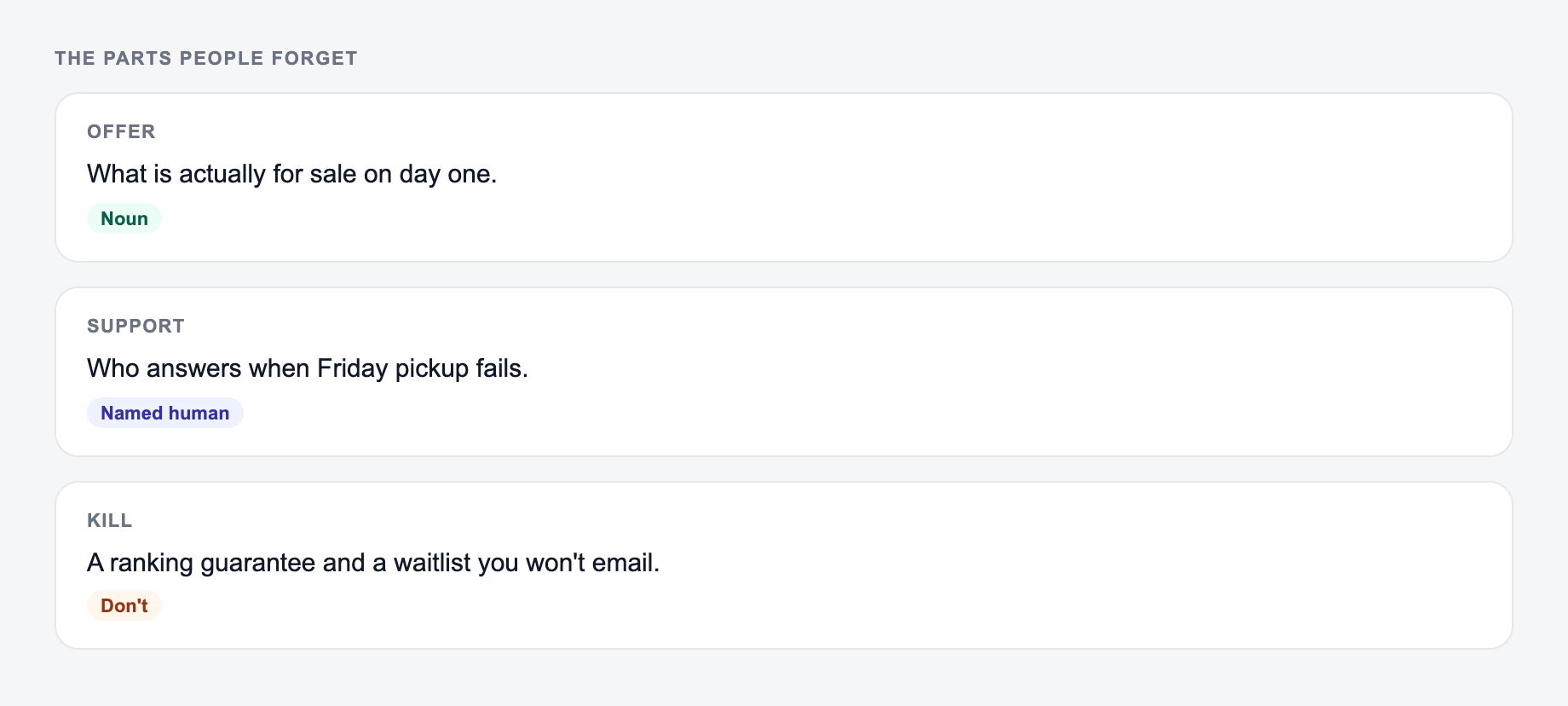
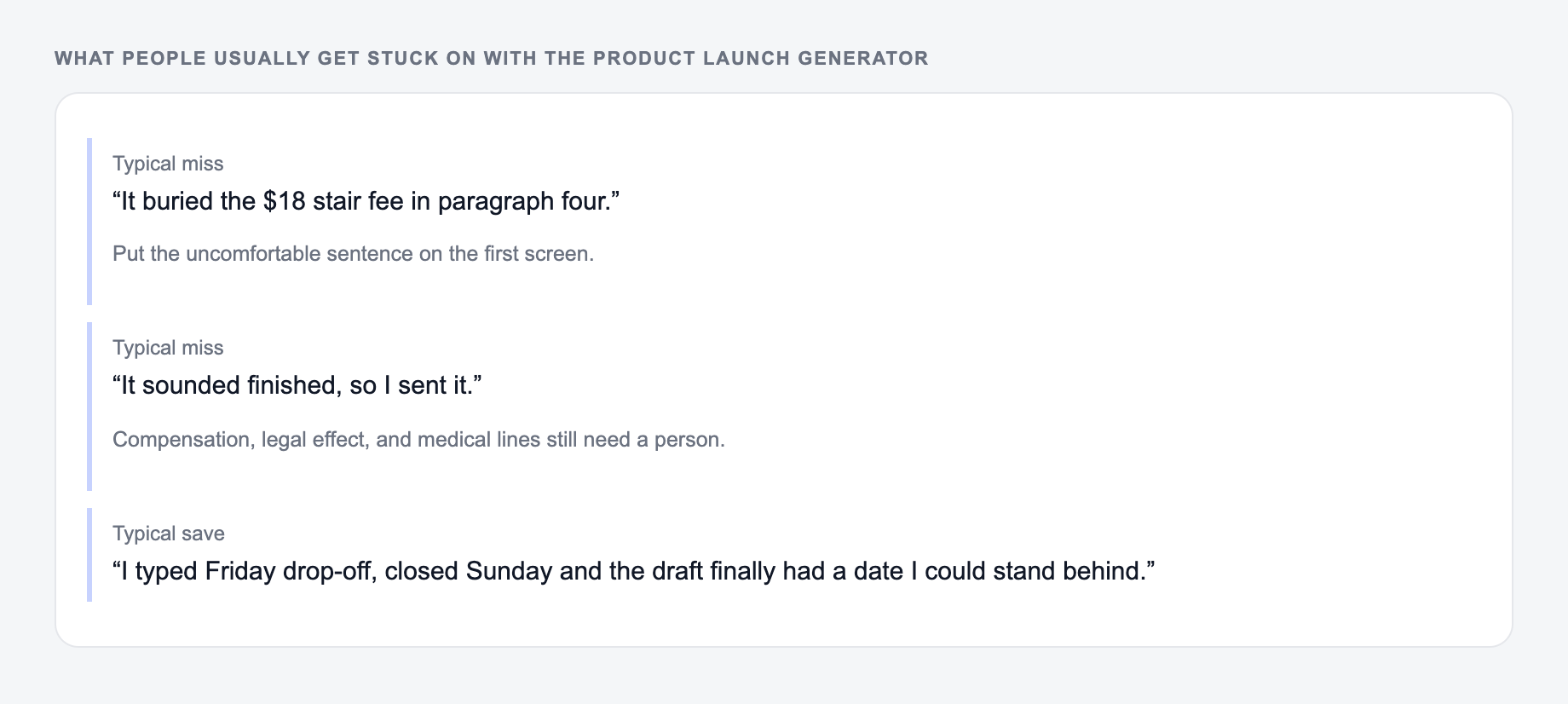
These are the complaints that show up after the first draft — they are almost always about the brief, not the model.
Filled shape to imitate
The ask, the date, the deliverable, and the thing you will not promise — in that order. If the draft buries the uncomfortable sentence, put it back on the first screen.
Launch date and the channels you can staff belong on the form.
Section order that readers actually scan:
- The ask or the decision.
- The facts that make it true.
- What is out of scope.
- The date they must answer.
This is a draft aid, not legal, medical, or financial advice.
This Product Launch Generator is built to cover the full stack, in a clean order, so you can go from rough product notes to a launch plan you can actually execute.
What a strong launch plan includes (and what people usually miss)
Most launches skip at least one of these, then wonder why results are soft.
-
Positioning and audience clarity
- Who is this for, specifically?
- What do they already use, and why would they switch?
- What “job” are they hiring your product to do?
-
A simple, repeatable message map
- One sentence pitch (clear, not clever)
- Core benefits (outcomes)
- Proof or placeholders for proof (so you do not invent claims)
- Objection handling (pricing, complexity, time, trust)
-
Timeline across phases
- Pre-launch: warm up, build intent, collect waitlist or interest
- Launch day: one main CTA, one main story, everywhere
- Post-launch: follow ups, “in case you missed it”, objections, urgency, FAQs
-
Assets that match the channel
- Email copy that reads like email, not a blog post
- Social posts that are short enough to ship
- Landing page sections that map to how people skim
If you want to speed this up even more, you can generate and polish your launch assets inside an AI writing workflow like Junia AI so your landing page, emails, and social posts keep the same voice and structure.
Product launch messaging formula you can reuse
If you are stuck on wording, start here and refine:
- For: (target audience)
- Who want: (outcome)
- But: (main friction or pain)
- Our product: (what it is)
- Helps by: (how it works, briefly)
- Unlike: (alternative)
- So you can: (result)
You can paste this into the generator as your one sentence pitch plus differentiators and it will usually produce sharper landing page and email copy.
Launch timeline example (simple, realistic, works)
A lot of “launch plans” are fantasy calendars. Here’s a practical structure you can follow for most SaaS, apps, ecommerce drops, courses, and feature releases.
Pre-launch (7 to 14 days)
- Publish the core landing page (even if it is a waitlist)
- 2 to 4 teaser posts that educate, not just hype
- 1 value email (helpful, story, problem framing)
- Collect objections from replies and DMs, then update FAQs
Launch day (24 to 48 hours)
- Send the main announcement email (one CTA)
- Post the same core message on your main social channels
- If relevant: Product Hunt or partner push
- Respond fast to comments and questions, this is where conversions happen
Post-launch (3 to 10 days)
- “In case you missed it” email
- Objection focused email (pricing, time to value, trust)
- Social proof update (only if real, otherwise use a placeholder)
- A final nudge with a clear end date if you have an offer
Landing page sections that tend to convert
If you are generating landing page copy, these sections are the ones people actually scan for:
- Hero: outcome + who it is for + primary CTA
- Benefits: 3 to 7, phrased as results
- Features: specific, but not a feature dump
- How it works: 3 steps, low effort
- FAQs: handle objections before they ask
- Social proof: real, or placeholders you will replace later
- CTA repeats: same action, same wording, no confusion
Tips for using the generator and getting non generic output
- Add one specific persona (role, industry, pain) even if it is one sentence.
- Include differentiators that are real and concrete, not “easy to use”.
- If you have pricing or an offer, include it. Pricing changes copy a lot.
- If you do not have proof, do not force it. Use placeholders and fill them later.
When your inputs are slightly more specific, the output stops sounding like a template and starts sounding like a real launch. Which is the whole point.
Frequently Asked Questions
What is a product launch generator?+
A product launch generator creates a launch plan and launch content (messaging, timeline, emails, social posts, landing page copy) based on your product details. It helps you move from idea to execution faster with a structured go-to-market output.
Can this generate a full product launch plan?+
Yes. The Full Launch Kit mode generates positioning, key messages, a pre-launch/launch/post-launch timeline, and copy assets like email sequences and social posts. You can also generate only the piece you need (e.g., landing page copy or emails).
Do I need to fill in every field?+
No. Only the product name is required. Adding target audience, key benefits, and differentiators will improve accuracy and conversion-focused messaging, but the generator can produce a launch kit with minimal input.
Will the tool invent features, results, or customer proof?+
No. The prompts are designed to avoid making up facts, metrics, testimonials, or claims. If you don’t provide proof points, the output will use safe, general phrasing and include placeholders you can replace with verified information.
Is this tool good for SaaS and startups?+
Yes. It’s built for SaaS launches, startup go-to-market planning, feature announcements, and beta/waitlist campaigns, with messaging that focuses on outcomes, differentiation, and objections.
Can I generate content in different languages and tones?+
Yes. Select a language and optionally set tone (e.g., professional, friendly, bold). The output will follow your settings while keeping the plan structured and publish-ready.