
Free Survey Question Generator
Build effective surveys for customer feedback, market research, NPS, UX testing, and employee engagement. Generate unbiased questions, answer scales, multiple-choice options, and survey structures that make responses easier to analyze.
Survey Questions
Your survey questions will appear here...
How the AI Survey Question Generator Works
Get results in seconds with a simple workflow.
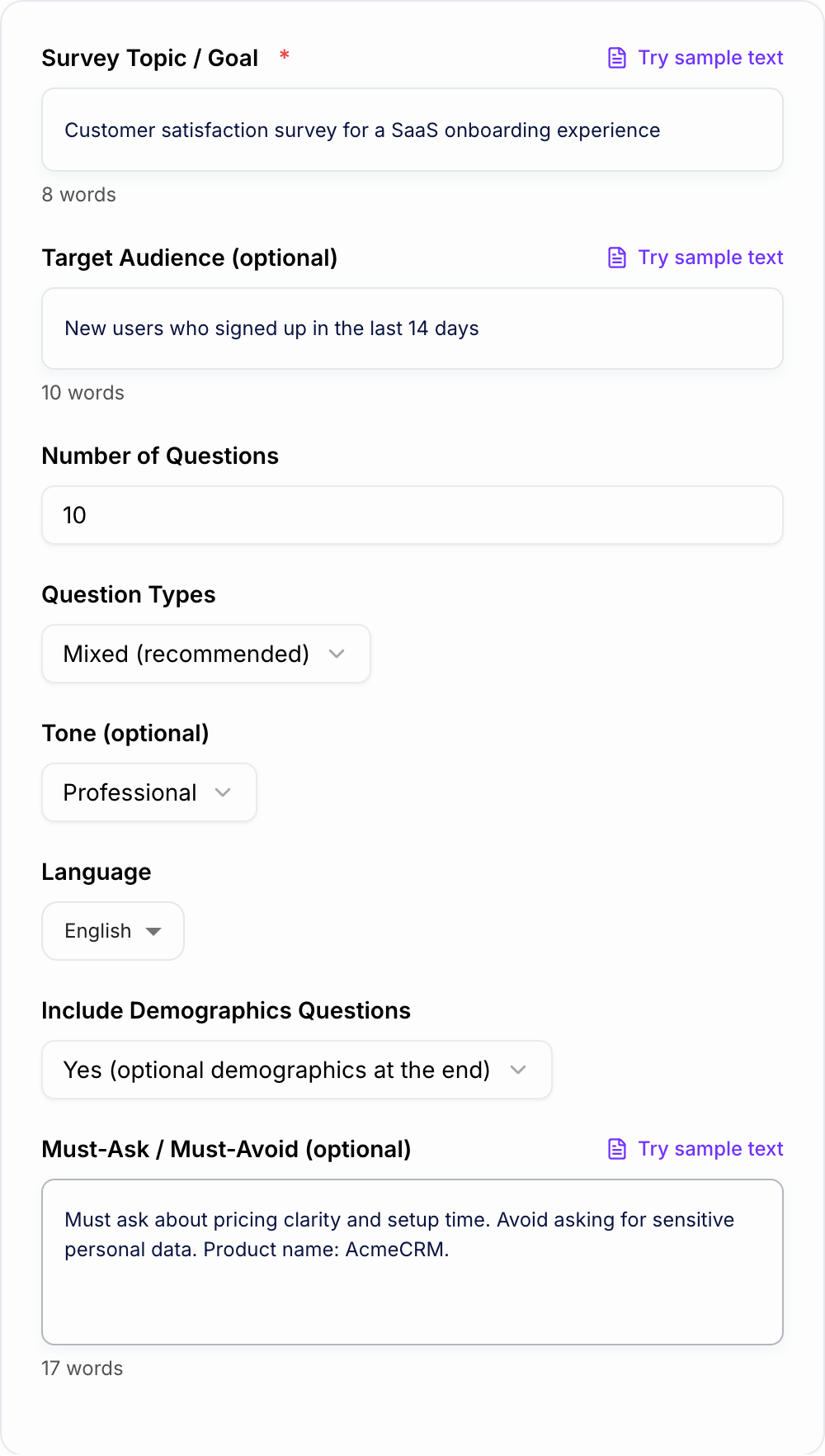
Describe Your Survey Goal
Enter what you’re trying to learn (e.g., customer satisfaction, product feedback, market research). Add your audience for more targeted survey questions.
Choose Question Types and Length
Pick mixed, multiple-choice, rating scales, open-ended, or NPS. Set the number of questions to control survey length and completion rate.
Generate, Paste, and Launch
Get a structured set of survey questions with answer options. Paste into your survey platform and review wording, order, and any sensitive topics before publishing.
See It in Action
Example of improving a vague, leading survey question into a neutral, measurable question with clear answer options.
How much do you love our product and why is it better than others?
Overall, how satisfied are you with the product?
- Very satisfied
- Satisfied
- Neither satisfied nor dissatisfied
- Dissatisfied
- Very dissatisfied
What is the main reason for your rating? (optional)
Why Use Our AI Survey Question Generator?
Powered by the latest AI to deliver fast, accurate results.
Unbiased, Clear Survey Questions (Better Data Quality)
Generate neutral, non-leading survey questions that reduce bias, improve respondent understanding, and produce cleaner insights you can actually act on.
Built-In Answer Options (Likert, CSAT, Multiple-Choice, NPS)
Each question includes recommended answer choices and scales—ideal for analysis in Google Forms, Typeform, SurveyMonkey, Qualtrics, or spreadsheets.
Optimized Question Flow (Intro → Core Questions → Follow-Ups)
Creates a logical survey structure that improves completion rates: warm-up questions, core measurement items, diagnostic follow-ups, and an optional wrap-up.
Use-Case Ready: Customer Feedback, Market Research, UX, HR
Generate tailored question sets for customer satisfaction surveys, product feedback surveys, market research questionnaires, employee engagement surveys, and event surveys.
Multilingual Survey Generation
Create survey questions in many languages while preserving meaning and consistent scales—helpful for global teams and international research.
Pro Tips for Better Results
Get the most out of the AI Survey Question Generator with these expert tips.
Start with your decision, not your curiosity
Define what action you’ll take based on the results (prioritize features, fix onboarding, improve support). Then ask only the questions that inform that decision.
Use consistent scales for cleaner analysis
Avoid mixing too many scale types. Consistent Likert/CSAT scales make reporting easier and improve data quality across segments.
Add one open-ended question for “why”
Pair a quantitative question with a short follow-up (e.g., “What’s the main reason for your score?”). It often reveals the highest-value insights.
Keep sensitive questions optional (and at the end)
Demographics and personal details can reduce completion rates. Make them optional and place them last to avoid early drop-off.
Pilot test with 5–10 people
A small pilot catches confusing wording, missing options, and unintended bias before you launch to a larger audience.
Who Is This For?
Trusted by millions of students, writers, and professionals worldwide.
Survey Question Generator: How to Write Better Surveys (Without Bias)
Great surveys don’t start with questions—they start with decisions. What will you do differently after you see the results? Once you know that, writing the right survey questions becomes much easier.
This Survey Question Generator helps you create clear, neutral, and actionable survey questions for common use cases like customer feedback, NPS, product research, UX surveys, market research, and employee engagement.
What Makes a Survey Question “Good”?
A strong survey question is:
- Neutral: avoids leading language and assumptions
- Specific: asks about one idea at a time (not two things in one question)
- Easy to answer: clear wording, clear timeframes, clear options
- Easy to analyze: consistent scales and structured answer choices
Common Survey Question Types (And When to Use Them)
Multiple-choice
Best for: preferences, behaviors, and selecting one (or a few) clear options.
Rating scales (Likert/CSAT)
Best for: measuring satisfaction, agreement, perceived quality, or ease of use.
NPS (0–10)
Best for: benchmarking loyalty over time and comparing segments. Always include at least one follow-up question to understand why respondents chose their score.
Open-ended
Best for: discovering unexpected insights. Use sparingly—one or two open-ended questions often provide the most value without hurting completion rates.
How to Avoid Biased Survey Questions
If you want reliable data, avoid:
- Leading wording (e.g., “How helpful was our amazing support?”)
- Double-barreled questions (e.g., “How satisfied are you with price and quality?”)
- Unbalanced options (only positive choices)
- Vague timeframes (define “in the last 7 days” or “during onboarding”)
This tool is designed to generate neutral wording and balanced answer options so your survey results are more trustworthy.
Recommended Survey Structure (Improves Completion Rate)
A practical flow that works for most surveys:
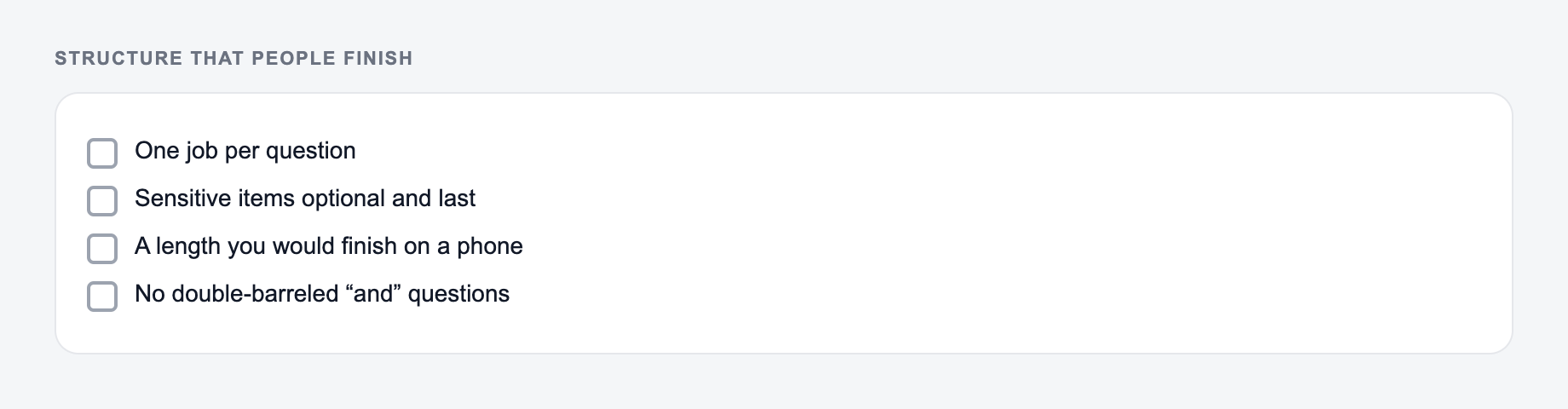
Start from the decision the survey has to inform, and keep leading questions out.
- Warm-up: simple context questions
- Core metric: CSAT, NPS, or key outcome
- Drivers: what influenced the score (speed, clarity, usability, value)
- Priorities: what to improve first
- Wrap-up: one open-ended question
- Demographics (optional): last, and minimal
Tips for Better Insights (Fast)
- Keep the survey short (5–12 questions is a strong default)
- Use consistent scales for easier reporting
- Add one “why” question after your main metric
- Pilot the survey with a small group before sending it broadly
If you want to move quickly, generate a first draft with this Survey Question Generator, paste it into your survey tool, and then do a quick edit pass to match your brand voice and compliance requirements.
Frequently Asked Questions
What is a survey question generator?+
A survey question generator creates ready-to-use survey questions (and often answer options) based on your topic and audience. It helps you design surveys faster while keeping questions clear, neutral, and easier to analyze.
How do I avoid biased or leading survey questions?+
Use neutral wording, avoid assumptions, and keep questions specific. This tool generates non-leading prompts and balanced answer choices, and it avoids emotionally loaded or suggestive phrasing unless you request it.
Can I generate NPS survey questions (0–10 scale)?+
Yes. Select the NPS-focused option (or include NPS in question types). You’ll get the standard 0–10 likelihood question plus follow-ups to uncover key drivers of promoters, passives, and detractors.
What survey question types does this tool support?+
It supports multiple-choice, rating scales (Likert/CSAT), NPS (0–10), and open-ended questions. Mixed mode combines types to balance quantitative analysis with qualitative insights.
Can I copy these questions into Google Forms or Typeform?+
Yes. The output is formatted so you can paste directly into tools like Google Forms, Typeform, SurveyMonkey, or Qualtrics, then adjust branding, ordering, and logic as needed.
Should I include demographic questions in my survey?+
Demographics can help with segmentation, but they can also increase drop-off. A common best practice is to keep them optional and place them at the end—this tool can do that automatically.