
AI Text Editing Examples: Before and After Improvements

Thu
AI SEO Specialist, Full Stack Developer

The easiest way to understand AI text editing is to look at before-and-after examples. I like this format because it shows the edit, not just the advice.
In my experience, most drafts do not need a dramatic rewrite. They need a clearer opening, fewer vague claims, smoother flow, stronger examples, and a final grammar pass. A good edit keeps the meaning intact while making the writing easier to trust and easier to read.
Below are practical AI text editing examples you can copy for blog posts, product copy, emails, and AI-generated drafts.
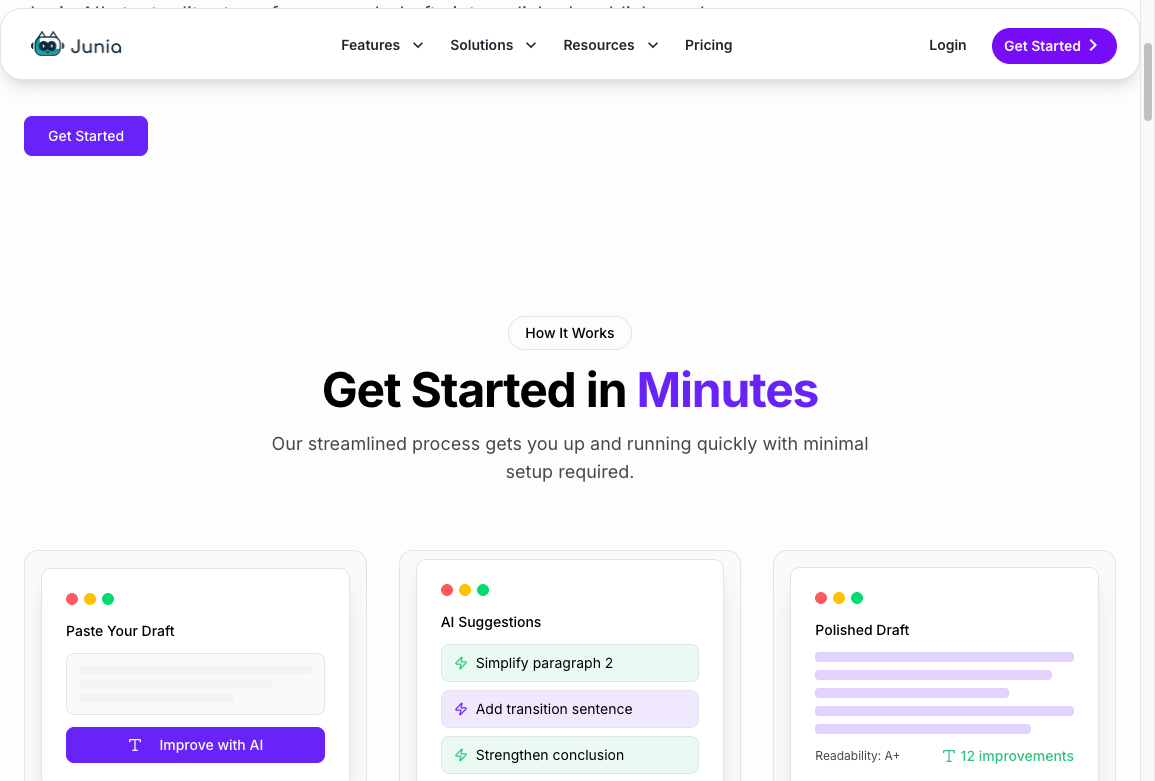
If you want to edit your own draft while reading, open Junia AI's AI text editor and test the same patterns section by section. I would start with one paragraph, not the whole draft, because small edits make the pattern easier to see.
A cleaner sentence is not always a better edit. If the after version still does not name a person, a number, a deadline, or a next step, keep going. Polish without specifics is just prettier fluff.
Example 1: Generic AI Intro
Before
In today's fast-paced digital landscape, businesses must create high-quality content to engage audiences and stay ahead of the competition.
After
If your content sounds polished but forgettable, the problem is usually not grammar. It is that the draft does not say anything specific enough for the reader to care about.
What changed
The original sentence is grammatically fine, but it sounds like thousands of other AI intros. I usually cut this kind of opening first because it spends the reader's attention before saying anything useful. The edited version starts with a real problem and gives the reader a reason to continue.
Use this pattern when an intro opens with broad scene-setting instead of the actual point.
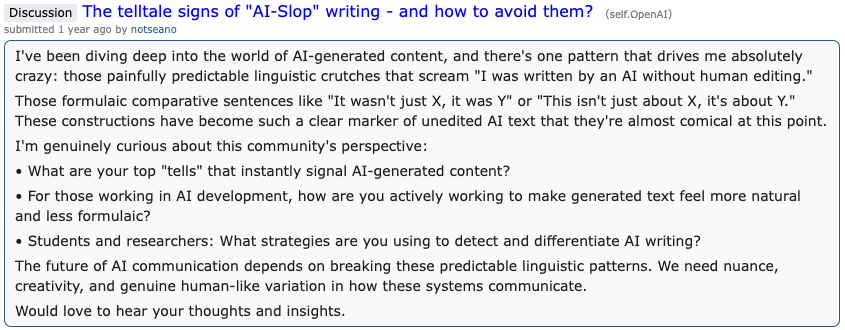
Public discussions about AI writing often call out the same problem: formulaic AI phrasing makes a draft feel unedited even when the grammar is clean. This is a useful reminder to look for repeated sentence shapes, not just misspelled words.
Example 2: Overconfident Claim
Before
AI tools guarantee better writing quality and help every business create perfect content faster.
After
AI tools can speed up drafting and first-pass editing, but the final quality still depends on your brief, source material, and human review.
What changed
The edit removes the exaggerated claim. It keeps the useful idea, but adds the limits that make the statement more credible.
This is one of the most important parts of editing AI-generated text: make strong claims precise before you make them sound better. Personally, I would rather publish a modest sentence that is true than a polished sentence that overpromises.
For a fuller workflow, read this guide on how to edit AI-generated text without losing meaning.
Example 3: Dense Paragraph
Before
The implementation of a strategic content optimization process enables organizations to enhance discoverability, increase user engagement, and improve communication effectiveness across multiple digital channels.
After
A content optimization process helps teams make each page easier to find, easier to read, and easier to act on.
What changed
The original sentence hides a simple point behind inflated language. The edit removes extra nouns and turns the sentence into plain English.
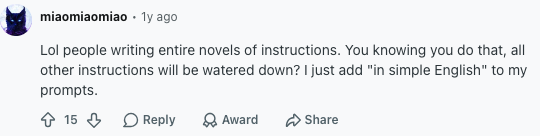
If a paragraph feels heavy, run it through a readability improver, then check whether any important detail was lost. In fact, many AI tool users give the same advice: make the output simpler before you make it more polished. That is exactly what the edit does.
Example 4: Repetitive Wording
Before
This tool helps you improve your writing by improving clarity, improving tone, and improving the overall quality of your writing.
After
This tool helps you clean up unclear sentences, adjust tone, and polish the draft before you publish.
What changed
The edit removes repetition and replaces vague improvement language with specific actions.
This is a good job for an AI reworder, especially when the meaning is already right but the phrasing feels clumsy.
Example 5: Weak Product Copy
Before
Our solution is designed to empower teams with innovative capabilities that streamline workflows and drive better results.
After
Use it when your team has a rough draft and needs a faster way to turn it into clear, publishable copy.
What changed
The original copy uses broad benefit language. The edited copy names the user, the situation, and the outcome. I have found that product copy improves fastest when you stop asking "Does this sound impressive?" and start asking "Would the right buyer recognize themselves?"
When editing product copy, ask: "Would a buyer know when to use this?" If not, make the use case more concrete.
Example 6: Long Sentence With Too Many Ideas
Before
Writers can use AI editing tools to refine their drafts, improve grammar, enhance readability, adjust tone, optimize structure, and ensure the final result is more professional and effective for different audiences.
After
Writers can use AI editing tools to clean up grammar, improve readability, and adjust tone. For longer drafts, the bigger win is structure: moving ideas into a clearer order so the reader does not have to work as hard.
What changed
The edit splits one overloaded sentence into two clearer points. It also separates surface-level fixes from deeper structural editing.
This keeps the meaning, but makes the thought easier to follow.
Example 7: AI Draft With No Point of View
Before
There are many factors to consider when choosing an AI writing tool, including features, pricing, usability, and output quality.
After
Do not choose an AI writing tool by feature count alone. Start with the kind of draft you need to improve, then check whether the tool actually helps with that job.
What changed
The original sentence lists obvious criteria. The edit adds a useful recommendation.
Good editing often means adding judgment, not just changing words. This is where human review matters most: an editor can decide what deserves emphasis and what is only filler.
Example 8: Email That Sounds Too Cold
This is the kind of email I used to send when I was trying to sound "professional." It is polite. It is also useless.
| Before | After |
|---|---|
| Hi Sam, please send the requested information by Friday so we can proceed with the report. | Hi Sam, could you send the Q3 pipeline numbers by Friday noon: closed-won, stalled deals over $10k, and the two enterprise renewals? I am putting the board deck together Monday and that buffer lets me flag anything that looks off. |
What changed
The before version asks for "information." The after version asks for three named fields, a time, and a reason. I have found that tone is the easy part. Specificity is what actually gets a reply.
Example 9: Blog Section That Needs a Better Transition
Before
AI can help with editing. Grammar is also important.
After
Once the structure is clear, move to sentence-level polish. That is where grammar, punctuation, and wording start to matter.
What changed
The edit connects the two ideas instead of placing them side by side. Transitions do not need to be fancy. They just need to explain why the next point follows.
Example 10: Final Polish Before Publishing
A last-pass edit is not a rewrite. It is the difference between a draft that is "fine" and a draft you would actually ship.
| Before | After |
|---|---|
| The article was improved by the editor and it was checked for mistakes before it was published. Updates were made so that the content would be more effective and provide value to readers. | I cut the generic opening, added the $49 starter-plan example in section 3, and ran a last grammar pass. The draft is ready to publish. |
What changed
The original hides the work behind passive voice and empty words like "improved" and "value." The edit names what actually happened. That is the bar I use on a final pass: if a sentence could appear in any article, it is not finished.
Google's Search Central team has a useful reminder here: improving content is not a last-minute keyword pass. It is clearer structure, more specific examples, and a reason for the page to exist.
3 ways to improve your content | Google Search Central
Quick Editing Patterns to Reuse
Use these patterns when you review AI-generated text:
| Problem | Better edit |
|---|---|
| Generic intro | Start with the reader's actual problem |
| Broad claim | Add limits, context, or proof |
| Dense sentence | Split it and use simpler verbs |
| Repetition | Replace repeated words with specific actions |
| Weak copy | Name the user, use case, and outcome |
| Awkward line | Reword it while preserving the point |
| Robotic tone | Add natural rhythm and concrete examples |
Use this quick decision table when you are not sure which kind of edit the draft needs first:
| If the draft has... | Start with this edit | Example above |
|---|---|---|
| A polished but empty opening | Replace the setup with a reader problem | Example 1 |
| A claim that sounds too absolute | Add limits, context, or conditions | Example 2 |
| One sentence carrying too much information | Split the idea into smaller steps | Example 6 |
| Correct meaning but stiff wording | Reword for natural rhythm | Examples 4 and 8 |
| Ideas placed side by side without flow | Add a transition that explains the relationship | Example 9 |
If the draft needs a full workflow, edit meaning and structure first. Then use focused tools for rewording, readability, grammar, and tone. I would not start with grammar unless the structure already works.
The best AI text editing does not make writing sound "more AI." It makes the original point easier to understand.