
Free Event Invitation Generator
Create event invitations for weddings, webinars, birthdays, corporate gatherings, fundraisers, and launches. Generate polished invitation wording with RSVP instructions, schedules, dress codes, locations, and tone options for email, print, or messaging apps.
Event Invitation
Your event invitation will appear here...
How the AI Event Invitation Generator Works
Get results in seconds with a simple workflow.
Add Your Event Details
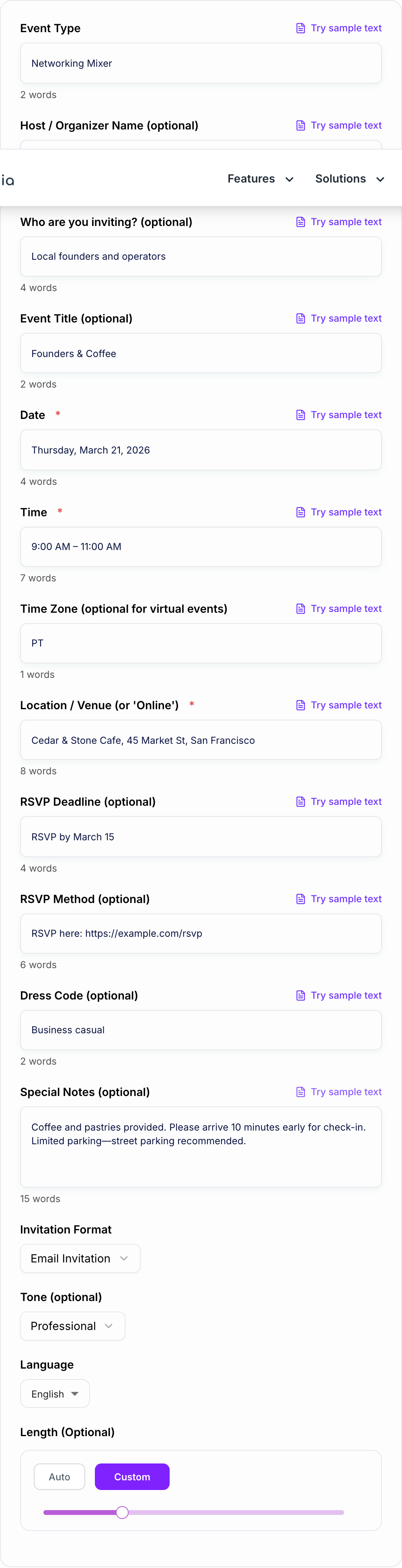
Enter the essentials—date, time, and location (or online platform). Optionally add the host name, event title, dress code, and special notes like parking or dietary needs.
Choose Format + Tone
Pick a channel-friendly format (email, SMS, printable) and a style (formal, corporate, webinar). Add tone and language if needed for brand consistency or localization.
Generate, Send, and Track RSVPs
Copy the invitation into your email client, messaging app, or event page. Add your RSVP link or reply method, then follow up with a reminder message closer to the date.
See It in Action
Example of turning vague event details into a clear, RSVP-ready invitation message.
Hey! We’re doing a meetup next week at a cafe. Come if you can. Let me know.
You’re invited to Founders & Coffee — a casual networking meetup for local builders.
Date: Thursday, March 21, 2026 Time: 9:00 AM – 11:00 AM (PT) Location: Cedar & Stone Cafe, 45 Market St, San Francisco
Coffee and pastries are on us. RSVP here: https://example.com/rsvp
Hope you can make it!
Why Use Our AI Event Invitation Generator?
Powered by the latest AI to deliver fast, accurate results.
RSVP-Ready Invitation Wording (Clear CTA + Deadline)
Generate event invitation text with a clear RSVP call-to-action, optional RSVP deadline, and an easy response method—ideal for higher attendance and fewer follow-up messages.
Multiple Formats: Email, SMS/WhatsApp, Printable Invite Copy
Create the right invitation for the channel you’re using—full email invites with subject lines, short mobile-friendly messages, or clean printable invitation wording for cards and flyers.
Works for Any Event Type (Personal, Corporate, Virtual)
Write invitations for birthdays, weddings, baby showers, networking events, product launches, webinars, fundraisers, open houses, conferences, and team events—without starting from scratch.
Tone and Style Control (Formal, Casual, Professional, Luxury)
Match your brand voice or occasion with customizable tone and style, from formal etiquette-friendly invitations to modern, casual, or premium-sounding wording.
SEO-Friendly Copy for Event Pages (Optional)
Use the output on event landing pages with clear event details, scannable structure, and keyword-relevant phrasing that supports discoverability without keyword stuffing.
Pro Tips for Better Results
Get the most out of the AI Event Invitation Generator with these expert tips.
Put date/time/location near the top
Attendance drops when key details are buried. Keep the when/where easy to find—especially for mobile readers skimming a message preview.
Use a single, low-friction RSVP method
Choose one primary RSVP action (reply, link, or text). Multiple options can confuse recipients and reduce response rates.
Add a simple ‘why attend’ benefit line
One sentence about value (networking, learning, celebration, exclusive preview) increases RSVPs without making the invitation feel salesy.
For virtual events, always include time zone
Time zone confusion is one of the biggest causes of no-shows. Add the time zone and consider including a calendar invite in your email workflow.
Use reminders strategically
Send a short reminder 3–5 days before and a final reminder on the day of the event. Reuse the SMS format for quick reminders.
Who Is This For?
Trusted by millions of students, writers, and professionals worldwide.
Event Invitation Generator: Write Better Invites That Get More RSVPs
A good event invitation does two jobs at once: it shares the details and it makes people want to show up.
Most invitations fail for simple reasons—key information is missing, the message is hard to scan on mobile, or the RSVP process feels like work.
This free Event Invitation Generator helps you create invitation wording that’s clear, professional, and ready to send across email, text, or printable formats.
What to Include in an Event Invitation (Checklist)
If you want higher response rates, make sure your invitation includes:
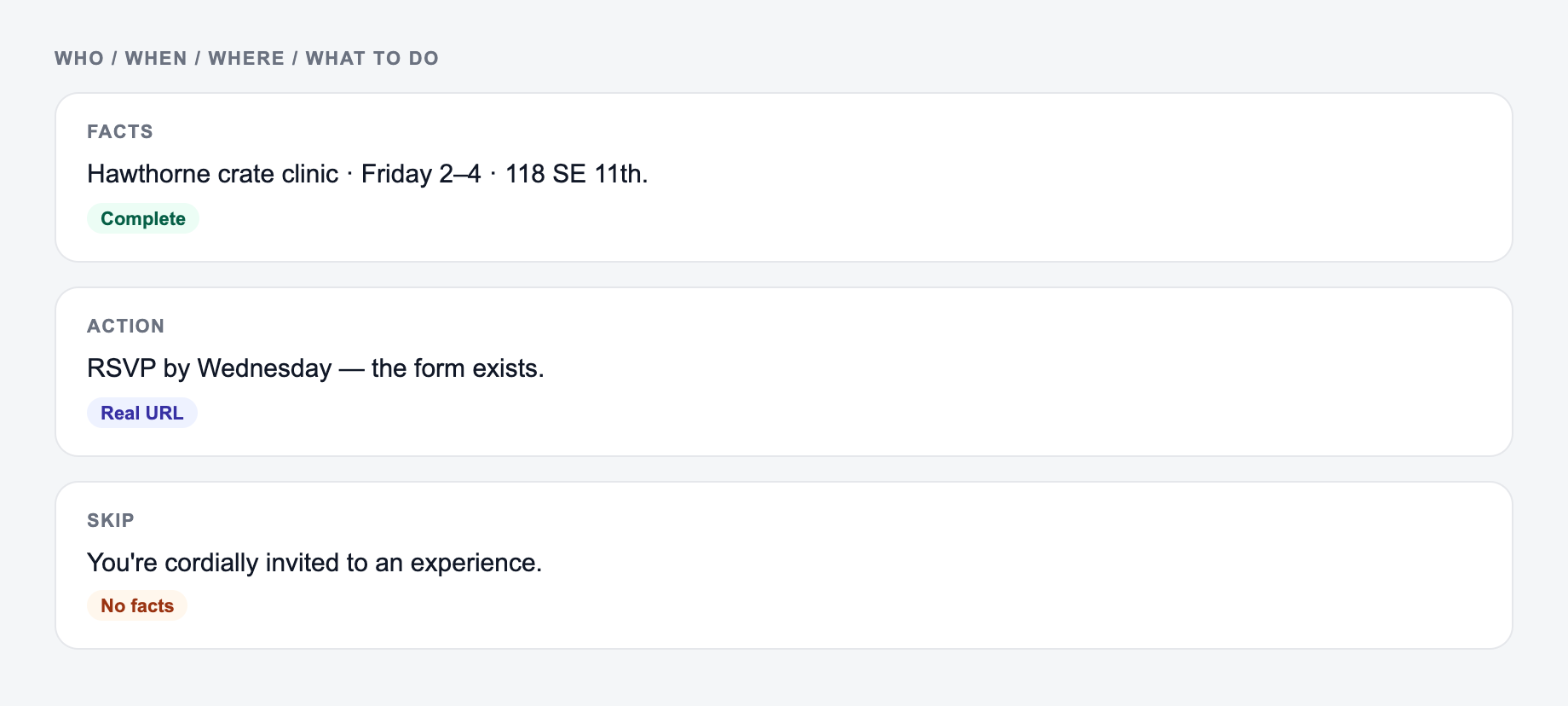
When, where, and how to reply belong on the form before tone settings.
Channel check for ai event invitation generator copy:
-
Ad / social — outcome first; clever-but-vague loses.
-
Email — specific object + date beats “don’t miss out.”
-
On-site CTA — the next step this page can do. “Learn more” is a shrug.
-
What it is: event title + event type
-
Who it’s for: the audience or guest list
-
When: date, time, and time zone (especially for webinars)
-
Where: venue address or online platform
-
Why attend: one short benefit line (networking, learning, celebration)
-
RSVP: deadline + method (reply, link, phone number)
-
Extras: dress code, parking, accessibility, plus-one policy, dietary notes
Choose the Right Invitation Format
Different channels need different copy:
Email invitation
Best for corporate events, webinars, and anything with an agenda. Email invites can include multiple subject lines, a structured message, and clear RSVP instructions.
SMS / WhatsApp invitation
Best for quick invites and reminders. Keep it short, put the details first, and use one simple RSVP action.
Printable invitation wording
Best for flyers, cards, posters, and on-site signage. Use line breaks and keep it scannable.
How to Increase RSVPs (Without Sounding Pushy)
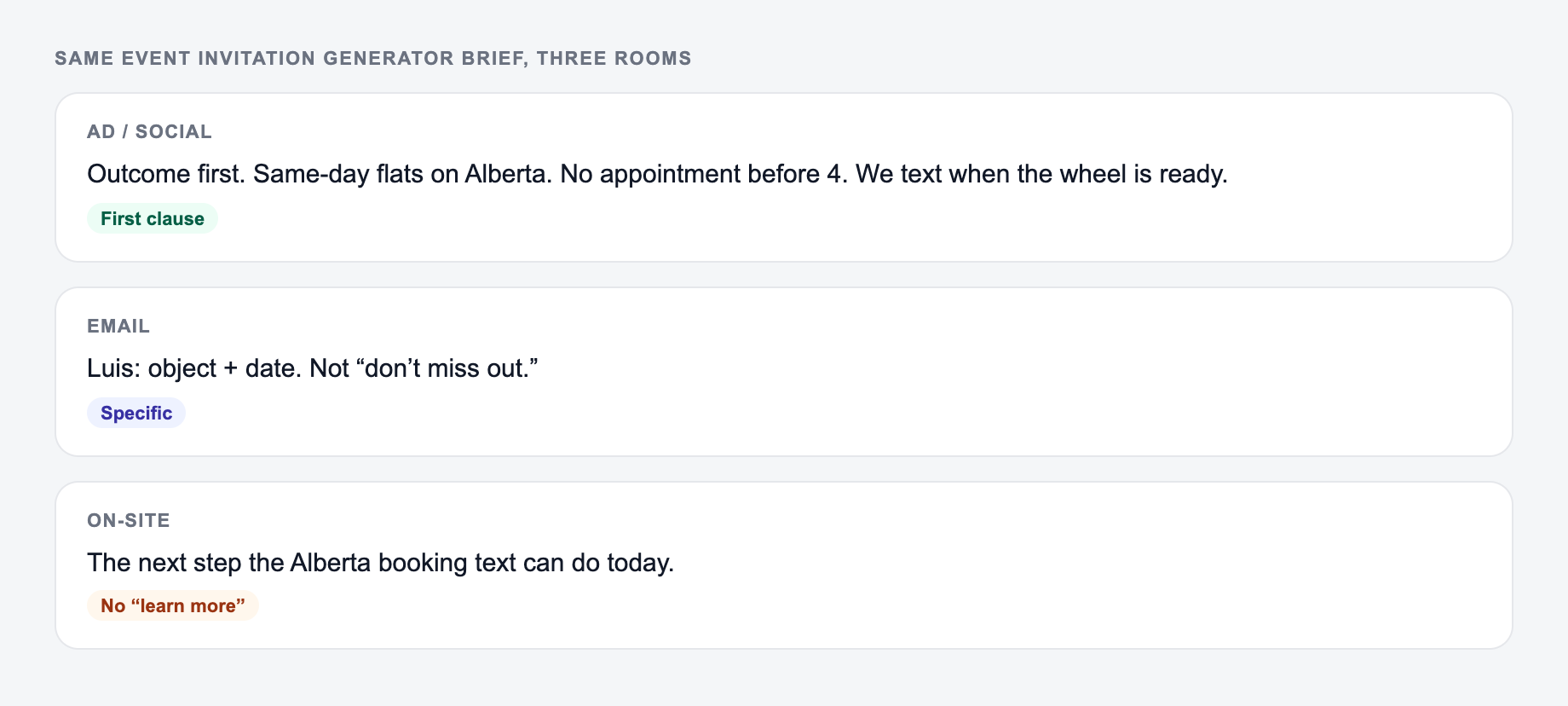
Give the Event Invitation Generator a real brief: who it is for, where it will appear, and one thing it is not allowed to invent. The output should change when the room changes. Synonyms across cards are a failed brief.
- Put the date/time/location near the top.
- Use one primary CTA: “RSVP here” or “Reply yes/no”.
- Add an RSVP deadline to encourage quick responses.
- Include a brief reason to attend (value line).
- Send a reminder 3–5 days before and on the day of the event.
Great for Corporate Events, Webinars, and Personal Invitations
Use this generator for:
- corporate networking events and mixers
- product launches and grand openings
- webinars and virtual workshops
- fundraisers and nonprofit events
- birthdays, anniversaries, and celebrations
When your invitation is clear and easy to act on, your event planning gets easier—and attendance goes up.
Frequently Asked Questions
What should an event invitation include?+
A strong event invitation includes the event name/type, host, date, time (and time zone for virtual events), location or virtual platform, what to expect, RSVP instructions, RSVP deadline (optional), and any key notes like dress code, parking, or dietary info.
Can I generate invitations for both email and text messages?+
Yes. Choose Email Invitation for subject lines and a full email body, or SMS/WhatsApp for a short, mobile-friendly invite with essential details and a quick RSVP call-to-action.
How do I write a formal invitation?+
Use the Formal / Black-Tie mode and include dress code, venue details, and RSVP method. Formal wording typically uses polished phrasing and clear etiquette-friendly structure while keeping details easy to scan.
Can this generate webinar or virtual event invitations?+
Yes. Use Webinar / Virtual Event mode and add the time zone, platform (e.g., Zoom), and RSVP/registration method. The output will emphasize what attendees will learn and how to join.
How can I increase RSVPs with my invitation copy?+
Use a clear RSVP CTA, specify a deadline, reduce friction (one-click link or simple reply), include a brief benefit (why attend), and keep key details (date/time/location) easy to find near the top.
Does the tool support different languages and tones?+
Yes. Choose your output language and optionally set tone (professional, friendly, formal, etc.) to keep your invitation consistent with your audience and brand voice.