
Free Introduction Generator
Generate introductions, hooks, and opening paragraphs for essays, blog posts, articles, newsletters, scripts, and landing pages. Add your topic, audience, context, and tone to create a stronger opening that gives readers a reason to keep going.
Introduction
Your generated introduction will appear here...
Need the rest of the article too? The AI article writer drafts the full post with headings, images, and internal links.
How the AI Introduction Generator Works
Get results in seconds with a simple workflow.
Enter Your Topic
Type what your content is about. This can be a blog post topic, essay prompt, product, or campaign angle.
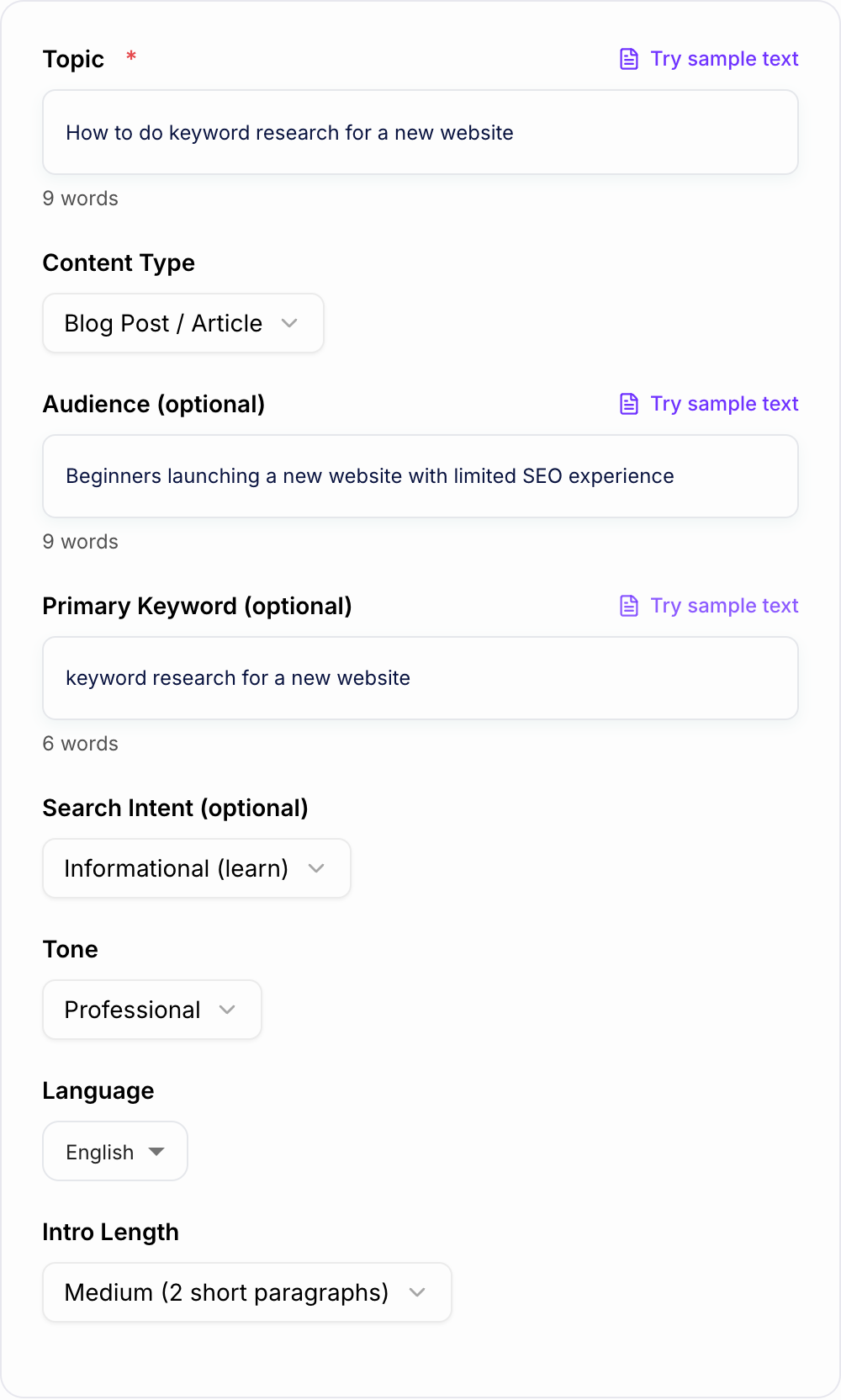
Choose Content Type, Tone, and (Optional) Keyword
Select the content type and tone to match your use case. Add a primary keyword and intent if you want an SEO-optimized introduction.
Generate and Pick the Best Opening
Get a polished introduction you can paste directly into your draft. Regenerate with a different mode to test hooks and angles quickly.
See It in Action
Example of turning a generic opening into a clearer, more engaging, SEO-friendly introduction.
Keyword research is important for SEO. In this article, we will talk about keyword research and how to do it.
Keyword research for a new website can feel overwhelming—especially when every tool shows thousands of terms and it’s not clear what you can actually rank for. In this guide, you’ll learn a simple, repeatable way to find realistic keywords, understand search intent, and build a plan that drives qualified traffic over time.
Why Use Our AI Introduction Generator?
Powered by the latest AI to deliver fast, accurate results.
Multiple Hook Styles (Question, Story, Problem-Solution)
Generate introductions with proven hooks that increase engagement—ideal for blog post intros, essay openings, newsletters, and landing pages.
SEO-Friendly Introductions (Optional Keyword + Intent)
Create intros that align with search intent and naturally incorporate a primary keyword early—helpful for on-page SEO without keyword stuffing.
Audience-Targeted Openings
Tailor your introduction to a specific reader persona (beginners, executives, customers, students) to improve clarity, relevance, and time on page.
Tone and Voice Control
Match brand voice and writing style—professional, friendly, persuasive, academic, or concise—so the intro fits the rest of your content.
Clean, Ready-to-Paste Output
Get a polished introduction with a clear promise and smooth transition into the body—no extra commentary, headings, or formatting noise.
Pro Tips for Better Results
Get the most out of the AI Introduction Generator with these expert tips.
Put the primary keyword early (but keep it natural)
For SEO blog posts, include the primary keyword in the first 1–2 sentences when it fits naturally. Avoid repeating it—clarity matters more than density.
Promise a clear outcome
Strong introductions reduce bounce rate by telling readers exactly what they’ll learn, compare, or accomplish by the end of the piece.
Match the hook to the intent
Informational content works well with problem-solution and preview hooks. Commercial intent intros benefit from criteria, comparisons, and who each option is best for.
Keep it skimmable
Use short paragraphs and simple sentences. A clean intro improves readability and keeps users moving into the first section.
Add one specific detail to make it feel human
After generating, add one concrete example (tool name, scenario, constraint, or common mistake) to instantly increase credibility and originality.
Who Is This For?
Trusted by millions of students, writers, and professionals worldwide.
Write an introduction that actually gets read
Most drafts don’t fail because the body is weak. They fail because the opening is fuzzy, generic, or takes too long to say what the piece is even about. And once a reader bounces, they’re gone.
A good introduction does a few simple things, fast:
- Hooks attention with a question, tension, quick story, or a sharp statement
- Builds context so the reader feels oriented, not confused
- Signals value by previewing what they’ll learn, solve, or decide
- Sets expectations for tone and direction so the rest of the content feels easier to follow
That’s what this AI Introduction Generator is designed to produce. Clean intros you can paste into a blog post, essay, newsletter, landing page, or script and then move on.
What You Can Generate With This Introduction Maker
Use it for more than one generic opening paragraph. The strongest use cases are:
- Blog post introductions that include the topic, reader problem, and search intent quickly
- Essay introductions that give context and lead into a thesis
- Article intros that preview the angle without over-explaining
- Landing page openings that state the pain, benefit, and audience
- Hook ideas when you want several first-line options before choosing one
If you need Spanish output or bilingual inspiration, add the language in the topic or context field. For example: “Generate a Spanish introduction for an essay about climate change” or “Create introduction hooks in English and Spanish.”
What makes a strong intro (a simple checklist)
If you want a practical way to judge any introduction in 10 seconds, use this:
- Is the first line doing real work? Curiosity, empathy, tension, or a clear claim. Not filler.
- Do we know who it’s for? Beginners, buyers, students, execs. Even a hint helps.
- Do we know what problem this solves? Or what outcome it enables.
- Is there a clear promise? What will the reader get by continuing?
- Does it flow into the next section? The intro should point forward, not just “introduce.”
If your opening misses 2 or 3 of those, it will usually feel flat, no matter how good the rest is.
Intro formulas you can reuse (without sounding templated)
You don’t need to reinvent intros every time. You just need a few patterns you can rotate.
1) Problem to solution (great for informational content)
- Name the pain.
- Make the stakes clear.
- Promise the fix and the approach.
2) Question hook (great for curiosity and objections)
- Ask a question the reader is already thinking.
- Answer it partially.
- Tease the framework or steps.
3) Micro story (great for relatability)
- A quick scene or familiar moment.
- The “oh yeah, that’s me” feeling.
- Then the topic becomes the natural next step.
4) Direct preview (great for skimmers)
- Say exactly what this is.
- Say who it’s for.
- List what they’ll get in plain language.
This tool basically lets you pick one of these, generate a draft, then tweak it with one real detail so it sounds like you.
SEO introductions: what actually matters (and what doesn’t)
If you’re writing intros for blog posts that need to rank, the goal is not to cram keywords. It’s to align with what the searcher wants and prove relevance quickly.
Here’s what helps on page:
- Use the primary keyword naturally early (often in the first 1 to 2 sentences)
- Match search intent: informational, commercial, transactional, navigational
- Preview topical coverage so Google and readers can tell the page will answer the query
- Keep it readable: short paragraphs, clear wording, no throat clearing
What usually hurts:
- Repeating the keyword over and over
- “In today’s world…” type filler
- Fake stats or vague claims with no direction
If you want to speed this up across a whole content workflow, an AI writing platform like Junia AI can help you go from intro to full draft while keeping tone and structure consistent.
For blog content specifically, you can use the blog post generator after the intro is ready, or read the full guide on how to write a blog post if you want the introduction to fit a stronger article structure.
How to get less generic results from the generator
AI intros get noticeably better when you add just a bit of constraint. Try adding one or two of these in the Audience field:
- The reader’s skill level (beginner, intermediate, advanced)
- The situation (new site, small team, limited budget, tight deadline)
- The goal (rank for long tails, increase conversions, write a stronger thesis)
- The “enemy” (common mistake, misconception, bad advice they’ve heard)
Then after you generate, do a quick 20 second edit:
- Add one specific example or tool, or a tiny real scenario
- Replace one vague phrase with something concrete
That’s usually enough to make it feel human.
Examples of topics this intro generator works well for
- Blog posts that need a hook and a clear promise
- Essays that need context and a thesis direction
- Landing pages that need benefit led clarity (and not hype)
- Newsletters that need a quick opening to pull readers in
- YouTube scripts where the first 10 seconds matter
- LinkedIn posts that need a clean setup before the main point
If you’re staring at a blank page, start with the intro. It sets the tone for everything that comes after.
And when the draft is finished, pair the opening with a strong ending using the conclusion generator so the article does not fade out after a strong start.
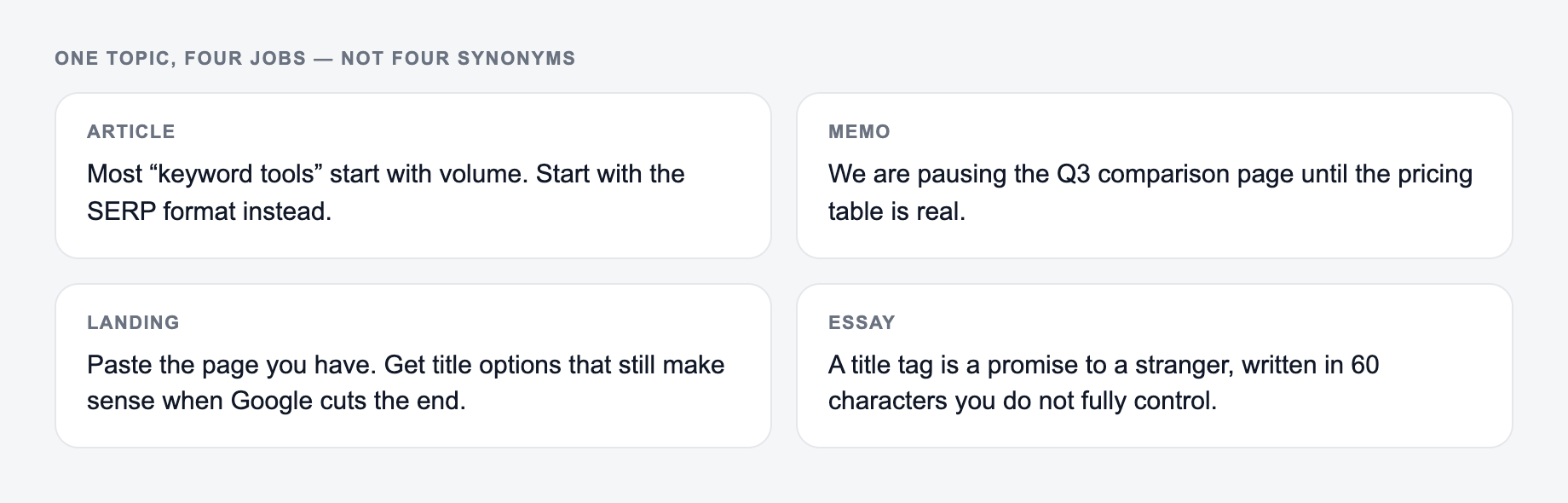
One Topic, Four Openings With Different Jobs
Topic: reducing support tickets during SaaS onboarding.
The same topic needs a different opening for an article, a memo, a landing page, or an essay, so pick the format first.
- Search article: “Most onboarding tickets begin before a user reaches the first setup screen. This guide shows how to find recurring points of confusion in product copy, empty states, and handoffs—and how to prioritize fixes.”
- Executive memo: “Onboarding questions account for a recurring support workload. We propose reviewing the first-session journey and measuring ticket categories before changing the product.”
- Landing page: “Help new customers reach their first result without opening another support ticket.”
- Essay: “When software labels confusion as user error, onboarding design escapes scrutiny. Examining support language can reveal where responsibility actually sits.”
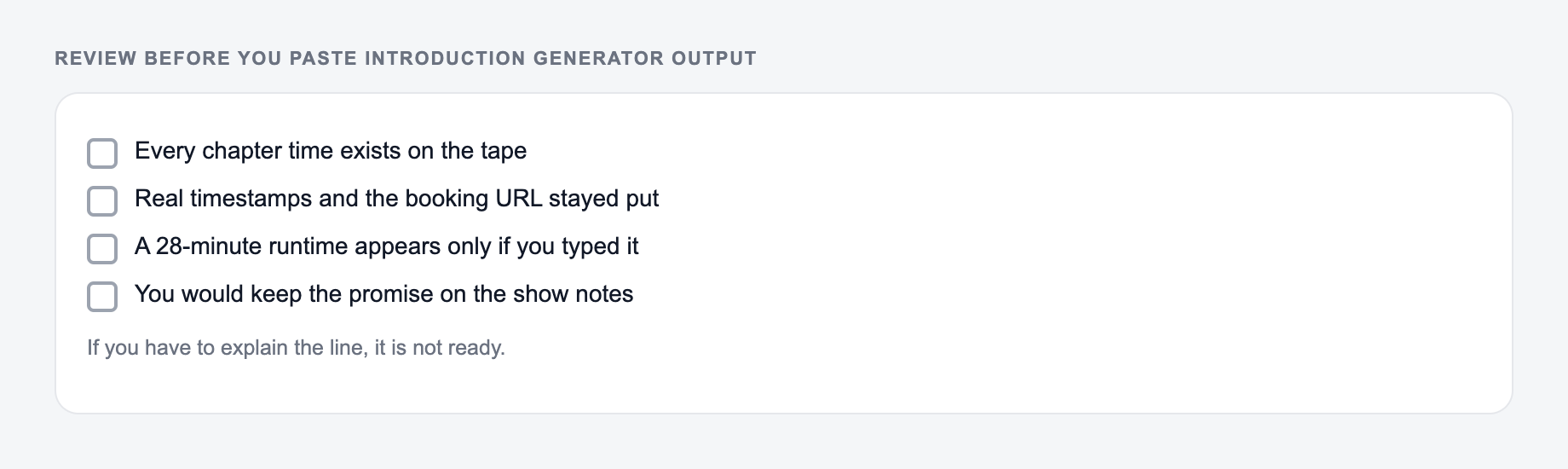
These are not interchangeable hooks. The article previews coverage; the memo frames a decision; the landing page states a benefit; the essay establishes a debatable angle. Never add statistics, urgency, customer pain, or personal anecdotes unless they come from verified material. For academic introductions, the generator may help structure context and a tentative thesis, but the writer must support claims and follow authorship and citation rules.
Use an “intro-to-body contract”: underline every promise in the opening and point to the section that fulfills it. Remove promises the body cannot support. Also compare the opening with the conclusion so they answer the same central question.
AI Article Writer
Turn one keyword into a complete, SEO-optimized article
- Researches the topic and outlines the article for you
- Writes headings, images, FAQs, and internal links in one go
- Publishes to WordPress, Webflow, Shopify, Ghost, and more
Frequently Asked Questions
What does the AI Introduction Generator create?+
It generates a strong introduction (opening) for your content—typically 1–3 short paragraphs—using a hook, clear context, and a promise of what the reader will learn or get.
Can this tool write SEO-friendly introductions for blog posts?+
Yes. If you provide a primary keyword and (optionally) search intent, the tool will write an SEO-friendly intro that includes the keyword naturally and aligns with what searchers expect.
Do I need to provide keywords to use this intro generator?+
No. Keywords are optional. If you don’t provide one, the intro will focus on clarity and engagement. For SEO content, adding a primary keyword can help the introduction align with on-page SEO best practices.
Will the tool invent statistics or sources?+
No. The introduction will avoid fabricated numbers and citations. If a stat-style hook is requested, it will use general framing or clearly label anything as an example rather than a factual claim.
Can I use the generated introduction for essays or academic writing?+
Yes. Choose a suitable tone (e.g., Academic or Formal) and content type (Essay) to get an intro that’s more structured and thesis-oriented.
How do I make the introduction sound less generic?+
Add audience details, a specific angle, constraints, or context (industry, goal, pain point). Then do a quick edit to include one unique example, experience, or detail from your situation.