
Free Java Code Generator
Generate Java code from plain-English requirements, existing snippets, or API ideas. Create methods, classes, DTOs, Spring Boot scaffolds, refactors, and JUnit tests with options for Java version, framework, style, and edge-case handling.
Java Code
Your generated Java code will appear here...
How the AI Java Code Generator Works
Get results in seconds with a simple workflow.
Describe the Java Code You Need
Write a clear request (method/class/API). Include expected inputs, outputs, edge cases, and constraints like performance or thread-safety.
Select Mode, Java Version, and Framework
Choose a generation type (snippet/class/Spring Boot/tests) and set Java version compatibility to match your project.
Generate, Paste, and Iterate
Copy the generated Java code into your IDE, run tests/compilation, and refine by adding constraints or sharing existing code for improvements.
See It in Action
Turn a plain-English requirement into clean, structured Java code you can compile and extend.
I need Java code that limits requests so users can only do 10 actions per minute. It should be thread-safe.
public final class RateLimiter { private final long refillIntervalNanos; private final int capacity; private int tokens; private long lastRefillTime;
public RateLimiter(int capacity, java.time.Duration refillInterval) {
    if (capacity <= 0) throw new IllegalArgumentException("capacity must be > 0");
    if (refillInterval == null || refillInterval.isZero() || refillInterval.isNegative()) {
        throw new IllegalArgumentException("refillInterval must be positive");
    }
    this.capacity = capacity;
    this.refillIntervalNanos = refillInterval.toNanos();
    this.tokens = capacity;
    this.lastRefillTime = System.nanoTime();
}

public synchronized boolean allowRequest() {
    refill();
    if (tokens == 0) return false;
    tokens--;
    return true;
}

private void refill() {
    long now = System.nanoTime();
    long elapsed = now - lastRefillTime;
    if (elapsed <= 0) return;
    long newTokens = elapsed / refillIntervalNanos;
    if (newTokens <= 0) return;
    tokens = (int) Math.min(capacity, (long) tokens + newTokens);
    lastRefillTime += newTokens * refillIntervalNanos;
}
}
Why Use Our AI Java Code Generator?
Powered by the latest AI to deliver fast, accurate results.
Production-Ready Java Code Generation
Generate clean Java code with strong naming, sensible structure, and practical defaults—ideal for scaffolding classes, utilities, and application logic quickly.
Best Practices Built In (OOP, SOLID, Defensive Coding)
Outputs code that follows common Java best practices: clear APIs, encapsulation, input validation, and safer error handling—without unnecessary complexity.
Modern Java Support (Java 8–21)
Choose your Java version to generate compatible code, including modern patterns (records where applicable), streams, optionals, and concurrency primitives when needed.
Framework-Aware Output (Plain Java, Spring Boot, Jakarta EE)
Generate code tailored to your stack—plain Java utilities, Spring Boot controllers/services, or Jakarta EE-friendly components with appropriate annotations and structure.
Faster Development for Common Tasks
Quickly generate boilerplate and tricky logic for validation, parsing, file I/O, HTTP clients, data transformations, concurrency, and algorithms—then customize to your project.
Pro Tips for Better Results
Get the most out of the AI Java Code Generator with these expert tips.
Specify method signatures and examples
For the most accurate output, include the exact method signature (parameters + return type) and 2–3 input/output examples, especially for parsing, validation, and algorithms.
Call out edge cases explicitly
Mention null/empty inputs, large data sizes, invalid formats, concurrency requirements, and error handling rules to avoid ambiguous implementations.
Match your project’s Java version
If your project is Java 8, avoid records and newer APIs. If you’re on Java 17/21, ask for modern constructs (records, sealed classes) where appropriate.
Ask for thread-safety when it matters
If code will run in a multi-threaded backend, explicitly request thread-safe design (locks, atomics, concurrent collections) and clarify contention expectations.
Use tests to lock in behavior
If you’re generating non-trivial logic, request JUnit tests with edge-case coverage. Tests make it easier to refactor safely and prevent regressions.
Who Is This For?
Trusted by millions of students, writers, and professionals worldwide.
Generate Java Code From Clear Requirements, Then Verify It Like a Developer
The Java Code Generator is most useful when you need a fast first draft: a method, class, DTO, Spring Boot scaffold, refactor, or JUnit test suite. It can save time on boilerplate and edge-case setup, but the quality of the generated code depends heavily on the prompt you give it.
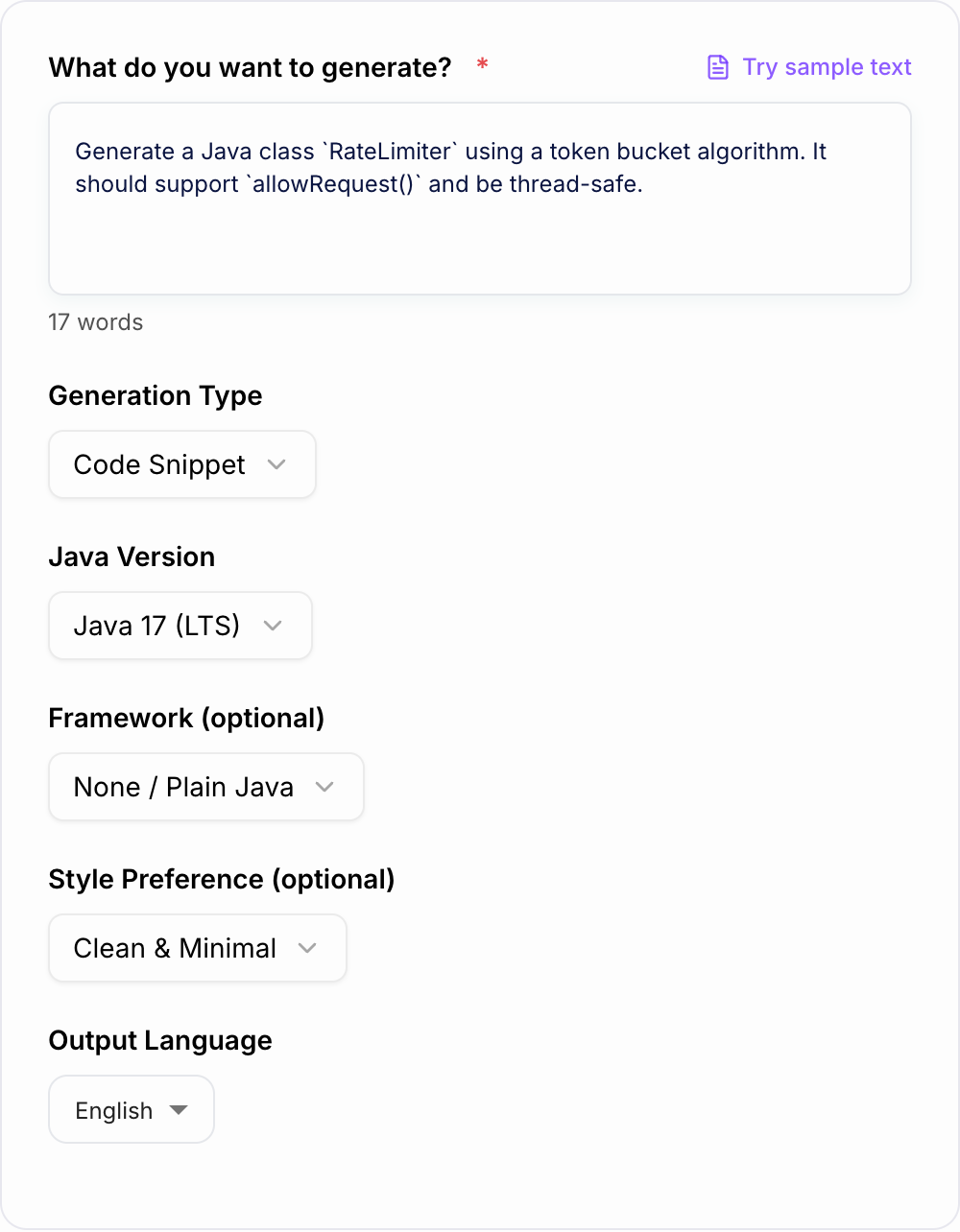
Think of the tool as a coding accelerator. Give it constraints, generate the draft, then compile, test, and adapt the result inside your project.
What to Enter Into the Java Code Generator
A good Java prompt includes more than the goal. Add the details a developer would need before opening an IDE:
- exact method signature, class name, or endpoint path
- expected inputs and outputs
- Java version, such as 8, 11, 17, or 21
- framework, such as plain Java, Spring Boot, or Jakarta EE
- validation rules and error handling expectations
- edge cases, including null, empty, invalid, large, slow, or concurrent inputs
- dependencies you can or cannot use
- whether the output should be minimal, defensive, commented, or test-focused
The generator can work from a short prompt, but specific prompts reduce rework.
How to Choose the Right Generation Mode
Use Code Snippet for a focused method or utility, such as validation, parsing, sorting, formatting, hashing, or date handling.
Use Class / Model for DTOs, POJOs, value objects, request models, response models, builders, or small domain classes.
Use Spring Boot API when you need controller, service, DTO, validation, and error-handling scaffolding. Include route, request body, response shape, and persistence expectations.
Use Unit Tests (JUnit) when you already know the behavior and want tests for happy paths, invalid inputs, edge cases, and mocks.
Use Refactor / Improve when you have existing Java code. Tell the generator what must stay the same, what can change, and what style or performance issue you want fixed.
Prompt Examples That Produce Better Java Code
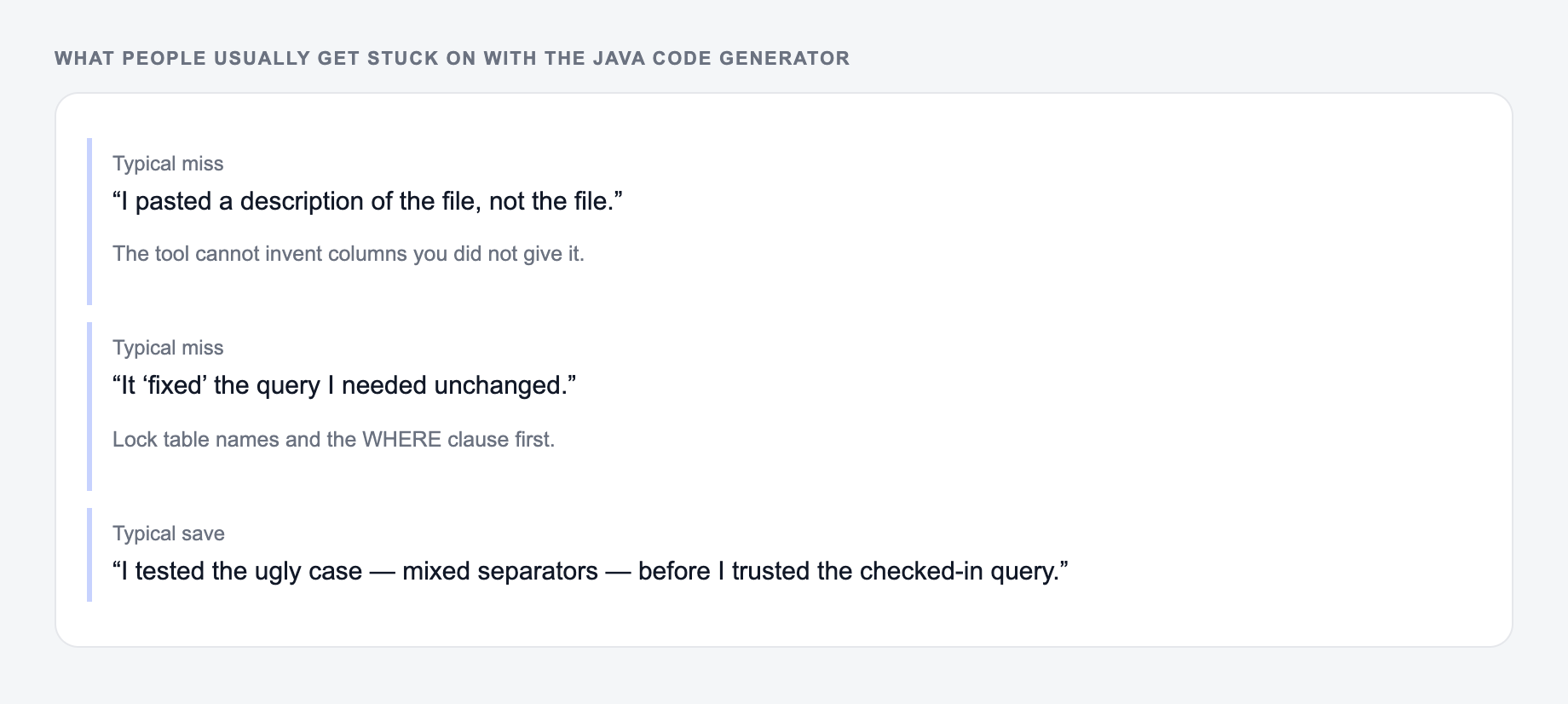
Common misses with the Java Code Generator:
- Describing the file instead of pasting it.
- Running one setting across mixed formats.
- Pasting live customer or student data “to see what happens.”
Weak prompt:
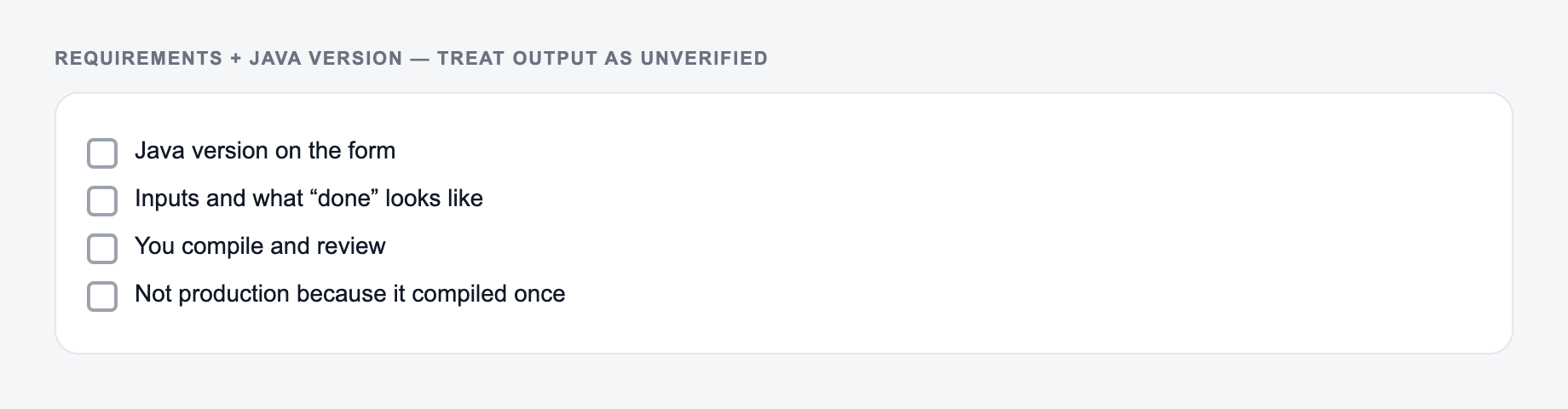
Requirements and the Java version belong on the form. Treat the output as unverified code.
In: A one-line request like “run the java generator” with no audience, channel, or constraint.
Out you can keep: A brief the AI Java Code Generator can use: who it is for, where the output will appear, and what must stay true.
If the AI Java Code Generator invents a column, a timestamp, or a rule you did not state, treat that as a miss.
Generate a rate limiter in Java.
Stronger prompt:
Generate a Java 17 class named RateLimiter using a token bucket algorithm.
API: public boolean allowRequest()
Capacity: 10 tokens
Refill: 1 token per second
Requirements: thread-safe, no external libraries, clear exceptions for invalid constructor args
Style: defensive and minimal
Also include JUnit 5 tests for capacity and refill behavior.
The stronger prompt tells the generator what code shape, runtime, behavior, and tests you need. That is the difference between a generic example and something you can realistically adapt.
Java Version Choices Matter
Set the Java version to match your project. If your runtime is Java 8, generated code should avoid records, newer APIs, and modern syntax that will not compile. If your runtime is Java 17 or 21, records and cleaner modern patterns may be appropriate for DTOs or immutable data carriers.
Do not choose a newer version just because the output looks nicer. Compatibility beats elegance when the code has to run in an existing service.
How to Review Generated Java Code
Start with compilation. Add the package name, imports, and dependencies your project requires, then run the compiler or tests. Many issues show up immediately.
Next, check behavior. Does the code handle nulls, empty collections, invalid formats, time zones, duplicate values, concurrency, and large inputs the way your application expects?
Then review maintainability. Look at method names, visibility, state, exception messages, logging, and whether the generated design fits your existing conventions.
Finally, review security and privacy. Generated code should not log secrets, trust unvalidated input, swallow exceptions silently, or introduce unsafe defaults around files, network calls, SQL, or serialization.
When to Generate Tests First
If the output felt generic, it is usually one of these three misses.
For non-trivial logic, use the generator to create JUnit tests before you rely on the implementation. Tests are especially useful for:
- parsers and validators
- date and time logic
- calculations and rounding
- concurrency utilities
- service methods with mocks
- refactors where behavior must stay the same
If the tests do not express the behavior clearly, refine the prompt. If the generated implementation fails the tests, that is a useful signal before the code reaches review.
For broader AI-assisted writing and productivity workflows beyond code generation, Junia AI gives you a central place to use related generators without changing the review discipline you use for software.
Final Checklist Before Using Generated Java
- Did I choose the correct Java version?
- Did I specify the framework and allowed dependencies?
- Does the code compile in my project?
- Are edge cases covered by tests?
- Did I review validation, exceptions, logging, and security assumptions?
- Does the code match the team’s naming and structure conventions?
Use the Java Code Generator to move faster through the first draft. Do not skip the developer work that makes the draft correct.
Related Tools
Frequently Asked Questions
Is this Java code generator free to use?+
Yes. You can generate Java snippets and classes for free. Some advanced modes—like Spring Boot scaffolding, unit tests, and refactoring—may be marked as premium.
Will the generated Java code compile and run?+
The tool is designed to produce compile-ready Java code when enough requirements are provided (inputs, outputs, constraints). Always run it in your project and adjust imports, package names, and dependencies as needed.
Can it generate Spring Boot controllers and services?+
Yes. Choose the Spring Boot mode (if available) and describe your endpoint, request/response shape, validation rules, and error handling expectations to generate controller/service/DTO scaffolding.
How do I get better results from the prompt?+
Include: the goal, inputs/outputs, constraints (performance, thread-safety), edge cases, and any libraries or frameworks. If you have existing code, paste it and specify what should change (or what must not change).
Does it follow Java best practices?+
It aims to follow widely used Java conventions: clear naming, encapsulation, minimal side effects, and safe handling of nulls and invalid inputs (depending on your chosen style). Review to match your team standards.
Can it generate unit tests for my Java code?+
Yes. Provide the code (or describe the API) and specify the test framework (JUnit 5 by default). The generator can create tests that cover happy paths and edge cases, and mock dependencies where appropriate.