
Free SQL Query Generator
Describe the query you need in plain English, choose your SQL dialect, and generate clean SQL for reporting, joins, aggregations, inserts, updates, deletes, and advanced analysis. Add schema details for more accurate column names and safer database-ready output.
SQL Query
Your generated SQL query will appear here...
How the AI SQL Query Generator Works
Get results in seconds with a simple workflow.
Describe the Result You Want
Write your request in plain English—include metrics, filters, time ranges, grouping (by day/month), sorting, and any required output columns.
Pick Your SQL Dialect (Optional Schema Helps)
Choose PostgreSQL, MySQL, SQL Server, BigQuery, and more. Add table/column definitions to improve column naming, JOIN keys, and query accuracy.
Generate, Review, and Run
Get a formatted SQL query you can paste into your SQL editor or BI tool. Review the logic (especially JOIN conditions and WHERE clauses) before executing.
See It in Action
Example of turning a vague request into a clear, dialect-aware SQL query with JOINs, filters, and aggregation.
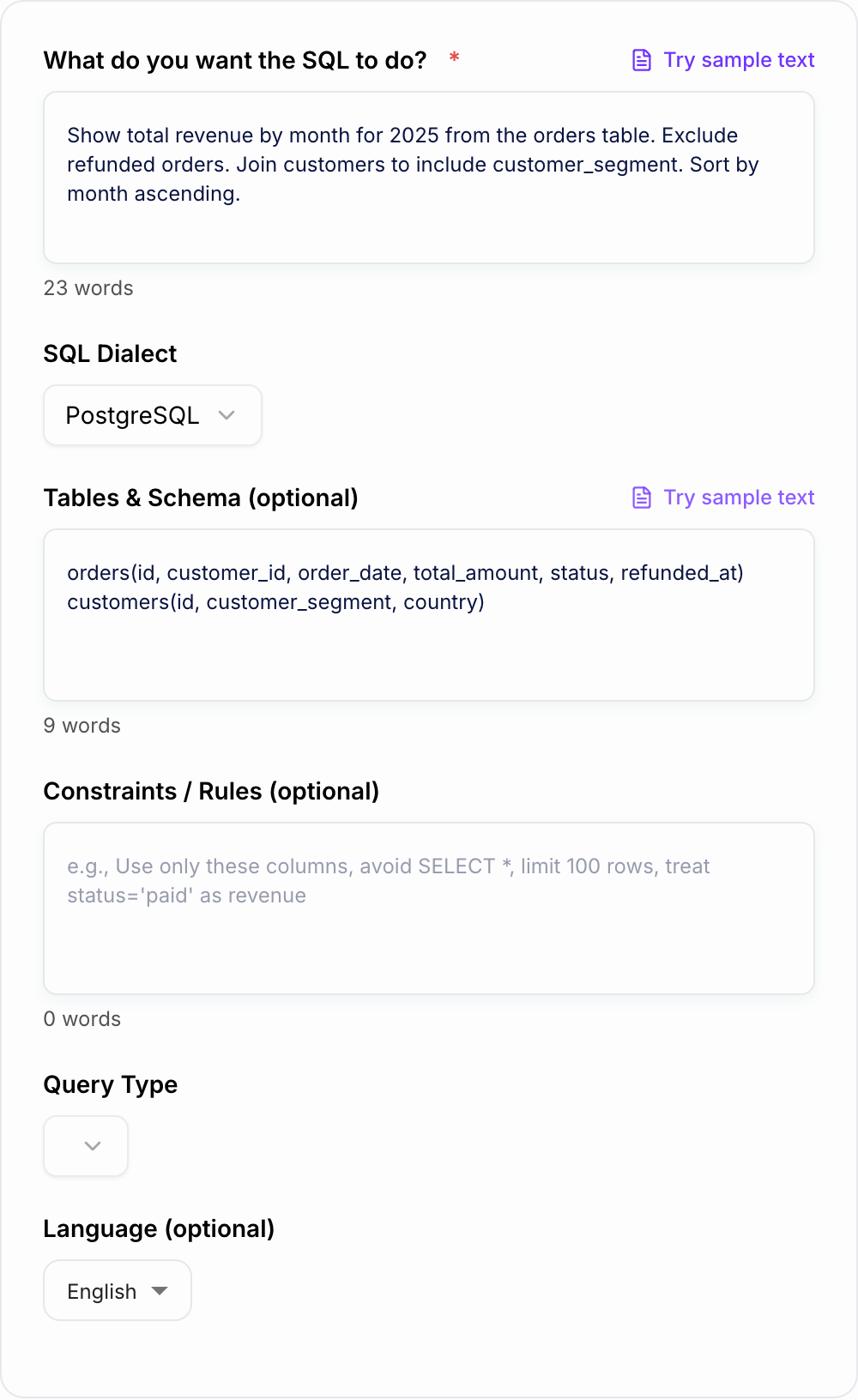
I need SQL to show revenue by month and by customer segment for 2025.
WITH monthly AS ( SELECT DATE_TRUNC('month', o.order_date) AS month, c.customer_segment AS segment, SUM(o.total_amount) AS revenue FROM orders o JOIN customers c ON c.id = o.customer_id WHERE o.order_date >= DATE '2025-01-01' AND o.order_date < DATE '2026-01-01' AND o.refunded_at IS NULL GROUP BY 1, 2 ) SELECT month, segment, revenue FROM monthly ORDER BY month ASC, segment ASC;
Why Use Our AI SQL Query Generator?
Powered by the latest AI to deliver fast, accurate results.
Plain-English to SQL (Fast Query Generation)
Describe the result you want and generate a clean SQL query automatically—ideal for analytics, dashboards, ad-hoc reporting, and application queries.
Dialect-Aware SQL (PostgreSQL, MySQL, SQL Server, BigQuery, Snowflake)
Produces SQL syntax tailored to your database engine, including date functions, LIMIT/TOP patterns, identifiers, and common dialect differences.
JOINs, Filters, GROUP BY, and Window Functions
Handles common SQL building blocks like INNER/LEFT JOINs, WHERE filters, aggregations, HAVING clauses, CTEs, and ranking/deduplication patterns.
Safer UPDATE/DELETE Generation (When Needed)
For write queries, emphasizes precise WHERE clauses and safe assumptions to help reduce accidental full-table updates or deletes.
Readable Output with Clear Aliases
Generates human-readable SQL with explicit column selection, meaningful aliases, and predictable formatting—easy to review, debug, and share.
Pro Tips for Better Results
Get the most out of the AI SQL Query Generator with these expert tips.
Paste schema to get correct column names and JOIN keys
Including tables and columns (even a quick list) reduces guesswork and produces SQL that matches your real database schema.
Specify grain and time boundaries for analytics queries
Add details like “group by month”, “last 90 days”, or “business timezone” to avoid ambiguous date logic and ensure the result matches your dashboard.
Ask for explicit columns (avoid SELECT *)
Explicit column selection improves readability, reduces data transfer, and helps prevent breaking changes when schemas evolve.
For write queries, include a unique identifier filter
If you generate UPDATE/DELETE statements, constrain them by primary key(s) or a very specific predicate to minimize risk.
Request edge-case handling
If your data has nulls, duplicates, or multiple rows per entity, mention it. The generator can use COALESCE, DISTINCT, window functions, or deduplication patterns.
Who Is This For?
Trusted by millions of students, writers, and professionals worldwide.
Generate Review-Ready SQL Queries from Plain English
The fastest way to use an AI SQL Query Generator is not to ask for "a query" and hope the tool guesses correctly. The better move is to describe the result you want, choose the right SQL dialect, and give the generator enough schema context to build a query you can actually test.
This tool is built for that workflow. You can generate SELECT statements, reporting queries, joins, aggregations, CTEs, window functions, and safer write-query drafts from plain English, then review the output before running it in your database or BI tool.
What to Enter for Better SQL Output
Start with the business question, then add the database details that remove ambiguity.
The result grain
Tell the generator what each row should represent. For example:
- revenue by month
- active users by day
- orders by customer segment
- latest order per customer
- campaign performance by channel and week
The row grain is what keeps GROUP BY logic, window functions, and deduplication from drifting.
Filters and date boundaries
Be specific about time and inclusion rules:
- last 30 days vs last full calendar month
- include today or exclude partial days
- use order date, paid date, shipped date, or created date
- exclude refunded, canceled, test, or internal records
If your company has a special definition of revenue, active user, churn, or conversion, add that definition in the constraints field.
Schema and join keys
Pasting even a rough schema improves the generated query:
orders(id, customer_id, order_date, total_amount, status, refunded_at)
customers(id, customer_segment, country)
Schema details help the SQL generator choose real column names, avoid invented fields, and build JOIN conditions that match your database.
How to Choose the Right SQL Mode
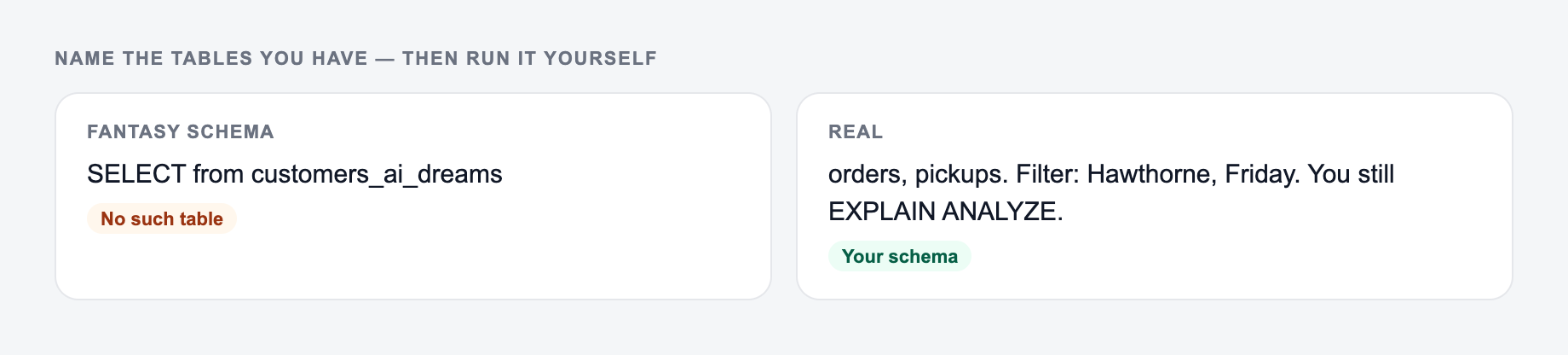
Use the SQL Query Generator as a mechanical pass. Paste the real input, set the one constraint that usually breaks the job, then test the ugly case before you trust the happy path.
Use SELECT / Read for simple data pulls, dashboard tables, lists, and filtered records. This is the safest default when you need to inspect data.
Use Aggregations when you need counts, sums, averages, conversion rates, cohort totals, or grouped metrics. Include the grouping dimension and metric definition in your prompt.
Use JOIN Builder when the answer depends on two or more tables. Add the relationship if you know it, such as customers.id = orders.customer_id.
Use Advanced when you need CTEs, ranking, deduplication, running totals, or "latest record per user" logic. Mention duplicates, nulls, and tie-break rules.
Use UPDATE, DELETE, or INSERT only when you are ready to review the generated statement carefully. For write queries, ask for the safest possible WHERE clause and run a SELECT with the same predicate first.
Example Prompts You Can Reuse
Reporting query
Name the tables and columns you have. The form cannot see a schema you did not paste.
Workflow that usually survives contact with real input:
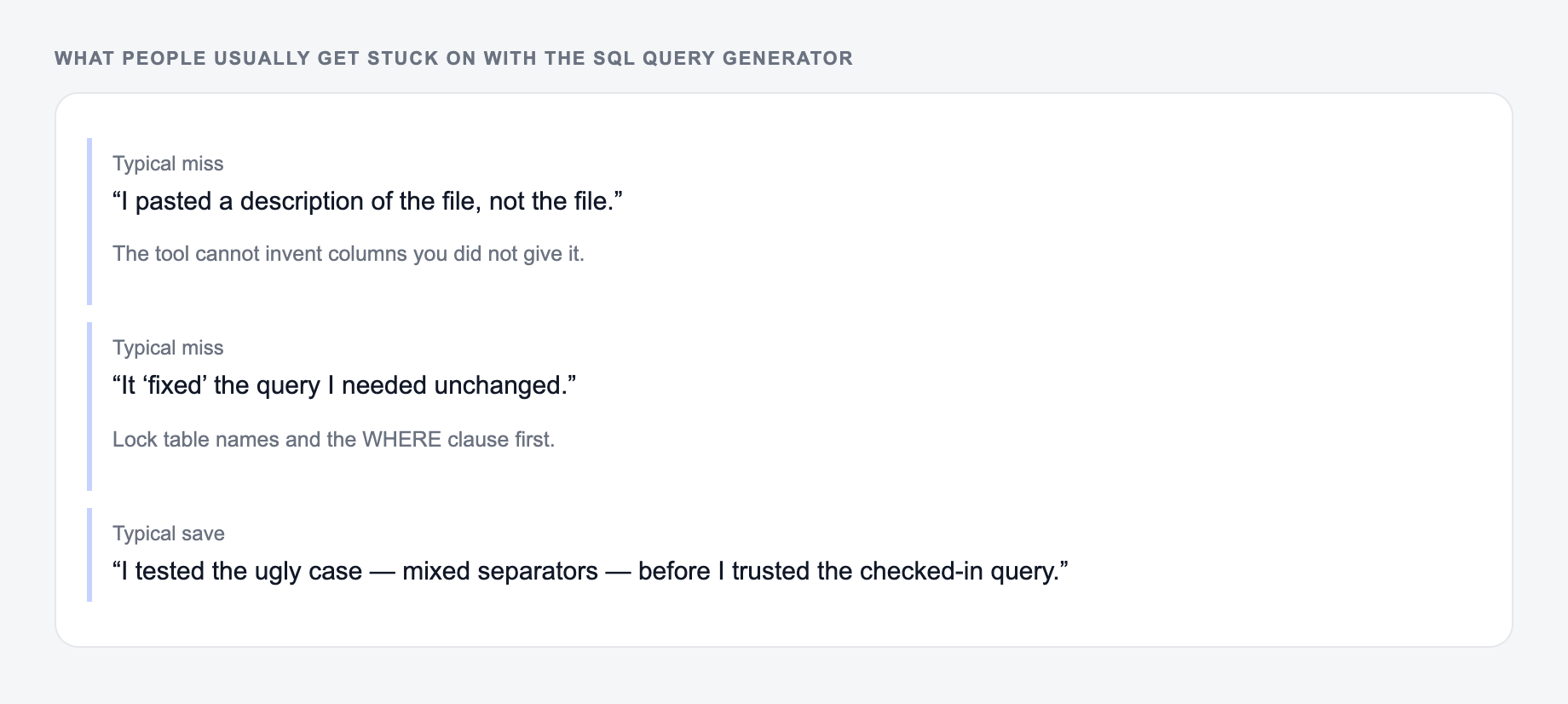
- Paste the actual text, list, or URL — not a description of it.
- Set the one constraint that breaks this job (format, length, flavor, allergy).
- Run a first pass.
- Test the ugly case (empty cell, mixed separators, a name you must not change) before you trust the happy path.
Show monthly revenue for 2025 by customer segment. Use orders and customers. Exclude refunded orders. Return month, segment, revenue, and order count. Sort by month ascending.
Deduplication query
For each customer, return only their latest order by order_date. If two orders have the same date, keep the one with the higher id. Return customer_id, order_id, order_date, and total_amount.
Safer update query
Generate a PostgreSQL UPDATE statement that changes status from pending to archived for orders before 2024-01-01. Include a precise WHERE clause and a SELECT preview query I can run first.
How to Review the Generated SQL
Do not judge the output only by whether it "looks right." Check the risky parts first:
- Confirm the SQL dialect matches your database.
- Read every JOIN condition and make sure it uses the correct keys.
- Check the WHERE clause before checking the SELECT list.
- Validate the date range and timezone assumptions.
- Run a small LIMIT or narrow date window first.
- Compare row counts against a known report when possible.
- Review the execution plan if the query will run on large tables.
If you are using the generated SQL inside a larger workflow, Junia's broader AI productivity toolkit can help with the surrounding documentation, reports, and analysis notes after the query is tested.
Common SQL Generator Mistakes to Avoid
- Asking for "all data" instead of naming the columns you need.
- Forgetting to define the row grain before requesting grouped metrics.
- Using vague business terms like revenue or active user without a rule.
- Omitting schema details, then expecting perfect joins.
- Running UPDATE or DELETE statements before previewing affected rows.
- Copying SQL into production without testing it on a small sample.
Final Checklist Before You Run the Query
These are the complaints that show up after the first draft — they are almost always about the brief, not the model.
- The dialect is correct.
- Table and column names exist.
- JOIN keys match the real schema.
- WHERE clauses are narrow enough.
- Date boundaries are explicit.
- Write queries have a preview SELECT.
- The result has been tested on a small range.
Treat the generated SQL as a strong draft, not a magic final answer. The value is speed: you get from business question to reviewable query much faster, then apply the same checks you would use on any SQL you wrote by hand.
Frequently Asked Questions
Is this SQL query generator free to use?+
Yes. You can generate SQL queries for free. Some advanced modes (like advanced window-function patterns or write queries) may be marked as premium.
Which databases and SQL dialects are supported?+
You can generate queries for popular dialects including PostgreSQL, MySQL, SQL Server (T-SQL), SQLite, BigQuery, Snowflake, and Oracle.
Do I need to provide my database schema?+
No. You can describe the problem in plain English. For best accuracy (especially JOIN keys and column names), paste your tables and columns in the optional schema field.
Can it generate JOINs and complex queries?+
Yes. It can create JOIN queries, aggregations (GROUP BY/HAVING), CTE-based queries, and window functions for ranking, deduplication, and running totals—depending on your selected mode.
Will it optimize my SQL query for performance?+
It prioritizes correctness and readability. It may suggest common best practices (explicit columns, filtering early), but you should still validate indexes, execution plans, and performance for production workloads.
Can it generate UPDATE or DELETE statements safely?+
It can, but you should always review write queries before running them. The generator emphasizes precise WHERE clauses and cautious assumptions to reduce risk.